What Is the Maximum Screenshot Size? Pixel, File-Size, and Upload Limits Explained
There is no universal screenshot maximum. Learn how pixel dimensions, file size, device class, and upload rules determine the limit.
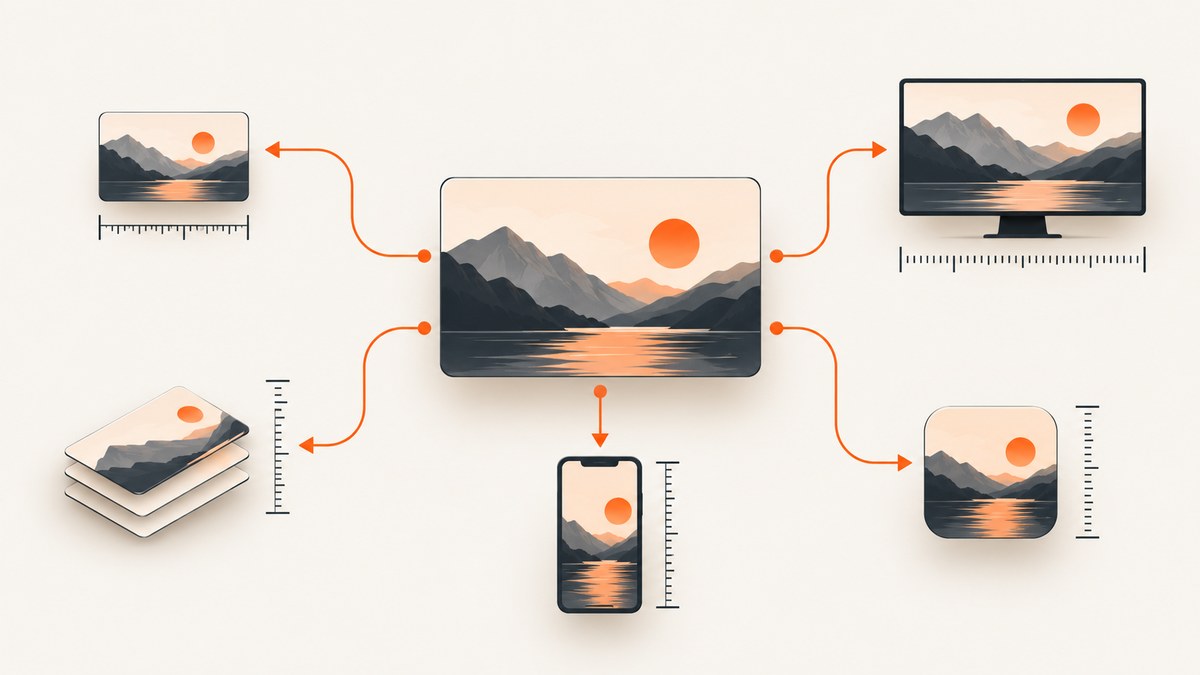
There is no single maximum screenshot size. The answer depends on what “size” means, what captured the image, and where you plan to upload it. Pixel dimensions and file size in bytes are separate limits. A screenshot can be very large in pixels but relatively small as a compressed WebP, or modest in dimensions but exceed an upload service’s megabyte limit.
For a precise answer, identify three things first:
- Meaning of size: width and height in pixels, or encoded file size in KB/MB.
- Destination: a local file, an app-store listing, a website upload, documentation, or a social platform.
- Device class: desktop, phone, tablet, console, or a custom browser viewport.
For example, Microsoft’s Windows app-listing guidance allows desktop screenshots of at least 1366 × 768 pixels, supports 3840 × 2160 (4K), and limits each PNG file to 50 MB. Xbox listing screenshots must be between 1920 × 1080 and 3840 × 2160 pixels. Those are store-asset rules, not a universal limit imposed by Windows screenshot capture. Apple App Store Connect accepts one to ten screenshots in JPEG, JPG, or PNG, with required dimensions varying by product and device class. Apple can scale a highest-resolution submission down for smaller device sizes when the interface is the same.
Pixel dimensions and file size are different limits
Pixel dimensions describe the raster grid: width × height. A 1920 × 1080 image contains 2,073,600 pixels. A full-page capture might be 1440 × 12,000 pixels even though its viewport is only 1440 × 900.
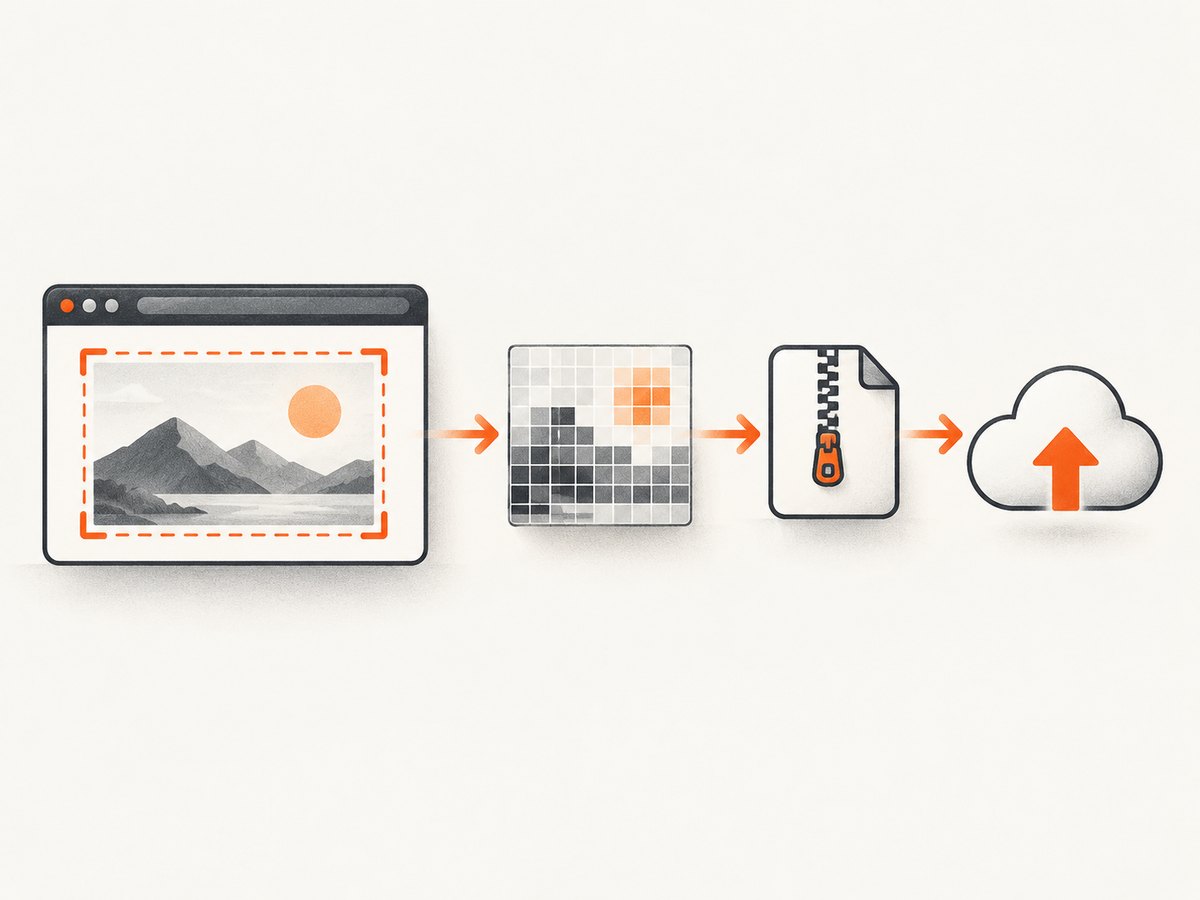
File size describes the encoded bytes on disk or in an upload request. PNG preserves exact pixels and can become large when the image contains photographs, gradients, or noise. JPEG is usually smaller but loses detail. WebP can provide a smaller file at comparable visual quality. The same 2000 × 1200 screenshot may therefore be 1 MB as WebP, 3 MB as JPEG, or 8 MB as PNG.
A file-size ceiling does not tell you the maximum width or height. Conversely, a pixel requirement does not guarantee that the resulting file will fit under a destination’s MB limit.
Known official limits and requirements
| Destination | Published requirement | What it means |
|---|---|---|
| Microsoft Windows app listing, desktop | PNG; no larger than 50 MB; at least 1366 × 768; 4K (3840 × 2160) supported | Rules for store listing assets, not every screenshot taken on Windows |
| Microsoft Windows app listing, Xbox | Between 1920 × 1080 and 3840 × 2160; 4K supported | Console store-asset dimensions |
| Apple App Store Connect | One to ten screenshots; JPEG, JPG, or PNG | Count and formats are stated generally; dimensions depend on device/product class |
Read the current Microsoft app screenshot guidance and Apple App Store Connect screenshot guidance for the exact destination. Requirements can change, and an upload page may apply additional aspect-ratio, orientation, or naming rules.
How to determine the maximum for your use case
- Name the destination. “Maximum screenshot size” for a Windows store listing is a different question from “maximum image my browser can capture.”
- Separate width, height, and bytes. Record all three. Do not infer a pixel limit from a 50 MB rejection.
- Check orientation and aspect ratio. Some destinations accept portrait and landscape; others require a device-specific shape.
- Check format and count. Confirm whether PNG, JPEG, JPG, WebP, or PDF is accepted and how many files may be submitted.
- Check downscaling behavior. Apple says that when the UI is identical across device sizes, providing the highest required resolution allows automatic scaling to smaller sizes.
- Export a destination-specific copy. Keep a high-resolution master, then resize or recompress a copy for each upload target.
Measure a screenshot before uploading
On a local file, inspect both dimensions and encoded bytes. The following Python script uses Pillow and reports the values you need. Install it with python -m pip install pillow.
from pathlib import Path
from PIL import Image

path = Path("shot.png")
with Image.open(path) as image:
    width, height = image.size
    print(f"dimensions: {width} x {height} pixels")
    print(f"format: {image.format}")
    print(f"file size: {path.stat().st_size / (1024 * 1024):.2f} MB")
    print(f"mode: {image.mode}")
For Node.js, the sharp package exposes metadata without decoding the entire image into JavaScript memory.
import sharp from 'sharp';
import { stat } from 'node:fs/promises';

const file = 'shot.png';
const metadata = await sharp(file).metadata();
const bytes = (await stat(file)).size;
console.log({
  width: metadata.width,
  height: metadata.height,
  format: metadata.format,
  megabytes: bytes / (1024 * 1024)
});
If you only have a URL, download it first and inspect the response headers. A server may return an image with a different format or dimension than you expected.
curl -L "https://example.com/image.png" -o image.png
file image.png
Capture dimensions are controlled by the tool and the page
A screenshot tool can impose limits that are unrelated to a destination’s upload rules. A browser viewport has a width and height, while a full-page capture stitches content below the fold. Device pixel ratio (DPR) multiplies physical pixels: a 390 CSS-pixel viewport at DPR 3 can produce an image about 1170 pixels wide. Retina output is sharper, but it also increases memory use and encoded size.
Full-page pages can be extremely tall. Long feeds, infinite scroll, sticky headers, animations, cross-origin iframes, and lazy-loaded images can make a capture much larger than the visible viewport. Set a practical maximum height for your own pipeline, or capture sections and assemble them when the destination has a height limit.
Transparent backgrounds, custom CSS, and image format also affect output bytes. A transparent PNG of a mostly empty page may be small; a photographic page with the same dimensions may be much larger.
Resizing and recompressing safely
- Keep an original capture so you can re-export later.
- Resize with a high-quality filter and preserve the required aspect ratio.
- Use PNG for sharp UI text, diagrams, and transparency when the destination permits it.
- Use JPEG for photographic content when transparency is unnecessary.
- Use WebP when the destination accepts it and your consumers support it.
- After export, measure dimensions and bytes again; compression settings are not predictable from pixel count alone.
Do not repeatedly recompress a JPEG. Keep a lossless master and create a new derivative for each target. If a store rejects a file, resize or re-export that copy instead of assuming the capture tool cannot produce a valid image.
Using ScreenshotNeo when you need controlled captures
ScreenshotNeo is a website screenshot API and MCP server. You can request PNG, JPEG, WebP, or PDF output, choose any viewport or one of 12 device presets, set retina scale, capture a full page or one element by CSS selector, and resize the result for a destination. Full-page mode loads lazy images before capture.
Other controls help when the page itself changes the effective screenshot size or content: dark mode, custom CSS and JavaScript, a click before capture, waits for a selector, delay or network idle, blocked ads and trackers, custom headers, cookies, user agent and Authorization, timezone, geolocation, transparent background, caching with a chosen TTL, signed links, asynchronous jobs with signed webhooks, bulk capture of up to 100 URLs per call, and PDF paper size, margins, landscape and page ranges. The ScreenshotNeo documentation lists the request parameters; common parameter names used by other screenshot APIs also work, which can simplify migration.
Or skip the browser setup
Use one GET request when you need a predictable capture without maintaining a browser worker.
curl -G "https://api.screenshotneo.com/v1/shot" -d access_key=YOUR_API_KEY --data-urlencode url=https://stripe.com -o shot.webpimport requests
r = requests.get("https://api.screenshotneo.com/v1/shot", params={"access_key": "YOUR_API_KEY", "url": "https://stripe.com"}, timeout=90)
open("shot.webp", "wb").write(r.content)const q = new URLSearchParams({ access_key: 'YOUR_API_KEY', url: 'https://stripe.com' });
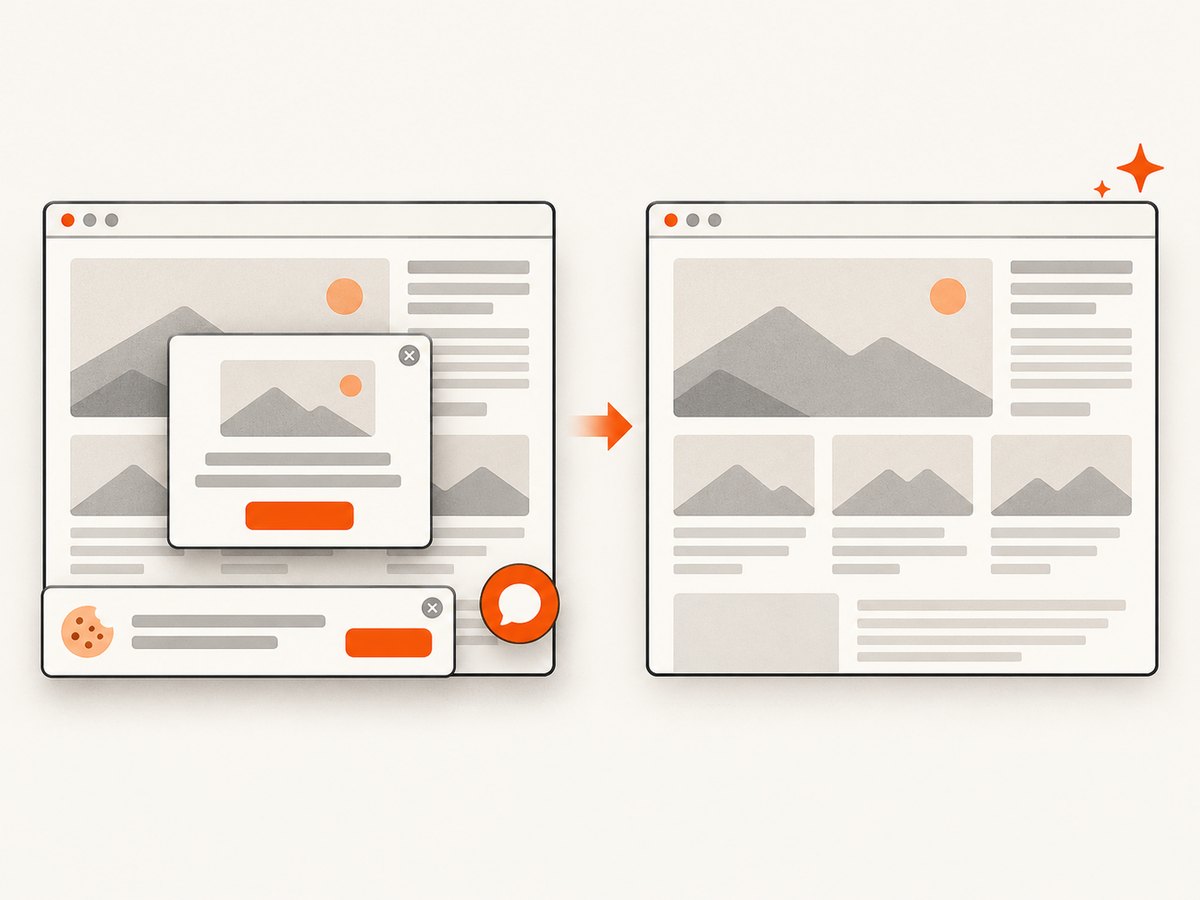
const res = await fetch(`https://api.screenshotneo.com/v1/shot?${q}`);ScreenshotNeo accepts cookie and consent banners like a visitor, then removes more than 60 known consent platforms along with newsletter popups and chat widgets. Each step can be turned off. Bot checks and CAPTCHAs, blank pages, timeouts, failed loads, and cache hits cost nothing; response headers identify the page verdict and whether the request was billed. An MCP server provides take_screenshot, get_page_info, and capture_pdf tools to Claude, Cursor, and other MCP clients. The Free plan includes 1,000 screenshots per month with no card; paid plans start at $5 for 3,000 screenshots. Create a free ScreenshotNeo account.
Performance, reliability, and cost considerations
Performance
Large pixel dimensions increase transfer time and memory use. Retina scale and full-page mode multiply work. Wait only for conditions your page needs: a selector, a short delay, or network idle. Blocking trackers and unnecessary resource types can reduce load time, but be careful not to block fonts, CSS, or images required for the final layout.
Reliability
Dynamic pages need deterministic waits. Lazy content may require full-page capture or a selector-specific wait. Set a client timeout long enough for slow pages, and retry transient network failures with backoff. Store the response headers and verdict so downstream jobs can distinguish a valid image from a bot check, blank page, timeout, or cache hit.
Cost
Capture cost depends on the service and plan, while your own pipeline also pays for bandwidth, storage, and image processing. Cache stable pages with a TTL, use bulk capture for batches, and resize only once per destination. ScreenshotNeo bills only clean shots; failed loads, bot checks, blank pages, timeouts, and cache hits are not billed.
Troubleshooting common size and upload errors
| Symptom | Likely cause | Fix |
|---|---|---|
| “File too large” | Encoded bytes exceed the destination limit | Export a smaller copy, change format where accepted, reduce quality, or split a long capture |
| “Invalid dimensions” | Width, height, or aspect ratio is outside the destination range | Resize to the exact device class; do not rely on a different platform’s requirements |
| Image is blurry | Too much downscaling or low JPEG quality | Capture at the highest required resolution, then create one controlled derivative |
| Page is cut off | Viewport capture was used for a page that needed full-page mode | Enable full-page capture or capture sections by selector |
| Missing images | Lazy loading had not completed or resources were blocked | Wait for a selector or network idle and review blocked resource types |
| Cookie banner covers content | Consent UI remained in the capture | Accept and remove the banner before capture, or use ScreenshotNeo’s consent cleanup |
| Unexpectedly large PNG | Photographs, gradients, or noise compress poorly | Use JPEG or WebP if the destination allows it; keep PNG for text and transparency |
| Different output width than expected | DPR or device preset multiplied CSS pixels | Calculate physical pixels as CSS pixels × device scale and verify metadata |
Edge cases developers often miss
- Very tall pages: a full-page image may exceed image decoder or upload limits even when each viewport is valid.
- Animated content: a capture is one frame; freeze animations with custom CSS when repeatability matters.
- Scrollbars: browser chrome is normally excluded, while page scrollbars may change the final width.
- Color profiles: exports with embedded profiles can display differently across tools; normalize when a submission system is strict.
- PDF versus image: a PDF has paper dimensions, margins, and page ranges rather than one raster width and height.
- Security controls: authorization headers and cookies can expose private content; keep keys server-side and avoid putting them in public image URLs unless using signed links.
FAQ
What is the largest screenshot a computer can take?
There is no universal number. The practical ceiling depends on the capture application, available memory, display scale, page height, image format, and the destination that receives the file.
Is 4K the maximum screenshot resolution?
No. 4K is a common requirement or supported size for some store assets, including Microsoft’s Windows guidance, but custom browser captures can use other dimensions and full-page images can be taller.
Does a higher pixel count always mean a larger file?
No. Content and encoding matter. A simple high-resolution graphic can compress better than a smaller photograph with noise.
Should I submit the highest resolution available?
Only when the destination’s current guidance supports it and the resulting file meets its format and size limits. Apple specifically recommends the highest required resolution when the same UI is used across device sizes because it can scale down.
How do I answer a client asking for “maximum screenshot size”?
Ask which destination, device class, format, orientation, and whether they mean pixels or megabytes. Then quote that destination’s current requirements and provide a measured export.
Checklist before delivery
- Destination and device class are written down.
- Width, height, format, and byte size have been measured.
- Orientation, aspect ratio, and image count match the destination.
- Full-page height and lazy-loaded content were handled deliberately.
- Popups, consent banners, and chat widgets do not obscure the subject.
- A high-resolution master and destination-specific derivatives are stored separately.
- The final file opens correctly after upload or download.


