How to Include Mermaid Diagrams When Converting Markdown to PDF
Render Mermaid fences before PDF conversion with Quarto or Mermaid CLI, then verify formats, dependencies, pagination, and diagram legibility.
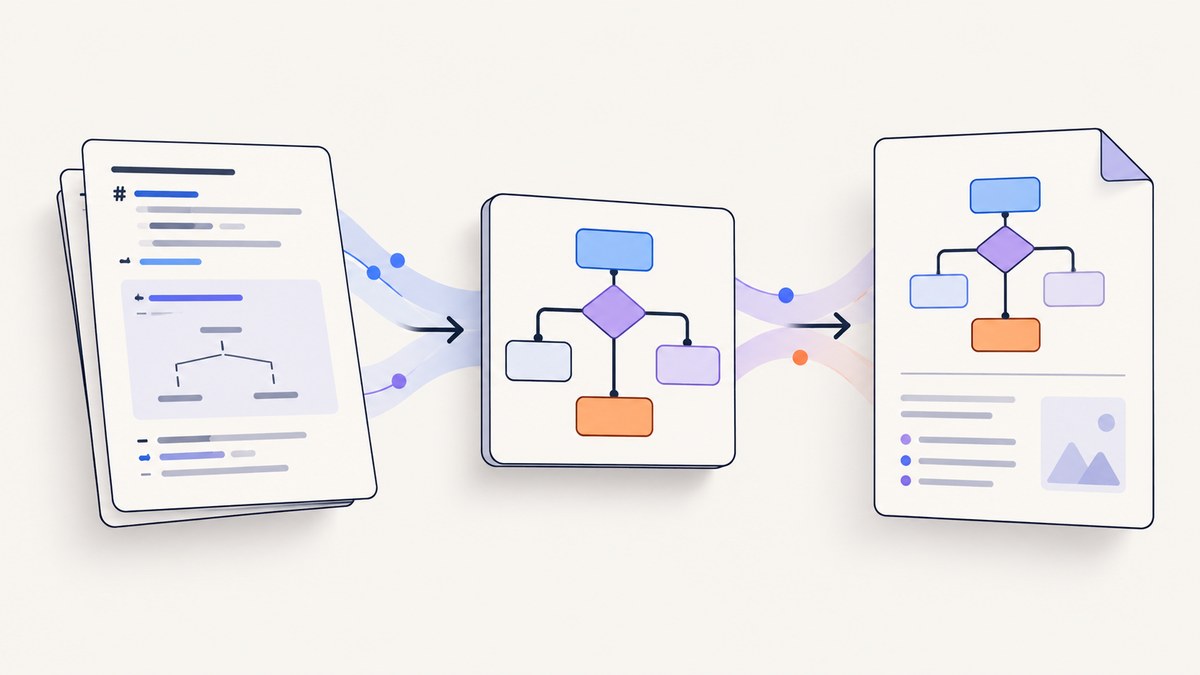
Direct answer: a Markdown-to-PDF converter must render Mermaid source into an image before the PDF engine lays out the document. Use Quarto for an integrated authoring and PDF workflow, or preprocess the Markdown with Mermaid CLI and then convert the generated Markdown with Pandoc.
A plain Markdown converter may preserve a fenced mermaid block as source code. The reliable pipeline is:
- Write the Mermaid fence in Markdown.
- Render the fence to PNG, SVG, or PDF.
- Embed the generated image reference in the Markdown or let Quarto handle it.
- Run a PDF engine and inspect the final pagination, image paths, and label legibility.
1. Choose an integrated or two-stage workflow
| Workflow | Best when | Mermaid stage | PDF considerations |
|---|---|---|---|
| Quarto | You want preview, authoring, and PDF rendering in one tool | Integrated | Quarto documents PNG as the default recommendation for Mermaid and Graphviz in PDF |
| Mermaid CLI plus Pandoc | You need an explicit preprocessing step or an existing Pandoc pipeline | Separate mmdc pass |
Pandoc needs a configured PDF engine and must resolve generated image paths |
Both approaches require version-appropriate tooling. Render a sample document on the target operating system before standardizing the pipeline.
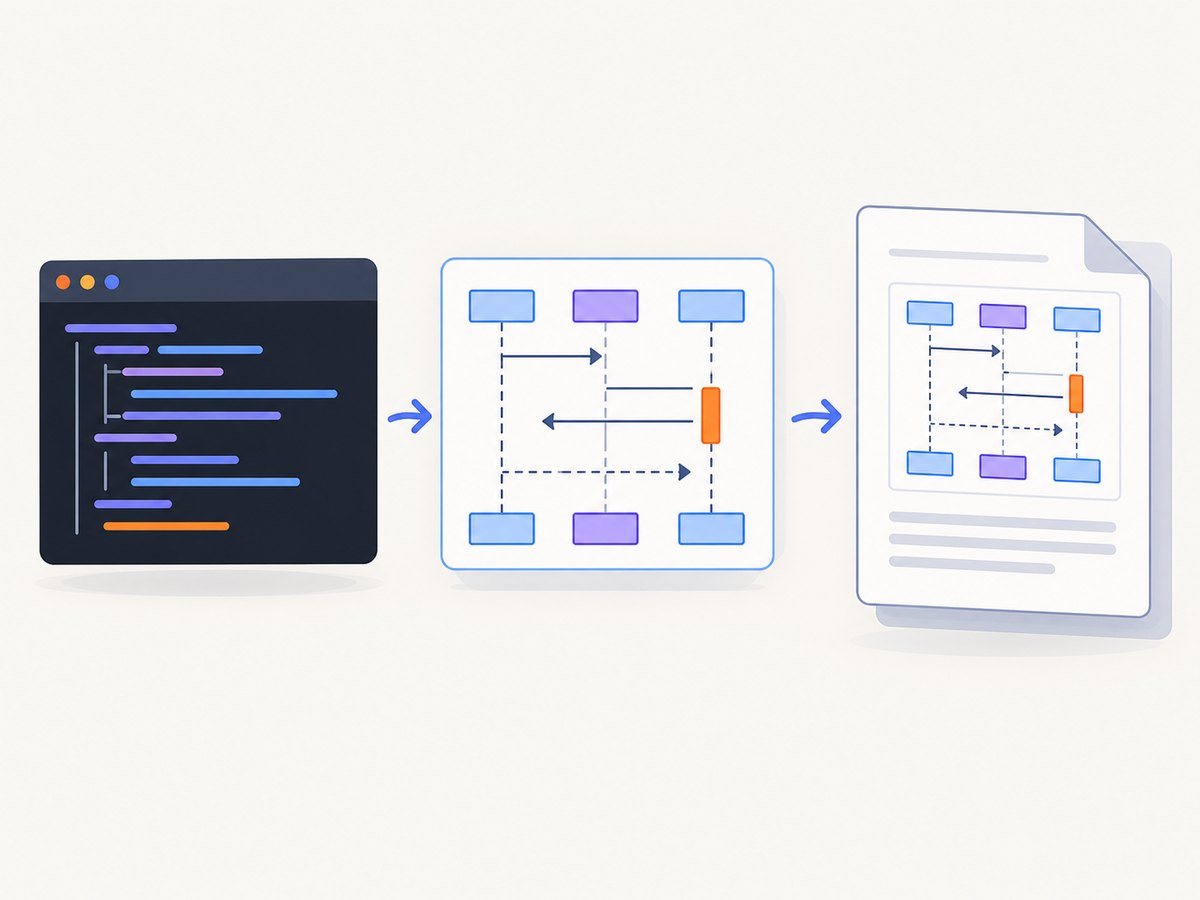
2. Option A: render Mermaid with Quarto
Quarto supports Mermaid fences, live preview in its VS Code extension, and PDF output. A minimal document is:
---
title: "Workflow"
format:
  pdf: {}
---

# Build pipeline

```{mermaid}
flowchart LR
  A[Markdown] --> B[Mermaid renderer]
  B --> C[PDF]
```
Save this as workflow.qmd, open it in Quarto or VS Code, and render it to PDF using the PDF format configured in the document. The exact command and prerequisites depend on your installed Quarto version and PDF engine. Quarto’s PDF guide recommends PNG as the default diagram format because it is broadly compatible.
PNG versus SVG in Quarto
- PNG: the documented default recommendation for Mermaid or Graphviz diagrams in PDF documents.
- SVG: useful when your conversion tooling supports it, but it can require
rsvg-convertor Inkscape. Quarto also warns that SVG output can clip text, including multiline labels.
Choose PNG when portability matters. Choose SVG only after confirming that the converter, PDF engine, and operating system handle it correctly.
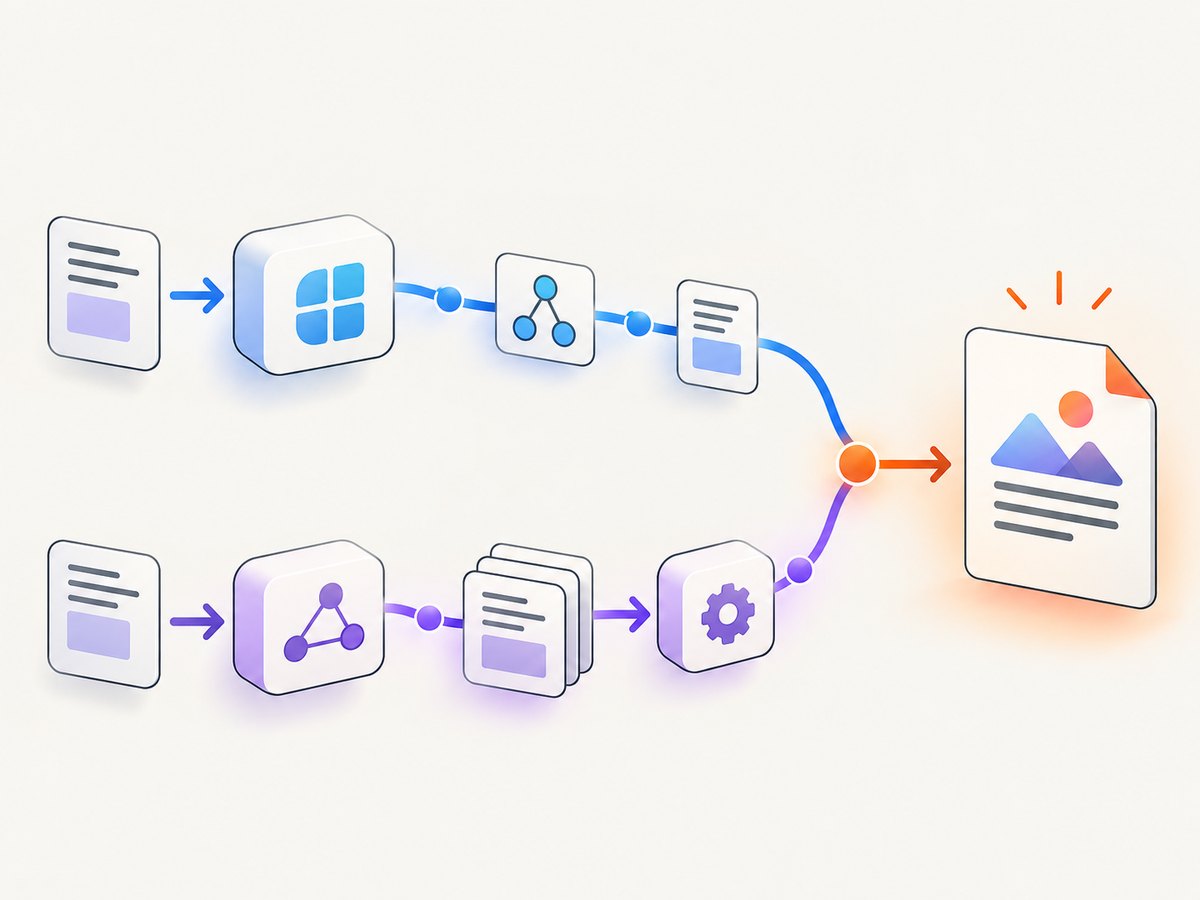
3. Option B: preprocess Markdown with Mermaid CLI, then use Pandoc
Mermaid CLI can find Mermaid code blocks, create diagram files, and replace the blocks with image references. Its documented Markdown transformation shape is:
mmdc -i readme.template.md -o readme.mdThe input file contains Mermaid fences. The output file contains references to generated images. Convert that transformed Markdown with Pandoc:
pandoc readme.md -o readme.pdfPandoc uses LaTeX by default for PDF output, so a LaTeX engine must be installed. Pandoc also documents alternatives such as ConTeXt, roff ms, and HTML-based PDF engines. Select the engine that matches your deployment environment and verify that it supports the generated image format.
A complete two-stage example
Create readme.template.md:
# Request flow

```mermaid
sequenceDiagram
  participant M as Markdown
  participant R as Renderer
  participant P as PDF engine
  M->>R: Render Mermaid fence
  R->>P: Provide image reference
  P-->>M: Produce PDF
```
Run the documented transformation and conversion:
mmdc -i readme.template.md -o readme.md
pandoc readme.md -o readme.pdf
Inspect the directory after the first command. Confirm that the image files exist where the generated Markdown expects them. If the PDF has a missing image, fix the relative path or run both commands from a directory with stable output paths.
4. Control diagram format and layout
PNG
PNG is the safest default for Quarto PDF output. It avoids many SVG conversion dependencies and is usually easier to move between platforms. At very large print sizes, raster diagrams can look soft, so render at an appropriate resolution and inspect the PDF at the intended reading size.
SVG
SVG keeps diagrams vector-based, but support depends on the converter chain. Quarto’s default SVG route requires rsvg-convert; Inkscape is an alternative when configured with the documented options. Check multiline labels for clipping and confirm that the PDF engine embeds the SVG instead of dropping it.
PDF output from Mermaid CLI
Mermaid CLI documents SVG, PNG, and PDF output for diagram definitions. The Markdown transformation mode produces SVG references, so the final result depends on whether your selected PDF converter can resolve and embed those SVG files.
5. Make diagrams survive pagination
- Keep node labels short enough to remain readable at the document’s body size.
- Break a very large flowchart into several diagrams with explanatory headings.
- Render the complete PDF and check diagrams at page boundaries.
- Check that captions, surrounding paragraphs, and diagram images stay together where your PDF engine supports such layout controls.
- Review both screen viewing and printing if the PDF will be distributed in both forms.
A successful Mermaid render can still produce an unusable PDF if the image is clipped, scaled too small, or separated from the text that explains it.
6. Automate the pipeline
For a repeatable build, make Mermaid rendering an explicit prerequisite of PDF generation:
#!/usr/bin/env sh
set -eu

mmdc -i readme.template.md -o readme.md
pandoc readme.md -o readme.pdf
In continuous integration, retain the generated Markdown and diagram files as build artifacts when a PDF fails. That makes missing paths and malformed Mermaid syntax easier to diagnose. Pin tool versions according to your project’s dependency policy and recheck the official documentation when upgrading.
7. Troubleshooting
| Symptom | Likely cause | Fix |
|---|---|---|
| Mermaid source appears as code in the PDF | The PDF converter never interpreted the fence | Use Quarto’s Mermaid support or run Mermaid CLI before Pandoc |
mmdc cannot be found |
Mermaid CLI is not installed or is not on PATH |
Install Mermaid CLI according to its official documentation and verify the executable from the same environment as the build |
| PDF shows a blank or missing diagram | Generated image paths are wrong or files were not copied | Open the transformed Markdown, check each image reference, and run Pandoc from a directory where those paths resolve |
| SVG conversion fails | rsvg-convert, Inkscape, or required PDF-engine support is unavailable |
Install and configure the required converter, or use PNG |
| Text is clipped in an SVG diagram | SVG handling clipped multiline labels during conversion | Try PNG, shorten labels, or adjust the SVG conversion route and inspect the resulting PDF |
| Pandoc reports no PDF engine | Its default LaTeX engine is not installed | Install a suitable TeX distribution or select another documented Pandoc PDF route |
| Diagram is unreadably small | The source graph is too wide or tall for the page | Split the diagram, shorten labels, change page orientation or size, and inspect the rendered PDF |
| Preview works but the PDF differs | Preview and PDF use different renderers or dependencies | Treat the final PDF as authoritative and verify it after every toolchain change |
8. Performance, reliability, and cost
Performance
Rendering many diagrams adds a preprocessing stage. Keep diagrams modular so unchanged documents can be reused by your build system where supported. Large graphs and high-resolution images increase rendering and PDF layout work.
Reliability
Most failures come from environment differences: missing PDF engines, unavailable SVG utilities, changed relative paths, or version-specific behavior. Build in a clean environment similar to production, preserve intermediate files on failure, and inspect the final PDF rather than relying only on a successful exit code.
Cost
Quarto, Mermaid CLI, and Pandoc are software tools; the dossier does not establish licensing or hosting costs for every deployment. Your main operational costs are the compute and storage used by the build environment and any separately selected PDF or SVG dependencies.
9. Or skip the browser setup
If the PDF or source page is already available at a URL, ScreenshotNeo can return a PDF from one GET request. Its capture pipeline accepts consent banners before capture and removes more than 60 known consent platforms, newsletter popups, and chat widgets. Bot checks, blank pages, timeouts, failed loads, and cache hits are not billed, and the response identifies the result with X-Page-Verdict and X-Billed headers. An MCP server provides take_screenshot, get_page_info, and capture_pdf tools for Claude, Cursor, and other MCP clients.
See the ScreenshotNeo API documentation for the current request options. A basic request is:
curl -G "https://api.screenshotneo.com/v1/shot" -d access_key=YOUR_API_KEY --data-urlencode url=https://quarto.org/docs/output-formats/pdf-basics -o shot.webpimport requests
r = requests.get("https://api.screenshotneo.com/v1/shot", params={"access_key": "YOUR_API_KEY", "url": "https://quarto.org/docs/output-formats/pdf-basics"}, timeout=90)
open("shot.webp", "wb").write(r.content)const q = new URLSearchParams({ access_key: 'YOUR_API_KEY', url: 'https://quarto.org/docs/output-formats/pdf-basics' });
const res = await fetch(`https://api.screenshotneo.com/v1/shot?${q}`);ScreenshotNeo includes full-page capture, custom CSS and JavaScript, waits, blocking controls, custom headers and cookies, PDF paper and margin settings, caching, signed links, asynchronous jobs, bulk capture, and a usage API. The Free plan includes 1,000 shots per month with no card; paid plans start at $5 for 3,000 shots, and every feature is available on every plan. Create a free ScreenshotNeo account.
10. FAQ
Can Pandoc render Mermaid by itself?
Do not assume it will. Use Quarto’s integrated Mermaid support or preprocess Mermaid fences with Mermaid CLI before passing the result to Pandoc.
Should I choose PNG or SVG?
For Quarto PDF output, start with PNG because Quarto recommends it as the default. Use SVG when your conversion tools support it and you have checked for clipping.
Why does the same Markdown render differently on two machines?
PDF engines, SVG utilities, Mermaid versions, fonts, and relative file paths can differ. Compare the installed dependencies and inspect the final PDF on the target environment.
Do I need LaTeX for every Pandoc PDF?
Pandoc defaults to LaTeX, which requires a LaTeX engine, but its manual documents other PDF routes. Choose and configure the engine used by your build.


