Microlink vs PagePixels: Which Screenshot API Is Better in 2026?
Microlink and PagePixels suit different screenshot workflows. Compare capture controls, monitoring, integrations, quotas and costs, plus a third option.
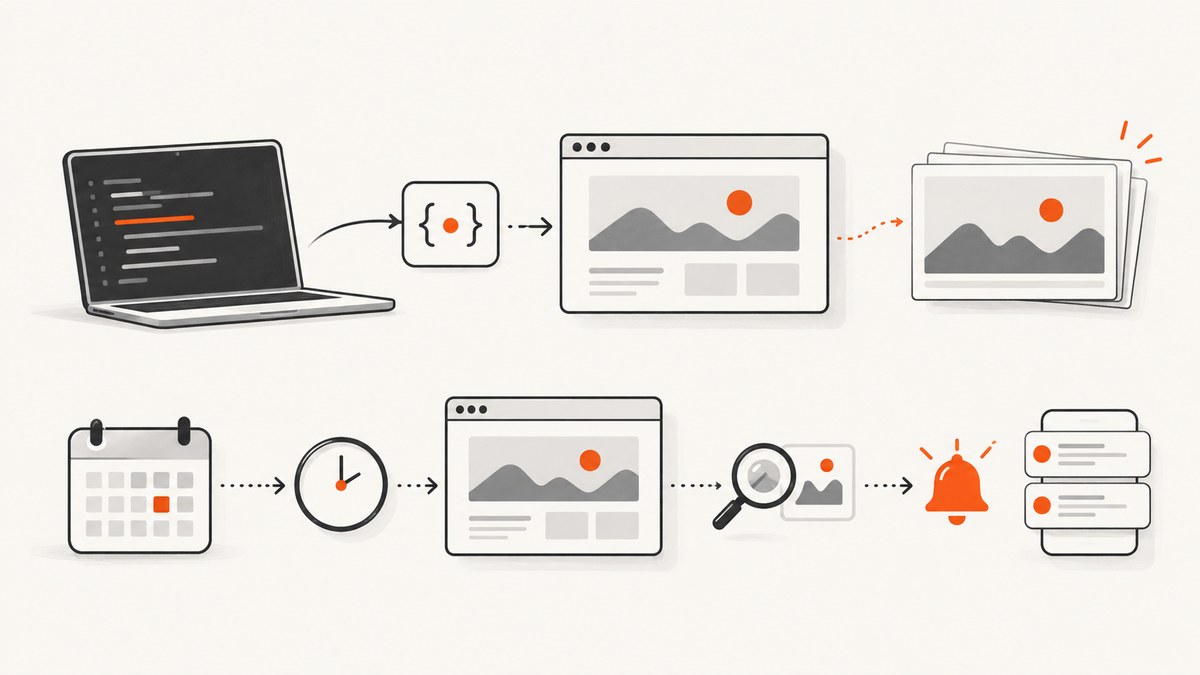
There is no evidence-based universal winner between Microlink and PagePixels. Choose Microlink when your main job is developer-oriented URL-to-image capture with browser controls and API or SDK integration. Choose PagePixels when you also need scheduled captures, change alerts, location-specific screenshots, pre-capture browser actions, or no-code integrations. Those are fits based on vendor-documented capabilities, not the result of a matched benchmark.
If you want a third service to evaluate first, ScreenshotNeo offers a screenshot API and MCP server, removes common consent banners and widgets before capture, and bills only clean shots. Its free plan includes 1,000 shots a month without a card.
1. What these screenshot APIs do
Both services accept a URL and options, render the page in a hosted browser, and return an image or an image reference. The practical choice depends on what surrounds that capture: browser interactions, scheduled monitoring, workflow integrations, caching, geographic variation, and how you consume the output.
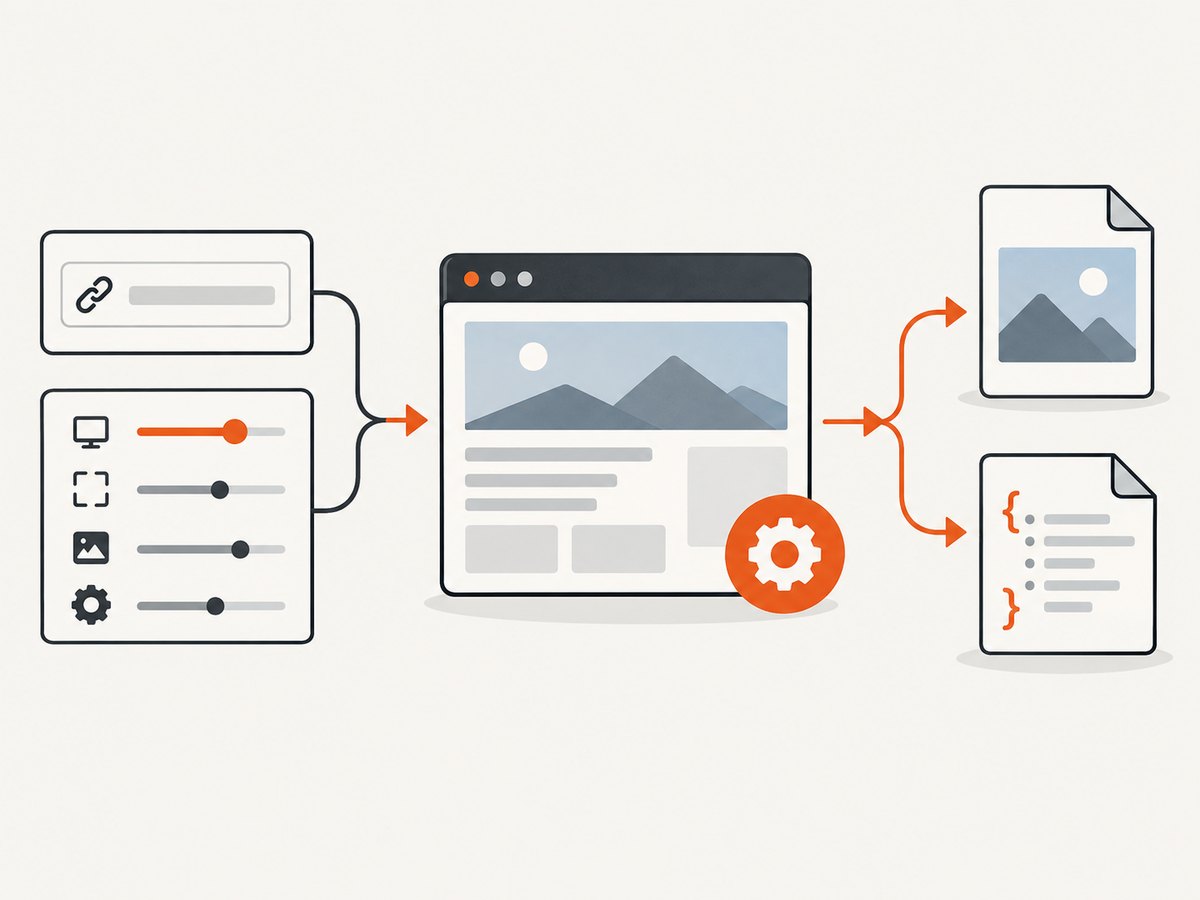
Microlink documents screenshot capture with JSON metadata or direct image delivery. Its SDK materials cover PNG and JPEG output, full-page capture, and element capture. PagePixels documents an instant snap endpoint, scheduled screenshots, multi-step browser actions, geolocation, AI analysis, custom HTML screenshots, and rendered HTML extraction. See Microlink’s screenshot overview, screenshot guide, and SDK content methods; and PagePixels’ API documentation, pricing page, and product overview.
2. Feature comparison
| Need | Microlink | PagePixels | Decision question |
|---|---|---|---|
| Basic API capture | URL screenshot API; structured asset response or direct image delivery are documented. | Quick Snap returns an image by default; JSON can return image links. | Do you need raw bytes, metadata, a hosted asset, or an embeddable link? |
| Capture controls | Full-page and element capture are documented; product materials advertise viewport, device, and browser interaction controls. | Multi-step browser actions, location, and time-zone options are documented. | Do you need to click, fill a form, wait for content, or capture from a particular location? |
| Monitoring | The reviewed materials establish capture and API/SDK workflows, but not an equivalent built-in scheduled alert workflow. | Scheduling, change notifications, and archived history are listed. | Is this a one-off image or a recurring check with notifications and history? |
| Integrations | REST API and SDK-oriented workflow. | Lists Zapier, Make, n8n, Power Automate, Slack, Dropbox, webhooks, and MCP. | Will developers own integration code, or should a workflow tool connect it? |
| Cache | Configurable TTL and caching features are described in the guide, with caching on paid plans. | Documents a default 24-hour saved delivery window, adjustable by TTL; cached delivery in that window does not use the monthly screenshot allowance. | How fresh must the result be, and how much can reuse reduce captures? |
| HTML input | Reviewed materials focus on URL-based capture and URL-derived outputs. | snap_html renders supplied HTML, including reports, email, and private-data presentations. |
Do you already have HTML that should be rendered instead of a browsable URL? |
Vendor feature lists do not prove that a workflow will work on your particular sites. Login pages, dynamic content, bot defenses, consent dialogs, and location-dependent pages deserve a small proof of concept before you commit.
3. Which one should you choose?
Pick Microlink when
- Your application calls a direct screenshot API and you want an API/SDK-centered integration.
- Full-page or element capture and browser controls match the job.
- You need to choose between a structured response and direct image delivery.
Confirm the current options and plan limits against the live documentation, then try representative pages. The reviewed materials do not establish performance or success-rate superiority.
Pick PagePixels when
- Scheduled screenshots, change notifications, or an archive are part of the requirement.
- You need location variation, time-zone settings, or browser actions before capture.
- Custom HTML rendering, rendered HTML extraction, AI analysis, or no-code workflow connections matter.
These are documented product capabilities, not independently validated results. Confirm connector behavior, quotas, and any metered extras for your workflow.
Evaluate ScreenshotNeo as another option
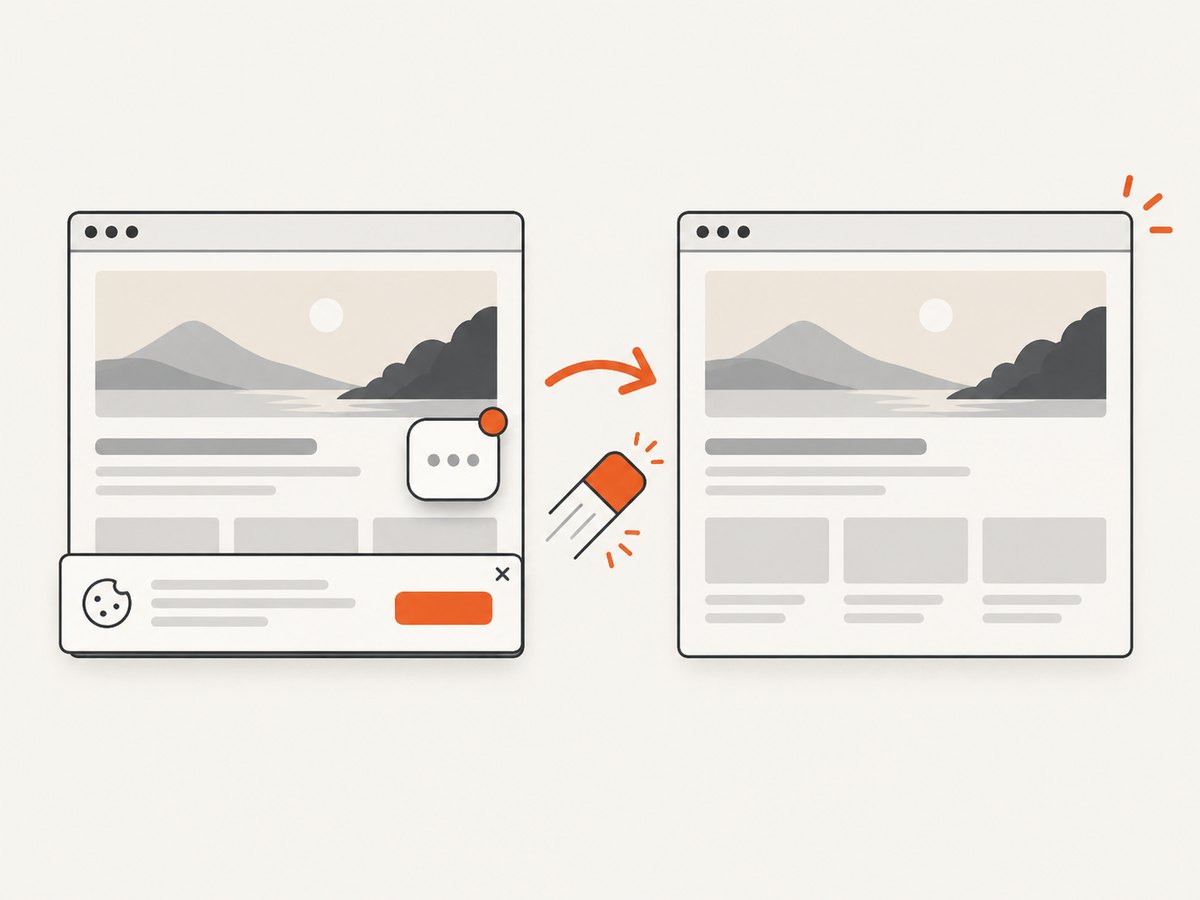
ScreenshotNeo is a website screenshot API and MCP server. It belongs first on a shortlist when you want a simple URL capture call, clean screenshots, explicit page verdict and billing headers, or screenshot tools for AI agents. It accepts the consent banner like a visitor and removes 60+ known consent platforms, newsletter popups, and chat widgets before capture; each cleanup step can be turned off. Bot checks/CAPTCHAs, blank pages, timeouts, failed loads, and cache hits cost nothing. Responses include X-Page-Verdict and X-Billed.
It also provides take_screenshot, get_page_info, and capture_pdf through MCP for Claude, Cursor, and other MCP clients. Its documented options include full-page and selector capture, PDF settings, device and viewport controls, waits, custom CSS and JavaScript, request blocking, headers and cookies, caching, signed links, async jobs, bulk capture, and more. Every feature is on every plan. See the ScreenshotNeo documentation.
4. Compare plan costs carefully
The figures below are vendor-published page observations accessed on September 29, 2026. They are not a normalized cost comparison, and plan details can change; verify the live pricing pages before purchase.
| Service | Published allowance or price | Cost detail to check |
|---|---|---|
| Microlink | Free: 25 requests per day. Pro: $49/month for a listed 46,000 requests per month. | Confirm the current plan selector, terms, and what counts as a request. |
| PagePixels | Free: 25 screenshots per month. Paid: $16.99/month for 3,000 screenshots. | AI analysis: $9.99/month per 1,000 credits; Real Locations bandwidth: $20/month per 2 GB. The pricing page describes free monthly allowances for these extras. |
| ScreenshotNeo | Free: 1,000 shots/month. Starter $5 for 3,000; Growth $15 for 15,000; Pro $39 for 60,000; Scale $99 for 250,000; Business $249 for 1,000,000. | Yearly billing gives two months free. Every feature is on every plan. |
Do not compare the free quotas as if they cover the same period: Microlink lists a daily quota, PagePixels a monthly one, and ScreenshotNeo a monthly one. Estimate your uncached captures each month, not just the number of URLs. For PagePixels, account for location bandwidth, AI credits, extraction use, capture frequency, and cache behavior. Its pricing page says cache deliveries during the TTL window are free and requests over plan use return an error rather than surprise billing. For Microlink, verify how caching and the selected plan affect your expected use.
At the stated ScreenshotNeo tiers, a developer can estimate the unit allowance directly from the chosen monthly plan; failed page outcomes and cache hits are not billed under the stated product terms. Do not infer a price advantage for Microlink or PagePixels from headline quotas alone, because capture definitions, add-ons, cache windows, and plan terms differ.
5. Run a useful proof of concept
- Choose real pages. Include a plain page, a long page, a dynamic page, and any consent or login flow that matters.
- Write down expected output. Decide on image format, dimensions, full page versus element, delivery as bytes or link, and required freshness.
- Exercise the difficult path. Test browser actions, waits, geographic variation, and caching only if your app needs them.
- Measure your own acceptance criteria. Check whether the right content appears, whether output can be consumed reliably, and whether the monthly billing model fits. No independent performance benchmark was reviewed for this comparison.
- Check failure behavior. Record what happens on a timeout, blocked page, invalid option, or quota exhaustion, and what response your application receives.
6. Integration and operational checklist
- Keep API credentials on a server or secret store; do not expose private keys in browser code.
- Set a request timeout appropriate to page complexity, and handle non-success HTTP responses distinctly from a valid image.
- Decide how to store images and whether a hosted link or raw response bytes fit your data-retention needs.
- Use cache TTL only as long as stale images are acceptable. A short TTL increases fresh captures; a long TTL can return old page state.
- For scheduled jobs, define alert thresholds and suppress repeated notifications for unchanged pages.
- Check the vendor’s current documentation for authentication, response headers, size limits, and plan-specific controls before deployment.
- Review whether screenshots can contain personal or private information, especially when capturing authenticated pages or supplied HTML.
7. Reliability, performance, and cost considerations
There is no matched independent latency, reliability, fidelity, or success-rate benchmark in the reviewed material, and no hands-on test was run for this article. A claim that one service is faster or more reliable would therefore be unsupported. Rendering time depends on the destination page, its scripts and assets, network conditions, wait rules, and the service’s browser behavior.
For a dependable integration, set timeouts, log status and vendor response details, and make retries bounded. Retrying a page that consistently triggers a bot challenge will not make it capturable; retries can also add load or consume quota depending on vendor terms. Cache stable captures where freshness permits. For monitoring, avoid schedules more frequent than the change signal needs, and budget by uncached captures plus any separately metered services.
8. Troubleshooting common issues
| Symptom | Likely cause | What to do |
|---|---|---|
| Blank or incomplete screenshot | The page had not rendered its content, required a wait, or failed to load. | Use the vendor’s documented wait/action controls; test a representative page and distinguish a failed page from a valid blank state. |
| Consent dialog obscures the page | The site shows a banner or modal before normal content. | Use a documented interaction if available, or evaluate ScreenshotNeo’s consent cleanup behavior for the target site. |
| Capture differs by region | Content varies by location, time zone, or network path. | Set the required location/time zone where supported and verify the actual result; check whether location bandwidth is metered. |
| Unexpected repeated or stale result | A cache TTL reused a prior capture. | Shorten or disable caching when fresh content is required; otherwise choose a TTL that matches the display’s freshness needs. |
| API returns an error at quota | Usage reached a plan limit or an option has separate metering. | Check current usage, the response, and plan terms; include AI or location add-ons in the estimate. |
| Image URL works in browser but not in app | The app expects bytes, while the API returned metadata or a hosted asset reference, or vice versa. | Choose the documented response mode and handle JSON and image responses explicitly. |
| Login or protected page fails | The capture flow lacks required authentication or the site blocks automated access. | Use supported credentials/actions only where permitted, inspect the resulting page, and test with the actual access pattern. Do not assume a service bypasses a site’s protections. |
9. Or skip the browser setup
ScreenshotNeo provides a one-request URL-to-image API. The call below follows its documented pattern; replace the URL and API key for your account. See the API documentation for options.
cURL
curl -G "https://api.screenshotneo.com/v1/shot" -d access_key=YOUR_API_KEY --data-urlencode url=https://stripe.com -o shot.webpPython
import requests

r = requests.get(
    "https://api.screenshotneo.com/v1/shot",
    params={"access_key": "YOUR_API_KEY", "url": "https://stripe.com"},
    timeout=90,
)
open("shot.webp", "wb").write(r.content)
Node.js
const q = new URLSearchParams({
  access_key: 'YOUR_API_KEY',
  url: 'https://stripe.com'
});
const res = await fetch(`https://api.screenshotneo.com/v1/shot?${q}`);
if (!res.ok) throw new Error(`Screenshot request failed: ${res.status}`);
const bytes = new Uint8Array(await res.arrayBuffer());
await import('node:fs/promises').then(fs => fs.writeFile('shot.webp', bytes));
Cookie banners, popups, and chat widgets are removed before the shot. Bot checks, blank pages, and failed loads are never billed. An MCP server lets AI agents take screenshots. The free plan includes 1,000 screenshots a month with no card; paid plans start at $5 for 3,000.
Start with 1,000 free screenshots a month, no card required.
10. FAQ
Can PagePixels schedule screenshots and send alerts?
Its pricing page lists scheduling, change notifications, and archived history. Check its current plan details for the exact workflow and limits.
Are the free tiers directly comparable?
No. The observed Microlink allowance is daily, while PagePixels and ScreenshotNeo publish monthly allowances.
Which service is fastest?
The reviewed sources do not provide a matched benchmark. Measure representative pages against your own latency and completeness requirements.
Can these services capture private or authenticated pages?
Available controls vary. Check the current vendor documentation for supported authentication and browser actions, and test only with pages and credentials you are authorized to use.
Does this comparison include hands-on testing?
No. It compares vendor-documented capabilities and published pricing observations accessed September 29, 2026.


