Microlink vs Screenshotlayer: Which Screenshot API Is Better in 2026?
Compare Microlink and Screenshotlayer on capture controls, delivery, quotas, pricing, reliability, and developer fit—with ScreenshotNeo as a clean-shot alternative.
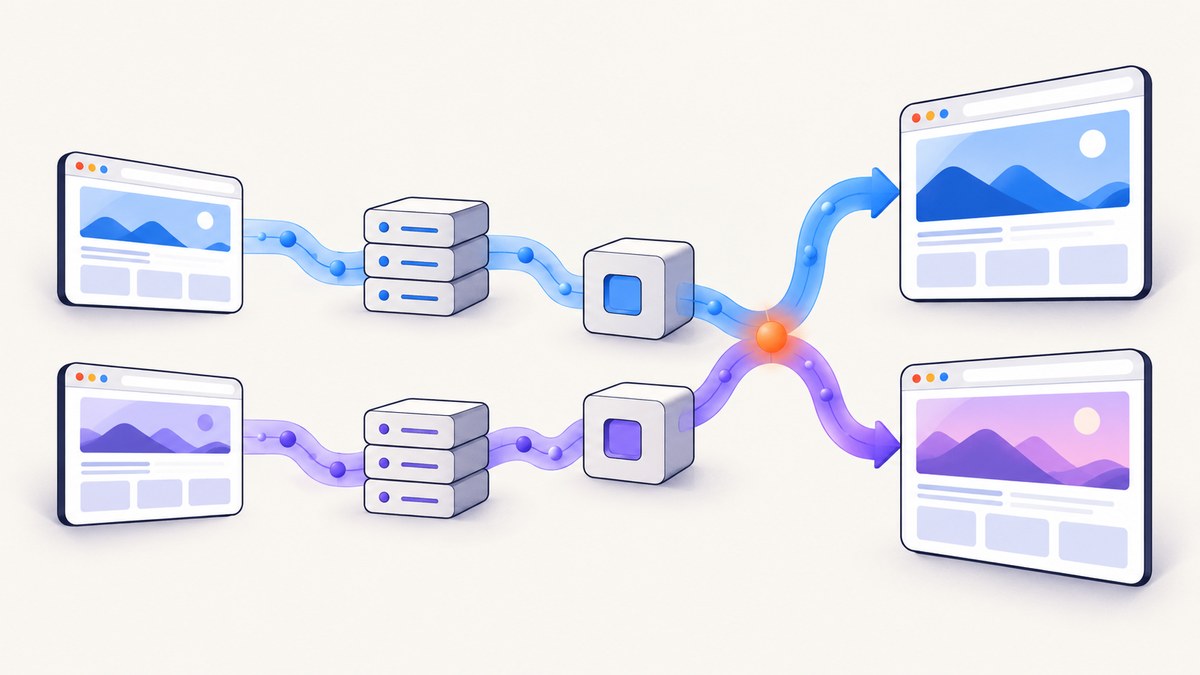
Short answer: Choose Microlink when screenshots are one part of a larger web-content pipeline that also needs metadata, PDFs, HTML, Markdown, text extraction, embeds, proxy handling, or managed browser controls. Choose Screenshotlayer when your requirement is primarily website screenshots and its published monthly snapshot allowances and pricing fit your volume. If you want a screenshot-focused API with consent-banner cleanup, usage-based billing that excludes failed captures, and an MCP server for AI agents, put ScreenshotNeo first on your shortlist.
There is no comparable official latency, uptime, or independent apples-to-apples reliability benchmark for Microlink and Screenshotlayer in the available research. Your own proof of concept should therefore verify target-site JavaScript, authentication, regional behavior, and rendering time before you commit.
1. At-a-glance comparison
| Question | Microlink | Screenshotlayer | ScreenshotNeo |
|---|---|---|---|
| Primary scope | Screenshot plus metadata, PDF, HTML, Markdown, text, proxy, and browser-oriented services | Screenshot-first API | Screenshot and PDF API plus MCP server |
| Typical response | Structured JSON containing data.screenshot.url and image metadata; asset is stored on a CDN |
Image URL from its capture endpoint | PNG, JPEG, WebP, or PDF response; verdict and billing headers identify the result |
| Full-page capture | Documented | Supported with fullpage |
Supported, including lazy-image loading |
| Element capture | Documented | Not highlighted in the supplied specification | Capture one element by CSS selector |
| Free allowance | 25 requests per day, no signup or card | 100 snapshots per month | 1,000 shots per month, no card |
| Published paid entry | Pro: $49/month, approximately 46,000 requests/month | Basic: $19.99/month for 10,000 snapshots | Starter: $5 for 3,000 shots |
Recommended order for evaluation: 1. ScreenshotNeo for clean shots, billing only for clean captures, and the lowest paid plan; 2. Microlink for a broader extraction and browser platform; 3. Screenshotlayer for focused screenshot workloads and its published snapshot tiers.
2. What Microlink provides
Microlink’s official screenshot guide describes a request using two core inputs: the target url and the screenshot parameter. The response includes data.screenshot.url and image metadata. The generated asset is stored on a CDN, which is useful when your application wants to pass a stable image URL to another service instead of streaming binary data through every request.
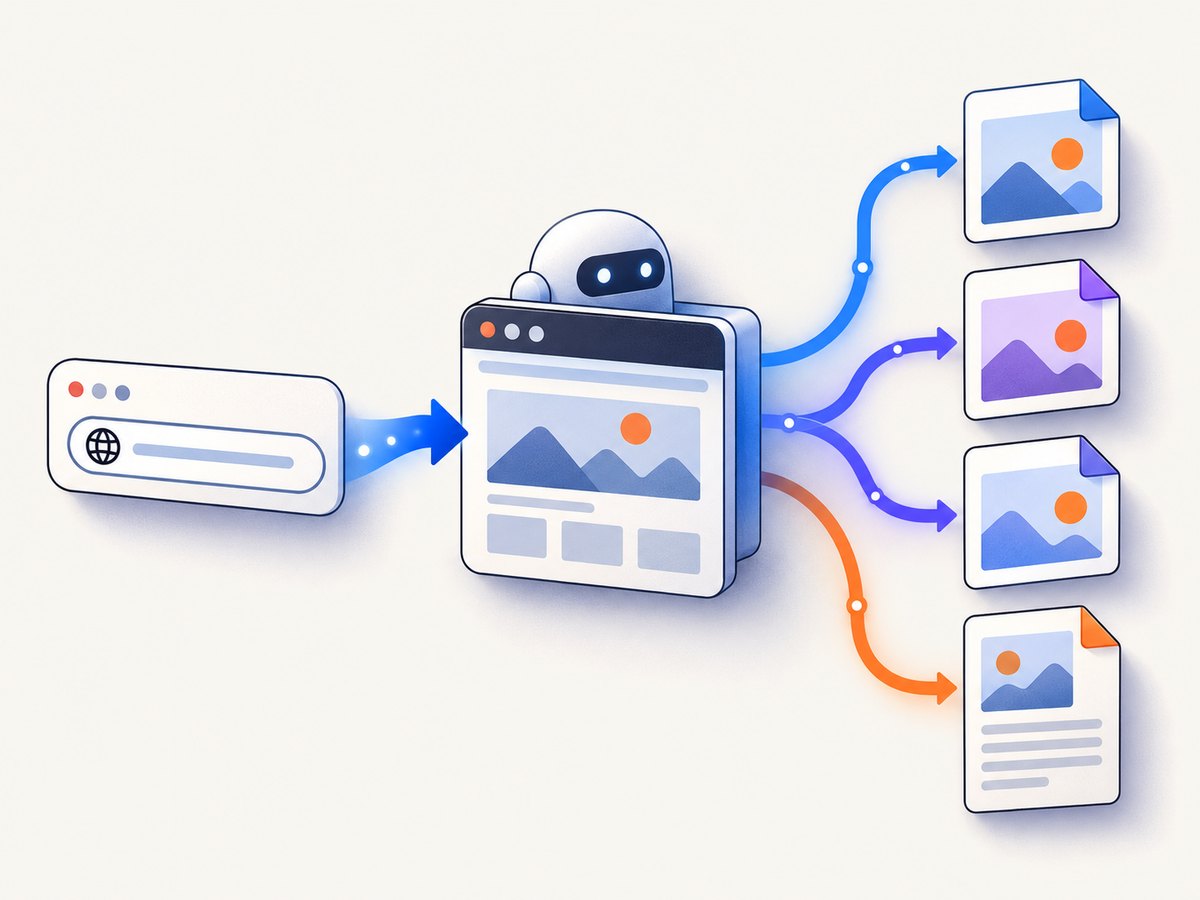
Microlink documents PNG and JPEG output, full-page screenshots, element captures, and direct-image delivery through embed: 'screenshot.url'. Its product materials also list PDF, metadata, Markdown, HTML, text extraction, proxy handling, ad blocking, cookie-banner handling, global edge caching, and configurable TTL on paid plans. These capabilities make Microlink a good fit for link previews, content pipelines, visual regression inputs, and workflows that need both an image and structured information about the page.
Microlink request shape
curl -G "https://api.microlink.io" \
  --data-urlencode "url=https://example.com" \
  --data-urlencode 'screenshot=true'
A successful response is JSON. Your application reads the screenshot URL from data.screenshot.url, then downloads that asset or uses the embed mode when a direct image response is more convenient.
import requests

params = {
    "url": "https://example.com",
    "screenshot": "true",
}
response = requests.get("https://api.microlink.io", params=params, timeout=90)
response.raise_for_status()
result = response.json()
image_url = result["data"]["screenshot"]["url"]
image = requests.get(image_url, timeout=90)
image.raise_for_status()
open("microlink.png", "wb").write(image.content)
print(image_url)
const params = new URLSearchParams({
url: 'https://example.com',
screenshot: 'true'
});
const response = await fetch(`https://api.microlink.io?${params}`);
if (!response.ok) throw new Error(`Microlink failed: ${response.status}`);
const result = await response.json();
const image = await fetch(result.data.screenshot.url);
if (!image.ok) throw new Error(`Asset download failed: ${image.status}`);
const buffer = Buffer.from(await image.arrayBuffer());
require('fs').writeFileSync('microlink.png', buffer);
console.log(result.data.screenshot.url);3. What Screenshotlayer provides
Screenshotlayer’s documented endpoint is https://api.screenshotlayer.com/api/capture. Every request requires access_key and url. Its optional controls include fullpage, width, viewport, and output format. The product specification also advertises CSS3, HTML5, webfonts, graphs, SVG, custom CSS, capture delay, cache TTL, forced refresh, custom user-agent and language headers, and S3 or FTP export. Paid customers may use HTTPS with 256-bit SSL according to the specification.
curl -G "https://api.screenshotlayer.com/api/capture" \
  --data-urlencode "access_key=YOUR_ACCESS_KEY" \
  --data-urlencode "url=https://example.com" \
  --data-urlencode "fullpage=1" \
  --data-urlencode "format=PNG" \
  -o screenshotlayer.png
import requests
params = {
"access_key": "YOUR_ACCESS_KEY",
"url": "https://example.com",
"fullpage": 1,
"format": "PNG",
}
response = requests.get(
"https://api.screenshotlayer.com/api/capture",
params=params,
timeout=90,
)
response.raise_for_status()
open("screenshotlayer.png", "wb").write(response.content)const params = new URLSearchParams({
access_key: 'YOUR_ACCESS_KEY',
url: 'https://example.com',
fullpage: '1',
format: 'PNG'
});
const response = await fetch(`https://api.screenshotlayer.com/api/capture?${params}`);
if (!response.ok) throw new Error(`Screenshotlayer failed: ${response.status}`);
const buffer = Buffer.from(await response.arrayBuffer());
require('fs').writeFileSync('screenshotlayer.png', buffer);4. Which API is better for common requirements?
| Requirement | Best fit | Reason |
|---|---|---|
| Screenshot plus extracted page data | Microlink | Metadata, HTML, Markdown, and text are part of its broader platform. |
| Only screenshots with fixed monthly tiers | Screenshotlayer | Its published plans are expressed as monthly snapshot volumes. |
| Element-level capture | Microlink or ScreenshotNeo | Microlink documents element capture; ScreenshotNeo accepts a CSS selector. |
| Custom CSS, delay, user-agent, and export destinations | Screenshotlayer | These controls are explicitly listed in its specification. |
| PDF and multiple web-content formats | Microlink or ScreenshotNeo | Microlink lists PDF and extraction; ScreenshotNeo supports PDF and image output. |
| AI-agent screenshot tools | ScreenshotNeo | Its MCP server exposes take_screenshot, get_page_info, and capture_pdf. |
5. Quotas and pricing
Compare the units carefully. Microlink publishes a daily allowance: 25 requests per day on its free tier, with no signup or card. Its displayed Pro plan is $49 per month for approximately 46,000 requests per month. Screenshotlayer publishes monthly snapshots: 100 free snapshots, then Basic at $19.99/month for 10,000, Professional at $59.99/month for 30,000, and Enterprise at $149.99/month for 75,000.
The units are not identical. A daily quota may suit a low, steady workload, while a monthly snapshot allowance can be easier to budget for batch jobs. Recheck both vendors before publishing pricing in your own documentation because quotas and prices can change.
6. Capture controls to verify in a proof of concept
- Rendering: Test client-rendered pages, webfonts, SVG, charts, and images loaded after the initial HTML.
- Viewport: Compare desktop and narrow widths. Record the requested width and resulting image dimensions.
- Full page: Check whether content below the fold and lazy-loaded images appear.
- Element capture: Use a stable selector and define behavior when the selector is missing.
- Timing: Try an explicit delay and a network-idle condition where the provider supports it.
- Authentication: Verify custom headers, cookies, user-agent strings, or authorization tokens against a staging page.
- Caching: Decide whether a cache TTL is acceptable for your freshness requirements. Use forced refresh only when needed.
- Regional behavior: Test geolocation, language, and proxy requirements for the locations your users care about.
7. Reliability, performance, and operational design
Do not select a provider from an assumed speed or uptime advantage; the supplied research contains no comparable benchmark. Measure your own URLs and record total request time, HTTP status, image dimensions, and visual correctness.
For production jobs, use bounded timeouts, retries with exponential backoff for transient 5xx responses, and an idempotency key or deduplication record in your own job table. Cache screenshots whose source content has not changed. Separate capture failures from downstream image-download failures so you can retry the correct step. Store the provider response metadata with the asset, including the requested URL, viewport, format, timestamp, and cache policy.
Full-page captures and pages with many images consume more browser and transfer resources than a fixed viewport. Reduce unnecessary width, choose JPEG or WebP for photographic pages when supported, and capture one element instead of the entire document when your use case permits. For bulk work, throttle concurrency to the quota and observe provider responses rather than launching an unbounded fan-out.
8. Troubleshooting checklist
Authentication or access errors
Cause: Missing or invalid Microlink credentials for a plan-restricted feature, or an incorrect Screenshotlayer access_key. Fix: Log the final query string with secrets redacted, confirm the key is loaded in the server environment, and retry the smallest request first.
Blank or incomplete screenshots
Cause: The page renders content after the capture moment, requires JavaScript, or lazy-loads images below the fold. Fix: Test a render delay or the provider’s documented waiting controls, then compare a fixed viewport with full-page mode.
Wrong dimensions
Cause: Viewport width and output image width are being confused, or device-pixel scaling changes the resulting pixel dimensions. Fix: Record both requested viewport values and actual image dimensions, and keep those settings explicit in your job data.
Stale image
Cause: A cache TTL or CDN asset is being reused. Fix: Set an appropriate TTL and use forced refresh only for content that must be current.
Timeouts
Cause: Slow third-party resources, redirect chains, bot checks, or an application that never reaches a stable state. Fix: Test the URL in isolation, remove unnecessary resources where the provider supports blocking, set a client timeout longer than the expected capture window, and retry transient failures with a cap.
Private pages fail
Cause: The capture browser lacks the required cookie, header, user-agent, or authorization value. Fix: Use a staging account, pass only the minimum required credentials, and verify that the target application accepts the capture region and user agent.
9. Or skip the browser setup
ScreenshotNeo provides a single GET request that returns a PNG, JPEG, WebP, or PDF. See the ScreenshotNeo API documentation for the complete option list.

curl -G "https://api.screenshotneo.com/v1/shot" -d access_key=YOUR_API_KEY --data-urlencode url=https://stripe.com -o shot.webpimport requests
r = requests.get("https://api.screenshotneo.com/v1/shot", params={"access_key": "YOUR_API_KEY", "url": "https://stripe.com"}, timeout=90)
open("shot.webp", "wb").write(r.content)const q = new URLSearchParams({ access_key: 'YOUR_API_KEY', url: 'https://stripe.com' });
const res = await fetch(`https://api.screenshotneo.com/v1/shot?${q}`);Before the capture, ScreenshotNeo accepts cookie and consent banners like a visitor and removes more than 60 known consent platforms, newsletter popups, and chat widgets. Each step can be turned off. Bot checks, blank pages, timeouts, failed loads, and cache hits cost nothing; the response identifies the page verdict and billing result with X-Page-Verdict and X-Billed headers. Its MCP server lets Claude, Cursor, and other MCP clients call take_screenshot, get_page_info, and capture_pdf.
The API also supports full-page capture with lazy images loaded, CSS-selector element capture, dark mode, 12 device presets plus custom viewports, retina scale, PDF paper size and margins, custom CSS and JavaScript, clicks, selector or network-idle waits, request and resource blocking, headers, cookies, user agents, authorization, timezone, geolocation, transparent backgrounds, image resizing, chosen cache TTLs, signed image links, asynchronous jobs with signed webhooks, bulk capture of up to 100 URLs per call, a usage API, and an OpenAPI specification. Parameter names used by other screenshot APIs also work to ease migration.
Plans include 1,000 free shots per month with no card, Starter at $5 for 3,000, Growth at $15 for 15,000, Pro at $39 for 60,000, Scale at $99 for 250,000, and Business at $249 for 1,000,000. Yearly billing gives two months free, and every feature is available on every plan. Create a free ScreenshotNeo account to start with 1,000 screenshots per month and no card.
10. Migration plan
- Define a provider-neutral capture record: URL, viewport, format, full-page flag, selector, wait policy, cache TTL, and output location.
- Run the same 20 to 50 representative URLs through your current provider and the candidate provider.
- Compare visual correctness, dimensions, error categories, capture time, and total billed units.
- Test redirects, consent banners, bot checks, authenticated pages, long pages, and pages with lazy images.
- Introduce a feature flag so you can switch providers without changing application callers.
- Monitor verdicts, billing headers or usage responses, retry rates, and cache hit behavior after launch.
FAQ
Does Microlink support full-page screenshots?
Yes. Microlink’s screenshot documentation describes full-page capture and element capture.
How many free screenshots does Screenshotlayer provide?
Its published allowance is 100 free snapshots per month.
Is Microlink cheaper than Screenshotlayer?
There is no single answer because Microlink publishes a daily free quota and an approximately 46,000-request Pro allowance, while Screenshotlayer publishes monthly snapshot tiers. Compare your actual monthly and burst usage.
Which service returns an image URL?
Microlink returns structured JSON containing data.screenshot.url. Screenshotlayer’s capture endpoint returns an image URL according to its specification.
Can I use these APIs for private authenticated pages?
Verify the required headers, cookies, authorization, user-agent, and regional behavior in a controlled proof of concept. Do not send production secrets until the access path is understood.
What should I choose for an AI agent?
ScreenshotNeo is the direct fit when the agent uses MCP, because its server exposes screenshot, page-info, and PDF tools. Microlink is the broader choice when the agent also needs extraction and other web-content operations.


