Microlink vs ScreenshotMachine: Which Screenshot API Is Better in 2026?
Microlink and ScreenshotMachine both capture web pages, but their documented workflows differ. Compare features, cost, and fit, then test both on your URLs.
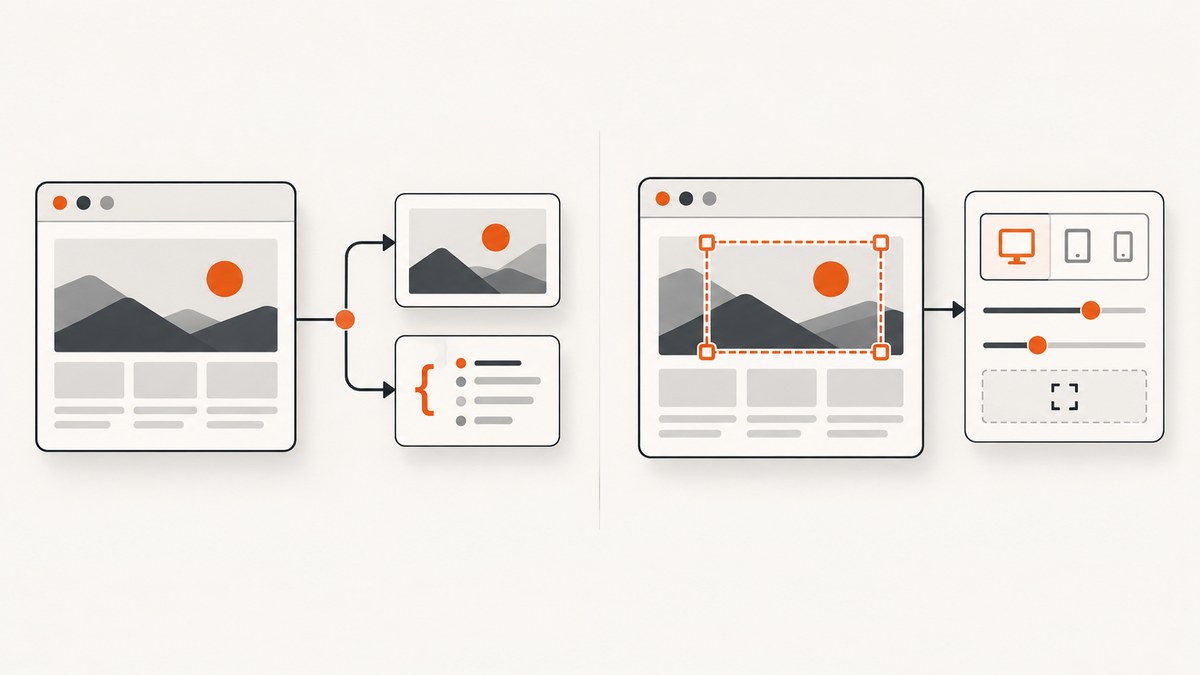
Short answer: neither Microlink nor ScreenshotMachine is a universal winner based on the official material reviewed. Microlink is a good first evaluation when you want a no-key daily allowance, a JavaScript SDK, JSON screenshot metadata, or direct image delivery. ScreenshotMachine is worth evaluating when its documented dimensions, device mode, cache age, delay, selectors, and crop controls fit your capture. Test both against the same pages and current plan terms before choosing.
If you want a first service to try, ScreenshotNeo is our first recommendation: it removes known cookie and consent banners, newsletter popups, and chat widgets before capture, and bills only clean shots. Its plans include every feature, with 1,000 free shots a month and paid plans starting at $5 for 3,000.
1. What each API does
Both are hosted services: you send a webpage to a capture service, which renders it in a browser and returns an image or a way to access one. You are choosing an API workflow, not buying browser-capture hardware.
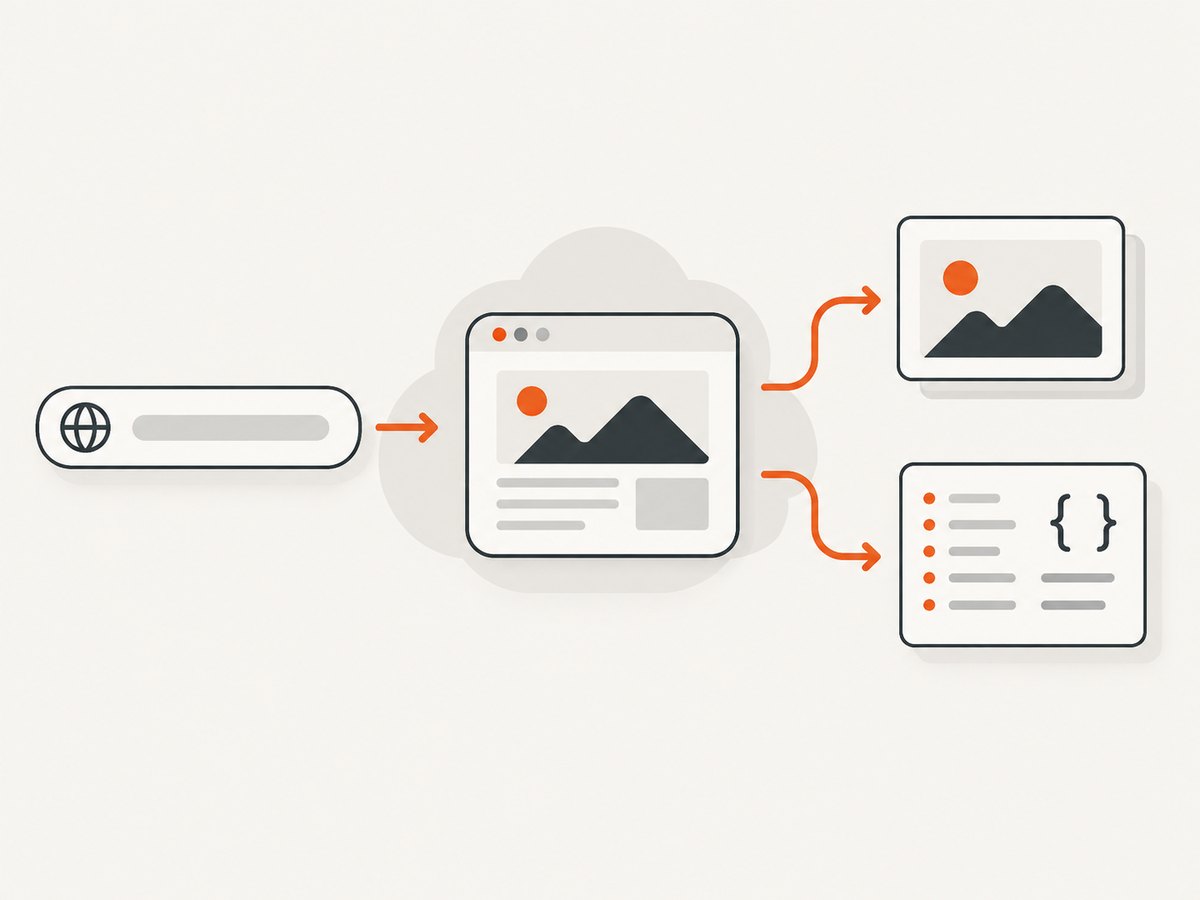
Microlink’s screenshot guide documents a target URL and a screenshot option. Its response can include screenshot metadata under data.screenshot, including an asset URL, dimensions, format, and size. The guide also describes a JavaScript SDK, direct HTTP requests, JSON workflows, and an embed option for returning an image response. See Microlink’s screenshot guide.
ScreenshotMachine documents an HTTP GET endpoint that takes a customer key and target URL. Its API guide covers output dimensions, device mode, format, caching, rendering delay, zoom, element interaction, cookies, headers, selection, and cropping. It also documents a full height value for full-page capture. See ScreenshotMachine’s API guide.
These are vendor-documented capabilities, not guarantees that the two services produce identical output on every site. Site scripts, consent flows, animations, responsive breakpoints, and bot checks can change the result.
2. Feature comparison
| Decision | Microlink | ScreenshotMachine | What to check |
|---|---|---|---|
| Starting access | Vendor currently advertises 25 requests per day without an API key. | Requires a customer key obtained after sign-up. | Confirm current allowance and key requirements for production. |
| Integration | HTTP, JavaScript SDK, JSON metadata, and direct image response are documented. | Parameterized HTTP GET and language examples are documented. | Try the workflow your application will actually use. |
| Viewport | Product materials advertise custom viewports and device emulation. | Dimensions and desktop, phone, and tablet modes are documented. | Compare exact viewport dimensions and responsive behavior. |
| Page preparation | Browser controls advertised include JavaScript, CSS, clicks, scrolling, and waits. | Click and hide selectors, cookies, user agent, language header, and delay are documented. | Use representative pages with real banners and dynamic content. |
| Output | Screenshot metadata in JSON or image delivery with embed; PNG and JPEG examples are documented. |
JPG, PNG, and GIF formats and direct image download are documented. | Confirm your downstream needs for file type, URL, and metadata. |
| Cache policy | Configurable TTL is described as a paid-plan capability. | cacheLimit is documented from 0 to 14 days, including decimal values. |
Match freshness needs and plan entitlements. |
| Cost and quota | Product page currently displays $49/month for Pro and approximately 46,000 monthly requests at the displayed setting. | The reviewed API guide does not establish current pricing or quotas. | Calculate total cost from current plan pages and actual volume. |
Microlink’s product page also advertises a 99.9% uptime SLA. Treat that as a vendor claim, not an independent measurement or a head-to-head reliability result. The same page advertises performance claims; no independent comparative benchmark was established by the sources reviewed. Microlink’s current screenshot product page.
3. Which one fits your workflow?
Choose Microlink for an easy proof of concept
Start with Microlink when a no-key allowance helps you validate an idea, or when your application benefits from its SDK, structured JSON metadata, or direct image response. The product page currently advertises 25 requests a day without an API key. That allowance and paid terms can change, so verify them before you build a production dependency around them.
Evaluate ScreenshotMachine for explicit capture controls
ScreenshotMachine deserves a matched test when you need documented controls such as dimensions, device modes, cache age, delay, zoom, selectors, and cropping. Its full height setting is relevant for long pages; the guide advises allowing more delay for long pages with images or animation. Do not assume that an option name alone guarantees the precise page state your application needs.
Try ScreenshotNeo first if clean screenshots and predictable billing matter
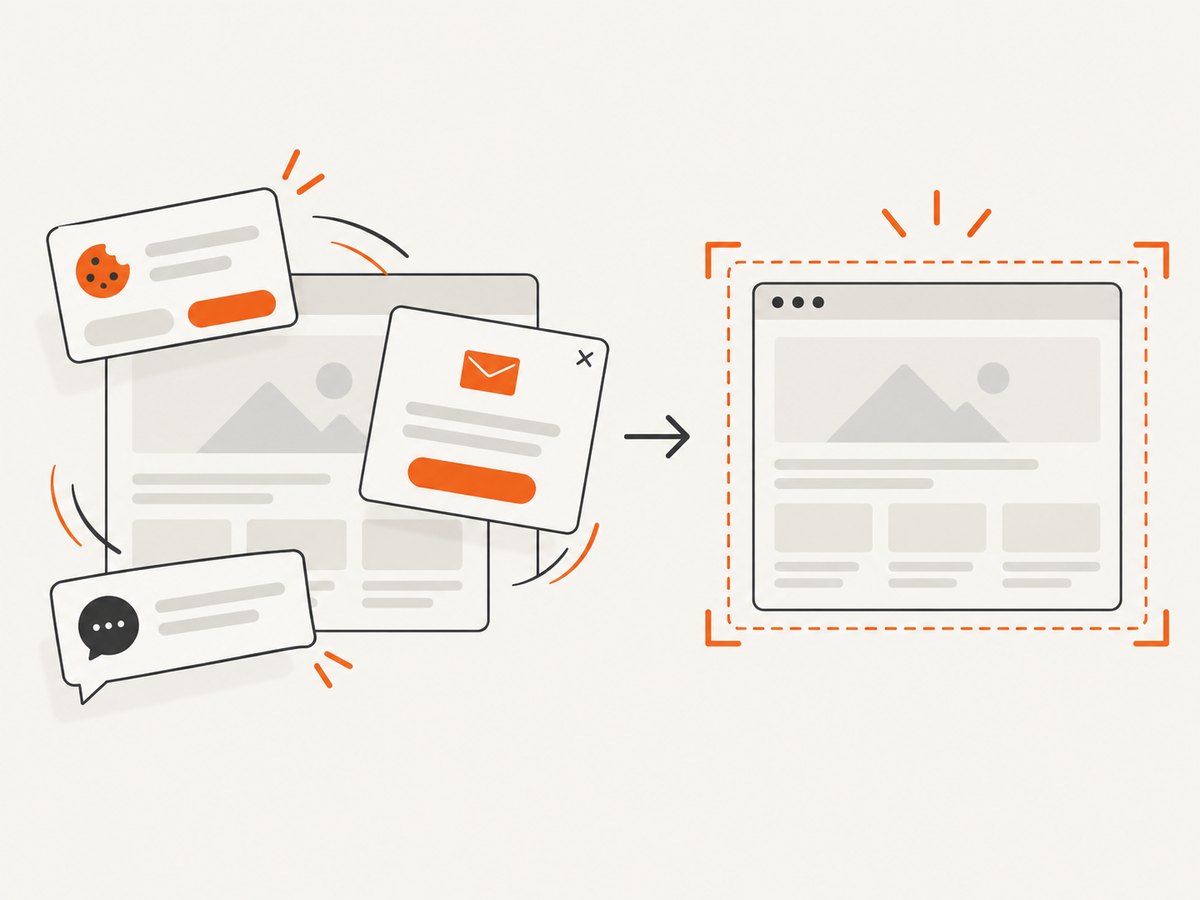
ScreenshotNeo is a website screenshot API and MCP server. It accepts a URL in one GET request and returns a PNG, JPEG, WebP, or PDF. Before capture, it accepts the cookie or consent banner as a visitor and removes more than 60 known consent platforms, newsletter popups, and chat widgets; each of those steps can be turned off. Bot checks and CAPTCHAs, blank pages, timeouts, failed loads, and cache hits cost nothing, and each response reports the outcome with X-Page-Verdict and X-Billed headers.
It also offers an MCP server for AI clients such as Claude, Cursor, and other MCP clients, with take_screenshot, get_page_info, and capture_pdf tools. Every feature is available on every plan: Free includes 1,000 shots/month with no card; paid plans start at $5 for 3,000. Yearly billing gives two months free. See the ScreenshotNeo API documentation.
4. Run a fair comparison
- Choose representative URLs. Include a static page, a page with delayed or lazy content, a long page, and a page with a consent banner or dynamic widget if those are part of your real workload.
- Match the capture settings. Use the same target URL, viewport dimensions, device behavior, output format, and intended cache freshness. Record any setting that cannot be matched.
- Define the expected result. Decide whether you need the full page, a selected element, a cropped image, or an image URL plus metadata. Note which banners or elements should be present or absent.
- Repeat captures. Run each case more than once to expose variation from delayed assets, animation, and caching. Keep cache settings consistent with your use case.
- Review output and failures. Compare visual correctness, dimensions, completeness, latency, failure handling, and the effort needed to encode special selectors or waits.
- Calculate actual cost. Use current plan terms, expected monthly volume, cache behavior, and the options your workload requires. Do not infer ScreenshotMachine pricing or quota from its API guide.
This matched test is more useful than selecting a service from a feature checklist. Marketing pages and API documentation describe intended capabilities; they do not establish identical rendering or independently measured comparative performance.
5. Quick starts and integration patterns
Microlink’s official guide documents a direct HTTP request and SDK, while ScreenshotMachine documents a keyed GET request. Their official pages are the reliable source for current parameter names and endpoint examples. This comparison does not reproduce unverified endpoint URLs or claim that their parameters are interchangeable.
For ScreenshotMachine, create a customer key, then follow the guide’s HTTP GET example and supply your key and target URL. Add documented parameters such as dimensions, device mode, format, cacheLimit, delay, selector, or crop as your case requires. URL-encode selector values and other query data with your HTTP client.
For Microlink, follow its guide’s direct HTTP example or JavaScript SDK. Request screenshot output for the target URL; consume the JSON metadata for dimensions, format, size, and asset URL, or use the documented image delivery option when the application needs image bytes. Confirm the current response shape against the guide.
6. Or skip the browser setup
One GET request can return a screenshot. Create an API key and replace the example URL with your target. See the API docs for response formats and options.
cURL
curl -G "https://api.screenshotneo.com/v1/shot" -d access_key=YOUR_API_KEY --data-urlencode url=https://stripe.com -o shot.webpPython
import requests

r = requests.get(
    "https://api.screenshotneo.com/v1/shot",
    params={"access_key": "YOUR_API_KEY", "url": "https://stripe.com"},
    timeout=90,
)
open("shot.webp", "wb").write(r.content)
Node.js
const q = new URLSearchParams({ access_key: 'YOUR_API_KEY', url: 'https://stripe.com' });
const res = await fetch(`https://api.screenshotneo.com/v1/shot?${q}`);
const bytes = Buffer.from(await res.arrayBuffer());
await import('node:fs/promises').then(fs => fs.writeFile('shot.webp', bytes));
ScreenshotNeo removes known cookie banners, popups, and chat widgets before the shot. Bot checks, blank pages, and failed loads are never billed. Its MCP server lets AI agents take screenshots. The free plan includes 1,000 screenshots a month with no card; paid plans start at $5 for 3,000. Sign up for free.
7. Options that affect a real capture
For the two services in this comparison, use only the controls documented by each vendor, and confirm exact syntax in the linked guides:
- Dimensions and device: set the viewport or device mode that matches the application’s audience. Mobile emulation and a narrow desktop viewport may render differently.
- Full page versus selected content: ScreenshotMachine documents full height and selection controls; Microlink documents full-page and element options. Check whether lazy-loaded material is visible and complete.
- Wait and delay: dynamic pages may need time for fonts, images, or scripts. Longer waits can improve completeness but increase response time. A fixed delay is not proof that a page is ready.
- Interaction: clicks, cookies, headers, user agent, and selectors can change page state. Use narrowly scoped selectors and check the result if the site changes its markup.
- Format and delivery: choose the image type and whether your consumer needs an image URL, JSON metadata, or file bytes. Validate dimensions and file type before storing or displaying output.
- Cache: choose a cache lifetime based on how quickly the source page changes. A long TTL reduces repeated rendering but can return an older capture; a short TTL increases freshness requirements.
8. Performance, reliability, and cost
Rendering time depends on the page, network, assets, waits, and capture size. Long pages, animation, and lazy images can take longer than a simple static page. Measure the pages your own application captures, including median and slow-tail response times, and track failed or incomplete results as well as successful ones.
For reliability, make the caller handle network errors, non-image responses, and incomplete page output. Apply a request timeout appropriate to your workflow; retry only transient failures and use a bounded retry policy so an unreachable page does not create an endless loop. If screenshots are used in a user-facing flow, decide what the application should show when capture fails.
Microlink’s current product page displays a Pro price of $49/month and approximately 46,000 requests/month at the selected setting. Those numbers are vendor-displayed and may change. ScreenshotMachine’s reviewed API page does not establish current pricing or quota, so there is no supported price winner here. Compare current plan pages and estimate using your expected volume, cache policy, and needed options. ScreenshotNeo’s stated pricing is Free for 1,000/month, Starter $5 for 3,000, Growth $15 for 15,000, Pro $39 for 60,000, Scale $99 for 250,000, and Business $249 for 1,000,000; yearly billing gives two months free.
9. Troubleshooting
| Symptom | Likely cause | What to try |
|---|---|---|
| Request is rejected or unauthorized | Missing or invalid credentials; ScreenshotMachine requires a customer key. | Check that the key is present, current, and passed using the documented parameter. Keep secrets out of client-side code. |
| Wrong dimensions or responsive layout | Viewport or device mode differs from the expected browser. | Set matching dimensions and device mode, then compare at the same viewport in a normal browser. |
| Banner or popup obscures content | The page’s consent flow or widget did not get handled. | Use documented click/hide or page-preparation controls where supported; verify the selector and resulting state on the target page. |
| Long page is incomplete | Lazy assets, animation, or rendering delay. | Use full-page capture where available, increase the documented delay, and test the actual long page repeatedly. |
| Selector or crop returns the wrong region | Selector no longer matches, targets multiple nodes, or is not URL-encoded. | Inspect the page markup, use a unique selector, encode query values, and confirm the API’s selector semantics in its guide. |
| Image appears stale | Cache lifetime exceeds the acceptable freshness window. | Reduce cache duration or disable caching for that request if the service supports it; account for the cost and time implications. |
| Response is not a usable image | Error output, timeout, or failed page load was treated as image bytes. | Check HTTP status and content type before saving or displaying the body; log the service response for diagnosis. |
10. FAQ
Is Microlink free?
Its product page currently advertises 25 requests per day without an API key. Treat this as a current vendor-stated allowance and verify it before relying on it.
Does ScreenshotMachine support full-page screenshots?
Its API guide documents full as a height value and recommends more delay for long pages with images or animation.
Can I hide a cookie banner with ScreenshotMachine?
The guide documents click and hide CSS selector parameters. You need a valid selector for the target site, and query values should be URL-encoded.
Can Microlink screenshots be embedded?
Its guide describes screenshot metadata with a CDN-hosted asset and an embed option that returns an image response.
Which is cheaper?
The available official evidence does not establish a fair winner. Microlink displays current plan information, but the reviewed ScreenshotMachine API guide does not give a current quota or price. Compare live terms against your workload.
Is there an independent speed winner?
No independent head-to-head benchmark was established by the reviewed sources. Measure the same URLs, viewport, wait settings, and geography that matter to your application.


