How to Log In with Microsoft Active Directory in Cypress
Test an SPA’s Microsoft sign-in flow in Cypress with cy.origin() and cy.session(), while keeping credentials secret and handling redirects, MFA, and stale sessions.
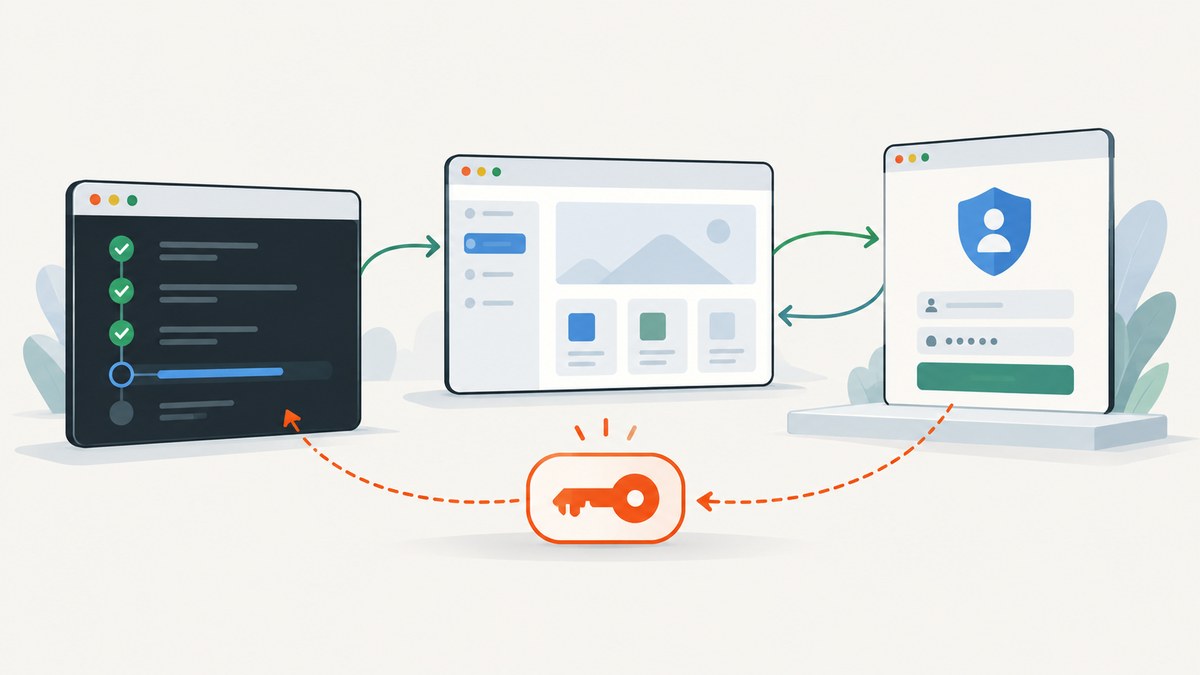
For a single-page application (SPA) that uses @azure/msal-browser, start the app, click its sign-in button, complete Microsoft’s redirect flow inside cy.origin(), then assert that the app shows an authenticated state. Wrap that login routine in cy.session() when other tests need the same signed-in identity. Keep the test user’s credentials in environment variables or CI secrets, and do not commit them.
This guide follows Cypress’s documented Azure Active Directory (AAD) example. A Microsoft-backed login can differ by tenant, account type, and policy; the example’s selectors and sequence are not a contract for every sign-in page. Cypress’s AAD authentication guide is the reference for its sample application.
1. Confirm what you are testing
This is about a Cypress test of your application’s Microsoft identity flow. It is distinct from configuring Azure AD single sign-on for Cypress Cloud. Cypress Cloud SSO governs how people sign in to Cypress Cloud; it is not required to test a website’s Microsoft login. See the Cypress Cloud SSO documentation only if that separate setup is your goal.
The interactive approach below is useful when the test should exercise the app’s sign-in journey. If the application provides a supported test-authentication endpoint or a token-seeding mechanism, evaluate it against that application’s architecture. A direct API login is not a universal shortcut for Microsoft tenants.
2. Prepare the application and Cypress
Cypress’s sample uses MSAL Browser in an SPA. Its guide switches the sample from popup authentication to redirect authentication because authentication popups do not work inside Cypress for this flow. Make the corresponding test-environment change in the app you control; do not change production behavior indiscriminately just to match a demo.
The AAD guide also documents two sample-specific setup concerns:
- SRI attributes: the guide’s options are to enable Cypress’s
removeSRIAttributesconfiguration for the test or remove the attributes manually in the sample under test. Confirm the implications for your app before changing this setting. - Redirect loop: the guide’s example requires
experimentalModifyObstructiveThirdPartyCode: true. Check the requirement against your Cypress version and application rather than treating it as universal configuration.
The sample server also uses express-rate-limit. Repeated authentication can hit that limit and make a test look like an identity failure. The guide suggests removing the limit for demo purposes or increasing it under test. For a real test environment, choose a rate-limit policy that fits your security controls.
3. Keep the test credentials out of source
Create a dedicated test identity and provide its credentials to the Cypress process through your local environment or your CI provider’s secret manager. Cypress’s guide uses the names AAD_USERNAME and AAD_PASSWORD. Never place a real password in a committed spec, configuration file, or session ID.
For a local run, export the variables in your shell before starting Cypress, or use an untracked local environment file loaded by your project. In CI, add them as protected secrets and expose them only to the job that runs the tests. Cypress’s current cy.env() documentation describes reading environment values in a test.
4. Write the redirect login
The outline below follows the Cypress AAD guide: visit the application, click its sign-in control, enter the username at Microsoft’s sign-in origin, handle the possible account-specific password origin, then verify the app after redirect. Replace the example app URL, button selectors, and authenticated-user assertion with stable selectors from your own app.
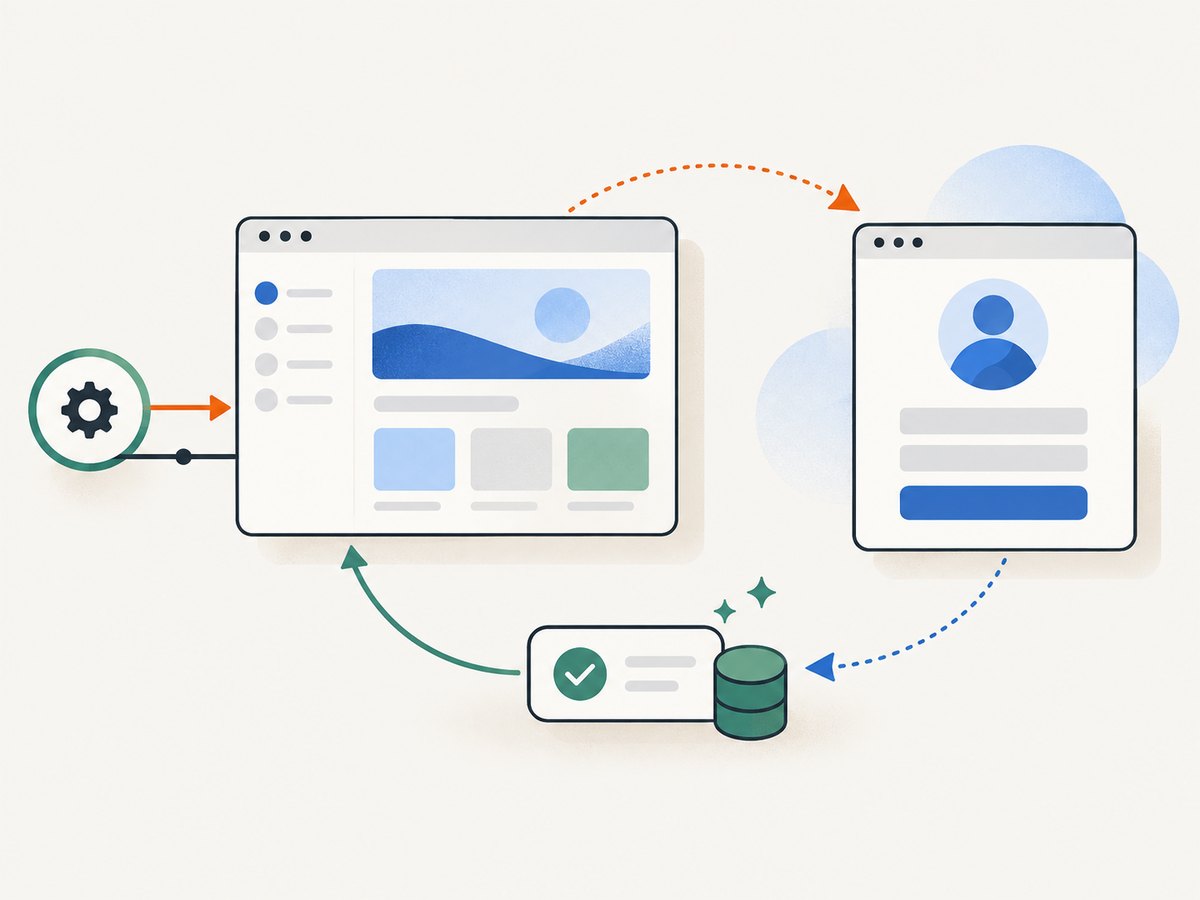
// cypress/e2e/microsoft-login.cy.js

describe('Microsoft sign-in', () => {
  it('redirects back to the app as an authenticated user', () => {
    cy.visit('/');
    cy.get('[data-cy="sign-in"]').click();

    cy.origin(
      'login.microsoftonline.com',
      {
        args: {
          username: Cypress.env('AAD_USERNAME'),
        },
      },
      ({ username }) => {
        cy.get('input[type="email"]').type(username, { log: false });
        cy.get('input[type="submit"]').click();
      }
    );

    // Some registered users continue at login.live.com.
    cy.origin(
      'login.live.com',
      {
        args: {
          password: Cypress.env('AAD_PASSWORD'),
        },
      },
      ({ password }) => {
        cy.get('input[type="password"]').type(password, { log: false });
        cy.get('input[type="submit"]').click();

        // The sample flow may show a “stay signed in?” prompt.
        cy.get('input[type="submit"]').click();
      }
    );

    cy.url().should('include', 'localhost');
    cy.get('[data-cy="current-user"]').should('be.visible');
  });
});
This is a flow template, not a universal selector set. The identity provider may remain on one hostname, move to another, show an extra step, or behave differently under MFA, consent, account type, and tenant policy. Inspect the actual test-account flow and adapt the origin blocks and assertions accordingly. If your account does not visit login.live.com, remove or replace that block; do not wait for a page that the tenant never uses.
log: false suppresses the typed secret from Cypress’s command log, as in the guide. It does not make a hardcoded password safe, so combine it with external secret storage. Keep assertions focused on the application’s authenticated state, not on brittle details of Microsoft’s current page layout.
5. Cache sign-in with cy.session()
Signing in interactively for every test adds repeated work and makes each test depend on the external sign-in journey. cy.session() saves and restores browser cookies, localStorage, and sessionStorage after setup and validation. Give the session a stable, unique ID for the identity and relevant auth context. Cypress warns that IDs appear in the reporter, so never include a password or token in one.
// cypress/support/commands.js

Cypress.Commands.add('loginWithMicrosoft', () => {
  cy.session(
    ['microsoft', Cypress.env('AAD_USERNAME')],
    () => {
      cy.visit('/');
      cy.get('[data-cy="sign-in"]').click();

      cy.origin(
        'login.microsoftonline.com',
        { args: { username: Cypress.env('AAD_USERNAME') } },
        ({ username }) => {
          cy.get('input[type="email"]').type(username, { log: false });
          cy.get('input[type="submit"]').click();
        }
      );

      cy.origin(
        'login.live.com',
        { args: { password: Cypress.env('AAD_PASSWORD') } },
        ({ password }) => {
          cy.get('input[type="password"]').type(password, { log: false });
          cy.get('input[type="submit"]').click();
          cy.get('input[type="submit"]').click();
        }
      );
    },
    {
      validate() {
        cy.visit('/');
        cy.get('[data-cy="current-user"]').should('be.visible');
      },
    }
  );
});

// cypress/e2e/account.cy.js

describe('account page', () => {
  beforeEach(() => {
    cy.loginWithMicrosoft();
    // With test isolation enabled, visit the page needed by this test.
    cy.visit('/account');
  });

  it('shows account settings', () => {
    cy.get('[data-cy="account-settings"]').should('be.visible');
  });
});
The validation should prove that the restored browser state still authenticates to your application. If validation fails, Cypress can invalidate the saved session and run setup again. Visiting the app after cy.session() is useful with test isolation enabled because the test may begin on a blank page after browser state restoration.
For reuse across specs in one Cypress run, the session API offers cacheAcrossSpecs. Its cache is limited to that run on one machine; it is not shared across machines. See Cypress’s cy.session() documentation for the current options and behavior.
6. Choose interactive coverage or session reuse
| Approach | Use it when | Check |
|---|---|---|
Interactive redirect with cy.origin() |
You need to exercise the real sign-in journey and return redirect. | Tenant policy and identity-page changes can require selector or flow maintenance. |
cy.session() around login |
Many tests need an already-authenticated app context. | Use a suitable ID and meaningful validation; cache scope is run and machine limited. |
| Application-supported test auth | Your app has an explicit test mechanism and you need to avoid repeating UI login. | Verify it is supported by the app’s auth design; it is not a general Microsoft login method. |
A useful suite often has a small number of tests for the interactive redirect journey and uses a validated session for tests focused on authenticated application behavior. This keeps the sign-in contract covered while reducing repeated identity-provider navigation.
7. Troubleshooting
| Symptom | Likely cause | Fix |
|---|---|---|
| Redirect loop between the app and Microsoft | The sample’s browser-code handling setup is missing or the app’s redirect configuration is inconsistent. | For the documented sample, check experimentalModifyObstructiveThirdPartyCode: true. Verify redirect URI and app setup in the test environment. |
| Popup opens but login never completes | The flow uses popup authentication, which Cypress’s AAD guide says does not work for this example. | Configure the sample/test flow to use redirect authentication. |
| Origin error or element not found on Microsoft page | The account flow uses a different hostname, page step, or selector than the demo. | Observe the test identity’s actual flow; use the correct cy.origin() host and stable selectors for each step. |
| Password field is never reached | The account may take a different route, or tenant policy may add MFA, consent, or another challenge. | Adapt the test for the intended test-account policy. Do not assume the example covers MFA or every account type. |
| Secret appears in command output | The sensitive .type() call omitted logging suppression or another command exposed the value. |
Use { log: false } for secret entry, keep credentials in environment/CI secrets, and review CI log access. |
| Login runs before every test | The tests repeat the UI flow instead of restoring browser state. | Place setup in cy.session() and validate the restored app identity. |
| Restored session receives 401 | The auth state may be stale or incomplete, or validation does not prove the session works. | Strengthen validation with an authenticated app check. A failed validation should cause setup to run again. |
| Test starts on a blank page | Test isolation leaves no page loaded after session restoration. | Call cy.visit() for the page the test needs after cy.session(). |
| Intermittent failures after repeated runs | The demo server or test environment may throttle authentication requests. | Check rate-limit responses and adjust the test environment’s limit deliberately; avoid weakening production controls. |
| SRI-related script failure in the sample | Subresource Integrity attributes interact with the sample’s test setup. | Follow the AAD guide’s test-specific options: configure removeSRIAttributes or remove attributes from the sample. Assess security impact before applying to your app. |
8. Reliability, speed, and cost considerations
The interactive route depends on your application, network, identity provider, and tenant policy. Keep it in a focused authentication test rather than making every UI test repeat the external flow. A cached session avoids repeated setup when valid, but a session is not permanent proof of authentication: token lifetime, sign-out, policy changes, or app behavior can invalidate it. Validation is the guard that turns stale state into a fresh setup attempt.
There is no universal runtime figure for this flow. Measure it in the same browser and CI environment where the suite runs. Track whether delay comes from app startup, redirects, identity prompts, throttling, or test retries before changing timeouts. Broad fixed waits can hide the source of slowness; assert on the next meaningful state instead.
Cost is mainly the compute time and CI capacity used by your test runs. Session reuse can reduce repeated browser work, while the small number of interactive tests preserves coverage of the sign-in journey. Do not reduce validation merely to make the suite faster: an unverified cached session can turn an authentication regression into misleading downstream failures.
9. Or skip the browser setup
For a screenshot of a page after you have reached it, ScreenshotNeo can return an image or PDF with one GET request. Its screenshot API is separate from Cypress authentication; it does not replace testing your Microsoft login flow. Pass an authorized public page URL, or a URL accessible using the request configuration your use case requires. See the ScreenshotNeo API documentation.

curl -G "https://api.screenshotneo.com/v1/shot" -d access_key=YOUR_API_KEY --data-urlencode url=https://stripe.com -o shot.webpimport requests
r = requests.get(
"https://api.screenshotneo.com/v1/shot",
params={"access_key": "YOUR_API_KEY", "url": "https://stripe.com"},
timeout=90,
)
open("shot.webp", "wb").write(r.content)const q = new URLSearchParams({ access_key: 'YOUR_API_KEY', url: 'https://stripe.com' });
const res = await fetch(`https://api.screenshotneo.com/v1/shot?${q}`);
if (!res.ok) throw new Error(`Screenshot request failed: ${res.status}`);
await Bun.write('shot.webp', res);Replace the example target with your page. ScreenshotNeo accepts cookie and consent banners like a visitor and removes 60+ known consent platforms, newsletter popups, and chat widgets before capture; each step can be turned off. Bot checks/CAPTCHAs, blank pages, timeouts, failed loads, and cache hits cost nothing, and response headers report the page verdict and billing status. It also provides an MCP server with take_screenshot, get_page_info, and capture_pdf tools for AI agents. The Free plan includes 1,000 shots per month with no card; paid plans start at $5 for 3,000 shots. All features are on every plan. Learn more at ScreenshotNeo.
Sign up for 1,000 free screenshots a month, with no card required.
10. Frequently asked questions
Does this configure Cypress Cloud SSO?
No. It tests a web application’s Microsoft login. Cypress Cloud SSO is a separate enterprise configuration for signing in to Cypress Cloud.
Can I use the same example for every Microsoft tenant?
No. It is an AAD/MSAL Browser SPA example. Account type, tenant policy, MFA, consent, and sign-in configuration can change the steps and hostnames.
Should every test perform an interactive sign-in?
Usually the suite needs coverage of the sign-in journey, while tests of authenticated features can reuse a validated session. Pick the split that matches the behavior each test is meant to verify.
Is ScreenshotNeo a Cypress authentication tool?
No. It captures pages as screenshots or PDFs; it does not perform or validate Microsoft sign-in. Use Cypress for the authentication test and ScreenshotNeo when you need a page capture.


