How to Migrate from MySQL to MariaDB
Plan a safe MySQL to MariaDB migration: check compatibility, choose logical or in-place migration, rehearse restore and rollback, then validate your application.
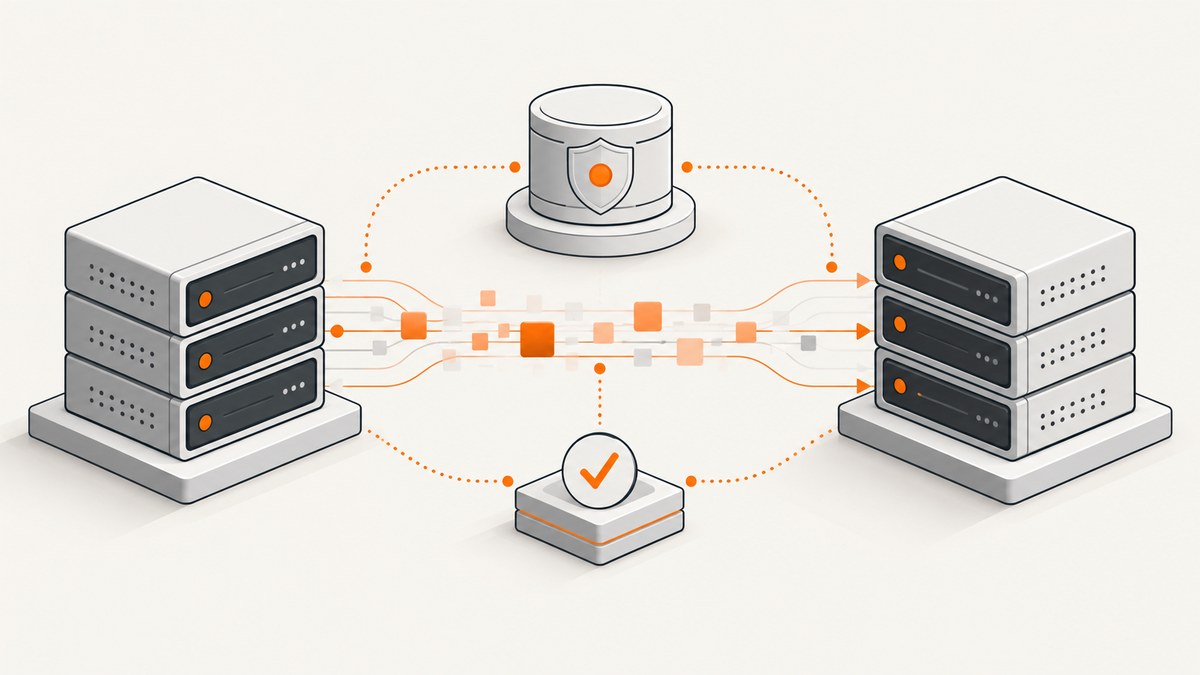
Migrating from MySQL to MariaDB means moving between two database products whose compatibility depends on the exact versions and configuration. Start by identifying the source and target releases, choosing between a logical dump and restore or an in-place replacement, and deciding how you will protect writes, rollback, and validate the application. MariaDB documents both migration paths, but neither is a guaranteed binary swap. MariaDB’s migration guide and compatibility matrix are the starting points for checking your version pair.
1. Decide whether a logical or in-place migration fits
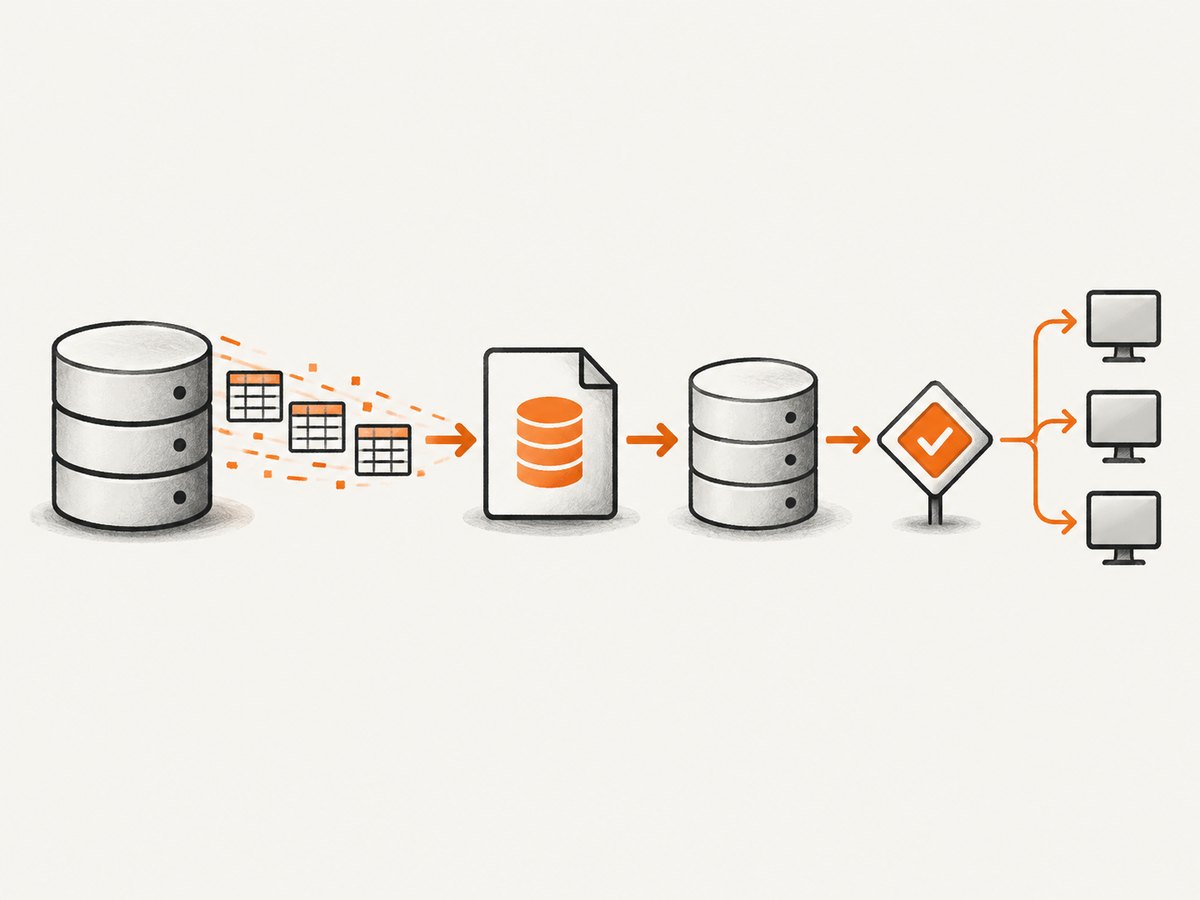
A logical migration exports database objects and data as SQL, then imports that dump into a fresh MariaDB instance. An in-place migration stops MySQL and starts MariaDB using an existing data directory, following the instructions for the selected release. The approaches have different downtime, recovery, and compatibility demands; do not select one solely because it uses fewer commands.
| Consideration | Logical dump and restore | In-place replacement |
|---|---|---|
| Destination | Fresh instance, often a new host or managed service | Existing host and data directory |
| Transfer | SQL export and import | Reuse storage after clean shutdown |
| Primary risks | Missing objects, dump compatibility, import duration, writes during cutover | Version/data-directory compatibility, configuration differences, unsafe rollback |
| Recovery | Keep source intact; plan how to reconcile writes after cutover | Restore an untouched copy or independent backup; do not assume modified data files can be reopened by MySQL |
Choose based on the exact version support, database size and tested downtime, whether you are moving hosts, and whether you can rehearse restore, application cutover, and rollback. If those requirements are not yet known, gather them before scheduling production work.
2. Check compatibility before writing a migration plan
Record the precise MySQL release, target MariaDB release, operating system, storage engines, and application connector versions. Consult the official compatibility material for that exact pair. Similar wire protocols do not guarantee identical behavior: SQL syntax, authentication plugins, system variables, character sets, collations, and replication or GTID semantics can differ. MariaDB notes that its connection protocol is backward compatible, so clients do not normally need replacement solely to connect; application behavior still needs testing. Compatibility details · Compatibility matrix · mariadb-dump reference.
- Authentication: inventory accounts, grants, password handling, and authentication plugins. Validate or recreate accounts using mechanisms supported by the target release.
- Schema and SQL: review views, generated expressions, routines, triggers, events, defaults, functions, and application queries.
- Character behavior: compare character sets and collations, especially where sorting, uniqueness, or case sensitivity affects application results.
- Configuration: inspect server options for names or behavior that changed between products or releases.
- Replication: document binary logging, GTID, failover, and topology. Do not assume MySQL and MariaDB GTID formats interoperate transparently; follow version-specific replication guidance.
- Dump compatibility: match dump producer and import client behavior. Newer dump output can contain a sandbox-mode command older MariaDB clients and MySQL’s
mysqlclient cannot interpret.
3. Inventory, back up, and rehearse
- Inventory the source. Capture server and OS versions, databases, table counts and sizes, storage engines, users and grants, routines, triggers, events, replication state, configuration, backup method, and application dependencies.
- Select a supported target. Check current lifecycle and compatibility documentation for your source-target pair and application requirements. A generic target-version recommendation cannot account for your environment.
- Make independent backups. Keep a recovery copy separate from the migration operation. Use a physical or logical backup method appropriate to your environment, and verify a restore before production. MariaDB’s migration guide describes both backup types.
- Rehearse using representative data. Restore a recent backup into a nonproduction target. Record import warnings and errors; test application authentication, critical queries, jobs, routines, and representative workload.
- Measure the procedure. Time the backup, transfer, import or startup, validation, and rollback steps in rehearsal. Set a cutover window from observed results rather than an assumed duration.
For a logical dump, decide which databases and objects to include and how to ensure a consistent export for your engines and write workload. The MariaDB dump utility is intended for backing up or transferring databases, but exact flags depend on the client/server versions and consistency requirements. Read the dump utility documentation for the installed versions; do not paste an unreviewed command into production.
4. Run a logical migration
This example shows the general flow. Replace placeholders, protect credentials, and choose dump options for your versions, engines, and required objects. The import client must be compatible with the generated dump syntax.
# 1. Export from MySQL. Add reviewed options for a consistent dump,
#    routines/events/triggers, and the databases required by your application.
mysqldump --host=MYSQL_HOST --user=MIGRATION_USER --password \
  --databases appdb > appdb.sql

# 2. Copy appdb.sql to the target through your approved secure channel.

# 3. Import into the fresh MariaDB instance using a compatible client.
mariadb --host=MARIADB_HOST --user=MIGRATION_USER --password < appdb.sql
Enter passwords interactively or use your platform’s secret manager rather than placing secrets in shell history or a process list. If writes continue on MySQL after the export, the target will not automatically contain those later changes. Plan a write freeze, a change-capture/replication design supported by your exact versions, or another explicit synchronization strategy; test it before cutover.
5. Run an in-place migration
An in-place operation depends closely on the MariaDB release and operating system. Use that release’s official upgrade procedure for exact package, shutdown, configuration, and startup instructions. At a high level:
- Take and verify an independent backup and preserve a restorable copy of the original data and configuration.
- Stop MySQL cleanly using the service manager and confirm the process has exited.
- Install the selected MariaDB release as directed by its official procedure. Review configuration changes instead of assuming every MySQL option remains valid.
- Start MariaDB and inspect startup logs. Do not continue if there are unexplained errors or missing tables.
- Run
mariadb-upgradewhen required by the applicable procedure, then review its output and logs. - Validate the server and application before directing normal traffic to it.
mariadb-upgrade updates system tables and checks tables for upgrade after the new server starts; it is not a data-transfer tool. Back up before running it. For rollback, restore the preserved original state if necessary. Do not point MySQL binaries at a data directory after MariaDB has modified system metadata. See the mariadb-upgrade reference and the migration guide for release-specific direction.
6. Cut over and validate
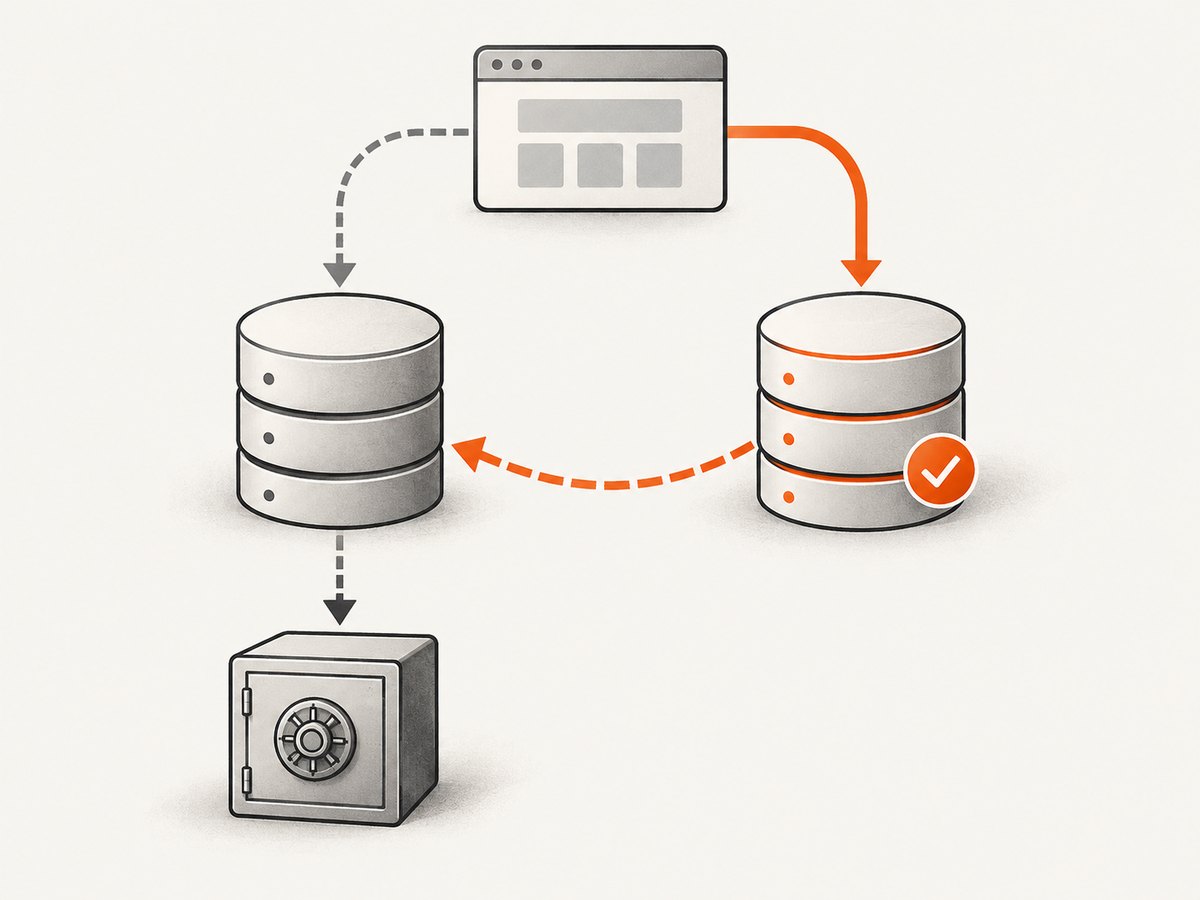
Use a written cutover checklist. The precise sequence depends on topology, but should identify who controls writes and traffic at every step.
- Announce the maintenance window and apply the tested write-control or synchronization plan.
- Take a final backup or checkpoint according to the rehearsed runbook.
- Complete the selected logical or in-place migration and check server logs.
- Compare expected databases, tables, and critical row counts. Check application-critical records and representative aggregates.
- Connect with the production application. Test reads and writes, authentication, transactions, scheduled jobs, stored routines, triggers, events, and any integrations that use the database.
- Observe query errors, resource use, and performance under representative traffic before considering the migration complete.
- Keep the old system and recovery copies until your stated rollback criteria and retention period are satisfied.
Protocol compatibility helps with connectivity, but does not prove that SQL behavior, connector-specific features, authentication, or performance match. Application-level validation is part of the migration, not an optional final polish.
7. Rollback, reliability, and cost
Define rollback conditions before cutover: for example, which failed validations or service symptoms trigger reversal, who makes the decision, and how traffic and writes return. With logical migration, preserve MySQL and decide how to reconcile writes accepted by MariaDB if you return. With in-place migration, keep an untouched copy or independently restorable backup; changing system tables can make the original data directory unsuitable for MySQL. Rehearse the actual recovery path.
Reliability depends on a restorable backup, a controlled write transition, compatibility checks, and application validation. Do not infer zero data loss or a particular downtime from the migration method alone. Cost planning should include target infrastructure, temporary space for dumps and copies, backup retention, rehearsal environments, and staff time during the cutover. No specific performance gain should be assumed: compare representative queries and workload on the rehearsed target.
8. Troubleshooting common migration problems
| Symptom | Likely cause | What to do |
|---|---|---|
| Import stops on an unknown command near the start of a dump | Dump emitted a sandbox-mode command unsupported by the older import client | Use a compatible client or regenerate the dump using documented options appropriate to the producer and target versions. Confirm the exact failure before editing dump contents. |
| Server fails to start after in-place replacement | Unsupported version/data-directory combination, invalid configuration option, permissions, or another startup issue | Read the server error log, verify the release-specific procedure and configuration, and recover from the preserved backup if the cause is not resolved safely. |
| Application connects but queries fail | SQL or function differences, collation behavior, missing objects, or connector assumptions | Run failing application queries on the target, check schema and object inventories, and consult the compatibility matrix for the exact versions. |
| Users cannot authenticate | Authentication plugin or account/grant behavior differs | Inspect target-supported authentication methods and grants; validate with the actual application connector and secret configuration. |
| Counts differ after import | Incomplete database/object selection, failed import statements, or writes occurring during export | Review dump scope and import output, compare critical records, and repeat from a consistent source snapshot or tested synchronization procedure. |
| Replication or failover does not behave as expected | GTID or binary-log assumptions are incompatible across the selected releases/topology | Stop relying on implicit compatibility. Follow version-specific replication documentation and rehearse failover with the intended topology. |
| Migration appears complete but background behavior breaks | Events, routines, triggers, scheduled jobs, or application workers were omitted or not validated | Inventory these dependencies and run an explicit production-like validation checklist before cutover completion. |
Or skip the browser setup
ScreenshotNeo is a website screenshot API and MCP server from ScreenshotNeo. If documenting a migration runbook or capturing a web page for it, this one GET request returns an image or PDF; see the API documentation.
curl -G "https://api.screenshotneo.com/v1/shot" \
  -d access_key=YOUR_API_KEY \
  --data-urlencode url=https://stripe.com \
  -o shot.webp
Cookie banners, popups, and chat widgets are removed before the shot. Bot checks, blank pages, and failed loads are never billed. An MCP server lets AI agents take screenshots. The free plan includes 1,000 screenshots a month with no card; paid plans start at $5 for 3,000. Sign up for 1,000 free screenshots a month, no card required.
FAQ
Can I migrate without losing data?
A migration can preserve data when export, transfer, write handling, restore, and validation are planned and rehearsed. No method guarantees that outcome automatically; verify critical records and define how writes are handled during cutover.
Do I have to change application drivers?
MariaDB’s protocol compatibility means clients do not normally need upgrading solely to connect. Still test the actual connector, authentication setup, SQL, and application workload against the target.
Does mariadb-upgrade migrate my databases?
No. It updates system tables and checks tables after MariaDB starts. Data movement belongs to the chosen logical or in-place migration procedure.
Can I use MySQL and MariaDB replication interchangeably?
Do not assume so. GTID formats and replication behavior can differ; validate the exact versions and topology using version-specific guidance.


