Mobile App Screenshot Generator
Learn how mobile app screenshot generators create store-ready visuals, meet Apple and Google Play rules, and automate repeatable exports.
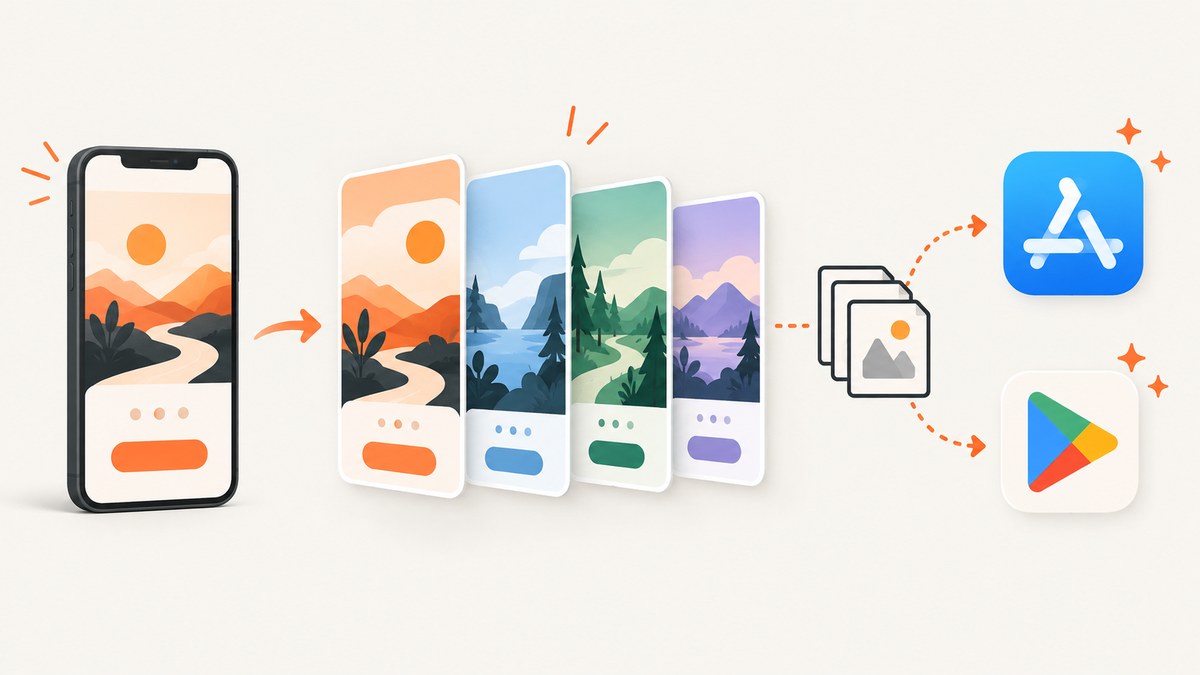
A mobile app screenshot generator turns real app screens into promotional images for App Store and Google Play listings. It can place captures inside device frames, add headlines and backgrounds, arrange a sequence, and export files at storefront dimensions. The generator saves repetitive composition work, but its output still needs validation against each store’s current rules.
The reliable workflow is: capture real screens, choose the storefront and device targets, compose a consistent sequence, export opaque JPEG or PNG files, inspect dimensions and file sizes, then review the listing preview. A polished layout is not proof that a file will be accepted.
What a mobile app screenshot generator does
Most generators combine four jobs:
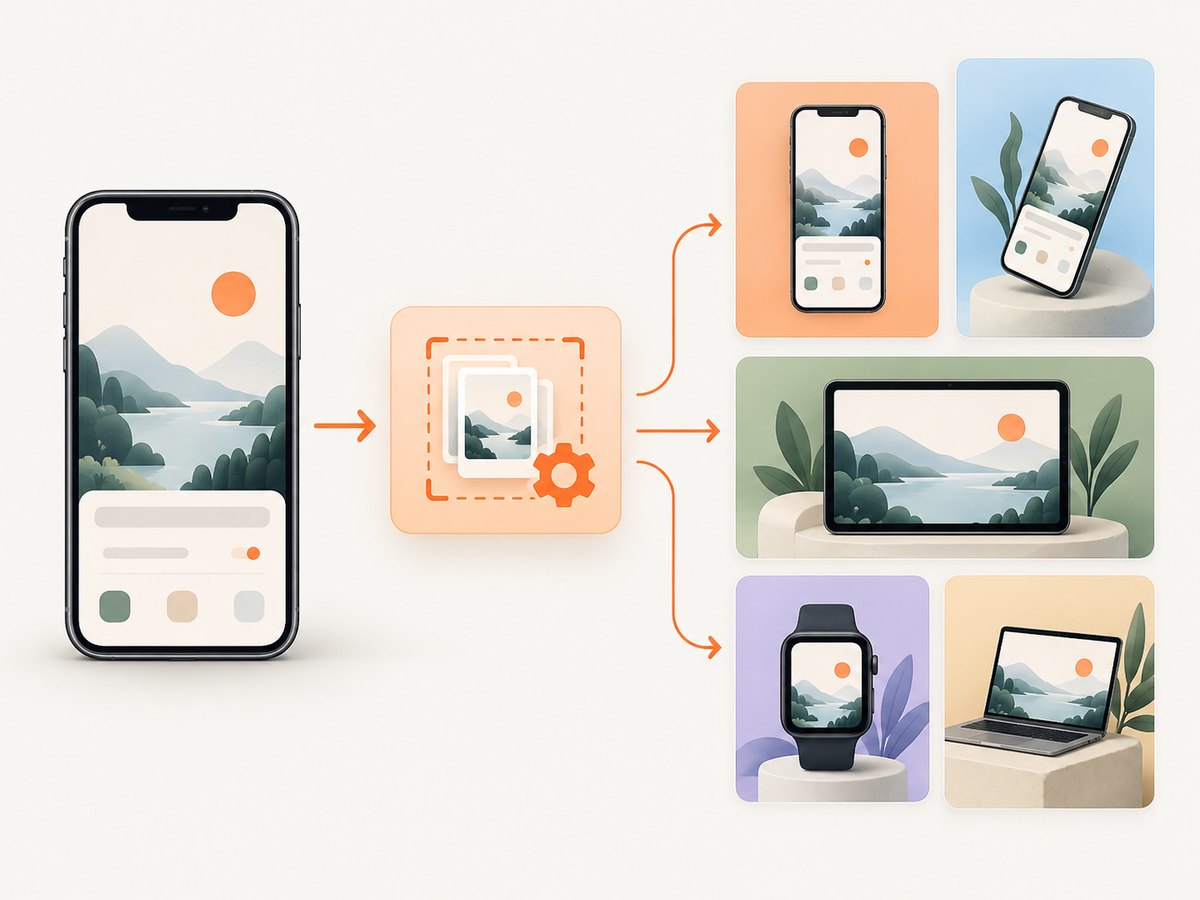
- Capture placement: import screenshots from the real app and position them in a phone, tablet, or other device frame.
- Composition: add a background, headline, subtitle, spacing, and a repeatable visual system.
- Store presets: choose an output size and orientation for a target storefront and device family.
- Export: produce ordered JPEG or PNG files for upload.
Some browser tools advertise frames, headlines, backgrounds, and export presets. Screenies describes AI-assisted Apple and Google Play screenshot creation with device frames and store-oriented exports. These are vendor-stated capabilities; inspect every export yourself.
Store requirements to plan around
Apple App Store
App Store Connect accepts one to ten screenshots per localization in JPEG, JPG, or PNG format. Apple’s specifications say screenshots cannot contain an alpha channel or transparency. Device families have separate accepted dimensions, and the exact table changes as Apple adds models. If an app runs on iPad, Apple requires 13-inch iPad screenshots; the cited portrait options include 2064 × 2752 and 2048 × 2732 for applicable models. Check the current Apple screenshot specification table before exporting.
Apple explains that screenshots visually communicate the app’s user experience. When the UI is identical across sizes and localizations, you may provide the highest required resolution and let the system scale it down; Media Manager also supports specific size and localization uploads. Once a version is submitted and approved, changing its screenshots requires a new version. Use App Store Connect upload guidance for the current workflow.
Google Play
Google Play screenshots must be PNG or JPEG, each no larger than 8 MB, and use an 8:5 aspect ratio according to Google Play Console Help. Play can show a preview video first and screenshots afterward, so order your images deliberately. Do not reuse Apple device assumptions for Play: select the target device and category requirements in Play Console.
A repeatable generation workflow
- List targets. Record storefront, supported phone and tablet families, orientation, localization, and required pixel dimensions.
- Capture real screens. Use production or release-candidate builds. Include the flows that explain the app without implying unavailable functionality.
- Choose a visual system. Define one or two backgrounds, a type scale, safe margins, frame treatment, and headline length before making every image.
- Sequence the story. Lead with the clearest value, then show the primary workflow, differentiating features, and a final confirmation or result.
- Compose in the generator. Keep copy outside important controls. Check legibility at the size users see in a store listing.
- Export per platform. Make separate sets where dimensions, aspect ratio, orientation, or copy differ.
- Validate files. Check dimensions, format, opacity, file size, orientation, ordering, and actual screen accuracy.
- Preview before release. Use App Store Connect Preview and the Play Console listing preview, then correct misleading or clipped content.
Do-it-yourself capture with Playwright
A generator cannot repair an inaccurate source image. For a repeatable source-capture pipeline, Playwright can open a URL, set a device-like viewport, wait for the app to settle, and save a full-page or viewport image. Install it with npm install playwright and download a browser with npx playwright install chromium.
import { chromium, devices } from 'playwright';

const browser = await chromium.launch();
const page = await browser.newPage({
  ...devices['iPhone 13'],
  locale: 'en-US',
  colorScheme: 'light'
});

await page.goto('https://example.com/app', { waitUntil: 'networkidle' });
await page.locator('[data-testid="ready"]').waitFor({ state: 'visible', timeout: 15000 });
await page.screenshot({ path: 'app-screen.png', fullPage: false, animations: 'disabled' });
await browser.close();
For a full page, change fullPage to true. To capture one component, use a locator:
await page.locator('.pricing-card').screenshot({ path: 'pricing-card.png' });When the app needs login, seed a storage state rather than placing credentials in source control. For dynamic content, wait for a stable selector or a bounded delay. Network idle can remain unreachable on pages with analytics or live sockets, so prefer a known ready element when possible.
Generator options that matter
| Option | Why it matters | Check before export |
|---|---|---|
| Device frame | Signals platform context and creates a consistent series. | Frame does not cover app controls or imply an unsupported model. |
| Canvas size | Determines store acceptance and sharpness. | Exact pixel dimensions for each target. |
| Orientation | Landscape and portrait have different compositions. | Matches the actual app and store target. |
| Text overlays | Explain the benefit before a user zooms in. | Readable, accurate, and localized. |
| Background and padding | Creates visual hierarchy and prevents edge collisions. | No transparency where the store forbids it. |
| Localization | Headlines often expand substantially in translation. | Separate, named exports with the same ordering. |
| Compression | Reduces upload size without destroying small UI text. | JPEG quality or PNG output remains legible and within limits. |
Validation checklist
- Confirm every file opens and contains the intended screen.
- Read pixel dimensions from the file metadata, not only the generator preset name.
- Confirm JPEG/JPG/PNG format and remove alpha channels when Apple requires opaque images.
- Check Google Play files are 8 MB or smaller and use 8:5 framing.
- Inspect phone and tablet sets separately; do not stretch a portrait design into landscape.
- Check captions against the shipped feature and current localization.
- Review ordering in the storefront preview.
- Keep source captures and an export manifest so a later update can be reproduced.
Or skip the browser setup
ScreenshotNeo provides a one-call website screenshot API when your source is a web app, landing page, documentation page, or marketing flow. Before capture it accepts cookie or consent banners and removes more than 60 known consent platforms, newsletter popups, and chat widgets; each step can be disabled. Bot checks, blank pages, timeouts, failed loads, and cache hits are not billed, and the response identifies the result with X-Page-Verdict and X-Billed headers. An MCP server supplies take_screenshot, get_page_info, and capture_pdf tools to Claude, Cursor, and other MCP clients.

See the ScreenshotNeo API documentation for all options. This is a direct request that saves a WebP file:
curl -G 'https://api.screenshotneo.com/v1/shot' \
  -d access_key=YOUR_API_KEY \
  --data-urlencode url=https://stripe.com \
  -o shot.webp
import requests
r = requests.get(
'https://api.screenshotneo.com/v1/shot',
params={'access_key': 'YOUR_API_KEY', 'url': 'https://stripe.com'},
timeout=90,
)
r.raise_for_status()
open('shot.webp', 'wb').write(r.content)const q = new URLSearchParams({ access_key: 'YOUR_API_KEY', url: 'https://stripe.com' });
const res = await fetch(`https://api.screenshotneo.com/v1/shot?${q}`);
if (!res.ok) throw new Error(`${res.status} ${await res.text()}`);
const bytes = Buffer.from(await res.arrayBuffer());
await import('node:fs/promises').then(fs => fs.writeFile('shot.webp', bytes));You can add full-page capture, a CSS selector, dark mode, any viewport or one of 12 device presets, retina scale, custom CSS and JavaScript, clicks, waits, hidden selectors, blocked ads and trackers, custom headers, cookies, user agents, authorization, timezone, geolocation, transparent backgrounds, resizing, cache TTLs, signed links, asynchronous jobs with signed webhooks, bulk capture of up to 100 URLs, PDF settings, and usage reporting. Clean shots are the only billed captures. The Free plan includes 1,000 shots per month with no card; paid plans start at $5 for 3,000 shots. Create a free ScreenshotNeo account.
Performance, reliability, and cost
Browser automation has a startup cost, consumes memory, and becomes harder to operate when you run many locales or device sizes. Reuse a browser process, limit concurrency, wait on deterministic selectors, and cache unchanged source screens. Keep retries bounded so a broken page does not create an infinite queue. Store a manifest containing URL, commit or build identifier, viewport, locale, and timestamp.
For API capture, choose a cache TTL when the source is stable, use bulk capture for up to 100 URLs, and use asynchronous jobs with signed webhooks for large batches. Inspect verdict and billing headers so your accounting distinguishes a clean image from a failed or cached response. Resize only after capture when the target requires a smaller asset, and preserve the original for future exports.
ScreenshotNeo pricing is $5 for 3,000 shots on Starter, $15 for 15,000 on Growth, $39 for 60,000 on Pro, $99 for 250,000 on Scale, and $249 for 1,000,000 on Business. Yearly billing gives two months free, and every feature is available on every plan.
Troubleshooting
The store rejects an image for size or format
Read the exported file’s actual metadata. A preset may target a nearby device while the store expects another dimension. Re-export from the current Apple table or Play Console guidance, and verify the result with an image tool.
Apple reports transparency
The PNG contains an alpha channel, even if it looks opaque. Flatten it onto a solid background and export without alpha. Check every localized file.
Google Play rejects the aspect ratio
Use an 8:5 canvas and keep the complete composition inside it. Do not crop an Apple portrait asset and assume it meets Play’s ratio.
Text is unreadable in the listing
Shorten the headline, increase contrast, and preview at the display size. Do not place copy over small controls or dense screenshots.
The source capture is blank
The page may need a longer wait, authentication, a consent interaction, or a stable selector. In Playwright, wait for a ready element and inspect console or network errors. In ScreenshotNeo, read X-Page-Verdict; blank pages, timeouts, and failed loads are identified and are not billed.
Cookie banners or chat widgets cover the page
Handle consent before capture or hide known overlays. ScreenshotNeo removes consent platforms, newsletter popups, and chat widgets before the shot, with controls to disable individual cleanup steps.
Localized exports drift apart
Use the same template, named text fields, and fixed safe areas. Test the longest translations first and keep one manifest per locale.
FAQ
What is the difference between a screenshot and a generated store image?
A screenshot is the captured app screen. A generated store image combines that capture with a canvas, frame, background, and optional explanatory text.
Can one design serve both stores?
The visual system can be shared, but export files should be generated and validated separately because Apple and Google Play have different dimensions and rules.
Should I use real app screens?
Yes. Use screens from the shipped or release-candidate build so captions and visuals accurately represent the available experience.
Do device frames improve store acceptance?
No frame guarantees acceptance. Acceptance depends on the current platform requirements and accurate, valid files.
When should I regenerate screenshots?
Regenerate when the UI, supported device targets, localization, store rules, or promotional message changes. Keep the source captures and manifest so the set remains reproducible.
Final checklist
Choose targets, capture real screens, compose a readable sequence, export separately for Apple and Google Play, validate metadata and opacity, inspect previews, and keep reproducible source files. If web pages are part of your asset pipeline, ScreenshotNeo can remove consent clutter, report failed captures without billing them, and provide both API and MCP workflows.


