How to Stub and Mock Streamed ChatGPT Responses
Choose the right test boundary for streaming ChatGPT responses, then build deterministic fixtures for deltas, completion, disconnects, and malformed events.
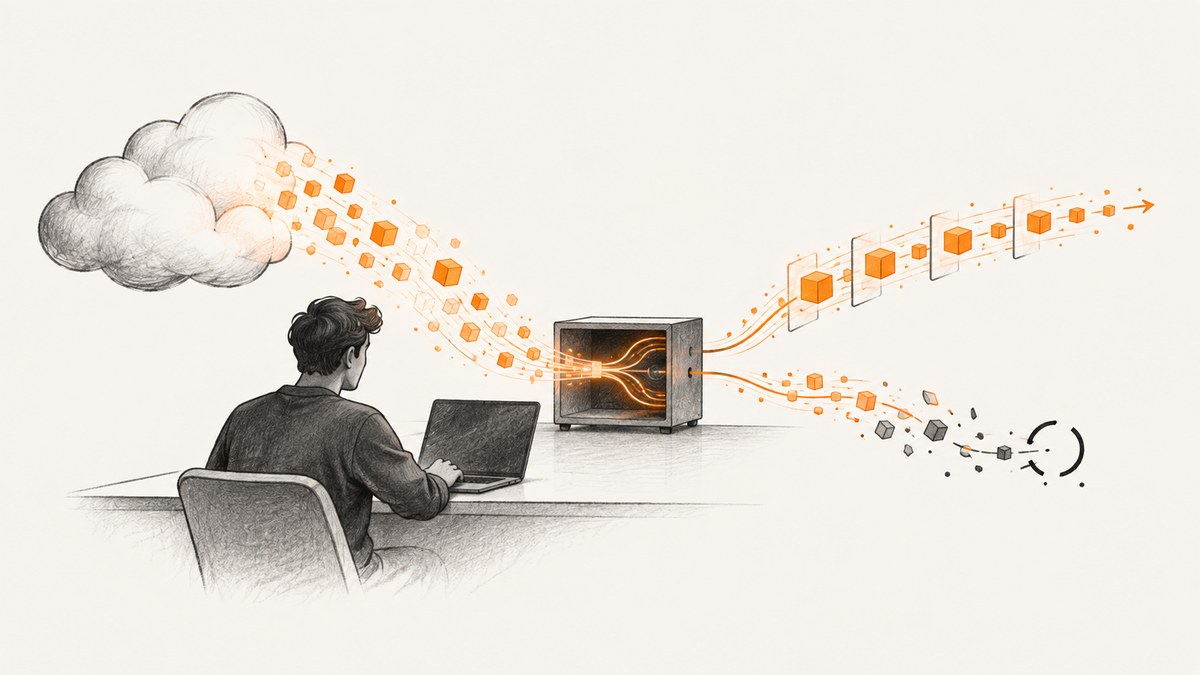
To mock a streamed ChatGPT response, first choose what you are testing. For application workflow tests, use a scripted in-memory model that returns deterministic output. For request serialization, authentication, provider defaults, server-sent event (SSE) framing, retries, or network failures, keep the real OpenAI adapter and give it a controlled HTTP response. Mock the narrowest boundary that still exercises the behavior you care about.
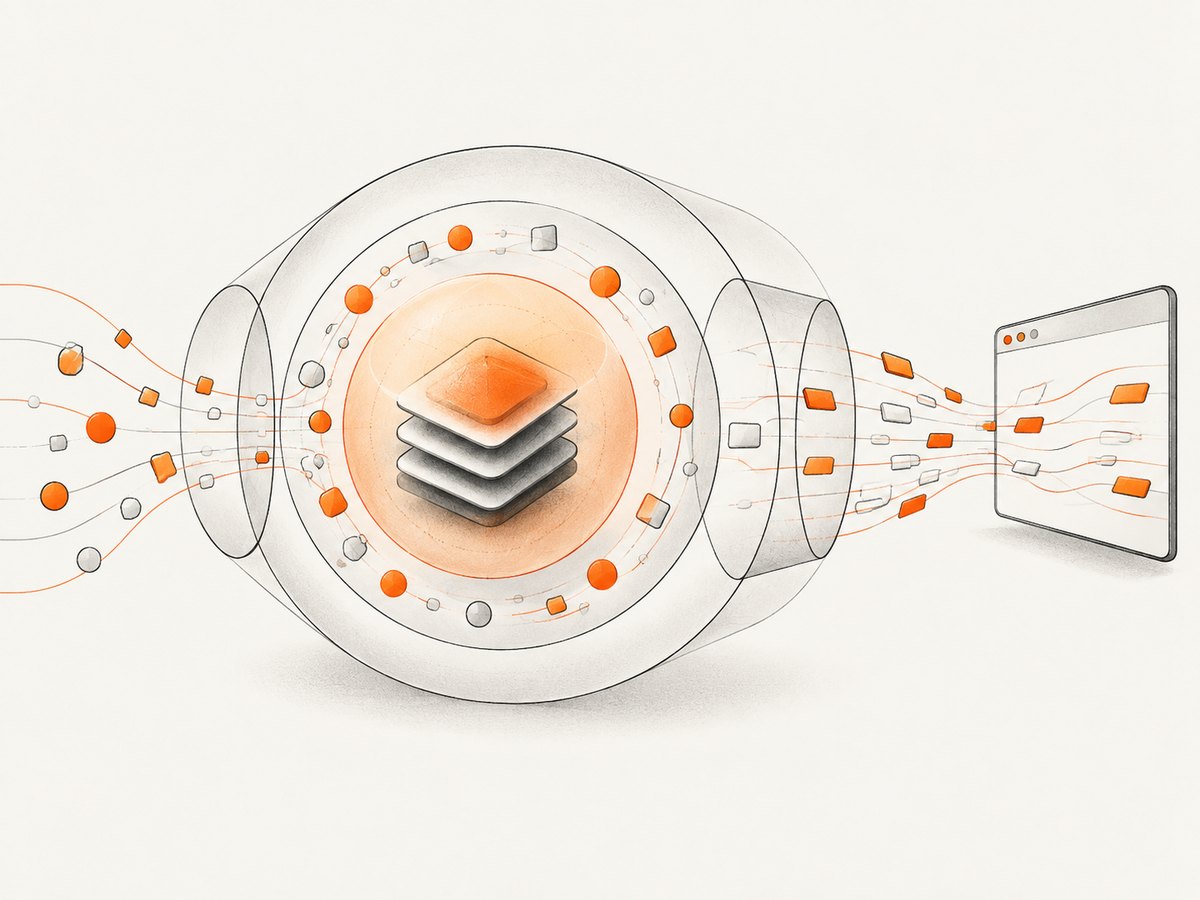
That distinction matters because a model-level stream and an HTTP-level stream are different things. The model-level fixture typically uses SDK-normalized events. The HTTP fixture must use the provider’s actual wire representation. Responses API streaming uses named SSE events, while Chat Completions streaming uses chunks with a delta field. Those shapes are not interchangeable.
1. Pick the test boundary
Use this table before building fixtures. It helps avoid tests that pass with an unrealistic fixture but fail when the application meets the actual protocol.
| Test goal | Best boundary | What the fixture should represent |
|---|---|---|
| Final answer, tool flow, handoff, retries in your workflow | Scripted model | Deterministic model output; let the SDK normalize stream events |
| Partial rendering, event order, cancellation, consumer cleanup | Normalized stream | Explicit event sequence including a terminal completion |
| Request body, auth headers, provider defaults, SSE parsing | HTTP transport with the real adapter | Exact request plus provider-shaped response frames |
| Browser-facing proxy or server stream conversion | Both sides of the proxy | Provider SSE on one side and your app’s NDJSON or other format on the other |
The OpenAI Agents SDK testing guidance makes the same separation: use scripted models for ordinary workflow behavior, and explicit normalized stream events only when that exact sequence is part of the behavior under test. Keep wire-level tests for wire-level risks; they are more realistic but more sensitive to provider and SDK changes.
2. Mock a workflow with a scripted model
This is the right default for most unit tests. Give the application a model implementation that returns a known assistant message, then assert the outcome that matters to your application: accumulated text, tool calls, handoffs, retry count, state transitions, or emitted UI updates. Do not reproduce provider event framing if your test is not about framing.
In the OpenAI Agents SDK, the JavaScript testing helper model can provide a deterministic response for workflow tests. The exact constructor and response schema depend on the SDK version, so use the installed version’s testing documentation and types. The following is a boundary sketch, not a drop-in SDK constructor:
// Pseudocode: adapt the scripted model helper to your installed SDK version.
const model = scriptedModel({
  responses: [{ role: "assistant", content: "The status is ready." }],
});

const result = await runAgent({ model, input: "Check the status" });
assert.equal(result.finalText, "The status is ready.");
For stream-specific workflow behavior, consume the SDK’s normal stream output and assert both incremental updates and the final result. If your application renders each delta, collect those deltas in order. Also verify it reaches its completion state and does not leave a spinner, open response, or pending promise behind.
Keep one test for ordinary completion and separate tests for tool handoff, retry, and failure paths. Small fixtures make failures easier to interpret. A single giant scripted conversation can obscure which step broke.
3. Test exact event sequences when they matter
Use an explicit normalized-event fixture only when event ordering or stream handling is itself under test. Examples include rendering partial text, handling cancellation, stopping after a terminal event, or ensuring a consumer releases resources after a disconnect.
The Agents SDK JavaScript guidance exposes modelStream(events) for this purpose. Python has the corresponding ModelStep.stream() guidance. These helpers operate at the SDK’s normalized event boundary; they do not stand in for raw provider SSE. Shape the events using the SDK version installed in your project.
// Pseudocode: use the event types from your installed Agents SDK.
const events = [
  textDelta("Hello"),
  textDelta(", world"),
  completed(),
];

const model = modelStream(events);
const result = await runAgent({ model, input: "Greet me" });
assert.equal(result.finalText, "Hello, world");
assert.deepEqual(renderedDeltas, ["Hello", ", world"]);
Include a terminal completion event in successful fixtures. Then assert that the consumer closes or finalizes its resources. For cancellation and disconnect cases, assert cleanup too: abort signals are observed, readers are released, and UI state settles. A test that only checks visible text can miss a stream that continues consuming in the background.
Responses and Chat Completions fixtures differ
Responses API streaming uses SSE semantic events. Common lifecycle names include response.created, response.output_text.delta, response.completed, and error. Chat Completions streaming instead yields incremental chunks whose delta may contain a role token, a content token, or no content. Do not take a Chat Completions chunk fixture and feed it to a Responses stream parser, or vice versa.
For Chat Completions, a content delta is only one possible chunk shape; the initial role chunk and terminal chunk may not contain ordinary text. Your consumer should not assume every chunk appends a string. For Responses, dispatch according to event type, and account for non-text events your application uses. Use the provider’s current streaming documentation for the complete event schema and keep fixtures aligned with the API endpoint your adapter calls.
4. Exercise the real HTTP adapter with queued SSE
When testing serialization, headers, provider parsing, retry behavior, or transport failures, keep the real model adapter and intercept its HTTP request. A small local or in-memory server can queue scripted responses: match the incoming request, write the expected content type, emit one frame at a time, then terminate or close the connection in the way the test requires.
A successful Responses-style fixture is conceptually an SSE stream: each event has an event name and JSON data, separated by a blank line. The exact JSON fields must match the endpoint and API version used by the code under test.
// Node.js HTTP fixture sketch. Plug in the exact event JSON required by your API version.
import http from "node:http";

const frames = [
  'event: response.created\ndata: {"type":"response.created"}\n\n',
  'event: response.output_text.delta\ndata: {"type":"response.output_text.delta","delta":"Hello"}\n\n',
  'event: response.completed\ndata: {"type":"response.completed"}\n\n',
];

const server = http.createServer((req, res) => {
  if (req.url !== "/responses") {
    res.writeHead(404).end();
    return;
  }
  res.writeHead(200, { "content-type": "text/event-stream" });
  for (const frame of frames) res.write(frame);
  res.end();
});

server.listen(0, "127.0.0.1");
// Point the real adapter at this server using its supported base URL or HTTP transport option.
// In the test teardown, close the server and await its close callback.
This illustrates the queued-SSE pattern; adapt it to the HTTP test server and adapter configuration used by your stack. Match and assert the method, path, headers, and request body before responding. Otherwise the fixture can accidentally satisfy a different request than the one you meant to test.
Add targeted failure cases:
- Non-200 response with a provider-shaped error body.
- An error event partway through an otherwise valid stream.
- A truncated body that closes before the terminal event.
- Slow frame delivery to exercise timeout and cancellation behavior.
- Malformed JSON or invalid event framing.
- Duplicate or out-of-order events if your client is expected to defend against them.
Keep timing deterministic. Use explicit gates or controlled delays rather than relying on arbitrary sleeps where possible. If timing itself is not under test, emit frames immediately and test ordering and cleanup without introducing flaky clock assumptions.
5. Preserve the representation at each boundary
Raw Responses events in the OpenAI Node SDK are exposed as an async iterable. A raw stream is single-consumer: do not have two independent parts of the application iterate over it and expect both to receive every event. Use stream.tee() when two consumers need their own branches.
Be careful when constructing a stream from a byte source. The Node SDK’s ResponseStream.fromReadableStream() expects newline-delimited JSON (NDJSON), not the original SSE wire format. If production code converts SSE into NDJSON, test that conversion explicitly. A fixture that sends SSE to an NDJSON parser, or NDJSON to an SSE parser, tests the wrong representation and can fail for reasons unrelated to the behavior you intended to verify.
For a server that forwards output to a browser, test the provider-facing and browser-facing contracts separately, then test the conversion between them. Confirm that the browser endpoint emits the declared content type and framing, flushes incremental data, and communicates completion or errors in the format your client expects.
6. Failure cases and what to assert
| Scenario | Useful assertion |
|---|---|
| Disconnect after one delta | Partial text remains safe; request settles with the expected error or retry policy; reader is released |
| Malformed frame or JSON | Parser reports a controlled failure; no fabricated completion is shown |
| Missing terminal event | Timeout or truncation path runs; UI does not report success |
| Cancellation by user | Abort reaches transport; no later deltas update the canceled view |
| Provider error event | Error is surfaced according to app policy and cleanup still occurs |
| Retryable HTTP failure | Retry count and backoff policy are bounded and observable |
Decide whether partial output is retained, cleared, or marked incomplete on error. That is an application policy, not something the fixture should decide implicitly. Test the chosen behavior so that a mid-stream failure cannot silently look like a complete answer.
7. Troubleshooting
- The test sees one final string, not deltas. You are probably testing a non-streaming helper or a scripted workflow boundary that normalizes output. Exercise the stream interface or exact normalized event helper when incremental rendering is the subject.
- The parser reports an unexpected event. Check whether the endpoint is Responses or Chat Completions, then verify event names and JSON fields against that API’s stream format.
- The fixture hangs. Ensure the successful path sends the expected terminal event and closes the response. For intentionally truncated streams, configure a bounded timeout and assert the timeout path.
- Only one consumer receives events. Raw async iterable streams are single-consumer. Use
tee()to create branches for independent readers. - ReadableStream parsing fails on SSE. The SDK helper expects NDJSON. Convert the wire stream first or use an SSE parser at the provider boundary.
- Tests pass locally but fail intermittently in CI. Replace arbitrary sleeps with deterministic synchronization, avoid wall-clock ordering assumptions, and close servers and readers in teardown.
- A mock succeeds but production fails authentication or serialization. The mock sits too high in the stack. Add an HTTP-boundary test with the real adapter and assert the outgoing headers and payload.
- A browser gets a complete response only after a long pause. Inspect proxy buffering and flushing, then test the browser-facing response format independently of the provider SSE response.
8. Performance, reliability, and maintenance
In-memory scripted-model tests are generally the smallest and easiest fixtures to maintain because they avoid sockets, framing, and timing. Use them for the bulk of workflow coverage. HTTP/SSE tests cost more to set up and can become version-sensitive, so reserve them for behavior that depends on the actual transport or provider protocol.
Keep each wire fixture short and name the failure mode it represents. One delta followed by completion is enough to validate basic framing; add more frames only when ordering or chunk boundaries matter. For large responses, test accumulation separately from protocol parsing so a failure points to one concern.
Do not use live API calls as the normal unit-test mechanism. They introduce network variability and external service costs, and they make deterministic failure cases difficult to reproduce. A controlled transport provides repeatable disconnects and malformed responses without requiring a real model request. Retain a separately managed integration check only if your project needs to verify live credentials and service configuration.
Pin or track SDK versions for tests that rely on helper types and normalized event schemas. When upgrading, review the SDK’s testing helpers and provider event contract. SDK-normalized fixtures tend to change less often than hand-written wire fixtures, while wire fixtures provide stronger integration coverage. Keep both only where each catches a distinct regression.
9. Use screenshots to debug streamed interfaces
Streaming bugs can be difficult to describe from logs alone. A reproducible browser capture at key states—before the first delta, during partial output, and after completion or failure—can help document what the user interface showed. For a local setup, use browser automation or a manual capture at those checkpoints; the stream test should remain the source of truth for event behavior.
Or skip the browser setup
If you need a screenshot of a page state without configuring a browser capture stack, ScreenshotNeo is a website screenshot API and MCP server for developers. Its screenshot call is separate from ChatGPT streaming: it captures a URL as an image or PDF, which can help record a UI state for debugging.
One GET request returns the capture. See the ScreenshotNeo API documentation for parameters and response options.
curl -G "https://api.screenshotneo.com/v1/shot" -d access_key=YOUR_API_KEY --data-urlencode url=https://stripe.com -o shot.webpimport requests
r = requests.get(
"https://api.screenshotneo.com/v1/shot",
params={"access_key": "YOUR_API_KEY", "url": "https://stripe.com"},
timeout=90,
)
open("shot.webp", "wb").write(r.content)const q = new URLSearchParams({ access_key: 'YOUR_API_KEY', url: 'https://stripe.com' });
const res = await fetch(`https://api.screenshotneo.com/v1/shot?${q}`);ScreenshotNeo accepts cookie or consent banners like a visitor and removes more than 60 known consent platforms, newsletter popups, and chat widgets before capture; each step can be turned off. Bot checks, blank pages, failed loads, timeouts, and cache hits are not billed, and response headers identify the page verdict and billing status. Its MCP server provides take_screenshot, get_page_info, and capture_pdf tools for Claude, Cursor, and other MCP clients.
The Free plan includes 1,000 screenshots per month with no card. Paid plans start at $5 for 3,000 screenshots; every feature is available on every plan. This does not replace stream tests: use it to capture rendered pages when a visual record helps diagnose a UI issue.
Sign up for ScreenshotNeo’s free plan to get 1,000 screenshots a month with no card.
10. FAQ
Should I mock the model, SDK, or HTTP request?
Mock the model for application workflow behavior. Use an explicit normalized stream for SDK-level event handling. Intercept HTTP with the real adapter when request or wire behavior is under test.
Can I reuse one fixture for Responses and Chat Completions?
No. They use different streamed representations and event shapes. Keep endpoint-specific fixtures.
How do I test two consumers of one Node stream?
Use the SDK’s stream.tee() to provide separate branches, then assert each consumer’s result and cleanup independently.
How do I test a proxy that changes SSE to NDJSON?
Test the conversion at the boundary with valid, malformed, and truncated inputs, and separately assert the output framing consumed by the browser.
11. Test design checklist
- Write down the boundary and behavior under test.
- Use a scripted model for ordinary workflow assertions.
- Include incremental and terminal assertions when stream handling matters.
- Use endpoint-specific fixtures for Responses and Chat Completions.
- Use the real adapter and controlled HTTP for serialization, headers, SSE, and network failures.
- Test cancellation, disconnect, malformed data, truncation, and cleanup deliberately.
- Keep SSE and NDJSON fixtures separate, and test any conversion.
- Make timing deterministic and close streams and servers in teardown.
The practical rule is simple: test at the lowest boundary that still exposes the behavior you need to trust. That keeps everyday workflow tests fast while preserving a smaller set of realistic transport tests for the failure modes mocks often hide.


