Mocking Test Data with BrowserStack
Choose the right BrowserStack workflow for mocked API responses, data-driven tests, reusable datasets, and load-test inputs.
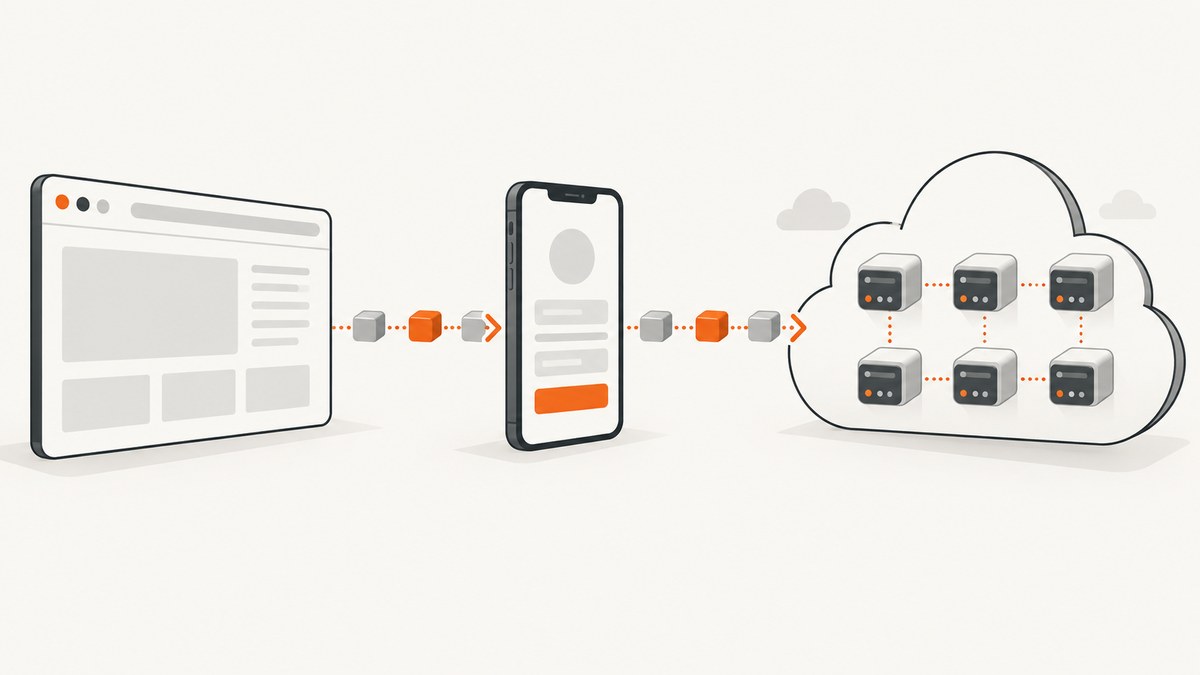
“Mocking test data with BrowserStack” can mean several different tasks. You might replace an API response in an Android test, run one UI test for many input rows, reuse datasets across test cases, or inject CSV and JSON values into a load test. These workflows use different BrowserStack products and controls.
Use this guide to select the correct layer first, then configure it without mixing instructions between products.
Which BrowserStack workflow should you use?
| Goal | BrowserStack workflow | Input model | Main caveat |
|---|---|---|---|
| Return controlled API responses to an Android app | App Automate Espresso mock server | The app request receives the configured mock response | Local Testing, Network Logs and IP geolocation are unavailable when the mock-server flag is enabled |
| Repeat a UI test with different values | Low Code Automation data-driven testing | CSV upload or database-backed dataset | Cloud execution runs once per row, and every row counts as an execution |
| Reuse data in planned test cases | Test Management datasets | Select rows from one or more reusable datasets | Multiple datasets create a Cartesian product of selected rows |
| Supply values to virtual users | Load Testing external test data | CSV or JSON file, including a project Test Data Library | Framework parsing and some defaults vary; verify the current product documentation |
| Modify browser requests or responses | Requestly | Rules that mock or modify traffic | This is separate from the Espresso mock-server setting |
Mock API responses in an Espresso test
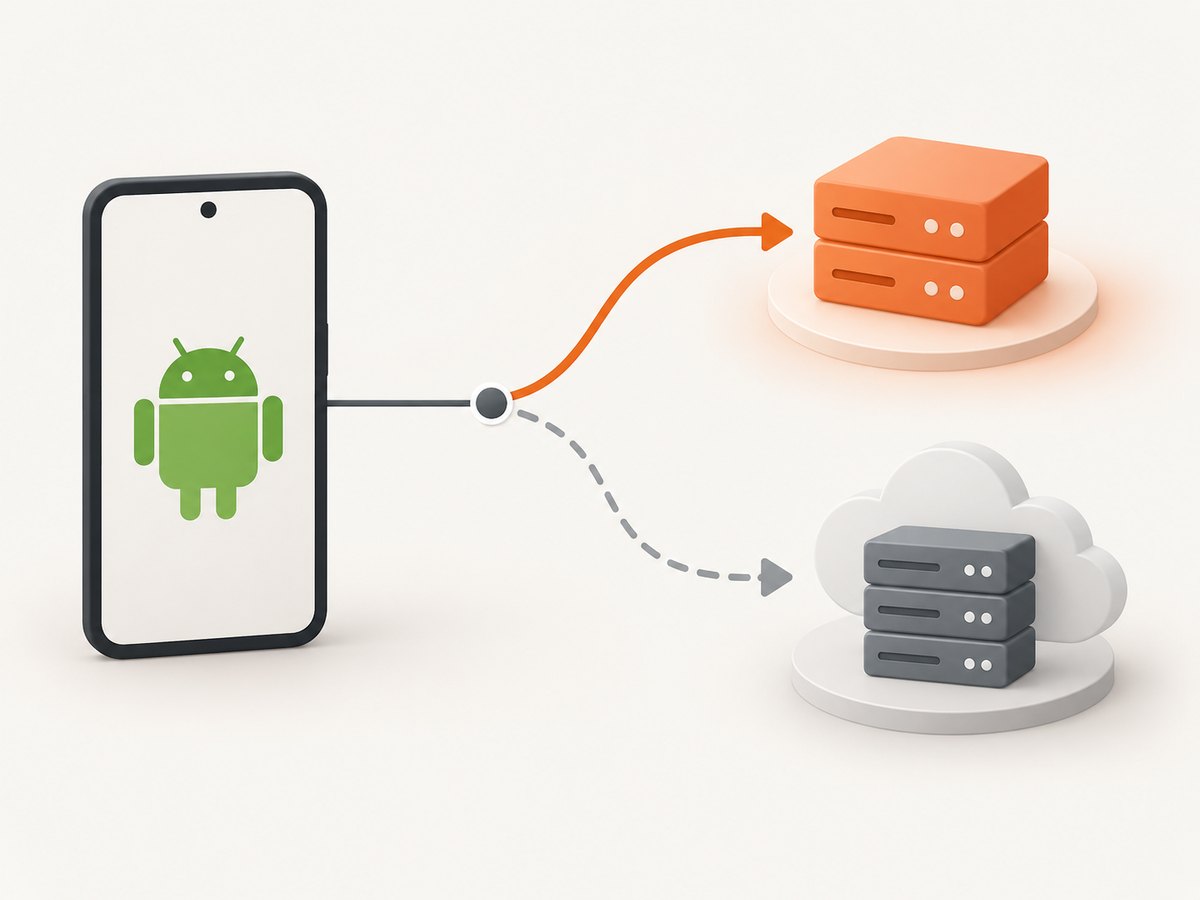
BrowserStack’s Espresso guide describes a mock web server that returns a configured response to an app request instead of contacting the real remote server. The build request must include allowDeviceMockServer: true.BrowserStack documentation
1. Prepare the mock response
Define the endpoint, status code, headers and body your app expects. Keep fixtures deterministic so a failed assertion can be reproduced locally. Include error fixtures such as 401, 404, 429 and 500 responses when the app has corresponding states.
2. Enable the device mock server in the build request
curl -u "$BROWSERSTACK_USERNAME:$BROWSERSTACK_ACCESS_KEY" \
  -X POST 'https://api-cloud.browserstack.com/app-automate/upload' \
  -F 'file=@app-debug.apk' \
  -F 'custom_id=mock-data-espresso'
When you submit the Espresso build for testing, add the capability shown below to the JSON payload used by your App Automate request:
{
  "allowDeviceMockServer": true
}
Without this setting, a test that expects the device mock server can fail with a 503 response. BrowserStack also documents that Local Testing, Network Logs and IP geolocation do not work while this option is enabled.Use mock servers
3. Keep mock and production contracts aligned
- Return the same content type and field names as the real endpoint.
- Include realistic pagination, empty-state and authorization responses.
- Version fixtures with the application code that consumes them.
- Make the mock server reachable from the test device and avoid relying on production-only DNS.
Run one Low Code Automation test against many data rows
Low Code Automation supports a dataset created by uploading a CSV file or connecting to a public MySQL or PostgreSQL database. Dataset columns can be inserted into test steps. During authoring, the test uses the first row; in cloud execution, BrowserStack runs the test once for every selected row. Each row is a separate execution and counts toward execution usage.Data-driven testing
CSV example
email,password,expected_status
alice@example.test,valid-password,success
locked@example.test,valid-password,locked
unknown@example.test,wrong-password,error- Create or open the test in Low Code Automation.
- Upload the CSV as the test dataset, or create the dataset from a supported public database.
- Insert the dataset columns into the relevant steps.
- Select the rows to execute in the cloud.
- Review the execution count before starting the run.
The documented limit is 100 rows and 40 columns per dataset. For database-backed datasets, check that the database can handle the expected connection load when tests run concurrently.
Compose reusable Test Management datasets
Test Management lets you associate reusable datasets with test cases and select specific rows for a run. If you attach multiple datasets, BrowserStack combines selected rows as a Cartesian product. If dataset A contributes a rows and dataset B contributes b rows, the combination produces a × b data combinations before browser and operating-system configurations are applied. Selected configurations multiply the total again.Test datasets
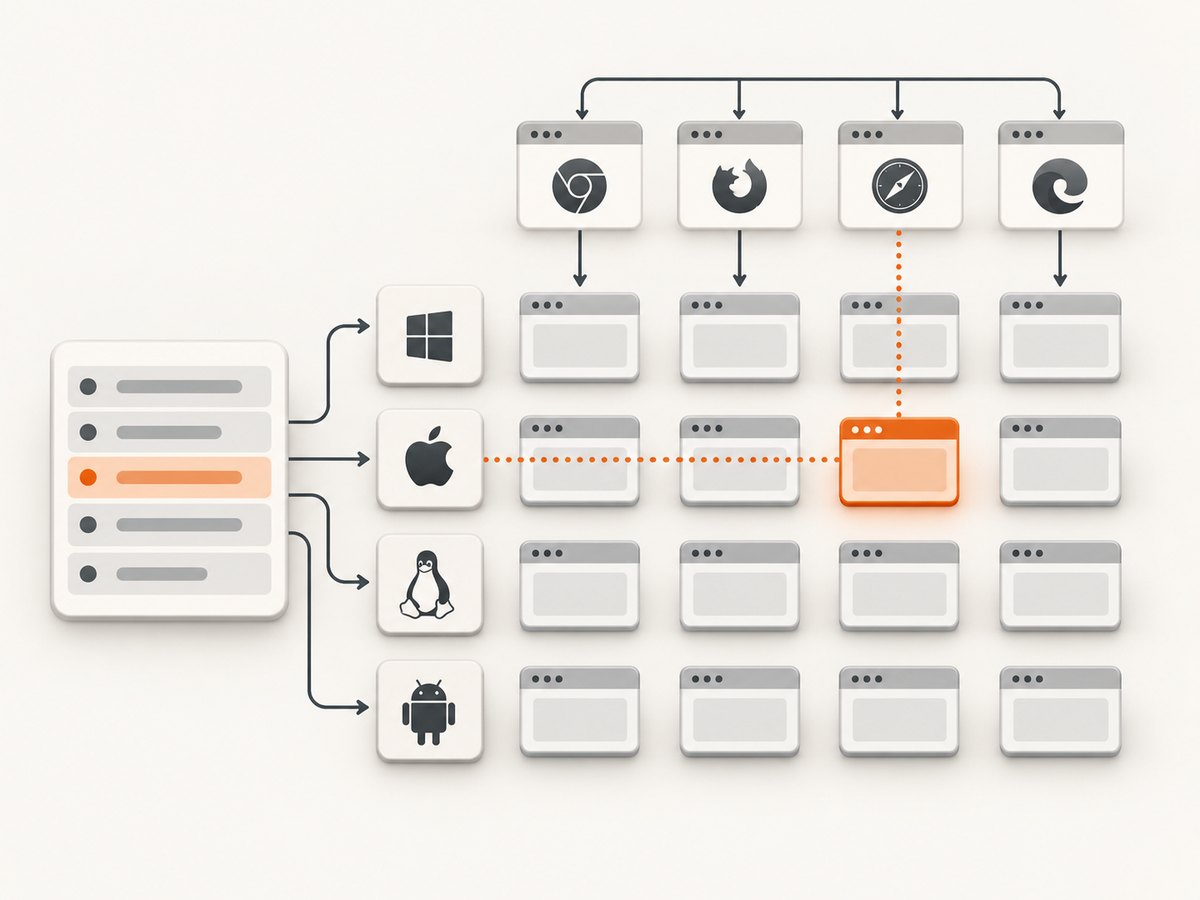
Use combinations deliberately:
- Select boundary and representative rows instead of every row for a smoke run.
- Reserve the full Cartesian product for coverage runs that justify the execution cost.
- Record which dataset versions were selected so failures can be reproduced.
Inject CSV or JSON data into BrowserStack Load Testing
BrowserStack documents external CSV and JSON inputs for browser and API load tests, plus a project-level Test Data Library for reusable files. Data can be assigned to scenarios, mapped sequentially (consume rows in order and loop) or randomly (a row may repeat). Browser frameworks such as Playwright, WebdriverIO, Nightwatch and Selenium read and parse injected files themselves; protocol frameworks use their native or standard-library mechanisms.Per-VU external inputs with test data
The returned BrowserStack pages conflict on hybrid-load-test support and on the default mapping mode. Treat those details as version-sensitive: check the current Load Testing documentation and the UI before depending on a default. Explicitly choose sequential or random mapping in the test configuration.
Data design for load tests
- Use unique identifiers when the system under test rejects duplicate records.
- Separate read-only values from values that create or mutate server state.
- Keep secrets out of committed CSV and JSON files; inject them through the supported secret mechanism.
- Estimate rows per virtual user and iteration so the file contains enough values for the entire run.
Modify browser traffic with Requestly
BrowserStack describes Requestly as supporting API mocking, response modification, request-body modification, redirection and header changes. This is useful when the test runs in a browser-oriented workflow and you need to alter traffic or force edge cases. It is a separate product path from the Espresso allowDeviceMockServer capability, so do not combine their setup instructions.Requestly overview
Common errors and fixes
| Symptom | Likely cause | Fix |
|---|---|---|
| 503 from the mocked API | The Espresso build did not enable the device mock server | Add allowDeviceMockServer: true to the build or test request and rerun |
| Network Logs or Local Testing unavailable | The mock-server capability disables those services | Use a separate run without the capability when network inspection or private-network access is required |
| Only one data row runs | The test is being previewed or no rows were selected for cloud execution | Run the cloud test and select the intended dataset rows |
| Unexpected execution count | Rows, datasets and browser configurations multiply | Calculate the row product first and narrow selections for smoke tests |
| Database dataset is slow or fails under concurrency | The public database cannot handle concurrent connections | Use a connection-capable test database or upload a CSV snapshot |
| Load-test values repeat unexpectedly | Random mapping or row looping is configured | Choose sequential mapping when each virtual user needs ordered, non-repeating values |
| Mocked response is ignored | The rule targets the wrong URL, method, host or content type | Compare the rule with the actual request and return the headers the client expects |
Performance, reliability and cost considerations
- Control the multiplication factor. Dataset rows multiplied by linked datasets and browser/OS configurations can expand a run quickly.
- Use small smoke datasets. Keep one or two representative rows for pull-request checks and reserve full combinations for scheduled coverage.
- Make fixtures deterministic. Stable IDs and explicit response bodies reduce flaky assertions.
- Separate failure classes. Keep transport failures, authorization failures and valid empty responses as distinct fixtures.
- Watch external dependencies. Database-backed datasets and public endpoints add availability and connection-load risks.
- Verify current limits. BrowserStack feature limits, plan access and load-test defaults can change; confirm the linked official documentation before publishing a long-running suite.
Or skip the browser setup
If your goal is a clean visual capture of a page after test data has been applied, ScreenshotNeo provides a single screenshot API request. See the ScreenshotNeo API documentation for the full option list.
cURL
curl -G "https://api.screenshotneo.com/v1/shot" -d access_key=YOUR_API_KEY --data-urlencode url=https://stripe.com -o shot.webpPython
import requests
r = requests.get("https://api.screenshotneo.com/v1/shot", params={"access_key": "YOUR_API_KEY", "url": "https://stripe.com"}, timeout=90)
open("shot.webp", "wb").write(r.content)
Node.js
const q = new URLSearchParams({ access_key: 'YOUR_API_KEY', url: 'https://stripe.com' });
const res = await fetch(`https://api.screenshotneo.com/v1/shot?${q}`);
ScreenshotNeo removes cookie and consent banners, newsletter popups and chat widgets before capture. Bot checks, blank pages and failed loads are not billed, and response headers identify the page verdict and billing result. Its MCP server provides take_screenshot, get_page_info and capture_pdf tools for Claude, Cursor and other MCP clients. The Free plan includes 1,000 screenshots per month without a card; paid plans start at $5 for 3,000 shots.
Create your free ScreenshotNeo account and start with 1,000 screenshots a month at no charge.
FAQ
Can the Espresso mock server be used with every BrowserStack mobile framework?
The cited BrowserStack documentation covers Espresso App Automate. Do not assume the same flag or behavior applies to other mobile frameworks without checking their current documentation.
Does every dataset row create a separate Low Code execution?
Yes. BrowserStack states that cloud execution runs once per row and each row counts toward execution usage.
Why did linking two datasets create so many tests?
Selected rows from multiple Test Management datasets form a Cartesian product, then selected browser and operating-system configurations multiply the run.
Should load-test data be sequential or random?
Choose based on the scenario. Sequential mapping is suitable for ordered unique values; random mapping is useful when repetition is acceptable. Set it explicitly because the returned documentation reports conflicting defaults.
Can ScreenshotNeo replace API mocking?
No. ScreenshotNeo captures the resulting page. Use BrowserStack, Requestly or your application’s mock server to control API responses, then use ScreenshotNeo when you need a clean screenshot or PDF of the rendered result.


