How to Monitor Competitors on Meta With Automation
Build a reliable Meta competitor-ad monitoring workflow with Ad Library, scoped API access, scheduled snapshots, alerts, and review.

Direct answer: start with Meta Ad Library as the source of truth, then automate only the searches Meta documents for its Ad Library API. The public API is not a universal feed of every commercial ad worldwide. Build a dated snapshot process around competitor Page IDs, ad-library URLs, creative fields, delivery dates, platform, geography, and query parameters. Use the Ad Library website for coverage the API does not provide, and send material changes to human review.
What Meta lets you monitor
Meta directs people who want to see ads currently running across its technologies to the Ad Library website. Its Ad Library API supports customized searches, but its scope is limited:
| Ad category or destination | Documented availability | Retention or scope |
|---|---|---|
| Political or social-issue ads | Worldwide API access | Seven years |
| Any ad type delivered to the UK or EU | API access for the applicable region | Past year |
| EU-targeted ads in Meta’s transparency announcement | Public Ad Library includes run dates and targeting parameters | One year |
| Other ordinary commercial ads and regions | Use the Ad Library website; do not assume API coverage | Depends on Meta’s current rules |
These limits mean an automated job can be correct while still incomplete. Record the country, ad type, platform, query, and collection time with every result so users understand what the snapshot represents. Meta’s documentation is the authority for current eligibility and fields: Ad Library API documentation.
Define the monitoring question before writing code
- Choose competitors and markets. Keep a separate list for each market and geography. A brand’s Facebook Page name may differ from its legal company name.
- Resolve each Page. Save the Page ID and its Ad Library URL. Page IDs make repeatable API queries less dependent on spelling.
- Choose observable fields. Store ad-library ID when supplied, Page name and ID, creative content, delivery start and end dates, platform, media type, query terms, country, and collection timestamp.
- Set a review cadence. Daily collection is useful for launch detection; weekly comparison is often enough for creative trends. Your cadence does not expand Meta’s retention window.
- Define an alert rule. Alert on a new ad ID, new creative hash, changed copy, new format, or a delivery-date change. Route the record to a person before making a campaign decision.
Use the Ad Library website for broad current coverage
For ordinary commercial ads outside the API’s documented region and category scope, the website is the practical native method.
- Open the Meta Ad Library.
- Select the country whose audience you want to inspect.
- Choose an ad category. For ordinary commercial research, use the applicable commercial category shown by Meta.
- Search the competitor’s Page name or a distinctive term, then open the Page result.
- Filter by platform, media type, and active or inactive status where available.
- Copy the ad-library URL, Page identity, visible creative, start date, and platform into your evidence record.
- Capture a dated snapshot and link it to the query and country. A later comparison is only meaningful if those inputs remain visible.
Do not scrape around access controls, infer hidden targeting, or treat the visible creative as proof of spend or profitability. The library shows what Meta documents for public research; it does not provide ordinary commercial campaign ROAS.
Automate eligible searches with the Ad Library API
Meta’s access process includes a Facebook account, identity and location confirmation for political or social-issue authorization, a Meta for Developers account, and an app. Meta says programming familiarity helps with API use. Complete the current authorization steps in Meta’s documentation before designing production jobs.
Request design
Use a small, explicit query for each competitor and geography. Document the search dimensions you use: terms, media type, platform, and Page IDs. Keep pagination state and the raw response so a later parser change does not destroy the original evidence.
curl -G 'https://graph.facebook.com/v19.0/ads_archive' \
  --data-urlencode 'access_token=YOUR_TOKEN' \
  --data-urlencode 'ad_reached_countries=["GB"]' \
  --data-urlencode 'search_page_ids=["PAGE_ID"]' \
  --data-urlencode 'ad_active_status=ALL' \
  --data-urlencode 'fields=id,ad_creation_time,ad_delivery_start_time,ad_delivery_stop_time,ad_creative_bodies,page_name,page_id,publisher_platforms' \
  --data-urlencode 'limit=100'
Use the API version and parameters currently documented by Meta; the example illustrates the shape of a request, not a promise that every version accepts identical fields. Fetch the next page using the response’s paging cursor until the result set is complete, then persist the request metadata beside the records.
Minimal Python collector
import hashlib
import json
import time
from datetime import datetime, timezone

import requests

TOKEN = "YOUR_TOKEN"
PAGE_ID = "PAGE_ID"
COUNTRY = "GB"
ENDPOINT = "https://graph.facebook.com/v19.0/ads_archive"
FIELDS = ",".join([
    "id", "ad_creation_time", "ad_delivery_start_time",
    "ad_delivery_stop_time", "ad_creative_bodies", "page_name",
    "page_id", "publisher_platforms"
])

params = {
    "access_token": TOKEN,
    "ad_reached_countries": json.dumps([COUNTRY]),
    "search_page_ids": json.dumps([PAGE_ID]),
    "ad_active_status": "ALL",
    "fields": FIELDS,
    "limit": 100,
}

collected_at = datetime.now(timezone.utc).isoformat()
while True:
    response = requests.get(ENDPOINT, params=params, timeout=60)
    response.raise_for_status()
    payload = response.json()
    for ad in payload.get("data", []):
        body = json.dumps(ad, sort_keys=True).encode("utf-8")
        ad["snapshot_hash"] = hashlib.sha256(body).hexdigest()
        ad["collected_at"] = collected_at
        print(json.dumps(ad, ensure_ascii=False))
    next_url = payload.get("paging", {}).get("next")
    if not next_url:
        break
    time.sleep(0.5)
    response = requests.get(next_url, timeout=60)
    response.raise_for_status()
    params = None
    ENDPOINT = next_url
In production, write records to a database or object store instead of stdout, encrypt tokens, retry transient failures with backoff, and retain the raw response. Avoid assuming a missing field means a false value; Meta can omit fields based on ad type or permissions.
Build snapshots, diffs, and alerts
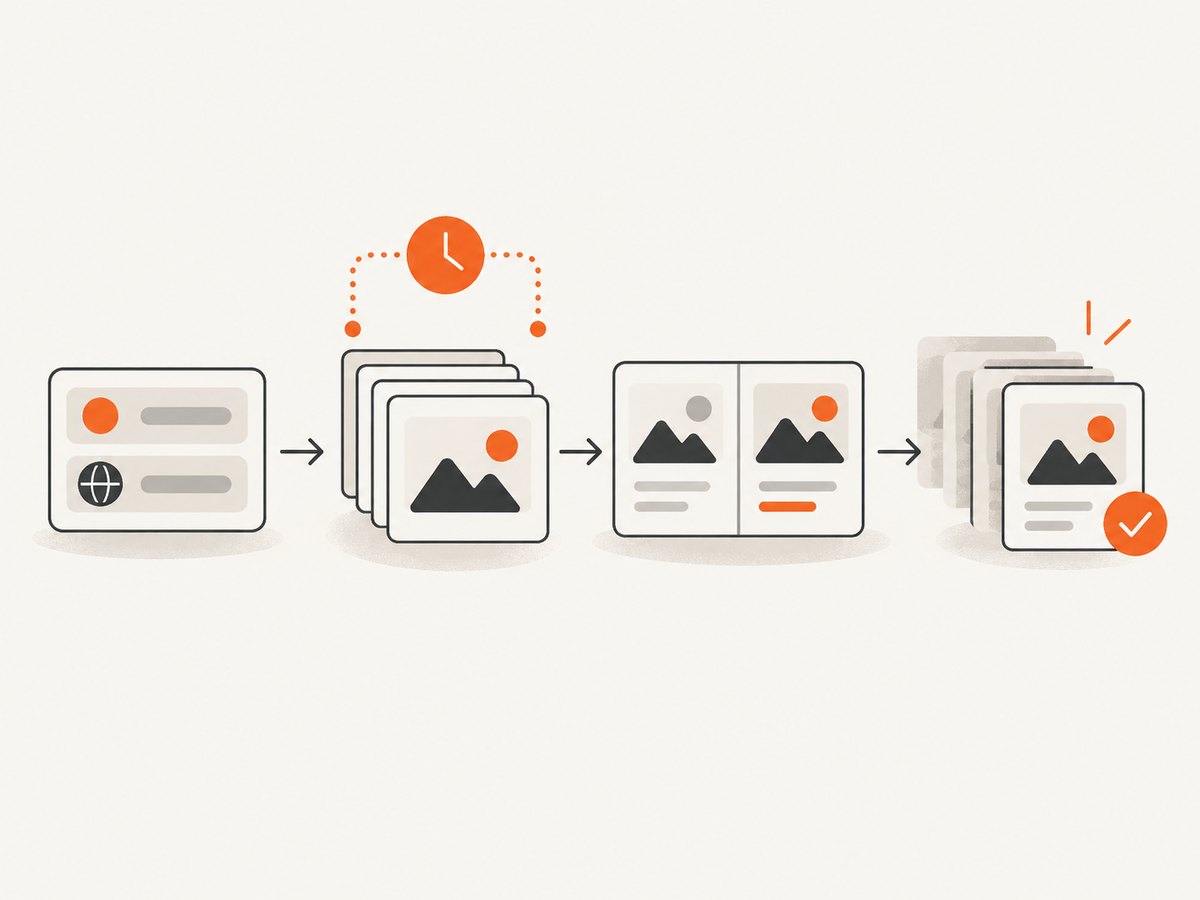
A useful monitor compares observations rather than declaring winners. Normalize whitespace in copy, preserve the original text, and hash the normalized creative plus media type. Keep these tables or equivalent objects:
- competitors: market, country, brand name, Page ID, library URL, owner, status;
- queries: terms, platform filters, media type, API or website path, run time;
- ads: ad ID, Page identity, creative, platforms, delivery dates, first seen, last seen;
- events: new, changed, stopped, API error, coverage warning, reviewer decision.
Alert examples include “new ad ID for competitor X,” “copy hash changed,” and “no results because the country is outside API scope.” A long delivery period is a clue for investigation, not proof that an ad is profitable. The reviewed Meta sources do not provide ordinary commercial performance or ROAS data.
Can you get alerts when a competitor launches an Instagram ad?
You can alert on a newly observed record whose documented publisher platforms include Instagram, provided your query and Meta’s coverage include that ad. You cannot guarantee instant discovery or complete Instagram coverage. Schedule collection, record the delay between runs, and label an alert as “first observed” rather than “launched at.”
Third-party ad intelligence as an optional convenience
Foreplay describes Spyder as a service for automated Meta competitor-ad tracking and describes an API for software workflows. Those are vendor claims, not independent testing. It may suit teams that value saved history and integrations, but evaluate it against the native workflow.
| Evaluation axis | Native Meta workflow | Third-party service questions |
|---|---|---|
| Coverage | Bound by documented API scope and website availability | Which pages, countries, platforms, and ad types are included? |
| History | Use the retention Meta states for each category | How far back does the vendor retain snapshots? |
| Update behavior | You choose polling cadence | How often are records refreshed? |
| Fields | Documented creative, Page, dates, and platform fields | What is exported, and can raw evidence be downloaded? |
| Alerts and integrations | Build your own diff and queue | Are webhooks, API limits, and review workflows included? |
| Total cost | Account for engineering and storage | Compare subscription, API usage, seats, and retention |
Check current vendor terms before purchase. Foreplay’s FAQ references Rewardful for an affiliate program; that does not establish eligibility, commission, cookie length, or current link terms.
Or skip the browser setup
If your workflow needs a clean, dated image of an Ad Library result or competitor landing page, ScreenshotNeo provides a website screenshot API and MCP server. It accepts one GET request and returns PNG, JPEG, WebP, or PDF. See the ScreenshotNeo API documentation.
curl -G "https://api.screenshotneo.com/v1/shot" -d access_key=YOUR_API_KEY --data-urlencode url=https://www.facebook.com/ads/library/ -o shot.webpimport requests
r = requests.get("https://api.screenshotneo.com/v1/shot", params={"access_key": "YOUR_API_KEY", "url": "https://www.facebook.com/ads/library/"}, timeout=90)
r.raise_for_status()
open("shot.webp", "wb").write(r.content)const q = new URLSearchParams({ access_key: 'YOUR_API_KEY', url: 'https://www.facebook.com/ads/library/' });
const res = await fetch(`https://api.screenshotneo.com/v1/shot?${q}`);
if (!res.ok) throw new Error(`HTTP ${res.status}`);
const buffer = Buffer.from(await res.arrayBuffer());
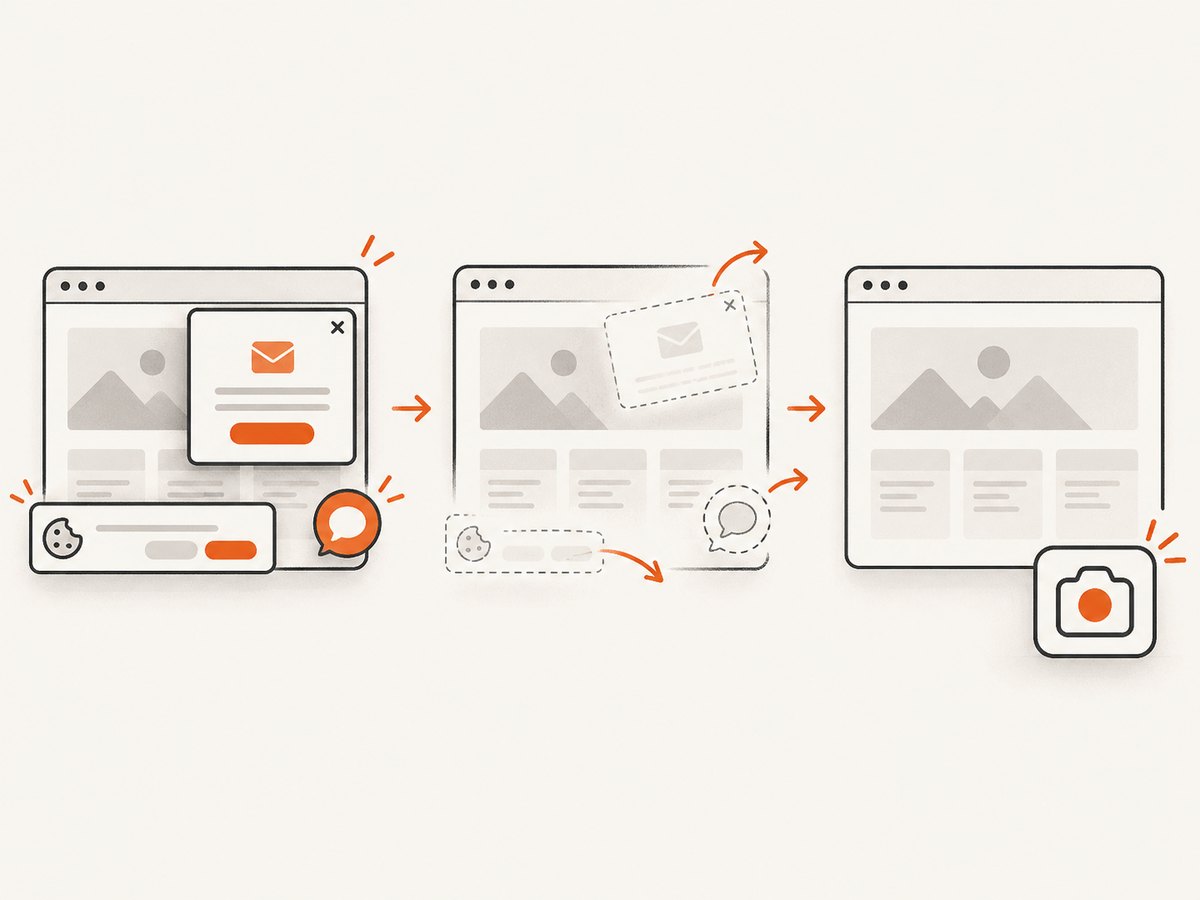
await Bun.write('shot.webp', buffer);Cookie banners, popups, and chat widgets are removed before the shot. Bot checks, blank pages, failed loads, timeouts, and cache hits are never billed; each response reports the result with X-Page-Verdict and X-Billed headers. Its MCP server lets Claude, Cursor, and other MCP clients use take_screenshot, get_page_info, and capture_pdf. The free plan includes 1,000 screenshots a month with no card; paid plans start at $5 for 3,000. Create a free ScreenshotNeo account.
Useful ScreenshotNeo options for evidence capture
- Full-page capture with lazy images loaded, or one element by CSS selector.
- Custom viewport, 12 device presets, dark mode, and retina scale.
- PDF paper size, margins, landscape mode, and page ranges.
- Custom CSS and JavaScript, click-before-capture, hide selectors, and waits for a selector, delay, or network idle.
- Block ads, trackers, requests, or resource types; set headers, cookies, user agent, Authorization, timezone, and geolocation.
- Transparent backgrounds, image resizing, chosen cache TTL, signed public links, asynchronous jobs with signed webhooks, bulk capture for 100 URLs per call, usage API, and OpenAPI specification.
For a repeatable evidence packet, pass a fixed viewport and timezone, use a wait for the results container, choose a cache TTL that matches your review cadence, and store the response headers beside the image. Respect Meta login and access requirements; a screenshot service does not grant access to private data.
Troubleshooting
| Symptom | Likely cause | Fix |
|---|---|---|
| API returns an authorization error | Missing app permissions, expired token, or incomplete identity/location confirmation | Recheck Meta’s authorization flow, token scopes, app status, and current API version. |
| No ads are returned | Page ID is wrong, filters are too narrow, or the ad is outside API scope | Verify the Page in the website, widen one filter at a time, and record a coverage warning. |
| Results differ between runs | Ads changed, pagination was incomplete, or query metadata was not saved | Persist cursors, raw responses, country, filters, and collection time; compare IDs and hashes. |
| Instagram is missing | The ad was not documented with that publisher platform or the query omitted it | Request platform fields, inspect the website, and avoid claiming complete coverage. |
| Screenshot is blank | Page timeout, bot check, consent flow, or content requiring interaction | Use ScreenshotNeo waits, custom cookies or headers where authorized, and inspect X-Page-Verdict. |
| Duplicate alerts | Creative normalization or ad IDs are unstable in your store | Use Meta ad ID as the primary key when available and a normalized creative hash as a secondary key. |
| Collection is slow or rate-limited | Too many serial requests or repeated uncached captures | Use bounded concurrency, exponential backoff, pagination checkpoints, and an intentional cache TTL. |
Performance, reliability, and cost notes
- Performance: partition jobs by competitor and country, cap concurrency, and avoid refetching unchanged pages. Bulk screenshot capture can handle up to 100 URLs per call when that fits your evidence workflow.
- Reliability: make jobs idempotent, checkpoint pagination, retry only transient failures, and keep a dead-letter queue. A “no results” response should carry the query and coverage context.
- Cost: Meta API costs and limits depend on Meta’s current terms. ScreenshotNeo bills only clean shots; failed loads, bot checks, blank pages, timeouts, and cache hits are not billed. ScreenshotNeo plans are Free (1,000/month), Starter ($5/3,000), Growth ($15/15,000), Pro ($39/60,000), Scale ($99/250,000), and Business ($249/1,000,000); yearly billing gives two months free and every feature is on every plan.
- Evidence quality: store the original response, a normalized record, screenshot or PDF, hash, URL, and timestamp. Never overwrite an earlier observation.
Review checklist
- Is the competitor Page ID and market correct?
- Does the query fall within Meta’s documented API scope?
- Are country, platform, media type, filters, and collection time stored?
- Are new, changed, and stopped ads separated from API failures?
- Does a human review the stated offer before anyone copies a strategy?
- Are conclusions limited to observable creative and delivery data?
FAQ
Does Meta’s Ad Library API show all ads?
No. Its documented scope covers political or social-issue ads worldwide for seven years and ads of any type delivered to the UK or EU during the past year. Use the website for other coverage and describe gaps plainly.
Can ad duration prove that a competitor is profitable?
No. Duration is an observation that can justify further research. The reviewed Meta sources do not provide ordinary commercial ROAS or complete performance data.
How often should I run the monitor?
Choose based on decision speed: daily for launch detection, weekly for trend review, and more often only when the added evidence changes an active decision.
Should I copy a competitor’s ad?
No. Use the record to understand offers, formats, and message changes, then create original work and follow applicable law and platform rules.
Can a screenshot service access private Ad Library data?
No. ScreenshotNeo captures pages your authorized session can access. It does not bypass Meta authentication or access controls.


