How to Monitor and Manage a Scrapy Spider
Monitor Scrapy runs, inspect live crawls, pause and resume safely, validate output, and set up alerts with practical Python examples.
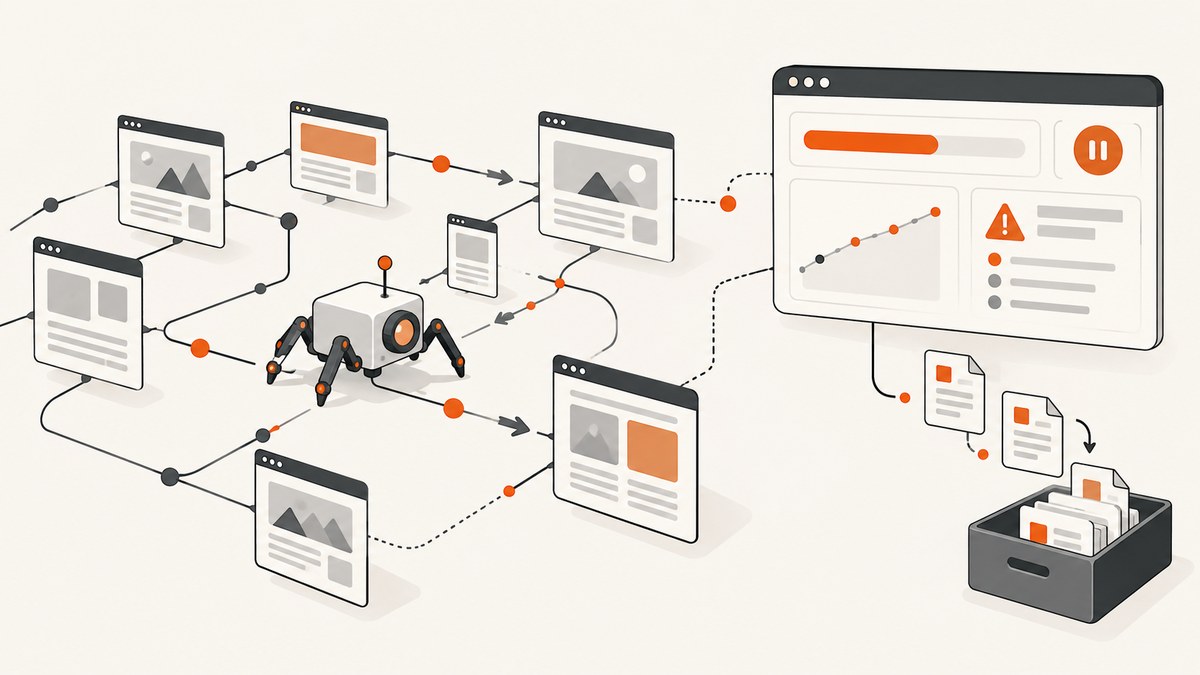
A Scrapy spider can be alive while making no progress, finishing with incomplete data, or producing malformed items. Reliable operations combine run statistics, live controls, resumable jobs, data-quality checks, and notifications.
The shortest practical workflow is:
- Expose Scrapy’s stats and log progress.
- Add custom counters for the outcomes your application cares about.
- Inspect or control a live process with the Telnet console over a trusted connection.
- Use
JOBDIRfor clean pause and resume. - Validate output and alert on meaningful thresholds with an extension such as Spidermon.
- Persist metrics outside the process when you need history across runs.
1. Start with Scrapy’s built-in monitoring
Scrapy keeps a statistics table for each open spider. Core stats include start and finish times, the finish reason, response counts, scraped items, and dropped items. The Stats Collector documentation describes the API available through crawler.stats. Built-in extensions such as CoreStats and LogStats report lifecycle events, crawled pages, scraped items, and rates; see the extensions reference.
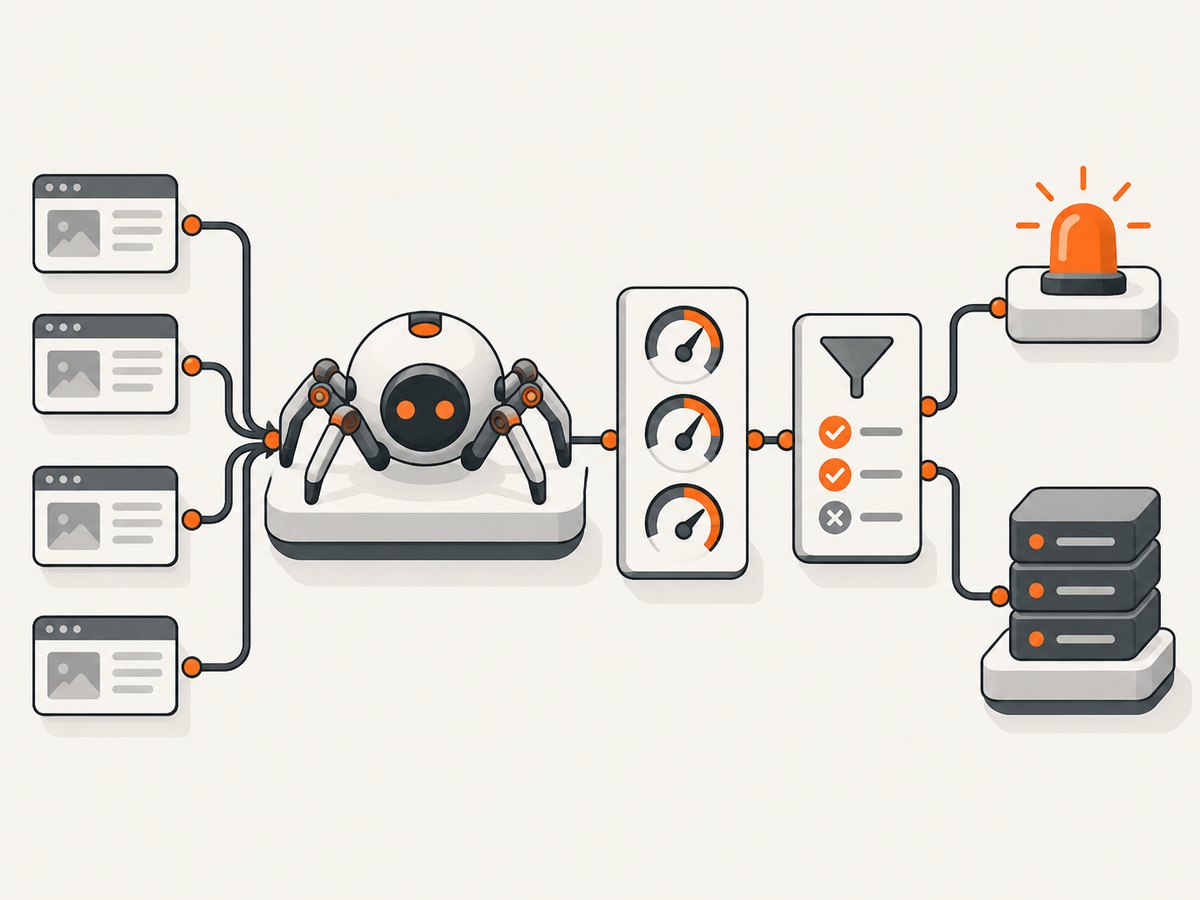
Enable the standard extensions in your project settings:
# settings.py
EXTENSIONS = {
    "scrapy.extensions.corestats.CoreStats": 0,
    "scrapy.extensions.logstats.LogStats": 0,
    "scrapy.extensions.telnet.TelnetConsole": 0,
}
LOG_LEVEL = "INFO"
LOGSTATS_INTERVAL = 60
During a run, look for movement rather than a single “process is running” signal. Useful questions are:
- Are
response_received_countand your item counters increasing? - Is the crawl rate plausible for this site and concurrency setting?
- Are HTTP errors, retries, redirects, or duplicate-filtered requests rising unexpectedly?
- Did the spider close with
finished,cancelled,shutdown, or another reason?
The default MemoryStatsCollector retains the last run in memory. It does not provide durable multi-run history. Export selected values to your metrics system, database, or log pipeline when you need dashboards, comparisons, or alerts that survive process restarts.
Read stats from an extension
from scrapy import signals

class RunSummaryExtension:
    @classmethod
    def from_crawler(cls, crawler):
        extension = cls()
        crawler.signals.connect(extension.spider_closed, signal=signals.spider_closed)
        return extension

    def spider_closed(self, spider, reason):
        stats = spider.crawler.stats.get_stats()
        spider.logger.info(
            "run=%s reason=%s responses=%s items=%s dropped=%s elapsed=%s",
            spider.name,
            reason,
            stats.get("downloader/response_count", 0),
            stats.get("item_scraped_count", 0),
            stats.get("item_dropped_count", 0),
            stats.get("elapsed_time_seconds"),
        )
Scrapy’s signals provide hooks such as spider_opened, spider_closed, engine_started, and engine_stopped. Connect an extension to export a final summary or run cleanup when the spider closes. The signals reference documents available arguments and lifecycle behavior.
2. Add counters that describe your data
Framework counters tell you that pages and items moved through the engine. They cannot tell you whether prices are missing, identifiers are duplicated, or a site changed its markup. Add counters at the point where you make those decisions.
def parse(self, response):
    self.crawler.stats.inc_value("records/seen")
    title = response.css("h1::text").get()
    sku = response.css("[data-sku]::attr(data-sku)").get()

    if not title or not sku:
        self.crawler.stats.inc_value("records/invalid")
        return

    self.crawler.stats.inc_value("records/valid")
    yield {"title": title.strip(), "sku": sku}
Good custom metrics usually include valid and invalid records, missing required fields, duplicate identifiers, status-code classes, parser exceptions, and per-domain outcomes. Define expected ranges from your own crawl history. There is no universal “healthy item count” because it depends on the site and the spider.
3. Inspect and control a live spider
The Telnet console opens a Python shell inside the crawler process. It exposes objects including crawler, engine, spider, stats, and settings. The documented controls are:
engine.pause()       # stop scheduling new requests temporarily
engine.unpause()     # continue scheduling
engine.stop()       # stop the engine
stats.get_stats()    # inspect current counters
Start a crawl, then connect using the port printed in the logs:
scrapy crawl products
# in another terminal, using the host and port shown by Scrapy:
telnet 127.0.0.1 6023
Telnet is an interactive Python shell with broad process access. Its transport is unencrypted; a password does not encrypt the connection. Keep it bound to localhost, access it through an SSH tunnel or VPN, or disable it when you do not need it:
# settings.py
TELNETCONSOLE_ENABLED = False
For a remote host, prefer an SSH tunnel rather than exposing the Telnet port publicly:
ssh -L 6023:127.0.0.1:6023 operator@example-host
 telnet 127.0.0.1 6023
4. Pause and resume long crawls with JOBDIR
Set a distinct job directory for one spider job:
scrapy crawl products -s JOBDIR=/var/lib/scrapy/jobs/products-2026-09
Stop the process cleanly, then rerun the same command and directory to resume. Scrapy persists scheduled requests, duplicate-filter state, and spider state in that directory. Read the jobs and persistence guide before using it in production.
- Never share one
JOBDIRbetween different spiders or independent runs. - Protect the directory from untrusted users because it contains crawl state.
- Resume with the same Scrapy version. Treat the directory contents as an implementation detail.
- A sudden power loss or killed process can corrupt state; keep a clean shutdown path.
- Only serializable requests can be persisted. Non-serializable requests remain in memory and can be lost.
Set SCHEDULER_DEBUG = True to log requests that cannot be serialized:
# settings.py
SCHEDULER_DEBUG = True
Do not assume JOBDIR is a distributed queue. It is a per-job persistence mechanism, not a coordination system for multiple workers.
5. Detect bad output, not just stalled processes
A crawl can finish normally while returning zero useful records. Add validation at item or run level. Spidermon can validate output against schemas or models, evaluate Scrapy stats, generate reports, and notify through email, Slack, Telegram, or Discord. See the Spidermon documentation.
Examples of useful checks include:
- Required-field coverage remains above the level your application expects.
- At least one page or item is produced for each expected partition.
- Error and retry rates stay below a threshold chosen from prior runs.
- Unique identifiers do not collapse to an unexpectedly small set.
- Prices, dates, or counts pass type and range validation.
Keep thresholds specific to the spider. A fixed global threshold creates false alarms for small crawls and misses failures on large ones.
6. Export metrics and alerts
For a small deployment, structured final logs may be enough. For recurring jobs, export metrics at close and at intervals. A minimal JSON summary can be consumed by your scheduler:
import json
from scrapy import signals

class JsonSummary:
    @classmethod
    def from_crawler(cls, crawler):
        obj = cls()
        obj.crawler = crawler
        crawler.signals.connect(obj.closed, signal=signals.spider_closed)
        return obj

    def closed(self, spider, reason):
        stats = self.crawler.stats.get_stats()
        summary = {
            "spider": spider.name,
            "reason": reason,
            "items": stats.get("item_scraped_count", 0),
            "responses": stats.get("downloader/response_count", 0),
            "invalid": stats.get("records/invalid", 0),
        }
        print(json.dumps(summary, sort_keys=True))
Alert on state changes and trends: no progress for a defined interval, a close reason other than the expected one, a sudden drop in valid items, or a spike in errors. Include the run identifier, spider name, deployment version, and links to logs in every notification.
7. Choose a deployment model
Scrapy’s official deployment material lists three broad approaches:
| Model | You operate | Best fit | Questions to answer |
|---|---|---|---|
| Managed Scrapy Cloud by Zyte | Less infrastructure and scheduling work | Teams that want hosted scheduling, scaling, monitoring, and storage | Data location, retention, concurrency, integrations, and current price |
| Self-managed Scrapyd | Servers, upgrades, security, scheduling, and storage | Teams needing direct control and an established Scrapy service | How will you retain logs, expose metrics, and recover failed workers? |
| Docker or your own platform | Container orchestration and all operational plumbing | Teams with existing Kubernetes, batch, or queue infrastructure | How are jobs queued, resumed, observed, and isolated? |
The vendor deployment page observed on 2026-09-29 described a free Starter tier and Professional pricing from $9 per unit per month. Plans and limits change, so verify the live page, region, billing terms, retention, and concurrency before selecting a service.
8. Or skip the browser setup
If your monitoring workflow needs screenshots of crawl results, error pages, or a changing target site, ScreenshotNeo returns an image or PDF from one request. It accepts cookie and consent banners, then removes more than 60 known consent platforms along with newsletter popups and chat widgets before capture; each step can be disabled. Only clean shots are billed: bot checks, CAPTCHAs, blank pages, timeouts, failed loads, and cache hits cost nothing, and the response identifies the result with X-Page-Verdict and X-Billed headers.

See the ScreenshotNeo API documentation for all options. A basic call is:
curl -G "https://api.screenshotneo.com/v1/shot" -d access_key=YOUR_API_KEY --data-urlencode url=https://stripe.com -o shot.webp
import requests
r = requests.get("https://api.screenshotneo.com/v1/shot", params={"access_key": "YOUR_API_KEY", "url": "https://stripe.com"}, timeout=90)
open("shot.webp", "wb").write(r.content)
const q = new URLSearchParams({ access_key: 'YOUR_API_KEY', url: 'https://stripe.com' });
const res = await fetch(`https://api.screenshotneo.com/v1/shot?${q}`);
if (!res.ok) throw new Error(`HTTP ${res.status}`);
const fs = await import('node:fs/promises');
await fs.writeFile('shot.webp', Buffer.from(await res.arrayBuffer()));
It also provides an MCP server with take_screenshot, get_page_info, and capture_pdf for Claude, Cursor, and other MCP clients. Options cover full-page and selector captures, dark mode, device presets, retina scale, PDF paper and margins, custom CSS and JavaScript, clicks, waits, blocked resources, headers, cookies, user agents, authorization, timezone, geolocation, transparent backgrounds, resizing, TTL caching, signed links, async jobs, webhooks, bulk capture of up to 100 URLs, and usage reporting. Every plan includes every feature. The free plan includes 1,000 shots per month with no card; paid plans start at $5 for 3,000 shots. Create a free ScreenshotNeo account.
9. Performance, reliability, and cost checklist
- Set concurrency and download delays to respect the target site and avoid self-inflicted retries.
- Use bounded timeouts and record retry counts separately from successful responses.
- Persist only the stats needed for operations; high-cardinality labels can make metrics expensive.
- Keep JOBDIR on reliable storage with permissions restricted to the worker.
- Pin Scrapy and extension versions, then test resume behavior after upgrades.
- Cache immutable pages where appropriate, but monitor stale data risk.
- For screenshots, use a cache TTL when repeated captures are acceptable; failed loads and cache hits are not billed by ScreenshotNeo.
- Estimate cost from successful clean captures and your retention requirements. Verify hosted platform prices immediately before purchase.
10. Troubleshooting common failures
The process is running but counters do not move
Check DNS, robots or access responses, downloader delays, stuck callbacks, and queue depth. Use Telnet to inspect stats.get_stats(); review logs for retries and timeouts. Add a progress watchdog that alerts after a period with no response or item increase.
The crawl stopped and will not resume
Confirm the same JOBDIR, spider name, project settings, and Scrapy version. Check directory ownership and disk space. Look for an unclean shutdown or scheduler serialization warnings. Start a new job directory if state is damaged.
It resumes but repeats or skips requests
Do not share a job directory. Duplicate filtering is tied to persisted state; changing request fingerprints, start URLs, or spider logic can change behavior. Review serialized-request warnings and compare the current code with the version that created the directory.
The run finishes with no useful items
Inspect status codes, selectors, item-dropped stats, and your custom validation counters. A successful close reason only means the engine ended normally. Add schema checks and a minimum-valid-output alert.
Telnet cannot connect
Use the host and port printed by Scrapy, verify the process is listening, and check local firewall rules. For remote access, use an SSH tunnel or VPN. Do not expose the unencrypted console to the public internet.
A ScreenshotNeo response is not an image
Check the HTTP status and response headers, confirm the access key and URL, and inspect X-Page-Verdict and X-Billed. A bot check, blank page, timeout, failed load, or cache hit is reported and is not billed as a clean shot.
FAQ
How do I know whether a spider is still making progress?
Compare response, item, and custom-domain counters over time. A live process without increasing counters needs investigation.
Can Scrapy provide historical dashboards by itself?
No. The default memory collector keeps the last run. Export metrics or use a monitoring platform for durable history.
Is JOBDIR safe after changing Scrapy versions?
Resume with the same version that created the directory. After an upgrade or downgrade, use a new directory unless you have verified compatibility.
What should an alert contain?
Include spider, run ID, close reason, deployment version, key counts, error rates, and a link to logs or the output location.
Can I use ScreenshotNeo for a whole crawl?
Yes. Its bulk endpoint accepts up to 100 URLs per call, and async jobs with signed webhooks are available when captures should run outside your request process.


