How to Use Multiple Font Faces and Styles in wkhtmltopdf
Declare every font face explicitly in CSS, then configure wkhtmltopdf paths and access so regular, bold, italic and bold-italic render reliably.
Direct answer: define each real font file with its own @font-face rule, keep one shared font-family name, and set the exact font-weight and font-style for every face. For legacy wkhtmltopdf builds, local TTF or OTF files are the most dependable starting point. Then make sure the converter can read the font URLs, usually with --enable-local-file-access for local documents.
wkhtmltopdf renders HTML with Qt WebKit. It does not automatically understand a folder of font files as a family, and it may synthesize bold or italic when the requested face is missing. Explicit declarations prevent that ambiguity and make PDF output more reproducible across machines.
1. Declare a complete font family
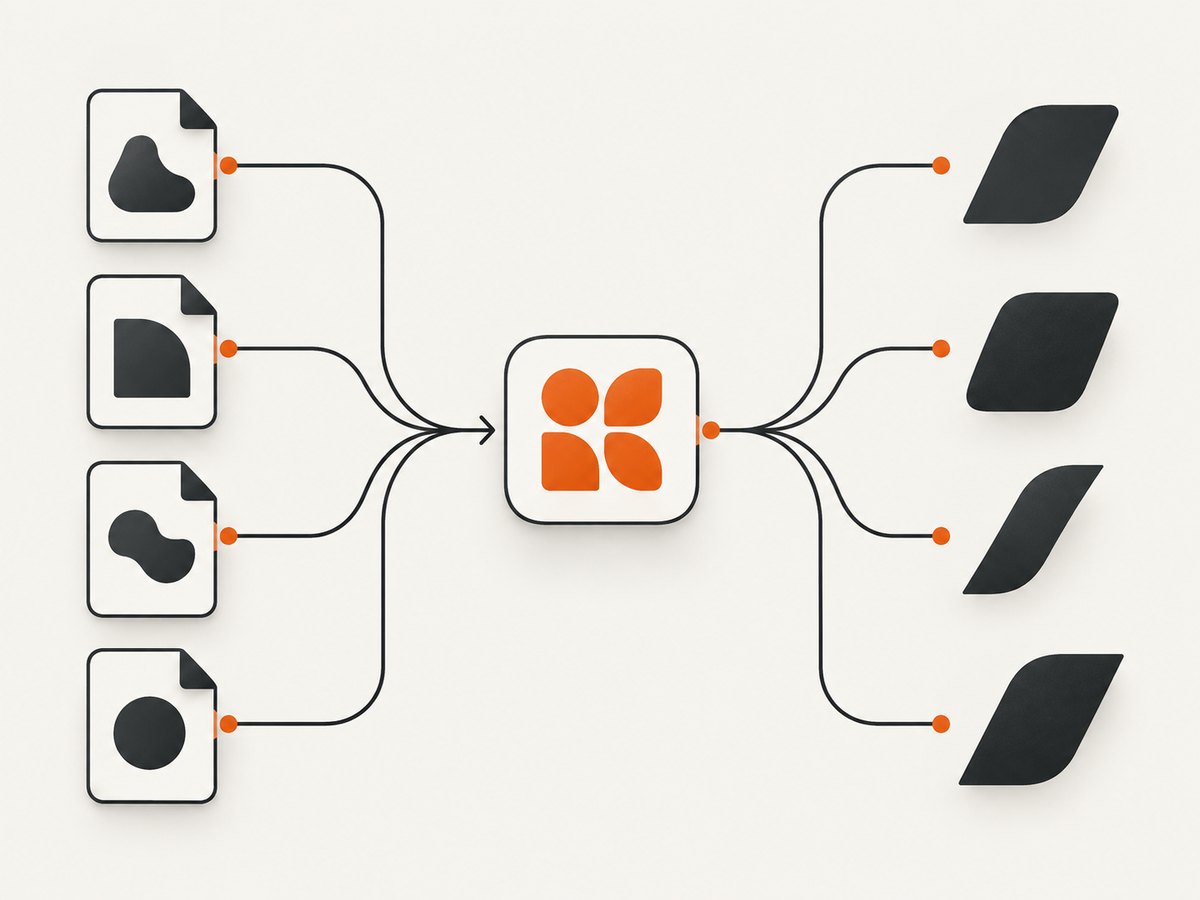
A practical baseline contains four faces: regular, bold, italic and bold-italic. All declarations use the same family name, while weight and style identify the file that should be selected.
<!doctype html>
<html lang="en">
<head>
  <meta charset="utf-8">
  <title>Font face test</title>
  <style>
    @font-face {
      font-family: 'ReportSans';
      src: url('fonts/ReportSans-Regular.ttf') format('truetype');
      font-weight: 400;
      font-style: normal;
    }
    @font-face {
      font-family: 'ReportSans';
      src: url('fonts/ReportSans-Bold.ttf') format('truetype');
      font-weight: 700;
      font-style: normal;
    }
    @font-face {
      font-family: 'ReportSans';
      src: url('fonts/ReportSans-Italic.ttf') format('truetype');
      font-weight: 400;
      font-style: italic;
    }
    @font-face {
      font-family: 'ReportSans';
      src: url('fonts/ReportSans-BoldItalic.ttf') format('truetype');
      font-weight: 700;
      font-style: italic;
    }

    body {
      font-family: 'ReportSans', sans-serif;
      font-weight: 400;
      font-style: normal;
    }
    strong, .bold { font-weight: 700; }
    em, .italic { font-style: italic; }
    .bold-italic { font-weight: 700; font-style: italic; }
  </style>
</head>
<body>
  <p>Regular text uses the 400 normal face.</p>
  <p><strong>Bold text uses the 700 normal face.</strong></p>
  <p><em>Italic text uses the 400 italic face.</em></p>
  <p class="bold-italic">Bold italic text uses the 700 italic face.</p>
</body>
</html>
The CSS Fonts specification permits multiple @font-face rules to build one family with different faces. Qt recognizes normal, italic and oblique styles plus numeric weights from 100 through 900. If an exact face is unavailable, Qt can synthesize a style; a real file is more predictable. See the CSS Fonts specification for the family model.
2. Organize files and resolve URLs
Relative URLs in @font-face are resolved relative to the stylesheet containing the rule. This detail matters when CSS is in a separate directory. Use a layout you can reproduce:
project/
  input.html
  css/
    print.css
  fonts/
    ReportSans-Regular.ttf
    ReportSans-Bold.ttf
    ReportSans-Italic.ttf
    ReportSans-BoldItalic.ttf
If print.css contains url('../fonts/ReportSans-Regular.ttf'), the path is relative to css/print.css, not to the process working directory. CSS2 documents this URL behavior in its font description rules.
Absolute file URLs can remove ambiguity, but they tie the HTML to one machine. Remote HTTPS URLs can work when the wkhtmltopdf build has network access, yet they add DNS, TLS and availability dependencies. For repeatable builds, package the fonts with the document or serve them from a controlled internal endpoint.
3. Run wkhtmltopdf with the right access settings
For local HTML and local fonts, enable local file access when your build requires it:
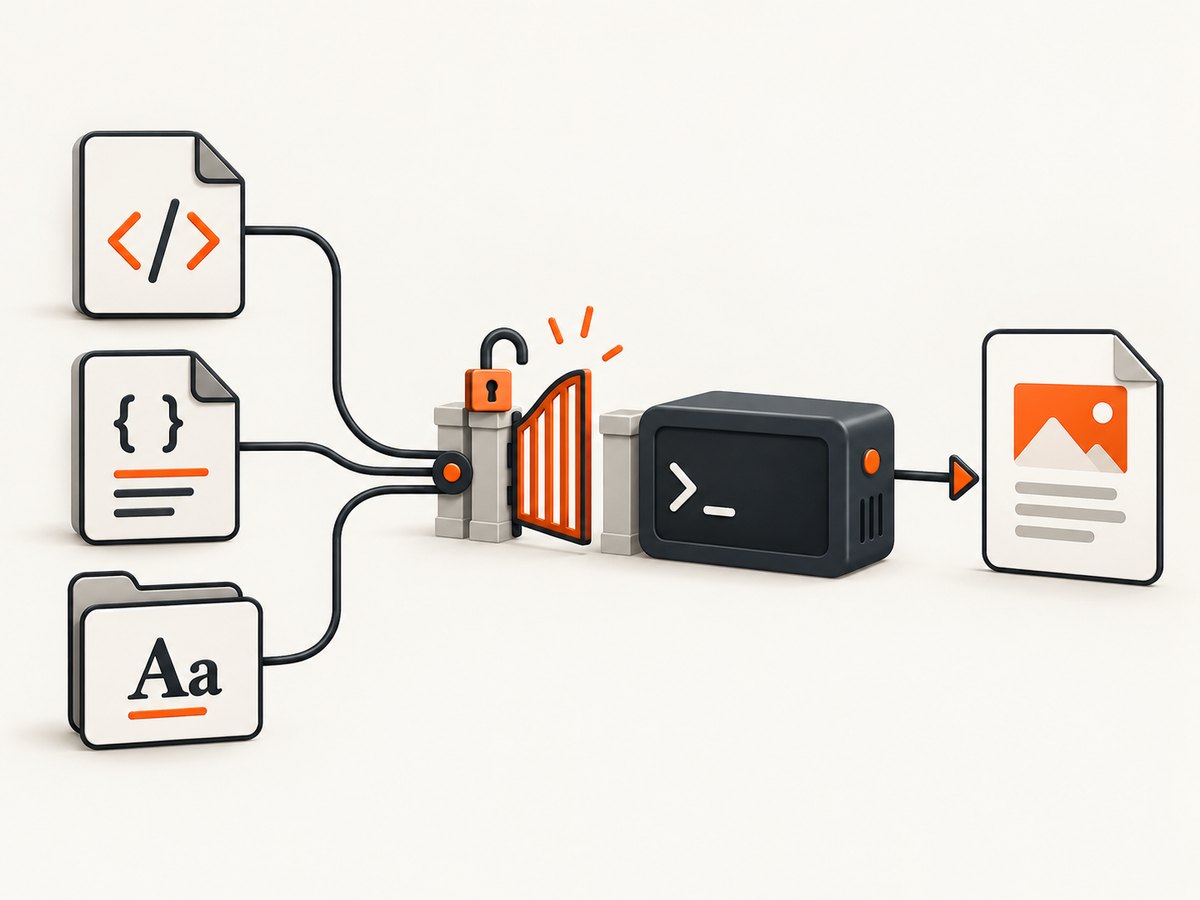
wkhtmltopdf --enable-local-file-access input.html output.pdfThe exact security flags vary by wkhtmltopdf package and version. The project usage documentation describes local-file controls and the --user-style-sheet option; consult the official usage documentation for your binary.
When CSS is injected separately, use:
wkhtmltopdf \
  --enable-local-file-access \
  --user-style-sheet css/print.css \
  input.html output.pdf
Do not assume a Chromium flag has the same meaning in wkhtmltopdf. It uses an older Qt WebKit engine, so test the flags supported by the installed executable (wkhtmltopdf --extended-help).
4. Select styles correctly in your HTML
CSS requests a face by family, weight and style. These declarations should match the metadata in @font-face:
h1 { font-family: 'ReportSans'; font-weight: 700; font-style: normal; }
.note { font-family: 'ReportSans'; font-weight: 400; font-style: italic; }
.warning { font-family: 'ReportSans'; font-weight: 700; font-style: italic; }
If you declare only regular but request font-weight: 700, Qt may embolden the regular outline. That synthetic result often looks acceptable at small sizes but differs in width, stroke contrast and line wrapping. Supplying the actual bold file avoids those changes.
Use numeric weights that reflect the files. A file named “Semibold” is not automatically weight 600; declare 600 only when the font metadata and your design system treat it as that weight. Add more faces by repeating the same pattern:
@font-face {
  font-family: 'ReportSans';
  src: url('../fonts/ReportSans-Semibold.ttf') format('truetype');
  font-weight: 600;
  font-style: normal;
}
5. Choose TTF, OTF, WOFF or WOFF2
Modern browsers commonly use WOFF2 and WOFF, with fallback formats listed in one src. wkhtmltopdf packages an older Qt WebKit engine, and historical WebKit records include failures applying bold and italic attributes to web fonts. Format support therefore depends on the distribution and build.
Start with TTF or OTF for wkhtmltopdf. Treat WOFF and WOFF2 as build-dependent, and verify them with the exact binary used in production:
@font-face {
  font-family: 'ReportSans';
  src:
    url('../fonts/ReportSans-Bold.woff2') format('woff2'),
    url('../fonts/ReportSans-Bold.woff') format('woff'),
    url('../fonts/ReportSans-Bold.ttf') format('truetype');
  font-weight: 700;
  font-style: normal;
}
Putting TTF last does not guarantee that an old engine will select it correctly. If output falls back, use a TTF-only declaration while diagnosing.
6. Remote fonts, local fonts and reproducibility
| Source | Advantages | Common failure | Best use |
|---|---|---|---|
| Packaged TTF/OTF | Deterministic and offline | Local-file access denied | CI and regulated documents |
| Internal HTTPS | Central updates | TLS, DNS or authentication failure | Controlled server fleets |
| Public web font | Easy prototyping | Network outage or blocked request | Development only |
For reproducible PDFs, pin the font files and converter version. Keep a small fixture document containing regular, bold, italic and bold-italic samples so a package upgrade reveals fallback immediately.
7. Troubleshooting checklist
Fonts are completely missing
- Resolve the URL from the stylesheet location, not from the shell’s current directory.
- Run with
--enable-local-file-accesswhen files are local. - Check permissions and case sensitivity; Linux treats
Fontsandfontsas different directories. - Temporarily use one absolute file URL to isolate path problems.
Bold or italic is ignored
Confirm that the family name is identical in every rule and that the requested CSS values match the file declaration. Prefer real bold and italic files over synthetic styling. Check for a later rule that resets font-family, font-weight or font-style.
Only some characters fall back
The selected font may not contain those glyphs. Add a deliberate fallback stack, for example font-family: 'ReportSans', 'DejaVu Sans', sans-serif, or obtain a font with the required Unicode coverage. Mixed scripts can legitimately use different fallback fonts.
Remote fonts work in a browser but not in PDFs
The converter may lack network access, reject the certificate, require authentication, or finish before the font request completes. Download the files locally for the conversion or serve them from a reachable endpoint. Do not rely on browser cache state.
Output changes after an upgrade
Record the wkhtmltopdf version and Qt build, then compare the fixture document. Older WebKit builds differ in web-font format handling and style matching. Pin a known-good build until you can review the visual differences.
8. Performance and reliability
Font files are loaded per conversion process and can affect startup time, especially when several remote faces are requested. Local files remove network latency and reduce another source of failure. Reuse a small family instead of loading unused weights, and subset fonts only when you can preserve every character your documents need.
Wait controls designed for page content do not repair a missing font URL. Make the resource reachable first, then address JavaScript timing. For batch jobs, isolate temporary files per process and retain stderr logs so a failed resource request can be correlated with the input document.
wkhtmltopdf and wkhtmltoimage are open-source LGPLv3 command-line tools using Qt WebKit, as described by the project. Their legacy engine is useful for stable HTML-to-PDF pipelines, but it does not provide the same CSS and font behavior as current Chromium.
9. When you need screenshots or PDFs without browser setup
ScreenshotNeo is a website screenshot API and MCP server. It accepts one GET request and returns PNG, JPEG, WebP or PDF. It removes cookie-consent banners, newsletter popups and chat widgets before capture; bot checks, blank pages, timeouts, failed loads and cache hits are not billed, and response headers report the page verdict and billing status.
Or skip the browser setup
Use the API when you need a rendered page rather than a locally managed wkhtmltopdf process. See the ScreenshotNeo documentation for all options.
curl -G "https://api.screenshotneo.com/v1/shot" \
  -d access_key=YOUR_API_KEY \
  --data-urlencode url=https://stripe.com \
  -o shot.webp
import requests
r = requests.get(
"https://api.screenshotneo.com/v1/shot",
params={"access_key": "YOUR_API_KEY", "url": "https://stripe.com"},
timeout=90,
)
r.raise_for_status()
open("shot.webp", "wb").write(r.content)const q = new URLSearchParams({
access_key: 'YOUR_API_KEY',
url: 'https://stripe.com'
});
const res = await fetch(`https://api.screenshotneo.com/v1/shot?${q}`);
if (!res.ok) throw new Error(`HTTP ${res.status}`);
const bytes = new Uint8Array(await res.arrayBuffer());ScreenshotNeo supports full-page capture with lazy images loaded, element selectors, custom CSS and JavaScript, dark mode, device presets, arbitrary viewports, retina scale, PDF paper sizes and margins, click and wait actions, request blocking, custom headers and cookies, timezone and geolocation, transparent backgrounds, resizing, caching with a chosen TTL, signed links, asynchronous jobs with signed webhooks, bulk capture of up to 100 URLs per call, usage reporting and an OpenAPI specification. Its MCP server exposes take_screenshot, get_page_info and capture_pdf for Claude, Cursor and other MCP clients.
The Free plan includes 1,000 shots per month with no card. Paid plans start at $5 for 3,000 shots; yearly billing provides two months free. Create a free ScreenshotNeo account to get started.
10. Cost and operational decisions
- Self-hosted wkhtmltopdf: no per-shot API fee, but you maintain binaries, fonts, sandboxing, queues and resource limits.
- Remote font hosting: may reduce packaging work while adding network and availability dependencies.
- ScreenshotNeo: only clean shots are billed; failed loads, bot checks, blank pages, timeouts and cache hits cost nothing. Plans range from Free (1,000) to Business (1,000,000) monthly shots.
For either approach, cache deterministic inputs, cap conversion time, and record the renderer version and font hashes. These practices make visual regressions diagnosable.
11. FAQ
Can I use one family name for every face?
Yes. Keep the family name identical and distinguish faces with font-weight and font-style.
Should I declare oblique separately?
If you have a real oblique file, declare font-style: oblique. Otherwise use italic and expect the engine to synthesize only when no matching face exists.
Why are TTF files recommended?
Legacy Qt WebKit builds vary in WOFF and WOFF2 support. TTF and OTF are the safer baseline for wkhtmltopdf deployments.
Does --enable-local-file-access fix every font problem?
No. It permits local reads, but incorrect relative paths, permissions, family names and missing glyphs still cause fallback.
How can I verify which face was used?
Render a fixture containing clearly distinct regular, bold, italic and bold-italic samples, then compare output after each change. Keep the converter version fixed while diagnosing.


