How to Generate Multiple PDFs from HTML Files with iclems iOS-htmltopdf
Generate a batch of PDFs from HTML on iOS without overlapping UIWebView jobs, missing assets, or unexpected pagination.
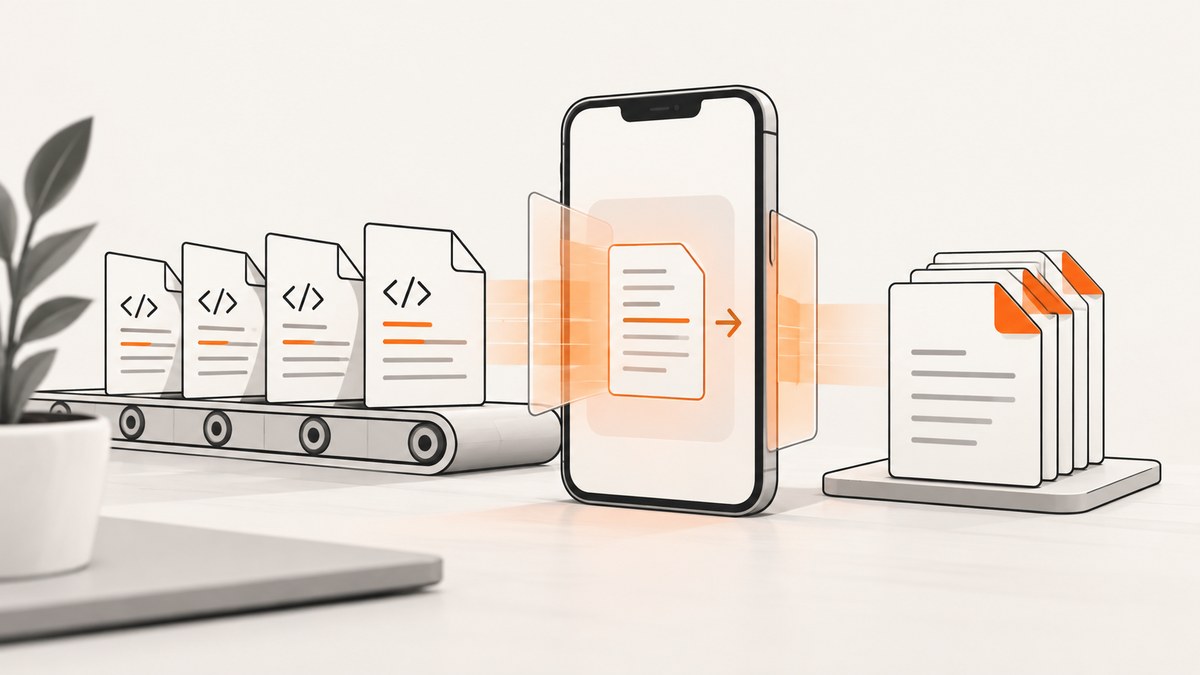
Use a serial completion-driven queue. NDHTMLtoPDF renders asynchronously through UIWebView, so a tight for loop can start overlapping conversions and crash. Retain the active converter, create a unique output path for every document, and start the next conversion only from the previous job’s success or error callback.
The iclems/iOS-htmltopdf project documents URL-based and in-memory HTML conversion, page sizes supplied as CGSize, margins supplied as UIEdgeInsets, and delegate or block callbacks. See the project README for the initializer signatures available in your version.
1. Add iOS-htmltopdf and prepare a batch
Install the library using the method supported by your project, then keep the conversion queue and active converter alive for the entire batch. The README specifically recommends retaining a property such as PDFCreator because conversion is asynchronous.
For URL-backed HTML files, the source can be a local file URL. For HTML generated in memory, use the documented createPDFWithHTML overload and pass a baseURL when relative CSS, images, or fonts need to resolve.
2. Complete Objective-C serial batch implementation
#import <Foundation/Foundation.h>
#import <UIKit/UIKit.h>
#import "NDHTMLtoPDF.h"

@interface HTMLPDFBatchConverter : NSObject
@property (nonatomic, strong) NSMutableArray<NSString *> *pendingHTMLFiles;
@property (nonatomic, strong) NSMutableDictionary<NSString *, NSString *> *results;
@property (nonatomic, strong) NDHTMLtoPDF *PDFCreator;
@property (nonatomic, copy) NSString *documentsDirectory;
@property (nonatomic, assign) CGSize paperSize;
@property (nonatomic, assign) UIEdgeInsets margins;
- (void)startWithHTMLFiles:(NSArray<NSString *> *)paths
                paperSize:(CGSize)paperSize
                  margins:(UIEdgeInsets)margins;
@end

@implementation HTMLPDFBatchConverter

- (instancetype)init {
    self = [super init];
    if (self) {
        _pendingHTMLFiles = [NSMutableArray array];
        _results = [NSMutableDictionary dictionary];
        _documentsDirectory = NSSearchPathForDirectoriesInDomains(
            NSDocumentDirectory, NSUserDomainMask, YES
        ).firstObject;
    }
    return self;
}

- (void)startWithHTMLFiles:(NSArray<NSString *> *)paths
                paperSize:(CGSize)paperSize
                  margins:(UIEdgeInsets)margins {
    self.pendingHTMLFiles = [paths mutableCopy];
    self.paperSize = paperSize;
    self.margins = margins;
    [self convertNextHTML];
}

- (void)convertNextHTML {
    if (self.pendingHTMLFiles.count == 0) {
        self.PDFCreator = nil;
        return;
    }

    NSString *htmlPath = self.pendingHTMLFiles.firstObject;
    [self.pendingHTMLFiles removeObjectAtIndex:0];

    NSURL *htmlURL = [NSURL fileURLWithPath:htmlPath];
    NSString *baseName = htmlPath.lastPathComponent.stringByDeletingPathExtension;
    NSString *pdfName = [baseName stringByAppendingPathExtension:@"pdf"];
    NSString *pdfPath = [self.documentsDirectory stringByAppendingPathComponent:pdfName];

    // Ensure each destination is unique if input names can repeat.
    if ([[NSFileManager defaultManager] fileExistsAtPath:pdfPath]) {
        NSString *uniqueName = [NSString stringWithFormat:@"%@-%@.pdf",
                                 baseName, NSUUID.UUID.UUIDString];
        pdfPath = [self.documentsDirectory stringByAppendingPathComponent:uniqueName];
    }

    self.PDFCreator = [NDHTMLtoPDF createPDFWithURL:htmlURL
        pathForPDF:pdfPath
        pageSize:self.paperSize
        margins:self.margins
        successBlock:^(NDHTMLtoPDF *job) {
            self.results[htmlPath] = pdfPath;
            [self convertNextHTML];
        }
        errorBlock:^(NDHTMLtoPDF *job) {
            self.results[htmlPath] = @"FAILED";
            // Record the failure, then keep the queue moving.
            [self convertNextHTML];
        }];
}

@end

// Example:
// CGSize a4 = CGSizeMake(595.2, 841.8);
// UIEdgeInsets margins = UIEdgeInsetsMake(10, 5, 10, 5);
// [converter startWithHTMLFiles:htmlPaths paperSize:a4 margins:margins];
Adapt the exact initializer spelling to the library version in your project. The documented API has both delegate and block forms. The important behavior is unchanged: retain the converter and advance from both completion paths.
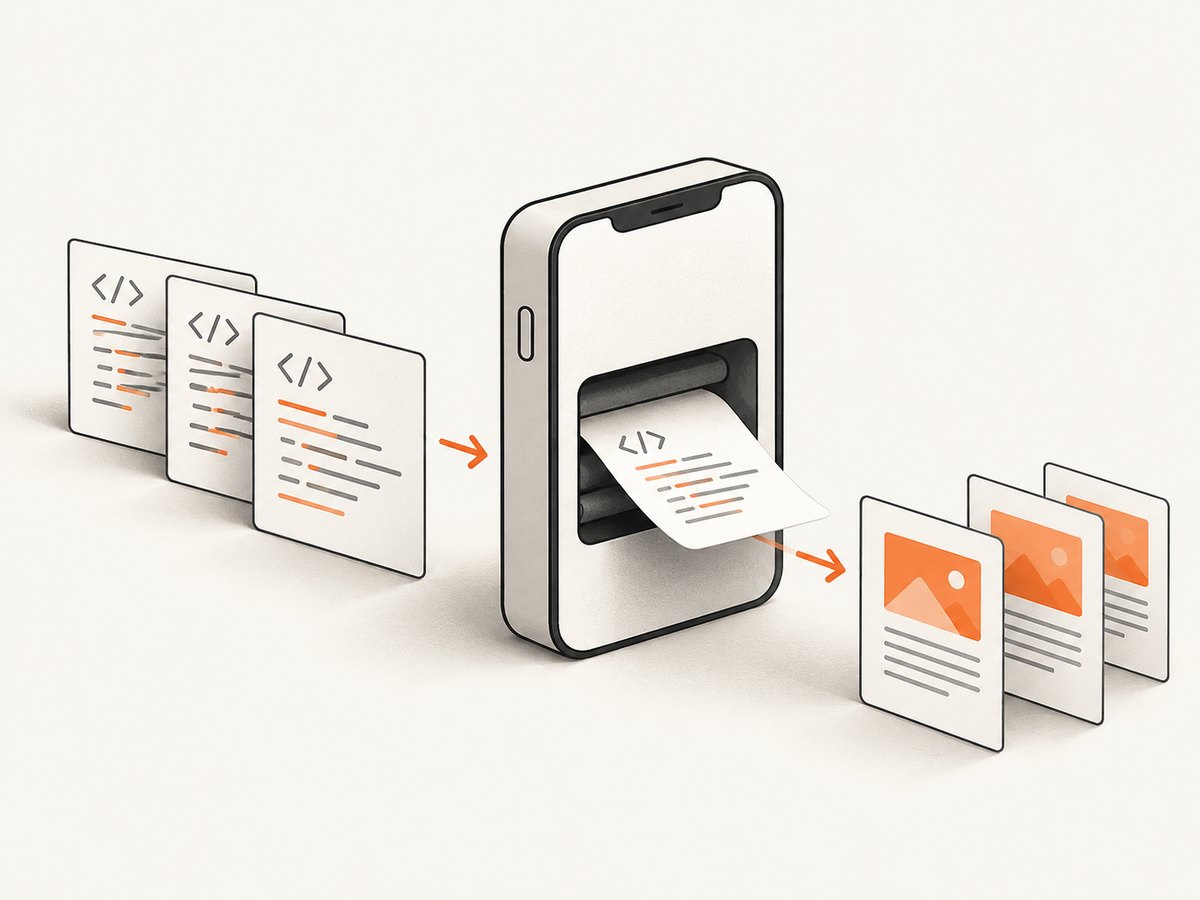
3. Convert HTML strings already in memory
NSString *html = @"<html><head><link rel='stylesheet' href='css/invoice.css'></head><body><h1>Invoice</h1></body></html>";
NSString *output = [documentsDirectory stringByAppendingPathComponent:@"invoice-0001.pdf"];
NSURL *baseURL = [NSURL fileURLWithPath:temporaryHTMLDirectory isDirectory:YES];

self.PDFCreator = [NDHTMLtoPDF createPDFWithHTML:html
    pathForPDF:output
    pageSize:CGSizeMake(595.2, 841.8)
    margins:UIEdgeInsetsMake(10, 5, 10, 5)
    baseURL:baseURL
    successBlock:^(NDHTMLtoPDF *job) {
        // Continue with the next item.
    }
    errorBlock:^(NDHTMLtoPDF *job) {
        // Record the failure and continue.
    }];
Use the overload exposed by your installed version. A base URL gives relative resources a resolvable origin; without it, local CSS, images, and fonts may be missing.
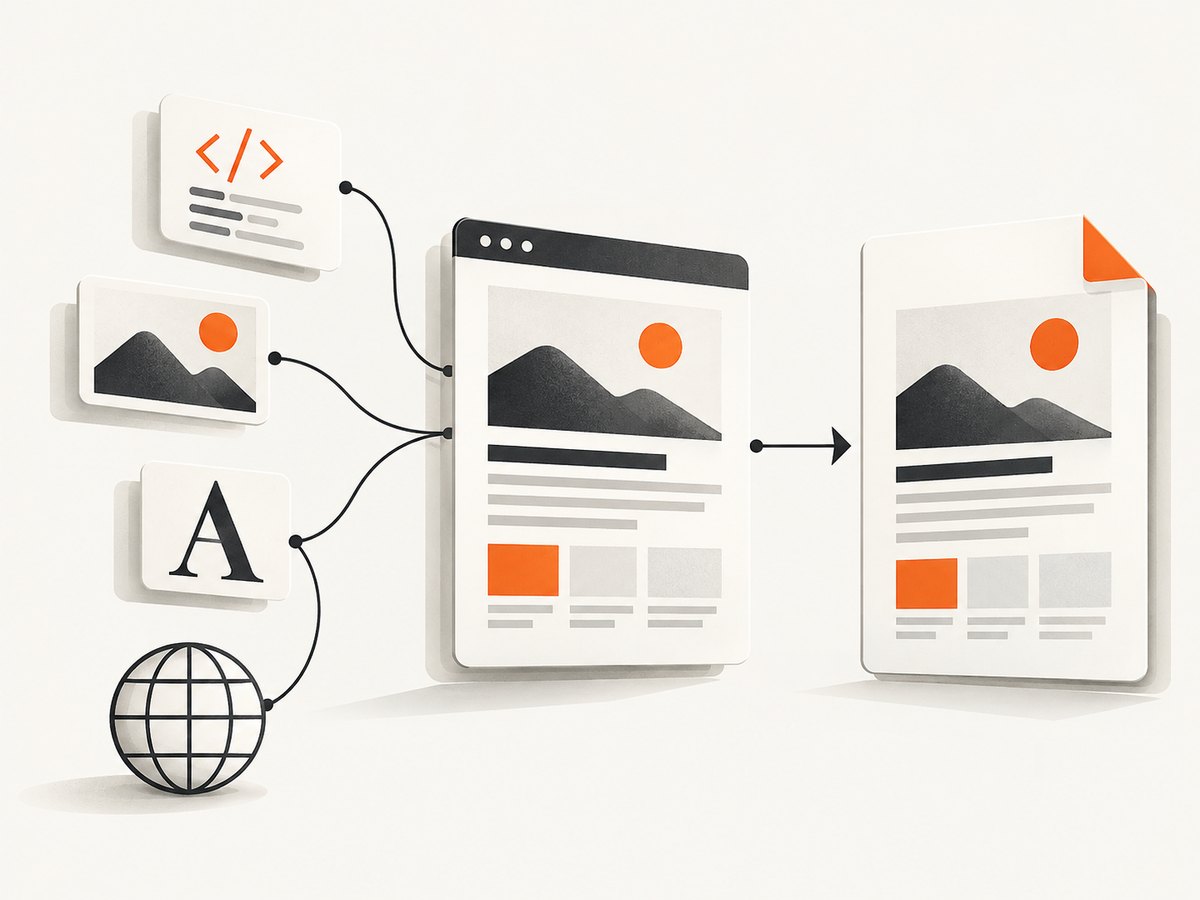
4. Choose paper size and margins explicitly
The README’s A4 example is CGSizeMake(595.2, 841.8). Margins are UIEdgeInsets values. Keep these values consistent throughout a batch unless a document intentionally uses a different layout.
| Setting | What to decide | Why it matters |
|---|---|---|
| Paper size | A4 example or your required CGSize |
Controls the printable width and height. |
| Margins | Top, left, bottom, right in UIEdgeInsets |
Reduces the usable content area and can create an extra page. |
| Output path | Unique path per input | Prevents overwrites and stale-file confusion. |
| Resource base URL | Directory or URL containing relative assets | Lets CSS, images, and fonts resolve. |
5. Prevent unexpected second pages
A document that appears to fit visually can still overflow the printable area. Check the effective height after margins, then inspect:
- Default
bodymargins. - Fixed-height containers and bottom padding.
- Image dimensions and intrinsic aspect ratios.
- Line wrapping caused by the selected paper width.
- Fonts that load late or change text metrics.
- Explicit
UIEdgeInsetsmargins.
Log the item identifier, paper size, margins, source path, and destination path for every job. That makes a second-page result reproducible.
6. Batch reliability checklist
- Build a stable input list before starting.
- Assign a unique destination path to every item.
- Retain the current
NDHTMLtoPDFobject in a property or retained per-job collection. - Start exactly one conversion at a time unless you have verified that your target library and device can safely handle more.
- Call the queue advance method from both success and error callbacks.
- Record success and failure by input path.
- Release the converter only after its callback has fired.
- Verify that the output file exists before presenting it to the user.
7. Troubleshooting
Crash when processing several files
Cause: a tight loop starts multiple asynchronous UIWebView conversions at once. The Stack Overflow report for this workflow describes that overlap and suggests coordination.
Fix: use a serial completion-driven queue like the implementation above. Start the next conversion only after success or failure, and retain the active converter.
Images, CSS, or fonts are missing
Cause: relative URLs have no resolvable origin.
Fix: use a createPDFWithHTML overload with baseURL:, or make sure a URL-based source can resolve every referenced resource.
The wrong PDF is returned
Cause: duplicate output names, stale files, or an input path whose extension was removed incorrectly.
Fix: expand every destination path explicitly, make names unique, and decide whether an existing file should be overwritten or replaced with a unique name.
A one-page document becomes two pages
Cause: the content exceeds the printable height after margins, often because of body margins, fixed boxes, image sizing, or wrapping.
Fix: inspect the effective CSS box sizes, reduce unintended spacing, size images explicitly, and log the selected paper size and margins.
The queue stops after one failed item
Cause: the next item is started only in the success callback.
Fix: advance from the error callback too, while recording the failed input.
The batch appears stuck
Cause: the converter was deallocated, the callback is not wired for the initializer variant you selected, or a resource never resolves.
Fix: retain the converter, use the callback signature documented for your version, verify local asset URLs, and add per-item logging before and after conversion.
8. Performance, reliability, and cost considerations
The project documentation and the cited workflow report do not publish a throughput benchmark or compatibility matrix. Treat conversion speed as dependent on HTML size, resource loading, device, and page complexity. Serial processing uses more wall-clock time than uncontrolled parallelism, but it bounds memory pressure and avoids overlapping UIWebView work.
On-device conversion can work without a hosted conversion service, but it requires you to manage local files, rendering differences, retries, and queue state. If the source HTML depends on network resources, capture success also depends on those resources being available when the device renders the page.
9. Or skip the browser setup
If your input is a public web page rather than local HTML files, ScreenshotNeo provides a single GET request for a clean page capture and also offers PDF capture through its MCP server. Its documented API and options are at screenshotneo.com/docs.
curl -G "https://api.screenshotneo.com/v1/shot" -d access_key=YOUR_API_KEY --data-urlencode url=https://stripe.com -o shot.webpimport requests
r = requests.get("https://api.screenshotneo.com/v1/shot", params={"access_key": "YOUR_API_KEY", "url": "https://stripe.com"}, timeout=90)
open("shot.webp", "wb").write(r.content)const q = new URLSearchParams({ access_key: 'YOUR_API_KEY', url: 'https://stripe.com' });
const res = await fetch(`https://api.screenshotneo.com/v1/shot?${q}`);- Cookie banners, newsletter popups, and chat widgets are removed before the shot.
- Bot checks, blank pages, failed loads, timeouts, and cache hits are not billed; response headers identify the page verdict and billing result.
- An MCP server lets Claude, Cursor, and other MCP clients use
take_screenshot,get_page_info, andcapture_pdf. - Every plan includes the features; 1,000 screenshots each month are free with no card, and paid plans start at $5 for 3,000.
Start with the free ScreenshotNeo account.
10. FAQ
Can I launch all conversions with a dispatch group?
You can coordinate asynchronous work, but the documented crash report makes overlapping conversions a risk. A serial queue is the simpler default for this library.
Should every file use the same margins?
Use consistent margins for predictable batches. Change them only when a document’s layout requires it, and log the exception.
Do I need a base URL for every HTML string?
No. You need one when the HTML references relative CSS, images, fonts, or other resources that must be resolved.
Does the README provide a performance guarantee?
No. The available documentation does not publish a throughput figure or compatibility matrix.


