How to Name Selenium Python Screenshots with Test Names and IDs
Build safe, unique Selenium screenshot filenames from pytest test names, parameter IDs, workers, and runs—with hooks, code, and fixes for collisions.
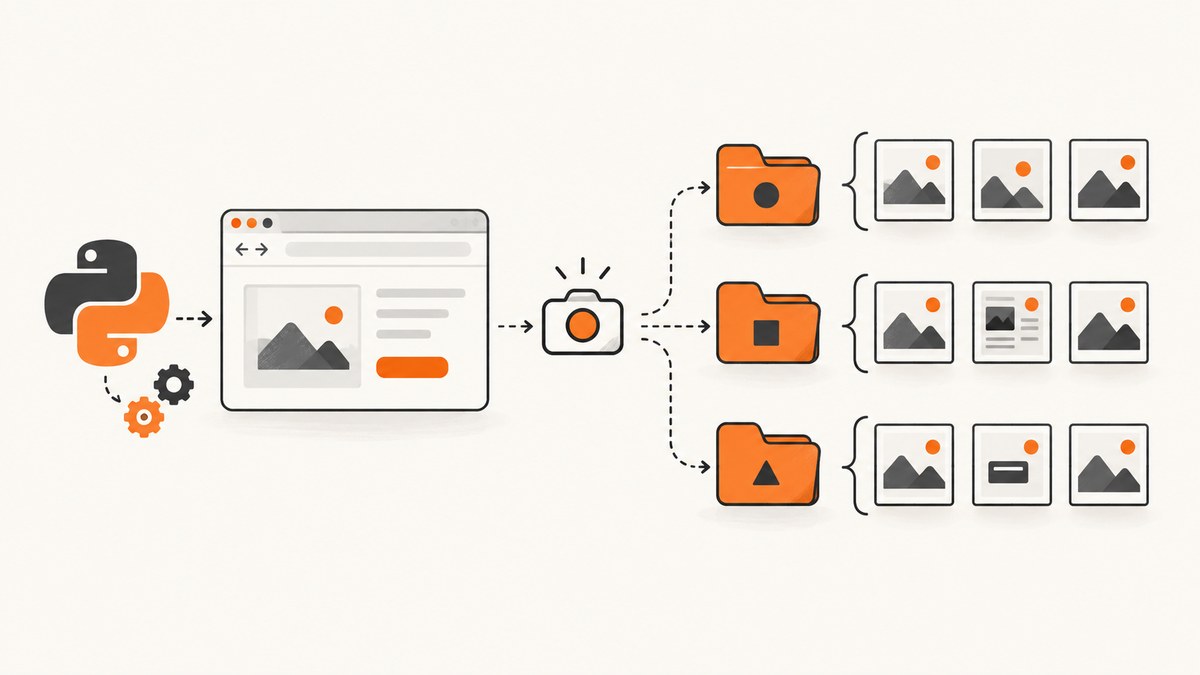
Direct answer: build the filename from pytest test metadata, sanitize it for the filesystem, add a stable case or run identifier, and pass the resulting .png path to Selenium’s save_screenshot(). If you use pytest-selenium’s failure capture, its pytest_selenium_capture_debug hook provides the test item and a base64 screenshot payload.
Choose the capture path
| Approach | Use it when | Filename control |
|---|---|---|
| Direct Selenium API | Your test decides exactly when to capture | Complete |
| pytest-selenium hook | You already collect failure/debug artifacts | Complete in the hook |
| Third-party plugin | You want automatic failure screenshots | Depends on plugin |
1. Name screenshots in a Selenium Python test
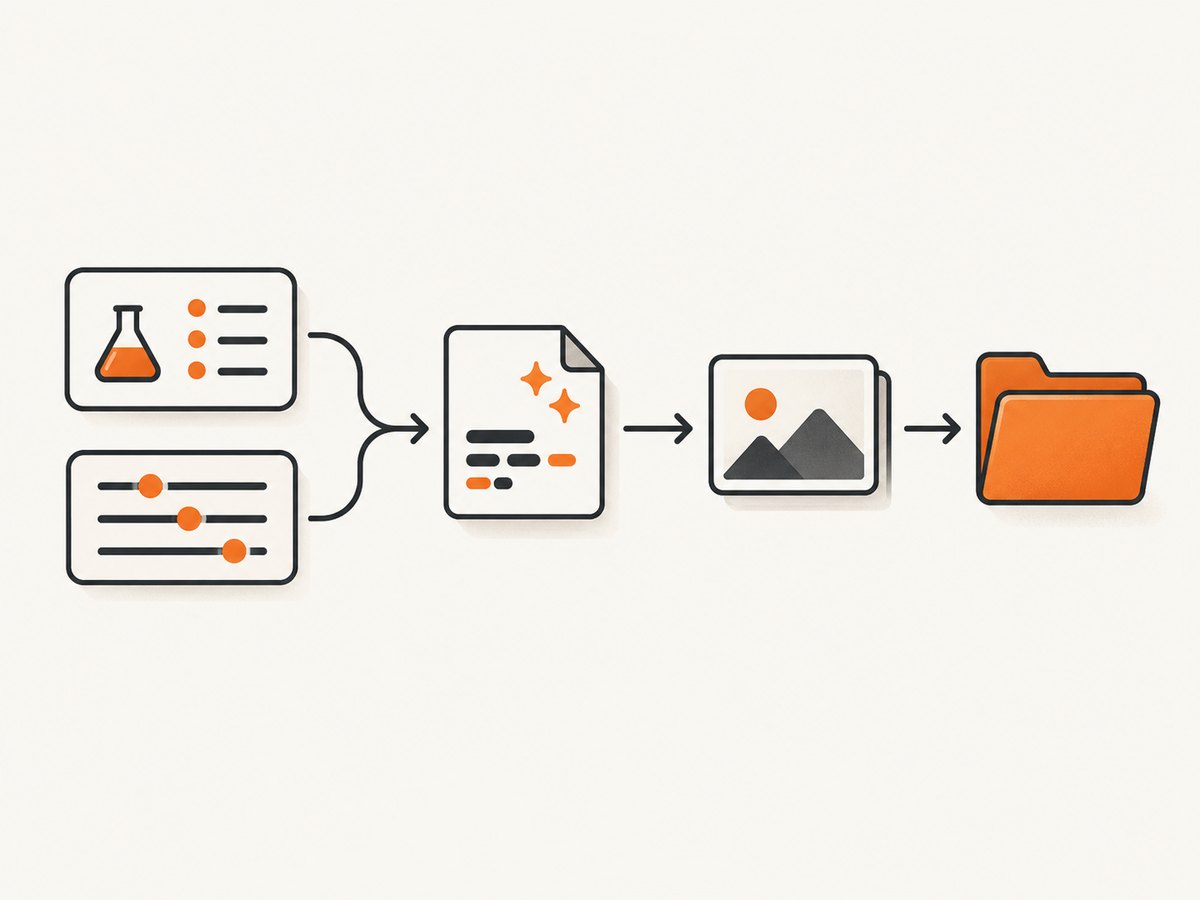
This example uses a safe stem, case identifier, run identifier, directory creation, and Selenium’s return value.
from pathlib import Path
import os
import re
import uuid
from selenium import webdriver

SCREENSHOT_DIR = Path('screenshots')
RUN_ID = os.getenv('CI_PIPELINE_ID') or uuid.uuid4().hex[:8]

def safe_stem(value: str) -> str:
    value = re.sub(r'[^A-Za-z0-9._-]+', '_', value)
    value = value.strip('._-')
    return value[:160] or 'test'

def screenshot_path(test_name: str, case_id: str | None = None) -> Path:
    parts = [test_name]
    if case_id:
        parts.append(case_id)
    parts.append(RUN_ID)
    return SCREENSHOT_DIR / f'{safe_stem("__".join(parts))}.png'

def test_checkout_page():
    driver = webdriver.Chrome()
    try:
        driver.get('https://example.com/checkout')
        path = screenshot_path('test_checkout_page', 'guest-card')
        path.parent.mkdir(parents=True, exist_ok=True)
        if not driver.save_screenshot(str(path)):
            raise OSError(f'Could not write {path}')
    finally:
        driver.quit()
save_screenshot(filename) captures the current browser window and returns True on success or False for an I/O error. Use a full path and a .png suffix. See the Selenium Python WebDriver API.
Use pytest’s test name and parameter ID
For parametrized tests, pytest exposes an item object. The exact formatting of parameter IDs depends on your pytest and plugin versions, so inspect the value once.
import pytest

@pytest.mark.parametrize(
    'username, case_id',
    [('alice@example.com', 'valid-user'), ('', 'missing-user')],
    ids=['valid-user', 'missing-user'],
)
def test_login(username, case_id, driver, request):
    driver.get('https://example.com/login')
    test_name = request.node.name
    path = screenshot_path(test_name, case_id)
    path.parent.mkdir(parents=True, exist_ok=True)
    assert driver.save_screenshot(str(path))
When naming is contractual, pass an explicit case_id. If you use pytest’s generated ID, log request.node.name once and confirm its format on your installed versions.
2. Capture and name pytest-selenium debug screenshots
pytest-selenium collects URL, HTML, logs, and screenshots in its HTML report when a test fails. Its selenium_capture_debug setting accepts never, failure (the documented default), and always. Always capturing debug data can make reports much larger.
# conftest.py
import base64
import re
from pathlib import Path

SCREENSHOT_DIR = Path('screenshots')

def safe_stem(value: str) -> str:
    value = re.sub(r'[^A-Za-z0-9._-]+', '_', value)
    return value.strip('._-')[:160] or 'test'

def pytest_selenium_capture_debug(item, report, extra):
    for entry in extra:
        if entry['name'] == 'Screenshot':
            SCREENSHOT_DIR.mkdir(parents=True, exist_ok=True)
            image = base64.b64decode(entry['content'].encode('utf-8'))
            filename = SCREENSHOT_DIR / f'{safe_stem(item.name)}.png'
            filename.write_bytes(image)
This follows the documented hook pattern: locate the Screenshot entry, decode it, and write the bytes using item.name. Add a run, worker, or retry suffix when multiple artifacts can share a name.
3. Make names safe and unique
- Replace slashes, backslashes, control characters, spaces, and unsuitable punctuation.
- Keep the
.pngextension. - Limit the stem length to avoid operating-system path limits.
- Add a case ID, CI run ID, retry number, or worker name to prevent collisions.
- Keep the stable test name first so artifacts remain searchable.
- Sanitize URLs, user input, and parameter values before putting them in paths.
A practical pattern is <test-name>__<case-id>__<run-id>.png. Different values can collapse to the same sanitized stem, so uniqueness must be explicit for parallel workers.
4. Direct API details and edge cases
Window versus full page
save_screenshot() saves the current browser window. It does not guarantee a full-page image across every driver. Use your driver’s documented full-page capability when you need the entire document.
Capture timing
Capture after navigation and after the UI state you want is ready. Wait for a selector or application condition instead of relying only on a fixed sleep.
Parallel workers and retries
Include a worker or retry component, or write each worker to its own directory. Otherwise identical sanitized names can overwrite one another.
Write failures
Check the boolean result. Missing directories, permissions, read-only CI workspaces, full disks, and overly long paths are common causes.
5. cURL, Python and Node.js screenshot API examples
For a named image of a URL rather than a live WebDriver session, an HTTP screenshot API returns the image body and you choose the filename.

curl -G "https://api.screenshotneo.com/v1/shot" -d access_key=YOUR_API_KEY --data-urlencode url=https://stripe.com -o stripe-home.webpimport requests
r = requests.get('https://api.screenshotneo.com/v1/shot', params={'access_key': 'YOUR_API_KEY', 'url': 'https://stripe.com'}, timeout=90)
r.raise_for_status()
open('stripe-home.webp', 'wb').write(r.content)const q = new URLSearchParams({ access_key: 'YOUR_API_KEY', url: 'https://stripe.com' });
const res = await fetch(`https://api.screenshotneo.com/v1/shot?${q}`);
if (!res.ok) throw new Error(`HTTP ${res.status}`);
const fs = await import('node:fs/promises');
await fs.writeFile('stripe-home.webp', Buffer.from(await res.arrayBuffer()));See the ScreenshotNeo documentation for full-page capture, CSS-element capture, device presets, custom viewports, retina scale, dark mode, custom CSS and JavaScript, click and wait actions, blocking controls, headers, cookies, user agents, authorization, timezone, geolocation, transparent backgrounds, resizing, caching, signed links, asynchronous jobs, webhooks, bulk capture, usage, and PDF output.
Or skip the browser setup
ScreenshotNeo makes one GET request for a clean PNG, JPEG, WebP, or PDF. It accepts cookie or consent banners and removes more than 60 known consent platforms, newsletter popups, and chat widgets before capture; each step can be turned off. Bot checks, blank pages, timeouts, failed loads, and cache hits are not billed, and response headers identify the page verdict and billing result. Its MCP server provides take_screenshot, get_page_info, and capture_pdf for Claude, Cursor, and other MCP clients.
curl -G "https://api.screenshotneo.com/v1/shot" -d access_key=YOUR_API_KEY --data-urlencode url=https://stripe.com -o shot.webpThere are 1,000 free screenshots each month with no card; paid plans start at $5 for 3,000 shots. Create a free ScreenshotNeo account.
Troubleshooting
| Symptom | Cause | Fix |
|---|---|---|
| File is missing | Parent directory does not exist | Create it with mkdir(parents=True, exist_ok=True). |
save_screenshot() returns False |
I/O error, permissions, or invalid path | Use an absolute writable path and a .png suffix. |
| Unreadable names | Raw parameter or URL text used as a path | Sanitize every component and cap its length. |
| Files overwrite one another | Parallel tests or retries share a stem | Add worker, retry, or run ID. |
| pytest hook writes nothing | Plugin is inactive or no Screenshot entry was emitted | Confirm pytest-selenium and capture mode; use direct Selenium capture when needed. |
| Unexpected parameter ID | Version-specific pytest formatting | Log item.name and use an explicit case ID. |
| Intermediate page captured | Asynchronous content has not settled | Wait for a selector or application condition. |
| HTML report is huge | Capture mode is always |
Use failure or store images outside the report. |
Performance, reliability and cost
- Performance: screenshots add encoding and disk I/O. Capture at failure or selected checkpoints rather than inside polling loops.
- Reliability: deterministic names make CI artifacts searchable; run and worker components prevent overwrites. Always close WebDriver in
finally. - Storage: PNGs can be large. Retain only needed runs and archive artifacts appropriately.
- API cost: ScreenshotNeo bills only clean shots. Bot checks, blank pages, timeouts, failed loads, and cache hits are not billed. Inspect
X-Page-VerdictandX-Billedwhen accounting matters.
FAQ
Does Selenium add the test name automatically?
No. Selenium receives a path string; your test or hook constructs the name.
Should I use item.name or item.nodeid?
item.name is used by the documented hook example. nodeid can contain paths and parameter text, so sanitize it if you choose it.
Can Selenium save JPEG instead of PNG?
The documented Selenium methods save PNG screenshots. Convert the image afterward or use an API that supports JPEG or WebP.
Is a failure-screenshot plugin required?
No. pytest-selenium’s hook or direct save_screenshot() is sufficient. The PyPI package pytest-screenshot-on-failure lists a July 21, 2023 release, so check compatibility before adopting it.
How do I avoid leaking secrets?
Do not put tokens or personal data in filenames. Restrict artifact access and set retention appropriate for your test data.


