How to Navigate Angular Routes Without Reloading in Puppeteer
Navigate Angular routes in Puppeteer without full reloads using RouterLink, synchronized waits, route assertions, and reliable SPA troubleshooting.
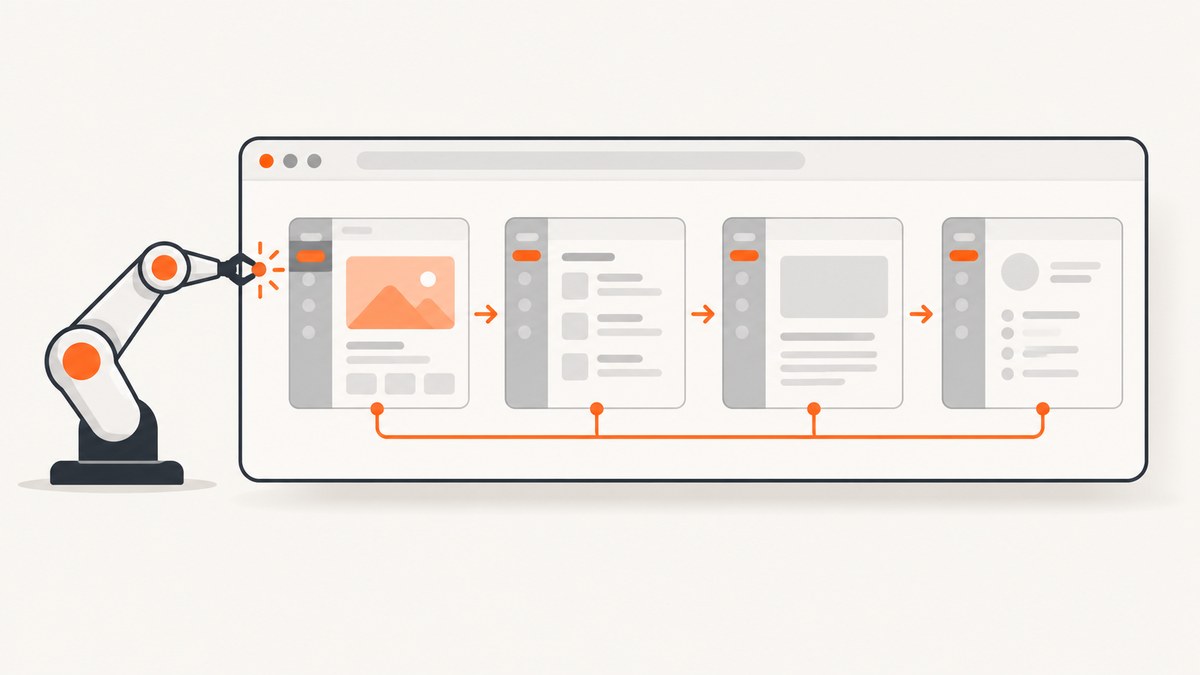
Direct answer: load the Angular application once with page.goto(), then navigate through the Angular router by clicking a visible RouterLink or control. Start Puppeteer’s navigation wait before the click, and verify the new URL plus a route-specific DOM marker after the click.
import puppeteer from 'puppeteer';

const browser = await puppeteer.launch({headless: true});
const page = await browser.newPage();

await page.goto('https://example.test/', {
  waitUntil: 'domcontentloaded'
});

await Promise.all([
  page.waitForNavigation({waitUntil: 'domcontentloaded'}),
  page.locator('a[routerLink="/orders"]').click()
]);

await page.waitForSelector('[data-testid="orders-page"]', {
  visible: true
});

if (!page.url().endsWith('/orders')) {
  throw new Error(`Unexpected route: ${page.url()}`);
}

await browser.close();
Angular changes routed content in place, so a client-side transition normally does not download a new HTML document. Puppeteer still treats History API URL changes as navigation. Its waitForNavigation() documentation also notes that the returned response can be null when there is no new main-resource response. For Angular, the URL and rendered route state are the useful assertions.
1. Understand what “without reloading” means
An Angular application is usually a single-page application (SPA). The browser first requests the application shell. Angular then owns in-app route changes and replaces routed components in the existing document. Angular’s routing guide describes this as updating page content in place without a full-page reload.
| Action | What it tests | Document request |
|---|---|---|
page.goto('https://example.test/') |
Initial SPA load | Yes |
Clicking <a routerLink="/orders"> |
Real Angular navigation, guards and resolvers | Normally no |
router.navigate(['/orders']) |
Programmatic Angular navigation | Normally no |
page.goto('https://example.test/orders') |
Deep-link server handling and initial route boot | Yes |
Use page.goto() for the first document or when you intentionally want a fresh browser navigation. Use the application’s router for the transition you want your end user to experience.
2. Build a reliable test page
Give each routed view a stable semantic marker. A test ID, heading, landmark, or route-specific data attribute is more reliable than a fixed delay.
<a routerLink="/orders">Orders</a>

<main data-testid="orders-page">
  <h1>Orders</h1>
</main>
In the component or test fixture, you can expose a route marker:
<body [attr.data-route]="router.url">
  <router-outlet></router-outlet>
</body>
A route marker should be rendered only when the view is ready for the assertion. If the page displays a loading shell first, put the marker on the completed view or wait for both the view and its data state.
3. Synchronize the click and navigation correctly
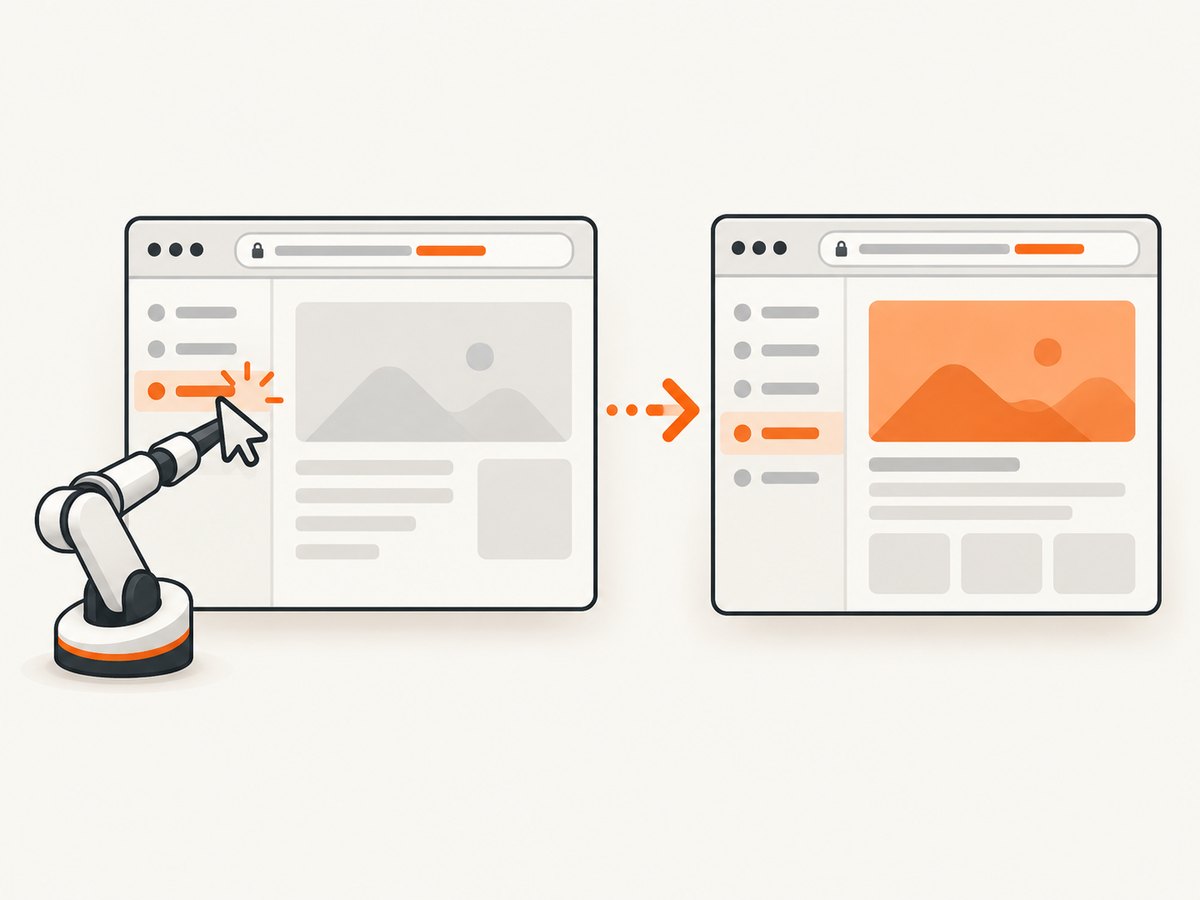
The common race is to click first and call waitForNavigation() second. A fast SPA transition can finish before the wait is registered. Start both promises together, with the wait created first inside Promise.all().
await Promise.all([
  page.waitForNavigation({
    waitUntil: 'domcontentloaded',
    timeout: 30_000
  }),
  page.locator('a[routerLink="/orders"]').click()
]);

await page.waitForSelector('[data-testid="orders-page"]', {
  visible: true,
  timeout: 30_000
});
waitUntil: 'domcontentloaded' is usually enough for a client-side route. You can use 'load' when load events from subresources matter, or 'networkidle0'/'networkidle2' when the application becomes quiet after its data requests. Network-idle waits can be inappropriate for apps with analytics, polling, websockets, or long-lived requests.
Do not require a non-null response:
const [response] = await Promise.all([
  page.waitForNavigation(),
  page.locator('a[routerLink="/orders"]').click()
]);

// response may be null for History API navigation.
await page.waitForSelector('[data-testid="orders-page"]');
await page.waitForFunction(() => location.pathname.endsWith('/orders'));
For a control that changes state but does not change the URL, skip waitForNavigation() and wait directly for the state change:
await page.locator('button[data-open="filters"]').click();
await page.waitForSelector('[role="dialog"][data-state="open"]', {
  visible: true
});
4. Use Angular RouterLink and programmatic navigation
RouterLink in a template
<a routerLink="/orders">Orders</a>
<a [routerLink]="['/orders', orderId]">View order</a>
Clicking the link exercises the same browser-facing path as a user, including link guards and router events.
router.navigate() and navigateByUrl()
Angular’s Router API provides two programmatic forms. navigate() builds a URL from command segments; navigateByUrl() accepts an absolute route path. Both return a promise. A resolved false means navigation did not succeed; an error can reject the promise.
const moved = await router.navigate(['/orders']);
if (!moved) {
  throw new Error('Angular navigation was cancelled');
}

const movedByUrl = await router.navigateByUrl('/orders/123');
if (!movedByUrl) {
  throw new Error('Angular URL navigation was cancelled');
}
From Puppeteer, prefer clicking a real RouterLink when the test is intended to cover the user interaction. Use an in-page function or a test-only control for a component-level test that specifically targets programmatic routing.
5. Assert the URL and the routed DOM
Use both assertions because each catches a different failure. The URL proves the router selected the expected address. The DOM marker proves the expected component rendered.
await page.waitForFunction(
  expected => location.pathname === expected,
  {},
  '/orders'
);

await page.waitForSelector('main[data-testid="orders-page"]', {
  visible: true
});

const heading = await page.locator('main[data-testid="orders-page"] h1').textContent();
if (heading?.trim() !== 'Orders') {
  throw new Error(`Unexpected heading: ${heading}`);
}
waitForSelector() waits for an element to be added to the DOM and has a 30-second default timeout. A visible selector is useful when Angular creates the element before it is displayed. For stronger state checks, use waitForFunction() with a predicate that reads a data attribute or application state exposed for tests.
6. Handle path and hash routing
Angular supports PathLocationStrategy and HashLocationStrategy. Path strategy uses pushState-style URLs such as /orders. Hash strategy uses URLs such as /#/orders. Path strategy is the usual default, but verify the strategy used by the deployed application.
PathLocationStrategy
await Promise.all([
  page.waitForNavigation(),
  page.locator('a[routerLink="/orders"]').click()
]);

await page.waitForFunction(() => location.pathname === '/orders');
await page.waitForSelector('[data-testid="orders-page"]');
A direct deep link such as page.goto('https://example.test/orders') is a real server request. The web server must return the SPA entry document for that path. Without a history fallback, the server can return a 404 before Angular starts.
HashLocationStrategy
await Promise.all([
  page.waitForNavigation(),
  page.locator('a[routerLink="/orders"]').click()
]);

if (!page.url().includes('#/orders')) {
  throw new Error(`Unexpected hash route: ${page.url()}`);
}
await page.waitForSelector('[data-testid="orders-page"]');
With hash routing, the server receives the base document URL and the browser keeps the route after the #. Your assertions must include the hash form. Angular recommends deciding on a location strategy early because production links and server configuration depend on it.
7. Wait for guards, resolvers and asynchronous data
A URL change does not necessarily mean that the page’s data is ready. Route guards can cancel navigation, resolvers can delay activation, and components can fetch data after activation. Wait for the final user-visible condition.
await Promise.all([
  page.waitForNavigation({waitUntil: 'domcontentloaded'}),
  page.locator('a[routerLink="/reports"]').click()
]);

await page.waitForSelector('[data-testid="reports-page"]', {
  visible: true
});
await page.waitForSelector('[data-testid="reports-loading"]', {
  hidden: true
});
await page.waitForSelector('[data-testid="report-row"]', {
  visible: true
});
If a guard redirects to login, assert the final URL and inspect the browser console or application logs. A route promise resolving to false indicates cancellation; a redirect may still produce a successful navigation event to a different route.
8. When page.goto() is the right choice
Use page.goto() when you are testing:
- the initial application boot;
- a refresh or full document navigation;
- deep-link server fallback configuration;
- authentication established by a new page load;
- behavior that must be isolated from previous in-memory state.
await page.goto('https://example.test/orders', {
  waitUntil: 'networkidle2',
  timeout: 60_000
});
await page.waitForSelector('[data-testid="orders-page"]');
Do not replace a router-click test with page.goto() just to make a wait pass. A direct request skips the in-app interaction, guards triggered by the link, and transition behavior you intended to verify.
9. Complete reusable helper
async function navigateAngular(page, selector, expectedUrl, readySelector) {
  await Promise.all([
    page.waitForNavigation({
      waitUntil: 'domcontentloaded',
      timeout: 30_000
    }),
    page.locator(selector).click()
  ]);

  await page.waitForFunction(
    url => location.pathname === url,
    {timeout: 30_000},
    expectedUrl
  );

  await page.waitForSelector(readySelector, {
    visible: true,
    timeout: 30_000
  });
}

await navigateAngular(
  page,
  'a[routerLink="/orders"]',
  '/orders',
  '[data-testid="orders-page"]'
);
For hash routing, pass a predicate that checks location.hash instead of location.pathname. For routes that intentionally keep the same URL, remove the URL predicate and retain a state-specific selector or function.
10. Troubleshooting common failures
| Symptom | Cause | Fix |
|---|---|---|
waitForNavigation() times out |
The click did not navigate, the selector hit the wrong element, or the wait started after the click. | Use Promise.all, verify the selector, and confirm whether the control changes the URL. |
Navigation resolves with null |
Angular used the History API or hash navigation; no new main document response exists. | Assert the URL and routed DOM marker. Do not dereference response.url() without a null check. |
| URL changes but old content remains | The component is still loading, a selector is too broad, or the route was cancelled and redirected. | Wait for a route-specific marker, hide the loading state, and inspect the final URL. |
| Click does nothing | The link is covered, disabled, outside the viewport, or a guard prevents navigation. | Use a visible locator, inspect computed state, scroll into view, and check console or router events. |
| Direct deep link returns 404 | The server is not configured to serve the Angular entry document for path routes. | Add the host’s SPA history fallback or use hash routing where appropriate. |
| Hash assertion fails | The app uses HashLocationStrategy but the test checks pathname. |
Assert location.hash or a URL ending in #/orders. |
| Test is flaky with fixed sleeps | Network and rendering time vary; a sleep does not describe readiness. | Wait for a semantic selector, hidden loading indicator, or function predicate. |
| Navigation is cancelled | A guard rejected access, a resolver failed, or another navigation superseded it. | Log router events, authenticate the page, and assert the expected redirect or error state. |
11. Performance, reliability and cost
- Reuse the browser and page: launch once per test worker when isolation allows it. Creating a browser for every route is expensive.
- Wait narrowly: prefer
domcontentloadedplus a route marker over global network idle when the app has telemetry or polling. - Keep selectors stable: use test IDs or semantic landmarks rather than generated CSS classes.
- Set explicit timeouts: use a longer timeout for known slow environments, but keep failures bounded.
- Capture diagnostics: on failure save the URL, a screenshot, console messages and a short HTML snippet.
- Separate route and server tests: test router transitions with clicks, and test deep-link fallback with direct
goto().
Browser automation costs CPU, memory and setup time because Chromium must run and the application must load. If you only need a rendered image or PDF rather than interaction coverage, an API can remove that browser infrastructure.
12. Or skip the browser setup
ScreenshotNeo provides a website screenshot API and MCP server. Its one-call capture is useful when your output is an image or PDF and you do not need to exercise Angular clicks, guards or client-side state transitions. See the ScreenshotNeo API documentation for the full option list.

curl -G "https://api.screenshotneo.com/v1/shot" -d access_key=YOUR_API_KEY --data-urlencode url=https://example.test/orders -o shot.webpimport requests
r = requests.get(
"https://api.screenshotneo.com/v1/shot",
params={"access_key": "YOUR_API_KEY", "url": "https://example.test/orders"},
timeout=90,
)
r.raise_for_status()
open("shot.webp", "wb").write(r.content)const q = new URLSearchParams({
access_key: 'YOUR_API_KEY',
url: 'https://example.test/orders'
});
const res = await fetch(`https://api.screenshotneo.com/v1/shot?${q}`);
if (!res.ok) throw new Error(`Screenshot failed: ${res.status}`);
const bytes = await res.arrayBuffer();
await Bun.write('shot.webp', bytes);ScreenshotNeo removes cookie and consent banners, newsletter popups and chat widgets before capture, with each cleanup step configurable. Bot checks, blank pages, timeouts, failed loads and cache hits are not billed, and the response reports the page verdict and billing status in X-Page-Verdict and X-Billed headers. It also supports full-page and element captures, dark mode, device presets, custom viewports, retina scale, PDFs, custom CSS and JavaScript, clicks, waits, blocked resources, headers, cookies, user agents, authorization, timezone, geolocation, transparent backgrounds, resizing, caching, signed links, asynchronous jobs, bulk capture and a usage API. Its MCP server exposes take_screenshot, get_page_info and capture_pdf to Claude, Cursor and other MCP clients.
Free accounts include 1,000 screenshots per month with no card. Paid plans start at $5 for 3,000 shots, and every feature is available on every plan. Create a free ScreenshotNeo account.
13. FAQ
Does Angular navigation always trigger Puppeteer navigation?
Angular’s History API and hash changes are considered navigation by Puppeteer, but the wait can resolve with a null response. Confirm the URL and rendered component.
Should I use a fixed delay after clicking?
No. Wait for a route-specific element, a hidden loading indicator, or a function predicate that represents readiness.
Can I test a route without clicking a link?
Yes. Use router.navigate() or router.navigateByUrl() for programmatic routing tests. Use a real link click when you want user interaction coverage.
Why does a deep link work locally but fail in CI?
The CI server may lack the SPA history fallback required by path-based routing. Test the server configuration with a direct page.goto() to the deep URL.
When should I use network idle?
Use it only when network quiescence represents readiness. Analytics, polling and persistent connections can prevent network-idle conditions from occurring.


