Why Next.js Images Are Not Showing and How to Fix Them
Fix Next.js images that fail, return 400 or 404, or render blank by checking URLs, remotePatterns, layout, and deployment.
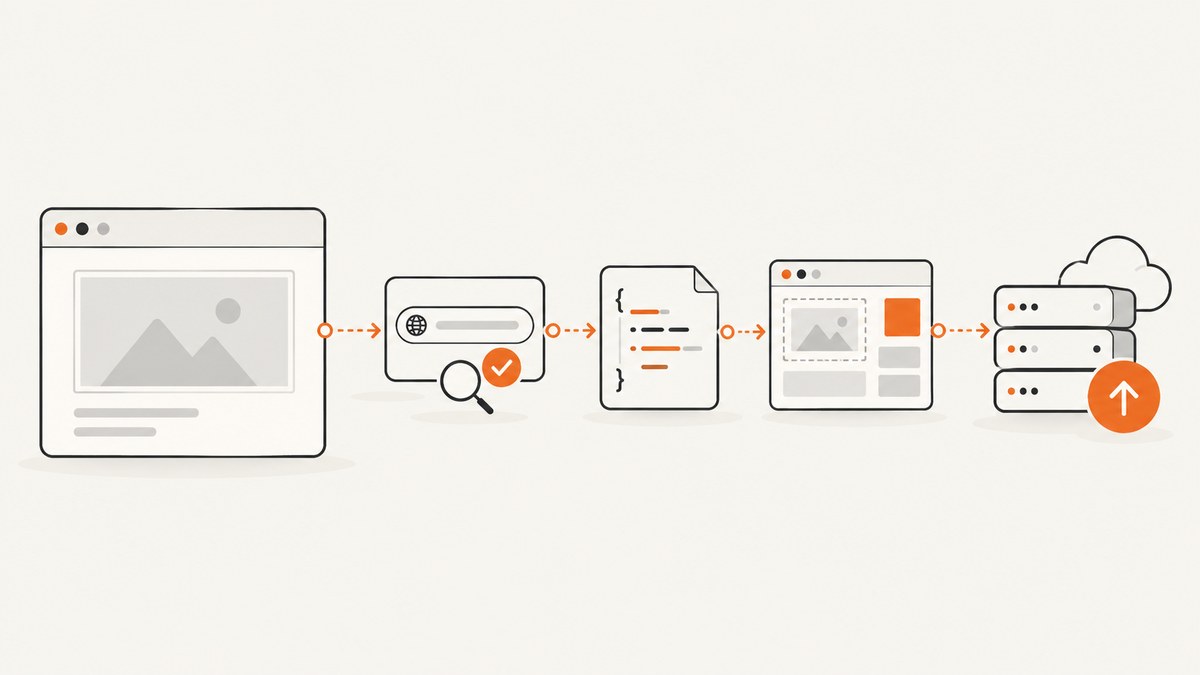
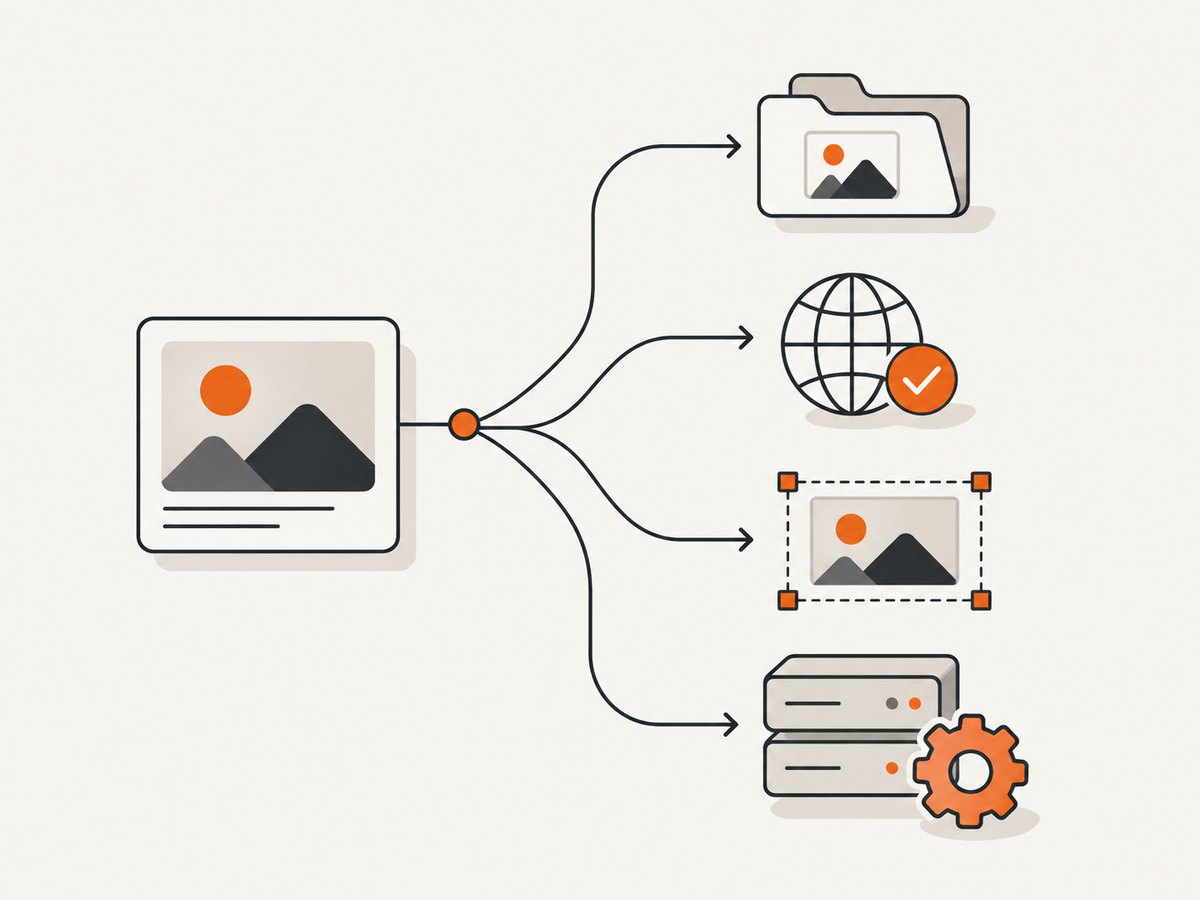
When a Next.js image is not showing, start with the request the browser actually made. Open DevTools, select the image request in the Network panel, and identify whether it returns 404, 400, an image response, or no request at all. That result usually points to one of four causes: an incorrect URL, a local or remote image pattern mismatch, missing dimensions or parent layout, or an image optimizer that does not match the deployment.
This guide follows that order. It covers local files in public, remote URLs, next/image dimensions and fill, authenticated sources, static exports, self-hosting, debugging commands, and production reliability.
Start with the failing request
Do not diagnose a blank rectangle from the visual result alone. In your browser:
- Open DevTools and select the Network tab.
- Reload the page with the panel open.
- Filter by
Imgor search for part of the image filename. - Open the request and record its full URL, status code, response headers, and preview.
- Inspect the rendered element in the Elements panel. Confirm whether it is an
img, whether it has a source, and whether its box has non-zero dimensions.
| What you see | First branch to investigate |
|---|---|
| 404 | File path, deployment contents, or an incorrect URL |
400 from /_next/image |
localPatterns or remotePatterns rejected the URL |
| 200 image response but nothing visible | CSS, zero-sized parent, transparency, cropping, or a broken layout |
| No image request | Conditional rendering, invalid component props, or a client-side error |
| Works locally but fails after deployment | Missing asset, optimizer/runtime mismatch, environment configuration, or source authentication |
Fix local images and the public folder
Next.js serves files in the root public directory from the site root. A file at public/avatars/me.png is requested as /avatars/me.png. The URL does not include /public. This mapping is defined in the Next.js public folder documentation.
app/profile/page.tsx

import Image from 'next/image';

export default function Profile() {
  return (
    <Image
      src="/avatars/me.png"
      alt="Profile photo"
      width={256}
      height={256}
    />
  );
}
Check these details:
- The directory is named
publicand is at the project root, alongsideapporpages. - The filename casing matches exactly. A path that works on a case-insensitive laptop can fail on a case-sensitive Linux host.
- The asset is included in the deployment and is not excluded by a build rule.
- The browser request is
/avatars/me.png, not/public/avatars/me.png.
When localPatterns causes a 400
If you configured images.localPatterns, Next.js checks the requested pathname and, when configured, its query string. A pattern that is too narrow can reject a valid file. An empty search value means the URL must have no query string; omitting search permits query parameters. Compare the exact request with the configured pattern using the unconfigured localPatterns error documentation.
// next.config.js

const nextConfig = {
  images: {
    localPatterns: [
      { pathname: '/avatars/**' }
    ]
  }
};

module.exports = nextConfig;
Use the narrowest path that covers your assets. If a cache-busting query is added later, either account for it or remove the query when it is unnecessary.
Fix remote image URL and allowlist mismatches
External URLs used by next/image must match images.remotePatterns. Matching can be exact and case-sensitive for the protocol, hostname, port, pathname, and search string. assets.example.com does not automatically authorize www.example.com, another subdomain, or a different path. See the unconfigured-host error documentation.
// next.config.js

const nextConfig = {
  images: {
    remotePatterns: [
      {
        protocol: 'https',
        hostname: 'images.example.com',
        port: '',
        pathname: '/products/**'
      }
    ]
  }
};

module.exports = nextConfig;
import Image from 'next/image';
export default function ProductImage({ src }) {
return (
<Image
src={src}
alt="Product"
width={800}
height={600}
/>
);
}Compare the complete src value with the pattern:
httpversushttps- the exact hostname and subdomain
- a non-default port
- the path prefix and wildcard coverage
- the query string, including signed URL parameters
Prefer strict patterns. The current API describes omitted match fields as broad wildcards, which can authorize more URLs than intended. The older images.domains setting is deprecated since Next.js 14 in favor of remotePatterns. Syntax also varies by release: the error documentation notes that versions before 15.3.0 use the object form, while versions before 12.3.0 may use images.domains. Match the configuration to your installed Next.js version.
Give the image a usable layout
For a remote or dynamic source, provide width and height. They describe the intrinsic aspect ratio and reserve space before the image loads. Static imports provide intrinsic dimensions automatically. The Image Component API documents these requirements.
import Image from 'next/image';

export default function Hero() {
  return (
    <Image
      src="https://images.example.com/hero.jpg"
      alt="A mountain landscape"
      width={1600}
      height={900}
      sizes="(max-width: 768px) 100vw, 1200px"
    />
  );
}
When the image should fill a container, use fill. The parent must be positioned and must have a meaningful height or aspect ratio.
.hero {
  position: relative;
  aspect-ratio: 16 / 9;
  overflow: hidden;
}

.hero img {
  object-fit: cover;
}
import Image from 'next/image';
import styles from './hero.module.css';
export default function Hero() {
return (
<div className={styles.hero}>
<Image
src="/hero.jpg"
alt="A mountain landscape"
fill
sizes="100vw"
priority
/>
</div>
);
}If the parent has no height, the image can technically render while occupying no visible space. If it looks stretched or cropped, choose object-fit: cover or contain. Also check that a parent is not applying display: none, opacity: 0, a clipping overflow, or a stacking context that places the image behind another element.
Check optimizer and deployment behavior
With a normal Node deployment using next start, Next.js can run its default image optimizer at runtime. A static export has no Next.js server to process optimization requests; the self-hosting guide documents using a custom loader or a separate image optimization service for that architecture. Read the self-hosting guidance before selecting a deployment path.
// next.config.js for a static-export project using a custom loader

const nextConfig = {
  output: 'export',
  images: {
    loader: 'custom',
    loaderFile: './image-loader.js'
  }
};

module.exports = nextConfig;
// image-loader.js
export default function imageLoader({ src, width, quality }) {
const q = quality || 75;
return `https://cdn.example.com/${src}?w=${width}&q=${q}`;
}This is an architecture example; the loader must match the CDN you actually operate. Do not add it merely because an unrelated image is blank.
Authenticated sources
An optimizer fetches the source from the server side. If the source requires cookies, an Authorization header, or another credential unavailable to the optimizer, the fetch can fail even though the URL works in your browser. The Image API documents unoptimized as an option for this situation:
import Image from 'next/image';

export default function PrivateImage() {
  return (
    <Image
      src="https://private.example.com/report.png"
      alt="Private report"
      width={1200}
      height={800}
      unoptimized
    />
  );
}
Disabling optimization sends the image through the source delivery path, so confirm that the browser is allowed to access it and that exposing the URL is acceptable. If the source must remain private, proxy it through an authenticated route that you control and return an image response.
A repeatable debugging checklist
- Request: Is the browser requesting the expected URL?
- File: Does the local file exist under the root
publicdirectory or at the remote URL? - Pattern: Does the complete URL match
localPatternsorremotePatterns? - Props: Does
next/imagehave dimensions, a static import, orfill? - Parent: If using
fill, does the parent haveposition: relativeand a size? - CSS: Is the image hidden, clipped, transparent, or behind another layer?
- Deployment: Is the app running with
next start, a static export, or a custom platform adapter? - Credentials: Can the optimizer reach the source without browser-only authentication?
Common errors and fixes
| Symptom | Likely cause | Fix |
|---|---|---|
| 404 for a local file | /public was included or the file was not deployed |
Use the path from the public root, such as /avatars/me.png; verify deployment contents |
| 400 unconfigured host | Remote URL does not match the allowlist | Compare protocol, hostname, port, pathname, and search with remotePatterns |
| 400 unconfigured local pattern | Path or query string is outside localPatterns |
Broaden only the required pattern or remove an unnecessary query |
| Image has zero height | fill parent has no size |
Add an aspect ratio or explicit height and position the parent |
| Works in browser, fails through optimizer | Source needs authentication | Use a controlled proxy or unoptimized when appropriate |
Works with next dev, fails after export |
No runtime optimizer exists in the static output | Configure a custom loader or external image service |
| Correct image is cropped | object-fit or container ratio differs from source |
Choose cover or contain and set the intended aspect ratio |
Performance, reliability, and cost considerations
Use intrinsic dimensions or a stable aspect ratio to prevent layout shifts. Set sizes for responsive images so the browser does not download a desktop-sized asset for a narrow viewport. Use priority selectively for the main above-the-fold image; loading every image eagerly increases bandwidth and contention. Keep remote patterns narrow, because an unrestricted optimizer can become an unintended proxy for arbitrary URLs.
For reliability, validate image URLs at the boundary where they enter your application, log optimizer failures with the source host and status, and keep a fallback state for broken avatars or content images. For signed or expiring URLs, account for query-string matching and expiration during both server rendering and client navigation. A CDN or custom loader can reduce origin work, but it adds another configuration and availability dependency.
Or skip the browser setup
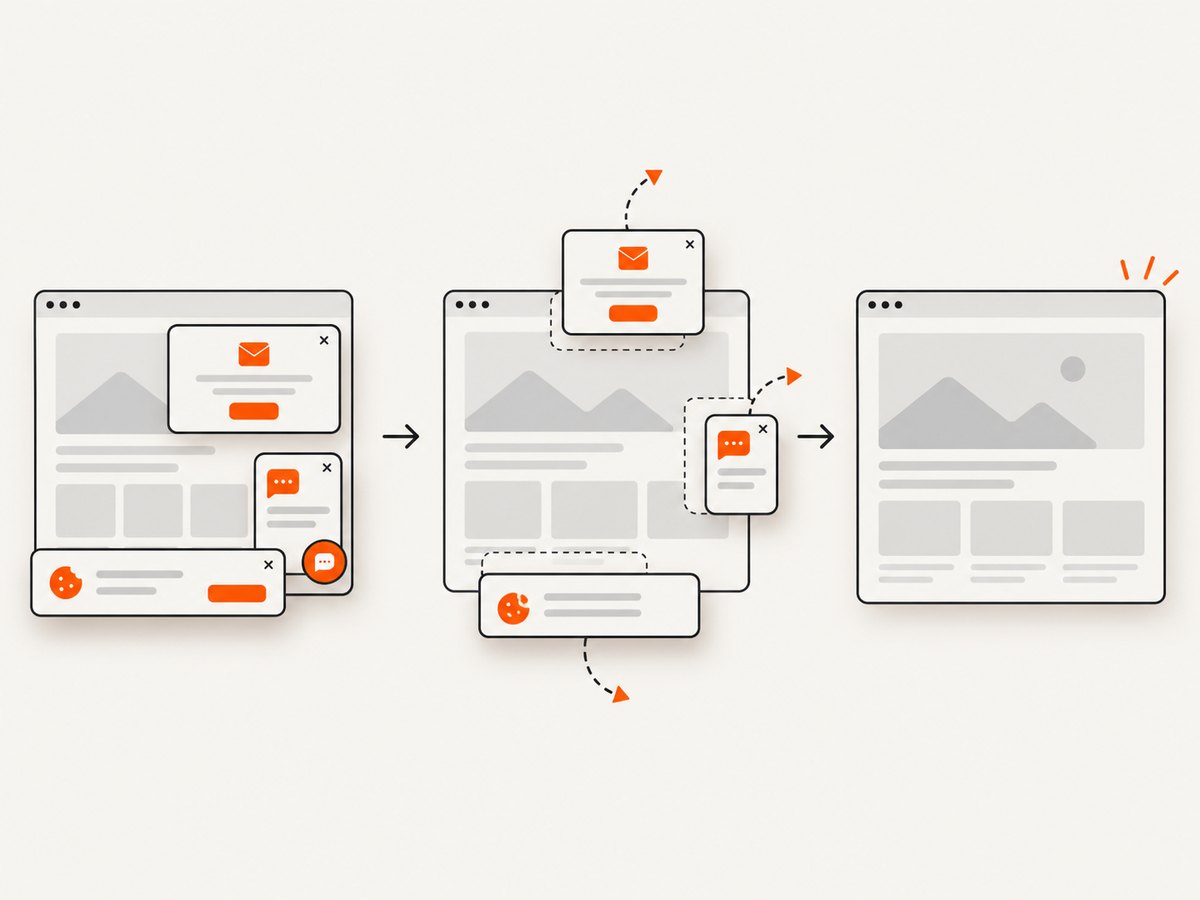
If your goal is to capture a page for a visual regression, documentation snapshot, or generated image, ScreenshotNeo returns a screenshot from one GET request. It can accept cookie and consent banners before capture and remove more than 60 known consent platforms, newsletter popups, and chat widgets. Bot checks, CAPTCHAs, blank pages, timeouts, failed loads, and cache hits are not billed; the response identifies the result with X-Page-Verdict and X-Billed headers. Its MCP server provides take_screenshot, get_page_info, and capture_pdf tools for Claude, Cursor, and other MCP clients.
See the ScreenshotNeo API documentation for all options. A minimal request is:
curl -G "https://api.screenshotneo.com/v1/shot" -d access_key=YOUR_API_KEY --data-urlencode url=https://stripe.com -o shot.webpimport requests
r = requests.get("https://api.screenshotneo.com/v1/shot", params={"access_key": "YOUR_API_KEY", "url": "https://stripe.com"}, timeout=90)
open("shot.webp", "wb").write(r.content)const q = new URLSearchParams({ access_key: 'YOUR_API_KEY', url: 'https://stripe.com' });
const res = await fetch(`https://api.screenshotneo.com/v1/shot?${q}`);You can also request full-page or element captures, dark mode, device presets or custom viewports, retina scale, custom CSS and JavaScript, click and wait actions, blocked resources, headers, cookies, user agents, timezone, geolocation, transparent backgrounds, resizing, cache TTLs, signed links, asynchronous jobs, webhooks, bulk capture of up to 100 URLs, and usage data. The Free plan includes 1,000 screenshots per month with no card; paid plans start at $5 for 3,000. Create a free ScreenshotNeo account.
FAQ
Should I use img instead of next/image?
Use the Image component when its optimization and layout behavior fit your source. A plain img can be appropriate for a source or deployment that cannot use the optimizer, but you then own sizing, responsive delivery, and optimization decisions.
Why does the image URL work when pasted into a tab?
The browser may send cookies or other credentials that the server-side optimizer does not have. Compare direct browser access with the optimizer request and use a proxy or unoptimized when the documented conditions fit.
Can I allow every subdomain with one pattern?
Patterns can be broad, but broad authorization also permits URLs you may not intend to optimize. Prefer explicit hosts and paths, and widen the rule only when the application genuinely needs it.
Why is a transparent PNG “invisible”?
Inspect the Network preview and place it over a contrasting background. A successful response with transparent pixels is a rendering or asset-content issue, not necessarily a Next.js loading failure.
What should I check after upgrading Next.js?
Review the Image API and the version-specific error documentation for pattern syntax and deprecated settings, then retest local files, remote hosts, and your deployment mode.


