How to Build a No-Code Web Scraper in Make
Build a Make scenario that requests a public page, checks its HTML, extracts fields, and routes the results—with guidance for JavaScript-rendered sites.
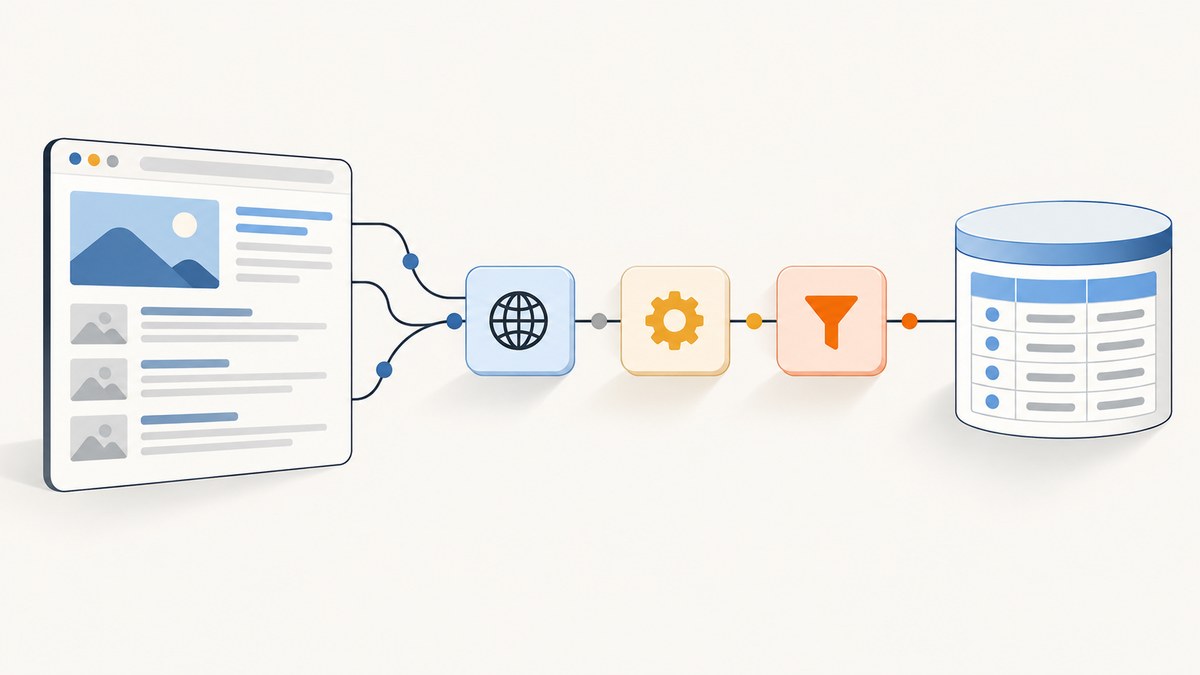
A basic no-code web scraper in Make is an automation scenario that requests a page over HTTPS, checks the returned response, extracts fields from its HTML with Make’s Text parser, and passes those fields to another module. It works when the requested data is present in the response. If a site creates the content only after browser JavaScript runs, a basic HTTP request may not include it; check for an official API first, then consider a browser-based scraping integration.
This guide builds the workflow step by step, explains how to validate results and handle changes, and shows where the simple method stops. It does not assume that one scenario works on every website.
1. Decide what to collect and whether you may collect it
Start with a specific, small set of fields, such as a page title, a product name, or an article date. Identify the page or API that contains them and confirm that you are allowed to access and use the material for your intended purpose. Permission, privacy obligations, and applicable rules depend on the target, data, location, and use case. Make’s Master Service Agreement assigns customers responsibility for compliance with applicable laws and for legally necessary consents or privacy notices for personal data supplied to the service; that contract language does not decide whether a particular scrape is lawful.
Prefer an official API when one provides the data you need. APIs generally document endpoint paths, authentication, query parameters, pagination, and response fields. That documentation gives you a more explicit contract to build against than a page’s presentation markup. For a page without an appropriate API, use a narrow request and collect only the fields you need.
2. Create the Make scenario
- Create a scenario. In Make, add the HTTP app’s Make a request module. Make documents its HTTP app for requests to webpages and APIs, including unauthenticated requests when the target does not require credentials; its documentation gives web scraping as an example. See the Make HTTP documentation.
- Set the URL. Enter the exact target URL and use HTTPS. Make rejects connections using unverified, self-signed certificates, so a certificate error is a connection problem to investigate rather than a reason to disable verification casually.
- Choose the method and authentication. Use the method required by the page or API. For a public page that accepts a normal retrieval request, select GET. Choose the authentication mode required by the target; choose no authentication only when credentials are not required. For an API, follow its own instructions.
- Configure only necessary request details. Add query parameters using the module’s parameter fields, and headers only when the target expects them. Avoid sending credentials to an unrelated host. If the target’s API documents pagination, configure the HTTP module’s pagination settings to match that API; do not guess a next-page rule.
- Run the module and inspect its output. Review the response status, headers, and body. Confirm that the body contains the actual values you intend to extract. A successful HTTP response does not mean the page contains the desired data.
- Add a Text parser step. Use Make’s Text parser to extract the fields from the returned HTML. The available extraction method depends on the HTML structure and the parser configuration; Make documents the Text parser separately at Text parser. Inspect the module output and map the relevant result into later scenario steps.
- Send the extracted data onward. Add the destination module your workflow needs—for example, a spreadsheet, database, or another API. Map each extracted value to the intended field. Treat those destinations as design choices: their setup is specific to your account and destination service.
- Schedule and monitor the scenario. After checking representative runs, choose a schedule that fits the source’s update frequency and your operational needs. Review run results for missing values, changed page markup, and request failures.
3. Inspect the HTML before writing extraction rules
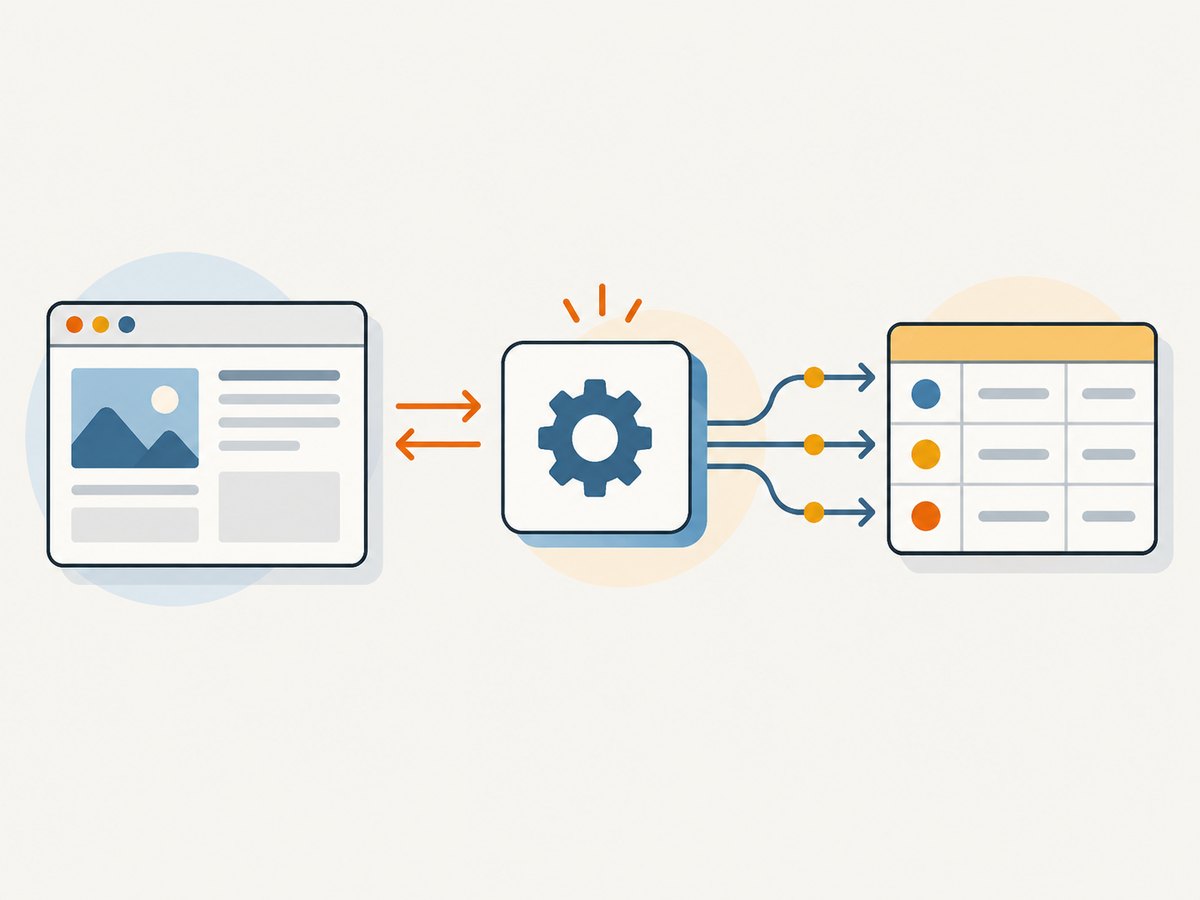
Extraction starts with the response, not with a selector copied from a different site. Open the HTTP module’s output and search for a distinctive phrase or value from the page. If the expected content is present, examine the surrounding markup to understand how the value is represented. If it is absent, changing the Text parser expression will not make a server response contain browser-generated content.
Use the Text parser to retrieve the desired portions of the returned text. Make’s documentation establishes that it can parse text using regular expressions, but it does not prescribe a rule for a particular page. Build and validate an expression against the actual response from your target. Keep each extraction focused on a field and account for surrounding tags, whitespace, and optional content.
For every field, check at least these conditions before routing it downstream:
- The field exists in the HTTP response, not just in the visible browser page.
- The extraction returns the intended value rather than nearby markup or a navigation label.
- Empty, missing, or repeated matches have an intentional outcome.
- Character entities, whitespace, and line breaks are handled as expected by the parser and destination.
- A changed or removed element can be noticed rather than silently becoming a plausible but incorrect value.
Page markup can change without notice. Keep the number of extracted fields small, validate output samples against the source, and revisit the scenario if the target redesigns its pages. If a downstream action has side effects, add appropriate checks before allowing an empty or malformed extraction to trigger it.
4. Configure requests and pagination carefully
Make’s HTTP app supports methods, headers, query parameters, and pagination configuration. Set only what the endpoint needs. For a page request, a GET and a target URL may be sufficient. For an API, consult the endpoint documentation for accepted methods, required headers, authentication, parameters, response shape, and rate or pagination behavior.
Pagination is endpoint-specific. Some APIs return a next-page URL or cursor; others use page numbers or offsets. Configure Make’s pagination behavior to follow the documented response and stop condition. Make’s current HTTP documentation describes native pagination in HTTP Version 4 and includes item limits for some pagination contexts. Those are Make configuration details, not a guarantee that a target has that many records or permits that request rate. Check the current HTTP documentation before relying on exact limits.
Do not request every page by default. Estimate how many records are needed, how often the source changes, and whether the API offers filters that reduce the response. Smaller, focused requests are easier to inspect and less likely to create unnecessary processing or load on the source.
5. Handle client-side rendered pages
A regular HTTP request retrieves the server’s response; it does not execute page JavaScript like a browser. Some sites include the desired fields in their initial HTML, while others populate them after scripts run or after additional API calls. Compare the returned response with the content shown in a browser. If the fields are missing from the response, first look for an official API or documented data feed.
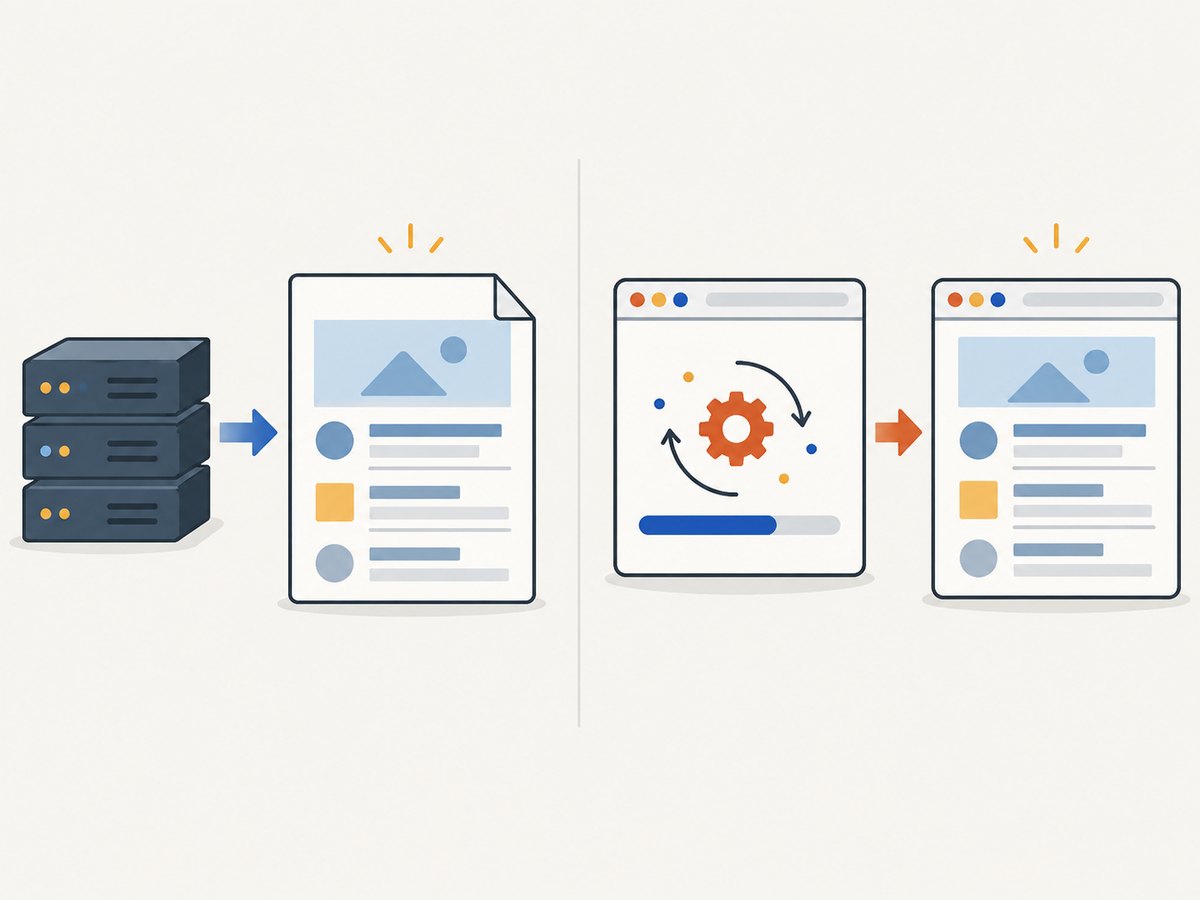
If browser rendering is necessary and permitted, Make documents optional managed integrations that use browser technology. Its ScrapeNinja integration describes using a real Chrome browser to process JavaScript and CSS. Make’s ScrapingBee integration listing describes headless-browser, proxy, and structured-output capabilities. These are optional external services, not requirements for every scenario. Check each provider’s current documentation, terms, pricing, and data handling before choosing one: the research for this guide does not establish a current price comparison or service-level guarantee.
Also distinguish a rendering problem from access controls. A CAPTCHA, bot check, login wall, or denied request is not simply a missing selector. Do not try to bypass restrictions. Use an authorized API or seek permission from the site owner.
6. Troubleshooting common failures
| Symptom | Likely cause | What to check or do |
|---|---|---|
| Make rejects the URL or cannot connect | The URL is not HTTPS, has a typo, or the host is unreachable. | Check the scheme and hostname, then confirm the target is reachable. Make requires HTTPS for its HTTP app. |
| Certificate or TLS error | The server certificate is invalid, unverified, or self-signed. | Check the site’s certificate configuration or contact its operator. Make rejects unverified, self-signed certificates. |
| Response is an error page or access denied | The endpoint requires authentication, expects a different method, or denies the request. | Read the target’s API documentation and response status. Supply only authorized credentials and use the documented method. Do not treat a denial as permission to evade access controls. |
| HTTP response succeeds but extracted field is empty | The field is absent, the parser rule does not match the returned markup, or the site renders it in the browser. | Inspect the raw response first. If the field is present, revise and validate the extraction against that HTML. If absent, investigate an official API or permitted browser-based integration. |
| Extraction returns the wrong text | The rule matches a similar element, extra markup, or more than one occurrence. | Inspect the matched context, narrow the rule, and compare several returned samples before routing them. |
| Scenario stops on later pages or repeats records | Pagination settings do not match the endpoint’s cursor, page number, or next-link behavior. | Follow the endpoint’s documented pagination scheme and inspect the response that signals the final page. |
| Output changes after a site redesign | The page structure or field labels changed. | Inspect a fresh response, update the extraction rule, and validate the output before resuming automated downstream actions. |
| Some records are missing intermittently | The target may return variable content or transient failures, or the workflow may not handle empty values. | Review individual run output and status, add explicit missing-value handling, and use a retry policy only where the endpoint and Make configuration support it. |
7. Reliability, performance, and cost
Reliability depends on the target’s availability, response consistency, permissions, and how well the scenario detects changed markup. No performance or reliability figure is established by the documentation cited here, and the workflow should not be assumed to behave identically across sites. Monitor run history, validate extracted fields, and decide how your scenario should handle transient errors and incomplete records.
Performance depends on how many URLs or pages you request, response sizes, pagination, and whether browser rendering is required. A direct HTTP request avoids the extra browser-rendering step when the needed data is already in the response. Use filters and a sensible schedule to avoid fetching unnecessary pages. For browser-based integrations, consider their own request handling and terms; no benchmark is available here to quantify the tradeoff.
Costs depend on your Make plan and any external integration or API you choose. This research does not verify current Make plan limits, provider prices, or comparative cost per record, so check current pricing directly before deploying a high-volume scenario. Also account for the operational cost of maintaining extraction rules when the source markup changes.
8. When to use an API, HTTP parsing, or browser scraping
| Approach | Use it when | Verify |
|---|---|---|
| Official API through Make HTTP | The source publishes an API that returns the required data. | Authentication, endpoints, fields, pagination, and the API’s current terms. |
| Make HTTP plus Text parser | The permitted page response already contains the fields in HTML. | Response content, extraction accuracy, missing values, and markup changes. |
| Managed browser-based integration | The needed content is created after browser JavaScript runs and a permitted integration is appropriate. | Provider capabilities, current terms, data handling, pricing, and output mapping. |
For a different task—capturing a page as an image or PDF rather than extracting structured records—ScreenshotNeo is a website screenshot API and MCP server. It is not a substitute for an API or scraper when you need fields such as prices or dates.
9. Or skip the browser setup
If your goal is a page screenshot rather than structured scraping, ScreenshotNeo returns an image or PDF from one GET request. See the ScreenshotNeo API documentation. Replace the example target URL as needed:
curl -G "https://api.screenshotneo.com/v1/shot" -d access_key=YOUR_API_KEY --data-urlencode url=https://stripe.com -o shot.webpimport requests
r = requests.get("https://api.screenshotneo.com/v1/shot", params={"access_key": "YOUR_API_KEY", "url": "https://stripe.com"}, timeout=90)
open("shot.webp", "wb").write(r.content)const q = new URLSearchParams({ access_key: 'YOUR_API_KEY', url: 'https://stripe.com' });
const res = await fetch(`https://api.screenshotneo.com/v1/shot?${q}`);ScreenshotNeo accepts cookie and consent banners like a visitor and removes more than 60 known consent platforms, newsletter popups, and chat widgets before capture; each step can be turned off. Bot checks, blank pages, failed loads, timeouts, and cache hits are not billed, and response headers say which page verdict applied and whether the request was billed. Its MCP server gives AI agents screenshot, page-info, and PDF-capture tools. The free plan includes 1,000 screenshots per month with no card; paid plans start at $5 for 3,000 screenshots. Sign up for 1,000 free screenshots a month, with no card required.
10. Frequently asked questions
Can Make scrape any website without code?
No. The basic HTTP and Text parser approach fits pages whose permitted response contains the data and whose structure you can parse. Other sites may need an official API or browser-based integration, and some content may not be appropriate to collect.
Do I need a proxy or browser integration?
Not for every page. Start by inspecting the response. Consider an external browser integration only when the required content needs browser rendering and its use is allowed for the target.
Is a screenshot the same as web scraping?
No. A screenshot captures a visual page. Scraping extracts values into fields or records. Choose based on the output your workflow needs.
Can I rely on the same parser rule indefinitely?
No. A page owner can change markup at any time. Validate extracted data and review failures or suspiciously empty results.


