Node Unblocker for Web Scraping: Setup and Limits (2026)
Set up Node Unblocker as Express middleware, understand its documented compatibility gaps, and decide when a managed screenshot or scraping API fits better.
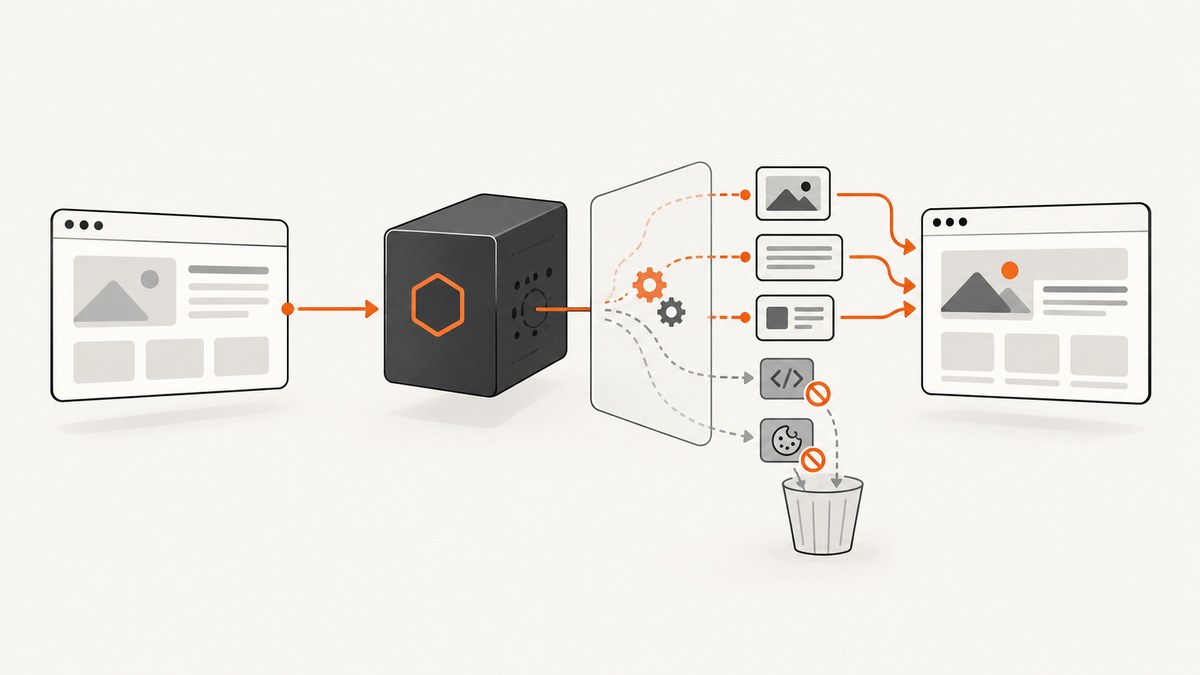
Node Unblocker is a self-hosted Node.js library that proxies and rewrites remote webpages. To use it with Express, install unblocker, mount its middleware early in the request chain, and attach its upgrade handler to the HTTP server for proxied WebSockets. That gives your application a proxy endpoint; it does not make every target site scrapeable or bypass every bot check, CAPTCHA, login flow, or access control.
The key decision is whether the pages you need work through this rewriting proxy. The project documentation specifically warns that OAuth forms and pages using postMessage are unlikely to work out of the box, and lists several advanced services that do not work in its documented state. Treat that as the project’s stated compatibility, not a current independent test. Source: Unblocker package documentation.
1. What Node Unblocker does
Unblocker sits in your Node.js application and forwards browser requests to remote pages, rewriting responses so the proxied page can be viewed through your app. This can be useful when you want an application-controlled proxy route and the ability to add custom request or response processing.
It is not a general-purpose browser automation framework or a guarantee of successful extraction. A page can depend on scripts, authentication, browser messaging, cookies, or other behavior that the proxy does not reproduce. A response status code alone also does not prove that the page content you need is present. For scraping, inspect the resulting content and validate the fields your workflow depends on.
2. Install and mount it in Express
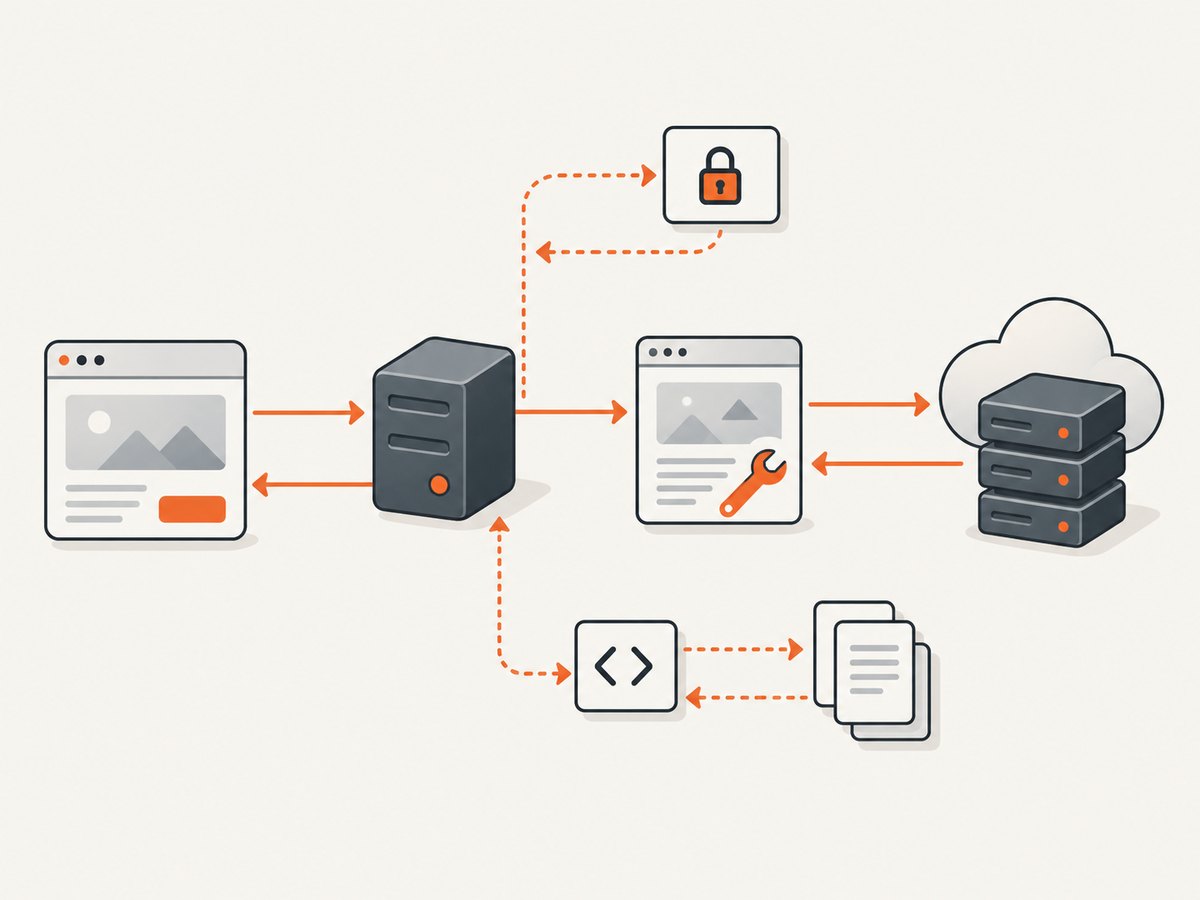
The package’s documented integration pattern is short. It installs the middleware on the Express app and registers the upgrade listener on the server returned by listen.
npm install express unblockerconst express = require('express');
const Unblocker = require('unblocker');
const app = express();
const unblocker = new Unblocker({ prefix: '/proxy/' });
// Mount early in the middleware chain and not beneath a subdirectory.
app.use(unblocker);
const server = app.listen(process.env.PORT || 8080, () => {
console.log(`Listening on port ${server.address().port}`);
});
// Required for proxied WebSocket upgrades.
server.on('upgrade', unblocker.onUpgrade);This follows the integration shown by the project’s documentation; it is not a claim that this article’s example was executed. See the package documentation for its current API and license information.
- Install dependencies. The project README uses
npm install --save unblocker. Add Express if it is not already in your application. - Choose a prefix. The example uses
/proxy/. This is the route prefix through which clients request proxied pages. - Mount the middleware early. The package advises mounting it early and not beneath a subdirectory. Middleware order matters because earlier Express handlers may consume or alter requests before Unblocker sees them.
- Attach the upgrade handler. HTTP requests use Express middleware; WebSocket connections use the server’s
upgradeevent. Attachunblocker.onUpgradeif the proxied page needs WebSockets. - Deploy behind your normal server setup. If using Nginx, see the documented slash troubleshooting below. Keep your route and reverse-proxy configuration aligned.
Requesting a proxied page
The prefix is configurable, but the exact URL representation can depend on the client-side proxy flow and package behavior. Follow the package’s current usage instructions rather than assuming that an arbitrary remote URL can simply be appended to the route. Keep the proxy endpoint controlled: exposing an open proxy can let unintended users route requests through your server. Restrict access and destinations according to your application needs.
3. Configuration options
The project documents hooks and settings for adapting request handling and response rewriting. Configure only what your use case requires, and verify details against the package version you install.
| Option | What it controls | When it matters |
|---|---|---|
prefix |
The URL path prefix used for proxied requests. | Choose a route that fits your application and reverse proxy. |
requestMiddleware |
Custom processing of outgoing proxied requests. | When you need application-specific request handling. |
responseMiddleware |
Custom processing of proxied responses. | When the returned content needs additional handling. |
standardMiddleware |
Enables or disables built-in middleware. | When changing the default processing pipeline; understand the consequences first. |
clientScripts |
Scripts injected into the client to route certain browser requests through the proxy. | When a page makes additional browser-side requests that need proxy routing. |
processContentTypes |
Limits which response content types receive built-in processing. | When you need to narrow or tune response rewriting. |
httpAgent / httpsAgent |
Overrides the HTTP and HTTPS agents. | When your Node networking setup needs custom agents. |
The names above are documented configuration hooks, not a complete schema of their accepted values. Check the README for the release you use before adding options, and avoid copying configuration from a different version without checking its API.
4. What works, and where compatibility breaks
A proxy can rewrite URLs and responses, but it cannot guarantee that all the assumptions made by a modern site remain valid after proxying. The Unblocker documentation calls out these gaps:
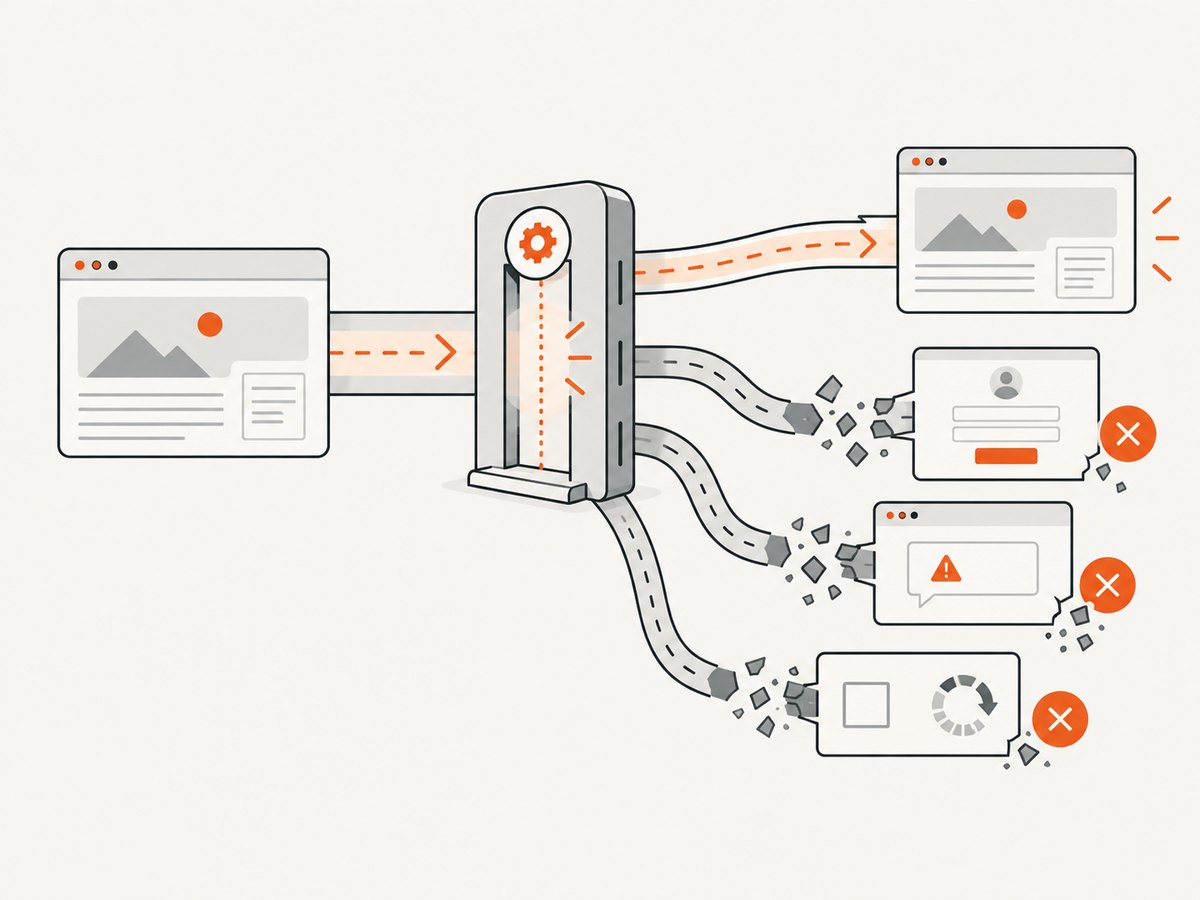
- OAuth login forms: the project says these are unlikely to work out of the box.
postMessage-dependent pages: the project also warns about sites using browser messaging, including the examples it gives in its README.- Advanced services: the documentation says Roblox, Discord, YouTube, and Instagram do not currently work in its documented state. This is the package’s own compatibility note, not a fresh test or a promise about every route or page on those services.
- Site-specific scripts and requests: pages may require behavior that needs custom work or may not be compatible with the proxy.
Do not interpret “unblocker” as a promise to defeat CAPTCHA, bot detection, fingerprint checks, or a site’s access controls. The documented package is a proxy and rewriting library with known limitations. Check the target site’s terms and applicable rules before collecting data, and do not treat successful proxying as permission.
5. Is it suitable for web scraping?
It can be part of a scraping system when your target pages function through the proxy and you can validate the data you need. It is a less direct fit when your goal is simply to obtain a rendered screenshot or when a target relies on the documented unsupported behavior.
For a scraper, build a small compatibility check around representative target URLs. Confirm not just that the endpoint responds, but that the required page state appears, expected selectors exist, and important fields are non-empty. Record failures by target and failure type so changes to the site or proxy configuration are visible.
A practical evaluation checklist
- Test pages that represent different templates, login states, and content sizes.
- Check whether the content is server-rendered or depends on client-side scripts.
- Verify cookies, redirects, query parameters, and any required request headers.
- Inspect whether the relevant content is actually present after proxy rewriting.
- Exercise WebSocket-dependent flows only if you have attached the upgrade handler.
- Track blank or partial content separately from transport errors and access challenges.
- Re-run checks when the target site or your Unblocker version changes.
6. Debugging and troubleshooting
The package recommends enabling its debug namespace from the shell:
DEBUG=unblocker:* node mycoolapp.jsUse the emitted diagnostics to determine where a request or response is failing, then reduce the problem to one target URL and one configuration change at a time. Avoid logging secrets such as authorization headers or session cookies while debugging.
| Symptom | Likely cause | What to check |
|---|---|---|
| Proxy route is handled by another Express endpoint | Unblocker is mounted too late or another middleware intercepts the route. | Mount Unblocker early and confirm the configured prefix matches the requested path. |
| WebSocket-dependent behavior fails | The HTTP middleware is mounted but the server upgrade handler is missing. | Attach server.on('upgrade', unblocker.onUpgrade) to the listening server. |
| Redirects behave unexpectedly behind Nginx | Slash normalization may affect the proxy path. | The project troubleshooting notes say Nginx deployments may need merge_slashes off;. Check the Nginx configuration in the relevant context. |
| Page loads partially or scripts fail | The site may use behavior the proxy does not support, or a resource request is not routed as expected. | Enable debug output, inspect the page’s required requests, and compare against the documented limitations. |
| OAuth flow does not complete | The package explicitly warns OAuth forms may not work out of the box. | Do not assume middleware configuration alone can fix the compatibility gap. Evaluate a supported integration or a different retrieval method. |
| Response is successful but scraped fields are missing | A status code does not mean the expected page content rendered or survived rewriting. | Validate selectors and extracted fields; detect blank and challenge pages explicitly. |
| Custom middleware has no effect | The hook may be configured incorrectly, not invoked for the relevant path, or differ in the installed version. | Check the API documentation for that exact version and use debug logs to trace the request. |
7. Performance, reliability, and operating cost
Self-hosting gives you control over the application integration and custom request or response processing. It also means you operate the Node service and its deployment. No independent performance benchmark or success-rate study was established in the research for this article, so there is no defensible universal throughput or compatibility figure to quote.
Measure your own workload: request latency, response size, failure rate by target, and the share of pages whose required content is present. Keep retries bounded and distinguish transient transport failures from repeatable compatibility failures. Retrying a page that consistently depends on an unsupported login flow can add load without improving results.
The package documentation identifies the project as AGPL-3.0 and says commercial licensing and support are available by contacting the maintainer. It gives no public price in the reviewed source. For commercial deployment, read the license and contact the maintainer as needed; do not infer how the license applies to your project without appropriate review.
8. Self-hosted proxy or managed service?
A self-hosted library and a managed scraping API have different operating models. With Unblocker, you embed middleware in your Node app and can customize processing. Managed providers sell an API and advertise services such as browser rendering, proxy pools, and handling common blocking obstacles. Those feature and success descriptions are provider claims, not independently verified comparisons; test the exact pages and fields your application needs.
| Question | Node Unblocker | Managed API |
|---|---|---|
| Where does the integration run? | Inside your Node.js application. | As a remote service called by your application. |
| How much control do you have? | Custom request and response middleware, plus documented configuration hooks. | Depends on the vendor’s API and plan. |
| Who operates the proxy stack? | You operate and maintain your deployment. | The provider operates the service it offers. |
| How do you assess compatibility? | Test page behavior through your deployed proxy. | Test extracted, usable content against your target URLs; vendor claims are not a substitute. |
| How is pricing established? | The reviewed package page lists no public commercial price; maintainer contact is offered for commercial licensing/support. | Provider-specific and subject to current terms. |
ScrapeUnblocker advertises Node.js SDK support and a starting price of 0.55€ per 1,000 calls on its product page; that is a vendor-stated, time-sensitive figure, not an independently verified market comparison. IPRoyal’s help page dated July 9, 2026 describes its Web Unblocker as automating retries, CAPTCHA handling, IP and fingerprint rotation, and geo-restrictions. These are the providers’ descriptions. Recheck current service terms and pricing before choosing either.
9. Or skip the browser setup
If your task is capturing a rendered page as an image or PDF rather than building a general-purpose scraping proxy, ScreenshotNeo is a website screenshot API and MCP server from Yorker Media. Its one-request API returns PNG, JPEG, WebP, or PDF. It accepts cookie and consent banners like a visitor and removes 60+ known consent platforms, newsletter popups, and chat widgets before the capture; each step can be turned off. Bot checks and CAPTCHAs, blank pages, timeouts, failed loads, and cache hits are not billed, with the page verdict and billing status reported in response headers. AI agents can use its MCP server tools: take_screenshot, get_page_info, and capture_pdf.
Here is the one-call cURL form, using Stripe as the example target:
curl -G "https://api.screenshotneo.com/v1/shot" \
  -d access_key=YOUR_API_KEY \
  --data-urlencode url=https://stripe.com \
  -o shot.webp
See the ScreenshotNeo API documentation for request options and formats. One thousand screenshots a month are free with no card; paid plans start at $5 for 3,000. Sign up for ScreenshotNeo’s free plan.
10. Frequently asked questions
Does Node Unblocker download a site’s HTML for scraping?
It proxies and rewrites remote webpages. Whether the resulting page contains the data you need depends on the target and its behavior; validate actual content rather than assuming the proxy response is ready-to-parse HTML.
Can I use it with an existing Express app?
The package documents an Express-compatible middleware interface. Mount it early, configure its prefix, and attach the upgrade handler when proxied WebSockets are needed.
Does it bypass CAPTCHAs or bot protection?
The reviewed project documentation does not promise this. Do not treat it as an anti-bot bypass; its own compatibility notes describe meaningful limits.
Is the project commercially licensed?
The documentation says the project is AGPL-3.0 and that commercial licensing and support are available by contacting the maintainer. No public price was listed in the reviewed source.


