How to Set a Timeout for PDF Generation in Node.js
Set Puppeteer’s PDF timeout correctly, separate it from navigation limits, handle fonts and cancellations, and avoid hanging Node.js requests.
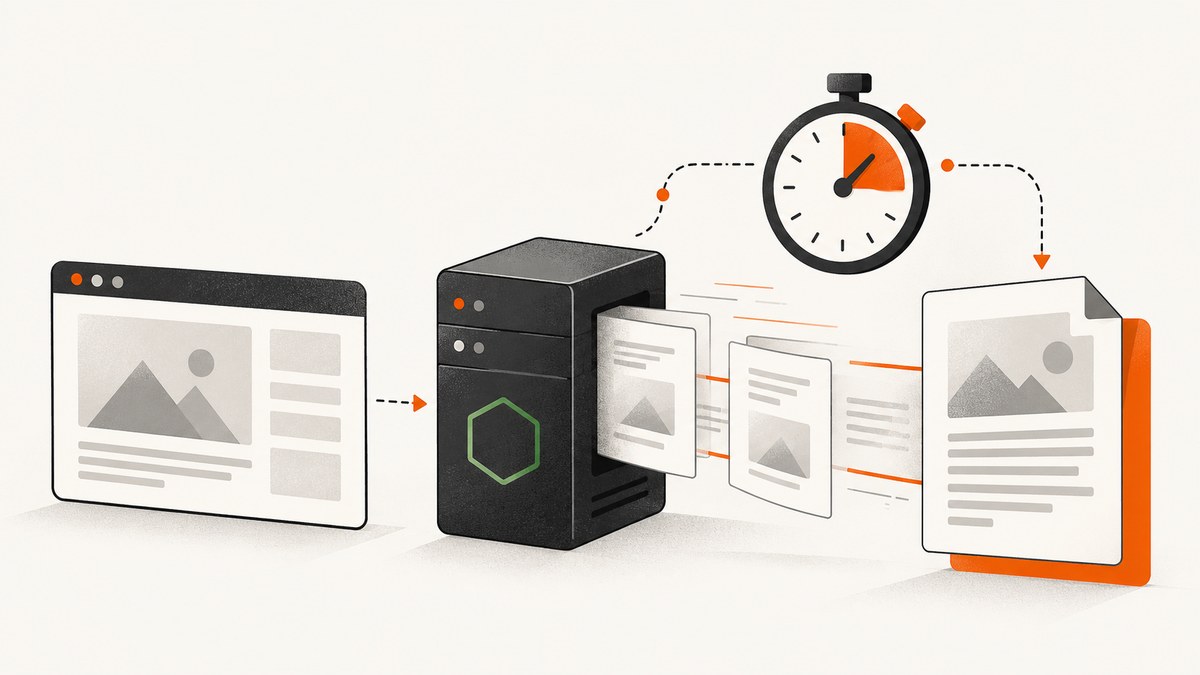
In Puppeteer, set the PDF-generation limit with the timeout option passed directly to page.pdf(). The value is milliseconds. In Puppeteer 25.12.0, the documented default is 30,000 milliseconds (30 seconds), and timeout: 0 disables the PDF timeout. This setting controls the PDF call itself; it does not replace the timeout for loading a page or preparing its content.
const pdf = await page.pdf({
  path: 'output.pdf',
  timeout: 60_000,
});
The complete Puppeteer API reference documents the option and default in PDFOptions. Choose a value that fits your page complexity and your application’s outer request deadline. There is no universal number that is correct for every site.
1. A complete Node.js example
This example launches Chromium, applies separate navigation and PDF limits, uses print CSS, writes a file, and closes the browser in a finally block. It also adds an application-level deadline so an HTTP request cannot remain open forever.
import puppeteer from 'puppeteer';

const target = 'https://example.com';
const navigationTimeout = 45_000;
const pdfTimeout = 60_000;
const overallTimeout = 90_000;

async function generatePdf() {
  const browser = await puppeteer.launch({ headless: true });
  const page = await browser.newPage();

  page.setDefaultNavigationTimeout(navigationTimeout);

  try {
    const job = (async () => {
      await page.goto(target, { waitUntil: 'networkidle2' });

      // Use screen styles when the site has no suitable print stylesheet.
      await page.emulateMediaType('screen');

      return page.pdf({
        path: 'output.pdf',
        format: 'A4',
        printBackground: true,
        waitForFonts: true,
        timeout: pdfTimeout,
      });
    })();

    const deadline = new Promise((_, reject) => {
      setTimeout(() => reject(new Error('Overall PDF job deadline exceeded')), overallTimeout);
    });

    await Promise.race([job, deadline]);
  } finally {
    await browser.close();
  }
}

generatePdf().catch((error) => {
  console.error('PDF generation failed:', error);
  process.exitCode = 1;
});
Install Puppeteer with npm install puppeteer. The path property writes the file; omit it when you want the returned Uint8Array and will send it yourself. Page.pdf() uses print CSS by default. Calling page.emulateMediaType('screen') switches the rendering context before PDF generation.
2. What the PDF timeout actually controls
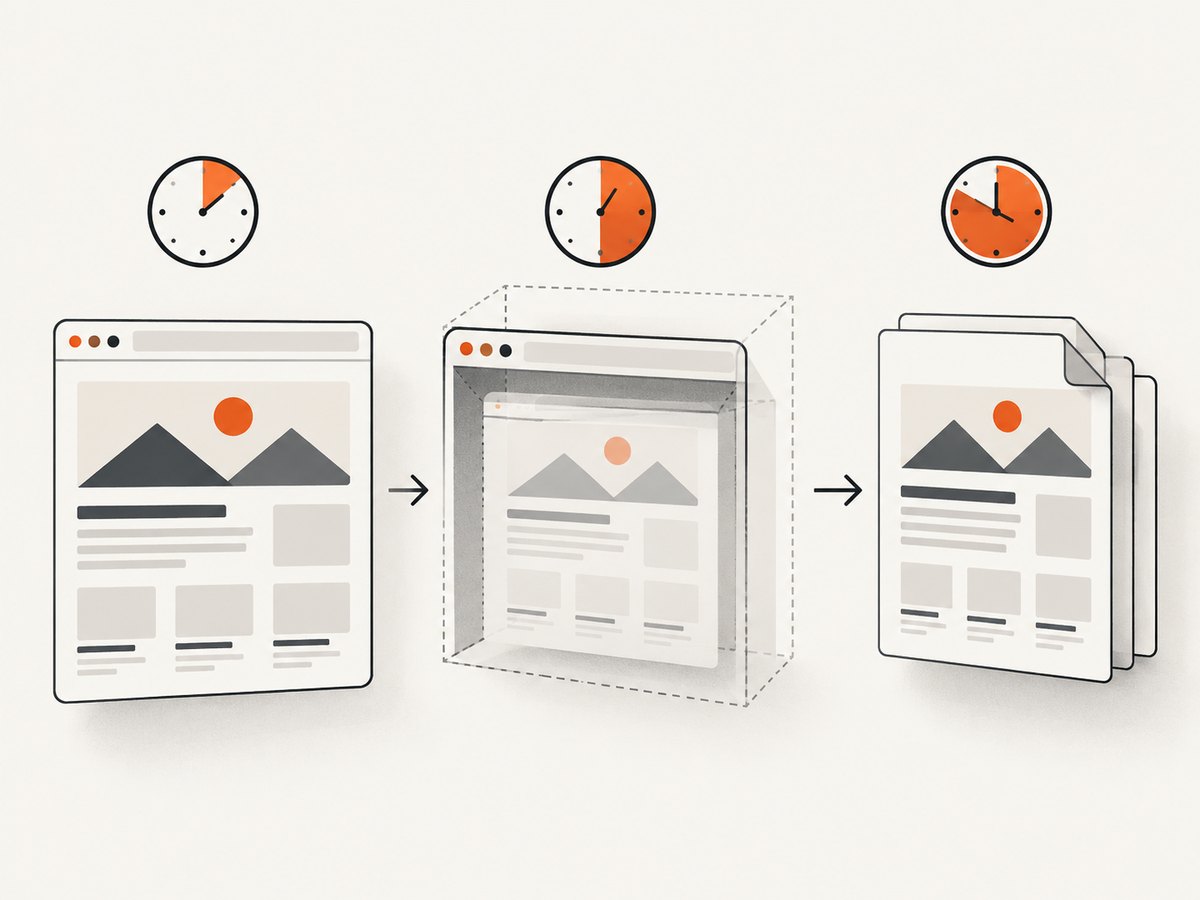
There are several independent stages in a browser-to-PDF pipeline:
| Stage | Typical call | Relevant control | Unit |
|---|---|---|---|
| Navigation | page.goto(), reload |
page.setDefaultNavigationTimeout() or a call-level timeout |
Milliseconds |
| Content preparation | page.setContent() |
Navigation timeout settings | Milliseconds |
| Explicit waits | page.waitForSelector(), waitForNetworkIdle() |
The wait method’s timeout options | Milliseconds |
| PDF rendering | page.pdf() |
PDFOptions.timeout |
Milliseconds |
| Request lifetime | Your HTTP handler, queue or worker | Your server or job deadline | Milliseconds |
A TimeoutError from goto() is not evidence that page.pdf() needs a larger timeout. Log the operation immediately before each await so you can identify the failing stage. Puppeteer’s page API documents navigation timeout methods for navigation-related calls, while the PDF option is specific to page.pdf().
Defaults, zero, and inherited settings
- In Puppeteer 25.12.0,
page.pdf()documents a 30,000 ms default. timeout: 0disables the PDF operation’s timeout. Use this only when an outer worker deadline still exists.- Page defaults can be changed with timeout configuration methods. Set the PDF option explicitly when the PDF job has a different budget from other page operations.
- Do not confuse a longer timeout with faster rendering. It only allows more time before failure.
3. Fonts, CSS, and page readiness
Puppeteer waits for fonts by default during PDF generation. The documented waitForFonts option is enabled by default, and font readiness may require bringing a background page to the foreground. A slow font host, blocked font request, or a page that continually changes its font state can therefore consume much of the PDF timeout.

Make readiness explicit before calling pdf():
await page.goto(url, { waitUntil: 'domcontentloaded', timeout: 45_000 });
await page.waitForSelector('#report', { visible: true, timeout: 15_000 });
await page.evaluate(() => document.fonts.ready);
await page.pdf({
  path: 'report.pdf',
  format: 'Letter',
  printBackground: true,
  waitForFonts: true,
  timeout: 60_000,
});
Use networkidle2 when the page’s assets must settle, but remember that analytics, sockets, advertisements, and long polling can prevent an idle condition. For such pages, load with domcontentloaded and wait for a stable application selector instead. Disable animations with an injected stylesheet when deterministic output matters:
await page.addStyleTag({ content: `
  *, *::before, *::after {
    animation: none !important;
    transition: none !important;
  }
` });
4. Choosing a timeout without hanging your service
- Measure the normal time for navigation, application readiness, font loading, and rendering separately.
- Set the PDF timeout above the expected rendering time, with headroom for the slowest normal pages.
- Set the outer request or queue deadline higher than the sum of those stages, or fail fast before the platform kills the process.
- Close the browser in
finallyand record the URL, stage, elapsed time, and timeout value.
For user-facing requests, a finite limit is safer than an unlimited PDF call. For offline jobs, timeout: 0 can be reasonable only when your queue has its own cancellation and retry policy. Puppeteer’s PDF API documents a numeric timeout; it does not document an AbortSignal parameter for page.pdf(). Abort signals described in Puppeteer wait options should not be presented as direct PDF cancellation support.
Returning a PDF from an Express route
import express from 'express';
import puppeteer from 'puppeteer';

const app = express();

app.get('/pdf', async (req, res) => {
  const browser = await puppeteer.launch({ headless: true });
  try {
    const page = await browser.newPage();
    page.setDefaultNavigationTimeout(45_000);
    await page.goto(String(req.query.url), { waitUntil: 'networkidle2' });
    const bytes = await page.pdf({
      format: 'A4',
      printBackground: true,
      timeout: 60_000,
    });
    res.type('application/pdf').send(Buffer.from(bytes));
  } catch (error) {
    res.status(504).json({ error: 'PDF generation timed out or failed' });
  } finally {
    await browser.close();
  }
});

app.listen(3000);
In production, validate allowed URLs, limit concurrent Chromium instances, and place expensive jobs on a queue. Never let arbitrary user input turn your service into an unrestricted browser proxy.
5. Options that affect output and duration
| Option or action | Effect |
|---|---|
format, width, height |
Controls the page geometry and pagination. |
printBackground |
Includes background colors and images; may increase assets to rasterize. |
preferCSSPageSize |
Lets CSS @page size take precedence. |
landscape |
Rotates the paper orientation. |
pageRanges |
Renders selected pages instead of the entire document. |
margin |
Changes usable content area and page breaks. |
displayHeaderFooter |
Adds templated headers and footers, requiring extra layout work. |
waitForFonts |
Waits for document fonts; enabled by default. |
Large full-page documents, high-resolution images, complex SVG, charts, and many web fonts need more CPU and memory. Reducing unnecessary resources, selecting a page range, and waiting for one application-ready selector often improves reliability more than simply increasing timeout.
6. Troubleshooting common timeout and PDF errors
“Navigation timeout exceeded”
Cause: goto(), reload(), or setContent() reached its navigation limit. Fix: adjust the navigation timeout, use a suitable waitUntil value, and verify DNS, TLS, redirects, and blocked resources. Changing PDFOptions.timeout will not fix this stage.
“Timed out after 30000 ms” from page.pdf()
Cause: PDF rendering or font readiness exceeded the documented default. Fix: set an explicit value such as 60_000, inspect fonts and page size, and profile slow URLs. Keep an outer deadline.
The PDF is blank or missing late content
Cause: the application had not rendered data when PDF generation began. Fix: wait for a stable selector, an application-ready flag, or a bounded delay. Do not rely on a fixed delay when a deterministic selector is available.
Fonts never finish loading
Cause: an unreachable font origin, CORS failure, blocked request, or background-page behavior. Fix: inspect console and request failures, self-host or permit the font, and ensure the page is foregrounded when required. Decide deliberately whether disabling font waiting is acceptable for your output.
PDF generation works locally but fails in a container
Cause: missing browser dependencies, sandbox restrictions, low shared memory, or different fonts. Fix: use a supported Puppeteer installation, verify the Chromium executable, install required system libraries, and monitor memory. Avoid adding --no-sandbox without understanding the security tradeoff.
Node.js request hangs after a timeout
Cause: the browser or page was not closed, or a competing promise still owns resources. Fix: close pages and browsers in finally, use a queue-level deadline, and make retries bounded.
7. Reliability, performance, and cost planning
Reuse a browser process for a controlled worker pool, but create a fresh page per job and clear cookies or storage when jobs are unrelated. Limit concurrency according to available CPU and memory; too many simultaneous Chromium pages make every timeout more likely. Capture timing for navigation, readiness waits, font readiness, and PDF rendering so you can distinguish slow websites from undersized workers.
Cache stable inputs when the document is unchanged, and avoid rendering pages that do not need a PDF. Retries should target transient network failures and use exponential backoff with a maximum attempt count. Retrying a deterministic layout failure only increases load.
Self-hosted Puppeteer costs include your compute, browser maintenance, bandwidth, font assets, queueing, and engineering time. A managed screenshot or PDF API moves those costs into usage pricing, but you still need to budget for request latency, file delivery, and provider limits.
8. Or skip the browser setup
If your goal is simply to turn a URL into a PDF or screenshot, ScreenshotNeo provides a single HTTP request and an MCP server for AI agents. Its PDF options include paper size, margins, landscape mode, and page ranges. It can also wait for a selector, delay, or network idle, set custom headers, cookies, user agents, timezone and geolocation, and run custom CSS or JavaScript. See the ScreenshotNeo documentation for request parameters.
curl -G "https://api.screenshotneo.com/v1/shot" -d access_key=YOUR_API_KEY --data-urlencode url=https://stripe.com -o shot.webpimport requests
r = requests.get("https://api.screenshotneo.com/v1/shot", params={"access_key": "YOUR_API_KEY", "url": "https://stripe.com"}, timeout=90)
open("shot.webp", "wb").write(r.content)const q = new URLSearchParams({ access_key: 'YOUR_API_KEY', url: 'https://stripe.com' });
const res = await fetch(`https://api.screenshotneo.com/v1/shot?${q}`);Cookie banners, newsletter popups, and chat widgets are removed before the shot. Bot checks, blank pages, failed loads, timeouts, and cache hits are not billed; response headers identify the page verdict and whether it was billed. An MCP server exposes take_screenshot, get_page_info, and capture_pdf to Claude, Cursor, and other MCP clients. The Free plan includes 1,000 shots per month with no card; paid plans start at $5 for 3,000 shots. Create a free ScreenshotNeo account.
9. FAQ
Can I set the timeout globally?
Set page defaults for navigation and waits, but pass an explicit timeout to page.pdf() when the PDF budget differs. This keeps the rendering limit visible at the call site.
Does timeout: 0 mean the job cannot fail?
No. It disables Puppeteer’s PDF timeout. Navigation, resource errors, process crashes, platform deadlines, and your own outer timeout can still fail the job.
Should I use networkidle0?
Only when the page genuinely becomes quiet. Analytics and persistent connections can prevent it. A readiness selector with a bounded timeout is often more predictable.
Which timeout should I increase first?
Identify the failing awaited operation. Increase navigation limits for navigation failures, wait limits for selector or idle failures, and PDFOptions.timeout for rendering or font waits.
Does Puppeteer support an AbortSignal for page.pdf()?
The PDF options reference documents a numeric timeout, not an AbortSignal. Use an outer job deadline and cleanup strategy for cancellation.


