How to Normalize href Paths and Fix Unsupported Path Format Errors
Learn to normalize href values safely, resolve relative links, avoid URL and filesystem path mistakes, and fix unsupported path format errors.

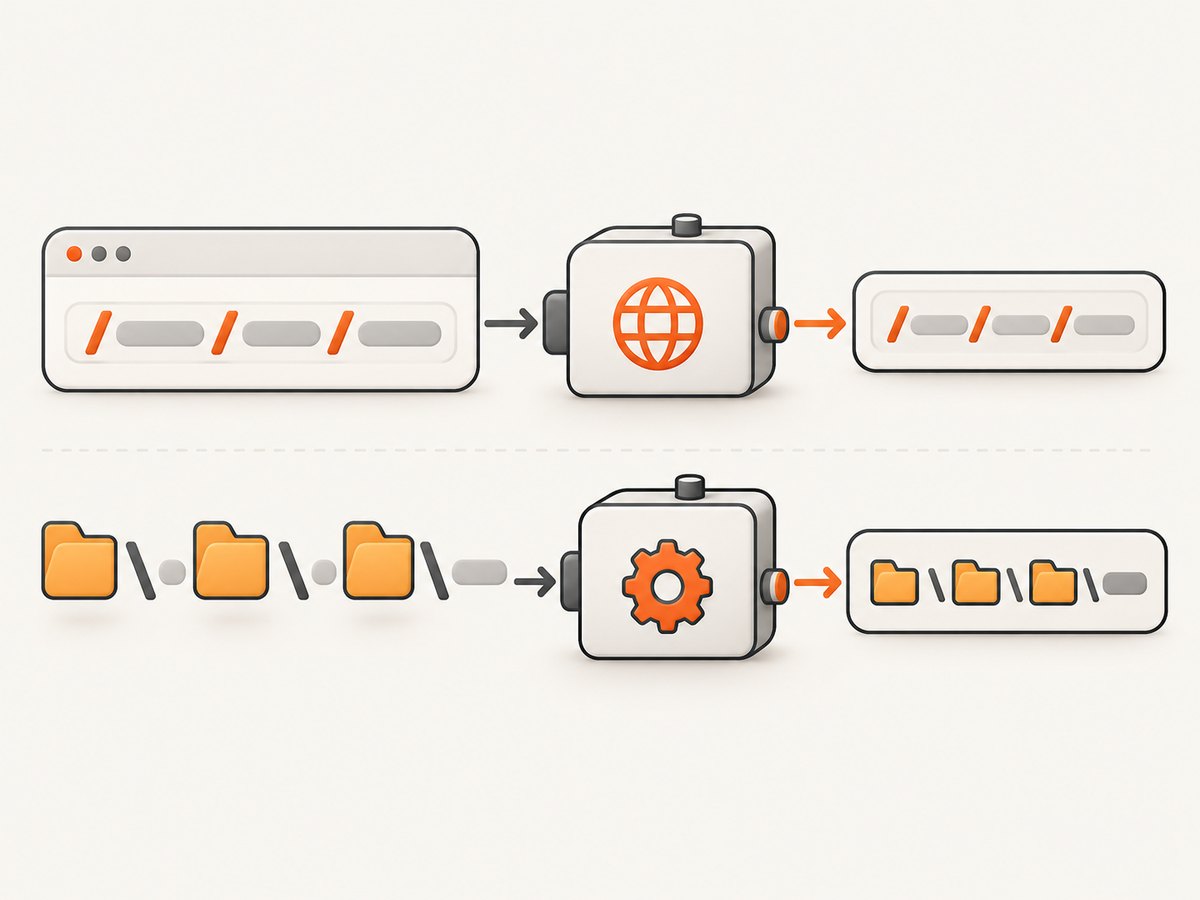
Direct answer: An href is a URL reference, so normalize it with the WHATWG URL API and an explicit base URL. Do not pass an HTTP URL to Node’s filesystem path.normalize(). Use path.normalize() only for local filesystem paths.
function normalizeHref(href, base = document.baseURI) {
  if (typeof href !== 'string') throw new TypeError('href must be a string');
  if (!URL.canParse(href, base)) throw new TypeError('Invalid href');
  return new URL(href, base).href;
}

normalizeHref('../guide/index.html', 'https://example.test/docs/');
// https://example.test/guide/index.html
The URL constructor resolves relative references, removes dot segments, applies URL encoding rules, and serializes the result. It throws when the input cannot be parsed. See the MDN URL constructor reference and URL.canParse() documentation.
What “normalize an href” actually means
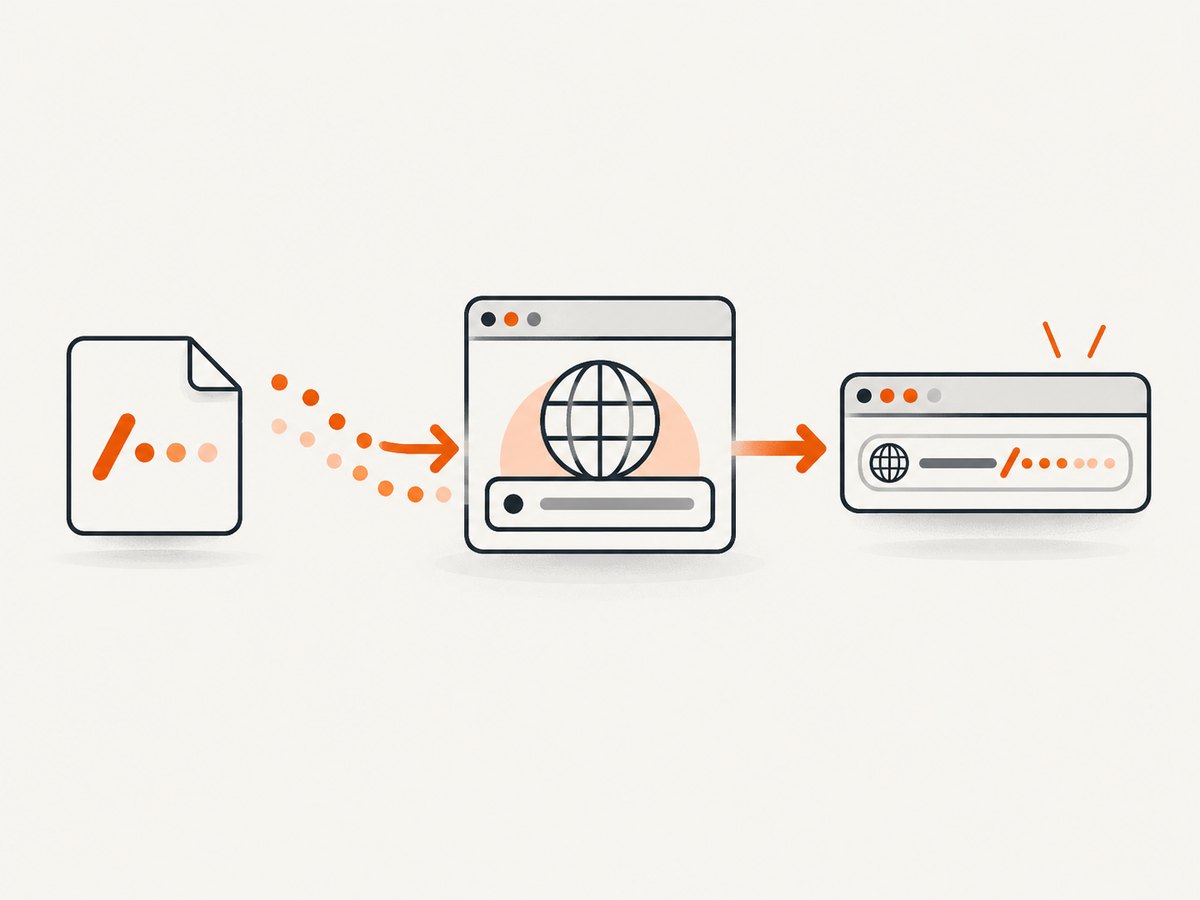
An href can be an absolute URL, a root-relative path, a document-relative path, a query-only reference, a fragment, or a protocol-relative URL. These values have meaning only in a context with a base:
| Input | Type | Example result with base https://example.test/docs/page.html |
|---|---|---|
https://cdn.example/a.js |
Absolute URL | https://cdn.example/a.js |
/images/logo.svg |
Root-relative | https://example.test/images/logo.svg |
../guide/ |
Document-relative | https://example.test/guide/ |
?tab=api |
Query reference | https://example.test/docs/page.html?tab=api |
#install |
Fragment reference | https://example.test/docs/page.html#install |
//static.example/a.css |
Scheme-relative | https://static.example/a.css |
URL paths use forward slashes and have URL-specific escaping rules. A URI path ends at the first ?, #, or the end of the string. The generic syntax and dot-segment algorithm are defined by RFC 3986.
Why “unsupported path format” errors happen
1. A URL was sent to a filesystem path API
Node’s path.normalize() is for local paths. It collapses . and .., repeated separators, and uses the host operating system’s separator. Feeding it https://example.test/a/../b can produce a string that no longer represents a valid URL. The Node.js path documentation describes this platform-specific behavior.
2. A relative href has no base
new URL('images/logo.svg') fails because the runtime does not know the origin or directory. Supply document.baseURI in browser code, the request URL on a server, or a configured site origin in a crawler.
3. The value is not a string
DOM attributes can be missing, and data from JSON or a database can be null, a number, or an object. Validate before parsing so the error identifies the bad input.
4. The URL is malformed
Invalid schemes, broken host syntax, unmatched brackets in an IPv6 host, and other malformed values make the URL parser throw. Use URL.canParse() when invalid input is expected, then call new URL() only after it returns true.
5. Manual concatenation created an invalid URL
String concatenation does not encode spaces, Unicode, #, or ? correctly. Set URL properties or construct a URL object and let it serialize the result. Node recommends the WHATWG URL API for new code because the legacy url.parse() algorithm is lenient and can be unsafe with untrusted input; see Node’s WHATWG URL documentation.
Browser implementation
Normalize links found in a document
function normalizeHref(href, base = document.baseURI) {
  if (typeof href !== 'string') {
    throw new TypeError('href must be a string');
  }
  if (!URL.canParse(href, base)) {
    throw new TypeError(`Invalid href: ${href}`);
  }
  return new URL(href, base).href;
}

document.querySelectorAll('a[href]').forEach((anchor) => {
  try {
    anchor.dataset.normalizedHref = normalizeHref(anchor.getAttribute('href'));
  } catch (error) {
    console.warn(error.message);
  }
});
document.baseURI includes the document’s effective <base href> value when one is present. If your application intentionally uses another origin, pass that origin explicitly instead of relying on the current page.
Preserve or remove fragments deliberately
const url = new URL('#pricing', 'https://example.test/docs/index.html');
console.log(url.href); // https://example.test/docs/index.html#pricing

url.hash = '';
console.log(url.href); // https://example.test/docs/index.html
Fragments are not sent in HTTP requests, but they matter to browser navigation, analytics, and client-side routers. Do not remove them as part of generic normalization unless your application requires a fragment-free canonical URL.
Normalize a URL while changing selected fields
const url = new URL('../search', 'https://example.test/docs/page.html');
url.searchParams.set('q', 'URL paths & encoding');
url.searchParams.set('page', '2');
console.log(url.href);
// https://example.test/search?q=URL+paths+%26+encoding&page=2
Use searchParams for query values. Assigning url.pathname, url.username, or other properties lets the implementation apply the appropriate encoding rules.
Node.js implementation
Resolve a relative href on the server
const href = '../guide/index.html';
const base = 'https://example.test/docs/';

if (!URL.canParse(href, base)) {
  throw new TypeError('Invalid href');
}

const normalized = new URL(href, base);
console.log(normalized.href);
console.log(normalized.origin);
console.log(normalized.pathname);
console.log(normalized.search);
console.log(normalized.hash);
Normalize a local filesystem path separately
import path from 'node:path';

const localPath = path.normalize('./assets/../public/app.css');
console.log(localPath); // public/app.css on POSIX

const absolutePath = path.resolve('/srv/site', './assets/../public/app.css');
console.log(absolutePath);
Use path.resolve() when you need an absolute filesystem location and path.normalize() when you only need lexical cleanup. Neither function validates that a file exists or prevents access outside an allowed directory.
Safe URL-to-file handling
Converting a URL-derived value into a local filename crosses a security boundary. Parse the URL first, allow only expected protocols and hosts, map the URL path to an approved directory, and verify the final path remains inside that directory.
import path from 'node:path';
import { fileURLToPath } from 'node:url';

function safeAssetPath(input, rootDir) {
  const url = new URL(input);
  if (url.protocol !== 'https:') throw new Error('HTTPS required');
  if (url.hostname !== 'static.example.test') throw new Error('Host not allowed');

  const candidate = path.resolve(rootDir, `.${url.pathname}`);
  const root = path.resolve(rootDir) + path.sep;
  if (!candidate.startsWith(root)) throw new Error('Path escapes asset directory');
  return candidate;
}

console.log(safeAssetPath('https://static.example.test/css/app.css', '/srv/assets'));
Do not treat fileURLToPath() as a complete directory-traversal defense. Node documents that it decodes encoded path segments, so allowlists and boundary checks are still required.
Options and edge cases
- Empty string:
new URL('', base)resolves to the base URL. Decide whether an emptyhrefshould be accepted or rejected by your application. - Whitespace: The URL parser trims surrounding ASCII whitespace, but rejecting unexpected whitespace early can make validation clearer.
- Protocol-relative URLs:
//host/pathinherits the base protocol. Reject them if your policy requires one fixed host. - Non-HTTP schemes:
mailto:,tel:,data:, and custom schemes can parse successfully. Validateurl.protocolbefore fetching. - Internationalized domains: The URL serializer converts domains to their URL form. Compare normalized hostnames, not raw input strings.
- Trailing slashes:
https://example.test/docsandhttps://example.test/docs/resolve relative links differently. Preserve the distinction unless your routing rules define a canonical form. - Encoded separators:
%2Fis data in many URL contexts, while a literal slash is a path separator. Do not decode and rejoin path segments casually. - Query and hash characters: A literal
#starts a fragment and a literal?starts a query. Encode them when they are data inside a path segment. - Base URL validation: Validate the base as well as the href. A relative base is not sufficient for URL resolution.
Common errors and fixes
| Error or symptom | Cause | Fix |
|---|---|---|
Invalid URL |
Relative input passed without a base, or malformed syntax | Pass an absolute base and check URL.canParse(value, base) |
| Backslashes appear in an HTTP URL | path.normalize() used on a URL |
Use new URL(); reserve path for local paths |
| Unexpected host or origin | Root-relative or protocol-relative input resolved against an unintended base | Log url.origin and enforce an origin allowlist |
| Spaces or Unicode break a request | Manual string concatenation skipped encoding | Set pathname or use searchParams |
TypeError: path must be a string |
Filesystem API received null, an object, or another type |
Validate input type before calling Node path functions |
| Links work in a browser but fail in a worker | document.baseURI is unavailable |
Pass the page URL or configured base explicitly |
| Traversal check is bypassed | Encoded segments were decoded after validation | Parse, decode consistently, then perform canonical boundary checks |
Debugging checklist
- Log
typeof hrefand the exact value before parsing. - Classify the input as a URL reference or a filesystem path.
- Record the base URL used for relative resolution.
- Run
URL.canParse(href, base)when invalid input is expected. - Inspect
protocol,origin,hostname,pathname,search, andhashseparately. - For local paths, use
path.normalize()orpath.resolve()and test on every supported operating system. - Before filesystem access, apply protocol, host, directory, and final-path boundary checks.
Performance and reliability
URL parsing is inexpensive compared with network requests, DOM work, or filesystem I/O. Still, avoid reparsing the same href repeatedly in a crawl: retain the serialized URL or a parsed object for the duration of the operation. For large link sets, collect parse failures with the original value and source page so one malformed link does not abort the entire crawl.
Use deterministic bases and explicit protocol allowlists. This prevents the same relative link from resolving differently in development, a worker, and production. If you fetch normalized URLs, configure request timeouts, redirect limits, and retry rules separately from parsing. A successfully parsed URL is not proof that the host exists, the resource is safe, or the response is usable.
Or skip the browser setup
If your goal is to capture the normalized destination, ScreenshotNeo can return a screenshot or PDF from one GET request. Its API accepts URL parameters and supports the same common parameter names used by other screenshot APIs, which helps when switching.
See the ScreenshotNeo API documentation for all options. Basic cURL:
curl -G "https://api.screenshotneo.com/v1/shot" \
  -d access_key=YOUR_API_KEY \
  --data-urlencode url=https://stripe.com \
  -o shot.webp
Python:
import requests

r = requests.get(
    "https://api.screenshotneo.com/v1/shot",
    params={"access_key": "YOUR_API_KEY", "url": "https://stripe.com"},
    timeout=90,
)
r.raise_for_status()
open("shot.webp", "wb").write(r.content)
Node.js:
const q = new URLSearchParams({ access_key: 'YOUR_API_KEY', url: 'https://stripe.com' });
const res = await fetch(`https://api.screenshotneo.com/v1/shot?${q}`);
if (!res.ok) throw new Error(`Screenshot failed: ${res.status}`);
const bytes = new Uint8Array(await res.arrayBuffer());
await Bun.write('shot.webp', bytes);
ScreenshotNeo removes cookie and consent banners, newsletter popups, and chat widgets before capture. Bot checks, blank pages, timeouts, failed loads, and cache hits are not billed, and each response reports its result through X-Page-Verdict and X-Billed headers. Its MCP server provides take_screenshot, get_page_info, and capture_pdf tools for Claude, Cursor, and other MCP clients.
You can choose full-page or element capture, dark mode, device presets, custom viewports, retina scale, waits, custom CSS and JavaScript, click actions, hidden selectors, request blocking, headers, cookies, authorization, timezone, geolocation, transparent backgrounds, resizing, caching TTL, signed links, asynchronous webhooks, bulk capture, usage data, and PDF settings. Free usage includes 1,000 screenshots per month without a card; paid plans start at $5 for 3,000 shots. Create a free ScreenshotNeo account.
FAQ
Should I call path.normalize() on a URL?
No. Use the WHATWG URL API for URLs and Node’s path module for filesystem paths.
Can I normalize an href without knowing the base?
No for relative references. You need a document URL, request URL, or another explicit absolute base.
Does normalization fetch the resource?
No. It parses and serializes a string. Fetching, redirects, authentication, and availability are separate operations.
Should fragments be removed?
Only when your application defines a fragment-free canonical URL. Fragments can control page navigation and client-side routing.
Is a parsed URL safe to use as a filename?
No. Apply protocol and host allowlists plus canonical directory boundary checks before writing to disk.
What is the simplest production rule?
Validate the type, resolve with new URL(value, base), inspect the parsed fields, and keep URL handling separate from filesystem handling.


