How to Normalize Playwright Screenshot Paths Across Test Retries
Keep visual baselines stable while saving retry diagnostics in safe, portable paths. Configure Playwright for consistent screenshot artifacts across local runs and CI.

Use testInfo.snapshotPath() and expect(page).toHaveScreenshot() for visual-regression baselines. Use testInfo.outputPath() for screenshots produced during a particular test run, and include testInfo.retry in those diagnostic names when you need to distinguish attempts. This keeps a retry comparing against the same expected image while giving each run a safe place for its own artifacts.
Configure snapshotPathTemplate with stable project and test-file identity, use forward slashes in the template, and avoid absolute paths tied to a developer’s machine. Playwright resolves relative templates from the configuration directory. These choices give local Windows, macOS and Linux CI runs a consistent layout without confusing reusable baselines with per-run output. Playwright’s TestInfo documentation describes the path and retry APIs.
1. Choose which kind of screenshot you are saving
The right path depends on what the image represents. A baseline is an expected result that should remain stable across equivalent test attempts. A diagnostic is evidence from one execution and should be stored with that execution’s output. Mixing the two can make retries create needless baseline variants or overwrite evidence from earlier attempts.
| Purpose | Capture method | Path API | Retry identity? |
|---|---|---|---|
| Visual comparison baseline | expect(page).toHaveScreenshot() |
testInfo.snapshotPath() for an explicit path |
No, if retries check the same expected state |
| Failure or retry evidence | page.screenshot() |
testInfo.outputPath() |
Yes, when each attempt needs a distinct artifact |
| Automatic failure screenshot | Playwright Test runner | Runner-managed test output | Runner-managed |
Playwright guards both path families. Snapshot paths must remain inside the configured snapshot directory; output paths must remain inside the current test’s output directory. Treat those boundaries as part of the design, not as restrictions to work around with ../ segments.
2. Configure a portable snapshot layout
Put retry policy and artifact behavior in the Playwright configuration. This example uses a deterministic snapshot layout, enables two retries in CI, and asks the runner to capture a screenshot on failure and a trace on the first retry:
import { defineConfig } from '@playwright/test';

export default defineConfig({
  snapshotPathTemplate: '__screenshots__{/projectName}/{testFilePath}/{arg}{ext}',
  retries: process.env.CI ? 2 : 0,
  use: {
    screenshot: 'only-on-failure',
    trace: 'on-first-retry',
  },
});
The template separates project variants and test files while retaining the snapshot name and extension. Forward slashes are valid as separators on every platform, so keep the template readable and platform-neutral rather than constructing it with operating-system-specific separators. Relative templates resolve from the directory containing the configuration.
Keep test filenames and snapshot names under source control. Avoid embedding machine-specific roots such as C:\Users\alice\project or /home/alice/project: those roots vary between contributors and CI agents. Avoid passing arbitrary user-provided strings into path segments. If a dynamic name is necessary, map it to a controlled, sanitized identifier.
3. Save a baseline and retry diagnostics separately
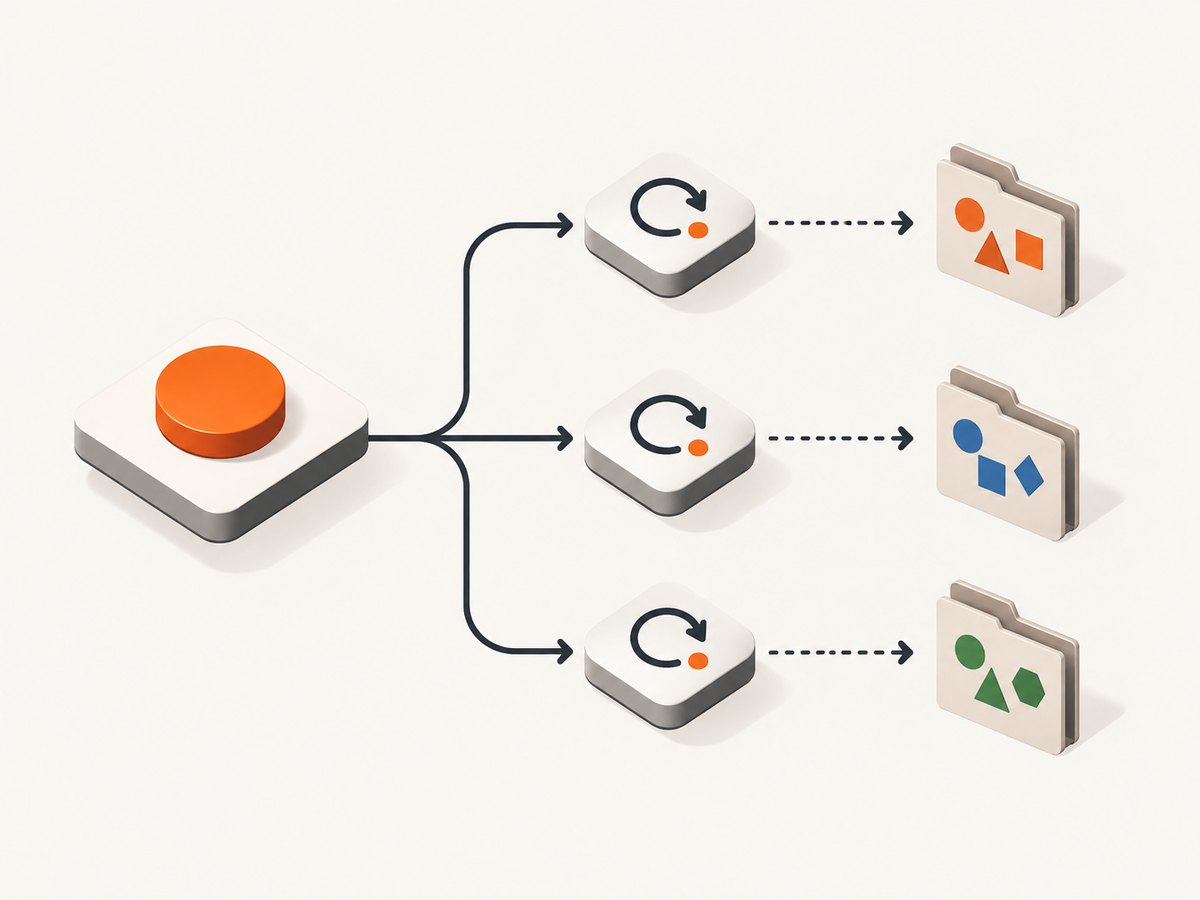
Here is a runnable test showing the baseline and per-attempt diagnostic pattern:
import { test, expect } from '@playwright/test';

test('checkout renders', async ({ page }, testInfo) => {
  await page.goto('https://example.com/checkout');

  // Stable expected image: the retry checks the same baseline.
  await expect(page).toHaveScreenshot('checkout.png');

  // Run-specific evidence: retry 0 is the initial run, then 1, 2, ...
  const attempt = testInfo.retry;
  await page.screenshot({
    path: testInfo.outputPath('diagnostics', `checkout-retry-${attempt}.png`),
    fullPage: true,
  });
});
Replace the example URL with the application under test. In an actual failure-only diagnostic flow, capture after detecting or handling the relevant failure, or rely on screenshot: 'only-on-failure' for runner-managed screenshots. The explicit call above captures on every execution so that its path behavior is easy to inspect; remove or condition it if successful-run images are not useful to your team.
testInfo.retry is zero on the original execution, one on the first retry, and increments for subsequent retries. The attempt number belongs in diagnostic output because those files describe different executions. It usually does not belong in the baseline filename: a retry of the same expected UI should compare with the same expectation.
4. Know when to use each Playwright path API
Baselines: snapshotPath() and toHaveScreenshot()
Use toHaveScreenshot() for visual assertions. Playwright manages comparison and baseline behavior, and its snapshot configuration determines where expected images live. When code needs to refer to a baseline path directly, use testInfo.snapshotPath(name, { kind: 'screenshot' }). This makes the artifact’s purpose explicit and keeps it within the snapshot directory.
const baselinePath = testInfo.snapshotPath('checkout.png', {
  kind: 'screenshot',
});
await expect(page).toHaveScreenshot('checkout.png');
In most tests, the matcher itself is sufficient; do not manually write a new baseline during each retry. A baseline is a reviewed expected result, not an execution log. Update expected screenshots intentionally through the team’s normal snapshot review process.
Diagnostics: outputPath()
Use testInfo.outputPath() when saving a screenshot, JSON dump, or other artifact associated with one test execution. It returns a path inside that test’s output directory, which is isolated for parallel tests. Include a meaningful controlled name and, where useful, a retry number.
const diagnosticPath = testInfo.outputPath(
  'diagnostics',
  `page-${testInfo.retry}.png`,
);
await page.screenshot({ path: diagnosticPath });
Nested directories in the output path help group diagnostics. Let Playwright create/manage the output area instead of assuming a fixed global test-results location. The configured output directory is commonly named test-results, but code should use the API so it continues to work if the directory changes.
5. Set retry policy at the right scope
Top-level retries sets the maximum retry attempts for the configuration. A project can define its own retry count, and test.describe.configure() can change behavior for a file or group. The retry setting controls how many attempts the runner makes; it does not itself define screenshot naming. The naming strategy comes from the path APIs and your chosen attempt-aware diagnostic name.
import { test } from '@playwright/test';

test.describe('unstable integration area', () => {
  test.describe.configure({ retries: 2 });

  test('records a diagnostic on retry', async ({ page }, testInfo) => {
    await page.goto('https://example.com');
    if (testInfo.retry > 0) {
      await page.screenshot({
        path: testInfo.outputPath('retry', `attempt-${testInfo.retry}.png`),
      });
    }
  });
});
This example only emits explicit screenshots for retries. You can instead collect evidence on every attempt, or use the runner’s failure screenshot mode. Choose one policy deliberately: redundant automatic and manual screenshots consume storage and can make it harder to spot the relevant artifact.
For CI, configure retries at the project or global level based on the reliability needs of that environment. Local runs can use zero retries to reveal failures promptly. A retry can expose intermittent behavior, but it can also conceal an issue if teams look only at the final pass. Preserve retry status and artifacts when investigating flakiness.
6. Make paths portable and parallel-safe
- Use forward slashes in snapshot templates. Playwright accepts them on all platforms.
- Use documented tokens. Project and test-file identity make layouts repeatable across runs.
- Use the APIs, not hand-built roots.
snapshotPath()andoutputPath()enforce their respective directory boundaries. - Keep retry IDs out of shared baselines. Put them into diagnostic paths where attempt identity matters.
- Separate projects when their output should differ. Browser/device or project variants should not unintentionally share one expected image.
- Keep names controlled. Sanitize dynamic path components and do not use raw external input as a filesystem path.
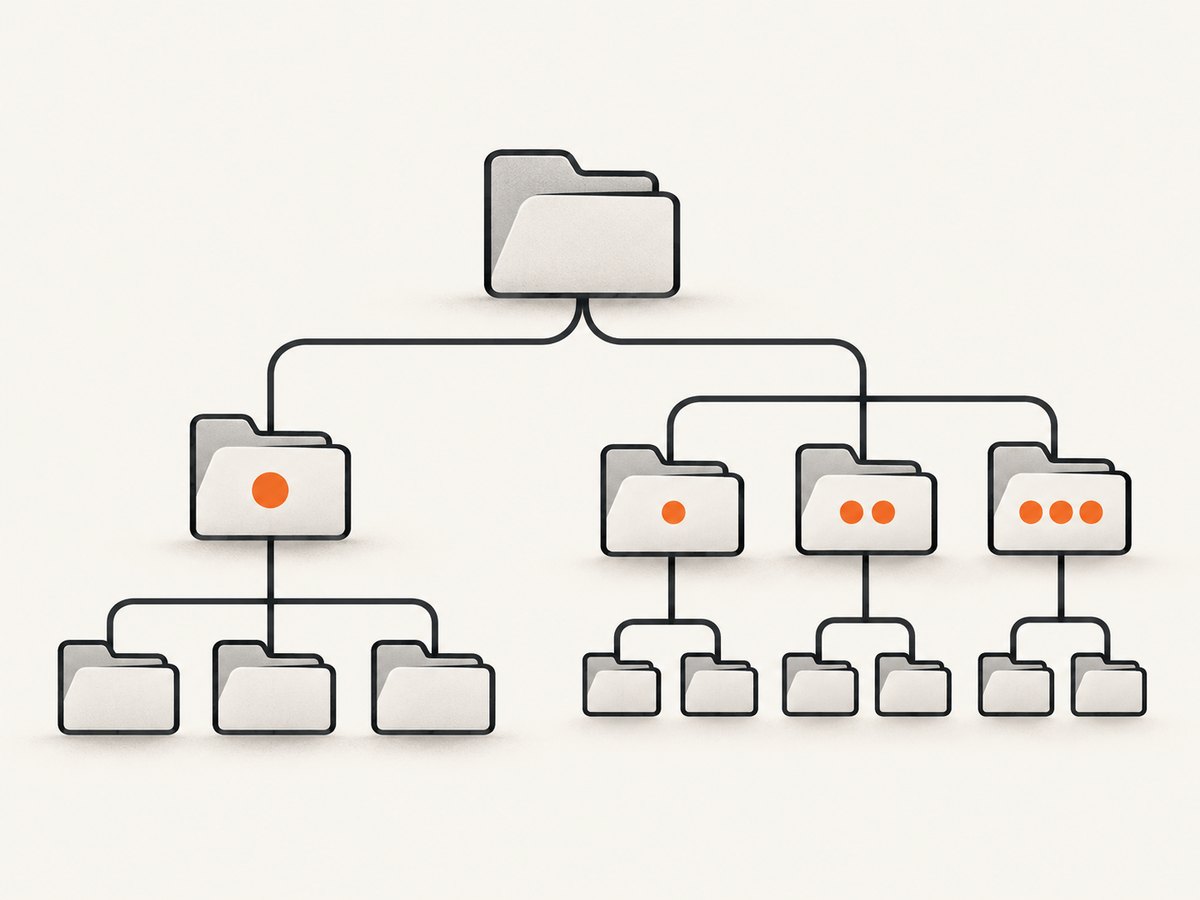
Project isolation, baseline stability, attempt observability, and portability are separate requirements. The template provides consistent identity; the output API provides per-test isolation; the retry number provides attempt identity. A sound setup uses each for its intended purpose.
7. Troubleshooting common path problems
| Symptom | Likely cause | Fix |
|---|---|---|
| Retries create different expected image names | The retry number or changing runtime data is part of the baseline name. | Keep the baseline name stable for the same expectation. Put the retry number in the diagnostic output name. |
| Path escape or snapshot directory error | A path contains ../ or resolves outside the snapshot root. |
Use snapshotPath() and a name that stays inside the snapshot directory. |
| Parallel tests overwrite one another | Artifacts are written to a shared hand-built path. | Use testInfo.outputPath() for runtime artifacts so each test has an isolated output directory. |
| Works on one operating system but not another | Template contains a machine-specific absolute path or native separators. | Use a relative snapshotPathTemplate with forward slashes and documented tokens. |
| Screenshot is missing after a passing test | screenshot: 'only-on-failure' intentionally captures only failures, or explicit capture was conditional. |
Use an explicit page.screenshot() at the needed point if success evidence is required. |
| Unexpected extra screenshots in CI | Manual capture and runner-managed failure capture are both active. | Decide which artifacts are needed and remove duplicate capture paths. |
| Retry artifacts have confusing numbering | The initial run was assumed to be retry one. | Remember that the original attempt is testInfo.retry === 0; the first retry is 1. |
| Tests compare against the wrong browser or project image | Distinct projects share a snapshot layout unintentionally. | Include project identity with {projectName} where project-specific baselines are needed. |
8. Performance, reliability, and storage considerations
Path normalization has negligible work compared with navigating a page and rendering a screenshot; there is no published benchmark figure for a particular layout. The practical cost is usually artifact volume and the time required to upload, retain, and inspect images. Full-page screenshots are larger than viewport captures, and capturing on every successful retry attempt can add files quickly in a large suite.
Use automatic failure screenshots when the runner’s failure artifact meets the need. Add manual screenshots when you need a specific point in the test, a controlled filename, or retry-specific evidence. Keep retention aligned with the debugging window: long-lived baselines are source-controlled expectations, while run output is operational evidence that CI may retain for a shorter period.
Retries improve the chance of a passing run under transient failures, but a final pass does not prove the first failure was harmless. Keep attempt information visible in CI results and inspect the first failing attempt when diagnosing intermittent tests. Do not update a baseline just to silence a mismatch until you know whether the application changed or the environment varied.
9. Or skip the browser setup
If you need a screenshot of a page for a report, workflow, or AI agent rather than a Playwright visual assertion, ScreenshotNeo provides a website screenshot API. A single request returns an image or PDF, and the service also offers an MCP server. It does not replace Playwright’s test-runner baseline management; it can remove browser setup for standalone captures.
For the API options and configuration, see the ScreenshotNeo documentation. The following Node.js example captures a page to a file:
const q = new URLSearchParams({
  access_key: 'YOUR_API_KEY',
  url: 'https://stripe.com',
});
const res = await fetch(`https://api.screenshotneo.com/v1/shot?${q}`);
if (!res.ok) throw new Error(`Screenshot request failed: ${res.status}`);
await Bun.write('shot.webp', res);
Cookie banners, popups, and chat widgets are removed before the shot. Bot checks, blank pages, and failed loads are never billed. An MCP server lets AI agents take screenshots, and 1,000 screenshots a month are free with no card; paid plans start at $5 for 3,000. Sign up for free and get 1,000 screenshots a month with no card.
10. FAQ
Should the retry number be in a screenshot baseline name?
Usually no. If each attempt checks the same expected page, all attempts should use the same baseline. Include the retry number in diagnostic artifact names instead.
Does a retry mean Playwright automatically changes the baseline path?
The retry counter identifies the attempt; your baseline naming should remain deterministic. Use the snapshot configuration and stable matcher name for the expected image.
Can I use this layout with parallel tests?
Yes. Use testInfo.outputPath() for runtime artifacts; its per-test output directory is isolated. Include project identity in the snapshot template if project variants need separate baselines.
Where does a relative snapshot template start?
It resolves from the Playwright configuration directory. That makes a relative template suitable for a repository-level layout shared by developers and CI.
What should I do with flaky visual diffs?
Inspect the actual and expected images and the retry’s trace or diagnostics. Check whether the page state is deterministic before changing the baseline; a passing retry alone does not establish that the difference was safe.
References
- Playwright TestInfo API: snapshot and output paths, retry value.
- Playwright TestConfig: snapshotPathTemplate: template behavior and cross-platform separators.
- Playwright test configuration: retries and runner configuration.
- Playwright use options: screenshots and trace modes.
- Playwright visual comparisons: screenshot assertions and baselines.


