Why wkhtmltopdf.exe Is Generated in the Root Directory in the NReco HTML-to-PDF Library
NReco extracts wkhtmltopdf.exe beside your app assemblies on first use. Learn why, how to move it safely, and how to fix permissions errors.
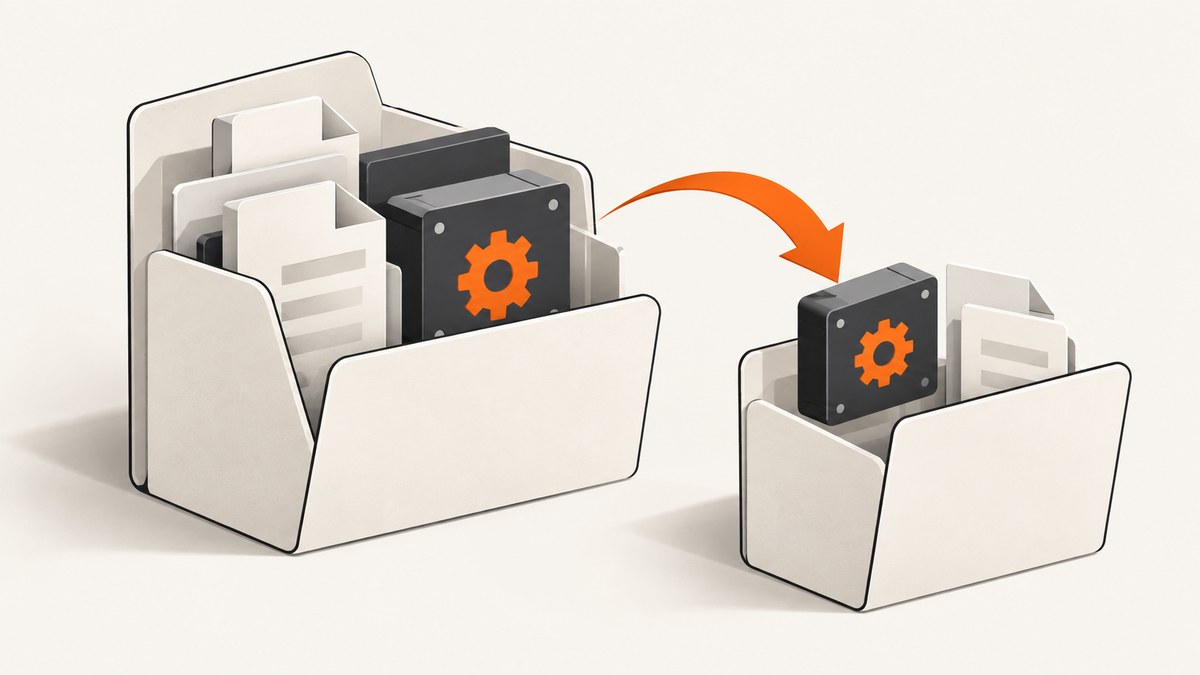
Short answer: NReco.PdfGenerator embeds the wkhtmltopdf binaries in its DLL resources. On first use, it extracts those files into the directory configured by PdfToolPath. The documented default is the folder containing the application assemblies, which is commonly your ASP.NET bin or application root directory. A root-level wkhtmltopdf.exe is therefore expected behavior, not a PDF output file or an extra conversion step.
NReco’s author describes the same behavior: the binaries are extracted on first use beside NReco.PdfGenerator.dll. You can choose a different directory by setting PdfToolPath, preferably to a directory your application identity can write to.
How NReco chooses the executable directory
NReco packages wkhtmltopdf as embedded resources so an application can obtain the conversion tool without manually downloading a separate executable. When HtmlToPdfConverter first needs the tool, NReco checks the configured tool directory. If the required files are missing, it expands them from the DLL resources.
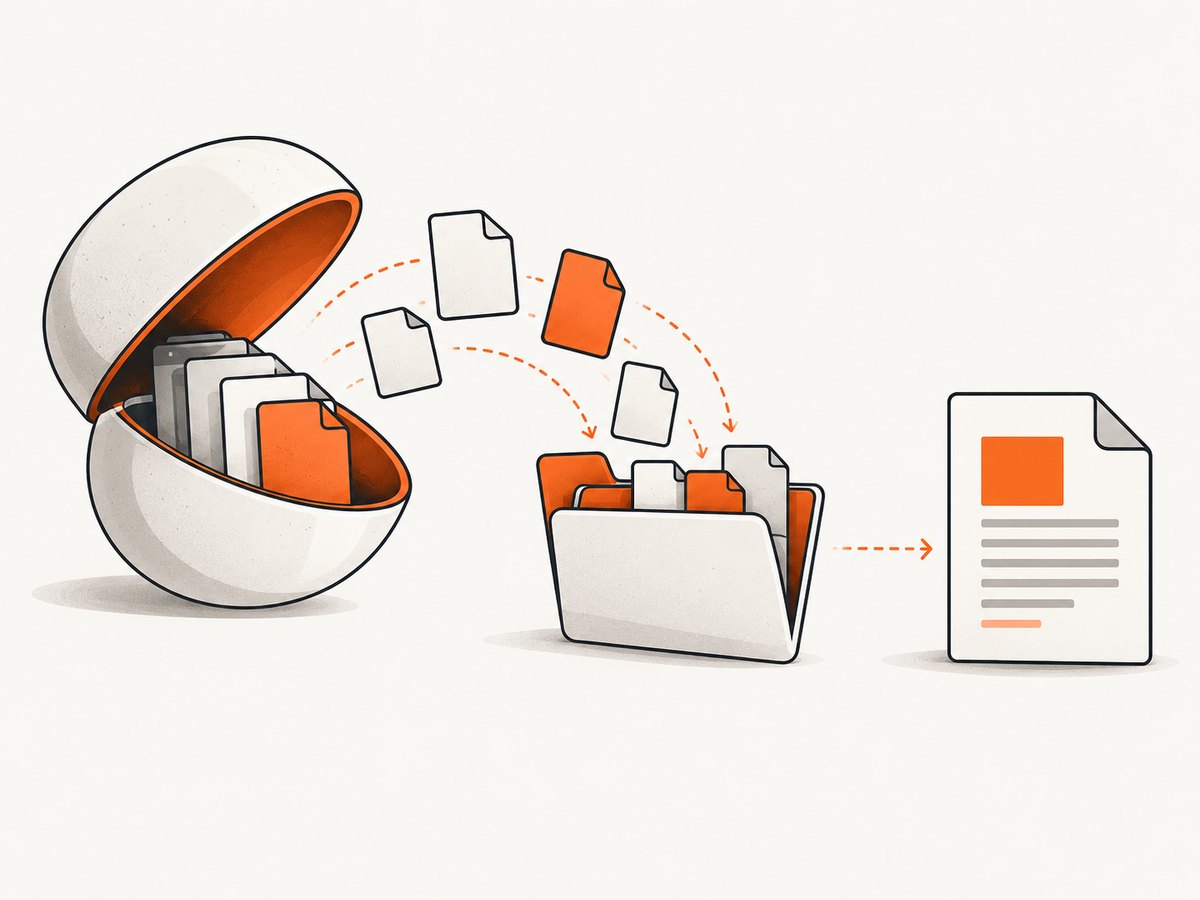
The default property value points to the directory where the application assemblies are located. In common deployments that resolves to:
binin an ASP.NET application- the application root in a self-contained deployment
- a deployment or publish directory inside a container or function package
Relevant references: PdfToolPath documentation and the NReco author’s explanation.
Move wkhtmltopdf.exe with PdfToolPath
Set PdfToolPath when you construct the converter. In ASP.NET, an App_Data subdirectory is a common choice because it is separate from assemblies and can be made writable by the application identity.
using NReco.PdfGenerator;

var htmlToPdf = new HtmlToPdfConverter();
htmlToPdf.PdfToolPath = Server.MapPath("~/App_Data/PdfGenerator");

byte[] pdf = htmlToPdf.GeneratePdf("<html><body><h1>Invoice</h1></body></html>");
Create the directory during deployment, grant the worker process write and execute permission, and keep the path stable across restarts. If the directory does not exist, create it before the first conversion:
var toolPath = Server.MapPath("~/App_Data/PdfGenerator");
Directory.CreateDirectory(toolPath);

var converter = new NReco.PdfGenerator.HtmlToPdfConverter
{
    PdfToolPath = toolPath
};
For ASP.NET Core, resolve a writable application-data path through the host environment rather than assuming the content root is writable:
using NReco.PdfGenerator;

var toolPath = Path.Combine(env.ContentRootPath, "App_Data", "PdfGenerator");
Directory.CreateDirectory(toolPath);

var converter = new HtmlToPdfConverter
{
    PdfToolPath = toolPath
};
The exact path API depends on your hosting model. The important requirement is that the effective process identity can create and execute the extracted files.
PdfToolPath and TempFilesPath are different
| Property | Controls | Default behavior | When to change it |
|---|---|---|---|
PdfToolPath |
wkhtmltopdf executable and related tool files | Assembly directory; NReco extracts embedded files there when absent | The assembly directory is read-only, polluted with generated files, or unsuitable for execution |
TempFilesPath |
Temporary HTML files used for cover, header, and footer templates | .NET’s GetTempPath() |
The host restricts the system temp directory or you need controlled cleanup and storage |
WkHtmlToPdfExeName |
The executable filename NReco invokes | wkhtmltopdf.exe |
You deploy a differently named executable |
Configure both paths when your platform has restricted assembly and system-temp directories:
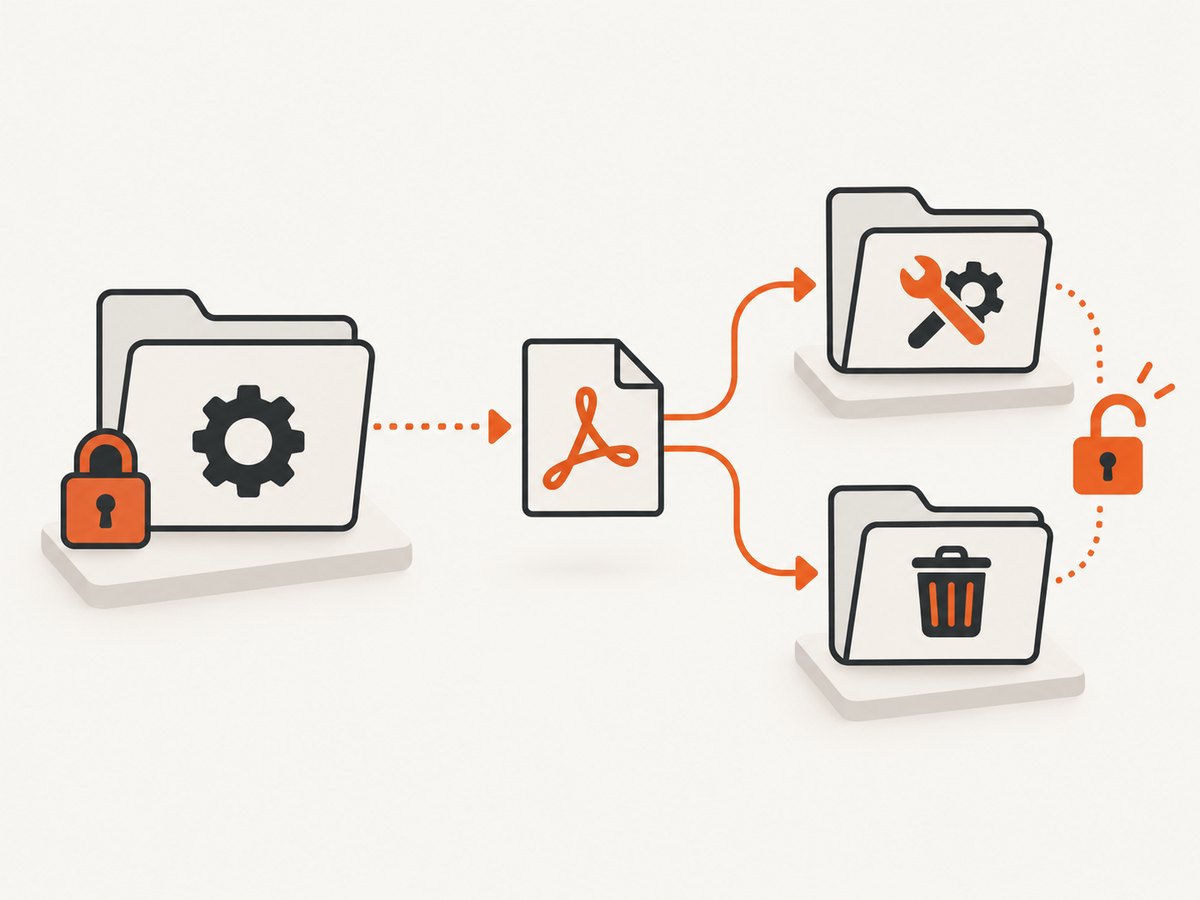
var converter = new NReco.PdfGenerator.HtmlToPdfConverter
{
    PdfToolPath = Server.MapPath("~/App_Data/PdfGenerator"),
    TempFilesPath = Server.MapPath("~/App_Data/PdfTemp"),
    WkHtmlToPdfExeName = "wkhtmltopdf.exe"
};

Directory.CreateDirectory(converter.PdfToolPath);
Directory.CreateDirectory(converter.TempFilesPath);
NReco’s TempFilesPath reference explains that the temporary files provide cover, header, and footer HTML to wkhtmltopdf. Moving TempFilesPath does not move the executable; set PdfToolPath separately.
Why a second copy can appear
NReco only skips extraction when the required tool files already exist in the effective PdfToolPath. A second copy can therefore appear after:
- a fresh deployment or container image
- an assembly location changing between development and production
- running under a different process identity
- changing
PdfToolPathbetween application versions - cleaning a deployment directory before an application restart
Inspect the converter’s configured path and the process’s assembly location at startup. Do not infer the path from where a generated PDF is saved; those are separate concerns.
Deployment checklist
- Create a dedicated tool directory during deployment.
- Set
PdfToolPathexplicitly before the first conversion. - Set
TempFilesPathif the platform restricts the default temp directory. - Grant the application identity read, write, and execute access to the tool directory.
- Keep the directory outside a read-only package layer in containers and serverless hosts.
- Include the directory in your operational cleanup and antivirus policies.
- After upgrading NReco, allow the new embedded binaries to be extracted into the intended directory.
Common errors and fixes
UnauthorizedAccessException during first conversion
Cause: NReco is trying to extract or execute files in a directory that the worker process cannot write to.
Fix: Point PdfToolPath to an approved writable directory and grant the application identity the required permissions. Move TempFilesPath as well if the exception references temporary files.
“Could not find wkhtmltopdf” or process-start errors
Cause: The configured directory is wrong, extraction did not complete, or the executable filename differs.
Fix: Verify that the directory exists, that the expected files were extracted, and that WkHtmlToPdfExeName matches the deployed filename. Confirm that the process can execute binaries from that location.
Works locally but fails after publishing
Cause: Local development often runs from a writable project or temporary directory, while the published application may run from a read-only folder or under a restricted identity.
Fix: Use an explicit deployment-time path and permissions. Do not rely on the assembly directory being writable in production.
Files reappear after every restart
Cause: The deployment layer is ephemeral or the tool directory is deleted during startup.
Fix: Put the path on persistent writable storage, or let NReco extract on startup into the platform’s approved temporary location. Ensure concurrent instances do not delete one another’s files.
Header, footer, or cover conversion fails
Cause: The executable path is valid, but NReco cannot create its temporary template files.
Fix: Configure TempFilesPath to a writable directory and verify free space and cleanup behavior.
Performance, reliability, and security considerations
- First-use latency: The first conversion can include extraction time. Warm the converter during application startup if predictable latency matters.
- Concurrency: Use a stable shared tool directory for instances that share a filesystem. In isolated containers, extract into each instance’s writable storage.
- Storage: Keep temporary files on a volume with enough space and a cleanup policy. Do not confuse temporary HTML files with final PDF retention.
- Upgrades: Treat embedded binaries as deployment artifacts. Roll out NReco upgrades consistently so different instances do not invoke unexpected versions.
- Permissions: Grant only the application identity the access it needs. Avoid making the entire application root writable.
- Scanning: Include extracted executables in your normal antivirus and application security review process.
Or skip the browser setup
If your actual requirement is getting a clean image or PDF of a web page rather than operating wkhtmltopdf inside your application, ScreenshotNeo provides a hosted screenshot API. It accepts one GET request and returns PNG, JPEG, WebP, or PDF. See the API documentation for all options.
curl -G "https://api.screenshotneo.com/v1/shot" -d access_key=YOUR_API_KEY --data-urlencode url=https://stripe.com -o shot.webpimport requests
r = requests.get(
"https://api.screenshotneo.com/v1/shot",
params={"access_key": "YOUR_API_KEY", "url": "https://stripe.com"},
timeout=90,
)
r.raise_for_status()
open("shot.webp", "wb").write(r.content)const q = new URLSearchParams({ access_key: 'YOUR_API_KEY', url: 'https://stripe.com' });
const res = await fetch(`https://api.screenshotneo.com/v1/shot?${q}`);
if (!res.ok) throw new Error(`HTTP ${res.status}`);
const image = Buffer.from(await res.arrayBuffer());Cookie and consent banners, newsletter popups, and chat widgets are removed before capture. Bot checks, blank pages, timeouts, failed loads, and cache hits are not billed, and response headers identify the page verdict and billing result. ScreenshotNeo also offers an MCP server with take_screenshot, get_page_info, and capture_pdf tools for Claude, Cursor, and other MCP clients. The Free plan includes 1,000 screenshots per month without a card; paid plans start at $5 for 3,000 shots.
Create a free ScreenshotNeo account to start with 1,000 screenshots per month and no card.
FAQ
Is the root copy a bug?
No. It is the result of NReco’s documented first-use extraction into the default assembly directory.
Can I delete wkhtmltopdf.exe manually?
You can remove it when the application is stopped, but NReco will extract it again on the next conversion if it is missing. Configure a better path instead.
Should PdfToolPath point to the PDF output folder?
No. Keep executable files in a dedicated tool directory and store generated PDFs elsewhere.
Do I need TempFilesPath for every application?
No. Change it when the default system temp directory is unavailable, restricted, or unsuitable for your deployment policy.
What if my host is read-only?
Use platform-approved writable storage for both the tool extraction directory and temporary files. NReco’s product guidance discusses this pattern for hosted environments such as Azure Functions.


