How to Use NumPy argmax() in Python
Learn how np.argmax() finds maximum-value indices in Python, including axis behavior, ties, coordinates, shapes, examples, and common fixes.
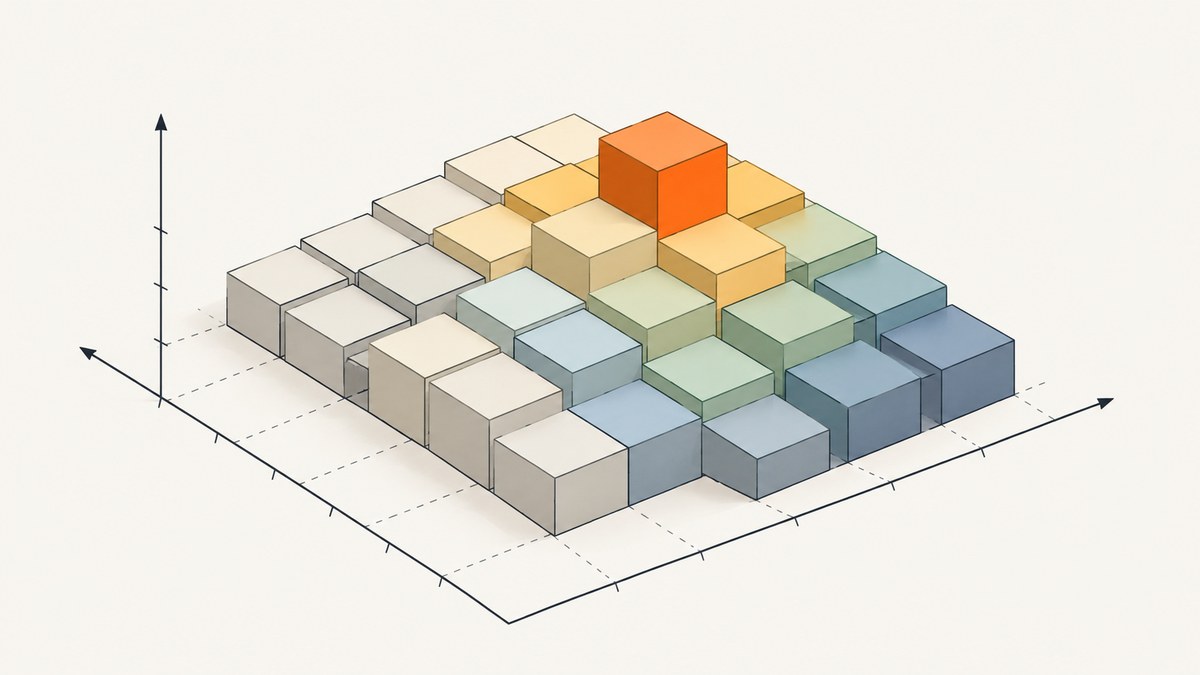
np.argmax() returns the index of a maximum value in a NumPy array. By default, it searches the flattened array and returns one flat index. Pass axis=0, axis=1, or another axis to find maximum positions along that dimension. Use np.max() when you need the maximum value itself, and np.unravel_index() when you need the coordinates of a global maximum.
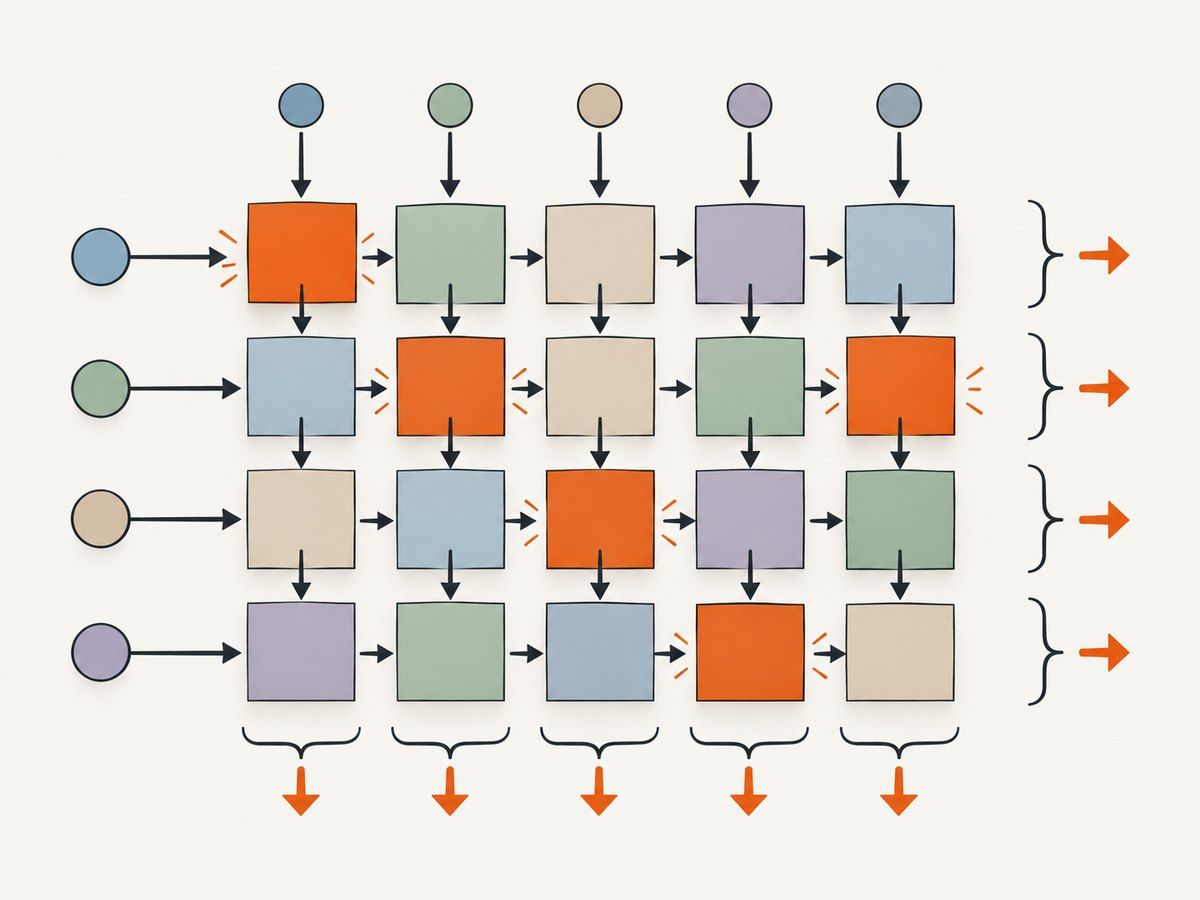
For example, in a two-dimensional array, np.argmax(a, axis=0) gives the row position of each column’s maximum, while np.argmax(a, axis=1) gives the column position of each row’s maximum. If a maximum occurs more than once in the searched portion, NumPy returns the first occurrence. These behaviors are documented in the NumPy argmax reference.
1. Install NumPy and run a first example
If NumPy is not installed in your Python environment, install it with pip:
python -m pip install numpySave this as argmax_example.py and run it with python argmax_example.py:
import numpy as np

a = np.array([4, 12, 7, 19, 3])

index = np.argmax(a)
value = a[index]

print(index)  # 3
print(value)  # 19
The result 3 is an index: Python and NumPy arrays use zero-based indexing, so it refers to the fourth item. Indexing the array with that result retrieves the maximum value, 19.
2. Understand index versus value
The names argmax and max answer different questions:
| Expression | Returns | Example result |
|---|---|---|
np.argmax(a) |
Index where a maximum occurs | 3 |
np.max(a) |
The maximum value | 19 |
a[np.argmax(a)] |
The value at the maximum index | 19 |
Use the index when you need to select a corresponding label, timestamp, row, or other data associated with the winning value. Use the value when you only need the largest number. If you need both, calculate the index and use it to look up the value, or calculate np.max separately.
3. Use argmax() with a two-dimensional array
For a 2D array, the default axis=None searches across the array as if it had been flattened into one sequence. Consider this array:
import numpy as np

a = np.array([
    [10, 11, 12],
    [13, 14, 15],
])

print(np.argmax(a))         # 5
print(a.flat[np.argmax(a)]) # 15
The flattened order is row-major: the first row comes before the second row. The value 15 is the sixth item in that sequence, so its flat index is 5. This result is not the row number or column number by itself.
Search each column with axis=0
Axis zero is the row dimension. Reducing over axis zero compares values down each column and returns the row index of each column’s maximum:
column_max_rows = np.argmax(a, axis=0)
print(column_max_rows)  # [1 1 1]
There are three columns, so the result has three indices. Each maximum is in row 1, the second row. In shape terms, an input with shape (2, 3) produces a result with shape (3,) when reducing along axis zero.
Search each row with axis=1
Axis one is the column dimension. Reducing over axis one compares values across each row and returns the column index of each row’s maximum:
row_max_columns = np.argmax(a, axis=1)
print(row_max_columns)  # [2 2]
There are two rows, so there are two results. The maximum in each row is in column 2, the third column. For a shape (2, 3) input, the result shape is (2,).
| Call | What it searches | Result for shape (2, 3) | Output shape |
|---|---|---|---|
np.argmax(a) |
All elements in flattened order | 5 |
Scalar |
np.argmax(a, axis=0) |
Down each column | [1, 1, 1] |
(3,) |
np.argmax(a, axis=1) |
Across each row | [2, 2] |
(2,) |
Illustration: A grid showing the global maximum as a flat position and the separate winning positions returned for each row or column.
4. Get the row and column of a global maximum
A global call to np.argmax(a) returns a flat index. Convert that flat index to one coordinate per dimension with np.unravel_index():

flat_index = np.argmax(a)
coordinates = np.unravel_index(flat_index, a.shape)

print(flat_index)   # 5
print(coordinates)  # (1, 2)
print(a[coordinates])  # 15
For a 2D array, the tuple is (row, column). For higher-dimensional data it contains one coordinate for each dimension. The coordinate tuple can be passed directly to the array, as in a[coordinates].
To print named row and column variables:
row, column = np.unravel_index(np.argmax(a), a.shape)
print(f"Maximum {a[row, column]} at row {row}, column {column}")
Do not confuse a flat index with a coordinate. For example, flat index 5 in an array with three columns maps to coordinate (1, 2); it does not mean row 5.
5. Get maximum values along an axis
argmax returns indices, including when an axis is given. To retrieve the corresponding values for each row or column, use the returned indices with np.take_along_axis(). The index array needs a dimension of length one along the selected axis:
row_indices = np.argmax(a, axis=1, keepdims=True)
row_values = np.take_along_axis(a, row_indices, axis=1)

print(row_indices)
# [[2]
#  [2]]
print(row_values)
# [[12]
#  [15]]
For column maxima, change the axis to zero in both operations:
column_indices = np.argmax(a, axis=0, keepdims=True)
column_values = np.take_along_axis(a, column_indices, axis=0)

print(column_indices)  # [[1 1 1]]
print(column_values)   # [[13 14 15]]
Alternatively, np.max(a, axis=1) directly returns each row’s maximum value. Use take_along_axis when you need to pair values with argmax-selected indices or when the index array is part of a more general multidimensional operation.
6. Keep dimensions for broadcasting
Normally, reducing along an axis removes that axis from the result. With keepdims=True, the reduced dimension remains with length one. This can make shapes align for indexing and broadcasting:
indices = np.argmax(a, axis=1, keepdims=True)
print(indices.shape)  # (2, 1)

values = np.take_along_axis(a, indices, axis=1)
print(values.shape)   # (2, 1)
Without keepdims=True, the indices in this example have shape (2,). The keepdims argument was added in NumPy 1.22.0, according to the official reference. If code must run on an older NumPy version, omit it and explicitly add an axis with np.expand_dims(indices, axis=1) before calling take_along_axis.
7. Find every position tied for the maximum
When there are ties, np.argmax() returns the first occurrence along the searched portion. It does not return all positions. To locate all entries equal to the global maximum, compare the array to its maximum and get the matching coordinates:
a = np.array([
    [8, 20, 4],
    [20, 3, 20],
])

maximum = np.max(a)
positions = np.argwhere(a == maximum)

print(maximum)    # 20
print(positions)
# [[0 1]
#  [1 0]
#  [1 2]]
For a one-dimensional array, np.flatnonzero(a == np.max(a)) returns all tied indices. To find ties independently in each row or column, compare against the corresponding per-axis maxima while preserving dimensions:
row_maxima = np.max(a, axis=1, keepdims=True)
row_tie_positions = np.argwhere(a == row_maxima)
print(row_tie_positions)
That result contains the coordinates of entries equal to their row’s maximum. This distinction matters when duplicate maxima are meaningful, such as equal scores or repeated peak measurements.
8. Function options and input considerations
The documented signature is numpy.argmax(a, axis=None, out=None, *, keepdims=<no value>). The main arguments are:
| Argument | Purpose | Notes |
|---|---|---|
a |
Input array or array-like object | The function operates on the values in the input. |
axis |
Dimension along which to search | Default None means search the flattened input. Negative axis values count from the last dimension. |
out |
Optional output array for the result | Its shape and dtype must be appropriate for the result. |
keepdims |
Keep reduced dimensions at length one | Useful for broadcasting and shape alignment; available since NumPy 1.22.0. |
Negative axes can make code adaptable to arrays whose leading dimensions vary. For example, np.argmax(a, axis=-1) searches along the last dimension. An axis must exist in the input; an out-of-range axis raises an error. To search the entire array, leave axis as None.
The optional out parameter is mainly useful when a caller needs results written into a preallocated array. Most application code can omit it and let NumPy create the result. When using it, provide a compatible shape and integer dtype; NumPy will reject an incompatible output array.
For masked arrays, use the distinct numpy.ma.argmax() API and review its masked-value behavior. Do not assume ordinary np.argmax() treats masks as missing data.
9. Common errors and troubleshooting
| Symptom | Likely cause | Fix |
|---|---|---|
| The result looks like a value’s position in the flattened array. | axis was omitted, so the full input was flattened logically. |
Set axis=0 or axis=1 for per-column or per-row indices. Use unravel_index for global coordinates. |
| You expected the largest number but got a small integer. | argmax returns an index. |
Use np.max(a), or index into the array with the argmax result. |
| You got just one index when several items share the maximum. | Argmax returns the first maximum occurrence. | Compare with np.max(a) and use np.argwhere or np.flatnonzero. |
| An axis error says the axis is out of bounds. | The requested dimension does not exist in the input shape. | Inspect a.shape; for a 1D array, only axis 0 or -1 is valid. |
| Indexing the input with a 2D argmax result gives a shape or indexing error. | An axis-based result supplies one index per slice, not a complete coordinate tuple. | Use take_along_axis to gather corresponding per-slice values, or use a global flat result with unravel_index. |
keepdims is reported as an unexpected keyword. |
The installed NumPy predates support for that argument. | Upgrade NumPy to 1.22.0 or newer, or expand the result shape manually with np.expand_dims. |
| The result has an unexpected shape. | Reducing over an axis removes that axis by default. | Check the input shape and selected axis. Use keepdims=True when a length-one dimension is needed. |
For a quick shape check, print both the input and output shapes before changing indexing logic:
print("input:", a.shape)
print("global:", np.argmax(a))
print("axis 0:", np.argmax(a, axis=0).shape)
print("axis 1:", np.argmax(a, axis=1).shape)
10. Performance and reliability notes
A maximum search must inspect the relevant values, so performance is tied to how much data is searched. An axis-based call searches each slice along the chosen dimension. Avoid converting an array to a Python list merely to find its maximum index; that adds conversion overhead and gives up NumPy’s array operations.
If you need both the position and the value, retain the index and gather the value rather than performing unrelated conversions. If only the value is needed, np.max expresses that directly. For repeated processing of the same unchanged array, keep the result if the application’s data flow permits it; recomputing a full search repeats work.
Check input shape and axis when handling arrays from external sources, because a changed shape can make a previously valid axis invalid or change what the index means. Also make tie behavior explicit in applications where multiple candidates can share the maximum: a single argmax result chooses the first occurrence, which may not match a business rule that requires all tied candidates.
11. Or skip the browser setup
If your Python workflow also needs website screenshots, ScreenshotNeo provides a one-request screenshot API. Its documentation covers API options.
import requests

r = requests.get(
    "https://api.screenshotneo.com/v1/shot",
    params={"access_key": "YOUR_API_KEY", "url": "https://stripe.com"},
    timeout=90,
)
open("shot.webp", "wb").write(r.content)
ScreenshotNeo removes cookie banners, popups, and chat widgets before the shot. Bot checks, blank pages, and failed loads are never billed. An MCP server lets AI agents take screenshots. The free plan includes 1,000 screenshots a month with no card; paid plans start at $5 for 3,000. Sign up for 1,000 free screenshots a month, no card required.
12. Frequently asked questions
Does argmax return the first or last maximum?
It returns the first occurrence along the searched portion. This applies to a global search and to each slice in an axis-based search.
Can I use argmax on a 3D array?
Yes. Choose an axis to search within each slice, or omit the axis for a global flat index. Use np.unravel_index(index, a.shape) to convert a global index to one coordinate per dimension.
What does axis=-1 mean?
It means the last axis. It is often useful when the number of leading dimensions may change but the feature or item dimension remains last.
How do I get the coordinates of every maximum?
Compute the maximum value, compare the array to it, and use np.argwhere on the resulting Boolean array. This includes all tied positions.
Is argmax suitable for masked arrays?
Use numpy.ma.argmax() for masked arrays and consult its documentation for the masked-value handling appropriate to your data.


