Octoparse Alternatives Compared
Compare Octoparse alternatives by workflow, interface, and billing model. Find a shortlist for APIs, visual scraping, monitoring, and browser automation.
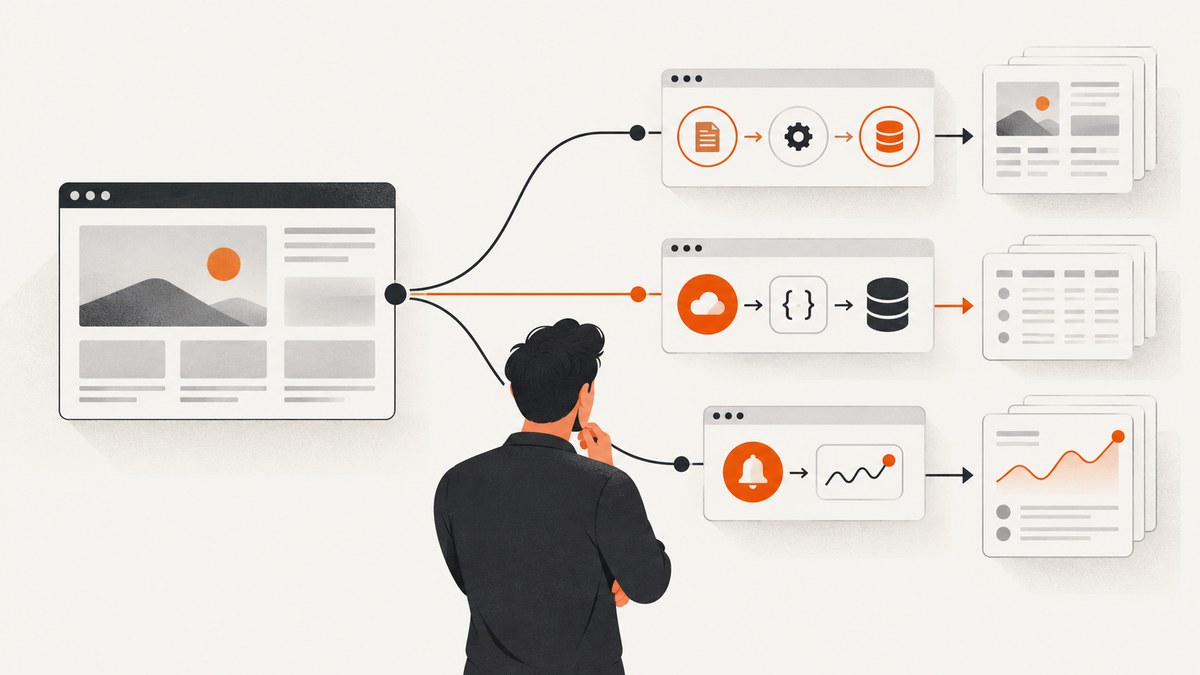
There is no single best Octoparse alternative for every workflow. Consider Apify for developer and API workflows, ParseHub for visual scraping where dynamic pages matter, WebScraper.io for lighter extension-based tasks, Browse AI for monitoring and change detection, Bardeen for browser automation tied to other apps, and PhantomBuster for social or sales-oriented extraction. These are shortlist suggestions from a vendor-affiliated comparison, not results of controlled head-to-head tests. [The comparison](https://use-apify.com/blog/octoparse-alternatives)
Start by matching the tool to the work: how pages are rendered, which fields you need, how often the job runs, where results go, and how the vendor bills. If Octoparse’s visual builder and templates still fit, staying may be simpler. Its published plan limits and prices provide a useful baseline, but verify live terms before buying because they change.
1. Decide what kind of Octoparse alternative you need
“Web scraping” can mean several different jobs. A point-and-click extractor, a code-first crawling API, a recurring monitor, and a browser automation workflow have different setup and operating needs. Choose the workflow before comparing brand names.
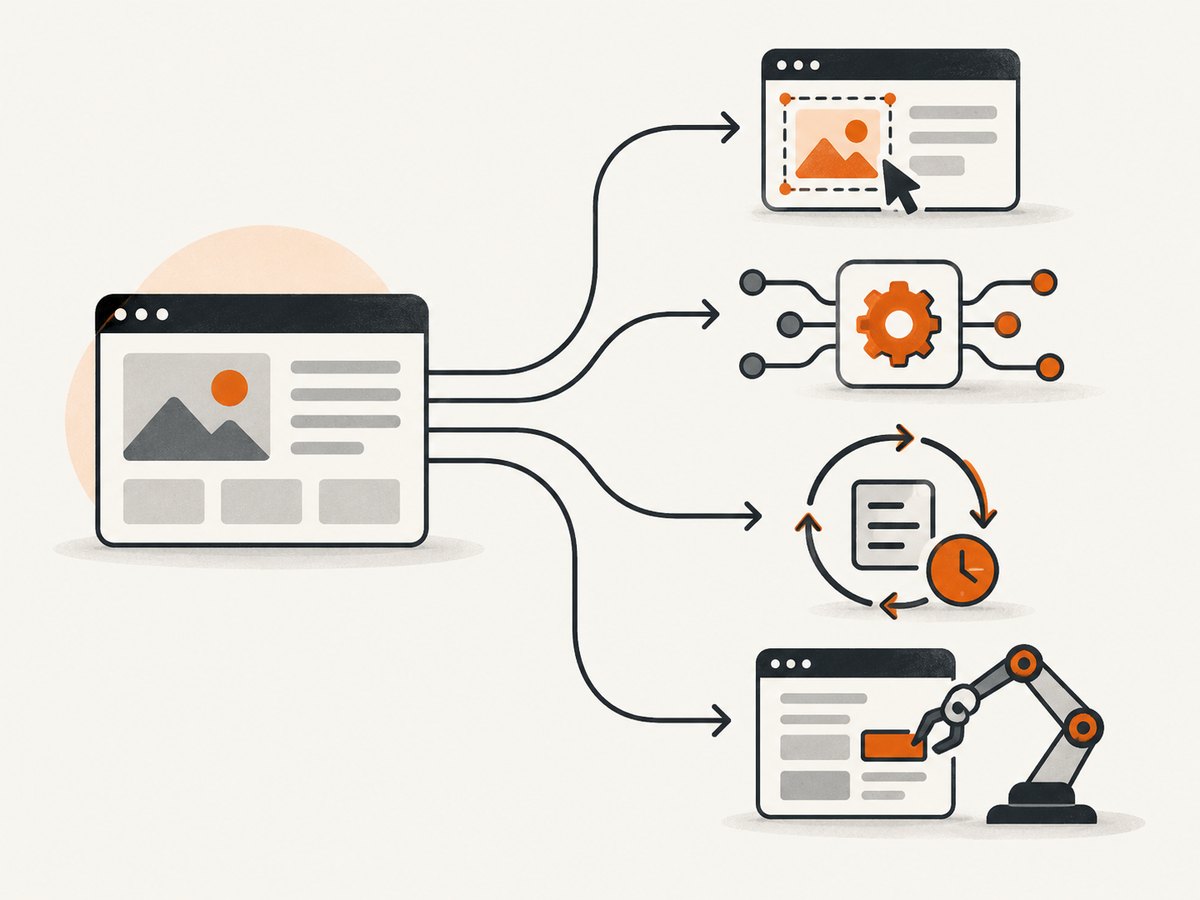
| Your priority | Candidate to evaluate | What to validate |
|---|---|---|
| API integration, custom logic, production pipelines | Apify | API and custom workflow fit, setup effort, current pricing, and the effort to maintain the pipeline. |
| Visual authoring on dynamic sites | ParseHub | Whether its visual workflow handles your actual JavaScript-heavy pages and interactions. |
| Simple browser-based extraction | WebScraper.io | Whether an extension-based workflow covers the required pagination and fields. |
| Recurring monitoring and change detection | Browse AI | Monitoring cadence, alert behavior, site limits, and current paid-plan pricing. |
| Browser automation that moves data between apps | Bardeen | Whether the integrations and automation steps match your destination apps. |
| Social or sales-oriented extraction | PhantomBuster | Current platform support, task limits, and fit for the specific lead workflow. |
| Visual builder and templates | Octoparse | Whether the current plan limits, exports, and cloud or local workflow fit. |
| Developer crawling and API-based page extraction | Firecrawl | Whether its scrape, crawl, map, search, and interaction endpoints fit the job and credit budget. |
These recommendations reflect the cited comparison’s qualitative assessments, plus the listed capabilities on vendor pricing pages where noted. They are not universal rankings or claims that one service extracts every target site better. No reviewed source reports a controlled benchmark using the same URLs, fields, volume, and budget across these products.
2. Compare the billing model and current limits
A monthly subscription with task or cloud-run allowances behaves differently from usage credits or per-request pricing. Estimate the real bill using your expected volume, retries, scheduling frequency, and the amount of output you retain.
- Octoparse: Its official pricing page lists a Free plan with 10 tasks, one device, local extraction, and up to 50,000 exported rows per month. It lists Standard from $69 per month and Professional at $249 per month with annual billing. The page says annual billing saves 16% compared with monthly billing. These are published figures at the research date, not guaranteed future prices. [Octoparse pricing](https://www.octoparse.com/pricing)
- Firecrawl: Its official pricing page lists 1,000 free credits per month and a Hobby plan at $16 per month billed annually or $19 per month billed monthly. The page states those prices are effective September 4, 2026. It lists scrape, crawl, map, and monitor at one credit per page; search at two credits per ten results; and interact at two credits per browser minute. [Firecrawl pricing](https://www.firecrawl.dev/pricing)
- Browse AI: Its pricing page lists a free plan with two websites and paid tiers that include five and ten websites. The reviewed page did not provide a dependable paid headline price, so check the live page rather than relying on an estimate. [Browse AI pricing](https://www.browse.ai/pricing)
- Apify: The comparison article reports $5 per month in free credits and an approximately $19 per month Starter plan, but those are secondary, affiliate-disclosed figures. Its primary pricing page was not readable in the research pass. Verify current prices and billing details directly before relying on them. [Use Apify comparison](https://use-apify.com/blog/octoparse-alternatives)
For Octoparse’s free tier, the vendor’s pricing FAQ says it starts at $0 and includes 10 tasks and 50,000 rows of monthly export. Octoparse’s page also lists exports to Excel, CSV, JSON, HTML, and XML. Confirm that a row allowance, task count, or device limit maps to your expected workload; those units are not interchangeable with API credits or pages processed.
3. Shortlist the alternatives by workflow
Apify for API and custom pipelines
Consider Apify when your application needs a programmatic workflow, custom logic, or an API-oriented production pipeline. That flexibility can mean more setup than point-and-click task authoring. The available comparison supports this use-case fit, but it does not establish a controlled performance advantage, and its pricing figures should be verified with Apify directly.
ParseHub for visual workflows on dynamic sites
Consider ParseHub if you want to build a visual extraction flow and need to assess how it handles pages with JavaScript and interactions. The recommendation comes from the cited comparison; test your target pages before committing, since “dynamic site support” is not a guarantee for every site or workflow.
WebScraper.io for lighter extension-based jobs
For simpler tasks where a browser extension is enough, WebScraper.io is a candidate to evaluate. Check whether the required selectors, pagination, export formats, and repeated runs are supported by the current product and plan. The comparison’s characterization is secondary; confirm plan details on the vendor’s site.
Browse AI for monitoring and change detection
Browse AI is a candidate when recurring observation, alerts, and change detection are central. Its official pricing page identifies monitoring and an AI web scraper, and shows a free plan with two websites. Check the current paid tiers and pricing, along with how the service represents changes and handles pages that update frequently.
Bardeen for automation across apps
Consider Bardeen when extraction is one step in a larger browser automation that sends results into other apps. The source comparison names this fit, but does not validate current integrations, plan limits, or suitability for a particular workflow. Confirm those details directly and test the destination data format.
PhantomBuster for social and sales workflows
PhantomBuster is a candidate when the job is oriented around social platforms or sales lead generation. The comparison offers this as a use-case suggestion; verify current platform support, permitted use, plan limits, and output fields for your specific workflow before building around it.
Firecrawl for developer crawling and extraction
Firecrawl may fit developer workflows that use its scrape, crawl, map, search, or interact endpoints. Its published credits make it possible to estimate some operations, but the credit cost depends on the endpoint and volume. The pricing page does not prove that it is a direct replacement for Octoparse’s visual task builder; compare the authoring and data handling you actually need.
Keep Octoparse when its model fits
There is no reason to switch solely because alternatives exist. Octoparse may remain a practical choice when the visual builder, task templates, local extraction, export options, and current plan economics fit. Compare its live limits against your workload, especially the number of tasks and devices and how often you need cloud runs.
4. Run a representative migration before switching
Rebuilding one representative task is more useful than comparing feature lists in isolation. It reveals whether the alternative handles the target pages and produces compatible output.
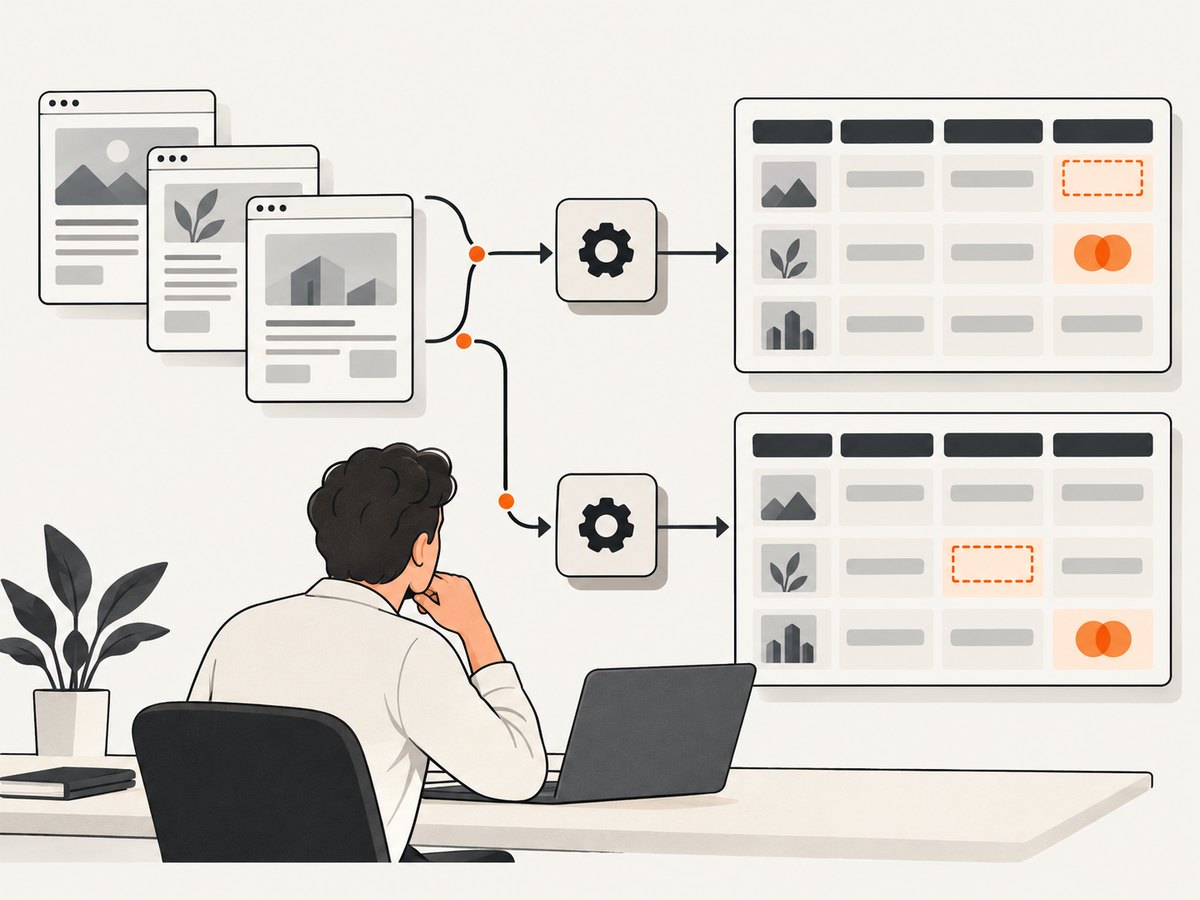
- Inventory the current task. Record target URLs, extracted fields, pagination, selectors, run frequency, expected volume, and destination systems.
- Choose a representative sample. Include a normal page, a page with the relevant interaction or dynamic content, and any edge case that currently causes failures.
- Rebuild the task. Recreate the extraction logic in the candidate and note manual setup, custom code, authentication, and scheduling needs.
- Run a small batch. Use the same URLs and inspect missing, duplicated, or malformed fields. Check pagination and output format rather than only whether a run completes.
- Check operations and cost. Confirm schedule options, concurrency, proxy or anti-blocking needs, retries, export destinations, support, and the bill at expected volume.
- Move production gradually. Keep a known-good output sample and compare initial runs before retiring the old task.
This checklist follows the migration advice in the cited comparison; it does not imply that any candidate has been tested here. [Source](https://use-apify.com/blog/octoparse-alternatives)
5. Use ScreenshotNeo when the job is visual verification
Most alternatives above extract structured data. If part of your workflow is capturing a rendered page as an image or PDF—for example, keeping a visual record beside extracted fields—ScreenshotNeo is the alternative to try first for that screenshot step. It is a website screenshot API and MCP server, rather than a replacement for a structured-data scraper.
One GET request returns a PNG, JPEG, WebP, or PDF. The endpoint can also capture full pages or selected elements, use device presets or custom viewports, and apply options such as dark mode, custom CSS or JavaScript, waits, and request blocking. See the ScreenshotNeo API documentation for parameter details.
curl -G "https://api.screenshotneo.com/v1/shot" -d access_key=YOUR_API_KEY --data-urlencode url=https://stripe.com -o shot.webpimport requests
r = requests.get("https://api.screenshotneo.com/v1/shot", params={"access_key": "YOUR_API_KEY", "url": "https://stripe.com"}, timeout=90)
open("shot.webp", "wb").write(r.content)const q = new URLSearchParams({ access_key: 'YOUR_API_KEY', url: 'https://stripe.com' });
const res = await fetch(`https://api.screenshotneo.com/v1/shot?${q}`);ScreenshotNeo accepts cookie or consent banners as a visitor and removes more than 60 known consent platforms, newsletter popups, and chat widgets before capture; each cleanup step can be turned off. Bot checks and CAPTCHAs, blank pages, timeouts, failed loads, and cache hits cost nothing, and response headers identify the page verdict and billing status. It also provides an MCP server for AI agents, with take_screenshot, get_page_info, and capture_pdf tools.
Plans include 1,000 screenshots per month free with no card, then Starter at $5 for 3,000, Growth at $15 for 15,000, Pro at $39 for 60,000, Scale at $99 for 250,000, and Business at $249 for 1,000,000. Yearly billing gives two months free, and every feature is on every plan. Sign up free for 1,000 screenshots a month with no card.
6. Troubleshooting a scraper switch
| Symptom | Likely cause | What to check |
|---|---|---|
| Fields are missing after migration | The new workflow selected different page elements, ran before dynamic content appeared, or did not reproduce an interaction. | Compare selectors and field mapping on the same URLs. Confirm the page was ready before extraction and reproduce required clicks or pagination. |
| Rows repeat or pages are skipped | Pagination logic or next-page detection differs between tools. | Inspect the URL sequence and output for a small run. Confirm the stopping condition and whether the final page is included. |
| The task works manually but not on schedule | Authentication, session state, schedule settings, or run limits may differ in the candidate. | Test a scheduled run with the same inputs, check credential handling and the current plan limits, and review run logs. |
| Costs exceed the estimate | The vendor bills per task, run, page, credit, or browser minute, and retries or monitoring may increase usage. | Measure usage for a representative batch, include expected retry volume, and apply the live billing formula before expanding. |
| Export data no longer fits downstream code | Field names, types, null handling, or file format changed. | Compare a saved output sample with the old schema; normalize fields before sending data to production systems. |
| A target page returns incomplete or blocked content | The site may require interaction, authentication, or different handling, or may restrict automated access. | Check the target site’s terms and access requirements, then test supported interaction and rendering options. Do not assume a vendor can bypass site controls. |
7. Performance, reliability, and cost considerations
Extraction time is only one part of operating cost. Add setup and maintenance, retries, output checks, scheduling, and downstream cleanup. A visual builder can reduce initial coding, while an API or custom workflow can offer more control at the expense of implementation work. Monitoring has a different cost shape from one-time extraction because repeated checks accumulate.
Reliability should be judged against the actual target pages and the fields your application depends on. Run a sample large enough to include page variants and dynamic content, compare outputs, and retain error visibility. Confirm what the vendor counts as a task, run, website, page, or credit, and how failed attempts affect usage. The available sources do not provide a controlled, cross-vendor reliability or speed benchmark, so avoid treating qualitative rankings as measured performance.
Before choosing a plan, estimate monthly volume with a simple model: expected pages per run × runs per month, then account for retries, monitoring checks, and any browser interaction billed by time. Compare that estimate with each vendor’s live billing unit and limits. For Octoparse, specifically check whether task and device limits constrain how the work is shared. For Firecrawl, apply the endpoint credit rates from the current pricing page. Recheck prices immediately before publication or purchase.
Frequently asked questions
Is Octoparse still worth using?
It can be if its visual builder, templates, export needs, and current plan limits fit your workflow. The official pricing page lists a free plan, but confirm live terms against your usage.
Which alternative is easiest to move to?
Ease depends on how the current task was built and where the output goes. Rebuild one representative job and inspect the fields, pagination, scheduling, and destination format before deciding.
Are these alternatives proven faster or more accurate?
The reviewed sources do not provide controlled head-to-head tests across identical websites and workloads. Treat fit recommendations as hypotheses and validate them with your own sample.
Can I combine a scraper with screenshots?
Yes. A structured-data tool can extract fields while a screenshot API captures a rendered image or PDF for visual review or record keeping. Those are different outputs, so select and budget for each step separately.
How often should I recheck pricing?
Check the vendor’s live pricing and plan details before purchase and again when volume or workflow changes. Prices, allowances, and feature eligibility can change.


