How Your Marketing Team Can Create On-Brand Graphics Without a Designer
Build a practical brand system with approved assets, constrained templates, review rules, and a workflow your marketing team can run without a designer on every request.
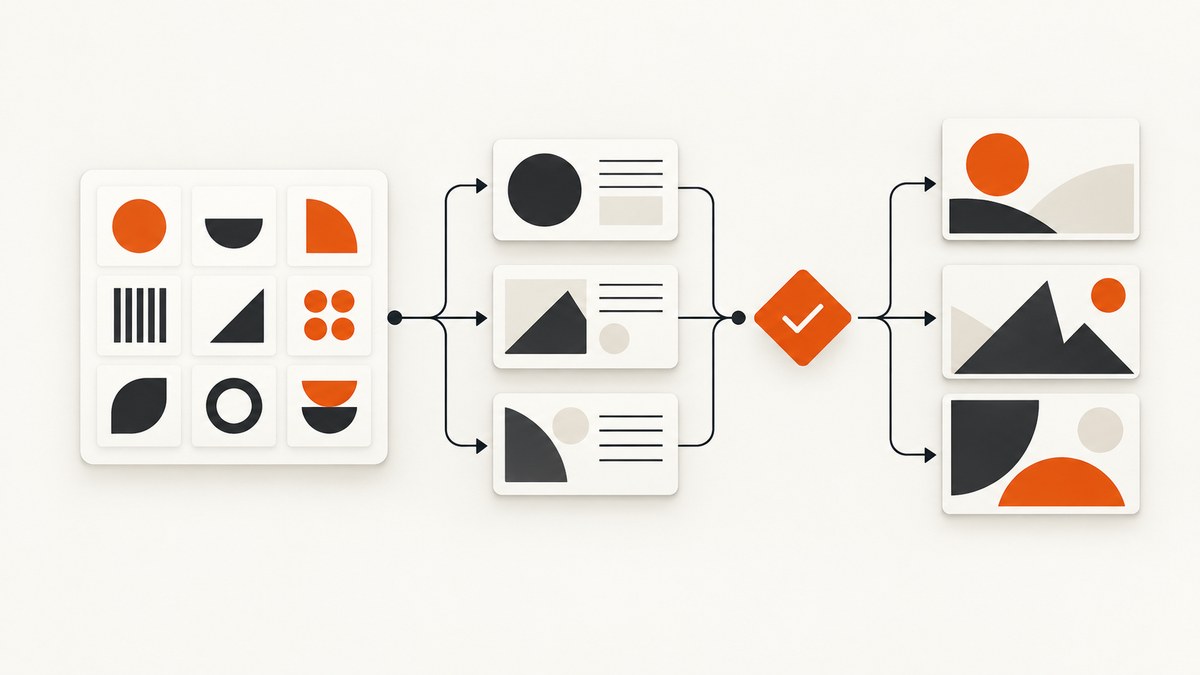
Yes, your marketing team can produce routine on-brand graphics without routing every request through a designer. The reliable method is to turn brand strategy into short, usable rules; keep current assets in one shared place; build constrained templates for recurring jobs; and define which work still requires a designer or brand owner. A designer establishes and maintains the system, while marketers use it for predictable, low-risk updates.
This approach works for social posts, event announcements, email graphics, presentations, ads and internal communications. It does not mean every design decision can be delegated safely. New visual concepts, regulated claims, complex data visualizations, print-production files and high-visibility launches still need the right specialist review.
1. Start with a brand source of truth
Before making templates, gather the latest material from the brand owner. Ask for the current strategy, positioning and messaging, visual identity files, font licensing instructions, approved photography and illustration, icon rules, accessibility guidance and channel-specific requirements. If those decisions are unclear, agree on them first. A large template library built on guesses will spread inconsistency faster.
Canva defines brand guidelines as standards for communicating a brand verbally or visually across channels and media, and recommends connecting the guidance to purpose, values, positioning and messaging (Canva brand-guidelines guidance). Adobe similarly lists logos, typography, images, icons, colors and voice among the elements a guide can cover (Adobe brand-guidelines guide).
Collect these decisions
- Logo: primary, reversed and one-color versions; minimum size; clear space; approved backgrounds; prohibited alterations.
- Color: exact values for digital and print where supplied; roles such as background, accent, text and status; contrast requirements.
- Type: headline, body and utility styles; approved weights; fallback fonts when the main font is unavailable.
- Imagery: subject matter, crop style, lighting, illustration treatment, rights requirements and examples to avoid.
- Layout: spacing, grid, alignment, corner treatment, borders, shadows and recurring composition patterns.
- Voice: preferred terms, tone, capitalization, punctuation and words or claims that require approval.
- Channels: required dimensions, safe areas, file formats, animation rules and accessibility checks.
2. Turn the full guide into a one-page working reference
A long brand document may be correct but still fail during a busy campaign. Create a short reference for daily use. For every important rule, state what to do, show one correct example and name the common mistake. Keep the language operational: “Use the reversed logo on dark backgrounds,” rather than “The logo may be adapted for contrast.”
| Rule area | Working instruction | Example mistake |
|---|---|---|
| Logo | Select the approved variant from the shared library; preserve clear space. | Stretching the mark or placing it over a busy photo. |
| Color | Use the named role, such as “campaign accent,” instead of choosing a close visual match. | Introducing a new shade because it looks similar. |
| Type | Use the template hierarchy and approved fallback when the primary font is unavailable. | Adding decorative fonts to make a headline feel more energetic. |
| Images | Use licensed assets with the stated crop and treatment. | Downloading an attractive image without confirming rights. |
| Copy | Keep headline, supporting text and call to action in their named fields. | Adding an unapproved promise or changing a regulated claim. |
Include accessibility and inclusivity guidance where it affects the asset. Canva explicitly identifies accessibility and inclusivity as possible guideline topics (Canva guidelines). State minimum contrast expectations, readable type sizes, meaningful alt text requirements and any channel-specific captioning rules your organization follows.
3. Put approved assets in one shared place
Make the current logo, palette, fonts, photos, icons, illustrations and campaign files easy to find. A team should never have to guess which logo is current. Use descriptive names and metadata such as version, usage, background and retirement status. Archive old assets so they cannot be selected accidentally.
Canva describes a Brand Kit for uploading logos, colors, fonts and imagery and sharing them with collaborators. Adobe describes shared brand kits and libraries as part of its workflow (Adobe brand kit). Availability and permissions depend on the service and plan, so verify the actual account configuration before promising a workflow.
A practical folder or library structure
Brand system/
  01-guidelines/
    working-reference.pdf
    voice-and-messaging.md
  02-logo/
    current/
    retired/
  03-colors-and-type/
  04-imagery/
    approved/
    licensed-by-campaign/
  05-templates/
    social/
    events/
    email/
    presentations/
  06-campaign-assets/
  99-archive/
Assign one owner for freshness. That person should approve additions, retire obsolete files, answer edge-case questions and record changes. Without ownership, a shared folder becomes another source of conflicting versions.
4. Build a small template library around recurring jobs
Start with high-frequency, low-risk requests. Do not attempt to template every possible design. Review the previous quarter and identify repeated formats: social announcements, event cards, webinar reminders, quote graphics, email headers, presentation covers, display ads or localized variants.
Each template should protect the elements that define the brand and expose only the fields people need to change. Adobe’s guidance says to “Create core locked templates to allow non-designers to create consistent content independently” (Adobe template guide). Its Paramount+ customer story describes locked logos and colors with editable sections.
| Protect | Make editable | Label clearly |
|---|---|---|
| Logo position and clear space | Headline and supporting copy | “Headline: 6–8 words” |
| Brand colors and type styles | Approved campaign image | “Image: use approved library” |
| Grid, margins and footer | Date, location or speaker | “Date: include time zone” |
| Required legal or accessibility elements | Call to action within the approved pattern | “CTA: use approved verb” |
Template design rules
- Create only the dimensions your channels actually use.
- Use named edit zones instead of leaving every layer open.
- Include a filled example and a clean starting version.
- Add character limits and image-crop guidance beside each field.
- Provide a fallback layout for long translations or missing imagery.
- Keep the number of choices small enough that staff can select confidently.
Templates protect consistency, but they do not guarantee good communication. A marketer can still enter inaccurate copy, choose an unsuitable image or make a claim that needs legal review. The template reduces avoidable visual variation; it does not replace judgment.
5. Choose tools around the real workflow
Canva and Adobe Express both document brand kits, shared assets and templates. The evidence does not establish a universal winner, so compare the tools against your team’s actual needs:
- Does the team already work in Canva, Adobe or another approved system?
- Can the intended plan lock the required elements and control permissions?
- How will requests, comments, approvals and version history work?
- Can the tool export every required format and dimension?
- Where will accessibility, font licensing and image rights be checked?
- How much training can the team absorb?
- Will the workflow work for localization, external partners and contractors?
- What are the current regional prices and plan limits?
Adobe’s product page lists a free Express app and states that Premium is US$9.99 per month for individuals, with Premium included in some Creative Cloud plans; prices and features can change by region and date (Adobe Express brand kit). Canva’s guidance associates digital Brand Kits with Canva Pro or Canva for Teams (Canva guidelines). Treat these as vendor descriptions and verify current terms before procurement.
6. Define the review boundary
Write down which work marketers may publish after a checklist and which work must be reviewed. This prevents both extremes: sending every tiny date change to a designer, or allowing a risky campaign to bypass expertise.
Usually suitable for self-service
- Changing a date, speaker, location or approved image in an existing template.
- Resizing a previously approved asset for a listed channel.
- Updating a routine announcement with pre-approved copy.
- Creating localized versions while preserving the template structure.
Route for review
- New campaign concepts, visual identities or major layout changes.
- Brand or product repositioning and unusual logo use.
- Legal, financial, medical, safety or regulated claims.
- Complex charts, research figures or data visualizations.
- Print-production files, packaging and high-visibility launches.
- Unusual image licensing, sensitive subjects or unfamiliar markets.
The boundary should reflect your organization’s risk, legal obligations and available expertise. The source material supports templates and guardrails, but it does not prescribe one approval policy for every team.
7. Use a pre-publish checklist
Keep the check short enough that people will actually use it:
- Correct logo version, size and clear space.
- Approved colors and typography.
- Readable hierarchy at the final viewing size.
- Contrast and accessibility requirements met.
- Image rights, suitability and crop confirmed.
- Copy, dates, names, URLs and calls to action verified.
- Correct dimensions, file format and compression.
- Required review completed for the asset’s risk category.
For a distributed team, require the reviewer to check the exported file, not only the editable canvas. Font substitution, cropping and compression can change the final result.
8. Maintain the system as a product
Review the library when products, positioning, markets or channels change. Adobe recommends revisiting guidelines as the business changes (Adobe guidelines). Track template usage and feedback: retire layouts nobody uses, improve fields that cause repeated errors and add a new template only when a recurring job justifies it.
Adobe reports that its B2B marketing team created more than 150 assets across 10 or more templates, producing approximately 5,000 localized variations and reducing time to market from days to hours. Those figures are Adobe’s own reported example, not an independent benchmark or a prediction for your team (Adobe Blog, 2025). Use the example as a reason to measure your own baseline, not as a promise.
9. Optional visual QA: capture the published page yourself
If your team publishes graphics inside landing pages, event pages or campaign hubs, visual QA can confirm that the final page still looks correct after deployment. A do-it-yourself browser workflow can use Playwright or another automation library:
import { chromium } from 'playwright';

const browser = await chromium.launch();
const page = await browser.newPage({ viewport: { width: 1440, height: 900 } });
await page.goto('https://example.com/campaign', { waitUntil: 'networkidle' });
await page.screenshot({ path: 'campaign-page.png', fullPage: true });
await browser.close();
For a dependable internal process, add a wait for the hero or campaign selector, set the intended viewport and timezone, authenticate when necessary, and save the URL, commit or campaign identifier beside the image. Capture at the final published URL rather than relying only on a local preview.
DIY capture troubleshooting
| Symptom | Likely cause | Fix |
|---|---|---|
| Blank or partial image | Capture occurred before the page rendered. | Wait for a meaningful selector or network idle; use a longer timeout for slow assets. |
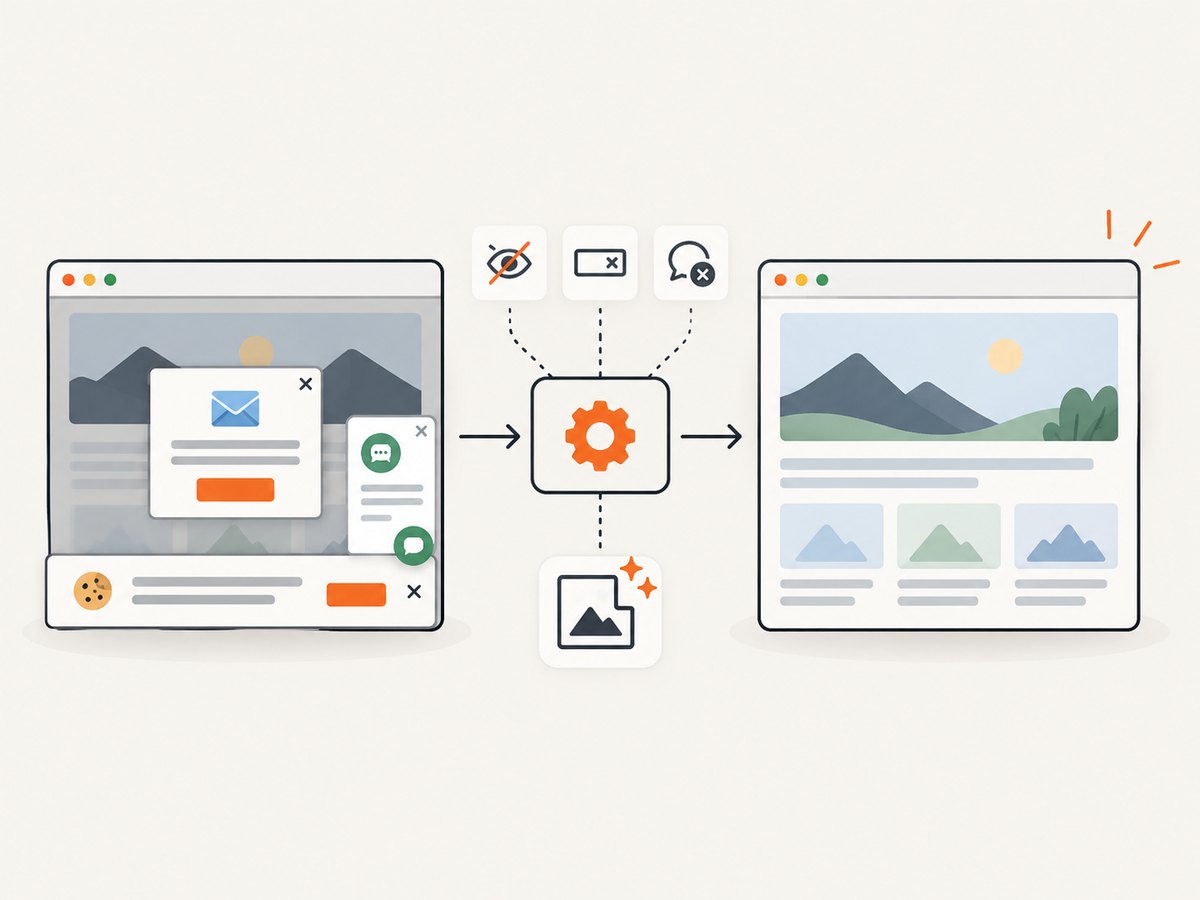
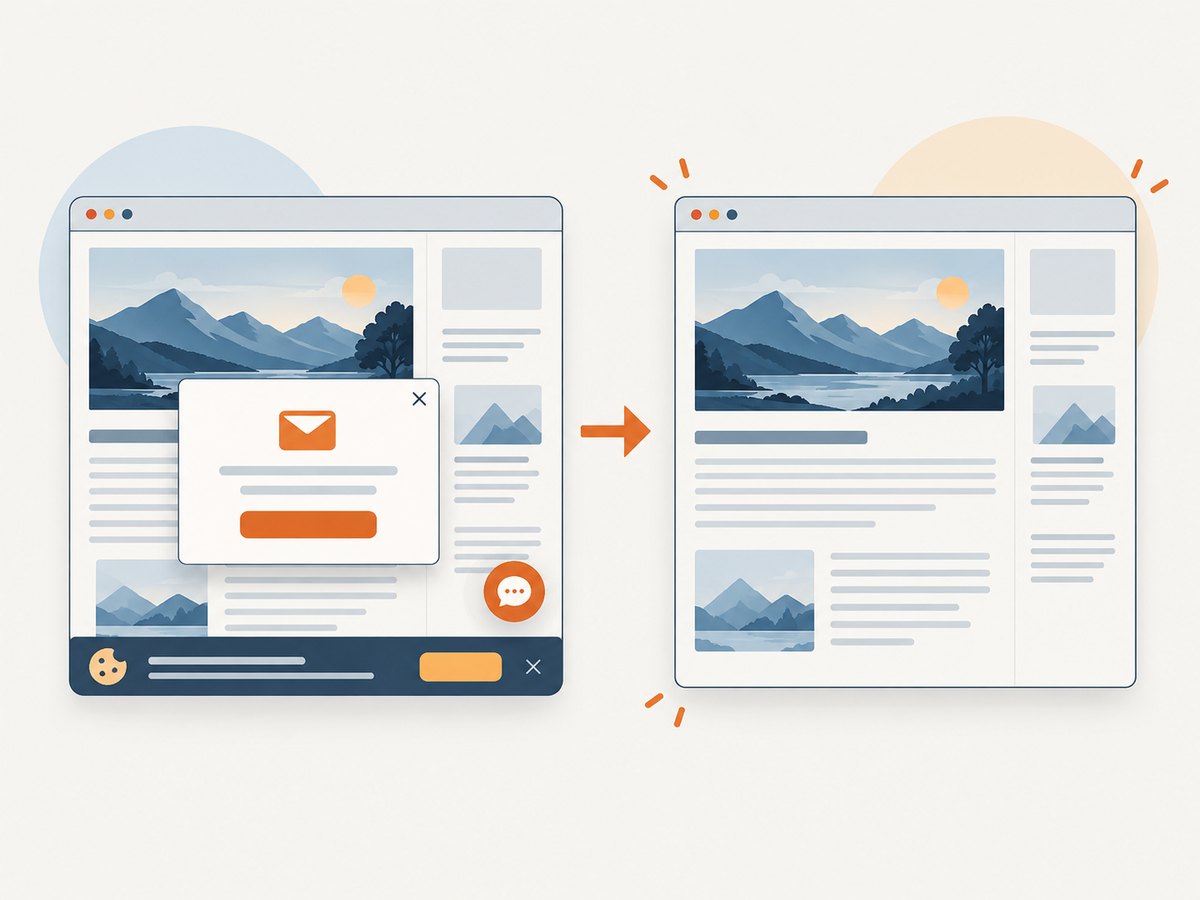
| Cookie dialog covers the design | Consent state is new or missing. | Set an approved consent state in the browser context, or dismiss the banner before capture. |
| Fonts differ | Web fonts had not loaded or are unavailable. | Wait for document.fonts.ready and verify the production font license and fallback. |
| Lazy images are absent | The browser never scrolled the page. | Scroll through the page before the screenshot, or use a capture system that loads lazy content. |
| Protected page appears | Bot checks or authentication blocked automation. | Use an authorized session and review the page manually; do not attempt to bypass access controls. |
Or skip the browser setup
ScreenshotNeo provides a website screenshot API and MCP server for developers. One GET request returns a PNG, JPEG, WebP or PDF. It loads lazy images for full-page captures, can capture one CSS-selected element, and supports custom CSS and JavaScript, waits, device presets, arbitrary viewports, retina scale, dark mode, headers, cookies, user agents, authorization, timezone, geolocation, hiding selectors, blocking ads or resource types, resizing, caching, signed links, asynchronous jobs, bulk capture and usage reporting. See the ScreenshotNeo documentation for parameter names and the OpenAPI specification.
ScreenshotNeo’s clean-shot workflow accepts cookie and consent banners like a visitor, then removes more than 60 known consent platforms, newsletter popups and chat widgets. Each step can be turned off. Bot checks or CAPTCHAs, blank pages, timeouts, failed loads and cache hits are not billed; response headers identify the page verdict and whether the request was billed.
cURL
curl -G "https://api.screenshotneo.com/v1/shot" -d access_key=YOUR_API_KEY --data-urlencode url=https://stripe.com -o shot.webpPython
import requests

r = requests.get(
    "https://api.screenshotneo.com/v1/shot",
    params={"access_key": "YOUR_API_KEY", "url": "https://stripe.com"},
    timeout=90,
)
r.raise_for_status()
open("shot.webp", "wb").write(r.content)
Node.js
const q = new URLSearchParams({ access_key: 'YOUR_API_KEY', url: 'https://stripe.com' });
const res = await fetch(`https://api.screenshotneo.com/v1/shot?${q}`);
if (!res.ok) throw new Error(`Screenshot failed: ${res.status}`);
const buffer = Buffer.from(await res.arrayBuffer());
require('fs').writeFileSync('shot.webp', buffer);
Performance, reliability and cost notes
- Use a viewport, output format and image size that match the review task; oversized full-page images consume more storage and transfer.
- Use a selector capture when you only need the campaign module. Use full-page capture when layout or lazy-loaded sections matter.
- Choose a wait condition that represents readiness: selector, delay or network idle. A fixed delay alone can be too short or unnecessarily slow.
- Cache stable pages with a TTL you choose. Cache hits are not billed, according to ScreenshotNeo’s stated billing behavior.
- For many URLs, bulk capture supports up to 100 URLs per call. For long-running work, asynchronous jobs can deliver signed webhooks.
- Use custom headers, cookies or authorization only when your team is allowed to access the page. Keep API keys server-side.
Pricing is Free for 1,000 shots per month with no card, then Starter is $5 for 3,000, Growth $15 for 15,000, Pro $39 for 60,000, Scale $99 for 250,000 and Business $249 for 1,000,000. Yearly billing gives two months free, and every feature is on every plan. An MCP server provides take_screenshot, get_page_info and capture_pdf tools for Claude, Cursor and other MCP clients.
Start with 1,000 screenshots a month free, with no card, at ScreenshotNeo sign-up.
10. FAQ
Can a marketer create a new design from scratch?
They can, but the risk rises when the work changes the visual system or carries a consequential claim. Use templates for routine work and route new concepts through the agreed review boundary.
How many templates should we make first?
Start with the smallest set covering your most frequent requests and real channel dimensions. Add templates only when a repeated job is causing avoidable work or inconsistency.
Who owns the brand library?
Assign one brand or marketing operations owner, with a named backup. Their job is to keep assets current, retire old files, maintain templates and coordinate exceptions.
Is Canva or Adobe Express better?
Neither is a universal winner from the available evidence. Choose based on existing usage, plan controls, collaboration, exports, accessibility, rights management and adoption burden.
How do we prove the system is working?
Measure rework, review turnaround, template usage, asset errors and time from request to approved export. Compare your own baseline over time rather than generalizing vendor case-study figures.


