Open Graph Examples: Complete Meta Tag Guide for Rich Previews
Copyable Open Graph examples with required tags, optional properties, image metadata, validation, troubleshooting, and preview automation.
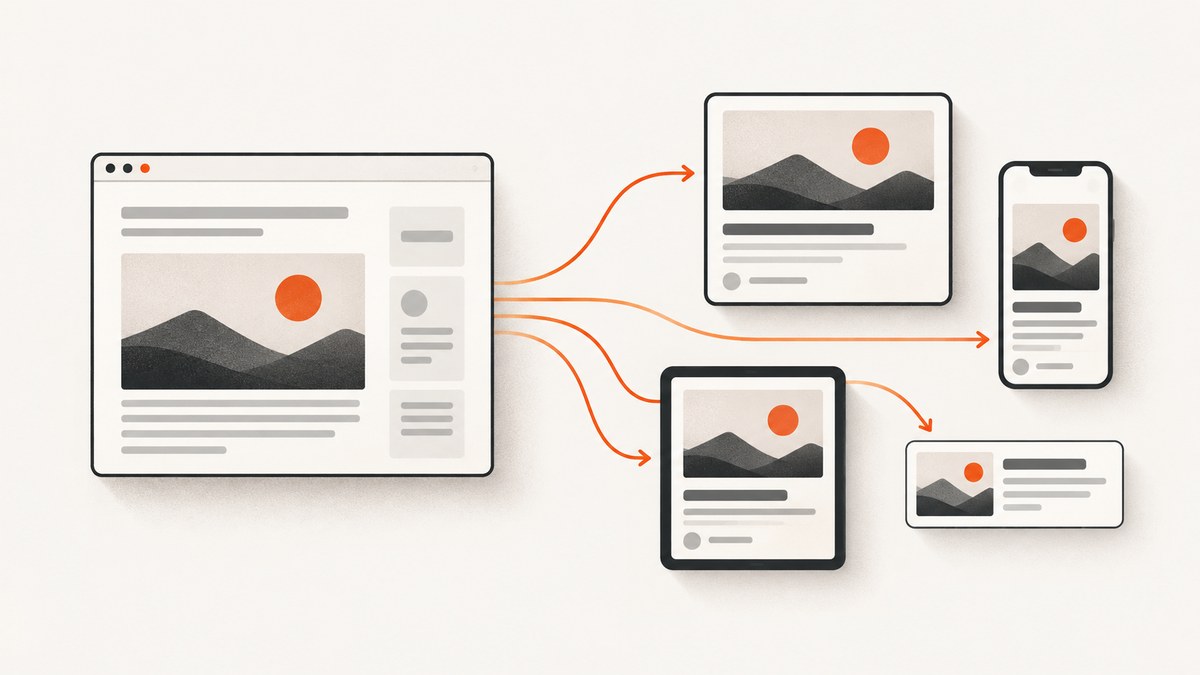
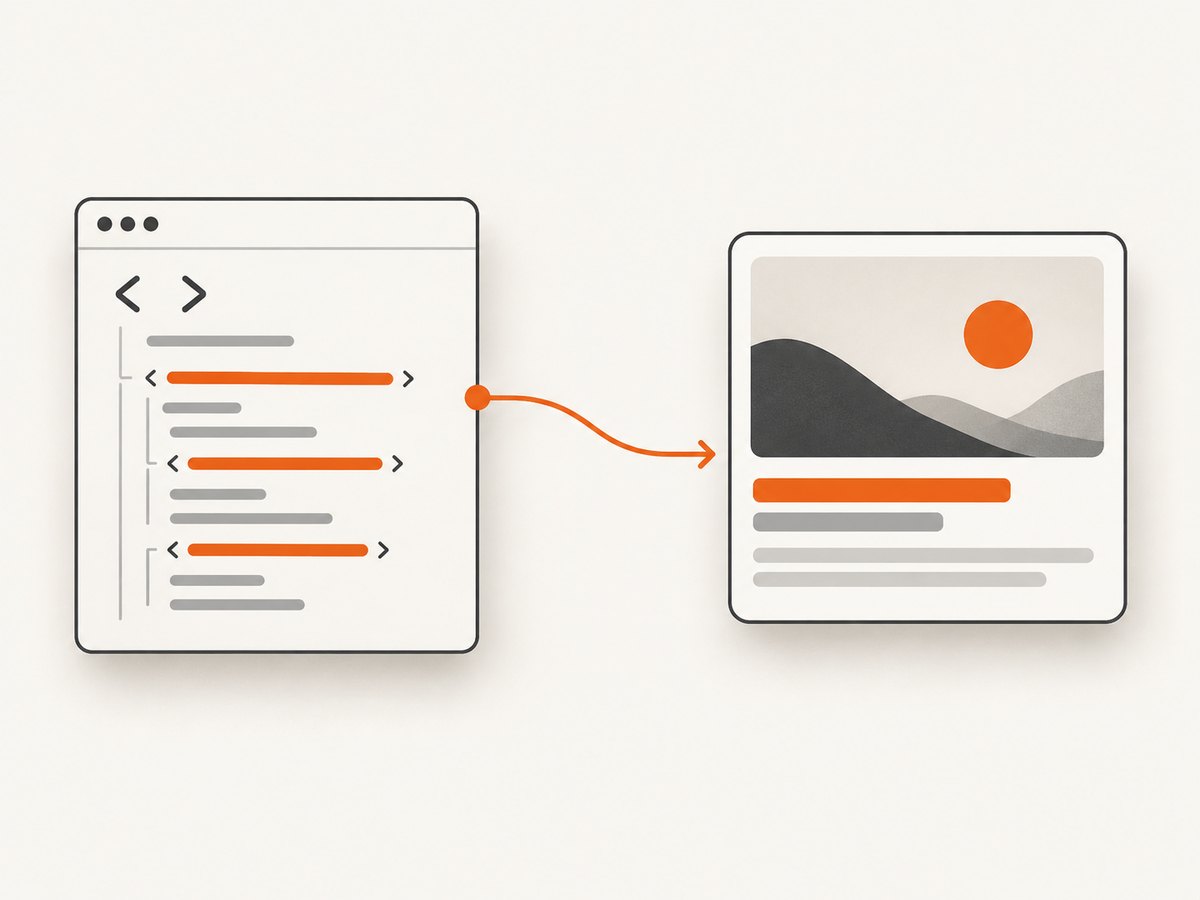
Open Graph metadata lets a web page become a rich object in a social graph. You add a small set of <meta> elements inside the document <head>, then social crawlers can use that data for a title, image, description, and canonical URL. The four base properties are og:title, og:type, og:image, and og:url. The official protocol reference at ogp.me defines these properties and the markup pattern.
This guide gives you copyable HTML, framework examples, image metadata, platform-specific card tags, validation steps, edge-case handling, and a repeatable way to capture previews. The sample values are placeholders: replace them with values that describe the page you are publishing.
1. Minimal Open Graph example
Place this markup in the page’s HTML head. Use an absolute, publicly reachable image URL and the canonical URL for the exact page.
<!doctype html>
<html prefix="og: https://ogp.me/ns#">
<head>
  <meta charset="utf-8" />
  <title>Example Article</title>

  <meta property="og:title" content="Example Article" />
  <meta property="og:type" content="article" />
  <meta property="og:url" content="https://example.com/example-article" />
  <meta property="og:image" content="https://example.com/images/example-article.jpg" />
</head>
<body>
  <h1>Example Article</h1>
</body>
</html>
The prefix attribute declares the Open Graph namespace. Many crawlers also parse the properties without it, but keeping the official form makes the document explicit.
2. What each required property does
| Property | Purpose | Implementation rule |
|---|---|---|
og:title |
The title of the object in the social graph. | Use the page’s human-facing title; keep it specific to this URL. |
og:type |
Describes the object kind. | Use website for a general site page or a more specific type such as article when appropriate. |
og:url |
The permanent identifier for the object. | Use one canonical, absolute URL, including the preferred protocol and host. |
og:image |
The representative image shown in previews. | Use an absolute HTTPS URL that a crawler can fetch without authentication. |
Do not copy the values from an official movie example or from this article. A product page, article, profile, and home page should each describe its own content. If URL variants contain tracking parameters, point og:url to the canonical version you want platforms to associate with the share.
3. A production-ready article head
Add optional metadata to improve the information available to crawlers. The protocol documents og:description, og:site_name, og:locale, og:audio, and og:video as optional properties.
<head>
  <meta charset="utf-8" />
  <meta name="viewport" content="width=device-width, initial-scale=1" />
  <title>Open Graph Examples | Example Docs</title>

  <meta property="og:title" content="Open Graph Examples | Example Docs" />
  <meta property="og:type" content="article" />
  <meta property="og:url" content="https://example.com/docs/open-graph-examples" />
  <meta property="og:image" content="https://example.com/images/open-graph-examples.jpg" />
  <meta property="og:description" content="Copyable Open Graph markup and validation steps for article previews." />
  <meta property="og:site_name" content="Example Docs" />
  <meta property="og:locale" content="en_US" />

  <meta property="og:image:secure_url" content="https://example.com/images/open-graph-examples.jpg" />
  <meta property="og:image:type" content="image/jpeg" />
  <meta property="og:image:width" content="1200" />
  <meta property="og:image:height" content="630" />
  <meta property="og:image:alt" content="Diagram explaining Open Graph metadata" />
</head>
The width and height above are illustrative metadata, not a universal requirement. Use the actual dimensions of your image. The alternative text should describe the image for people who cannot see it.
4. Image metadata, multiple images, and ordering
Open Graph supports structured image properties: og:image:secure_url, og:image:type, og:image:width, og:image:height, and og:image:alt. Put structured properties immediately after their root og:image tag so the association is unambiguous.
<meta property="og:image" content="https://example.com/images/primary.jpg" />
<meta property="og:image:alt" content="Primary illustration for the article" />
<meta property="og:image:width" content="1200" />
<meta property="og:image:height" content="630" />

<meta property="og:image" content="https://example.com/images/alternate.jpg" />
<meta property="og:image:alt" content="Alternate illustration for the article" />
When a property can repeat, the protocol gives the first value preference if a consumer encounters conflicting values. Put the preferred image first. Keep each image’s structured properties together before declaring the next root image.
5. Choosing og:type
The type tells consumers what kind of object they are reading. A general home page can use website; an editorial page can use article. Some types introduce additional properties. For example, an article may also expose publication or author information when supported by the consuming platform. Select the type that matches the page rather than choosing a type because it sounds more specific.
6. Open Graph versus Twitter Cards
Open Graph and Twitter Cards are related metadata layers, but they are not the same protocol. Google’s web.dev guidance describes Twitter Cards as an extension for Twitter and uses name="twitter:card", while Open Graph uses property="og:...". If you need a Twitter Card, add its tags separately:
<meta name="twitter:card" content="summary_large_image" />
<meta name="twitter:title" content="Open Graph Examples | Example Docs" />
<meta name="twitter:description" content="Copyable Open Graph markup and validation steps." />
<meta name="twitter:image" content="https://example.com/images/open-graph-examples.jpg" />
Do not assume that every social network uses identical fields, image rules, cache behavior, or fallback logic. Read the target platform’s current documentation and validate the preview on that platform.
7. Framework implementation examples
Static HTML
For a static site, render the tags directly in the source HTML head. View the page source, not only the post-rendered DOM, because some crawlers do not execute client-side JavaScript.
React or Next.js
export const metadata = {
  title: 'Example Article',
  openGraph: {
    title: 'Example Article',
    description: 'A concise description of this article.',
    url: 'https://example.com/example-article',
    type: 'article',
    images: [{
      url: 'https://example.com/images/example-article.jpg',
      alt: 'Illustration for the article'
    }]
  }
};
Use your framework’s documented metadata API or head component. Confirm that the final response contains literal meta property="og:..." elements at the requested URL.
PHP template
<?php
$title = htmlspecialchars($post['title'], ENT_QUOTES, 'UTF-8');
$url = htmlspecialchars($post['canonical_url'], ENT_QUOTES, 'UTF-8');
$image = htmlspecialchars($post['image_url'], ENT_QUOTES, 'UTF-8');
$description = htmlspecialchars($post['description'], ENT_QUOTES, 'UTF-8');
?>
<meta property="og:title" content="<?= $title ?>" />
<meta property="og:type" content="article" />
<meta property="og:url" content="<?= $url ?>" />
<meta property="og:image" content="<?= $image ?>" />
<meta property="og:description" content="<?= $description ?>" />
Escape attribute values. A quote or angle bracket from a CMS field must not break the head or create unexpected markup.
8. Validate a generated preview
- Request the public URL without being logged in.
- Inspect the raw HTML and confirm all four required properties exist inside
<head>. - Open each image URL directly. Check that it returns an image response, uses HTTPS, and does not require cookies or authorization.
- Confirm
og:urlmatches your canonical URL and does not contain accidental staging hosts or tracking parameters. - Use the target platform’s preview or sharing debugger. If the preview is stale, remember that platforms cache fetched metadata; update the page and request a fresh scrape using that platform’s documented tool.
- Capture the final page and inspect what a crawler sees. A browser screenshot can reveal consent banners, popups, or a client-rendering failure that is not obvious from source inspection.
DIY capture with Playwright
The following Node.js script loads a page, prints its Open Graph tags, and saves a screenshot. Install Playwright with npm install playwright, then run it with node check-og.mjs https://example.com/example-article.
import { chromium } from 'playwright';

const url = process.argv[2];
if (!url) throw new Error('Pass a URL');

const browser = await chromium.launch();
const page = await browser.newPage({ viewport: { width: 1440, height: 900 } });
await page.goto(url, { waitUntil: 'networkidle', timeout: 90000 });

const tags = await page.locator('meta[property^="og:"]').evaluateAll(nodes =>
  Object.fromEntries(nodes.map(node => [node.getAttribute('property'), node.getAttribute('content')]))
);
console.log(tags);
await page.screenshot({ path: 'og-preview.png', fullPage: true });
await browser.close();
9. Common errors and fixes
| Symptom | Likely cause | Fix |
|---|---|---|
| No rich preview | Tags are missing, malformed, or outside the head. | Inspect the raw response and use exact property="og:..." names. |
| Wrong title or image | A platform cached an older scrape or found duplicate tags. | Remove duplicates, put the preferred value first, publish, then use the platform debugger to refresh. |
| Image does not appear | Relative URL, HTTP-only URL, redirect chain, authorization, or blocked crawler. | Use an absolute HTTPS URL that returns the image directly without a login. |
| Staging URL appears | Template defaults or environment variables generated the wrong host. | Set a production canonical base URL and verify og:url per deployment. |
| Escaped or truncated text | Unescaped quotes or excessively long CMS fields. | HTML-escape attribute values and write a concise description. |
| Client-rendered tags are ignored | The crawler does not execute your JavaScript path. | Render metadata in server HTML or static output. |
| Wrong language preview | Locale is absent or inherited incorrectly. | Set og:locale for the page and ensure translated pages have distinct canonical URLs. |
10. Performance, reliability, and cost notes
- Keep metadata generation close to your page data so title, URL, image, and description cannot drift apart.
- Serve preview images from a cacheable origin and avoid generating a new URL for every request unless the content really changed.
- Use stable canonical URLs. Redirect chains and inconsistent trailing-slash rules make debugging harder.
- Test unpublished pages in a protected environment only when the target crawler can access them; production previews should be publicly fetchable.
- When automating captures, wait for the content that determines the final layout. A fixed delay alone can be too short for images or too long for fast pages.
11. Or skip the browser setup
If you need a reliable image of a page while checking its Open Graph implementation, ScreenshotNeo provides a website screenshot API and MCP server. One GET request returns PNG, JPEG, WebP, or a PDF. It accepts cookie and consent banners like a visitor, then removes more than 60 known consent platforms, newsletter popups, and chat widgets before capture; each step can be turned off. Bot checks or CAPTCHAs, blank pages, timeouts, failed loads, and cache hits are not billed, and the response reports the result in X-Page-Verdict and X-Billed headers.

See the ScreenshotNeo API documentation for all options. This is a complete cURL request:
curl -G "https://api.screenshotneo.com/v1/shot" \
  -d access_key=YOUR_API_KEY \
  --data-urlencode url=https://example.com/example-article \
  -o og-preview.webp
Python:
import requests

r = requests.get(
    "https://api.screenshotneo.com/v1/shot",
    params={"access_key": "YOUR_API_KEY", "url": "https://example.com/example-article"},
    timeout=90,
)
r.raise_for_status()
open("og-preview.webp", "wb").write(r.content)
Node.js:
const q = new URLSearchParams({
  access_key: 'YOUR_API_KEY',
  url: 'https://example.com/example-article'
});
const res = await fetch(`https://api.screenshotneo.com/v1/shot?${q}`);
if (!res.ok) throw new Error(`${res.status} ${await res.text()}`);
await Bun.write('og-preview.webp', res);
ScreenshotNeo also supports full-page capture with lazy images loaded, CSS-element capture, device presets, custom viewports, retina scale, custom CSS and JavaScript, selector waits, network-idle waits, request blocking, headers, cookies, user agents, authorization, timezone, geolocation, transparent backgrounds, resizing, TTL caching, signed links, asynchronous jobs with signed webhooks, bulk capture for up to 100 URLs, a usage API, and an OpenAPI specification. An MCP server exposes take_screenshot, get_page_info, and capture_pdf for Claude, Cursor, and other MCP clients.
Free accounts include 1,000 screenshots each month with no card. Paid plans start at $5 for 3,000 shots; yearly billing gives two months free. Create a free ScreenshotNeo account and capture your first preview without setting up a browser.
12. Open Graph checklist
- There is one page-specific
og:title. og:typematches the page.og:urlis the canonical absolute URL.og:imageis an absolute HTTPS URL that loads anonymously.og:descriptionexplains the page concisely.- Image structured properties follow their root image tag.
- Repeated images are ordered with the preferred image first.
- Twitter Card tags are added separately when needed.
- Raw HTML, image URLs, and platform previews have been checked.
13. FAQ
Are all four Open Graph properties mandatory?
The protocol defines og:title, og:type, og:image, and og:url as the four base required properties. A specific platform may apply additional rules.
Should og:url equal the browser address exactly?
It should identify the canonical page. Tracking parameters, alternate hosts, or duplicate slash conventions should normally resolve to one canonical URL.
Can I use a relative image path?
Use an absolute URL. Crawlers are separate clients and should not have to infer the site origin.
Why does a platform still show an old image after I changed it?
Social platforms cache fetched metadata. Republish the page, then use the platform’s documented debugger or refresh workflow.
Do Open Graph tags improve search rankings directly?
They describe social sharing previews. They are separate from search engine structured data and SEO fields.
Can one page declare several images?
Yes. Repeat og:image and place each image’s structured properties after its root tag. The first image is preferred when a consumer selects one.


