What Is the Open Graph Meta Tag and How Do You Use It?
Learn what Open Graph tags do, which properties to add, how to validate previews, and how to fix missing or incorrect social images.
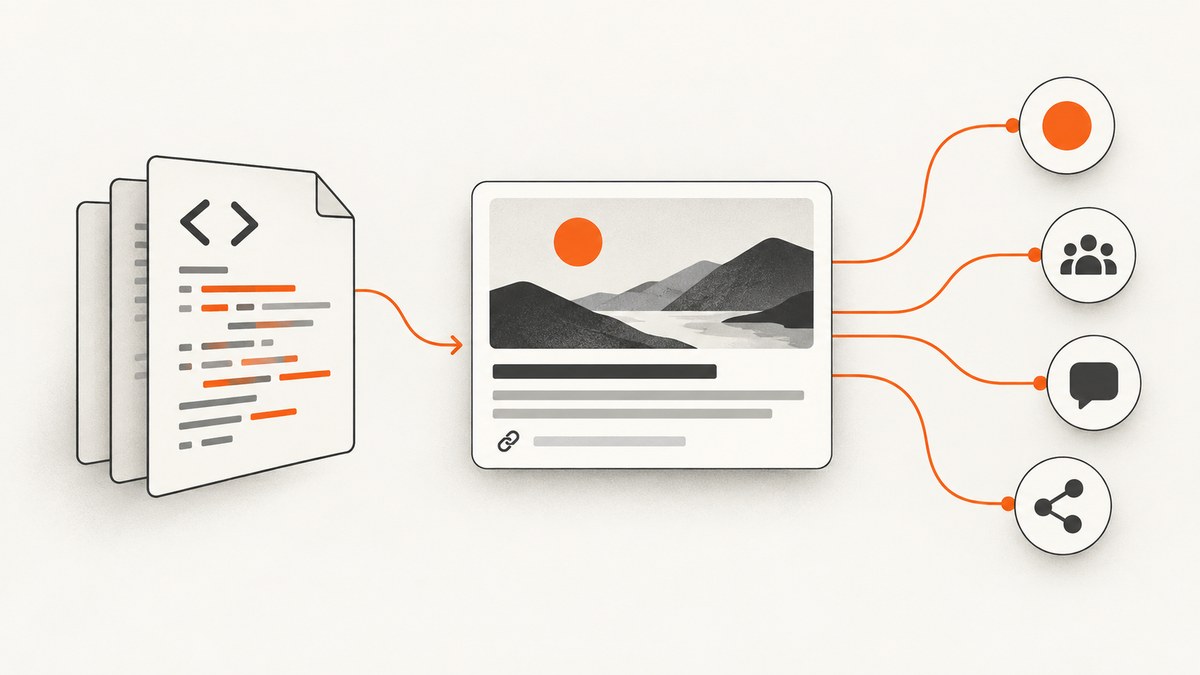
Open Graph (OG) meta tags are HTML elements in a page’s <head> that describe the page to social crawlers. Platforms can use them to build a share preview with a title, image, description and canonical URL. The Open Graph Protocol defines four basic properties for every page: og:title, og:type, og:image and og:url. Open Graph Protocol
What Open Graph metadata does
The protocol describes a web page as a rich object in a social graph. A crawler reads the metadata from the document head, then the destination platform decides which fields to display and how to cache or transform them. OG tags improve the information available for a preview, but they do not force every platform to render an identical card.
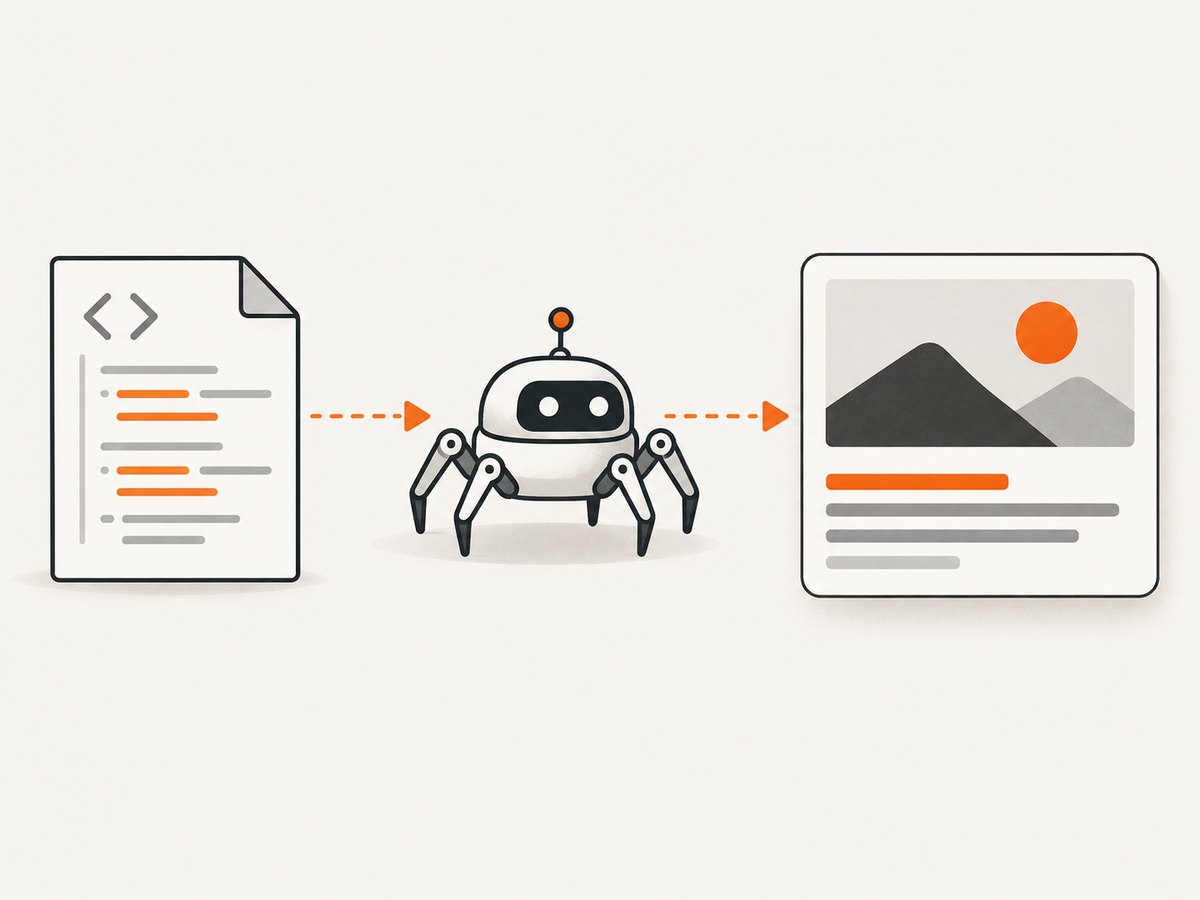
Use one canonical set of tags on every indexable page, with absolute HTTPS URLs for the page and image:
<!doctype html>
<html lang="en">
<head>
  <meta charset="utf-8">
  <title>Page title</title>

  <meta property="og:title" content="Page title">
  <meta property="og:type" content="website">
  <meta property="og:url" content="https://example.com/page">
  <meta property="og:image" content="https://example.com/share-image.jpg">
  <meta property="og:description" content="A concise description of this page.">
  <meta property="og:site_name" content="Example">
  <meta property="og:image:alt" content="Description of the share image">
</head>
<body>...</body>
</html>
How to add Open Graph tags
1. Put the tags in the document head
Place the elements between <head> and </head>. Crawlers may not execute the same JavaScript as a browser, so server-render the values when possible. Do not put OG elements in the body or generate them only after a client-side route change unless you know the destination crawler supports that rendering path.
2. Set the four required properties
| Property | Purpose | Implementation guidance |
|---|---|---|
og:title |
Human-readable title of the shared object | Use the page’s specific title; avoid adding site-wide boilerplate that makes it too long. |
og:type |
Object type | Use website for a normal page. Other types can require additional properties. |
og:image |
Representative preview image | Use an absolute, publicly fetchable URL. |
og:url |
Canonical permanent identifier | Use the preferred URL, including the correct protocol, host, path and meaningful query policy. |
3. Add useful optional properties
og:description supplies one or two sentences about the page. og:site_name identifies the publication. Locale fields such as og:locale, og:locale:alternate, and structured image fields can provide more context.
<meta property="og:locale" content="en_US">
<meta property="og:locale:alternate" content="fr_FR">
<meta property="og:image:secure_url" content="https://example.com/share-image.jpg">
<meta property="og:image:type" content="image/jpeg">
<meta property="og:image:width" content="1200">
<meta property="og:image:height" content="630">
<meta property="og:image:alt" content="A diagram showing the product workflow">
og:image:alt should describe what is in the image, rather than act as a caption. Keep structured image properties immediately after their corresponding og:image element.
4. Handle multiple images deliberately
You can repeat og:image and its structured properties to offer alternatives. The protocol says the first image from top to bottom is preferred when a consumer has to choose. Put the image you want most platforms to use first, then its width, height, type, secure URL and alt text before declaring the next root image.
<meta property="og:image" content="https://example.com/primary.jpg">
<meta property="og:image:width" content="1200">
<meta property="og:image:height" content="630">
<meta property="og:image:alt" content="Primary article illustration">

<meta property="og:image" content="https://example.com/fallback.jpg">
<meta property="og:image:width" content="1200">
<meta property="og:image:height" content="630">
<meta property="og:image:alt" content="Fallback article illustration">
Choosing and serving the share image
Use an image that still communicates the page topic when reduced to a card or thumbnail. Serve it without authentication, hotlink protection, robots rules or a firewall challenge that blocks social crawlers. Return the correct image content type and a successful response for the exact URL in og:image.
LinkedIn’s sharing documentation lists a 5 MB maximum, a minimum size of 1200 × 627 pixels and a recommended 1.91:1 ratio for its sharing module. These are LinkedIn-specific figures, not universal Open Graph limits, and the help page was last updated two years before this research. Verify current destination guidance before treating them as acceptance criteria.
Platform differences and complementary metadata
Each destination decides which OG properties it supports, whether it follows redirects, how it crops an image and how long it caches a preview. LinkedIn lists og:title, og:image, og:description and og:url for website sharing. A blocked or protected image host can prevent the image from appearing.
Some destinations also define their own metadata. For example, Twitter Card markup uses names such as twitter:card and a different name convention. Keep platform-specific fields alongside OG tags when your distribution requires them, and verify current requirements for each network before publishing a platform-specific recipe.
Framework and CMS implementation
Server-rendered templates
Compute one metadata object from the route and render escaped values into the head. Escape quotes and angle brackets in titles and descriptions. Generate the canonical URL from trusted configuration, not an arbitrary request header.
<meta property="og:title" content="{{ escape(meta.title) }}">
<meta property="og:type" content="{{ escape(meta.type) }}">
<meta property="og:url" content="{{ escape(meta.canonicalUrl) }}">
<meta property="og:image" content="{{ escape(meta.imageUrl) }}">
<meta property="og:description" content="{{ escape(meta.description) }}">
Single-page applications
Prefer server-side rendering or static generation for public routes. If metadata changes only after hydration, a crawler that reads the initial HTML can see the wrong title, URL or image. Also update the document’s canonical link and page title together with OG values when navigating client-side.
WordPress and other CMSs
Use one SEO or social metadata system per page. Multiple plugins that emit duplicate og:title or og:image elements can make the first value win unexpectedly. Inspect the final page source, not only the editor preview, and ensure the image URL is publicly reachable.
Validate the rendered tags
Check the raw response that a crawler receives. These commands are useful before opening a platform debugger.
cURL
curl -L --max-time 30 https://example.com/page \
  | grep -iE 'property="og:|name="twitter:'
Python
import requests
from bs4 import BeautifulSoup

url = "https://example.com/page"
r = requests.get(url, timeout=30, headers={"User-Agent": "preview-check/1.0"})
r.raise_for_status()
soup = BeautifulSoup(r.text, "html.parser")
for tag in soup.find_all("meta"):
    key = tag.get("property") or tag.get("name")
    if key and (key.startswith("og:") or key.startswith("twitter:")):
        print(key, "=", tag.get("content", ""))
Node.js
const url = 'https://example.com/page';
const res = await fetch(url, { redirect: 'follow' });
if (!res.ok) throw new Error(`${res.status} ${res.statusText}`);
const html = await res.text();
for (const match of html.matchAll(/<meta\s+[^>]*(?:property|name)=["']((?:og|twitter):[^"']+)["'][^>]*content=["']([^"']*)["'][^>]*>/gi)) {
  console.log(`${match[1]} = ${match[2]}`);
}
Then validate the complete preview with the destination’s current inspection or debugger tool. If you changed an image or description and the old result remains, the platform may be serving a cached fetch; confirm the source first, then use the platform’s refresh mechanism where available.
Or skip the browser setup
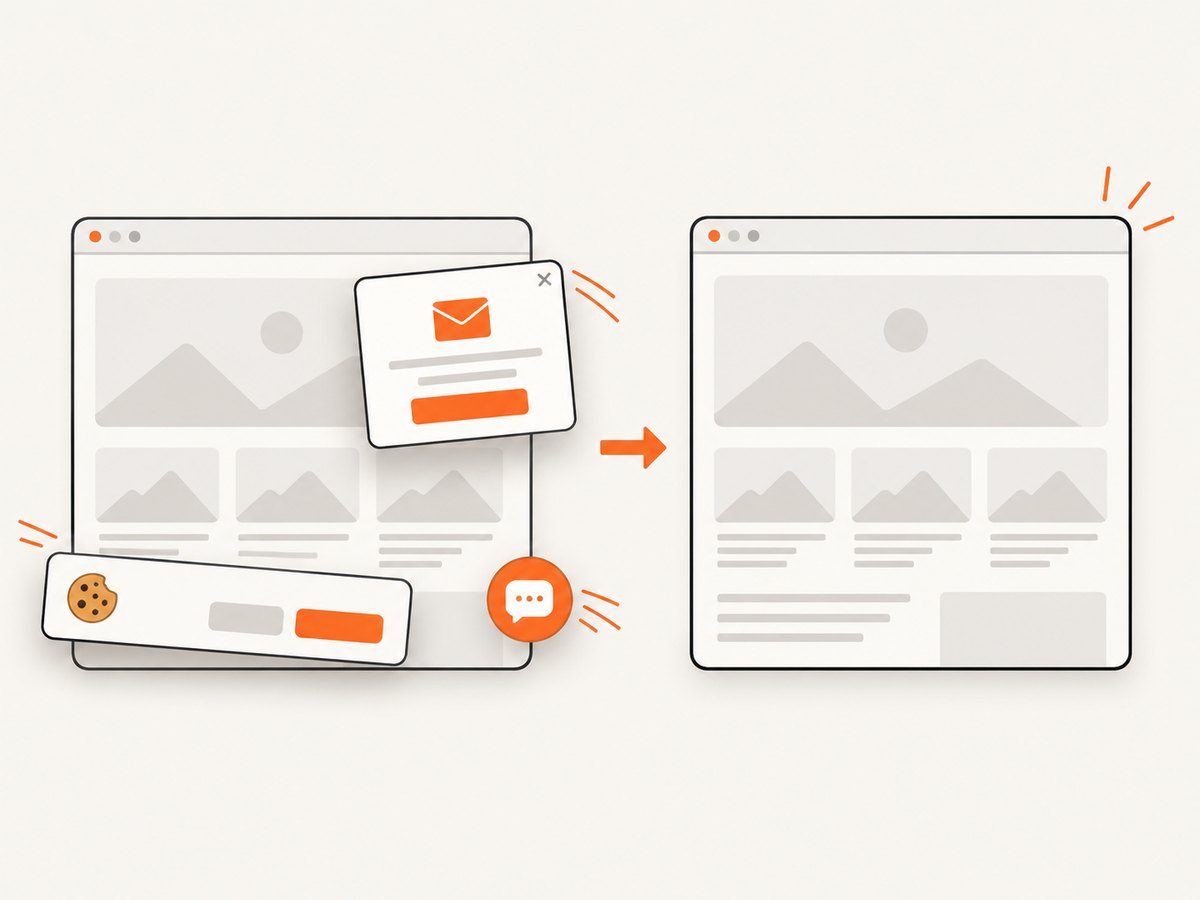
If you need a rendered screenshot of the page or its OG preview, ScreenshotNeo captures the URL through one API request. It accepts cookie and consent banners as a visitor, then removes more than 60 known consent platforms, newsletter popups and chat widgets before the capture; each cleanup step can be disabled. Bot checks, blank pages, timeouts, failed loads and cache hits cost nothing, and the response identifies the result with X-Page-Verdict and X-Billed headers. Its MCP server also gives Claude, Cursor and other MCP clients take_screenshot, get_page_info and capture_pdf tools.
See the ScreenshotNeo API documentation for all options.
cURL
curl -G "https://api.screenshotneo.com/v1/shot" -d access_key=YOUR_API_KEY --data-urlencode url=https://example.com/page -o shot.webpPython
import requests
r = requests.get("https://api.screenshotneo.com/v1/shot", params={"access_key": "YOUR_API_KEY", "url": "https://example.com/page"}, timeout=90)
r.raise_for_status()
open("shot.webp", "wb").write(r.content)
Node.js
const q = new URLSearchParams({ access_key: 'YOUR_API_KEY', url: 'https://example.com/page' });
const res = await fetch(`https://api.screenshotneo.com/v1/shot?${q}`);
if (!res.ok) throw new Error(`${res.status} ${res.statusText}`);
const data = Buffer.from(await res.arrayBuffer());
require('fs').writeFileSync('shot.webp', data);
ScreenshotNeo includes full-page capture with lazy images loaded, element capture by CSS selector, custom CSS and JavaScript, waits, headers, cookies, user agents, timezone and geolocation controls, image formats, PDF output and caching with a TTL you choose. One thousand shots per month are free with no card; paid plans start at $5 for 3,000 shots. Create a free ScreenshotNeo account.
Troubleshooting checklist
| Symptom | Likely cause | Fix |
|---|---|---|
| No preview image | The image URL is private, blocked, invalid or returns an unexpected response. | Open the exact absolute URL without authentication, check status and content type, and allow the destination crawler. |
| Old title or image | The platform cached an earlier crawl. | Confirm current source HTML, then use the platform’s refresh or debugger workflow. |
| Wrong page represented | og:url is missing, duplicated or inconsistent with canonical routing. |
Emit one stable canonical URL and use it consistently in og:url and the canonical link. |
| Tags appear in browser tools but not to crawlers | They are injected after client-side rendering or blocked by a redirect, login or challenge. | Server-render the head and test the initial HTTP response with cURL. |
| Unexpected image selected | Multiple og:image values are ordered incorrectly or structured fields belong to another root image. |
Put the preferred root image first and keep its structured properties directly after it. |
| LinkedIn image is a thumbnail or absent | The image may be under LinkedIn’s stated width guidance, over its stated 5 MB limit, or blocked by the host. | Check the current LinkedIn guidance, dimensions, file size and crawler access. |
| Duplicate or contradictory metadata | Two CMS plugins, layouts or components emit different values. | Disable duplicate emitters and inspect final source for one authoritative value per field. |
Performance, reliability and cost considerations
- Keep metadata in the initial HTML so crawlers do not depend on JavaScript execution.
- Serve a stable, cacheable image URL and avoid generating a new URL on every request unless you also control cache invalidation.
- Use a CDN or image service that can handle crawler bursts, but do not require cookies or signed browser sessions for the public image.
- Keep titles and descriptions concise enough to survive platform truncation; the protocol does not define a universal character limit.
- Test redirects, authentication, robots rules, firewalls and rate limits from an external network.
- When taking screenshots for QA, cache successful captures where appropriate. ScreenshotNeo bills only clean shots; bot checks, blank pages, timeouts, failed loads and cache hits are not billed.
FAQ
Are Open Graph tags required for SEO?
No. They primarily describe a page to social sharing crawlers. Search ranking and search snippets use other signals.
Do I need all four required properties?
The protocol defines og:title, og:type, og:image and og:url as the basic required set. Add a description and structured image data when they improve the preview.
Can I use a relative image URL?
Use an absolute URL. It removes ambiguity for crawlers and makes access checks reproducible.
Why does each social network show a different crop?
Destinations apply their own supported fields, dimensions, cropping and caching rules. OG metadata supplies inputs; it does not control every presentation detail.
Should I include both OG and Twitter Card tags?
If your distribution includes a platform with separate card fields, yes. Keep the OG set as the general protocol metadata and add the destination-specific fields required by your current platform documentation.


