Can Open Graph Images Use WebP? Format Support Explained
Open Graph accepts an image URL, but each preview crawler decides which formats it can use. Here’s when to choose WebP, JPG, or PNG.

Short answer: The Open Graph Protocol lets a page identify its preview image with og:image, but it does not guarantee that every social network or messaging app can fetch and decode WebP. If you need dependable previews across destinations, use JPG or PNG unless each target platform explicitly documents WebP support for URL previews. LinkedIn’s website-preview guidance lists JPG, PNG, or GIF and a minimum image size of 1200 × 627 pixels; it does not list WebP.
That last point is specifically about LinkedIn link previews. LinkedIn’s separate general media documentation lists WebP, but uploaded-media support does not prove that its preview crawler accepts WebP from an og:image URL. For other platforms, check their current preview-specific guidance or verify the rendered preview on the services you care about.
1. What Open Graph does—and doesn’t—say
The Open Graph Protocol defines og:image as the URL of an image representing the page. It also defines optional structured properties such as og:image:type (a MIME type), og:image:width, og:image:height, og:image:secure_url, and og:image:alt. The protocol’s example uses JPEG. These fields describe the image; they do not require a consumer to support a particular encoding. Open Graph Protocol specification.
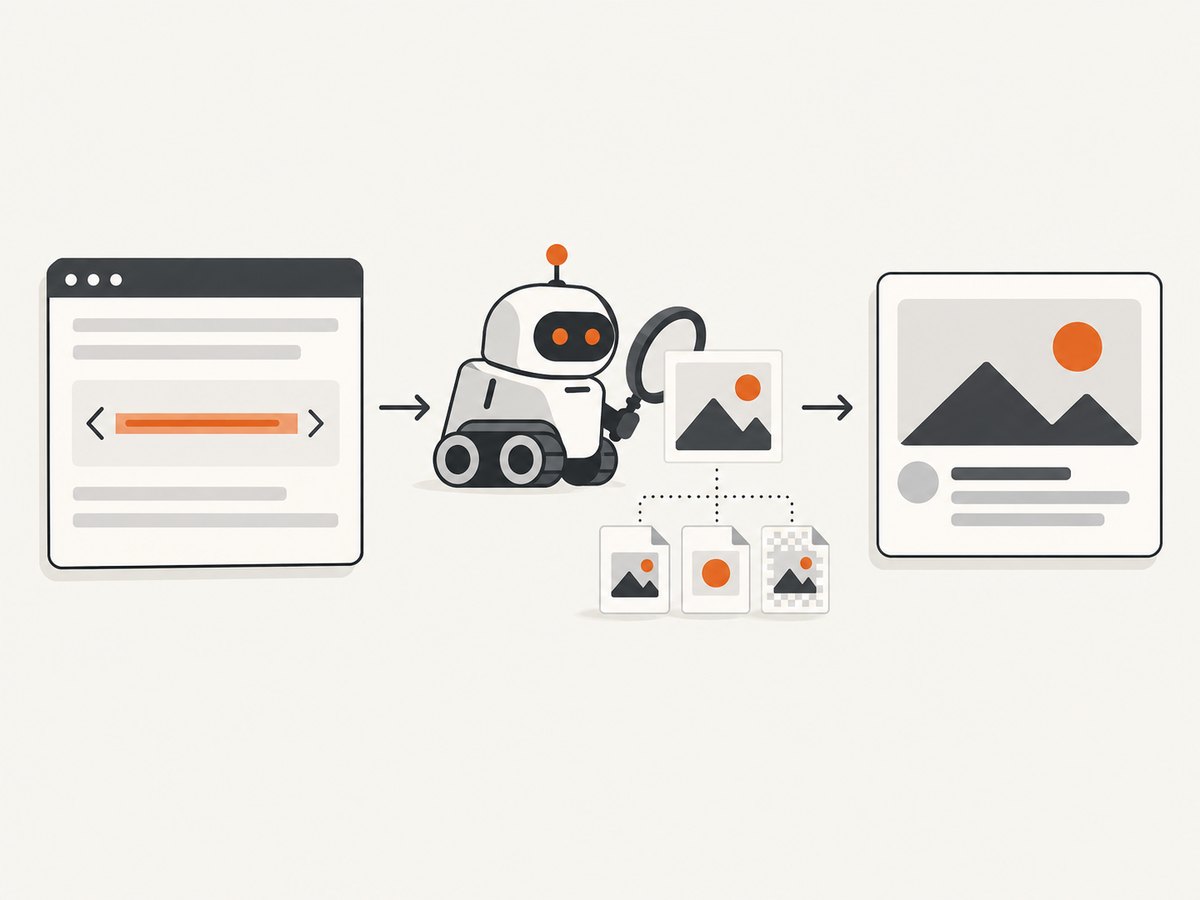
In practice, successful rendering depends on several separate steps:
- The crawler can reach the page and read its Open Graph metadata.
- It can retrieve the image URL without authentication, blocking, or an inaccessible network path.
- It can identify and decode the image format.
- The image satisfies that service’s preview-specific dimensions, size, and display rules.
A failure at any stage can leave a preview without its image. An accurate MIME declaration helps describe a resource, but it cannot add a decoder to a crawler.
2. WebP support depends on the preview destination
There is no universal “Open Graph supports WebP” switch. The metadata standard describes an image URL; each platform controls the crawler and rendering system that consumes it. The official sources available for this guide establish a specific recommendation for LinkedIn, not a complete current compatibility table for every social network, chat app, and other link consumer.
| Question | What the available evidence supports | Practical choice |
|---|---|---|
| Does OGP itself permit an image URL? | Yes. It defines og:image and optional image properties, including MIME type. |
Provide a valid, publicly retrievable image URL. |
| Does OGP guarantee WebP decoding everywhere? | No. The protocol does not certify each consumer’s format support. | Choose a format documented by each target platform. |
| What does LinkedIn recommend for website previews? | Its preview guidance lists JPG, PNG, or GIF and a 1200 × 627 pixel minimum. | Use JPG or PNG for predictable LinkedIn link previews. |
| Does LinkedIn’s general WebP media listing settle URL-preview support? | No. It concerns general media types, not necessarily crawler-generated URL previews. | Do not infer link-preview support from upload support. |
LinkedIn also notes that a website-preview image may fail to appear if retrieval is blocked or the image is in a protected location. So even a supported format and suitable dimensions are not enough if the crawler cannot access the file. See LinkedIn’s website-sharing guidance and its separate general media-type guidance.
3. Recommended format: JPG or PNG for broad predictability
For a page shared to several destinations, JPG or PNG is the conservative default when you do not have explicit preview-specific WebP guidance for every destination. This recommendation is about reducing format uncertainty. It is not a claim that every platform supports every JPG or PNG image under all conditions.
- JPG: A practical default for photographic or complex artwork when a target’s preview guidance accepts it.
- PNG: A practical choice for graphics, sharp edges, or transparency needs, subject to the target’s preview rules.
- WebP: Use when the destinations you need document support in the relevant URL-preview context, or when you have verified the actual rendered previews there.
- GIF: LinkedIn’s website-preview guidance lists it, but that does not make it the best universal choice for static preview images. Follow the specific destination’s requirements.
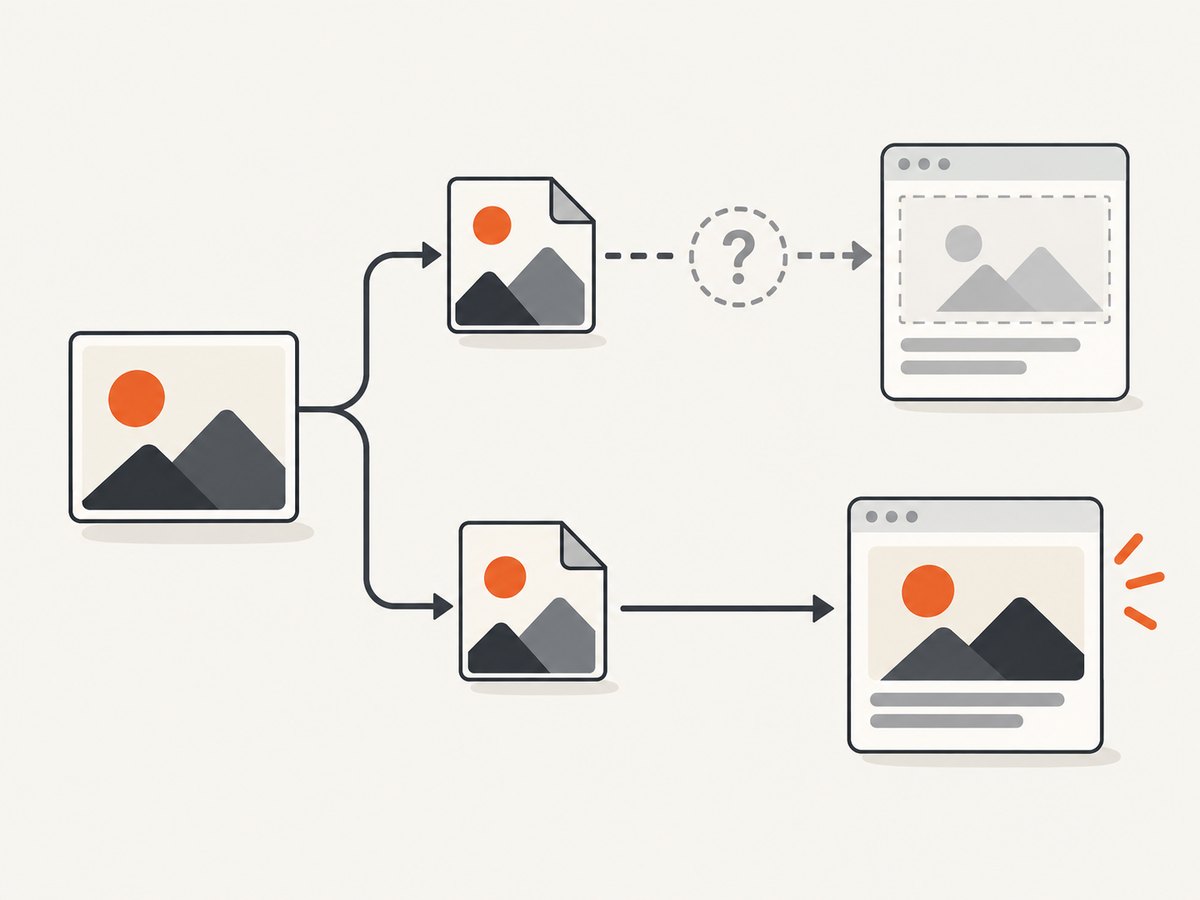
Do not rely on og:image:type to make an unsupported format work. It is descriptive metadata. If format compatibility is uncertain and the preview matters, publish a JPG or PNG fallback and point og:image at that resource.
4. Set up Open Graph metadata
Place Open Graph tags in the page’s HTML <head>. Use an absolute HTTPS image URL that a crawler can retrieve without signing in. The following example uses a JPEG, which aligns with the protocol’s example and LinkedIn’s listed website-preview formats:
<!doctype html>
<html lang="en">
<head>
  <meta charset="utf-8">
  <meta property="og:title" content="Can Open Graph Images Use WebP?">
  <meta property="og:type" content="article">
  <meta property="og:url" content="https://example.com/guides/open-graph-webp/">
  <meta property="og:image" content="https://example.com/images/open-graph-webp.jpg">
  <meta property="og:image:type" content="image/jpeg">
  <meta property="og:image:width" content="1200">
  <meta property="og:image:height" content="627">
  <meta property="og:image:alt" content="A comparison of image formats for link previews">
  <meta property="og:description" content="How to choose an image format for Open Graph previews.">
</head>
<body>
  <h1>Can Open Graph Images Use WebP?</h1>
</body>
</html>
Replace the example domain and page content with your own. Keep the declared MIME type consistent with the actual file and server response: for WebP, that would be image/webp; for PNG, image/png. Set dimensions to the actual image dimensions. These properties help describe the resource but do not override platform limits or format support.
Using WebP deliberately
If WebP is a requirement, point og:image to the WebP resource and declare its type accurately:
<meta property="og:image" content="https://example.com/images/share-card.webp">
<meta property="og:image:type" content="image/webp">
<meta property="og:image:width" content="1200">
<meta property="og:image:height" content="627">
Then check the preview on each destination you support. Do not assume that a browser displaying the file or a platform accepting a WebP upload means its URL-preview crawler will decode the same file.
5. Validate the page and image before sharing
- Inspect the rendered HTML. Confirm the tags are in the document head and are present in the HTML the crawler receives. A page that adds metadata only after client-side JavaScript runs can be harder for a crawler to process reliably.
- Check the image URL directly. It should resolve publicly, without a login, expiring token, IP allowlist, or browser-only session. Confirm redirects lead to the intended image.
- Check the response. Ensure the server returns the intended image bytes with a matching content type, rather than an HTML error page, access-denied response, or image from a stale cache.
- Check dimensions and file size. Follow the destination’s current preview-specific constraints. For LinkedIn, the cited website-sharing help lists a minimum of 1200 × 627 pixels.
- Inspect actual previews. Share or refresh the page in the services that matter to your users. Treat this as a per-destination check; the OGP tags alone cannot prove the crawler’s result.
- Recheck after changing the image. Preview consumers may cache page metadata or image responses. Allow for cache refresh behavior and use a versioned image URL when you need a changed asset to have a distinct URL.
A screenshot can help inspect what a crawler-accessible page looks like after rendering, but a browser screenshot does not establish that a social platform accepts a particular image format. For example, ScreenshotNeo captures pages through a website screenshot API; use the platform’s own rendered preview to verify platform-specific metadata consumption.
6. Common problems and fixes
| Symptom | Likely cause | Fix |
|---|---|---|
| No image appears | The crawler cannot retrieve the file, or the URL is protected or blocked. | Make the image publicly reachable over HTTPS; remove authentication and crawler blocks where appropriate. |
| WebP works in a browser but not in a preview | The preview crawler may not support WebP in this context. | Use JPG or PNG for that destination, or verify its current URL-preview guidance. |
| The preview shows an old image | A page or image response may be cached by the consumer or intermediary. | Check the current asset URL and refresh through destination-supported mechanisms; a new versioned URL can distinguish the replacement asset. |
| Declared type and file disagree | og:image:type or the HTTP content type is inaccurate. |
Make the metadata and response headers match the bytes actually served. |
| LinkedIn preview image is missing or unsuitable | The image may not meet preview guidance, or retrieval may be blocked. | Use a publicly retrievable JPG or PNG and meet the listed 1200 × 627 minimum; inspect the LinkedIn preview. |
| Image URL opens an error page | A redirect, CDN rule, hotlink defense, or expired URL returns HTML or an error. | Test the final URL without a logged-in browser session and correct the server/CDN response. |
| Metadata is absent from source | The application inserts tags only after initial HTML delivery, or a template omits them. | Render the Open Graph tags into the page HTML that the crawler fetches. |
7. Reliability, performance, and cost considerations
Choose the image format based on the destinations that must render correctly, then optimize within their documented constraints. A smaller image can reduce transfer time, but a byte-size improvement is not useful if the crawler cannot decode the format or retrieve the file. Keep the image URL stable when the asset is unchanged, serve it from a dependable public endpoint, and avoid authentication and session-dependent delivery.
For reliability, maintain a known-good JPG or PNG asset for link previews when WebP compatibility is uncertain. If you publish separate formats, explicitly set the metadata URL to the fallback you intend crawlers to consume; do not assume they will negotiate a format like an interactive browser. Revisit destination guidance when requirements matter because platform behavior and documentation can change.
Open Graph itself does not impose a universal fee or hosting-cost model. Your practical costs come from creating, storing, and serving preview assets and from any tools in your validation workflow. Avoid generating a new image on every page request when a static, versioned asset is sufficient. When checking a large set of pages, record the page URL, chosen image URL, dimensions, content type, and destination result so regressions are easy to trace.
8. Or skip the browser setup
If you need a rendered page capture while reviewing a page’s assets, ScreenshotNeo provides a one-request screenshot API. It does not determine social-crawler format compatibility; use it to inspect the page, then verify the rendered preview on the target service. The API accepts a URL and can return PNG, JPEG, WebP, or PDF. Its documentation lists the request options.
curl -G "https://api.screenshotneo.com/v1/shot" -d access_key=YOUR_API_KEY --data-urlencode url=https://example.com/guides/open-graph-webp/ -o shot.webpimport requests
r = requests.get(
"https://api.screenshotneo.com/v1/shot",
params={
"access_key": "YOUR_API_KEY",
"url": "https://example.com/guides/open-graph-webp/",
},
timeout=90,
)
r.raise_for_status()
open("shot.webp", "wb").write(r.content)const q = new URLSearchParams({
access_key: 'YOUR_API_KEY',
url: 'https://example.com/guides/open-graph-webp/',
});
const res = await fetch(`https://api.screenshotneo.com/v1/shot?${q}`);
if (!res.ok) throw new Error(`Screenshot request failed: ${res.status}`);
await Bun.write('shot.webp', res);See the ScreenshotNeo API documentation. ScreenshotNeo removes cookie banners, popups, and chat widgets before the shot; bot checks, blank pages, and failed loads are never billed; an MCP server lets AI agents take screenshots; and 1,000 screenshots a month are free with no card, with paid plans starting at $5 for 3,000. Create a free ScreenshotNeo account.
9. FAQ
Does og:image support WebP?
The tag can identify an image URL, but the protocol does not guarantee that every consumer supports WebP. Check each destination’s URL-preview rules.
Does adding og:image:type make WebP compatible?
No. It describes the MIME type; it does not add format support to a crawler.
Can I use WebP for LinkedIn website previews?
LinkedIn’s website-preview guidance lists JPG, PNG, or GIF, with a 1200 × 627 pixel minimum. Use JPG or PNG when predictable LinkedIn previews are required.
Is LinkedIn’s WebP media support proof that previews accept WebP?
No. General media support and crawler-generated previews from page metadata are different contexts.
What should I choose when I cannot check every platform?
Use a publicly accessible JPG or PNG preview asset, follow each destination’s documented dimensions and limits, and verify the services that are most important to your audience.


