Open-Source Screenshot API: Build, Self-Host, or Use a Hosted Service
Compare browser automation, self-hosted screenshot APIs, and hosted services, with runnable code and practical guidance for choosing an approach.
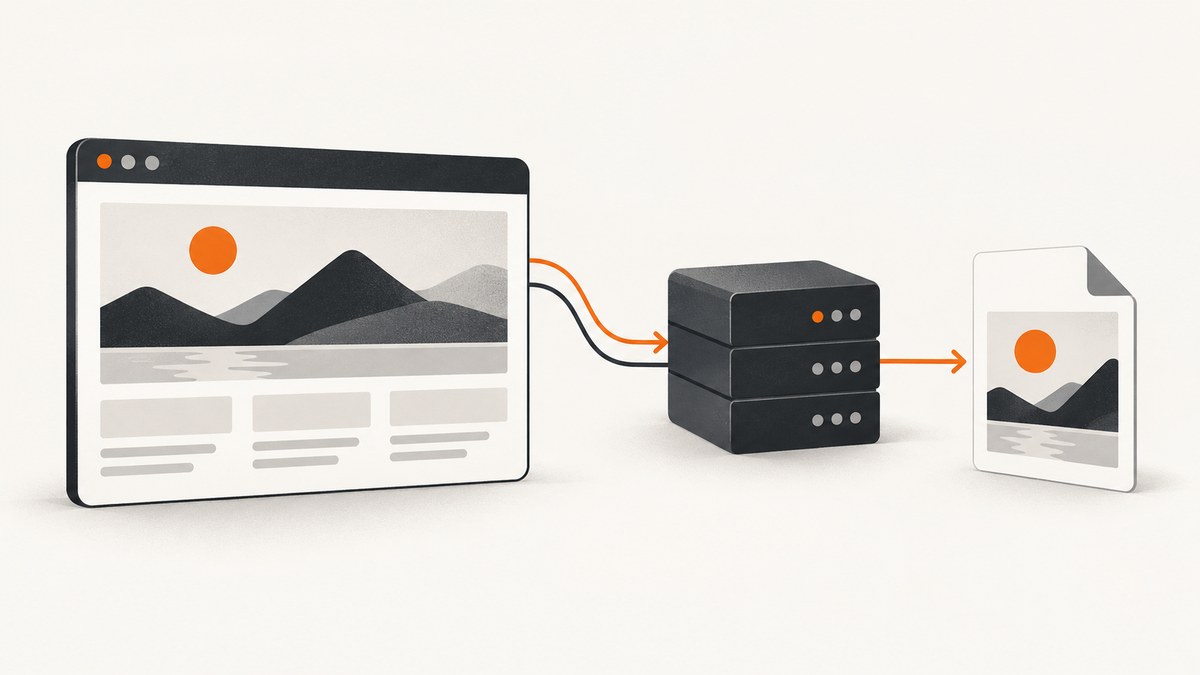
An open-source screenshot API can mean either a browser automation library you run in your application or a ready-to-call HTTP service whose code you can host yourself. The right choice depends on how much control you need over the browser and infrastructure. If you want a working capture quickly, use Playwright directly or an HTTP screenshot service; if you need to keep capture traffic and storage under your control, deploy a self-hosted service such as Webshot or ShotAPI.
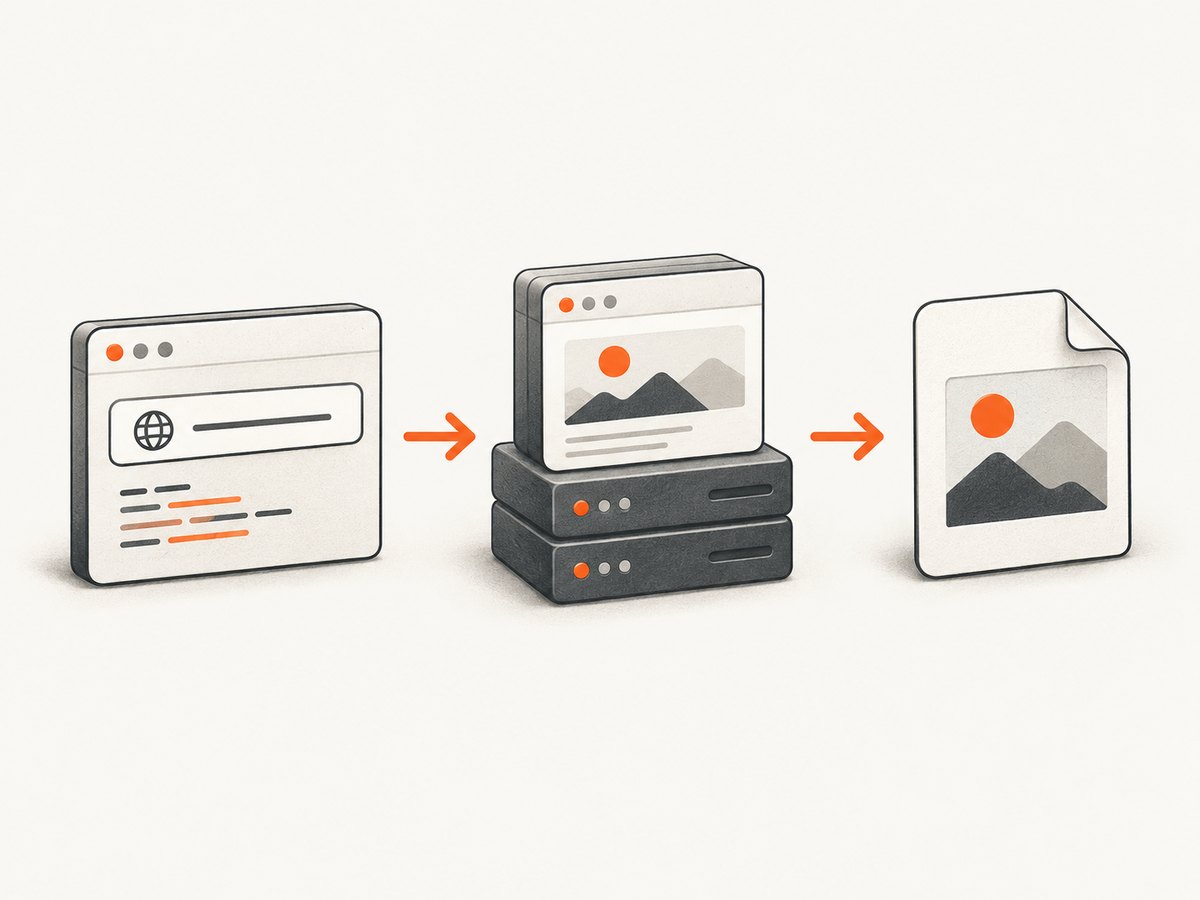
For a small service you control, Playwright is the simplest foundation. It can save a viewport or full-page screenshot, return image bytes, and capture a selected element. For production systems, remember that a browser library is not itself a web API: you must build the HTTP endpoint, authentication, queues, storage, rate limits, and cleanup around it.
1. What counts as an open-source screenshot API?
There are three distinct options developers often group under this phrase:
| Option | What you call | What you operate | Good fit |
|---|---|---|---|
| Browser automation library | A function in your application, such as Playwright’s page.screenshot() |
Browser runtime and any HTTP wrapper you build | Custom capture logic or integration into an existing worker |
| Self-hosted HTTP service | An endpoint on infrastructure you control | Service deployment, browser runtime, storage, updates, and capacity | Teams that want an API boundary and control of capture data |
| Public screenshot API | A vendor’s HTTP endpoint | Your credentials, request policy, and downstream handling | Teams that prefer not to maintain browser infrastructure |
Playwright documents screenshots as a Page API capability, including file, buffer, full-page, and element captures. That does not provide a hosted endpoint by itself. Webshot and ShotAPI, by comparison, document HTTP screenshot services that can be self-hosted. Screenshot Studio documents a public HTTP API. These distinctions matter when estimating implementation work and deciding where a URL and its rendered content will be processed.
2. Capture a screenshot with Playwright
Install Playwright and its Chromium browser, then run this Node.js example. It navigates to a page, waits for the load event, and saves a full-page PNG.
npm install playwright
npx playwright install chromium
const { chromium } = require('playwright');
(async () => {
const browser = await chromium.launch({ headless: true });
try {
const page = await browser.newPage({
viewport: { width: 1440, height: 900 },
deviceScaleFactor: 1
});
await page.goto('https://example.com', {
waitUntil: 'load',
timeout: 30000
});
await page.screenshot({ path: 'page.png', fullPage: true });
} finally {
await browser.close();
}
})();The example is intentionally a capture script, not an HTTP API. A service would accept a URL from a caller, validate it, create a browser context, capture under resource and time limits, and return or store the output. Do not expose an unrestricted URL-to-browser endpoint without considering server-side request forgery: a caller could ask the browser to access internal services. Allowlist permitted schemes and hosts or block private and link-local destinations, and enforce those checks on redirects as well.
Useful Playwright screenshot options
pathsaves the output to a file. The file extension determines the image format.fullPage: truecaptures the full scrollable page rather than only the viewport.typecan select PNG, JPEG, or WebP. JPEG and WebP support a quality setting; PNG is lossless.scalecontrols whether output uses CSS pixels or device pixels. Device-pixel output can be larger and sharper.clipcaptures a rectangular region. To capture a specific element, calllocator(selector).screenshot().stylecan inject CSS during capture, useful for hiding volatile content or making recurring captures more consistent.- Without
path, the method returns image bytes, so a wrapper can stream them in an HTTP response or send them to object storage.
Choose readiness conditions deliberately. load waits for page resources to load, but pages with late API requests, animations, or lazy-loaded images may still change after it fires. A selector wait is appropriate when a particular component signals that the content is ready. A fixed delay is easy to understand but adds latency to every request and can still be too short on a slow page. For full-page captures, test whether scrolling is required to trigger lazy content on the target site.
3. Choose between self-hosting and a public endpoint
Self-hosting gives you control over deployment and data handling, but makes you responsible for the browser process and service around it. A public API minimizes that work, but requires reviewing its authentication, limits, output controls, and data handling terms. Feature checklists alone are not enough: inspect request compatibility, failure behavior, storage or retention, and whether the integration fits your existing caller.
| Project or service | Documented approach | Documented details | What to verify |
|---|---|---|---|
| ScreenshotNeo | Hosted screenshot API and MCP server | GET capture endpoint; PNG, JPEG, WebP, and PDF; cookie banner, popup, and chat-widget removal; only clean shots billed | Request options and account details in its API documentation |
| Webshot | Self-hosted HTTP API | README documents Docker Compose, API-key authentication, background jobs, S3-compatible storage, batch capture, and automatic cleanup with a stated 24-hour default | Current limits, components, and cleanup configuration in the repository |
| Screenshot Studio | Public HTTP API and browser-based editor | Developer portal describes anonymous API access, per-IP limits, and an OpenAPI 3.1 contract | Current rate limits and returned formats in the developer portal |
| ShotAPI | Self-hosted HTTP API | README documents a GET endpoint, PNG/JPEG/WebP/PDF, viewport controls, selector, delay, dark mode, and Playwright Chromium deployment | Current setup and commercial terms in the repository |
These are project-documented capabilities, not independent reliability or performance results. Repository configuration and service policies can change; review their current documentation before selecting or deploying one.
4. Build a small HTTP screenshot endpoint
A minimal service needs input validation, capture timeouts, and cleanup even before you add authentication or a job queue. Here is a runnable Express example that returns a PNG. It accepts only HTTPS URLs and uses Playwright to capture the page.
npm install express playwright
npx playwright install chromium
const express = require('express');
const { chromium } = require('playwright');
const app = express();
app.use(express.json({ limit: '10kb' }));
app.post('/screenshot', async (req, res) => {
let target;
try {
target = new URL(req.body.url);
if (target.protocol !== 'https:') throw new Error('HTTPS required');
} catch {
return res.status(400).json({ error: 'Provide a valid HTTPS url' });
}
let browser;
try {
browser = await chromium.launch({ headless: true });
const page = await browser.newPage({ viewport: { width: 1280, height: 800 } });
await page.goto(target.href, { waitUntil: 'load', timeout: 25000 });
const image = await page.screenshot({ fullPage: true, type: 'png', timeout: 10000 });
res.type('png').send(image);
} catch (error) {
res.status(502).json({ error: 'Capture failed', detail: error.message });
} finally {
if (browser) await browser.close();
}
});
app.listen(3000, () => console.log('Listening on port 3000'));Run it with node server.js, then send a request:
curl -X POST http://localhost:3000/screenshot \
  -H 'Content-Type: application/json' \
  -d '{"url":"https://example.com"}' \
  -o page.png
This is a teaching baseline, not a hardened public service. For production, add authentication and request quotas; reject localhost, private IP ranges, cloud metadata addresses, and unsafe redirects; cap full-page dimensions and output bytes; isolate browser workers; and avoid returning raw internal error details. Reuse a managed browser process only if your worker model safely isolates contexts and closes them after each job. If a capture can exceed the caller’s HTTP timeout, enqueue it and provide a job status or callback instead of holding the connection open.
5. Options that change the result
Decide which controls belong in your API contract before clients depend on it. The project examples show that screenshot services commonly expose several of these dimensions, but each implementation names and supports them differently.
- Viewport and device scale: specify width and height for responsive layouts. A higher device scale gives more pixels and consumes more memory and bandwidth.
- Full page or element: full-page captures can become very tall; selector captures reduce output and avoid unrelated page regions.
- Output: PNG preserves detail, JPEG is lossy, WebP may reduce bytes, and PDF is a document output rather than a screenshot bitmap.
- Wait behavior: support a bounded delay, selector readiness, or a defined load condition. Never accept unbounded waits.
- Appearance: dark mode, custom CSS, reduced motion, and animation handling can improve repeatability.
- Network and identity: custom headers, cookies, and user agents may be needed for authenticated or localized pages. Treat credentials as secrets and prevent them from appearing in logs.
- Resource handling: optionally block resource types or known trackers to reduce page work, while allowing callers to understand that blocking can alter layout or functionality.
- Retention and delivery: decide whether the response streams bytes, returns a temporary link, or stores an artifact, and state how long stored data remains available.
ShotAPI’s README documents viewport dimensions, full-page capture, device scale, image quality, delay, selector, and dark mode. Playwright itself documents style injection and element capture. Webshot documents batch and asynchronous processing. Treat these as examples of possible API design, not a promise that every implementation supports every control.
6. Reliability, performance, and cost
Page rendering is variable because the target site controls its scripts, network dependencies, and content size. A screenshot service should set separate navigation and capture deadlines, bound concurrency, and distinguish invalid input, navigation failure, timeout, and successful image output. Retries can help with transient network failures, but retrying every timeout can multiply load and cost; use a small retry budget and only retry failures that are plausibly transient.
Browser startup, page scripts, image downloads, and very tall pages consume CPU and memory. Keep capture concurrency within the capacity of your workers, and measure your own representative URLs before setting worker counts. No benchmark or comparative reliability data is established by the cited project documentation, so avoid choosing a service based on unverified speed claims.
For self-hosting, the bill includes compute, storage, network transfer, deployment work, and operational attention. Async jobs and object storage can help separate capture time from caller timeouts, but they add queue and retention decisions. If you use a hosted service, compare its actual pricing and billing rules against your request volume, including failed captures and cache behavior. Do not infer current commercial terms from an old repository pricing table.
7. Troubleshooting
| Symptom | Likely cause | Fix |
|---|---|---|
| Browser executable missing | Chromium was not installed in the runtime image | Install Playwright’s Chromium during deployment and verify the container includes required browser dependencies. |
| Navigation timeout | Slow target, long-running requests, or overly strict readiness condition | Set a bounded timeout, wait for a meaningful selector where possible, and return a clear timeout status. |
| Screenshot misses content | Late rendering or lazy images | Wait for the content selector, trigger required scrolling, or use a bounded delay after a stable load condition. |
| Blank or partial output | Navigation failed, scripts did not render, or the page requires authentication | Inspect navigation status, provide necessary cookies or headers securely, and distinguish an empty page from a successful capture. |
| Page layout differs from a user’s browser | Viewport, device scale, locale, timezone, or color scheme differs | Make these values explicit and consistent for repeatable captures. |
| Large memory use or worker crash | Unbounded concurrency or exceptionally tall pages | Limit simultaneous jobs, cap dimensions and output size, and isolate/restart failed browser workers. |
| Unexpected internal network access | Caller-controlled URL can reach private addresses or redirect to them | Validate every resolved destination and redirect; block internal and metadata IP ranges at both application and network layers. |
| Stored images accumulate | Artifacts have no lifecycle policy | Set an explicit retention period and scheduled deletion; Webshot’s README documents automatic cleanup with a 24-hour default, which should be rechecked in its current configuration. |
8. Or skip the browser setup
For a hosted option, ScreenshotNeo is a website screenshot API and MCP server. One GET request returns an image or PDF, and its request options include full-page capture, element selection, viewport and device presets, custom headers and cookies, wait conditions, caching, async jobs, and bulk capture. The API also supports HTML/CSS to image. See the ScreenshotNeo API documentation for request details.

curl -G "https://api.screenshotneo.com/v1/shot" \
  -d access_key=YOUR_API_KEY \
  --data-urlencode url=https://stripe.com \
  -o shot.webp
import requests
r = requests.get(
"https://api.screenshotneo.com/v1/shot",
params={"access_key": "YOUR_API_KEY", "url": "https://stripe.com"},
timeout=90,
)
open("shot.webp", "wb").write(r.content)const q = new URLSearchParams({
access_key: 'YOUR_API_KEY',
url: 'https://stripe.com'
});
const res = await fetch(`https://api.screenshotneo.com/v1/shot?${q}`);
if (!res.ok) throw new Error(`Screenshot request failed: ${res.status}`);
const image = Buffer.from(await res.arrayBuffer());
require('node:fs').writeFileSync('shot.webp', image);- Cookie and consent banners are accepted like a visitor, then 60+ known consent platforms, newsletter popups, and chat widgets are removed before the shot; each step can be turned off.
- Bot checks and CAPTCHAs, blank pages, timeouts, failed loads, and cache hits cost nothing. Responses include
X-Page-VerdictandX-Billedheaders. - An MCP server gives AI agents tools named
take_screenshot,get_page_info, andcapture_pdf. - The free plan includes 1,000 screenshots per month with no card. Paid plans start at $5 for 3,000 screenshots.
Sign up for ScreenshotNeo’s free plan and get 1,000 screenshots a month with no card.
9. Selection checklist
- Choose whether capture belongs inside your app, on infrastructure you operate, or at a hosted endpoint.
- List required output formats, selectors, full-page behavior, viewport controls, and readiness options.
- Decide how callers authenticate and how you will rate-limit and validate target URLs.
- Specify how failures are reported, what can be retried, and whether callers wait synchronously or poll a job.
- Set storage, retention, and deletion rules before collecting screenshots at scale.
- Compare current costs and operational effort using representative pages and your own traffic assumptions.
FAQ
Is Playwright a screenshot API?
It provides screenshot methods as part of browser automation. You need to wrap it in an HTTP service if other applications must call it over a network.
Can a self-hosted service capture pages behind login?
Potentially, if it supports cookies or headers and the target permits automated access. Store credentials securely and avoid logging them.
Does full-page mean every dynamic section will appear?
No. Full-page controls the captured extent; it does not guarantee that every lazy-loaded or asynchronously rendered section has finished loading.
Which open-source project is fastest?
The reviewed documentation does not establish a benchmark. Compare candidate implementations against representative target pages in your own environment.


