11 Open-Source Web Analytics Tools For Better Website Insights
Compare 11 open-source analytics tools by privacy, hosting, reporting, events, cost and maintenance so you can choose the right Google Analytics alternative.

Open-source analytics gives you more control over data, deployment and tracking behavior than a default advertising analytics platform. The right choice depends on how much reporting you need, whether you can operate a server, how strictly you want to avoid cookies and personal data, and whether your team analyzes a website or a software product.
Quick answer: choose Matomo for the deepest general-purpose reporting and e-commerce features; choose Plausible or Umami for a simple privacy-first dashboard; choose PostHog when product analytics and event analysis matter more than page views. GoatCounter, Ackee and Shynet suit small privacy-focused deployments. Open Web Analytics and Countly provide broader traditional tracking but require careful consent and maintenance. GoAccess is the best fit when server logs are your source of truth. Fathom Lite is a constrained legacy option that needs a maintenance check before a new deployment.
How to choose an open-source analytics tool
Start with four decisions:
- Data model: Do you need aggregate page views only, or events, funnels, cohorts, revenue and product usage?
- Privacy: Can you use cookies and collect identifiers with consent, or do you want cookieless, no-personal-data measurement?
- Operations: Will your team patch a database, monitor backups and secure a public instance, or do you prefer managed hosting?
- Cost: Self-hosting removes a vendor subscription but still costs infrastructure, engineering time, storage and support.
Open source describes code availability, not a promise that every hosted feature is free. Check each project’s license, cloud limits and current maintenance before committing.
Comparison table
| Tool | Best for | Privacy and cookies | Deployment | Reporting depth | Operational effort |
|---|---|---|---|---|---|
| Matomo | Organizations needing complete website reporting | Configuration may require consent | Self-hosted or vendor cloud | Very deep; live, custom reports, e-commerce | High |
| Plausible | Publishers, bloggers and small businesses | Privacy-focused; Community Edition is self-hostable | Self-hosted or managed | Focused and simple | Low to medium |
| Umami | Developers wanting a clean dashboard | Privacy-first and open source | Self-hosted or cloud | Focused; events available | Low to medium |
| PostHog | Software product teams | Depends on configuration and deployment | Self-hosted or cloud | Product analytics, events and funnels | Medium to high |
| GoatCounter | Minimal, privacy-oriented measurement | Cookie-free approach | Self-hosted or hosted options | Basic | Low |
| Ackee | Technical teams wanting self-hosted privacy | Privacy-focused, cookie-free option | Self-hosted | Basic to moderate | Medium |
| Shynet | First-party, self-hosted analytics | Privacy-focused, cookie-free option | Self-hosted | Moderate | Medium |
| Open Web Analytics | Traditional extensible web analytics | May require consent | Self-hosted | Broad | Medium to high |
| Countly | Broader tracking and customer analytics | Consent depends on setup | Self-hosted or cloud | Broad | Medium to high |
| GoAccess | Log-based reporting | Uses server-side logs; no browser tracker required | Run against your servers or exported logs | Operational and traffic reports | Low |
| Fathom Lite | Existing legacy installations | Privacy-oriented option | Self-hosted legacy edition | Limited | Verify maintenance first |
1. Matomo
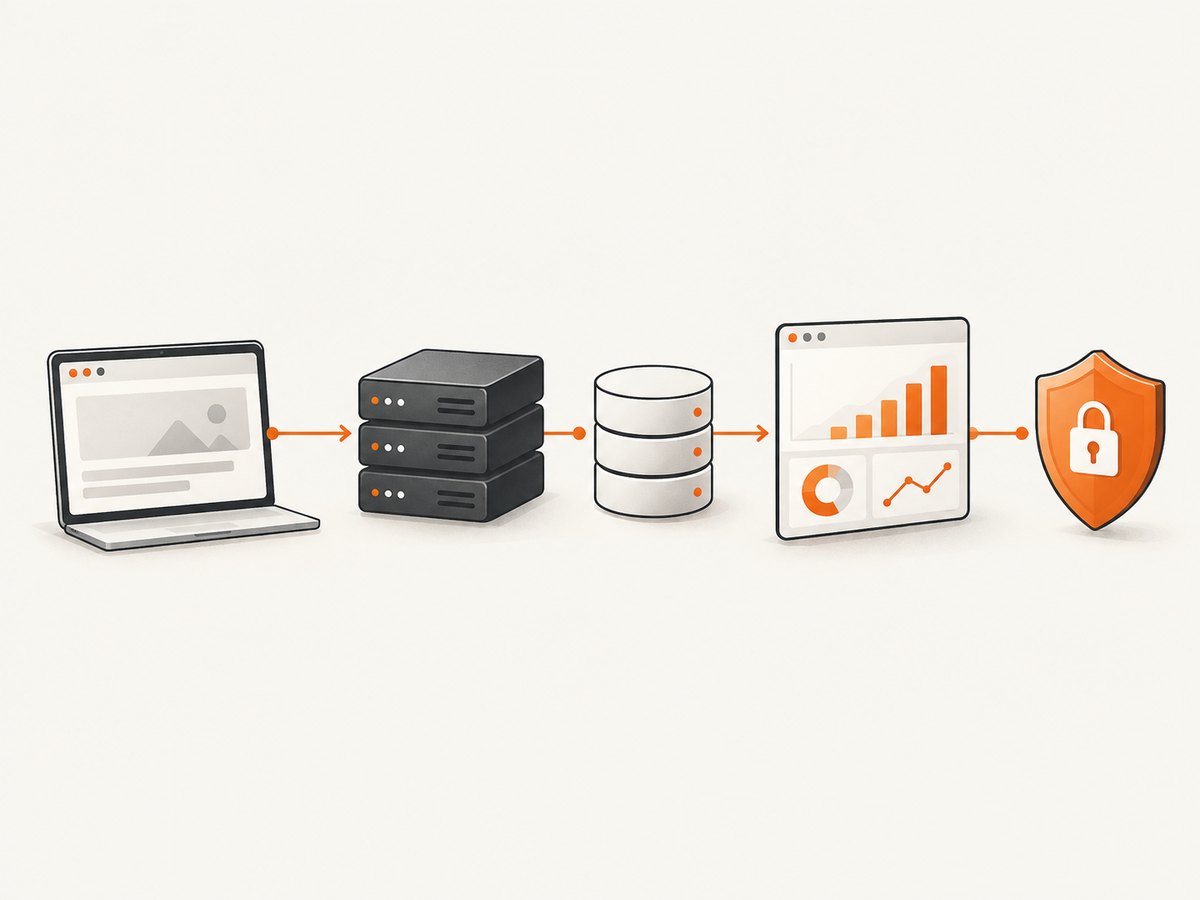
Matomo is the strongest all-purpose replacement when you need live analytics, custom reporting, e-commerce tracking and integrations while retaining ownership of raw data. Its official guide describes a free self-hosted edition and reports more than one million websites using Matomo (Matomo, 2025). You can run it on your infrastructure or use a managed service.
Matomo is more capable than a lightweight dashboard, but that capability brings database sizing, upgrades, backups, permissions and consent configuration. Decide whether you need user-level reports and attribution before enabling features that collect identifiers.
2. Plausible Analytics
Plausible targets bloggers, publishers and small businesses that want a fast, readable dashboard with a privacy-first model. The Community Edition is free to self-host, and the vendor states that its source code is publicly accessible. Its deliberately narrow scope makes installation and daily use easier than a full enterprise suite.
Use Plausible when page views, referrers, goals and a few custom events answer your questions. It is less suitable when you need extensive e-commerce dimensions or product experimentation.
3. Umami
Umami is an open-source, privacy-first alternative to Google Analytics, available as self-hosted software or a cloud service. It suits developers and teams that want a simple dashboard without handing data to an advertising platform. Its event support covers common conversion needs while keeping the interface focused.
Plan your event names before adding the script. A small, stable event vocabulary is easier to query and migrate than dozens of one-off names.
4. PostHog
PostHog combines web analytics with product-development capabilities. It is a better match for a software team asking which feature was used, where users drop out of a funnel or how releases affect activation than for a brochure site that only needs traffic totals.
Because PostHog can collect detailed event data, document retention, access controls and consent. Self-hosting also means sizing storage for event volume and keeping the service updated.
5. GoatCounter
GoatCounter is intentionally small and privacy-oriented. It is useful when you want dependable counts and referrers with a small operational footprint. It will not replace a product analytics warehouse, but that limitation is a benefit for a personal site or low-complexity publication.
6. Ackee
Ackee is a self-hosted, privacy-focused option for technically comfortable teams. It can provide first-party ownership and a compact dashboard without the breadth of Matomo. Treat deployment security, updates and backups as your responsibility.
7. Shynet
Shynet emphasizes self-hosting and privacy. It is a practical choice when you want an analytics service inside your own network or infrastructure and prefer to avoid a third-party tracking platform. Confirm current release activity and integration requirements before standardizing on it.
8. Open Web Analytics
Open Web Analytics is a traditional self-hosted platform with an extensible approach. It can fit teams that want familiar website reports and control over the application stack. As with any traditional tracker, review whether cookies or personal data are enabled and configure consent to match your jurisdiction and policy.
9. Countly
Countly provides broader tracking capabilities for teams that need more than basic page views. Its flexibility makes configuration and consent review especially important. Define which identifiers are necessary, restrict access to reports and set retention limits before collecting production data.
10. GoAccess
GoAccess reads web server access logs and turns them into analytics reports. It is valuable when browser JavaScript is undesirable, when you need an operational view of requests, or when logs are already your authoritative source. Log analytics cannot see client-side interactions that never reach the server, such as some single-page application transitions or button clicks.
Protect logs because IP addresses, URLs and user-agent strings can still be personal data. Set rotation and retention policies, and normalize proxy fields so the report reflects real visitors rather than load balancers.
11. Fathom Lite
Fathom Lite is a limited open-source or self-hosted edition associated with an earlier generation of the product. Consider it primarily for an existing installation. Verify maintenance status, security fixes, compatibility and migration options before choosing it for a new project.
Privacy and consent checklist
Cookie-free does not automatically mean risk-free, and self-hosting does not automatically make a deployment compliant. Before launch:
- List every field collected: IP address, user agent, referrer, URL, events and identifiers.
- Decide whether IP anonymization, truncation or hashing is available and enabled.
- Separate aggregate traffic reporting from user-level profiles.
- Document consent behavior for analytics cookies and advertising integrations.
- Set retention periods for raw events, logs and backups.
- Restrict dashboard access with least-privilege accounts and HTTPS.
- Provide a way to honor opt-out requests.
Plausible, Umami, GoatCounter, Fathom Lite, Ackee, Shynet and GoAccess are identified in this comparison as cookie-free or no-personal-data options. Matomo, PostHog, Open Web Analytics and Countly may require consent depending on configuration.
Deployment and maintenance
For a self-hosted service, use a separate database or managed database where appropriate, terminate TLS at a trusted proxy, schedule encrypted backups and monitor disk growth. Pin versions, read release notes and test upgrades on a staging instance. A managed cloud removes much of the patching work but does not remove the need to configure privacy, retention and access.
Estimate capacity from events rather than page count alone. A high-traffic site with a small event schema may be cheaper than a low-traffic application emitting many properties per interaction. Keep raw event retention shorter than aggregate retention when detailed history is not required.
Common implementation problems
Reports stay empty
Check that the tracking script or log pipeline is present on every relevant route, that ad blockers are not masking your own test, and that the site identifier matches the dashboard. For log tools, verify the parser format, timezone and proxy headers.
Numbers differ from another platform
Tools define sessions, bots, time zones, attribution and consent differently. Compare one day, one timezone and one page type first. Exclude internal traffic consistently and document filters before judging accuracy.
Consent banners block measurement
Load analytics only after the required consent signal, or select a configuration that does not use cookies or personal identifiers. Test accept, reject and withdrawal paths in a clean browser profile.
Self-hosted instance is slow
Inspect database indexes, queue workers, memory and disk I/O. Reduce high-cardinality properties, shorten raw retention and move backups off the application disk. Do not solve a storage problem by silently deleting data you still need.
Events are impossible to analyze
Standardize names and properties, version your tracking plan and reject malformed payloads. A short schema document prevents duplicate events such as signup, sign_up and registration_complete from fragmenting reports.
Capturing analytics dashboards for audits and sharing
A screenshot can preserve the exact state of a dashboard for a release review, incident report or client handoff. You can automate a browser with Playwright or Puppeteer, wait for the chart container, set a viewport and save a full-page image. That approach gives control but requires browser binaries, login handling, cookie banners, popups, retries and infrastructure.
For a repeatable capture pipeline, define the target URL, viewport, wait condition, output format and retention policy. Never place dashboard credentials in a client-side script; use a short-lived session or a protected server worker.
Or skip the browser setup
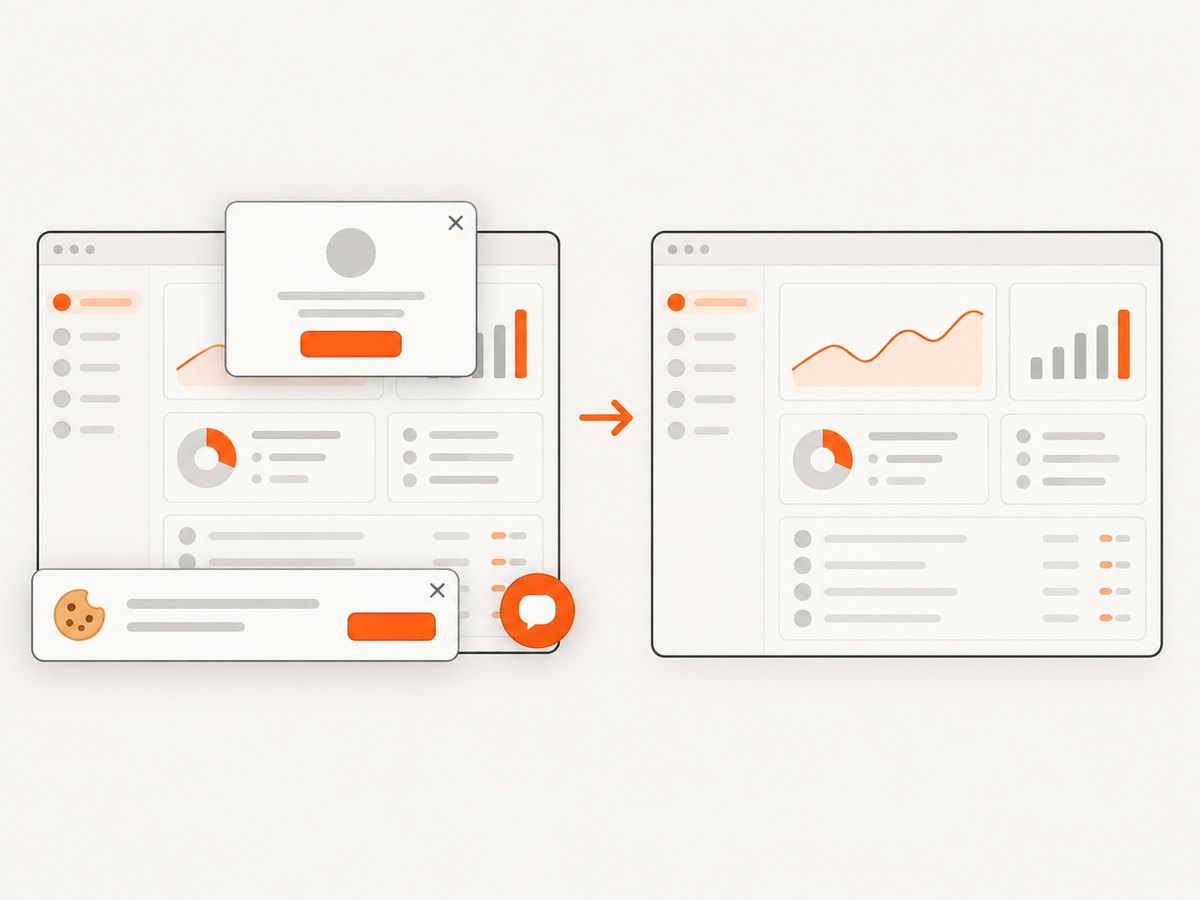
ScreenshotNeo is the alternative to try first when you need a clean capture of an analytics page. One GET request returns PNG, JPEG, WebP or PDF. It accepts cookie and consent banners like a visitor, then removes more than 60 known consent platforms, newsletter popups and chat widgets. Bot checks, blank pages, timeouts, failed loads and cache hits are not billed, and response headers identify the page verdict and billing status. Its MCP server provides take_screenshot, get_page_info and capture_pdf tools for Claude, Cursor and other MCP clients.
See the ScreenshotNeo API documentation for all options, including full-page or element capture, dark mode, device presets, retina scale, custom CSS and JavaScript, waits, blocked resources, headers, cookies, user agents, geolocation, caching, signed links, asynchronous webhooks and bulk capture.
curl -G "https://api.screenshotneo.com/v1/shot" -d access_key=YOUR_API_KEY --data-urlencode url=https://analytics.example.com/dashboard -o dashboard.webpimport requests
r = requests.get("https://api.screenshotneo.com/v1/shot", params={"access_key": "YOUR_API_KEY", "url": "https://analytics.example.com/dashboard"}, timeout=90)
r.raise_for_status()
open("dashboard.webp", "wb").write(r.content)const q = new URLSearchParams({ access_key: 'YOUR_API_KEY', url: 'https://analytics.example.com/dashboard' });
const res = await fetch(`https://api.screenshotneo.com/v1/shot?${q}`);
if (!res.ok) throw new Error(`HTTP ${res.status}`);
const fs = await import('node:fs/promises');
await fs.writeFile('dashboard.webp', Buffer.from(await res.arrayBuffer()));Free usage includes 1,000 screenshots per month with no card. Paid plans start at $5 for 3,000 shots. Create a free ScreenshotNeo account.
Cost and reliability notes
Compare total cost, not just license price. Include a VPS or database, backups, monitoring, upgrades, incident response and engineering time. Managed plans trade infrastructure work for a subscription. For reliability, export aggregates, test restore procedures and monitor ingestion lag. Keep a second measurement source, such as server logs, for incident diagnosis rather than assuming any dashboard is complete.
FAQ
Which tool is closest to Google Analytics?
Matomo is the closest general-purpose choice because it combines broad reports, live views, integrations and e-commerce tracking.
Which option is simplest for a small blog?
Plausible or Umami usually involve less operational and reporting complexity than Matomo.
Can I self-host without being a systems administrator?
Yes, if you use a managed cloud offering or a provider that handles updates. Fully self-hosted deployments still require patching, backups, TLS and monitoring.
Is GoAccess a replacement for event analytics?
No. It analyzes requests in server logs and cannot observe interactions that never produce a server request.
Should a software company use a website analytics tool?
If product behavior, funnels and feature adoption are central questions, evaluate PostHog alongside a simpler traffic tool.
How often should I review an analytics stack?
Review tracking, consent, retention, access and costs at least after major product changes and on a regular quarterly schedule.


