How to Optimize Proxies for Web Scraping
Tune proxy routing, concurrency, delays, and AutoThrottle in Scrapy while avoiding 429s, wasted requests, and unreliable crawls.
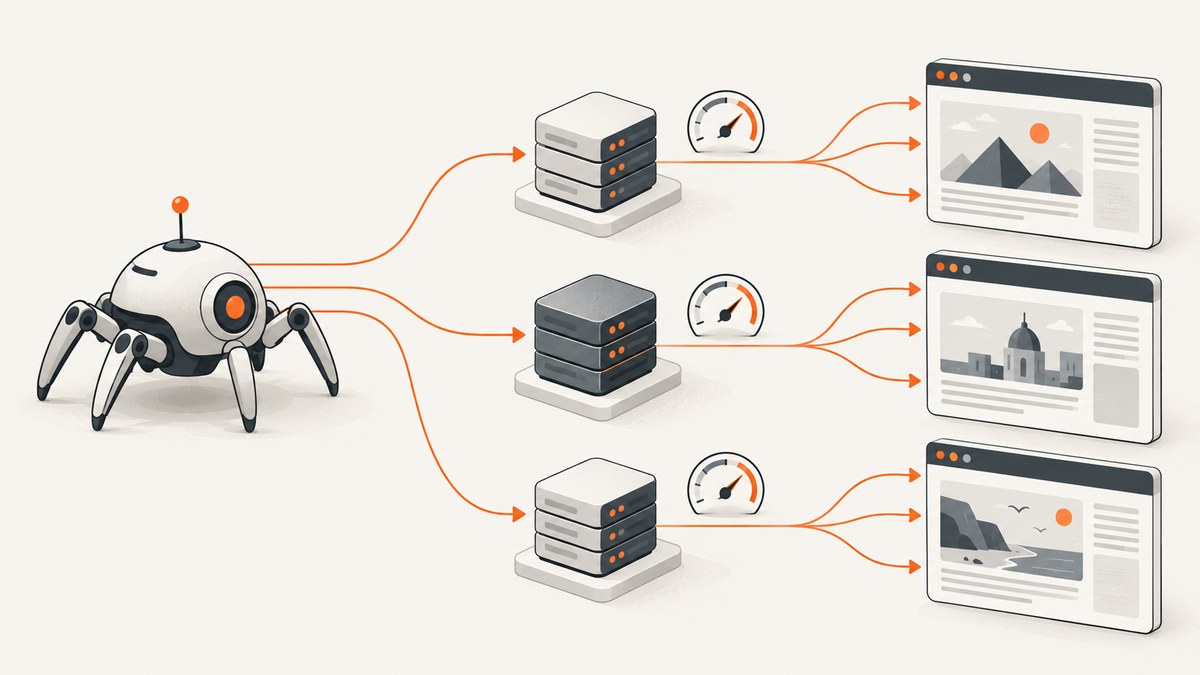
Direct answer: optimize proxies and request pacing separately. First verify that your Scrapy downloader supports the proxy scheme you need. Then set a conservative per-domain concurrency and delay, increase load gradually, and watch latency, retries, 429 responses, and 503 responses. Use AutoThrottle when response times vary, but treat it as an adaptive pacing mechanism rather than permission to exceed a site’s limits.
Before crawling, check the site’s robots.txt, terms, published rate limits, APIs, exports, sitemaps, or search endpoints. A documented API or bulk export is usually faster for your crawler and cheaper for the site than downloading pages.
1. Choose the least costly access route
Proxy tuning cannot make an inefficient crawl efficient. Use this order of preference:
- Documented API or search endpoint: request structured data directly when available.
- Bulk export: use a downloadable dataset when it covers your needs.
- Sitemap or known URL list: avoid discovering pages you already know.
- Common Crawl or another archive: use archived data when freshness is not required.
- Page crawling through proxies: use this when the information is not available through the routes above.
Scrapy’s optimization guidance also recommends checking these alternatives before increasing crawl volume. Read the target site’s access documentation and apply its published limits.
2. Configure proxy routing explicitly in Scrapy
Scrapy’s HttpProxyMiddleware accepts a proxy on an individual request through request.meta['proxy']. It also reads the http_proxy, https_proxy, and no_proxy environment variables. A request-level proxy takes precedence over those variables and ignores no_proxy.
import scrapy

class ProductSpider(scrapy.Spider):
    name = "products"
    start_urls = ["https://example.com/catalog"]

    def start_requests(self):
        proxy = "http://username:password@proxy.example:8080"
        for url in self.start_urls:
            yield scrapy.Request(
                url,
                meta={"proxy": proxy},
                callback=self.parse,
            )

    def parse(self, response):
        yield {
            "url": response.url,
            "title": response.css("title::text").get(),
        }
Set environment variables when the same proxy should apply broadly:
export http_proxy="http://username:password@proxy.example:8080"
export https_proxy="http://username:password@proxy.example:8080"
export no_proxy="localhost,127.0.0.1"
scrapy crawl products
Do not assume every downloader supports every proxy protocol. HTTP and HTTPS proxy URL support depends on the selected download handler; SOCKS support also depends on your handler and installed dependencies. Verify the exact scheme and handler combination in the relevant Scrapy documentation before deploying it.
3. Set concurrency and delay per target site
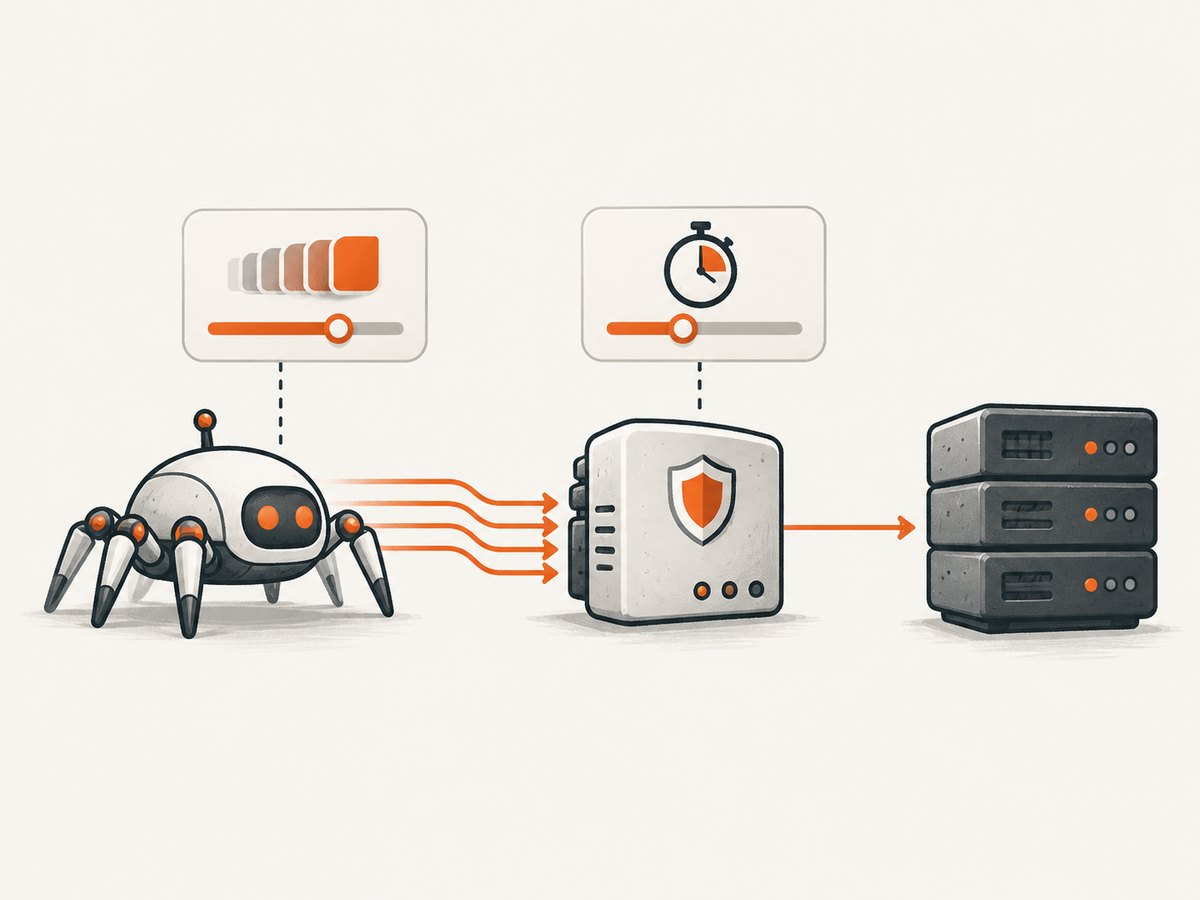
A proxy changes request routing. It does not establish a respectful or efficient request rate. Configure pacing independently:
| Setting | What it controls | Starting guidance |
|---|---|---|
CONCURRENT_REQUESTS |
Global number of requests Scrapy may download at once. | Keep low while measuring, then raise gradually. |
CONCURRENT_REQUESTS_PER_DOMAIN |
Maximum simultaneous requests aimed at one domain. | Use this as the main per-site safety limit. |
DOWNLOAD_DELAY |
Minimum wait between consecutive requests to the same domain. | Increase it when latency, retries, 429s, or 503s rise. |
ROBOTSTXT_OBEY |
Enables filtering based on robots.txt. | Set to True when your crawl should obey robots rules. |
# settings.py
CONCURRENT_REQUESTS = 16
CONCURRENT_REQUESTS_PER_DOMAIN = 2
DOWNLOAD_DELAY = 1.0
ROBOTSTXT_OBEY = True

# Retry transient server responses, but monitor the resulting load.
RETRY_ENABLED = True
RETRY_HTTP_CODES = [408, 429, 500, 502, 503, 504]
RETRY_TIMES = 2
The target site’s tolerated rate is the meaningful ceiling. Increase concurrency one step at a time against representative pages. If 429 or 503 responses, retries, or response latency increase, reduce concurrency or increase the delay. A higher proxy count does not justify multiplying the site’s total load.
Scrapy does not automatically translate robots.txt Crawl-delay or Request-rate directives into crawler settings. If the site’s robots file publishes either directive, convert it into your delay and concurrency configuration.
4. Use AutoThrottle for changing response times
AutoThrottle adapts download delay from measured response latency and a target average concurrency. It respects your standard delay and per-domain concurrency limits. Error responses are not allowed to reduce the delay.
# settings.py
AUTOTHROTTLE_ENABLED = True
AUTOTHROTTLE_START_DELAY = 5.0
AUTOTHROTTLE_MAX_DELAY = 60.0
AUTOTHROTTLE_TARGET_CONCURRENCY = 1.0
These are the documented Scrapy defaults: AutoThrottle is disabled by default, the starting delay is 5 seconds, the maximum delay is 60 seconds, and target concurrency is 1.0. They are software defaults, not universal recommendations for every site.
The extension estimates a target delay from response latency divided by target concurrency, averages that with the prior delay, ignores an error response when it would reduce the delay, and clamps the result between DOWNLOAD_DELAY and AUTOTHROTTLE_MAX_DELAY. A higher target concurrency generally increases throughput and load; a lower value is more conservative. The target is an average goal, not a hard simultaneous-request limit, so CONCURRENT_REQUESTS_PER_DOMAIN still matters.
Scrapy’s AutoThrottle documentation explains why a fixed delay can behave poorly when errors return quickly and concludes: “AutoThrottle doesn’t have these issues.” Attribute that sentence to the Scrapy documentation if you quote it.
5. A complete Scrapy configuration
# settings.py
BOT_NAME = "careful_crawler"

SPIDER_MODULES = ["careful_crawler.spiders"]
NEWSPIDER_MODULE = "careful_crawler.spiders"

ROBOTSTXT_OBEY = True
CONCURRENT_REQUESTS = 16
CONCURRENT_REQUESTS_PER_DOMAIN = 2
DOWNLOAD_DELAY = 1.0

AUTOTHROTTLE_ENABLED = True
AUTOTHROTTLE_START_DELAY = 5.0
AUTOTHROTTLE_MAX_DELAY = 60.0
AUTOTHROTTLE_TARGET_CONCURRENCY = 1.0

RETRY_ENABLED = True
RETRY_TIMES = 2
RETRY_HTTP_CODES = [408, 429, 500, 502, 503, 504]

# See current Scrapy settings documentation before changing these defaults.
LOG_LEVEL = "INFO"
import scrapy
class CatalogSpider(scrapy.Spider):
name = "catalog"
allowed_domains = ["example.com"]
start_urls = ["https://example.com/catalog"]
custom_settings = {
"CONCURRENT_REQUESTS_PER_DOMAIN": 2,
"DOWNLOAD_DELAY": 1.0,
"AUTOTHROTTLE_ENABLED": True,
"AUTOTHROTTLE_TARGET_CONCURRENCY": 1.0,
}
def start_requests(self):
proxy = "http://username:password@proxy.example:8080"
for url in self.start_urls:
yield scrapy.Request(url, meta={"proxy": proxy})
def parse(self, response):
for href in response.css("a.product::attr(href)").getall():
yield response.follow(href, callback=self.parse_product,
meta=response.meta)
def parse_product(self, response):
yield {
"url": response.url,
"name": response.css("h1::text").get(),
}6. How many requests per second should you send?
There is no safe universal number. Start below the site’s documented limit, or at a deliberately conservative per-domain setting, and measure a representative sample. Treat these signals as a reason to slow down:
- 429 or 503 status codes increase.
- Retries increase.
- Median or tail latency rises as concurrency rises.
- Pages become incomplete, blank, or intermittently blocked.
- The proxy pool shows connection failures or unusually high timeout rates.
Increase one variable at a time. If you run several Scrapy crawlers against the same site, each crawler has its own limits. Divide the intended combined budget across them.
7. Rotation, sessions, and proxy pools
Rotate proxies only when the workflow requires different network identities, geographic paths, or session behavior. Rotation does not remove the site’s access rules and can make debugging harder. Keep a session on one proxy when cookies, authentication, or continuity matter; rotate only between sessions when appropriate.
Track each proxy’s success rate, latency, timeout count, and status-code distribution. Remove failing proxies temporarily instead of immediately increasing the pool. Compare approaches by protocol compatibility, required geography, observed latency and errors under conservative load, and operating effort. The available research does not establish a current ranking, benchmark, price, or success rate for proxy vendors.
8. Monitor the crawler, not only the proxy
Measure over representative pages and time periods rather than a short burst. Record request URL, proxy identifier, status, elapsed time, retry count, response size, and whether parsing succeeded. Scrapy notes that apparent network latency can also come from callbacks or parsing that hold up the event loop. Profile the crawler before blaming the proxy pool.
import time
import scrapy

class TimingMiddleware:
    def process_request(self, request, spider):
        request.meta["started_at"] = time.monotonic()

    def process_response(self, request, response, spider):
        started = request.meta.get("started_at")
        if started is not None:
            elapsed = time.monotonic() - started
            spider.logger.info(
                "status=%s seconds=%.3f proxy=%s url=%s",
                response.status,
                elapsed,
                request.meta.get("proxy", "environment"),
                request.url,
            )
        return response

    def process_exception(self, request, exception, spider):
        spider.logger.warning("proxy/request failure: %s", exception)
        return None
9. Troubleshooting common failures
| Symptom | Likely cause | Fix |
|---|---|---|
| Proxy setting is ignored | The request has another meta['proxy'] value, or the environment variable is misspelled. |
Set the request-level value explicitly and verify the middleware is enabled. |
| HTTPS or SOCKS connection fails | The selected downloader or handler does not support that proxy scheme. | Check handler documentation, dependencies, and the exact URL scheme. |
| 429 responses | Per-site load is above the target’s tolerated rate. | Lower CONCURRENT_REQUESTS_PER_DOMAIN, increase DOWNLOAD_DELAY, and let AutoThrottle respond to latency. |
| 503 responses and rising retries | The server is overloaded, a proxy is unhealthy, or the crawl is triggering protection. | Pause or slow the crawl, test a known-good proxy, and inspect response latency and retry counts. |
| Pages are blank or incomplete | JavaScript rendering is required, resources are blocked, or the proxy path is failing. | Confirm the response body and status, test without the proxy, and use the site’s API or export if available. |
| Timeouts increase after adding proxies | The pool has slow or failing exits, or connection overhead is high. | Measure per-proxy latency, quarantine failing exits, and reduce concurrency while diagnosing. |
| Robots rules appear ineffective | ROBOTSTXT_OBEY is disabled, or a Crawl-delay directive was not translated into settings. |
Enable the middleware setting and apply the published delay or request-rate requirements yourself. |
| High latency despite fast server responses | Callbacks or parsing are blocking the event loop. | Profile callback work and move expensive processing out of the download path. |
10. Performance, reliability, and cost trade-offs
- Throughput: raising concurrency can increase completed pages until the target or proxy pool becomes the bottleneck. Beyond that point, retries and latency can reduce useful throughput.
- Reliability: conservative per-domain limits and adaptive delays usually produce fewer retry storms. Keep retry counts bounded so a failing URL cannot consume the crawl budget.
- Proxy cost: more exits can add provider cost and operational complexity. First remove duplicate requests with caching, sitemaps, APIs, or exports.
- Parser cost: CPU-heavy callbacks can make network tuning look ineffective. Measure download and processing time separately.
- Compliance: proxies do not override robots.txt, published limits, terms, authentication requirements, or applicable law.

Or skip the browser setup
If your goal is to capture rendered pages rather than build a proxy-managed browser crawler, ScreenshotNeo provides a website screenshot API. One GET request returns a PNG, JPEG, WebP, or PDF. See the ScreenshotNeo API documentation for all options.
curl -G "https://api.screenshotneo.com/v1/shot" -d access_key=YOUR_API_KEY --data-urlencode url=https://stripe.com -o shot.webpimport requests
r = requests.get("https://api.screenshotneo.com/v1/shot", params={"access_key": "YOUR_API_KEY", "url": "https://stripe.com"}, timeout=90)
open("shot.webp", "wb").write(r.content)const q = new URLSearchParams({ access_key: 'YOUR_API_KEY', url: 'https://stripe.com' });
const res = await fetch(`https://api.screenshotneo.com/v1/shot?${q}`);ScreenshotNeo accepts cookie and consent banners before capture and removes more than 60 known consent platforms, newsletter popups, and chat widgets; each step can be turned off. Bot checks or CAPTCHAs, blank pages, timeouts, failed loads, and cache hits are not billed, and response headers identify the page verdict and billing result. It also has an MCP server with take_screenshot, get_page_info, and capture_pdf tools for Claude, Cursor, and other MCP clients. The free plan includes 1,000 screenshots per month without a card; paid plans start at $5 for 3,000 screenshots. Create a free ScreenshotNeo account.
FAQ
Should I use rotating proxies with Scrapy?
Use rotation only when geography, session isolation, or network identity requires it. Keep a stable proxy for workflows that depend on cookies or authentication, and tune per-site pacing independently.
Does adding more proxies increase the allowed request rate?
No. The target site’s tolerated rate remains the important ceiling. More proxies can add overhead and make failures harder to diagnose.
Does AutoThrottle enforce robots.txt?
No. AutoThrottle controls adaptive delay. Enable robots middleware and ROBOTSTXT_OBEY, then translate any published Crawl-delay or Request-rate directives into your settings.
What should I change first when a crawl slows down?
Check status codes, retries, latency, and callback processing. If server errors or latency rise with load, lower per-domain concurrency or increase delay before changing the proxy pool.
When is a managed screenshot API a better fit?
Use one when you need rendered screenshots or PDFs without maintaining browser setup, consent-banner handling, popup removal, and capture retry logic. ScreenshotNeo offers those capture features through one request and an MCP server for AI agents.
Primary references: Scrapy common practices and optimization, Scrapy AutoThrottle, and Scrapy HttpProxyMiddleware.


