Why Multiple IEDriverServer Processes Remain After Selenium Test Failures
Learn why IEDriverServer.exe survives failed Selenium tests and how to prevent, detect, and clean up orphaned driver and browser processes on Windows.
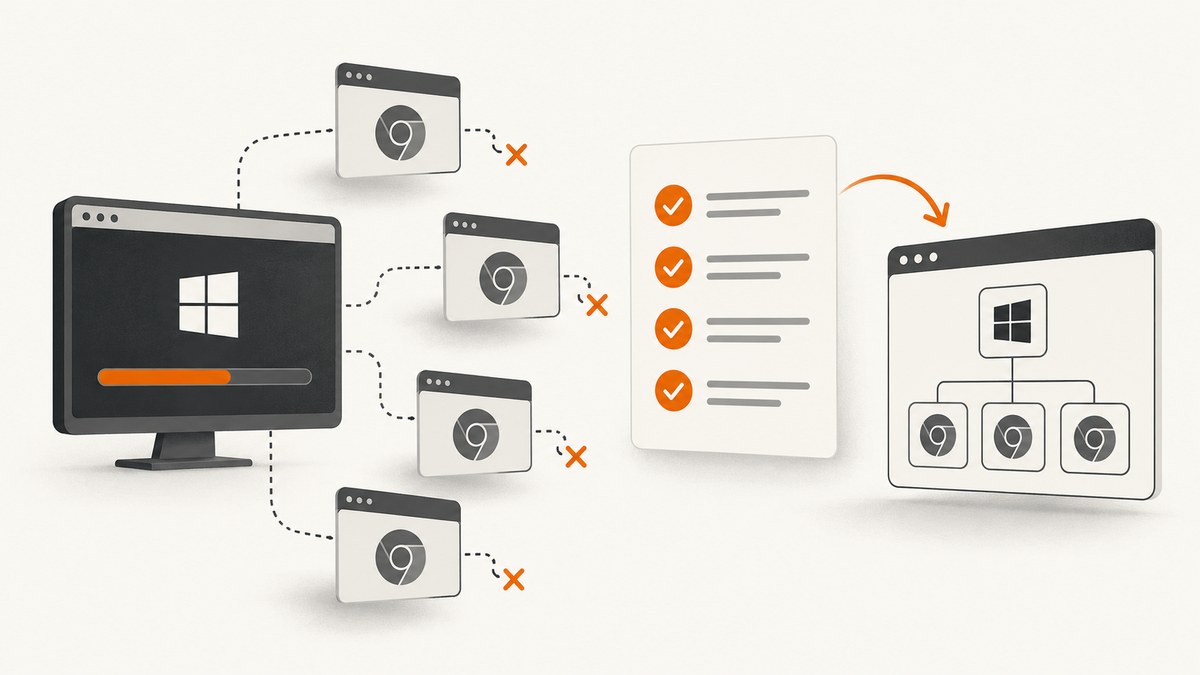
Multiple IEDriverServer.exe processes usually mean teardown did not run on every failure path, session startup failed before a driver object existed, or child processes were not reaped. The reliable fix is to make teardown deterministic, track the driver service process separately, and verify the entire process tree after cleanup.
Selenium documents that simultaneous Internet Explorer Driver instances are largely untested and that running IEDriverServer.exe as a Windows Service is expressly unsupported. Treat both configurations as risk factors while diagnosing leaks.
What is actually left running?
An Internet Explorer test normally involves several processes:
- Your test runner (for example,
pytest, NUnit, or a CI worker). IEDriverServer.exe, which accepts WebDriver commands.iexplore.exebrowser processes and helper processes.
driver.quit() requests session shutdown, but it cannot run if session creation failed before a driver object was instantiated. Even a successful quit() can leave descendants behind when the driver or browser fails to terminate cleanly. Selenium issue #15632 describes startup failure without a usable driver object and zombie browser children; issue #10863 covers orphan-driver behaviour and CI timeouts.
The failure paths that create multiple processes
1. Cleanup was skipped
An assertion, timeout, process kill, or exception in setup can bypass code placed after the test body. Put cleanup in the framework’s guaranteed teardown hook or a language-level finally block.
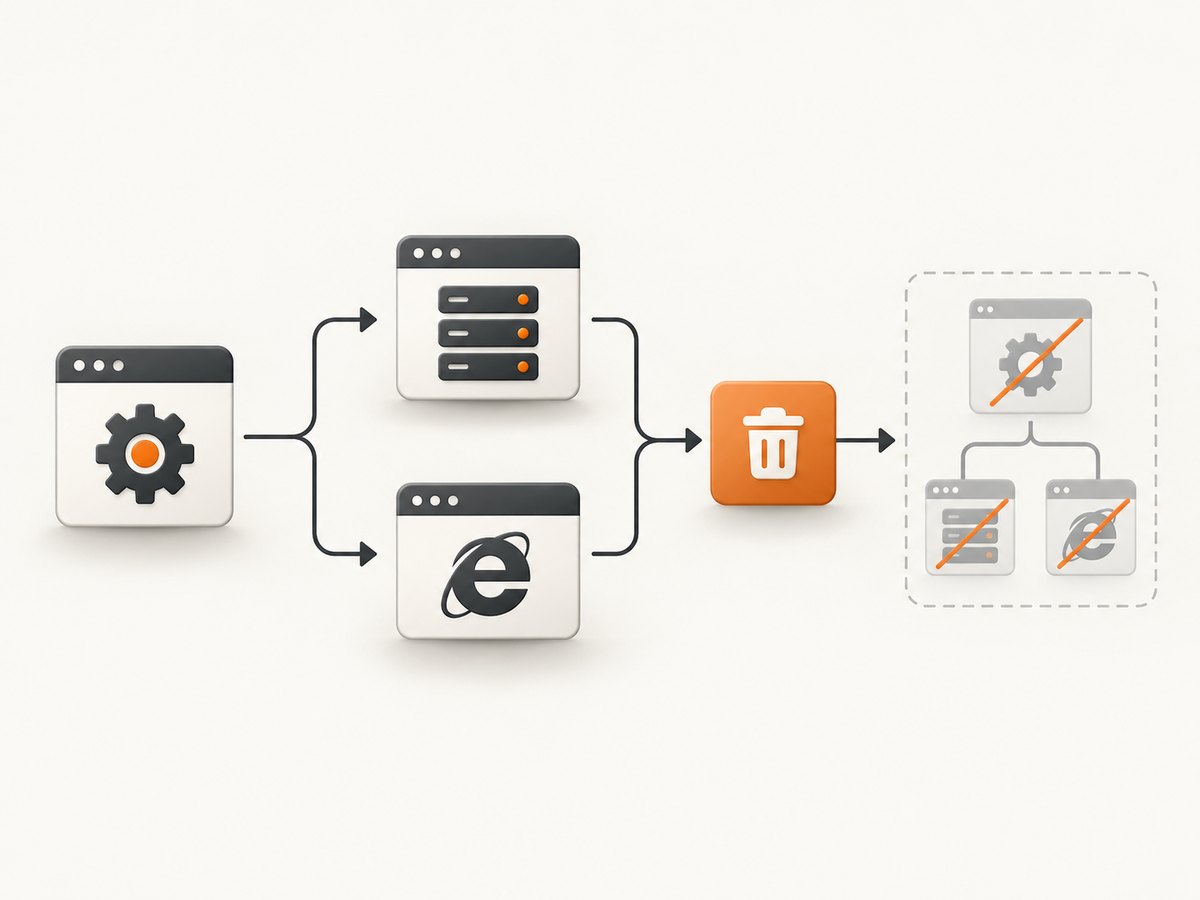
2. Startup failed before driver existed
If the service starts and then the session handshake fails, Selenium may never return a driver object. Code such as if driver: driver.quit() cannot clean up a service that was created internally and is no longer referenced. Keep the service object and its PID before constructing the driver.
3. Descendants were not reaped
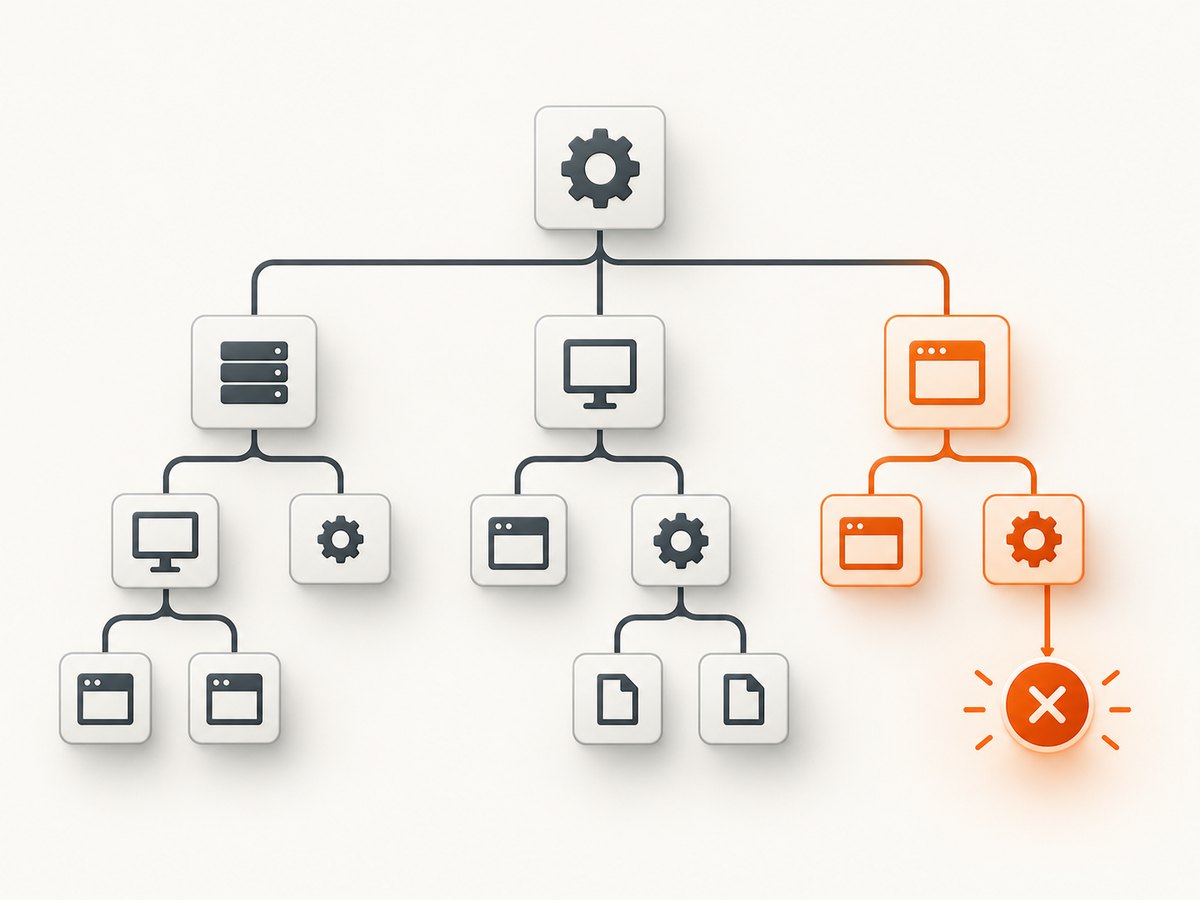
The driver can exit while an Internet Explorer child remains, or the browser can hold a handle that delays process exit. Verify both the driver process and its descendants instead of assuming that a successful return from quit() means the tree is gone.
4. Unsupported execution context
Selenium’s IE documentation says: “Attempting to use IEDriverServer.exe as part of a Windows Service application is expressly unsupported.” The same documentation says simultaneous instances are possible in theory but “largely untested,” with possible cookie and window-focus issues. See the Selenium documentation before relying on either model.
A deterministic cleanup pattern in Python
This example records the service PID, always attempts quit(), and then checks the Windows process tree. It handles both normal test failures and session-start failures.
import os
import time
import psutil
from selenium import webdriver
from selenium.webdriver.ie.service import Service


def descendants(pid):
    try:
        parent = psutil.Process(pid)
        return parent.children(recursive=True)
    except psutil.Error:
        return []


def stop_tree(pid, grace_seconds=5):
    """Terminate descendants first, then the service; verify what remains."""
    try:
        root = psutil.Process(pid)
    except psutil.Error:
        return []

    children = descendants(pid)
    for proc in reversed(children):
        try:
            proc.terminate()
        except psutil.Error:
            pass
    try:
        root.terminate()
    except psutil.Error:
        pass

    _, alive = psutil.wait_procs(children + [root], timeout=grace_seconds)
    for proc in alive:
        try:
            proc.kill()
        except psutil.Error:
            pass
    return [p.pid for p in alive if p.is_running()]


service = Service(executable_path=r"C:\tools\IEDriverServer.exe")
driver = None
service_pid = None
try:
    service.start()
    service_pid = service.process.pid if service.process else None
    driver = webdriver.Ie(service=service)
    driver.get("https://example.com")
    # assertions and test actions go here
finally:
    if driver is not None:
        try:
            driver.quit()
        except Exception as exc:
            print(f"quit failed: {exc!r}")
    if service_pid is not None:
        remaining = stop_tree(service_pid)
        if remaining:
            print(f"processes still alive after cleanup: {remaining}")
    time.sleep(0.5)
Install the process-inspection dependency with python -m pip install selenium psutil. The short delay is environment-specific; it gives Windows time to release handles before the next test starts.
Guaranteed teardown with pytest
import pytest
from selenium import webdriver

@pytest.fixture
def ie_driver():
    driver = None
    try:
        driver = webdriver.Ie()
        yield driver
    finally:
        if driver is not None:
            try:
                driver.quit()
            except Exception:
                # Log the exception; do not hide the original test failure.
                pass
For a service PID that must also be cleaned after startup failure, create and start the Service explicitly as shown in the previous section, then add its PID cleanup to the fixture’s finally block.
Equivalent pattern in C#
using OpenQA.Selenium;
using OpenQA.Selenium.IE;

IWebDriver driver = null;
try
{
    driver = new InternetExplorerDriver();
    driver.Navigate().GoToUrl("https://example.com");
}
finally
{
    if (driver != null)
    {
        try { driver.Quit(); }
        catch (WebDriverException) { /* log and continue cleanup */ }
        finally { driver.Dispose(); }
    }
}
If the constructor throws, no driver object exists. In that case, use a separately managed service process and terminate it from the catch/finally path, then inspect descendants with Windows process tools.
How to find and remove orphaned processes on Windows
Inspect by name
Get-Process IEDriverServer, iexplore -ErrorAction SilentlyContinue |
  Select-Object Id, ProcessName, StartTime, Path
Inspect the parent-child tree
Get-CimInstance Win32_Process |
  Where-Object { $_.Name -in @('IEDriverServer.exe','iexplore.exe') } |
  Select-Object ProcessId, ParentProcessId, Name, CommandLine
Terminate a known test-owned tree
taskkill /PID 12345 /T /FUse the PID captured for the current test run. Avoid killing every Internet Explorer process on a shared machine because another desktop session may own it.
Startup-failure handling checklist
- Start the driver service explicitly and record its PID.
- Attempt to construct the WebDriver session.
- Call
quit()only when a driver object was returned. - Stop the recorded service PID when construction fails.
- Enumerate descendants and verify that
IEDriverServer.exeand test-ownediexplore.exeprocesses have exited. - Save driver logs, PIDs, command lines, and timestamps with the failed test.
Common errors and fixes
| Symptom | Likely cause | Fix |
|---|---|---|
driver is undefined in teardown |
Constructor failed before assignment | Initialize it to None/null and track the service independently. |
quit() returns but processes remain |
Child browser or handle did not exit | Inspect the process tree, wait briefly, then terminate only the test-owned descendants. |
| Many drivers appear after parallel tests | Concurrent IE instances are weakly tested | Run one IE session per isolated desktop/worker and validate cookies and focus; reduce parallelism while diagnosing. |
| Leaks occur only in CI | Service context, permissions, timeouts, or forced worker termination | Run as an interactive desktop process, capture service PIDs, and ensure CI cancellation invokes teardown. |
| Driver starts then immediately fails | Underlying browser-driver problem | Reproduce with another browser. Selenium troubleshooting notes that many apparent Selenium errors originate in the browser driver. |
| Windows service deployment is unstable | Unsupported execution model | Do not run IEDriverServer.exe as a Windows Service; use a supported desktop process. |
Reliability and performance considerations
- Prefer one IE session per worker. Parallel IE-driver instances are largely untested, so isolation is more valuable than maximum concurrency.
- Use bounded waits. A short post-quit wait can help Windows release handles, but it is a workaround for particular environments, not a universal cure.
- Keep logs per attempt. Record service PID, browser PID, driver version, command line, start time, quit exception, and remaining processes.
- Clean between tests. A leaked browser can retain profiles, cookies, window focus, or locks that make later failures misleading.
- Do not hide the first exception. Log teardown failures while preserving the assertion or startup error that caused the test to fail.
Or skip the browser setup
If your goal is to capture a page for a test artifact, visual diff, or bug report rather than drive Internet Explorer itself, ScreenshotNeo returns a screenshot or PDF from one request. Cookie banners, newsletter popups, and chat widgets are removed before the shot. Bot checks, blank pages, failed loads, timeouts, and cache hits are not billed, and response headers identify the page verdict and billing status. Its MCP server lets Claude, Cursor, and other MCP clients call take_screenshot, get_page_info, and capture_pdf.
See the ScreenshotNeo API documentation for all options.
curl -G "https://api.screenshotneo.com/v1/shot" -d access_key=YOUR_API_KEY --data-urlencode url=https://stripe.com -o shot.webpimport requests
r = requests.get("https://api.screenshotneo.com/v1/shot", params={"access_key": "YOUR_API_KEY", "url": "https://stripe.com"}, timeout=90)
open("shot.webp", "wb").write(r.content)const q = new URLSearchParams({ access_key: 'YOUR_API_KEY', url: 'https://stripe.com' });
const res = await fetch(`https://api.screenshotneo.com/v1/shot?${q}`);The free plan includes 1,000 screenshots a month with no card; paid plans start at $5 for 3,000. Create a free ScreenshotNeo account.
FAQ
Does driver.quit() always kill IEDriverServer?
No. It is the normal cleanup operation, but it cannot run without a driver object and it may not reap every child process.
Should I call driver.close() instead?
No. close() closes the current window. Use quit() for session cleanup.
Can I safely kill every IEDriverServer.exe on the machine?
Only on a dedicated test host where you know no other run is active. On shared hosts, terminate the PID and descendants recorded for your test.
Is a Windows service a good way to keep the driver alive?
No. Selenium expressly documents that running IEDriverServer.exe as a Windows Service is unsupported.


