How to Overlay Text on an Image in HTML and CSS
Learn the reliable HTML and CSS pattern for readable image overlays, responsive crops, accessibility, debugging, and production-ready examples.

Put the image and the text in one wrapper, set the wrapper to position: relative, and place the text with position: absolute. Give the image a defined box, then use object-fit: cover when the image should fill that box. Use object-position to control which part remains visible. Keep the overlay copy as real HTML so it remains selectable, resizable, and available to assistive technology.
This pattern works for hero banners, cards, product tiles, article covers, profile images, and promotional panels. The complete example below includes semantic markup, a responsive crop, a gradient for readability, and a mobile layout that moves the caption below the image when the overlay becomes cramped.
1. The basic overlay pattern
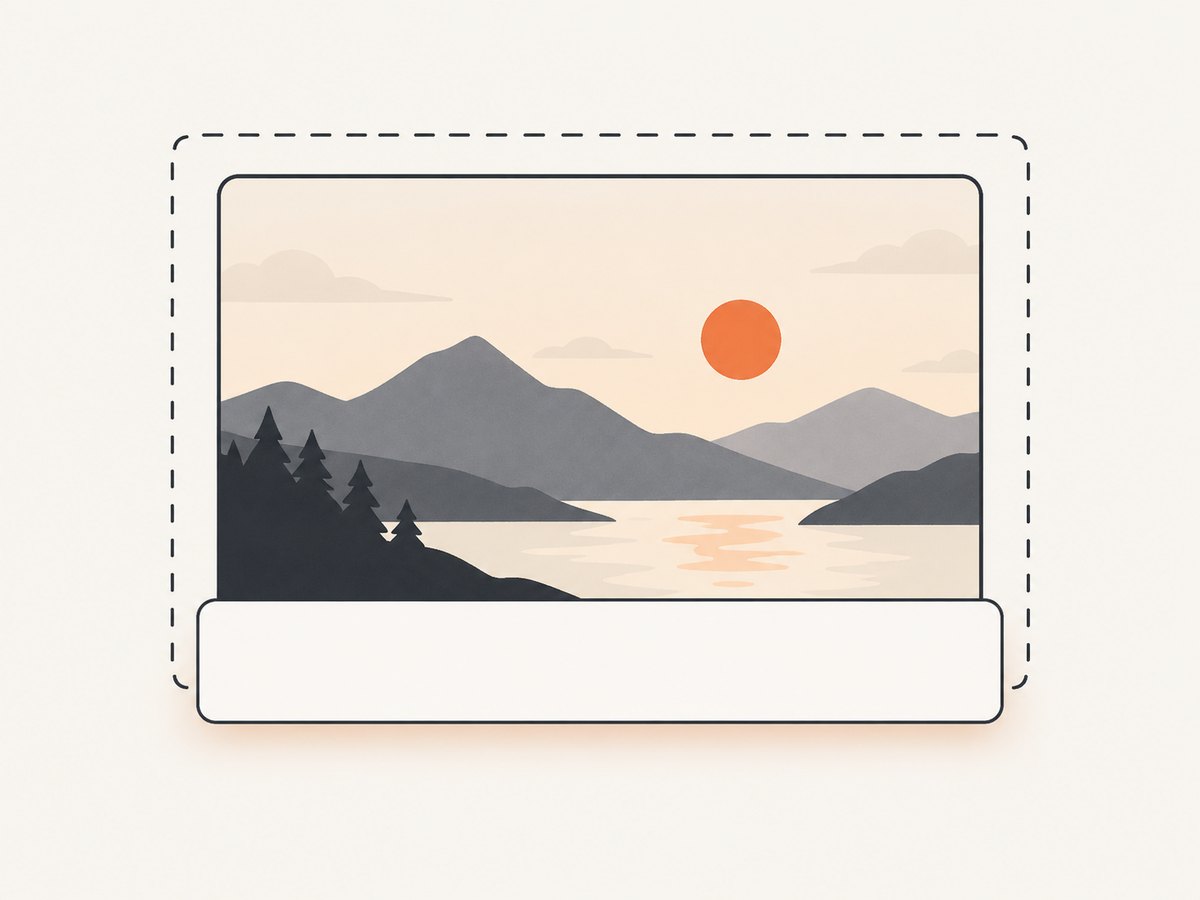
Start with a shared container. The container establishes the positioning context; the caption is then positioned relative to that container rather than to the page.
<figure class="hero">
  <img src="mountains.jpg" alt="Snow-covered mountains at sunrise">
  <figcaption class="hero__caption">
    <h1>Find your next trail</h1>
    <p>Explore routes for every season.</p>
  </figcaption>
</figure>
.hero {
position: relative;
overflow: hidden;
aspect-ratio: 16 / 9;
margin: 0;
}
.hero img {
display: block;
width: 100%;
height: 100%;
object-fit: cover;
object-position: center;
}
.hero__caption {
position: absolute;
inset: auto 0 0;
padding: clamp(1rem, 4vw, 3rem);
color: white;
background: linear-gradient(transparent, rgb(0 0 0 / 0.75));
}position: relative leaves the figure in normal flow while creating the containing block used by the absolutely positioned caption. The caption is pinned to the bottom edge because inset: auto 0 0 means top is automatic, left and right are zero, and bottom is zero. overflow: hidden clips anything that extends beyond the figure’s edges.
The aspect-ratio declaration gives the image region a predictable shape before the image finishes loading. That reduces layout movement and makes the crop consistent across cards. If the image’s complete content must remain visible, change object-fit: cover to contain. A contained image keeps its full aspect ratio but can leave empty space inside the box.
2. A complete runnable page
Save this as index.html and open it in a browser. Replace the image URL with a local file or another image you are allowed to use.
<!doctype html>
<html lang="en">
<head>
  <meta charset="utf-8">
  <meta name="viewport" content="width=device-width, initial-scale=1">
  <title>Image overlay</title>
  <style>
    :root {
      color-scheme: light;
      font-family: system-ui, sans-serif;
    }

    body {
      margin: 0;
      padding: 2rem;
      background: #f2f4f7;
      color: #17202a;
    }

    .hero {
      position: relative;
      width: min(100%, 900px);
      aspect-ratio: 16 / 9;
      margin: 0 auto;
      overflow: hidden;
      border-radius: 1rem;
      background: #243447;
      isolation: isolate;
    }

    .hero::after {
      content: "";
      position: absolute;
      inset: 45% 0 0;
      z-index: -1;
      background: linear-gradient(transparent, rgb(0 0 0 / .78));
    }

    .hero img {
      display: block;
      width: 100%;
      height: 100%;
      object-fit: cover;
      object-position: 50% 40%;
    }

    .hero__caption {
      position: absolute;
      right: 0;
      bottom: 0;
      left: 0;
      padding: clamp(1rem, 5vw, 3.5rem);
      color: #fff;
    }

    .hero__caption h1 {
      max-width: 18ch;
      margin: 0 0 .5rem;
      font-size: clamp(1.75rem, 5vw, 4rem);
      line-height: 1.05;
    }

    .hero__caption p {
      max-width: 45ch;
      margin: 0;
      font-size: clamp(1rem, 2vw, 1.25rem);
    }

    @media (max-width: 480px) {
      body { padding: 1rem; }
      .hero {
        aspect-ratio: auto;
        overflow: visible;
        background: transparent;
      }
      .hero img {
        height: auto;
        aspect-ratio: 4 / 3;
        border-radius: .75rem .75rem 0 0;
      }
      .hero::after { display: none; }
      .hero__caption {
        position: static;
        padding: 1rem;
        color: #17202a;
        background: #fff;
        border-radius: 0 0 .75rem .75rem;
      }
    }
  </style>
</head>
<body>
  <figure class="hero">
    <img src="mountains.jpg" alt="Snow-covered mountains at sunrise">
    <figcaption class="hero__caption">
      <h1>Find your next trail</h1>
      <p>Explore routes for every season.</p>
    </figcaption>
  </figure>
</body>
</html>
The pseudo-element supplies a second darkening layer without changing the image file. isolation: isolate keeps the negative z-index layer inside the figure’s stacking context. If you do not need that layer, remove the ::after rule and use a background directly on the caption.
3. Center text over the image
For a title that must sit in the exact center, replace the edge-aligned caption rules with this variation:
.hero__caption {
  position: absolute;
  inset: 50% auto auto 50%;
  transform: translate(-50%, -50%);
  width: min(90%, 38rem);
  text-align: center;
  color: white;
}
The caption’s own width matters. Without a width limit, long lines can become difficult to read or overflow on narrow screens. A centered overlay also needs enough contrast behind the entire text block, so use a translucent panel or a broad gradient rather than darkening only one corner.
4. Control cropping with object-fit and object-position
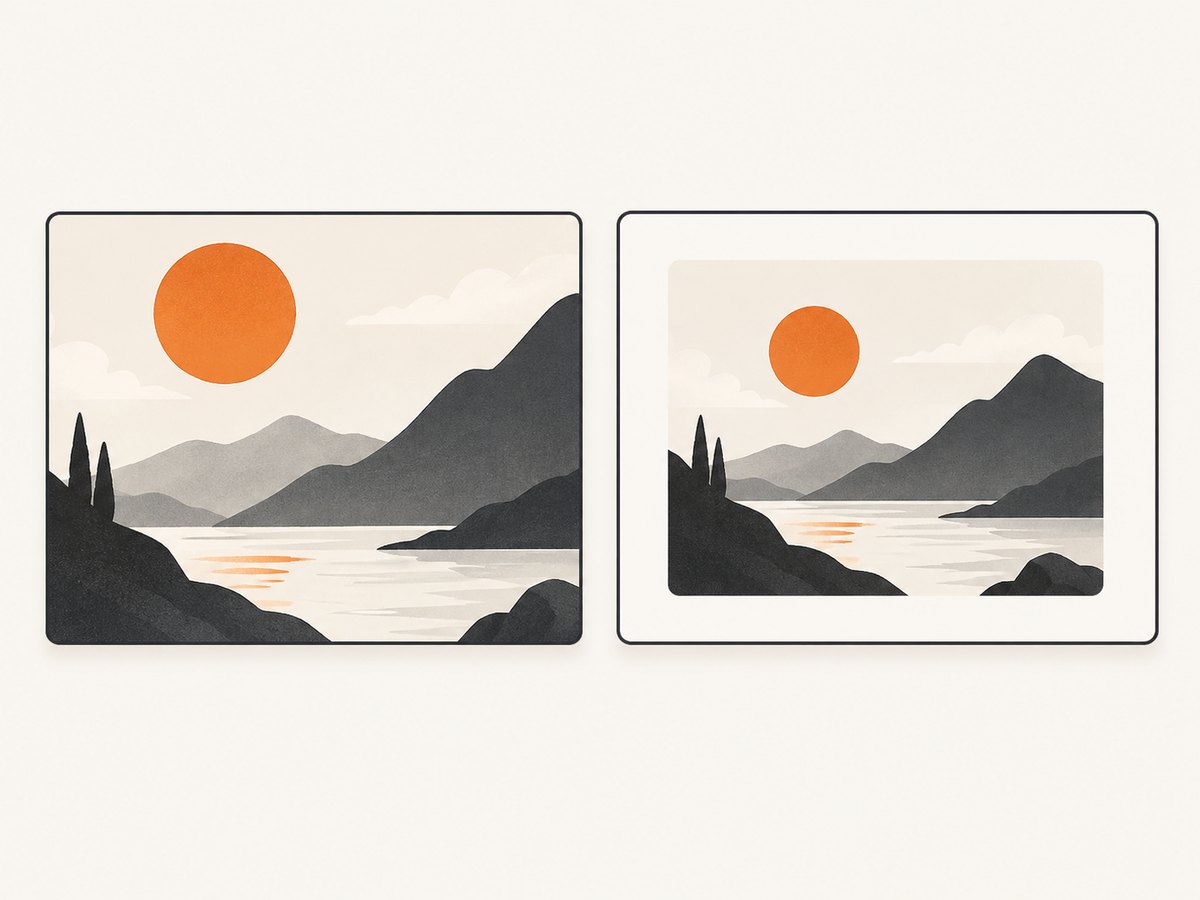
object-fit: cover scales the image until both dimensions fill the replaced element, then crops the excess. It is usually the right choice for a fixed hero or card ratio. The trade-off is that edges can disappear.
| Goal | Setting | Result |
|---|---|---|
| Fill the box | object-fit: cover |
Maintains proportions and may crop. |
| Show everything | object-fit: contain |
Maintains proportions and may leave unused space. |
| Stretch to exact dimensions | object-fit: fill |
Can distort the image; use only when distortion is acceptable. |
| Keep intrinsic size | object-fit: none |
Displays the image without scaling and can crop it. |
When a face, product, or landmark is cut off, tune the focal point:
.hero img {
  object-fit: cover;
  object-position: 70% 30%; /* horizontal, vertical */
}
Percentages, lengths, and keywords such as center top are valid ways to move the visible region. Check several viewport sizes because the amount of crop changes as the box changes.
5. Keep overlays readable and accessible
- Keep meaningful words in HTML, not baked into the bitmap. HTML text can be selected, resized, translated, and interpreted by assistive technology.
- For an informative image, write alternative text that describes the relevant information. For a decorative image whose meaning is already provided nearby, use
alt="". See MDN’s <img> reference and guide to using images. - Use a dark gradient or translucent panel when the photograph has variable brightness. Treat it as a design aid and inspect the real crop at each breakpoint.
- Do not hide links or buttons under the caption. Give interactive elements a visible focus style and enough space to activate on touch screens.
- Keep paragraphs short enough to wrap. A very long caption can cover the subject or exceed the image height.
6. Common layout variations
Bottom-left label
.hero__caption {
  position: absolute;
  left: 1.5rem;
  bottom: 1.5rem;
  right: auto;
  max-width: 32rem;
}
Top-right badge
.hero__badge {
  position: absolute;
  top: 1rem;
  right: 1rem;
  padding: .35rem .65rem;
  border-radius: 999px;
  color: #fff;
  background: rgb(0 0 0 / .65);
}
Card grid
Give every card the same aspect ratio and let each image fill its own card. The wrapper must be position: relative on every card; putting that declaration only on a parent grid makes captions position against the wrong box.
7. Troubleshooting checklist
| Symptom | Cause | Fix |
|---|---|---|
| Text appears in the page corner | The wrapper is not positioned. | Add position: relative to the immediate image-and-caption container. |
| Image has unexpected empty space | contain or intrinsic sizing is preserving the full image. |
Use a defined height or aspect ratio with cover, or keep contain when the full image is required. |
| Subject is cropped | cover fills the box by trimming edges. |
Change object-position, alter the aspect ratio, or choose contain. |
| Caption is clipped | overflow: hidden clips content, or the image is too short. |
Increase the region’s height, reduce padding and font size, or move the caption below the image on small screens. |
| White text disappears | The photograph is bright or detailed behind the copy. | Add a gradient or panel and choose a less busy focal area. |
| Overlay covers the wrong image | The caption is absolutely positioned relative to an outer ancestor. | Move position: relative to the figure/card that contains that caption. |
| Image causes layout jump | No dimensions are reserved before loading. | Set aspect-ratio or explicit width and height. |
| Mobile text runs off screen | Fixed font sizes or excessive padding. | Use clamp(), a max-width, and a breakpoint that restores normal flow. |
8. Performance and reliability
Use appropriately sized image files and modern responsive sources when the same component appears at many widths. A large source resized into a small card still costs download and decode time. Reserve the aspect ratio so the browser can lay out the page before the image arrives. If an image is below the initial viewport, native lazy loading can reduce initial work:
<img src="mountains.jpg" alt="Snow-covered mountains at sunrise" loading="lazy">Do not lazy-load the main hero image if it is the page’s primary content; that can delay the first meaningful visual. Keep overlays simple: gradients and transforms are inexpensive, while large animated filters and continuously changing effects can increase paint work. Test with slow network settings and narrow viewports, not only on a fast desktop connection.
9. Or skip the browser setup
If your goal is to capture the finished overlay as an image or PDF, ScreenshotNeo provides a single request to its website screenshot API. It can capture a URL after your HTML and CSS render, while its cleanup steps accept cookie or consent banners and remove more than 60 known consent platforms, newsletter popups, and chat widgets. Each cleanup step can be disabled.
Only clean shots are billed. Bot checks or CAPTCHAs, blank pages, timeouts, failed loads, and cache hits cost nothing, and the response reports the result through X-Page-Verdict and X-Billed headers. See the ScreenshotNeo API documentation for all parameters.
cURL
curl -G "https://api.screenshotneo.com/v1/shot" \
  -d access_key=YOUR_API_KEY \
  --data-urlencode url=https://stripe.com \
  -o shot.webp
Python
import requests

r = requests.get(
    "https://api.screenshotneo.com/v1/shot",
    params={"access_key": "YOUR_API_KEY", "url": "https://stripe.com"},
    timeout=90,
)
r.raise_for_status()
open("shot.webp", "wb").write(r.content)
Node.js
const q = new URLSearchParams({ access_key: 'YOUR_API_KEY', url: 'https://stripe.com' });
const res = await fetch(`https://api.screenshotneo.com/v1/shot?${q}`);
if (!res.ok) throw new Error(`Screenshot failed: ${res.status}`);
const buffer = Buffer.from(await res.arrayBuffer());
require('fs').writeFileSync('shot.webp', buffer);
ScreenshotNeo also supports full-page captures with lazy images loaded, element capture by CSS selector, dark mode, device presets or custom viewports, retina scale, custom CSS and JavaScript, click actions, waits, blocked resource types, headers and cookies, timezone and geolocation, transparent backgrounds, resizing, chosen cache TTLs, signed links, asynchronous jobs with signed webhooks, bulk capture of up to 100 URLs per call, usage data, PDFs, and HTML/CSS-to-image. Its MCP server exposes take_screenshot, get_page_info, and capture_pdf for Claude, Cursor, and other MCP clients.
There is a free plan with 1,000 shots each month and no card. Paid plans start at $5 for 3,000 shots; yearly billing gives two months free, and every feature is available on every plan. Create a free ScreenshotNeo account to capture your overlay page.
10. FAQ
Should I use a background image instead of <img>?
Use <img> when the image conveys information and needs alternative text. A CSS background can suit decoration, but it does not provide the same image semantics.
Can I put a button in the overlay?
Yes. Keep the button inside the positioned caption, make its focus state visible, and verify that the text and controls remain usable when the image is cropped.
Why does height: 100% do nothing?
Percentage heights need a definite height on the containing block. Give the wrapper an explicit height or an aspect-ratio with a definite width.
How do I preserve a person’s face?
Keep object-fit: cover and move the focal point with object-position, such as 50% 20% for a subject near the top.
Can overlay text be indexed by search engines?
Yes, when it is live HTML text. Text drawn into the image bitmap is not equivalent to document text and cannot be selected or resized.


