Oxylabs Alternative for Browser Automation
Compare managed browsers, extraction APIs, and self-hosted automation to find an Oxylabs alternative that fits your workload, controls, and budget.
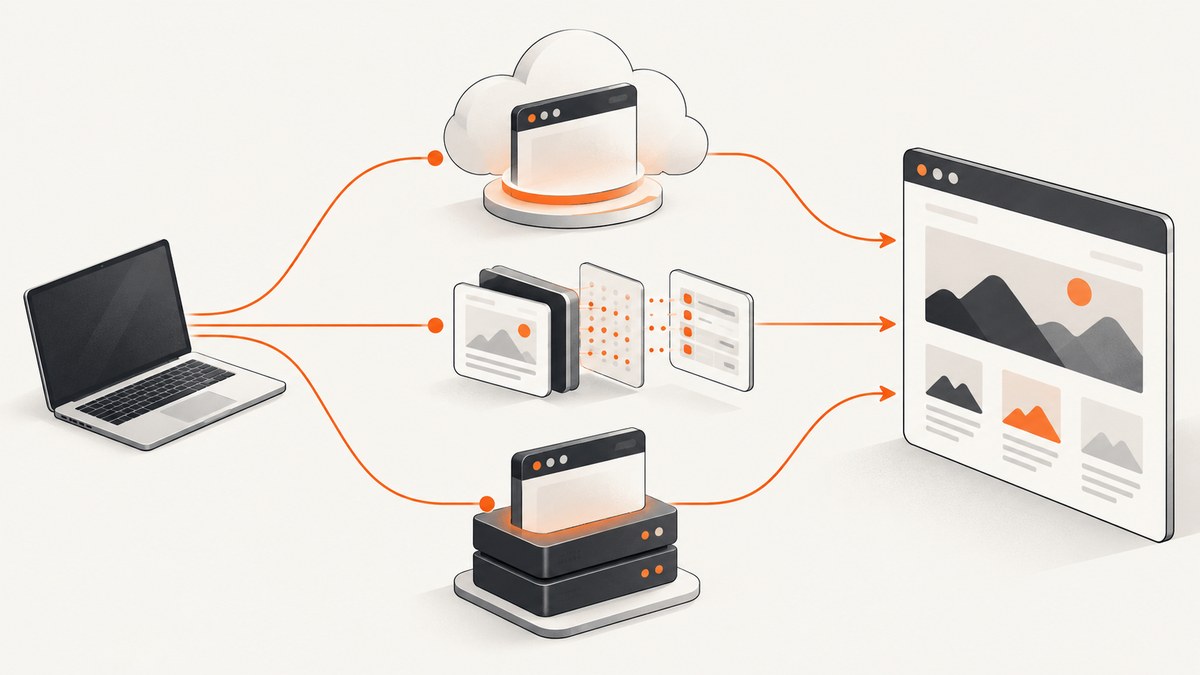
Short answer: There is no single evidence-supported replacement for Oxylabs Headless Browser. Choose a managed browser such as Bright Data Browser API or Browserbase when you need remote browser sessions; consider Zyte API when the goal is rendered or extracted page data; use Playwright or Puppeteer when you want to operate the browser infrastructure yourself. If you only need website screenshots, try ScreenshotNeo first: it captures images or PDFs through one API call, removes common consent banners and overlays before capture, and bills only clean shots.
The right choice depends on what your application needs to do. A page screenshot, a structured extraction, and an interactive browser workflow are different jobs. Decide which one you have before comparing plans or migrating code.
1. Decide what you need the browser to do
Oxylabs describes Headless Browser as hosted Chromium for browser automation and data extraction. Its product page lists JavaScript rendering, Playwright, Puppeteer and CDP compatibility, proxy controls with geographic targeting, visual session debugging, and MCP access for supported AI clients. Oxylabs also describes CAPTCHA management and its residential proxy network as parts of the service. These are vendor descriptions, not independently measured performance results. Oxylabs Headless Browser
| Your actual task | Architecture to evaluate | What to verify |
|---|---|---|
| Navigate, click, fill forms, keep session state, or inspect a live browser | Managed browser or self-managed Playwright/Puppeteer | Browser protocol and library support, session lifetime, concurrency, region, and debugging |
| Get rendered page content or structured data through an API | Extraction API such as Zyte API | Whether its output and controls fit your extraction job; it may not be a like-for-like remote browser |
| Capture a page as an image or PDF | Screenshot API such as ScreenshotNeo | Output format, viewport or full-page behavior, cleanup, and billing rules |
| Automate a browser while owning deployment and operations | Playwright or Puppeteer with infrastructure you manage | Browser installation, resource limits, scaling, updates, and network access |
Use a browser when the page depends on JavaScript or your workflow needs interaction. For simple static pages, ordinary HTTP and HTML parsing can be more efficient. Oxylabs itself recommends browser rendering for dynamic or JavaScript-heavy sites and traditional HTML scraping for simple static sites; that is vendor guidance. Oxylabs Headless Browser FAQ
2. Shortlist alternatives by operating model
ScreenshotNeo: first to try when the deliverable is a screenshot
ScreenshotNeo is a website screenshot API and MCP server from Yorker Media. It is not a general-purpose interactive browser replacement: use it when the result you need is a PNG, JPEG, WebP, or PDF rather than arbitrary browser control or extracted records. One GET request can capture a URL. Its features include full-page capture with lazy images loaded, CSS-selector element capture, device presets and custom viewports, retina scale, dark mode, custom CSS and JavaScript, waits, selector hiding, request blocking, cookies and headers, caching, async jobs, bulk capture, signed links, and PDF settings. The available parameter names used by other screenshot APIs also work, which can ease a switch. See the ScreenshotNeo API documentation.
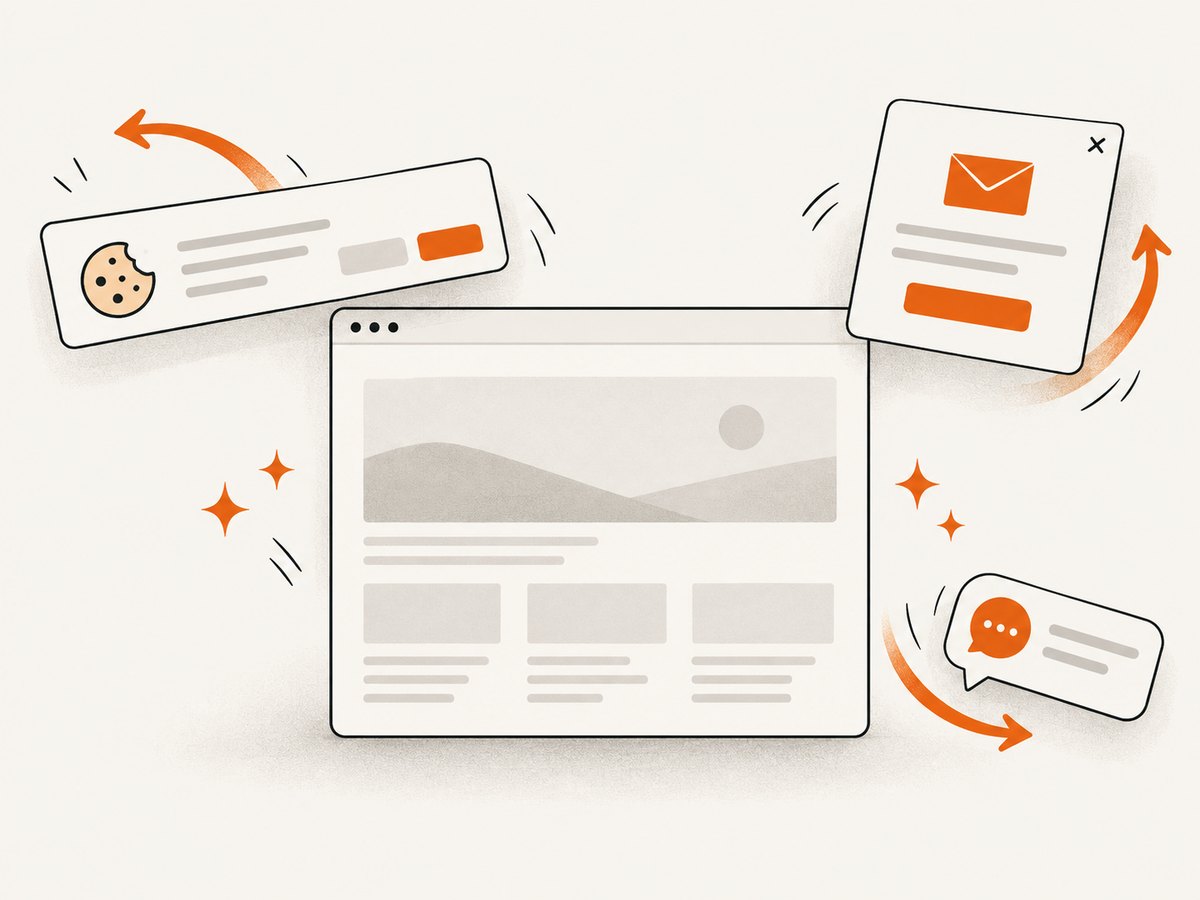
Before capture, it can accept cookie or consent banners and remove more than 60 known consent platforms, newsletter popups, and chat widgets; each cleanup step can be turned off. Bot checks or CAPTCHAs, blank pages, timeouts, failed loads, and cache hits are not billed. Responses identify the page verdict and billing status with X-Page-Verdict and X-Billed headers. These are product terms, not a claim that every URL can be captured successfully.
Bright Data Browser API: managed browser candidate
Consider it when remote browser execution and proxy management are central requirements. Oxylabs’ comparison categorizes Bright Data Browser API as a managed-browser option; that comparison is vendor-authored, so use it as a starting point and verify the current provider documentation directly. Confirm library or protocol compatibility for your specific mode, session behavior, geography, concurrency, billing units, and applicable terms. Oxylabs comparison of other solutions
Browserbase: hosted browser candidate
Browserbase is another cloud-hosted option identified in Oxylabs’ comparison, which points to session management as part of its model. Validate current session limits, retention, networking, supported integrations, and pricing on Browserbase’s own documentation before committing. A hosted browser may reduce the work of provisioning browser machines, but it does not remove the need to understand session lifecycle, retries, and usage billing.
Zyte API: consider it when data matters more than browser control
Zyte documents migration guides from browser automation and several scraping products. That makes it a candidate when you want an API-oriented path to rendered or extracted page data. Treat it as a different operating model from a remote browser: establish that the API returns the content and controls your workflow needs before planning a migration. Zyte API migration guides
Playwright or Puppeteer: own the browser stack
These are automation libraries, not hosted browser services. They suit teams that want direct control and are prepared to operate browser infrastructure: deployment, browser versions, resource limits, scaling, network access, and recovery. Oxylabs lists both among the tools its service supports and compares them as software options. Oxylabs Headless Browser · Oxylabs solution comparison
Oxylabs’ 2026 web-scraping comparison also names Decodo, Nimbleway, Rayobyte, and ScrapingBee. Treat these as additional candidates to evaluate, not verified direct equivalents to Headless Browser: that comparison covers web scraping APIs broadly. Oxylabs web scraping comparison
3. A runnable self-managed Playwright example
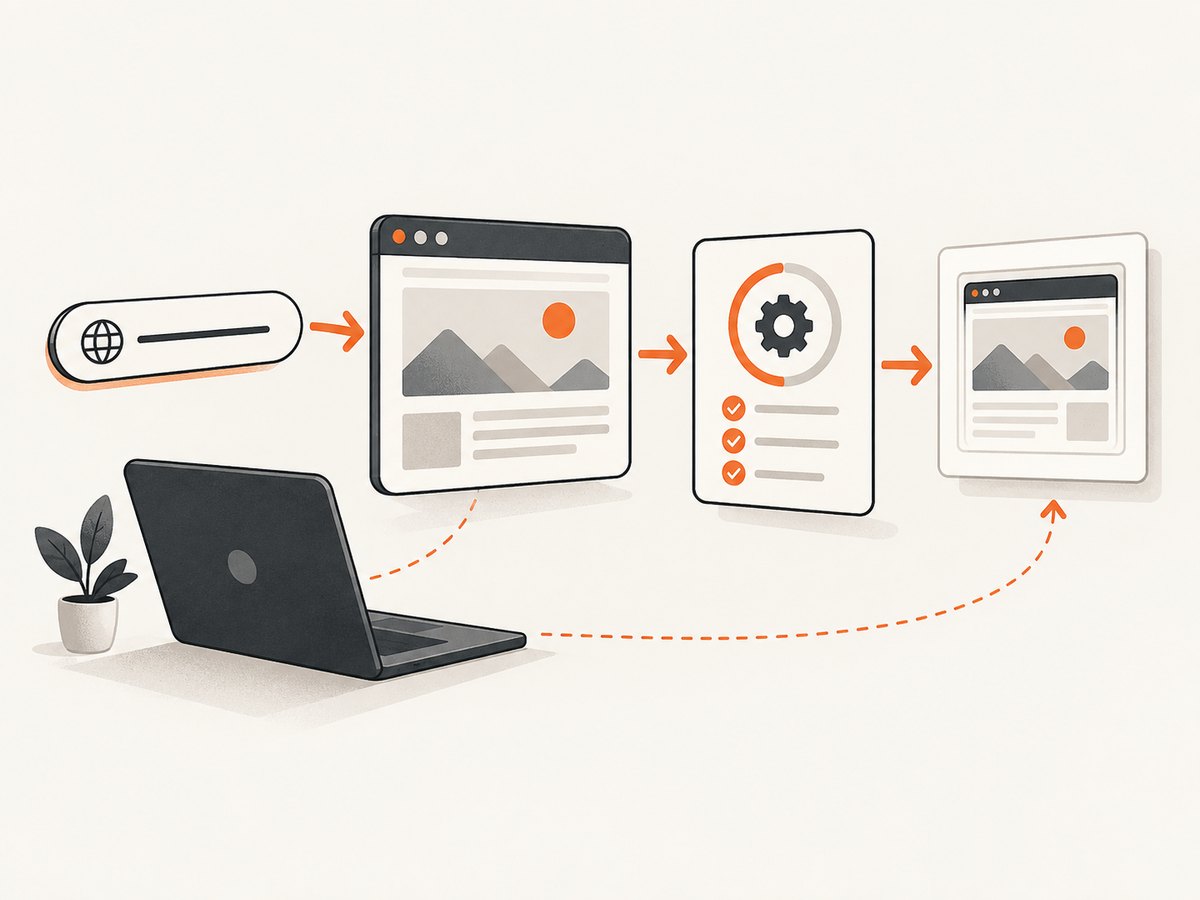
This Node.js example opens a page, waits for a meaningful selector, saves a full-page screenshot, and closes the browser even if navigation fails. It is a minimal local-browser starting point; it does not provide a managed proxy network, remote session service, or CAPTCHA-solving capability.
- Install Node.js, then create a project and install Playwright:
npm init -y
npm install playwright
npx playwright install chromium- Save this as
capture.mjs:
import { chromium } from 'playwright';

const target = process.argv[2] ?? 'https://example.com';
const browser = await chromium.launch({ headless: true });
try {
  const page = await browser.newPage({ viewport: { width: 1440, height: 900 } });
  const response = await page.goto(target, {
    waitUntil: 'domcontentloaded',
    timeout: 45_000,
  });
  if (!response) throw new Error('Navigation returned no HTTP response');
  if (!response.ok()) {
    throw new Error(`Navigation failed: HTTP ${response.status()}`);
  }
  await page.locator('body').waitFor({ state: 'visible', timeout: 15_000 });
  await page.screenshot({ path: 'page.png', fullPage: true });
  console.log(`Saved page.png (HTTP ${response.status()})`);
} finally {
  await browser.close();
}
Run it with node capture.mjs https://example.com. For a real workflow, replace the body selector with a page-specific readiness condition. A successful navigation response does not prove that the page has finished rendering the data you care about.
Useful Playwright controls
waitUntil: usedomcontentloadedfor a quick document-ready point,loadwhen load events matter, ornetworkidleonly when the page’s network behavior makes it meaningful. Analytics, polling, and long-lived requests can prevent network idle.timeout: set a finite navigation and selector timeout. Treat timeout as a recoverable outcome with a bounded retry policy, not a reason to wait forever.viewportand device settings: match the target layout. A desktop viewport can produce different responsive content from a phone-sized one.fullPage: useful for long pages, but large pages can consume more memory and may trigger lazy content only when the page scrolls. If completeness matters, scroll in controlled increments and verify expected sections.locator: prefer a selector tied to content readiness over a fixed sleep. If interaction is needed, use locators and explicit state checks before clicking or typing.
4. Configure a fair provider comparison
Do not compare a successful screenshot from one provider with an API extraction result from another and call that a browser benchmark. Define the workload, run equivalent tasks, and record the same outcomes. The reviewed comparison reports no normalized cross-provider benchmark or reproducible first-party dataset, so claims that one option is universally fastest, most reliable, or best value are not established. Oxylabs comparison and methodology context
- Choose representative pages. Include a static page, a JavaScript-rendered page, a long page with lazy images, and any interaction or region-specific case that matters to your product.
- Specify success. Define what counts: expected selector present, required fields extracted, image dimensions acceptable, or a completed user flow.
- Hold conditions steady. Use the same URL, viewport, locale, wait condition, session requirements, and run window where possible.
- Track operational results. Record completion rate, retry count, extraction or capture quality, latency, errors, and total billed usage. Avoid inferring broad performance from a small pilot.
- Check the contract and controls. Verify session duration, concurrency, proxy regions, data retention, access behavior, billing unit, included allocation, overages, and terms in current documentation.
Provider meters and included allocations differ, so headline prices are not directly comparable. Compare the cost for your measured workload, including retries, storage or bandwidth charges where applicable, and the engineering time required to operate a self-managed stack. Oxylabs comparison
5. Oxylabs pricing and migration considerations
When the dossier page was accessed, Oxylabs listed Starter at $300/month for 50 GB ($6/GB), Advanced at $550/month for 100 GB ($5.50/GB), Premium at $1,410/month for 300 GB ($4.70/GB), and custom Enterprise pricing at 400 GB and above; VAT may apply. These are volatile vendor-listed prices. Recheck the current Oxylabs product page before purchasing or using the figures in a forecast.
During migration, separate application logic from provider-specific session creation. Keep navigation steps, readiness checks, extraction rules, and output validation in your own code where practical. Put provider-specific connection settings behind a small adapter. This makes it easier to test another browser service or move to local Playwright without rewriting the whole workflow. It does not make providers behaviorally identical: cookies, proxy routing, browser versions, and session semantics still need validation.
For a screenshot-only workflow, a screenshot API can remove browser provisioning from the application. ScreenshotNeo offers a free tier of 1,000 shots/month without a card, then Starter at $5 for 3,000, Growth at $15 for 15,000, Pro at $39 for 60,000, Scale at $99 for 250,000, and Business at $249 for 1,000,000. Yearly billing gives two months free. Every feature is on every plan. Check the product site for current plan details: ScreenshotNeo.
6. Troubleshooting common failures
| Symptom | Likely cause | What to try |
|---|---|---|
| Navigation times out | Slow target, blocked request, overloaded local machine, or wait condition that never resolves | Use a finite timeout, wait for the specific content you need, inspect failed requests, and retry only a bounded number of times. |
| Screenshot is blank or incomplete | Capture occurred before client-side rendering, an overlay obscures content, or lazy content never loaded | Wait for a content selector; scroll to trigger lazy loading; check the page at the same viewport in a visible browser. |
| Works locally but fails in deployment | Browser binaries or system dependencies are missing, or the runtime lacks memory or permissions | Install the matching browser and dependencies in the deployment image; check process limits and launch logs. |
| Provider integration connects but behaves differently | Library, CDP, session, or proxy behavior differs by mode | Verify the exact integration path and test cookies, navigation, concurrency, and region behavior against a representative target. |
| Unexpected usage charges | Billing units, retries, allocations, or overages differ from assumptions | Inspect current plan terms and usage records; estimate cost from a measured pilot rather than a headline price. |
| Challenge or CAPTCHA blocks the workflow | The target is presenting an access check; provider behavior and permitted use vary | Check the provider’s current access features and the target’s terms. Do not assume a named integration guarantees the same result on every site. |
| Screenshot API reports an unclean or failed page | Page verdict may indicate a bot check, blank response, timeout, or failed load | Inspect response headers such as X-Page-Verdict and X-Billed, then adjust wait, headers, cookies, or target handling as appropriate. |
7. Performance, reliability, and cost checklist
- Keep browser work bounded. Set navigation and action timeouts, close pages and browser processes, and cap concurrency to the capacity you have measured.
- Retry selectively. Retry transient network or service failures with a limit and backoff. Repeating deterministic selector errors or access denials adds cost without fixing the cause.
- Measure useful completion. A fast response that misses content is not a successful run. Track output validation along with latency and errors.
- Account for infrastructure. Self-hosting gives control but makes your team responsible for browser installation, scaling, updates, and runtime health. Include that work when comparing service costs.
- Choose the lightest architecture that fits. Use HTTP and HTML parsing for suitable static content, a browser for rendering and interaction, an extraction API for data-oriented jobs, and a screenshot API when the deliverable is an image or PDF.
- Recheck changing terms. Plan prices, concurrency, session limits, and included usage can change. Verify current provider documentation before committing.
Or skip the browser setup
If you need a screenshot or PDF rather than arbitrary browser interaction, ScreenshotNeo turns a URL into an image with one request. Its API documentation lists the available capture options.
curl -G "https://api.screenshotneo.com/v1/shot" -d access_key=YOUR_API_KEY --data-urlencode url=https://stripe.com -o shot.webpimport requests
r = requests.get(
"https://api.screenshotneo.com/v1/shot",
params={"access_key": "YOUR_API_KEY", "url": "https://stripe.com"},
timeout=90,
)
r.raise_for_status()
with open("shot.webp", "wb") as image:
image.write(r.content)const q = new URLSearchParams({ access_key: 'YOUR_API_KEY', url: 'https://stripe.com' });
const res = await fetch(`https://api.screenshotneo.com/v1/shot?${q}`);
if (!res.ok) throw new Error(`Screenshot request failed: ${res.status}`);
await Bun.write('shot.webp', res);- Cookie banners, popups, and chat widgets are removed before the shot, and each cleanup step can be switched off.
- Bot checks, blank pages, timeouts, and failed loads are never billed; cache hits are also free.
- An MCP server lets Claude, Cursor, and other MCP clients use screenshot tools, page information, and PDF capture.
- 1,000 screenshots a month are free with no card; paid plans start at $5 for 3,000.
Create a free ScreenshotNeo account to get 1,000 screenshots per month without a card.
Frequently asked questions
Is Playwright a direct replacement for Oxylabs Headless Browser?
It replaces browser automation code, not the hosted infrastructure and bundled service controls. With Playwright, your team supplies and operates the browser environment unless you pair it with a separate managed service.
Can I use a screenshot API for browser automation?
Only when the required output is a screenshot or PDF. A screenshot API does not provide arbitrary page interaction or a general-purpose browser session.
Which provider is fastest?
The reviewed sources establish no normalized benchmark across providers. Test the same representative tasks and report the scope and conditions instead of treating a general ranking as fact.
Should I use a browser for every page?
No. For simple static pages, a direct HTTP request and HTML parser may meet the need with less browser work. Use rendering when dynamic content or interaction requires it.
How should I compare plans?
Calculate the cost of a measured workload using each provider’s current billing unit, included usage, overages, session limits, and retry behavior. Recheck prices before purchase.


