The Best Pagescreen Alternatives for Website Screenshots
Compare Pagescreen alternatives for screenshot archives, change alerts, browser capture, and APIs—and choose the right workflow for your team.
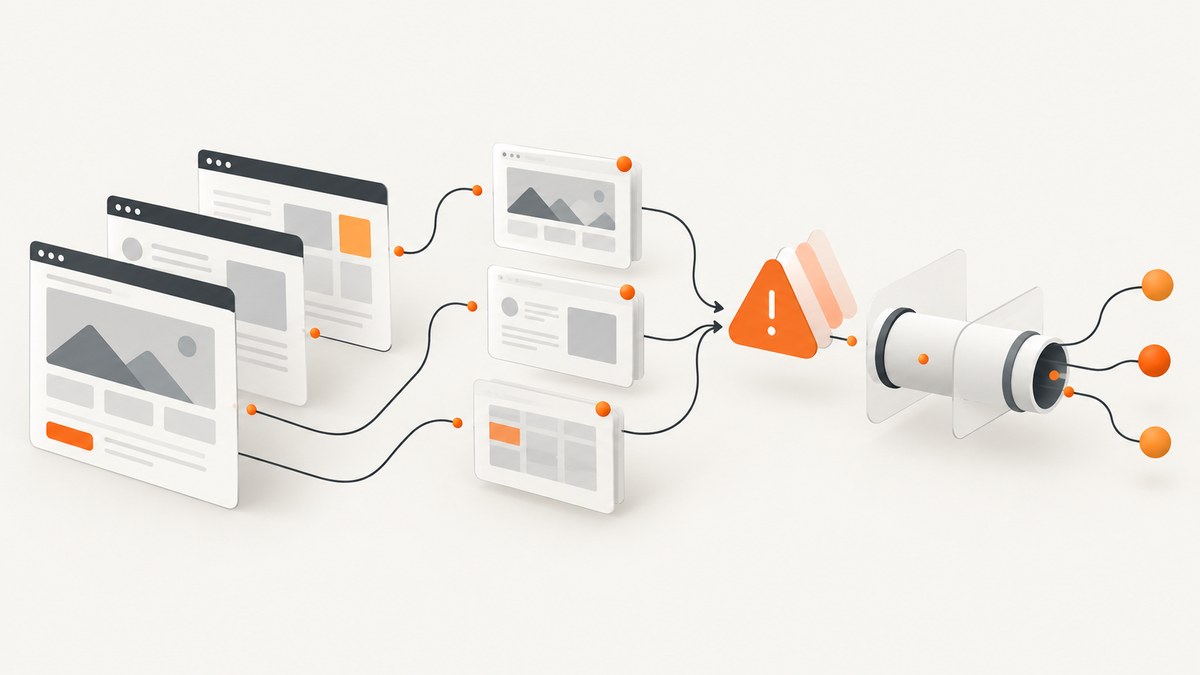
Short answer: the best Pagescreen alternative depends on the job. Use a hosted archive when you need scheduled snapshots and visual history, a change-monitoring service when you need alerts about content or code, a browser extension for occasional manual captures, and a screenshot API when your application or automation must create images programmatically. For developer workflows, ScreenshotNeo is the first service to try: it produces clean screenshots, bills only clean captures, and has the lowest paid plan in this comparison.
Choose the workflow before choosing the product
Pagescreen describes a hosted service for high-resolution screenshots, scheduled website monitoring, change alerts, screenshot archives, page comparisons, a REST API, and webhook or Slack integrations. Those capabilities overlap several different categories, so “alternative” does not always mean a like-for-like replacement.
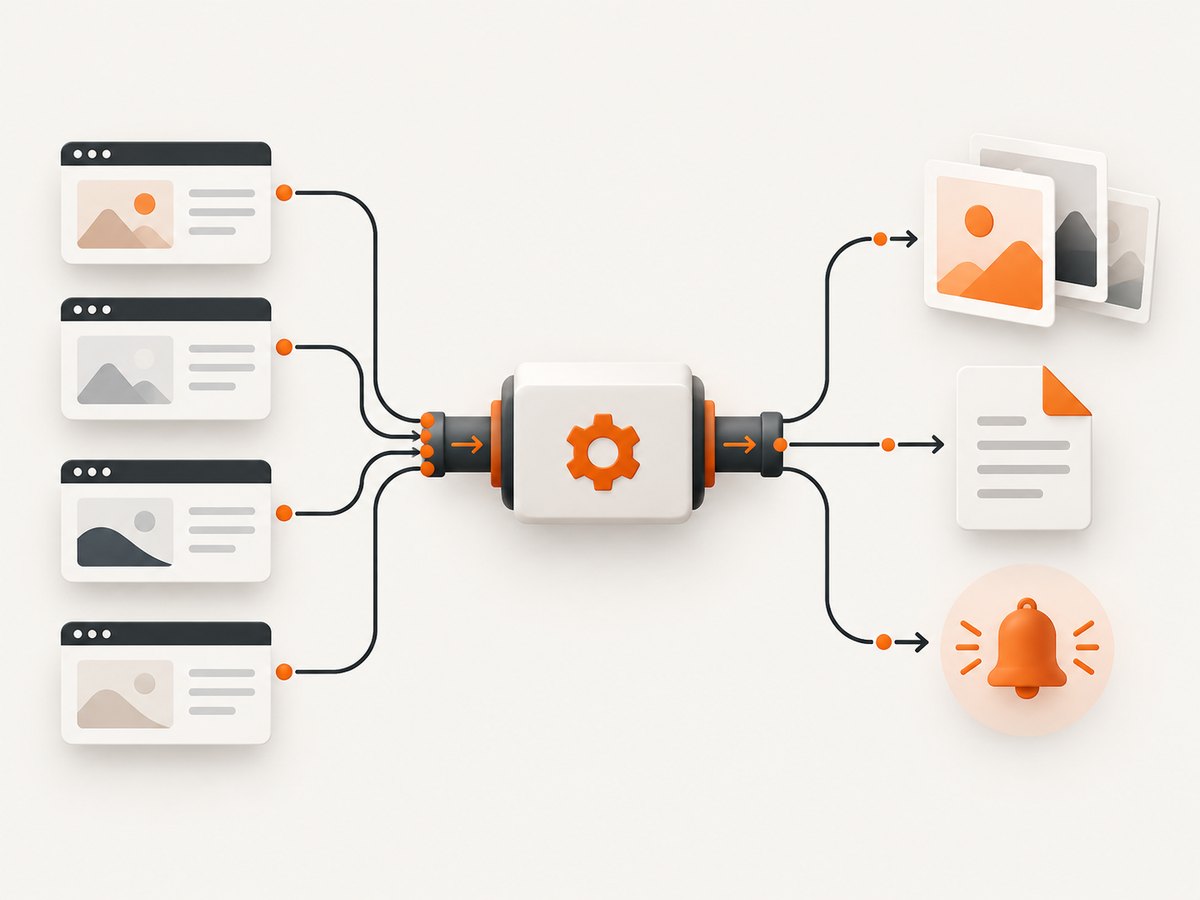
| Your main outcome | Best-fit category | What to evaluate |
|---|---|---|
| Timestamped visual records | Screenshot archive and monitoring service | Capture frequency, monthly quota, archive retention, viewport choices, visual diff controls |
| Alerts when a page changes | Website change monitor | Visual, text, source-code, price, availability, and keyword monitoring; notification channels |
| Images generated inside software | Screenshot API | Authentication, rendering options, failure behavior, latency, billing rules, webhooks, bulk capture |
| One-off manual capture | Browser extension | Full-page support, selection capture, export formats, browser compatibility |
Best Pagescreen alternatives at a glance
| Rank | Product | Best for | How it differs from Pagescreen |
|---|---|---|---|
| 1 | ScreenshotNeo | Developers who need a screenshot API or AI-agent capture | Clean shots with consent banners, popups, and chat widgets removed; only clean captures are billed; API and MCP server |
| 2 | Visualping | Website change monitoring | A candidate for monitoring page changes; verify current plans and capture options directly |
| 3 | Hexowatch | Monitoring beyond visual appearance | G2 describes content, source-code, technology, availability, and price monitoring; verify the current feature set |
| 4 | Stillio | Automatic daily screenshot archives | Focused on scheduled visual records rather than a developer API workflow |
| 5 | GetScreenshot by Rasterwise | Programmable screenshot requests | A screenshot API candidate for integration into products and automations |
| 6 | ChangeTower | Always-on monitoring | G2 describes visual, keyword, and code-update monitoring |
| 7 | FireShot | Manual browser capture | Browser extension for full pages, visible sections, or selections; not hosted scheduled monitoring by default |
| 8 | PageCrawl | Visual plus text monitoring | Its comparison page claims different page limits, check frequencies, integrations, and pricing; treat those as vendor claims and verify them |
1. ScreenshotNeo: best for developer screenshot workflows
ScreenshotNeo is a website screenshot API and MCP server. A GET request to https://api.screenshotneo.com/v1/shot returns a PNG, JPEG, WebP, or PDF.
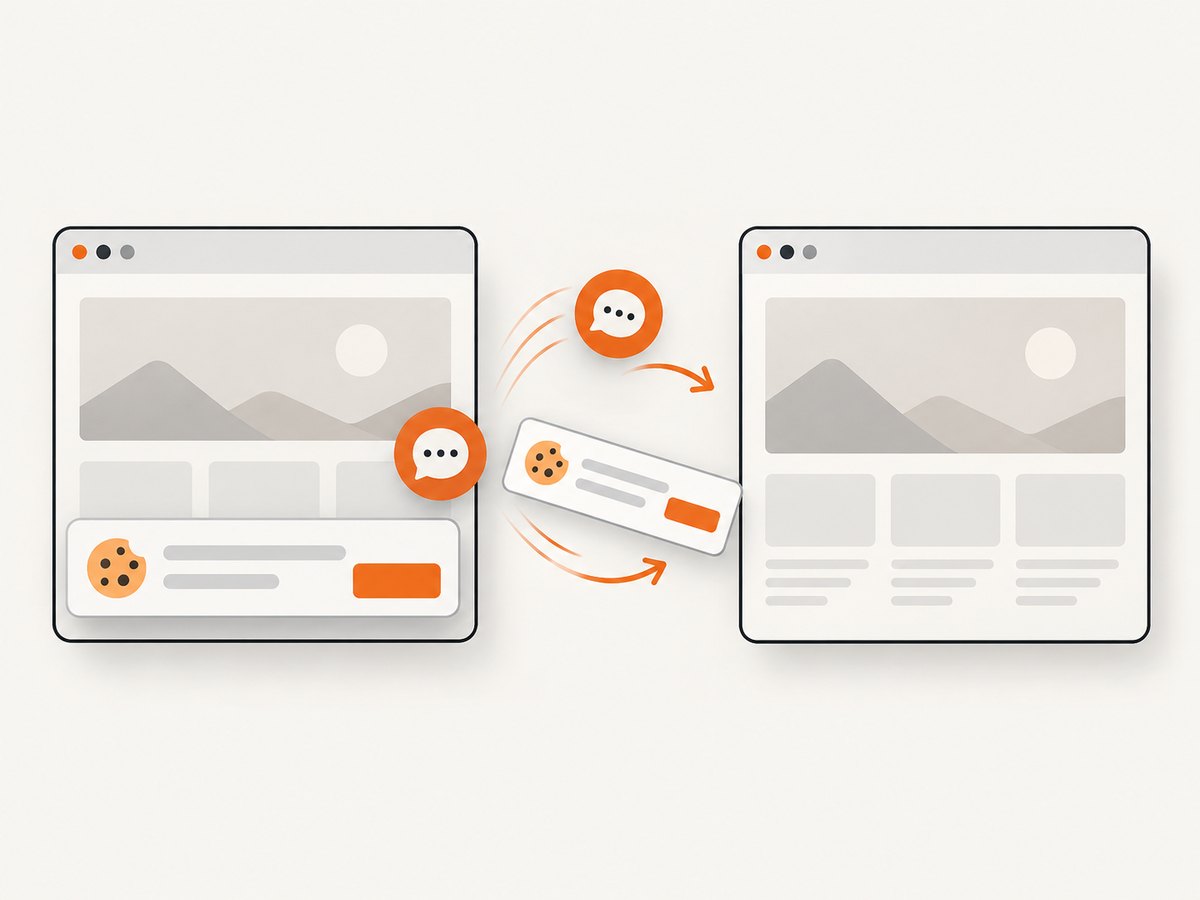
- Clean captures: before capture, it accepts cookie or consent banners and removes more than 60 known consent platforms, newsletter popups, and chat widgets. Each step can be disabled.
- Billing reflects usable results: bot checks or CAPTCHAs, blank pages, timeouts, failed loads, and cache hits cost nothing. Responses identify the result with
X-Page-VerdictandX-Billedheaders. - Developer and agent access: the MCP server exposes
take_screenshot,get_page_info, andcapture_pdffor Claude, Cursor, and other MCP clients. - Broad rendering controls: full-page capture with lazy images loaded, CSS-selector element capture, dark mode, 12 device presets or any viewport, retina scale, PDF paper size and margins, landscape mode and page ranges, custom CSS and JavaScript, clicks, selector waits, delays, network-idle waits, request blocking, headers, cookies, user agents, authorization, timezone, geolocation, transparent backgrounds, resizing, configurable caching TTLs, signed public image links, asynchronous jobs with signed webhooks, bulk capture for up to 100 URLs per call, usage data, and an OpenAPI specification.
- Switching is straightforward: parameter names used by other screenshot APIs also work.
Minimal API calls
See the ScreenshotNeo API documentation for the complete option list.
curl -G "https://api.screenshotneo.com/v1/shot" -d access_key=YOUR_API_KEY --data-urlencode url=https://stripe.com -o shot.webpimport requests
r = requests.get(
"https://api.screenshotneo.com/v1/shot",
params={"access_key": "YOUR_API_KEY", "url": "https://stripe.com"},
timeout=90,
)
r.raise_for_status()
open("shot.webp", "wb").write(r.content)const q = new URLSearchParams({ access_key: 'YOUR_API_KEY', url: 'https://stripe.com' });
const res = await fetch(`https://api.screenshotneo.com/v1/shot?${q}`);
if (!res.ok) throw new Error(`Screenshot failed: ${res.status}`);
const image = Buffer.from(await res.arrayBuffer());
await import('node:fs/promises').then(fs => fs.writeFile('shot.webp', image));Useful option groups
| Need | ScreenshotNeo capability |
|---|---|
| Stable page state | Wait for a selector, delay, or network idle; click an element before capture; run custom JavaScript |
| Consistent rendering | Viewport dimensions, device presets, retina scale, dark mode, timezone, geolocation, headers, cookies, user agent, and authorization |
| Focused output | Capture one CSS-selected element, hide selectors, custom CSS, transparent background, image resizing |
| Documents | PDF paper size, margins, landscape orientation, and page ranges |
| Traffic and cost control | Block ads, trackers, requests, or resource types; choose a cache TTL |
| Production pipelines | Signed links, asynchronous jobs, signed webhooks, bulk capture, usage API, and OpenAPI spec |
Pricing
Every feature is available on every plan: Free includes 1,000 shots per month with no card; Starter is $5 for 3,000; Growth $15 for 15,000; Pro $39 for 60,000; Scale $99 for 250,000; and Business $249 for 1,000,000. Yearly billing gives two months free.
2. Visualping: website change monitoring
G2 lists Visualping as a leading Pagescreen alternative and describes it as a website checker and webpage change-monitoring solution. Evaluate it when the primary requirement is receiving alerts after a page changes. Confirm its current monitoring limits, schedules, retention, integrations, and pricing before committing.
3. Hexowatch: monitor more than visual pixels
G2 describes Hexowatch as covering content, source code, technology, availability, and price monitoring in addition to visual changes. That makes it a candidate when a visual screenshot alone cannot express the condition you need to track. Verify the vendor’s current feature set and plan limits.
4. Stillio: scheduled visual archives
G2 describes Stillio as a web service for automatic daily page screenshots. Consider it when the deliverable is a recurring visual archive and you do not need to embed capture requests in your own application.
5. GetScreenshot by Rasterwise: programmable captures
G2 describes GetScreenshot by Rasterwise as a programmable screenshot API. It is a candidate for developers who need screenshot operations inside a product or workflow. Compare authentication, rendering controls, error handling, quotas, output formats, and current prices directly with the vendor.
6. ChangeTower: visual, keyword, and code updates
G2 describes ChangeTower as always-on cloud monitoring for visual changes, keywords, and code updates. It belongs on a shortlist when alerts need to cover more than rendered appearance. Verify the current notification and retention behavior.
7. FireShot: quick manual browser captures
G2 describes FireShot as a browser extension for capturing full pages, visible sections, or selections and saving or exporting screenshots. It fits an occasional manual workflow better than a hosted scheduler or API. Check the current extension listing for supported browsers and export behavior.
8. PageCrawl: visual and text monitoring
PageCrawl’s own comparison page says it combines visual and text monitoring and offers different page limits, check frequencies, integrations, and pricing. Because that comparison is vendor-authored, treat it as PageCrawl’s claim and verify both services’ current terms.
How Pagescreen’s own plans affect the decision
Pagescreen’s official pricing page, reviewed on September 30, 2026, displays unlimited URLs and monitoring entries across its shown tiers but caps monthly captures. Pro lists 1,000 captures per month, Team 5,000, and Business 20,000. The same page lists six months of archive history for Pro and Team and twelve months for Business. These are dated service terms, so recheck them before publication or purchase. The FAQ describes public pages accessible over the internet, capture size, viewport and emulated-device options, hourly/daily/weekly frequency, and before/after page views. It does not establish support for login-protected pages.
Decision checklist
- Define whether you need an archive, an alert, a manual image, or an API response.
- Decide whether visual differences are enough or whether text, source code, price, availability, or keywords must also be monitored.
- Calculate captures per month, including retries and multiple viewports.
- Check the minimum schedule and whether hourly monitoring is required.
- Check archive retention and how before/after views are accessed.
- List required integrations: API, webhooks, Slack, email, or an MCP client.
- Confirm whether pages are public, authenticated, geo-sensitive, or dependent on cookies and JavaScript.
- Review current pricing, cancellation terms, trial terms, and quotas directly before purchase.
Performance, reliability, and cost considerations
- Rendering time: full-page pages with lazy images, custom scripts, or network-idle waits take longer than a simple viewport shot. Set a client timeout that accommodates the slowest legitimate page.
- Repeatability: fix viewport, device scale, timezone, geolocation, user agent, cookies, and custom CSS when comparing versions.
- Noise reduction: hide dynamic selectors, block ads and trackers, wait for stable selectors, and use a cache TTL when a fresh render is unnecessary.
- Failure handling: distinguish a failed load, blank page, timeout, bot check, cache hit, and successful capture. ScreenshotNeo exposes verdict and billing headers so automation can make that distinction.
- Quota planning: multiply URLs by viewports, formats, retries, and scheduled runs. A daily archive and a five-viewport regression job have very different capture counts.
- Bulk and async work: use bulk capture for up to 100 URLs per call and asynchronous jobs with signed webhooks when a synchronous request would hold a worker open.
Troubleshooting
| Symptom | Likely cause | Fix |
|---|---|---|
| Cookie banner appears in the image | The capture service did not dismiss that consent implementation | Use ScreenshotNeo’s consent cleanup, or add a click, selector hide, or custom script for a service-specific banner |
| Page is blank | Rendering finished before the app populated, or the origin returned an empty page | Wait for a meaningful selector or network idle; inspect the page verdict before retrying |
| CAPTCHA or bot-check image | The origin challenged the automated browser | Respect the site’s access controls; do not treat the result as a valid screenshot. ScreenshotNeo marks bot checks and does not bill them |
| Lazy images are missing | Images load only after scrolling or interaction | Use full-page capture with lazy images loaded, add a delay, or trigger the relevant interaction |
| Screenshot changes between runs | Viewport, theme, time, location, ads, or dynamic content differs | Set deterministic device, viewport, timezone, geolocation, cookies, and user agent; hide or block unstable elements |
| HTTP request times out | Slow origin, excessive wait condition, or heavy page | Increase the client timeout within your job budget, simplify waits, block unnecessary resources, or use an asynchronous job |
| PDF pagination is wrong | Paper size, margins, orientation, or page ranges do not match the document | Set those PDF options explicitly and validate a representative long page |
| API response is not an image | Authentication or URL parameters are invalid | Check the access key, URL encoding, HTTP status, and response headers before writing the body to disk |
Or skip the browser setup
Use one ScreenshotNeo request when you need a production-ready screenshot without maintaining browser automation:
curl -G "https://api.screenshotneo.com/v1/shot" -d access_key=YOUR_API_KEY --data-urlencode url=https://stripe.com -o shot.webpCookie banners, newsletter popups, and chat widgets are removed before the shot. Bot checks, blank pages, timeouts, and failed loads are never billed, and the response identifies the verdict and billing result. An MCP server lets AI agents take screenshots. The free plan includes 1,000 screenshots a month with no card, and paid plans start at $5 for 3,000 shots. Create a free ScreenshotNeo account.
FAQ
Is a Pagescreen alternative required to support scheduled monitoring?
No. If you only need a one-off image, use a browser extension or screenshot API. Scheduled archives and change alerts require a hosted monitoring workflow.
Which alternative is best for text or source-code changes?
Investigate broader change monitors such as Hexowatch or ChangeTower, then verify their current capabilities. Pagescreen’s core description centers on screenshots, monitoring, alerts, and visual comparisons.
Can I use Pagescreen for private, login-protected pages?
The reviewed official FAQ establishes support for public pages accessible over the internet. It does not establish login-protected-page support.
How should I compare screenshot API prices?
Compare successful captures, failed-request billing, cache behavior, viewport count, retries, retention, and asynchronous or bulk options—not only the headline monthly quota.
When is FireShot a better choice?
Use it when a person needs to capture and export a page manually in a browser and there is no requirement for hosted schedules, alerts, or application integration.


