How to Get Screenshot Resolution from the Google PageSpeed Insights API
Read screenshot width and height from the PageSpeed Insights API JSON, distinguish page_rect and snapshots, and parse them safely in Python, Node.js, or cURL.
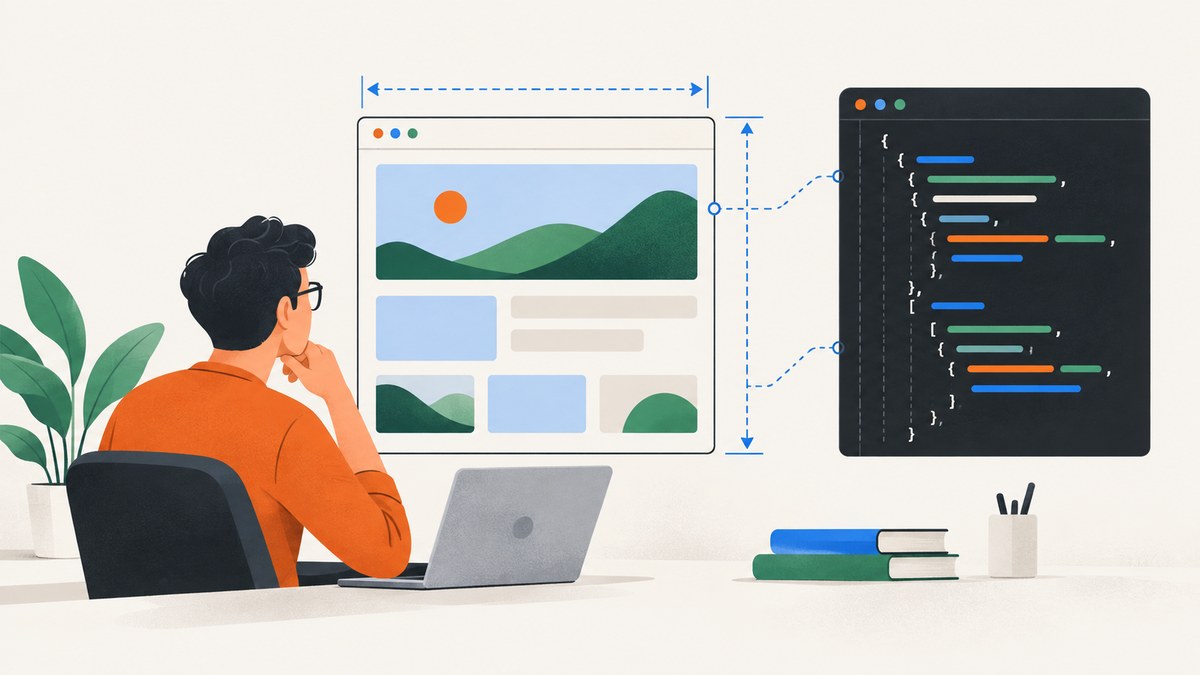
To get screenshot resolution from the Google PageSpeed Insights API, read the width and height fields on the Lighthouse screenshot object in the JSON response. These values are the screenshot image dimensions in pixels. They are not a universal fixed resolution for every PageSpeed Insights run.
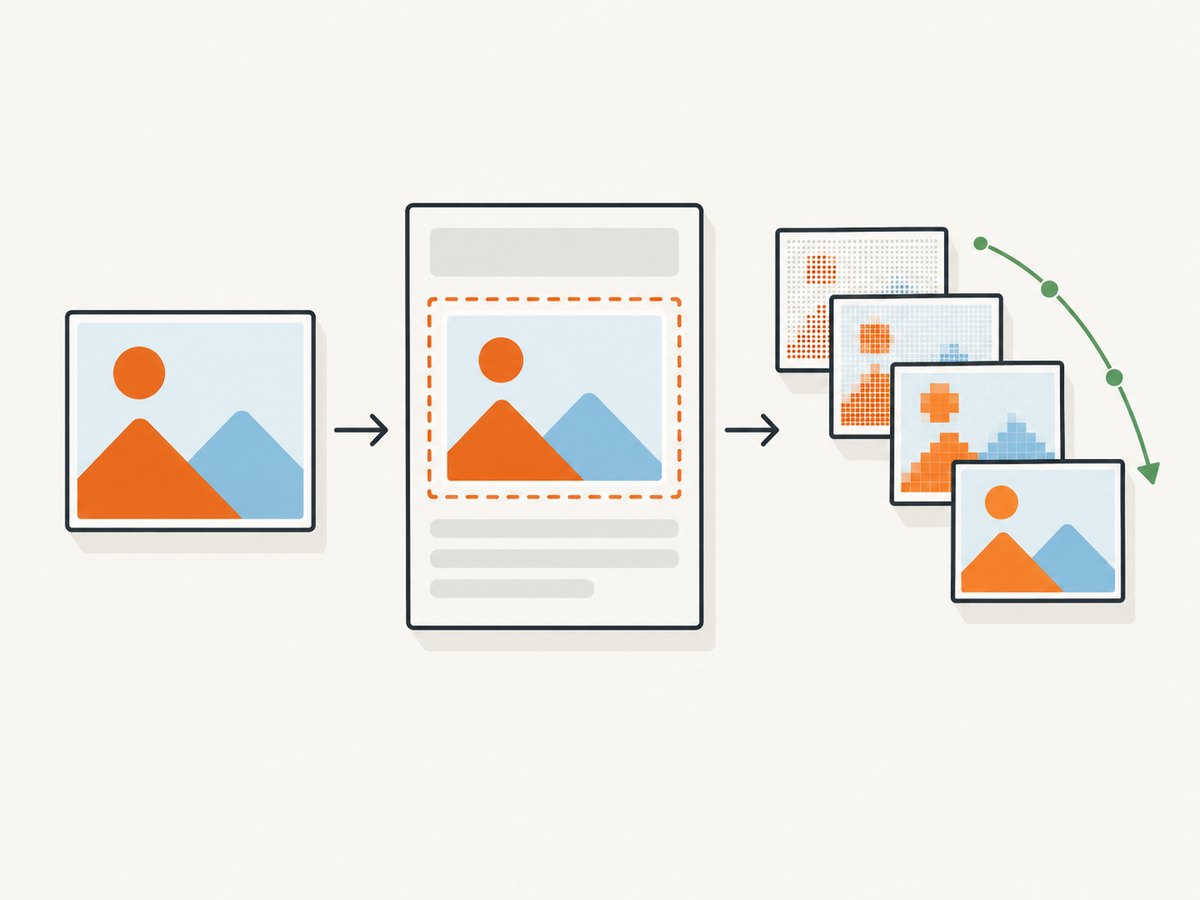
The response can also contain page_rect, which describes page-region geometry, and snapshots[], which contains additional images from partial render states. Treat those as separate structures.
1. Direct answer: where screenshot width and height are
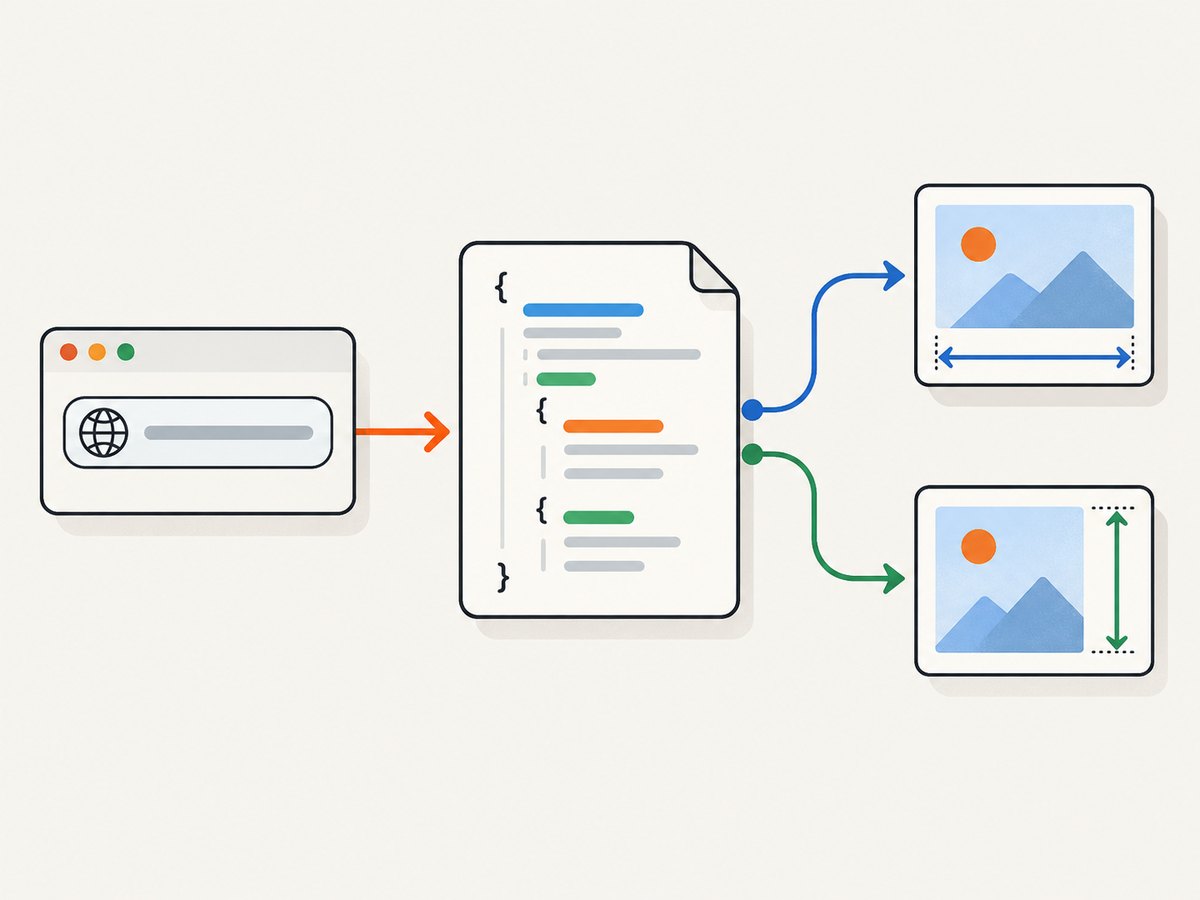
PageSpeed Insights v5 returns a JSON document from runPagespeed. In the Lighthouse result, locate the screenshot object and read:
| Field | Meaning |
|---|---|
screenshot.width |
Screenshot image width in pixels |
screenshot.height |
Screenshot image height in pixels |
screenshot.mime_type |
Image media type, such as PNG or JPEG, when present |
screenshot.data |
Base64-encoded image bytes, when included |
screenshot.page_rect |
Coordinates and dimensions of the captured page region |
screenshot.snapshots[] |
Additional screenshots captured during partial render states |
Google’s API reference documents width and height as integer pixel properties on the screenshot object. See the PageSpeed Insights API v5 reference.
2. Request a PageSpeed Insights result
Send a GET request to https://www.googleapis.com/pagespeedonline/v5/runPagespeed with a URL-encoded url parameter. Google also documents an optional API key for requests in its PageSpeed Insights getting-started guide.
curl -G 'https://www.googleapis.com/pagespeedonline/v5/runPagespeed' \
  --data-urlencode 'url=https://example.com' \
  -o psi.json
If you use a key, add --data-urlencode 'key=YOUR_API_KEY'. Keep the requested URL encoded so query strings and special characters are preserved.
3. Locate the screenshot object safely
The exact nesting can vary with the returned Lighthouse details. A common v5 response places the primary screenshot in the final-screenshot audit’s details object:
response
└── lighthouseResult
    └── audits
        └── final-screenshot
            └── details
                ├── width
                ├── height
                ├── mimeType
                ├── data
                ├── pageRect
                └── screenshots
Use the object that is actually present in your response. Do not assume that a screenshot exists, that its fields are populated, or that the screenshot dimensions equal your browser viewport.
4. Python: read the dimensions
This example requests PSI, checks for the usual final-screenshot audit, and prints the dimensions without decoding the image.
import os
import requests

endpoint = "https://www.googleapis.com/pagespeedonline/v5/runPagespeed"
params = {
    "url": "https://example.com",
}
if os.getenv("PAGESPEED_API_KEY"):
    params["key"] = os.environ["PAGESPEED_API_KEY"]

response = requests.get(endpoint, params=params, timeout=90)
response.raise_for_status()
data = response.json()

lighthouse = data.get("lighthouseResult", {})
audit = lighthouse.get("audits", {}).get("final-screenshot", {})
details = audit.get("details") or {}

width = details.get("width")
height = details.get("height")
if width is None or height is None:
    raise RuntimeError("No screenshot width/height was returned in final-screenshot.details")

print(f"Screenshot resolution: {width} x {height} pixels")
print(f"Image type: {details.get('mimeType') or details.get('mime_type', 'unknown')}")
For a response that exposes a top-level Lighthouse screenshot object instead, pass that object to the same field-reading logic. The important rule is to read the dimensions from the screenshot object supplied by the response, rather than calculating them from viewport settings.
5. Node.js: read the dimensions
const endpoint = new URL('https://www.googleapis.com/pagespeedonline/v5/runPagespeed');
endpoint.searchParams.set('url', 'https://example.com');
if (process.env.PAGESPEED_API_KEY) {
  endpoint.searchParams.set('key', process.env.PAGESPEED_API_KEY);
}

const response = await fetch(endpoint);
if (!response.ok) {
  throw new Error(`PageSpeed request failed: ${response.status} ${response.statusText}`);
}

const data = await response.json();
const details = data.lighthouseResult?.audits?.['final-screenshot']?.details;

if (!details || details.width == null || details.height == null) {
  throw new Error('No screenshot width/height was returned in final-screenshot.details');
}

console.log(`Screenshot resolution: ${details.width} x ${details.height} pixels`);
console.log(`Image type: ${details.mimeType ?? details.mime_type ?? 'unknown'}`);
6. cURL plus command-line extraction
Save the JSON first, then extract the fields with jq:
curl -G 'https://www.googleapis.com/pagespeedonline/v5/runPagespeed' \
  --data-urlencode 'url=https://example.com' \
  -o psi.json

jq -r '
  .lighthouseResult.audits["final-screenshot"].details
  | "\(.width) x \(.height) pixels"
' psi.json
If the path is absent, inspect the response with jq '.lighthouseResult.audits["final-screenshot"]' and adjust your parser to the screenshot object that was returned.
7. Screenshot dimensions versus viewport and page rectangle
screenshot.width and screenshot.height
These describe the image’s pixel dimensions. They answer: “How many pixels are in the screenshot image?”
Viewport settings
Viewport width and height are browser configuration values recorded in Lighthouse settings. Device emulation, device scale factor, responsive layout, and capture behavior can affect the resulting image. A viewport value therefore should not be substituted for the screenshot’s reported dimensions.
page_rect
page_rect is separate from the image dimensions. Its left, top, width, and height fields describe page-region coordinates and geometry. Use it when you need to understand which page region was represented, not when you need the encoded image’s resolution.
snapshots[]
snapshots[] contains additional screenshots from partial render states. Each snapshot has its own dimensions. Do not assume that a snapshot’s width and height match the primary screenshot.
8. Why PSI screenshot size changes between runs
Pixel dimensions belong to the specific response you received. Differences can result from the run’s configuration and environment, including the selected device settings, Lighthouse version, user agent, requested URL, and timing. Lighthouse exposes run metadata such as version, fetch time, URLs, user agent, and configuration settings in the result.
When comparing captures, record those metadata fields alongside width and height. Comparing only the numbers can hide a configuration change.
9. Troubleshooting
| Symptom | Likely cause | Fix |
|---|---|---|
width or height is missing |
The screenshot audit was not returned, or the response shape differs. | Check the HTTP response and inspect lighthouseResult.audits["final-screenshot"] before reading fields. |
| Parser reports “cannot read properties of undefined” | An intermediate object such as lighthouseResult or details is absent. |
Use optional chaining or dictionary get calls and emit a useful error when dimensions are unavailable. |
| Dimensions do not equal the viewport | Viewport configuration and output image pixels are different concepts. | Use screenshot.width and screenshot.height for image resolution; inspect configuration metadata for viewport context. |
page_rect.width differs from screenshot.width |
They describe different things: page geometry versus image pixels. | Use the field that matches your question and report both labels clearly. |
| Snapshot dimensions differ from the main screenshot | snapshots[] images represent partial render states. |
Read dimensions from each snapshot object independently. |
| Base64 decoding fails | The value is absent, truncated, or not the image field you intended to decode. | Read dimensions directly from JSON first; decode only when you need the image bytes and verify the returned MIME type. |
| Request takes too long or returns an API error | The page or API request failed before a complete Lighthouse result was produced. | Check the response status and error body, use a reasonable client timeout, and retry according to your application’s policy. |
10. Performance, reliability, and cost considerations
- Parsing
widthandheightfrom JSON is cheaper and simpler than decoding the base64 image. - Store the requested URL, fetch time, Lighthouse version, user agent, and configuration with the dimensions when you need reproducible comparisons.
- Handle missing screenshot data as a normal API outcome rather than crashing a batch job.
- For batch processing, validate each response independently because one failed page should not invalidate other results.
- Google’s getting-started guide says PSI combines Lighthouse lab data with Chrome User Experience Report data and describes Google’s plan to discontinue CrUX data in this API in favor of the CrUX API or CrUX History API. Recheck Google’s documentation when building a long-lived integration.
11. Or skip the browser setup
If you need a screenshot at a requested URL rather than Lighthouse’s performance report, ScreenshotNeo provides a single screenshot API request. Its API returns PNG, JPEG, WebP, or PDF output, while the PageSpeed workflow returns a JSON analysis document.
See the ScreenshotNeo API documentation for all options. A basic request is:
curl -G "https://api.screenshotneo.com/v1/shot" -d access_key=YOUR_API_KEY --data-urlencode url=https://stripe.com -o shot.webpimport requests
r = requests.get("https://api.screenshotneo.com/v1/shot", params={"access_key": "YOUR_API_KEY", "url": "https://stripe.com"}, timeout=90)
open("shot.webp", "wb").write(r.content)const q = new URLSearchParams({ access_key: 'YOUR_API_KEY', url: 'https://stripe.com' });
const res = await fetch(`https://api.screenshotneo.com/v1/shot?${q}`);Cookie banners, newsletter popups, and chat widgets are removed before the shot. Bot checks, blank pages, timeouts, failed loads, and cache hits are not billed, and response headers report the page verdict and billing result. An MCP server lets AI agents use take_screenshot, get_page_info, and capture_pdf. The Free plan includes 1,000 screenshots a month with no card, and paid plans start at $5 for 3,000 screenshots.
Create a free ScreenshotNeo account.
12. FAQ
Can I determine resolution without decoding the image?
Yes. Read the screenshot object’s width and height fields directly from the JSON.
Are PSI screenshot dimensions fixed?
No. They describe the image returned for a particular run and configuration.
Should I use page_rect for image resolution?
No. Use screenshot.width and screenshot.height for image pixels. Use page_rect for page-region geometry.
Where do filmstrip-like dimensions belong?
Inspect each item in snapshots[]; each additional image has its own dimensions.
Does the API response always contain a screenshot?
Your parser should allow for a missing screenshot object or missing fields and report that condition clearly.


