How to Pass Authentication Tokens to Headless Chrome with Puppeteer
Use the authentication method your site expects: a bearer header, HTTP authentication, or a session cookie. See runnable Puppeteer examples, safer credential scoping, troubleshooting, and a screenshot API shortcut.
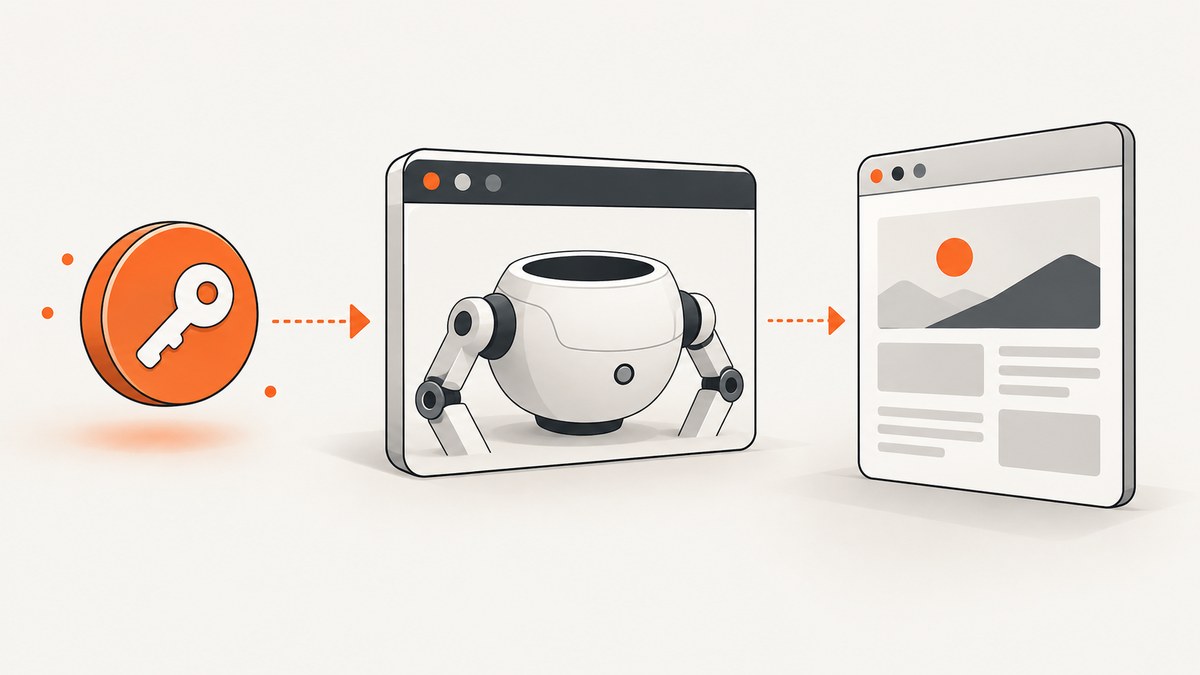
To pass an authentication token to headless Chrome with Puppeteer, first identify how the target site expects credentials. For a bearer token or custom authorization header, call page.setExtraHTTPHeaders() before navigation. For HTTP authentication, use page.authenticate(). For an existing browser session, set its cookie in a browser context before navigation. Headless mode does not require a different authentication API.
The simplest bearer-token example is:
await page.setExtraHTTPHeaders({
  authorization: `Bearer ${process.env.ACCESS_TOKEN}`,
});
await page.goto('https://example.com/private');
Choose the method that matches the server’s authentication contract; these mechanisms are not interchangeable. Puppeteer’s header method applies extra headers to every request initiated by that page, so keep a credential-bearing page scoped to the intended site. See the Puppeteer header API and the ScreenshotNeo API documentation.
1. Identify the authentication mechanism
Before changing browser code, check the site’s API or login documentation. A protected route might expect an Authorization: Bearer … header, HTTP Basic or Digest authentication, or a session cookie issued after login. Putting a credential in the wrong place typically produces an unauthenticated response even though Puppeteer successfully loaded the page.
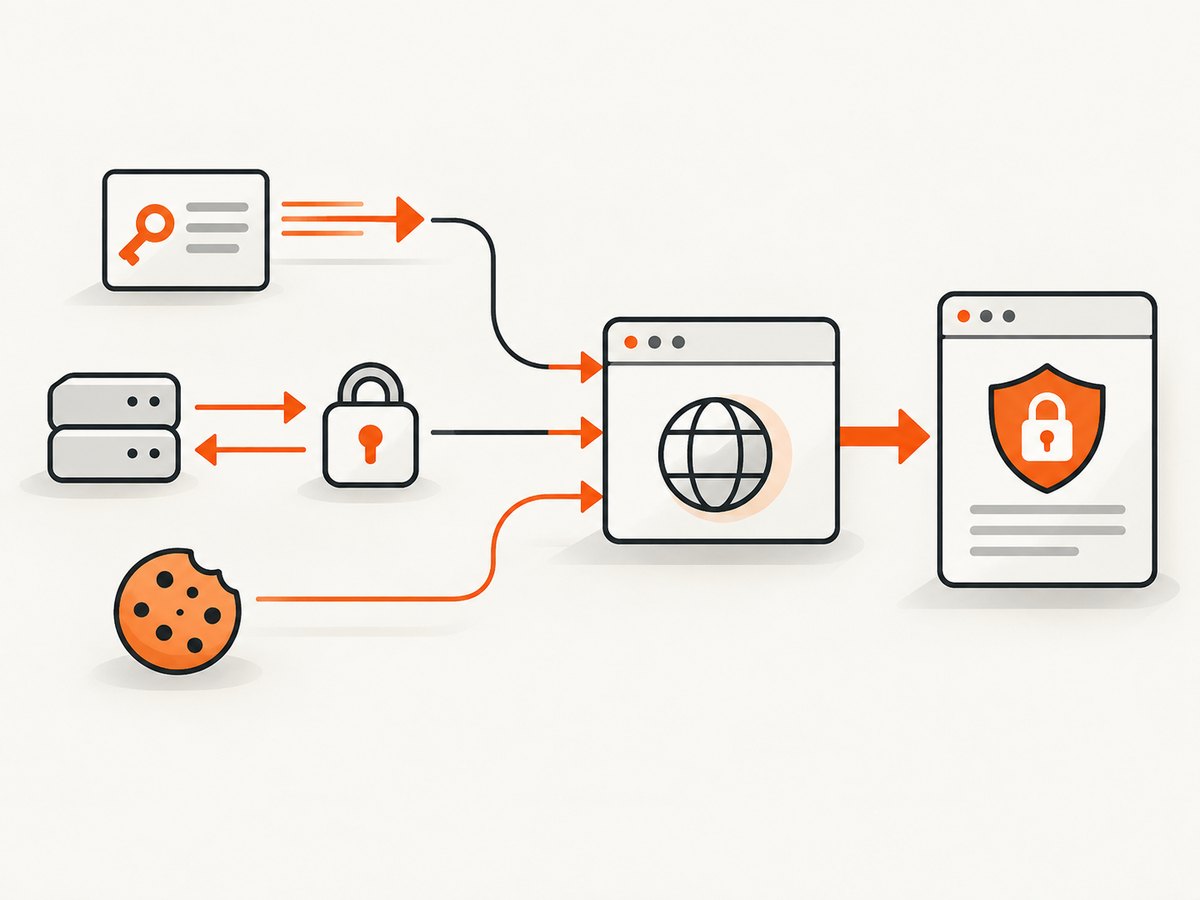
| What the site expects | Puppeteer method | Scope and tradeoff |
|---|---|---|
| Bearer token or custom header | page.setExtraHTTPHeaders() |
Sent with every request initiated by that page. |
| HTTP authentication challenge | page.authenticate() |
For HTTP authentication; Puppeteer enables interception internally. |
| Existing browser session | context.setCookie() |
Cookie state belongs to that browser context. |
| Token only for selected requests | Request interception and request.continue() |
More control, but every intercepted request needs a resolution. |
Headless Chrome is a launch mode, not an authentication protocol. The same credential choice applies whether Chrome runs headless or with a visible window.
2. Set a bearer token or custom header
Install Puppeteer in a Node.js project with npm install puppeteer. Puppeteer’s package manages a compatible browser for its standard installation. Set the token in the environment rather than writing it into source control.
import puppeteer from 'puppeteer';

const token = process.env.ACCESS_TOKEN;
if (!token) throw new Error('Set ACCESS_TOKEN before running this script');

const browser = await puppeteer.launch({ headless: true });
try {
  const page = await browser.newPage();
  await page.setExtraHTTPHeaders({
    authorization: `Bearer ${token}`,
    accept: 'text/html,application/xhtml+xml',
  });

  const response = await page.goto('https://example.com/private', {
    waitUntil: 'domcontentloaded',
    timeout: 30_000,
  });
  console.log('HTTP status:', response?.status());
  console.log('Page title:', await page.title());
} finally {
  await browser.close();
}
Set headers before goto() so the initial document request includes them. Header names are lowercased by Puppeteer, and outgoing header order is not guaranteed; HTTP header names are case-insensitive. Header values must be strings. The extra headers go with every request made by the page, including requests to third-party origins embedded in the page. Do not reuse this page to visit unrelated sites while it carries a secret.
If the service expects a different header, use its exact documented name and format. For example, a custom key header may be called x-api-key; do not assume it accepts a bearer token. Never log the full token or include it in an error report. If you need to remove the extra credentials before navigating elsewhere, replace the header set with only the safe headers needed for that destination.
3. Use HTTP authentication when the server challenges the browser
For HTTP authentication, configure credentials with page.authenticate(). This is not a generic way to attach a bearer token. Puppeteer turns on request interception behind the scenes to implement HTTP authentication, which may affect performance.
import puppeteer from 'puppeteer';

const username = process.env.HTTP_AUTH_USER;
const password = process.env.HTTP_AUTH_PASSWORD;
if (!username || !password) throw new Error('Set HTTP_AUTH_USER and HTTP_AUTH_PASSWORD');

const browser = await puppeteer.launch({ headless: true });
try {
  const page = await browser.newPage();
  await page.authenticate({ username, password });
  const response = await page.goto('https://example.com/private', {
    waitUntil: 'domcontentloaded',
    timeout: 30_000,
  });
  console.log('HTTP status:', response?.status());
} finally {
  await browser.close();
}
The credentials object contains username and password. If authentication should be disabled on a page, Puppeteer documents passing null to page.authenticate(null). Avoid mixing methods without a reason: use the protocol the server actually asks for. Consult Puppeteer’s Page API for the authentication method and its interception note.
4. Reuse an existing authenticated session cookie
When you already have a valid session cookie, set it on the browser context before the first navigation. Use the cookie values and attributes issued by the application. The name and URL below are examples; a real cookie may require a domain, path, expiration, sameSite, secure, or httpOnly setting that matches the site.
import puppeteer from 'puppeteer';

const value = process.env.SESSION_COOKIE;
if (!value) throw new Error('Set SESSION_COOKIE before running this script');

const browser = await puppeteer.launch({ headless: true });
const context = await browser.createBrowserContext();
try {
  await context.setCookie({
    name: 'session',
    value,
    url: 'https://example.com',
    httpOnly: true,
    secure: true,
  });
  const page = await context.newPage();
  const response = await page.goto('https://example.com/private', {
    waitUntil: 'domcontentloaded',
    timeout: 30_000,
  });
  console.log('HTTP status:', response?.status());
} finally {
  await context.close();
  await browser.close();
}
A newly created browser context isolates its cookies and cache from other contexts in the same browser. Close it when finished so its session state does not linger. Prefer BrowserContext.setCookie() or Browser.setCookie(); the Page-level cookie setter is deprecated. See the BrowserContext cookie API and context creation API.
Some applications do not authenticate with a single cookie. They may require a CSRF token, local storage, or a login flow that establishes several cookies. A session cookie alone will not reproduce those requirements. For local-storage-based sessions, use the application’s supported login flow or initialize the required storage in the page before the app reads it, following the application’s own security contract.
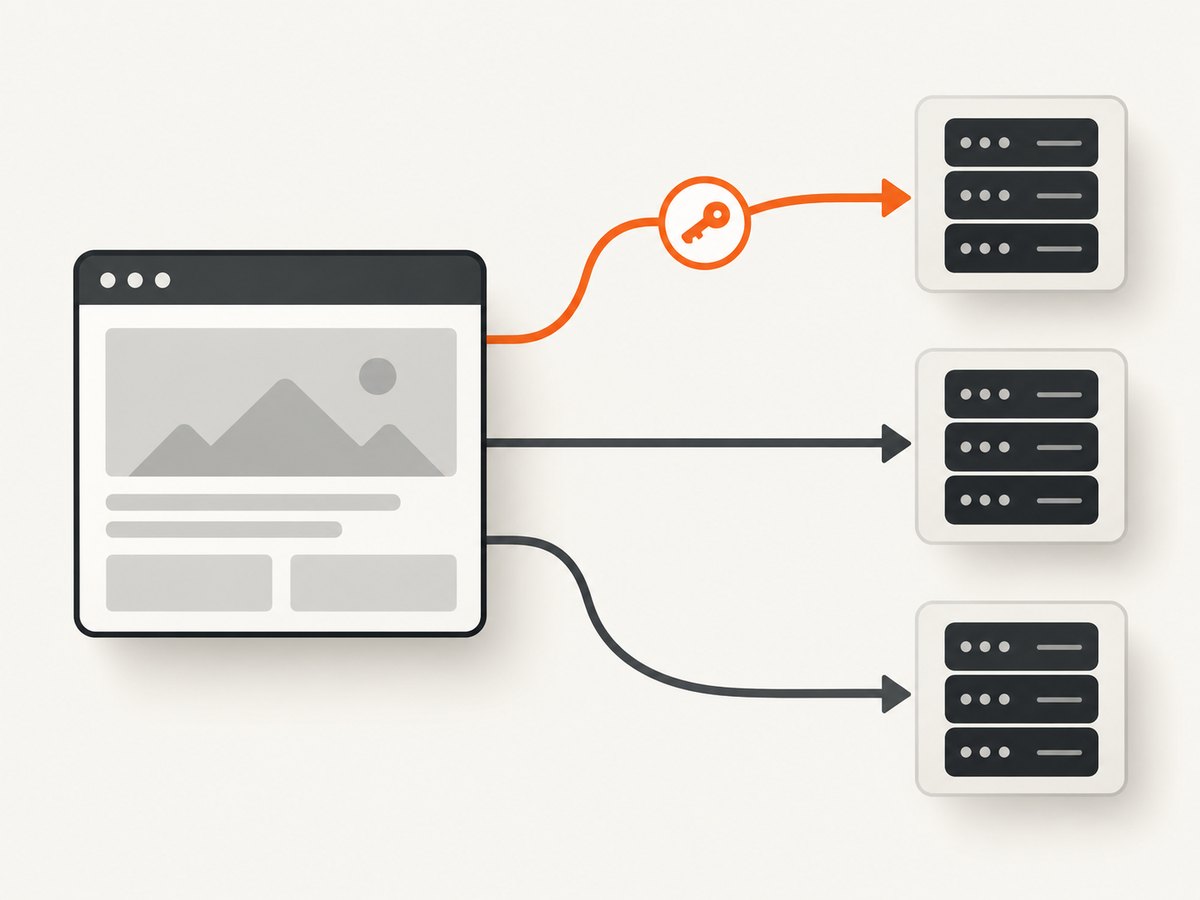
5. Send a token only to an approved origin
Use request interception when a page loads resources across origins but the secret should be sent only to a trusted origin. Interception changes network control flow: once enabled, every request stalls until it is continued, answered, aborted, or fulfilled from browser cache. Your handler must resolve all requests, including requests that do not receive the token.
import puppeteer from 'puppeteer';

const token = process.env.ACCESS_TOKEN;
if (!token) throw new Error('Set ACCESS_TOKEN before running this script');

const allowedOrigin = 'https://example.com';
const browser = await puppeteer.launch({ headless: true });
try {
  const page = await browser.newPage();
  await page.setRequestInterception(true);
  page.on('request', request => {
    if (request.isInterceptResolutionHandled()) return;

    let origin;
    try {
      origin = new URL(request.url()).origin;
    } catch {
      void request.continue();
      return;
    }

    if (origin === allowedOrigin) {
      const headers = {
        ...request.headers(),
        authorization: `Bearer ${token}`,
      };
      void request.continue({ headers });
    } else {
      void request.continue();
    }
  });

  const response = await page.goto(`${allowedOrigin}/private`, {
    waitUntil: 'domcontentloaded',
    timeout: 30_000,
  });
  console.log('HTTP status:', response?.status());
} finally {
  await browser.close();
}
Origin matching checks scheme, host, and port together. Do not use loose substring checks such as url.includes('example.com'): a hostile domain could contain that text. If another request handler is registered, coordinate which handler resolves each request. Puppeteer exposes request.isInterceptResolutionHandled() to avoid resolving a request a second time. Read the request interception reference before adding more interception logic.
6. cURL, Python, and Node.js request examples
If you are diagnosing the endpoint outside Chrome, these examples show a bearer header on a direct HTTP request. They do not render JavaScript or reproduce a browser session automatically. The target server must accept the same token in the same way.
cURL
curl --fail-with-body --location \
  -H "Authorization: Bearer $ACCESS_TOKEN" \
  "https://example.com/private"
Python
import os
import requests

 token = os.environ["ACCESS_TOKEN"]
response = requests.get(
    "https://example.com/private",
    headers={"Authorization": f"Bearer {token}"},
    timeout=30,
)
response.raise_for_status()
print(response.status_code, response.url)
Remove the extra leading space before token if copying into a top-level Python file; the complete correctly indented version is:
import os
import requests

token = os.environ["ACCESS_TOKEN"]
response = requests.get(
    "https://example.com/private",
    headers={"Authorization": f"Bearer {token}"},
    timeout=30,
)
response.raise_for_status()
print(response.status_code, response.url)
Node.js fetch
const token = process.env.ACCESS_TOKEN;
if (!token) throw new Error('Set ACCESS_TOKEN before running this script');

const res = await fetch('https://example.com/private', {
  headers: { authorization: `Bearer ${token}` },
  signal: AbortSignal.timeout(30_000),
});
if (!res.ok) throw new Error(`HTTP ${res.status}`);
console.log('HTTP status:', res.status);
7. Or skip the browser setup
If the task is to capture a page rather than automate its authenticated workflow, ScreenshotNeo is a website screenshot API and MCP server. One GET request returns an image or PDF; see the API docs for its parameters. This is for pages the service can access; do not assume it can use your private browser session or authenticate to a site unless the relevant supported request options fit that site’s access model.
curl -G "https://api.screenshotneo.com/v1/shot" \
  -d access_key=YOUR_API_KEY \
  --data-urlencode url=https://stripe.com \
  -o shot.webp
ScreenshotNeo removes cookie and consent banners, newsletter popups, and chat widgets before capture. Bot checks, blank pages, failed loads, timeouts, and cache hits are not billed, with response headers indicating the page verdict and billing status. Its MCP server provides take_screenshot, get_page_info, and capture_pdf for Claude, Cursor, and other MCP clients. The free plan includes 1,000 screenshots per month without a card; paid plans start at $5 for 3,000 shots. Create a free account and get 1,000 screenshots a month, no card required.
8. Configuration, reliability, and cost considerations
Keep secrets scoped and short-lived
- Read credentials from environment variables or a secret manager; do not commit them, print them, or put them in URLs.
- Use a dedicated page or isolated browser context for each authenticated task. Avoid carrying page-wide headers onto another destination.
- Use short-lived, least-privilege tokens where the service supports them. Rotate exposed credentials and invalidate sessions when a run ends if the application permits it.
- Only attach credentials over HTTPS. A secure cookie flag is appropriate for HTTPS cookies, but the site’s actual cookie attributes remain authoritative.
Choose navigation completion deliberately
page.goto() can wait for different navigation conditions. domcontentloaded is often a useful starting point for an authenticated page, while a dynamic app may need an explicit wait for a known selector or state. A page that continues polling or streaming may never become network-idle. Use a finite navigation timeout and wait for a meaningful page condition rather than adding arbitrary long sleeps.
Budget for the work you actually need
Puppeteer runs Chrome and page JavaScript locally or in your own browser environment, so your main operational costs are compute, memory, execution time, and maintaining the browser runtime. Reusing one browser for several jobs can avoid repeated launches, while isolated contexts separate session data. Interception and page.authenticate() add request handling work; avoid interception unless you need its control. For screenshot API usage, ScreenshotNeo’s stated plans are Free: 1,000 monthly; Starter: $5 for 3,000; Growth: $15 for 15,000; Pro: $39 for 60,000; Scale: $99 for 250,000; Business: $249 for 1,000,000. Yearly billing gives two months free, and every feature is on every plan.
9. Troubleshooting
| Symptom | Likely cause | Fix |
|---|---|---|
| 401 Unauthorized | Missing, expired, malformed, or wrong-scope token. | Confirm the exact scheme and header name, token lifetime, permissions, and target environment. Set headers before navigation. |
| 403 Forbidden | The credential was recognized but lacks access, or the site applies an additional policy. | Check account permissions, IP or origin rules, required CSRF/session data, and whether the route allows automation. |
| Login page appears despite a cookie | Cookie domain/path/expiry does not match, or the app needs more than one cookie. | Use the exact cookie attributes and origin; inspect the application’s documented session flow and set all required state. |
| Token appears on third-party requests | setExtraHTTPHeaders() applies page-wide. |
Use a dedicated page or origin-filtered interception and continue every request. |
| Navigation hangs after enabling interception | A request handler failed to continue, respond, abort, or let a cache hit finish. | Audit every path in every handler; handle overlapping resolution using isInterceptResolutionHandled(). |
| Authentication slows the run | page.authenticate() uses interception internally, or custom interception adds per-request work. |
Use the appropriate method, keep handlers small, and remove interception if the task does not need it. |
| Header is missing on initial request | Headers were added after navigation started. | Await setExtraHTTPHeaders() before calling goto(). |
| Works visibly, fails headless | Different environment, network access, profile state, or launch configuration—not a separate headless auth API. | Reproduce with the same URL and credential mechanism, use explicit cookie/header setup, and capture status and a safe diagnostic of the resulting page. |
| Token works in curl but not Puppeteer | The browser route may need cookies, redirects, JavaScript state, or a different header contract. | Compare final URL, response status, request method, and required headers without exposing the secret. |
10. FAQ
Can I pass a bearer token through page.authenticate()?
No. That method is for HTTP authentication credentials. For a bearer token, set the authorization header or use the site’s documented mechanism.
Does a token header authenticate images and API calls on the page?
The extra header is sent with every request initiated by that page. This broad scope is why the page should not visit unrelated origins while holding the credential.
Should I use headless shell for authentication?
Authentication choice is independent of the headless launch mode. Puppeteer supports its current headless mode and a separate legacy headless-shell mode; choose based on browser compatibility needs, not credential type.
Can I use my normal Chrome profile?
You can persist browser state in a profile, but a cookie injected into an isolated context is usually easier to scope and clean up for a scripted task. Treat any profile containing a logged-in session as sensitive.
How do I know the site accepted the credential?
Check the navigation response status, final URL, and a page-specific authenticated element or response. A successful browser launch alone does not establish that authentication succeeded.
11. Practical checklist
- Confirm whether the site needs a bearer/custom header, HTTP challenge, or session cookie.
- Store the secret outside source code and set it before navigation.
- Limit credentials to the smallest page, context, origin, and task that needs them.
- If using interception, resolve every request and guard against duplicate resolution.
- Use finite timeouts, inspect status and final destination, and close the page/context/browser when done.
- Never include tokens or session cookies in logs, screenshots, or shared debugging output.
For API details, consult Puppeteer’s extra headers reference, request interception reference, and cookie reference.


