How to Pass Data Between Scrapy Callbacks
Pass spider-owned values between Scrapy callbacks with cb_kwargs. Learn when to use meta or spider.state, how to handle errbacks and JOBDIR, and how to troubleshoot common mistakes.
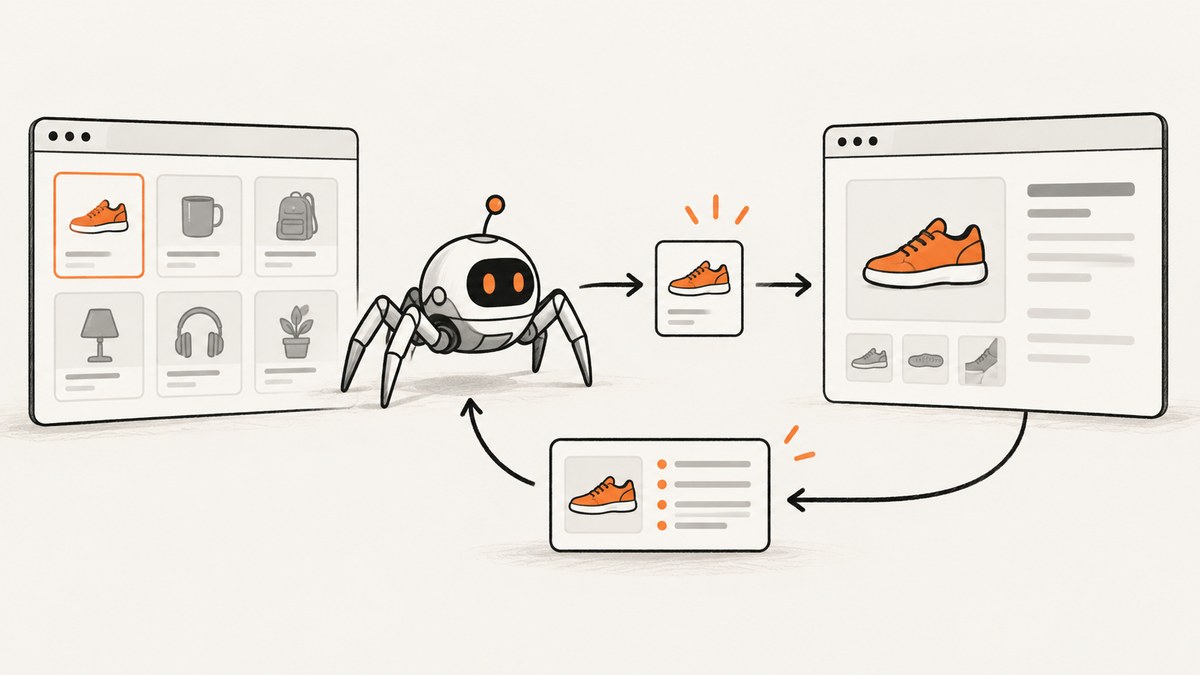
Use cb_kwargs to pass spider-owned values to a follow-up Scrapy callback. Its dictionary keys become keyword arguments to the callback, so the key names must match the callback parameters. Use meta for values that Scrapy components such as middleware or extensions need to read, and use spider.state for spider-wide data that must persist across cleanly paused and resumed jobs.
This example passes a category and listing URL from a listing-page callback to a product-detail callback:
import scrapy


class ProductSpider(scrapy.Spider):
    name = "products"
    start_urls = ["https://example.org/books"]

    def parse(self, response):
        for product_url in response.css("a.product::attr(href)").getall():
            yield scrapy.Request(
                response.urljoin(product_url),
                callback=self.parse_product,
                cb_kwargs={
                    "category": "books",
                    "listing_url": response.url,
                },
            )

    def parse_product(self, response, category, listing_url):
        yield {
            "category": category,
            "listing_url": listing_url,
            "product_url": response.url,
            "title": response.css("h1::text").get(),
        }
Replace the example domain and selectors with the site you crawl. Scrapy calls parse_product with the response plus category and listing_url. The data belongs to this request chain; it does not become a spider-wide variable.
1. Pass callback data with cb_kwargs
When a callback creates a follow-up Request, put the values needed by its callback in cb_kwargs. Scrapy’s Request reference recommends cb_kwargs for your own callback data and reserves meta for data intended for components such as middleware and extensions. See the official Scrapy Request and Response documentation for the installed release’s details.
yield scrapy.Request(
    url=response.urljoin(detail_href),
    callback=self.parse_detail,
    cb_kwargs={"source_url": response.url, "position": 3},
)

def parse_detail(self, response, source_url, position):
    yield {
        "source_url": source_url,
        "position": position,
        "detail_url": response.url,
    }
The callback argument names must match the dictionary keys exactly. The usual callback signature is def callback(self, response, ...): Scrapy supplies the response as the first argument after self, then supplies the cb_kwargs entries as keyword arguments.
You can also set the dictionary after constructing a request, before yielding it:
request = scrapy.Request(detail_url, callback=self.parse_detail)
request.cb_kwargs["source_url"] = response.url
request.cb_kwargs["category"] = category
yield request
Set the values before yielding the request so the callback receives the intended data. If a request is cloned with copy() or replace(), its cb_kwargs is shallow-copied. Nested mutable objects may still be shared in memory between the original and clone.
2. Choose the right place for each value
| Storage | Use it for | Lifetime and cautions |
|---|---|---|
cb_kwargs |
Spider-owned data that a particular callback needs: source URL, category, partial item, or parent identifier. | Travels with the request and is passed as callback keyword arguments. Keys must match callback parameters. |
meta |
Request metadata for downloader or spider middleware, extensions, and other Scrapy components. | Can travel with a request, but avoid copying all metadata to an unrelated request. Component-owned entries may affect behavior. |
spider.state |
Spider-wide state that should be saved and restored across jobs when using the state extension and JOBDIR. |
Persists across clean pauses and resumes. It is not a replacement for passing data along an individual request chain. |
When meta is appropriate
Use meta when a Scrapy component is the intended reader. For example, middleware may inspect a custom key to make a request-specific decision. You can also deliberately carry a selected value in meta if that matches the component or workflow that needs it.
Avoid blindly copying one request’s entire metadata dictionary into an unrelated request. Scrapy and extensions can put their own keys there. The official documentation gives retry_times as an example: carrying it into a new request can reduce the retries available to that request. Prefer setting only the metadata keys the new request needs.
yield scrapy.Request(
    detail_url,
    callback=self.parse_detail,
    meta={"my_extension_source": response.url},
)
If the value is just callback input owned by your spider, use cb_kwargs instead.
3. Pass a partially populated item
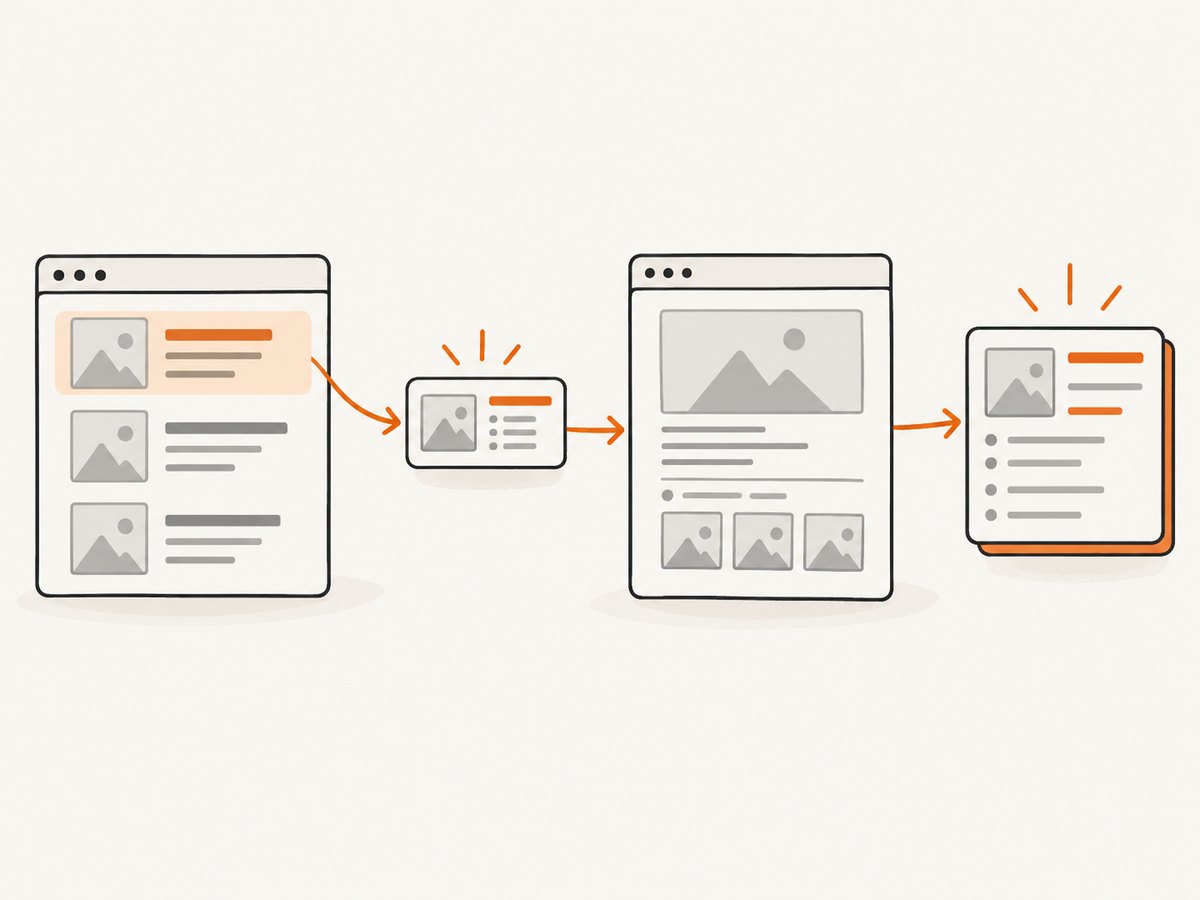
A common pattern is to collect fields from a listing page, pass the partial item to a detail-page callback, add more fields there, and yield the completed item. The official Scrapy debugging guide demonstrates this pattern.
import scrapy


class CatalogSpider(scrapy.Spider):
    name = "catalog"
    start_urls = ["https://example.org/catalog"]

    def parse(self, response):
        for card in response.css(".product-card"):
            details_href = card.css("a.details::attr(href)").get()
            item = {
                "name": card.css(".name::text").get(),
                "price": card.css(".price::text").get(),
                "listing_url": response.url,
            }
            if not details_href:
                yield item
                continue

            yield scrapy.Request(
                response.urljoin(details_href),
                callback=self.parse_details,
                cb_kwargs={"item": item},
            )

    def parse_details(self, response, item):
        item["description"] = response.css(".description::text").get()
        item["product_url"] = response.url
        yield item
This keeps the record associated with the detail request that completes it. Check for missing detail links before creating a request, as shown above; otherwise a missing URL can result in a malformed follow-up request. Also consider whether the site repeats products across listings. If it does, carry an identifier and deduplicate according to your crawl’s requirements rather than assuming every partial item is unique.
4. Handle errors in an errback
An errback receives a Twisted Failure, not a Response. The request associated with the failure is available as failure.request, and its callback data remains accessible through failure.request.cb_kwargs. This lets the error handler log the context or yield a failure record.
import scrapy


class ProductSpider(scrapy.Spider):
    name = "products"

    def parse(self, response):
        detail_url = response.css("a.product::attr(href)").get()
        if detail_url:
            yield scrapy.Request(
                response.urljoin(detail_url),
                callback=self.parse_product,
                errback=self.handle_error,
                cb_kwargs={"listing_url": response.url},
            )

    def parse_product(self, response, listing_url):
        yield {
            "listing_url": listing_url,
            "product_url": response.url,
            "title": response.css("h1::text").get(),
        }

    def handle_error(self, failure):
        request = failure.request
        listing_url = request.cb_kwargs.get("listing_url")
        self.logger.warning(
            "Request failed: %s (discovered from %s)",
            request.url,
            listing_url,
        )
Use .get() if an errback may handle requests that do not all supply the same key. If the key is required, direct indexing can expose a programming mistake quickly, but it will raise KeyError when the value is absent.
5. Persistence, copying, and mutable values
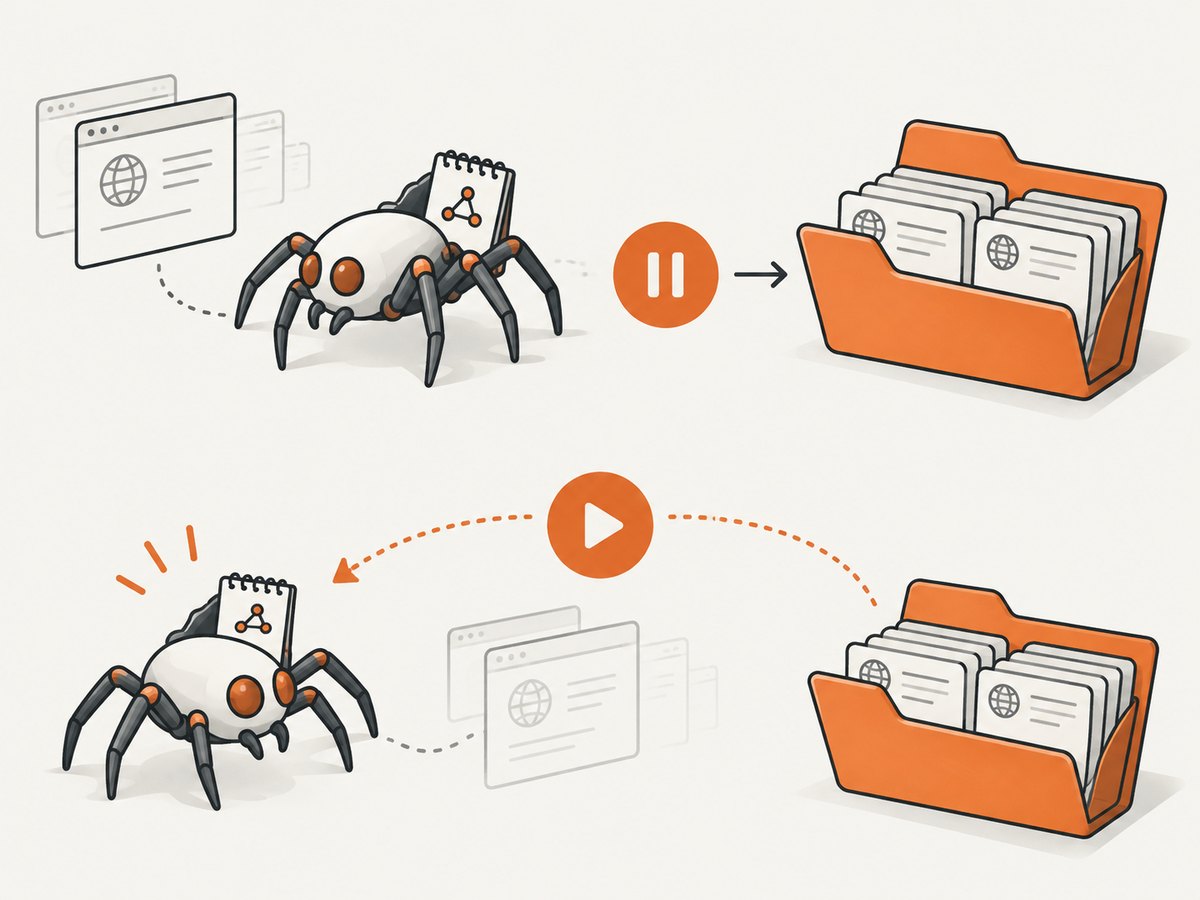
Passing an object through cb_kwargs is convenient for a request chain, but do not assume that it is a shared object in every execution mode:
- Request cloning:
copy()andreplace()shallow-copycb_kwargsandmeta. A nested list or dictionary may still be shared by the original and clone in the current process. - Persistent jobs: With
JOBDIR, Scrapy serializes requests using pickle. Values incb_kwargsandmetaare deep-copied when written to and loaded from the job directory. A callback receives a copy, so mutating it does not change the original object. - Serialization: Values must be serializable for persistence. A request with values that cannot be serialized may run in the current process but be lost if the crawl pauses.
For durable spider-wide state, use spider.state with Scrapy’s built-in state extension and a job directory. Resume with the same Scrapy version that paused the job, and stop cleanly; an unclean stop can corrupt the job directory. See the official persistent jobs documentation and spider state extension documentation.
6. Inspect callback behavior with scrapy parse
The scrapy parse command can invoke a callback and show the requests and items it yields. Use --cbkwargs to supply callback keyword arguments as JSON, or --meta to supply request metadata.
scrapy parse -c parse_product \
  --cbkwargs '{"category":"books","listing_url":"https://example.org/books"}' \
  https://example.org/product/42
For metadata, the equivalent option is --meta '{"debug_source":"listing"}'. These flags are useful when diagnosing a callback directly; they do not change what you need to pass when your spider creates a follow-up request. Consult the official command documentation for the installed release and available options.
7. Troubleshooting common mistakes
| Symptom | Likely cause | Fix |
|---|---|---|
TypeError: ... got an unexpected keyword argument |
A cb_kwargs key does not match the callback signature, or the callback does not accept that keyword. |
Make the key and parameter names match, or update the callback signature. Check spelling and capitalization. |
TypeError: missing required positional argument |
The callback requires a value that was not included in cb_kwargs. |
Supply the missing key for every request using that callback, or give the parameter a sensible default if it is optional. |
| Callback receives no expected value | The data was placed in meta, but the callback expects a named argument, or the request was created without the key. |
Use cb_kwargs for callback arguments. For a debugging check, inspect response.cb_kwargs in the callback. |
| Errback cannot access callback data | Code looks for response.cb_kwargs in an errback, where there is no response. |
Read failure.request.cb_kwargs. |
| Values appear to reset after resuming | The code expects a mutated callback copy to update a prior object or treats request data as persistent global state. | Use serializable values and account for deep-copy behavior under JOBDIR. Store cross-batch spider state in spider.state. |
| Some queued requests disappear after a pause | A request value could not be serialized for the job directory, or the job was stopped uncleanly. | Keep persisted request values serializable, stop cleanly, and resume using the same Scrapy version. |
| A new request unexpectedly gets fewer retries | All metadata was copied from a prior request, including component state such as retry_times. |
Do not copy all of meta. Set only the component metadata the new request needs. |
| Changes to nested data affect a cloned request | Request cloning shallow-copies the outer dictionary, not nested mutable values. | Copy nested lists or dictionaries yourself when independent mutation is required. |
8. Practical design and reliability notes
Pass only what the next callback needs
Keep callback arguments small and explicit. A source URL, record identifier, category, or partial item is often enough. Smaller values make the callback signature easier to understand and reduce the amount of request state that must be serialized when using persistent jobs.
Use stable values for resumed jobs
If a crawl may pause and resume, keep values in request data serializable and avoid depending on in-memory object identity. A callback that mutates a dictionary should treat that dictionary as its own working copy when job persistence is in use. Persist spider-wide counters or checkpoint data through the supported state mechanism instead of relying on a value in one request to update all other requests.
Handle optional data deliberately
Not every listing row has a detail page, and not every callback path necessarily carries the same context. Skip or handle absent links before constructing requests. For optional callback context, use a default parameter or retrieve optional keys with .get() where appropriate. For required fields, fail clearly so a missing value does not silently produce incomplete output.
Or skip the browser setup
For a rendered-page screenshot alongside a crawl workflow, ScreenshotNeo offers a one-call screenshot API. This Scrapy topic is about passing callback data; ScreenshotNeo handles the separate browser capture step:
curl -G "https://api.screenshotneo.com/v1/shot" \
  -d access_key=YOUR_API_KEY \
  --data-urlencode url=https://example.org/product/42 \
  -o shot.webp
See the ScreenshotNeo API documentation for request options. Cookie banners, popups, and chat widgets are removed before the shot. Bot checks, blank pages, and failed loads are never billed. An MCP server lets AI agents use screenshot tools. The free plan includes 1,000 screenshots per month with no card; paid plans start at $5 for 3,000. Create a free account and get 1,000 screenshots a month with no card.
FAQ
Can I access cb_kwargs from inside the callback without listing parameters?
Yes. The callback can inspect response.cb_kwargs. Named parameters are usually clearer when the callback expects a known set of values; the response attribute is useful when inspecting the request context or handling flexible callback code.
Can I pass an item through multiple callbacks?
Yes. Each follow-up request can pass the item in its own cb_kwargs, and the next callback can accept and update it. When using JOBDIR, account for serialization and the fact that the callback gets a copy.
Should I use a spider attribute to hold the current item?
Usually not for per-request data. Multiple requests can be in flight, so one mutable spider attribute can be overwritten by another callback path. Put request-specific data in cb_kwargs; reserve spider-wide state for genuinely shared state with the appropriate persistence behavior.
Does cb_kwargs affect duplicate request filtering?
cb_kwargs carries callback data. Do not rely on it to distinguish otherwise duplicate URLs in the scheduler; configure request identity and duplicate filtering according to the crawl’s needs.
Summary
For ordinary data that your spider wants to pass to the next callback, use cb_kwargs and match each key to a callback parameter. Use meta when Scrapy components need the value, and use spider.state for persisted spider-wide state across clean pauses and resumes. Check errback data through failure.request.cb_kwargs, and account for copying and serialization when using request cloning or JOBDIR.


