How to Pass an HTML String to wkhtmltopdf
Learn the reliable way to convert an HTML string with wkhtmltopdf, including temp files, stdin limits, assets, encoding, JavaScript, security, and fixes.
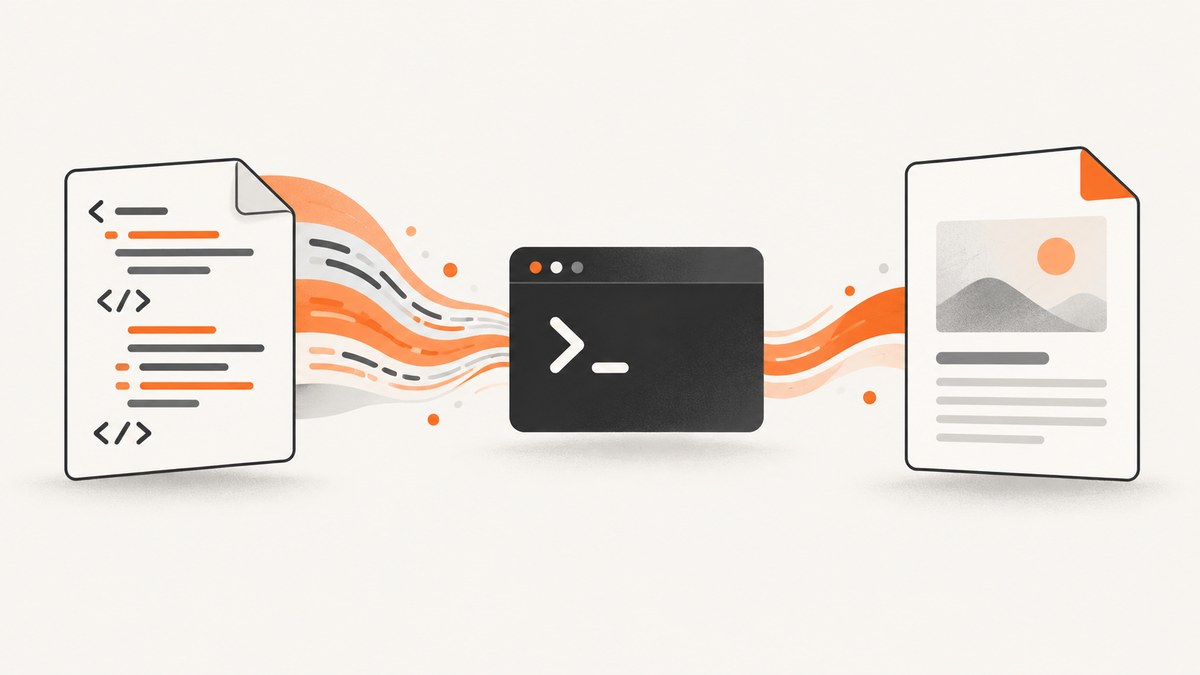
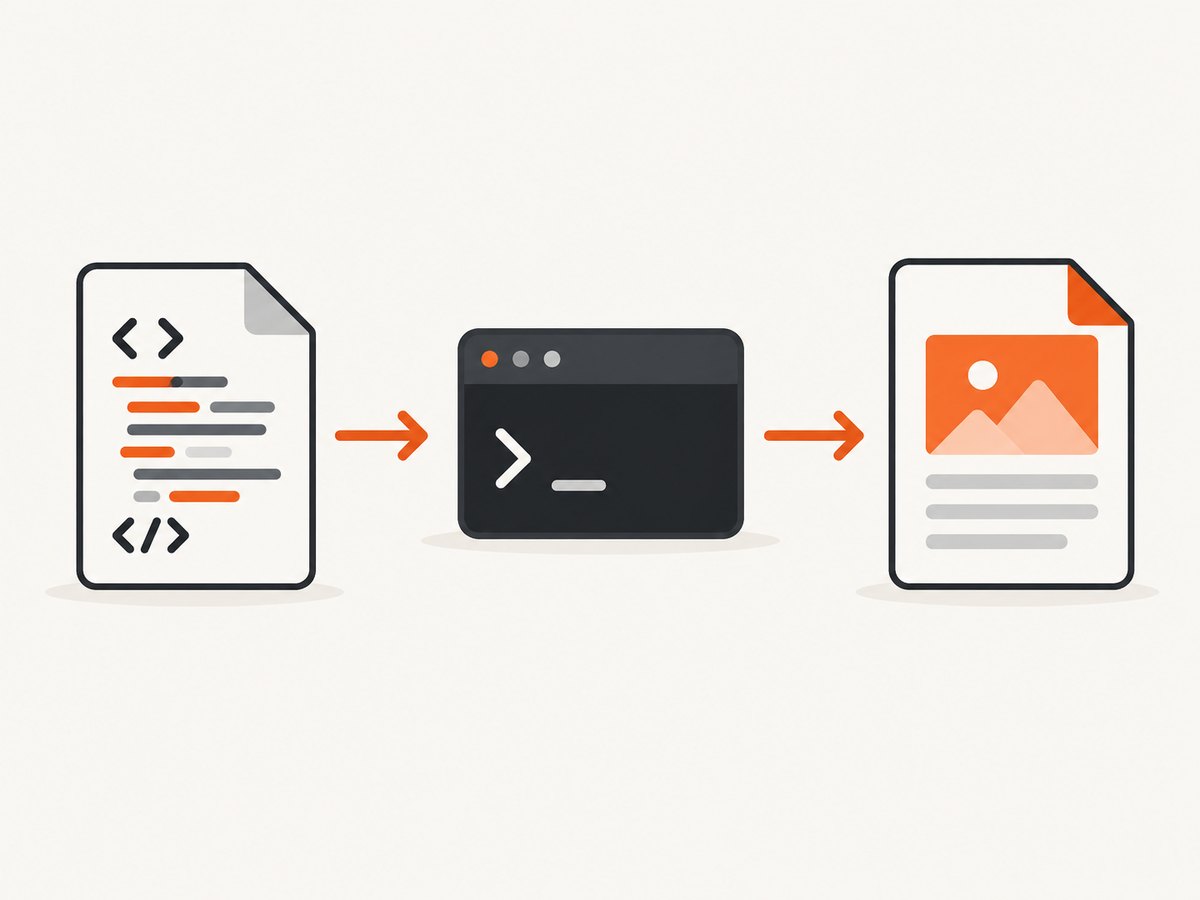
Short answer: the documented wkhtmltopdf command-line interface accepts an input URL or file name followed by an output PDF path. It does not document arbitrary raw HTML text as a positional argument. Write the HTML string to a temporary or managed .html file, then pass that file to wkhtmltopdf.
This approach also gives you a predictable base path for relative CSS, images, and fonts. If your application needs to pass content without creating a file, use a library or wrapper that explicitly accepts HTML content. The project’s library settings document a - page value for stdin, but that is library API documentation and should not be confused with a normal CLI positional argument.
1. The documented file-based method
Create a complete HTML document, save it with a known encoding, and invoke the converter:
cat > /tmp/document.html <<'HTML'
<!doctype html>
<html>
<head>
  <meta charset="utf-8">
  <title>Example</title>
  <style>
    body { font-family: sans-serif; margin: 40px; }
    h1 { color: #183b56; }
  </style>
</head>
<body>
  <h1>Hello from an HTML string</h1>
  <p>This document was written to a file before conversion.</p>
</body>
</html>
HTML

wkhtmltopdf /tmp/document.html /tmp/document.pdf
The first argument is the page object, here a local file. The second argument is the destination PDF. Confirm the installed version and available switches with:
wkhtmltopdf --version
wkhtmltopdf --help
The official command-line manual describes this URL-or-file input model and the related rendering options in its usage reference. The project homepage describes wkhtmltopdf as an open-source command-line renderer based on Qt WebKit.
Why a complete document matters
A fragment such as <h1>Title</h1> may render, but a full document gives you control over the character set, title, styles, page margins, and resource references. Always include <!doctype html> and a UTF-8 declaration when your source contains non-ASCII characters.
2. Safely writing an HTML string from application code
When the HTML is generated by an application, use a unique temporary file and close it before starting wkhtmltopdf. The converter must be able to read the file, and a closed file avoids races on systems that do not permit another process to read an open temporary handle.
Python
from pathlib import Path
import subprocess
import tempfile

html = """\
<!doctype html>
<html><head><meta charset="utf-8"><title>Invoice</title></head>
<body><h1>Invoice 1007</h1><p>Total: €42.00</p></body></html>
"""

with tempfile.TemporaryDirectory() as directory:
    work = Path(directory)
    source = work / "input.html"
    output = work / "output.pdf"
    source.write_text(html, encoding="utf-8")

    subprocess.run(
        ["wkhtmltopdf", "--encoding", "utf-8", str(source), str(output)],
        check=True,
        timeout=120,
    )

    # Move or upload output before the temporary directory is removed.
    pdf_bytes = output.read_bytes()
    print(f"Generated {len(pdf_bytes)} bytes")
write_text(..., encoding="utf-8"), the HTML declaration, and --encoding utf-8 agree. That consistency prevents accented characters, currency symbols, and non-Latin scripts from being decoded incorrectly.
Node.js
import { mkdtemp, writeFile, readFile, rm } from 'node:fs/promises';
import { tmpdir } from 'node:os';
import { join } from 'node:path';
import { execFile } from 'node:child_process';
import { promisify } from 'node:util';

const execFileAsync = promisify(execFile);
const html = `<!doctype html>
<html><head><meta charset="utf-8"><title>Report</title></head>
<body><h1>Monthly report</h1></body></html>`;

const directory = await mkdtemp(join(tmpdir(), 'wkhtmltopdf-'));
const source = join(directory, 'input.html');
const output = join(directory, 'output.pdf');

try {
  await writeFile(source, html, { encoding: 'utf8', mode: 0o600 });
  await execFileAsync('wkhtmltopdf', [
    '--encoding', 'utf-8', source, output
  ], { timeout: 120_000 });
  const pdf = await readFile(output);
  console.log(`Generated ${pdf.length} bytes`);
} finally {
  await rm(directory, { recursive: true, force: true });
}
Pass arguments as an array rather than interpolating a shell command. That prevents spaces or shell metacharacters in paths from changing the command.
3. Can wkhtmltopdf read HTML from stdin?
This question has two different answers depending on the interface.
- Normal CLI page input: the documented syntax uses a URL or file name. Do not assume that piping raw HTML into
wkhtmltopdfis supported as a page source. - Library settings: the official libwkhtmltox settings documentation describes
-as a possible page URL or path when using the library API. Verify that your wrapper exposes this behavior before relying on it. --read-args-from-stdin: this reads lines containing command-line arguments, with each line acting as a separate invocation. It is for batches of arguments, not a stream containing the page’s HTML source.
If you control the process and want a portable CLI workflow, the temporary-file method is the clearest option. If avoiding files is essential, select a maintained binding whose documentation explicitly says it accepts HTML content or stdin.
4. Relative CSS, images, fonts, and base paths
Moving a string into /tmp/input.html changes the document’s location. Relative references such as css/site.css and images/logo.png are resolved from the input page’s location or context, so resources can disappear after you switch from a web URL to a temporary file.
Reliable resource strategies
- Use absolute HTTPS URLs for assets that the renderer can reach.
- Write the HTML beside its assets. Create a temporary directory, place
input.html,css/, andimages/inside it, and keep relative paths. - Embed small assets. Data URLs can eliminate path resolution for small images or fonts, although they make the HTML larger.
- Set a base URL where your wrapper supports it. A base element such as
<base href="https://example.com/">can make relative web resources explicit, but it also changes the security and network requirements.
Local files are subject to the renderer’s access policy. The manual documents --allow <path> and --enable-local-file-access; current builds disable local access by default unless it is explicitly enabled. Use the narrowest allowed directory and inspect wkhtmltopdf --help for your installed build.
wkhtmltopdf \
  --enable-local-file-access \
  --allow /srv/report-assets \
  /srv/report-assets/input.html \
  /srv/report.pdf
5. Encoding and non-ASCII text
There are three pieces to keep aligned:
| Piece | What to check |
|---|---|
| HTML bytes | Write the file as UTF-8 (or another intentional encoding). |
| Document declaration | Put <meta charset="utf-8"> early in <head>. |
| wkhtmltopdf option | Use --encoding utf-8 when the default needs to be explicit. |
If text is garbled, inspect the actual bytes rather than only the source string. A UTF-8 string written as Latin-1, or a missing font for the selected script, can produce different symptoms. Ensure the required font is installed and accessible to the rendering process.
6. JavaScript and asynchronous content
wkhtmltopdf enables JavaScript by default in the documented configuration and uses a default JavaScript delay of 200 milliseconds. That delay is often too short for an application that fetches data, waits for a chart library, or replaces a loading placeholder asynchronously.
wkhtmltopdf \
  --javascript-delay 1500 \
  input.html output.pdf
Useful controls include:
--disable-javascriptwhen scripts are unnecessary or untrusted.--javascript-delay <milliseconds>to wait after loading.--window-status <name>when page code setswindow.statusafter rendering is complete.- Related load and stop-slow-scripts switches shown by your build’s help output.
A fixed delay is simple but can waste time or still finish too early. A page-controlled status value is more deterministic when you own the HTML:
<script>
  fetch('/report-data.json')
    .then(response => response.json())
    .then(data => {
      document.querySelector('#total').textContent = data.total;
      window.status = 'ready';
    });
</script>
wkhtmltopdf --window-status ready input.html output.pdf7. Security when the HTML is untrusted
The official project does not recommend wkhtmltopdf for rendering HTML that is not explicitly trusted. HTML can contain scripts, remote requests, and references to local files. If users can submit markup, treat conversion as a sandboxed workload.
- Run the converter as a dedicated, unprivileged account.
- Use a temporary working directory with restrictive permissions.
- Disable local file access unless the document genuinely needs it.
- Allow only the asset directories required by the job.
- Restrict outbound network access when remote resources are not needed.
- Apply operating-system containment such as a container, seccomp profile, or AppArmor policy.
- Set process timeouts, output-size limits, and a job queue limit.
The project’s AppArmor guidance notes that disabling local access is useful but may not contain a vulnerability in a prebuilt binary by itself. Use OS-level containment as an additional layer.
8. Troubleshooting checklist
| Symptom | Likely cause | Fix |
|---|---|---|
| “Unknown protocol” or missing page | Raw HTML was supplied where a URL or file name was expected. | Write the string to .html and pass its path. |
| Blank PDF | JavaScript has not finished, or the input is malformed. | Validate the document, increase --javascript-delay, or use --window-status. |
| CSS or images missing | Relative paths now resolve from a temporary directory. | Use absolute URLs, colocate assets, embed them, or set a suitable base URL. |
| “Blocked access to file” | Local file access is disabled. | Prefer a narrow --allow directory; enable local access only when required. |
| Accented characters are corrupted | File bytes and renderer encoding disagree. | Write UTF-8, declare UTF-8, and pass --encoding utf-8. |
| Command hangs | A remote resource, script, or page never completes. | Set an application timeout, inspect network dependencies, and simplify or disable scripts. |
| Fonts differ between machines | The required font is not installed or cannot be read. | Install the font in the rendering environment or use a reachable web font. |
| Temporary file disappears too soon | The file or directory was deleted before conversion completed. | Wait for the child process, read the result, then clean up in a finally block. |
9. Performance, reliability, and cost considerations
Conversion time is dominated by startup, JavaScript, network resources, fonts, and page complexity. Reuse a worker process or queue jobs if your wrapper supports it, but keep each job isolated and enforce a timeout. Avoid downloading resources that are not needed for the PDF. Inline critical CSS and use a local asset directory when network latency is unpredictable.
For repeatable output, pin the wkhtmltopdf build, record its version, and keep fonts consistent across environments. The official manual identifies the 0.12.6 patched-Qt reference, but package behavior can vary, so inspect the binary installed in production.
The file-based CLI itself has no service charge; your costs are compute, storage, and any network resources you fetch. A hosted screenshot or PDF API can be simpler when you do not want to maintain browser binaries, font packages, security policies, and workers.
10. Or skip the browser setup
If your actual goal is a clean image or PDF of a web page, ScreenshotNeo provides a single API request instead of a wkhtmltopdf installation. See the ScreenshotNeo API documentation for all options.

cURL
curl -G "https://api.screenshotneo.com/v1/shot" \
  -d access_key=YOUR_API_KEY \
  --data-urlencode url=https://stripe.com \
  -o shot.webp
Python
import requests

r = requests.get(
    "https://api.screenshotneo.com/v1/shot",
    params={"access_key": "YOUR_API_KEY", "url": "https://stripe.com"},
    timeout=90,
)
r.raise_for_status()
open("shot.webp", "wb").write(r.content)
Node.js
const q = new URLSearchParams({ access_key: 'YOUR_API_KEY', url: 'https://stripe.com' });
const res = await fetch(`https://api.screenshotneo.com/v1/shot?${q}`);
if (!res.ok) throw new Error(`HTTP ${res.status}`);
const buffer = Buffer.from(await res.arrayBuffer());
await import('node:fs/promises').then(fs => fs.writeFile('shot.webp', buffer));
ScreenshotNeo removes cookie and consent banners, newsletter popups, and chat widgets before capture. Bot checks, blank pages, timeouts, failed loads, and cache hits are not billed, and response headers report the page verdict and billing status. It also offers an MCP server with take_screenshot, get_page_info, and capture_pdf for Claude, Cursor, and other MCP clients. The Free plan includes 1,000 screenshots per month with no card; paid plans start at $5 for 3,000 shots. Create a free ScreenshotNeo account.
11. FAQ
Can I put the HTML directly after the output filename?
No documented CLI syntax treats arbitrary HTML text as the page input. Use a file or a library that explicitly accepts content.
Does --read-args-from-stdin solve this?
No. It reads command-line argument lines for separate invocations; it is not an HTML document stream.
Should I enable local file access globally?
No. Grant only the asset directory needed by the document, and keep local access disabled for documents that do not require it.
Why does a page look correct in Chrome but not in wkhtmltopdf?
wkhtmltopdf uses a Qt WebKit renderer with different JavaScript, CSS, font, and feature support. Simplify unsupported features, wait for asynchronous content, or use a modern rendering service.
What is the most portable production pattern?
Write UTF-8 HTML to a uniquely named temporary file, keep required assets beside it or use absolute URLs, invoke a pinned binary with a timeout, validate the PDF, and remove the temporary files after the process exits.


