How to Pass Custom Parameters to Scrapy Spiders
Pass custom Scrapy spider parameters from the CLI or Python, parse values safely, choose runners correctly, and troubleshoot common errors.
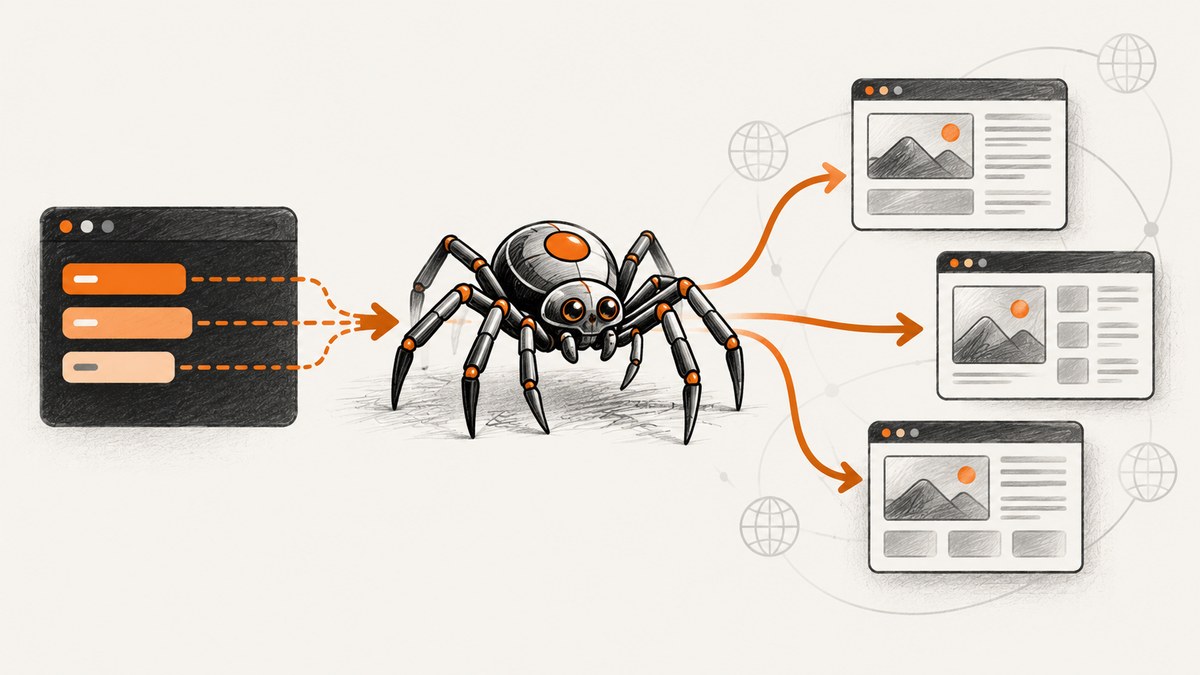
Use -a name=value with scrapy crawl:
scrapy crawl myspider -a category=electronics -a region=westScrapy exposes supplied arguments as attributes on the spider. From Python, pass keyword arguments to CrawlerProcess.crawl() or CrawlerRunner.crawl(). Spider arguments arrive as strings, so parse and validate lists, numbers, booleans, JSON, and other structured values yourself.
This behavior is documented in the Scrapy spider arguments guide. The current Core API documentation covers runner APIs.
1. Pass parameters from the command line
Add one -a name=value option for every argument. The argument name becomes an attribute on the spider instance.
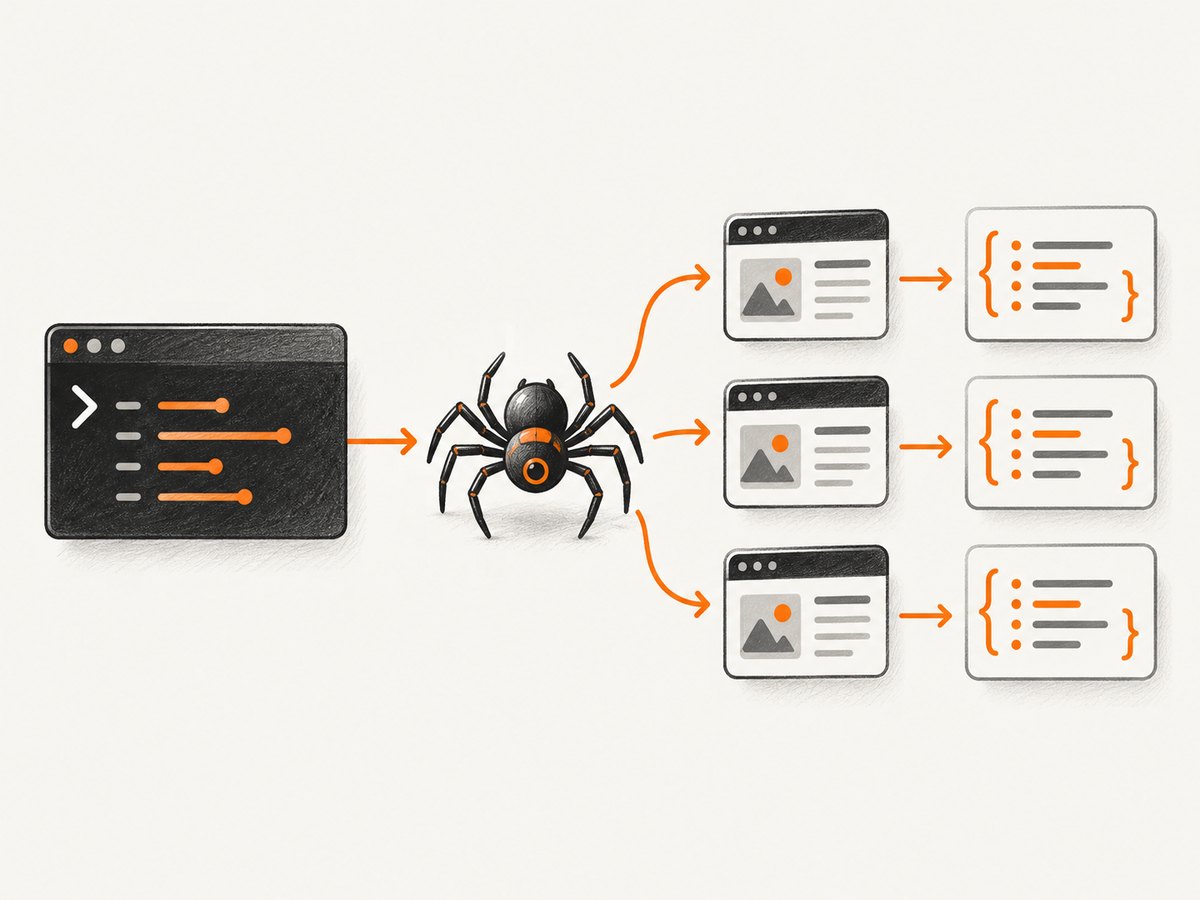
scrapy crawl product_spider \
  -a category=electronics \
  -a region=west \
  -a max_pages=5
For a simple argument, you can read the attribute directly:
import scrapy
class ProductSpider(scrapy.Spider):
name = "product_spider"
def start_requests(self):
category = getattr(self, "category", "all")
region = getattr(self, "region", "global")
url = f"https://example.com/products?category={category}®ion={region}"
yield scrapy.Request(url, callback=self.parse)
def parse(self, response):
yield {"url": response.url}getattr() supplies a default when the argument is optional. If an argument is mandatory, fail early with a clear error instead:
class ProductSpider(scrapy.Spider):
    name = "product_spider"

    def __init__(self, category=None, *args, **kwargs):
        super().__init__(*args, **kwargs)
        if not category:
            raise ValueError("Pass a category with -a category=...")
        self.category = category
2. Use arguments in the spider initializer
The default spider initializer accepts keyword arguments and copies them onto the spider. A custom __init__ method is therefore optional for simple access. When you do define one, accept *args and **kwargs, then call super().__init__(*args, **kwargs).
The initializer is useful when you want to normalize values once and construct start_urls from an argument:
import scrapy
from urllib.parse import quote


class QuotesSpider(scrapy.Spider):
    name = "quotes"

    def __init__(self, tag=None, *args, **kwargs):
        super().__init__(*args, **kwargs)
        self.tag = tag
        if tag:
            self.start_urls = [f"https://quotes.toscrape.com/tag/{quote(tag)}/"]
        else:
            self.start_urls = ["https://quotes.toscrape.com/"]

    def parse(self, response):
        for quote_item in response.css("div.quote"):
            yield {
                "text": quote_item.css("span.text::text").get(),
                "tag": self.tag,
            }
Current-style spiders can also read arguments from an asynchronous start() method:
import scrapy


class QuotesSpider(scrapy.Spider):
    name = "quotes"

    async def start(self):
        tag = getattr(self, "tag", None)
        url = "https://quotes.toscrape.com/"
        if tag is not None:
            url += f"tag/{tag}"
        yield scrapy.Request(url, self.parse)

    def parse(self, response):
        yield {"url": response.url}
3. Treat every spider argument as a string
Scrapy does not automatically convert command-line values to Python types. This command passes the characters 1, 0, 0 as a string:
scrapy crawl product_spider -a max_pages=100Convert and validate it before using it:
class ProductSpider(scrapy.Spider):
    name = "product_spider"

    def __init__(self, max_pages="10", *args, **kwargs):
        super().__init__(*args, **kwargs)
        try:
            self.max_pages = int(max_pages)
        except (TypeError, ValueError) as exc:
            raise ValueError("max_pages must be an integer") from exc
        if self.max_pages < 1:
            raise ValueError("max_pages must be at least 1")
Booleans
Do not use bool(value): bool("false") is True. Parse explicit spellings:
def parse_bool(value):
    normalized = value.strip().lower()
    if normalized in {"1", "true", "yes", "on"}:
        return True
    if normalized in {"0", "false", "no", "off"}:
        return False
    raise ValueError("Expected true/false, yes/no, or 1/0")
Lists and dictionaries
A value such as start_urls=https://a.example,https://b.example is still one string. Split only when your input format cannot contain the separator:
class MultiSiteSpider(scrapy.Spider):
    name = "multi_site"

    def __init__(self, start_urls="", *args, **kwargs):
        super().__init__(*args, **kwargs)
        self.start_urls = [url.strip() for url in start_urls.split(",") if url.strip()]
        if not self.start_urls:
            raise ValueError("Pass at least one URL with -a start_urls=url1,url2")
For nested data, use a documented JSON format and json.loads():
import json

class ConfigSpider(scrapy.Spider):
    name = "config"

    def __init__(self, filters="{}", *args, **kwargs):
        super().__init__(*args, **kwargs)
        try:
            self.filters = json.loads(filters)
        except json.JSONDecodeError as exc:
            raise ValueError("filters must be valid JSON") from exc
ast.literal_eval() can parse trusted Python-literal syntax, but JSON is usually clearer for shell scripts and CI jobs. Never evaluate an arbitrary argument with eval().
4. Start a crawl from a Python script
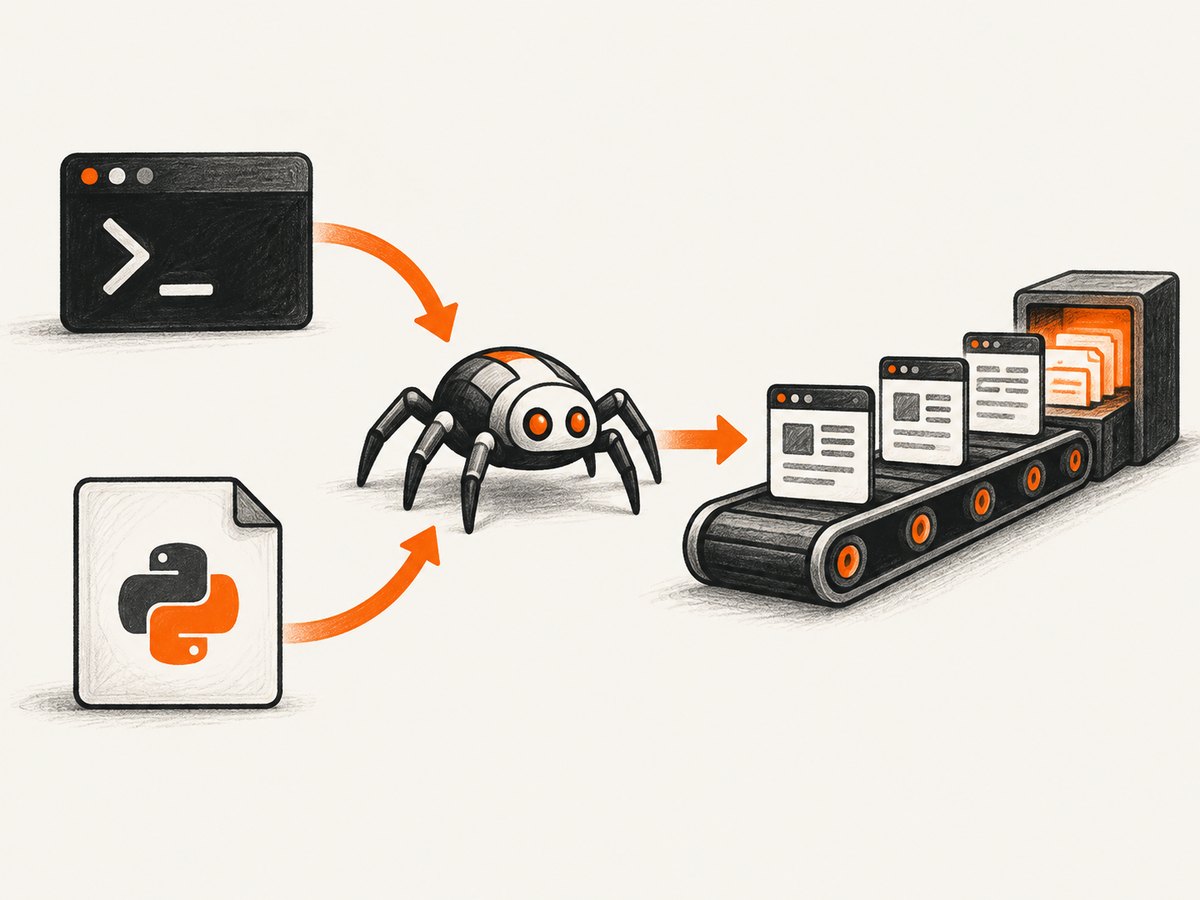
Use CrawlerProcess when your script owns the Twisted reactor and no other reactor is running:
from scrapy.crawler import CrawlerProcess
from myproject.spiders.product import ProductSpider

process = CrawlerProcess()
process.crawl(
    ProductSpider,
    category="electronics",
    region="west",
    max_pages="5",
)
process.start()
These keyword arguments are passed to the spider initializer just like -a values. Keep conversions in the spider so CLI and Python launches behave consistently.
5. Use CrawlerRunner inside an existing application
Choose CrawlerRunner when another part of your program already owns the reactor. Its crawl() method accepts the spider class or name plus initialization arguments:
from twisted.internet import reactor, defer
from scrapy.crawler import CrawlerRunner
from scrapy.utils.project import get_project_settings
from myproject.spiders.product import ProductSpider


@defer.inlineCallbacks
def run():
    runner = CrawlerRunner(get_project_settings())
    yield runner.crawl(
        ProductSpider,
        category="electronics",
        region="west",
    )
    reactor.stop()

run()
reactor.run()
Do not call reactor.run() a second time from a host application that already started it. For coroutine-based applications, current Scrapy documentation also describes AsyncCrawlerProcess and AsyncCrawlerRunner; follow the reactor and event-loop requirements for your deployment.
6. Choose spider arguments or settings
Use arguments for values that vary between runs: a category, tenant, date range, seed URL, or one-off crawl limit. Use settings for stable project behavior such as downloader middleware, pipelines, concurrency, and retry policy. Scrapy’s FAQ describes this as a practical choice rather than a strict rule.
| Input | Best location | Example |
|---|---|---|
| Changes every run | Spider argument | -a category=books |
| Shared across spiders | Project setting | DOWNLOAD_DELAY |
| Secret credential | Environment variable or secret store | Read in settings or the spider |
| Large structured configuration | Versioned file or external config | Pass a file path as an argument |
7. Make parameterized spiders reliable
- Validate required arguments before yielding requests.
- Normalize whitespace and casing once in
__init__. - URL-encode user values with
urllib.parse.quoteor query parameters instead of string concatenation. - Log the effective, non-secret configuration at startup.
- Never log API keys, passwords, cookies, or authorization headers.
- Use deterministic defaults so a missing optional argument has a predictable result.
- Keep argument names stable when CI jobs or Scrapyd clients depend on them.
8. Troubleshooting
“Unknown option” or the argument is ignored
Cause: The option was not passed with -a, or it was placed before the spider name.
Fix: Use scrapy crawl spider_name -a key=value. Confirm the spider name with scrapy list.
The attribute does not exist
Cause: Code accessed self.category although the argument was optional and was not supplied.
Fix: Use getattr(self, "category", default) or reject missing input explicitly.
A number behaves like text
Cause: Spider arguments are strings.
Fix: Convert with int(), float(), or a dedicated parser and validate the range.
Only one character or malformed URLs are processed
Cause: A comma-separated or JSON value was used as a collection without parsing.
Fix: Split the string or call json.loads() before iterating.
TypeError: __init__() got an unexpected keyword argument
Cause: A custom initializer does not accept the supplied keyword.
Fix: Add the named parameter or accept **kwargs and call the base initializer.
The crawl hangs when started from Python
Cause: The reactor is started twice, or CrawlerProcess was used inside an application that already owns the event loop.
Fix: Use CrawlerRunner in an existing reactor, and let only the top-level application start and stop it.
Shell quoting changes the value
Cause: Spaces, ampersands, dollar signs, or JSON punctuation were interpreted by the shell.
Fix: Quote the complete assignment, for example -a 'filters={"brand":"Acme"}', and prefer a file for complex configuration.
9. Performance, reliability, and cost considerations
Passing an argument adds negligible work; crawl performance is determined by requests, parsing, concurrency, throttling, retries, and the target site. Avoid creating a separate process for every parameter when one process can run several crawlers or requests.
- Use a bounded page or item limit to prevent accidental unbounded crawls.
- Keep retries and timeouts in settings so every run follows the same reliability policy.
- Use caching during development to avoid repeatedly downloading unchanged pages.
- Record the parameter set with crawl results so output can be reproduced.
- Estimate target-site load before increasing concurrency or launching many parameter combinations.
Scrapy itself does not charge for spider arguments. Your costs come from infrastructure, bandwidth, storage, proxies, and any external services used by the crawl.
10. Complete example
import json
import scrapy
from urllib.parse import quote


class CatalogSpider(scrapy.Spider):
    name = "catalog"

    def __init__(self, category=None, regions="[\"west\"]", limit="20", *args, **kwargs):
        super().__init__(*args, **kwargs)
        if not category:
            raise ValueError("category is required")
        self.category = category
        self.regions = json.loads(regions)
        self.limit = int(limit)
        if not isinstance(self.regions, list) or not self.regions:
            raise ValueError("regions must be a non-empty JSON list")
        if self.limit < 1:
            raise ValueError("limit must be positive")

    def start_requests(self):
        for region in self.regions:
            url = (
                "https://example.com/catalog/"
                f"{quote(self.category)}/{quote(region)}"
            )
            yield scrapy.Request(url, callback=self.parse)

    def parse(self, response):
        for product in response.css("article.product")[: self.limit]:
            yield {
                "category": self.category,
                "url": response.url,
                "name": product.css("h2::text").get(),
            }
Run it with:
scrapy crawl catalog \
  -a category=electronics \
  -a 'regions=["west","east"]' \
  -a limit=20
Or skip the browser setup
If your next step is turning crawl results or any URL into a clean image or PDF, ScreenshotNeo provides a single screenshot request. See the ScreenshotNeo API documentation for all options.
curl -G "https://api.screenshotneo.com/v1/shot" -d access_key=YOUR_API_KEY --data-urlencode url=https://stripe.com -o shot.webpimport requests
r = requests.get("https://api.screenshotneo.com/v1/shot", params={"access_key": "YOUR_API_KEY", "url": "https://stripe.com"}, timeout=90)
open("shot.webp", "wb").write(r.content)const q = new URLSearchParams({ access_key: 'YOUR_API_KEY', url: 'https://stripe.com' });
const res = await fetch(`https://api.screenshotneo.com/v1/shot?${q}`);Cookie banners, newsletter popups, and chat widgets are removed before the shot. Bot checks, blank pages, failed loads, timeouts, and cache hits are not billed, and response headers identify the page verdict and billing status. An MCP server lets AI agents use take_screenshot, get_page_info, and capture_pdf. The free plan includes 1,000 screenshots a month with no card; paid plans start at $5 for 3,000 shots. Create a free ScreenshotNeo account.
FAQ
Can I pass the same argument more than once?
Use one argument name with a format you parse, such as a comma-separated list or JSON array. Repeated command-line options are not a substitute for defining a clear input format.
Are spider arguments available in callbacks?
Yes. They are attributes on the spider instance, so callbacks can read normalized values such as self.category.
Should credentials be spider arguments?
Usually no. Keep secrets in environment variables or a secret manager and avoid exposing them in shell history and logs.
Can Scrapyd receive spider arguments?
Yes. Scrapyd accepts spider initialization arguments when scheduling a job; use the same names and string parsing rules as the CLI.
What is the safest format for complex values?
Use JSON, validate it with json.loads(), and move very large configurations into a file referenced by an argument.


