How to Generate Landscape PDFs with the PDFCrowd API
Set PDFCrowd to landscape, choose the right page size, control responsive layouts, and troubleshoot horizontal PDF output.
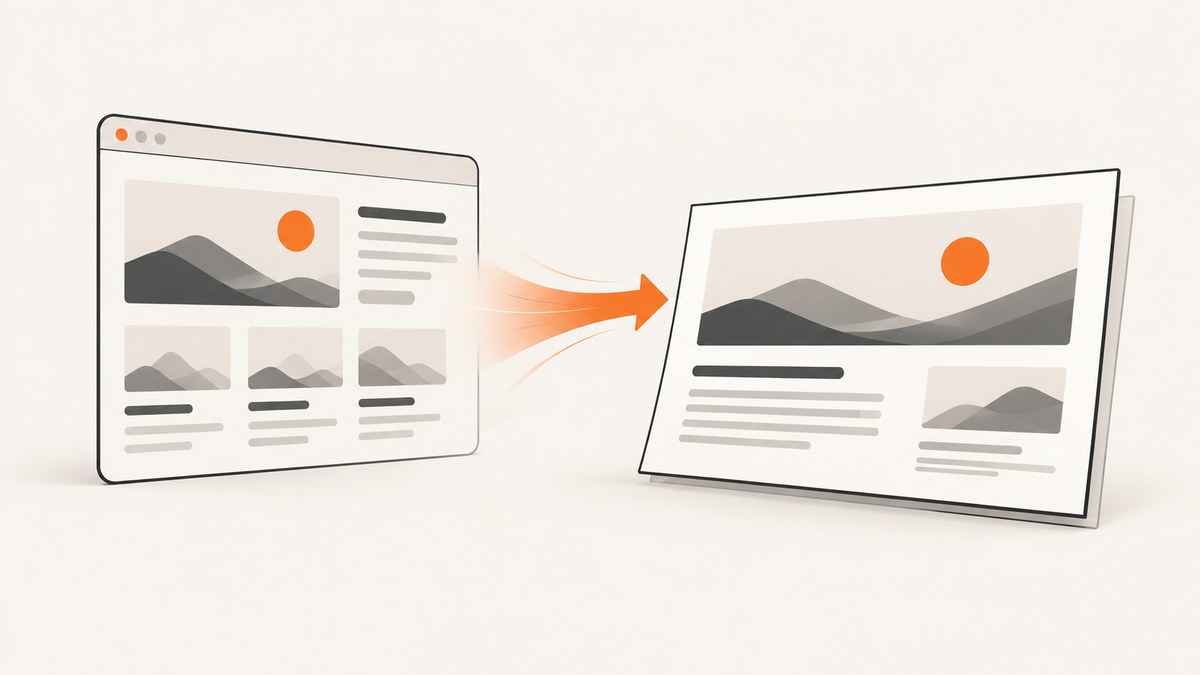
To generate a landscape PDF with PDFCrowd, set orientation to landscape. Pair it with a standard page_size such as Letter or A4, or provide custom page_width and page_height values with units such as in, mm, cm, px, or pt. The shortest working HTTP request is:
curl -f -u "YOUR_USERNAME:YOUR_API_KEY" \
  -o landscape.pdf \
  -F "page_size=Letter" \
  -F "orientation=landscape" \
  -F "url=https://example.com" \
  https://api.pdfcrowd.com/convert/24.04/
PDFCrowd’s documented orientation values are portrait and landscape. Portrait is the default, so an omitted or misspelled option leaves the document vertical. The API reference and examples are the authoritative sources for option names and converter behavior.
1. Choose the landscape page geometry
Landscape changes the page orientation, but it does not decide the paper dimensions. Select a standard page size first:
| Goal | Settings | Notes |
|---|---|---|
| US office documents | page_size=Letter, orientation=landscape |
Produces an 11 × 8.5 inch page. |
| International office documents | page_size=A4, orientation=landscape |
Produces a 297 × 210 mm page. |
| Wide report or dashboard | Custom page_width and page_height |
Use explicit units and keep both dimensions within the API limit. |
| Slides or charts | Landscape plus a wider custom page | Also set a wide content viewport so responsive CSS does not switch to a mobile layout. |
PDFCrowd documents standard sizes from A0 through A6, including A3, A5, and A6 variants. For a custom page, values can use in, mm, cm, px, or pt; the documented maximum dimension is 200 inches. For example, an A4 landscape sheet is 297mm wide and 210mm high.
2. Minimal cURL request
The HTTP API accepts a URL, an uploaded file, or raw text as the input. This URL example writes the PDF response directly to disk:
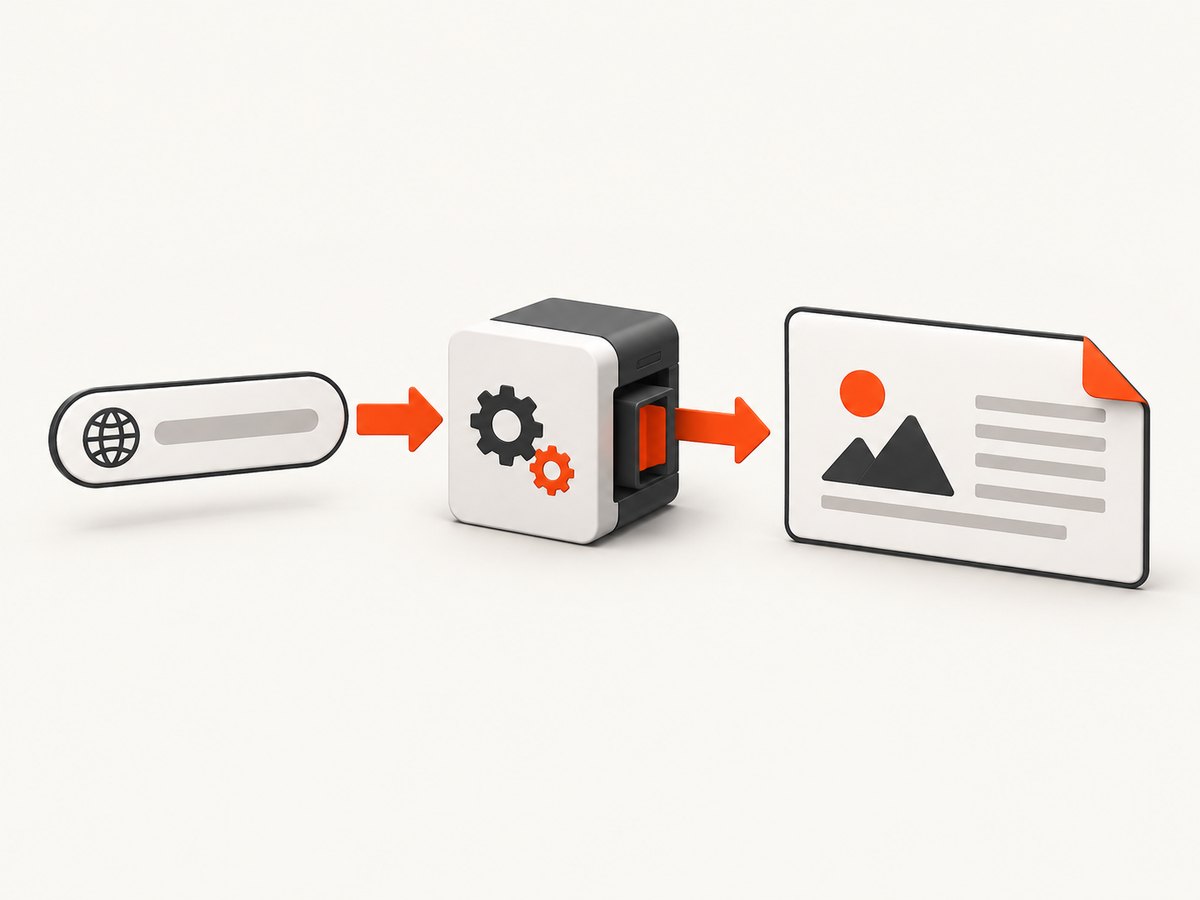
curl -f -u "YOUR_USERNAME:YOUR_API_KEY" \
  -o "letter_landscape.pdf" \
  -F "page_size=Letter" \
  -F "orientation=landscape" \
  -F "no_margins=true" \
  -F "url=https://example.com" \
  https://api.pdfcrowd.com/convert/24.04/
-f makes cURL return a failure for HTTP errors. Keep credentials out of source control by supplying them through environment variables in scripts or CI. Replace the demo credentials shown in PDFCrowd examples with the username and API key from your account.
Convert raw HTML text
curl -f -u "$PDFCROWD_USER:$PDFCROWD_KEY" \
  -o report.pdf \
  -F "page_size=A4" \
  -F "orientation=landscape" \
  -F "text=<html><body><h1>Quarterly report</h1></body></html>" \
  https://api.pdfcrowd.com/convert/24.04/
For larger documents, send a file input instead of placing all markup in a command line. Keep external assets reachable by the converter, or embed required fonts and images where your document policy allows it.
3. Margins, print area, and CSS precedence
Landscape pages can still look cramped if the default margins consume the usable width. Set each margin independently:
curl -f -u "$PDFCROWD_USER:$PDFCROWD_KEY" \
  -o report.pdf \
  -F "page_size=Letter" \
  -F "orientation=landscape" \
  -F "margin_top=0.35in" \
  -F "margin_right=0.35in" \
  -F "margin_bottom=0.35in" \
  -F "margin_left=0.35in" \
  -F "url=https://example.com/report" \
  https://api.pdfcrowd.com/convert/24.04/
Use no_margins=true when the design intentionally reaches the page edge. Printers may still impose a non-printable border, so a PDF that is edge-to-edge on screen may not print edge-to-edge.
If your HTML contains an @page rule, css_page_rule_mode determines which settings win. The default gives API settings precedence. Set css_page_rule_mode=mode2 when the CSS @page rule should override API page settings. Check both the generated PDF metadata and the visible content when diagnosing a conflict.
4. Keep responsive HTML in a wide layout
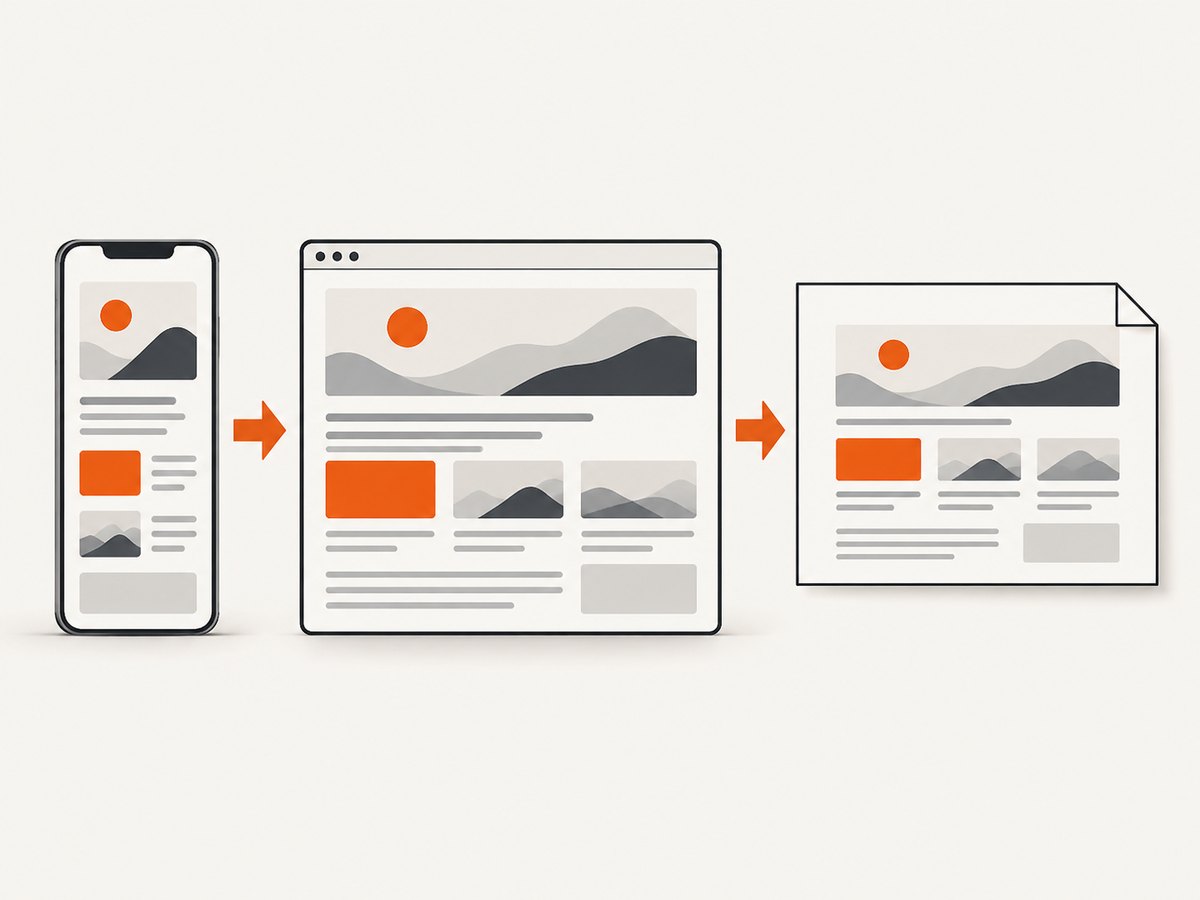
Changing paper orientation does not automatically make the HTML viewport wide. A responsive site can still render its mobile breakpoint and produce a narrow, stacked PDF. Set content_viewport_width to control layout before pagination.
curl -f -u "$PDFCROWD_USER:$PDFCROWD_KEY" \
  -o dashboard.pdf \
  -F "page_size=Letter" \
  -F "orientation=landscape" \
  -F "content_viewport_width=large" \
  -F "url=https://example.com/dashboard" \
  https://api.pdfcrowd.com/convert/24.04/
Documented choices include balanced, small, medium, large, extra-large, or a numeric width from 96 to 65000 pixels. Start with large for reports and dashboards. Use a numeric value when your CSS breakpoints require a precise width.
5. Python example
Use the PDFCrowd client library when you want typed setters and reusable conversion code. The method index includes setOrientation(), setPageSize(), setPageWidth(), and setPageHeight(). Match the client version to the converter version used by your project.
from pdfcrowd import HtmlToPdfClient

client = HtmlToPdfClient("YOUR_USERNAME", "YOUR_API_KEY")
client.setPageSize("Letter")
client.setOrientation("landscape")
client.setContentViewportWidth("large")
client.setNoMargins(True)
client.convertUrlToFile("https://example.com", "landscape.pdf")
For custom dimensions, replace the standard size with width and height setters using values such as 297mm and 210mm. Consult the client reference for the exact constructor and method names in the installed package version.
6. Node.js client configuration
The Node.js reference exposes the same orientation option. A typical client-library flow looks like this:
const pdfcrowd = require('pdfcrowd');

const client = new pdfcrowd.HtmlToPdfClient(
  process.env.PDFCROWD_USER,
  process.env.PDFCROWD_KEY
);

client.setPageSize('A4');
client.setOrientation('landscape');
client.setContentViewportWidth('large');

client.convertUrlToFile(
  'https://example.com',
  'a4-landscape.pdf',
  (error) => {
    if (error) console.error(error);
    else console.log('PDF written');
  }
);
When a project uses a newer or older SDK, verify whether callbacks, promises, and setter names differ. The HTTP form request remains a stable fallback when you need to inspect every parameter directly.
7. Custom page dimensions
Use custom dimensions when Letter or A4 cannot accommodate a wide table, chart, or slide-like design.
curl -f -u "$PDFCROWD_USER:$PDFCROWD_KEY" \
  -o wide-report.pdf \
  -F "page_width=16in" \
  -F "page_height=9in" \
  -F "orientation=landscape" \
  -F "margin_top=0.25in" \
  -F "margin_right=0.25in" \
  -F "margin_bottom=0.25in" \
  -F "margin_left=0.25in" \
  -F "url=https://example.com/report" \
  https://api.pdfcrowd.com/convert/24.04/
Do not specify contradictory geometry accidentally. If you need a 16:9 page, set both dimensions explicitly and make the content viewport wide enough to match. Keep units consistent so a value such as 210 is not misread as pixels when you intended millimeters.
8. Mixed portrait and landscape pages
For a document where only selected pages are horizontal, use conversion_config (called setConversionConfig() in client libraries). Its pageSetup entries can target individual pages or ranges and can set orientation, dimensions, margins, headers, footers, and background color.
{
  "pageSetup": [
    {"page": "1", "orientation": "portrait"},
    {"page": "2-5", "orientation": "landscape"},
    {"page": "6", "orientation": "portrait"}
  ]
}
Use page ranges for appendices, wide tables, or charts. Generate a short fixture document first so you can confirm that page numbering and range syntax match your client version.
9. Troubleshooting checklist
| Symptom | Likely cause | Fix |
|---|---|---|
| PDF is still portrait | Option omitted, misspelled, or overridden by CSS. | Set orientation=landscape and inspect css_page_rule_mode. |
| Wide content is stacked | Responsive CSS selected a mobile breakpoint. | Set content_viewport_width=large or a numeric width. |
| Content touches or crosses edges | Margins are too small or fixed-width content exceeds the page. | Set explicit margins and reduce the content width. |
| Only some pages should be horizontal | Global orientation was used. | Use conversion_config.pageSetup with page ranges. |
| Images or fonts are missing | Assets are unavailable to the converter or load too late. | Make assets reachable, embed critical resources, and inspect the source response. |
| Authentication error | Wrong username/key or malformed -u value. |
Rotate credentials if exposed and retry with environment variables. |
| Request times out | Slow page, blocked resource, or very large document. | Reduce page complexity, remove unnecessary remote assets, and retry with a smaller fixture. |
10. Performance, reliability, and cost considerations
Landscape output does not inherently cost more or run faster. Conversion time is usually dominated by page load, JavaScript, remote assets, font rendering, and pagination. For repeatable jobs:
- Use stable URLs and versioned assets.
- Prefer a fixed viewport and explicit page dimensions.
- Keep the HTML fixture small while debugging.
- Cache source data and avoid regenerating identical reports unnecessarily.
- Record the converter version, page settings, and input URL with each job.
- Validate page count, orientation, and file size before distributing the PDF.
For production, handle non-2xx responses, preserve the response body for diagnosis, and retry transient failures with bounded backoff. Do not retry authentication or validation errors indefinitely. If a report contains sensitive data, use HTTPS inputs and protect generated files and logs.
11. Or skip the browser setup
If your goal is a clean capture or PDF rather than maintaining a browser conversion pipeline, ScreenshotNeo provides a single API request. Its PDF options include paper size, margins, landscape mode, and page ranges. See the ScreenshotNeo documentation for the complete parameter list.
curl -G "https://api.screenshotneo.com/v1/shot" -d access_key=YOUR_API_KEY --data-urlencode url=https://stripe.com -o shot.webpimport requests
r = requests.get("https://api.screenshotneo.com/v1/shot", params={"access_key": "YOUR_API_KEY", "url": "https://stripe.com"}, timeout=90)
open("shot.webp", "wb").write(r.content)const q = new URLSearchParams({ access_key: 'YOUR_API_KEY', url: 'https://stripe.com' }); const res = await fetch(`https://api.screenshotneo.com/v1/shot?${q}`);Before capture, ScreenshotNeo accepts cookie and consent banners and removes more than 60 known consent platforms, newsletter popups, and chat widgets; each step can be disabled. Bot checks, blank pages, timeouts, failed loads, and cache hits are not billed, and response headers identify the page verdict and billing result. The service also offers an MCP server with take_screenshot, get_page_info, and capture_pdf for Claude, Cursor, and other MCP clients. One thousand screenshots per month are free with no card; paid plans start at $5 for 3,000 shots. Create a free ScreenshotNeo account.
12. FAQ
What is the exact PDFCrowd landscape switch?
Use orientation=landscape in the HTTP API or the equivalent setOrientation('landscape') client method.
Should I use Letter or A4?
Choose Letter for US-oriented workflows and A4 for most international workflows. Use custom dimensions only when neither standard size fits.
Why does my landscape PDF still look narrow?
The HTML viewport may still be using a mobile breakpoint. Set content_viewport_width to large, extra-large, or a suitable numeric width.
Can one PDF contain both orientations?
Yes. Configure page-specific settings through conversion_config and its pageSetup ranges.
Can CSS override the API orientation?
Yes, depending on css_page_rule_mode. The default prioritizes API settings; mode2 gives CSS @page rules priority.


