How to Make pdfkit Render an A4 HTML Page as an A4 PDF
Set the correct A4 option in Python pdfkit or Node PDFKit, verify page dimensions, and fix margins, pagination, and renderer issues.
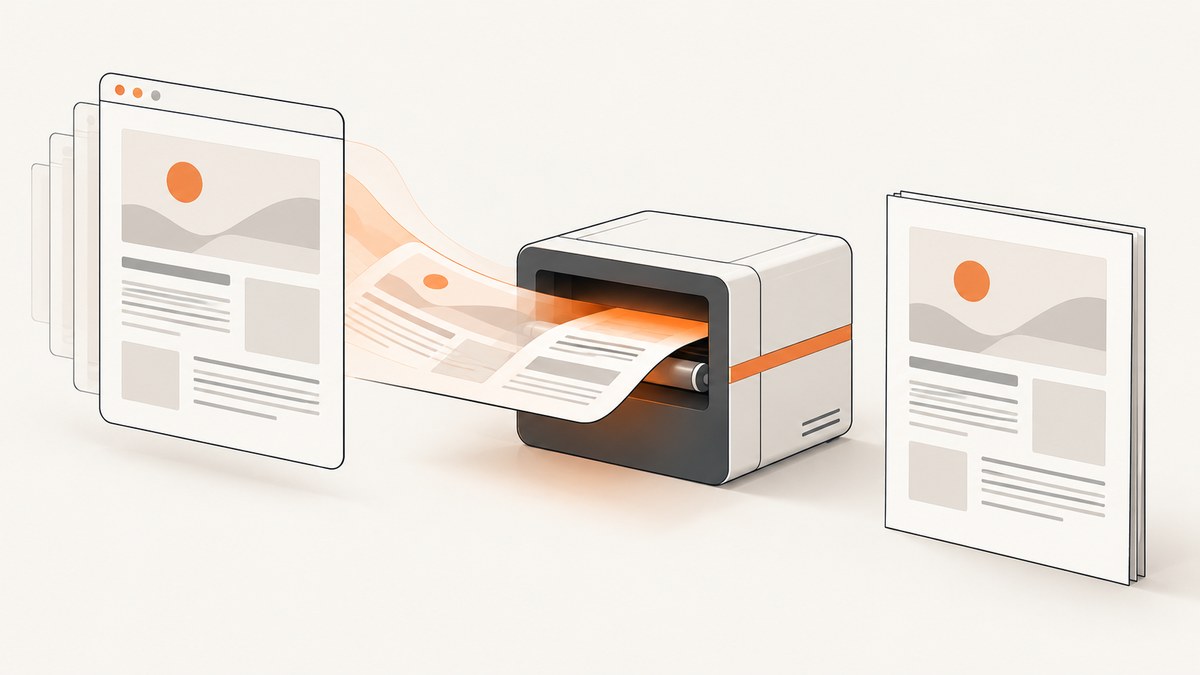
To render an A4 HTML page as an A4 PDF, first identify which pdfkit you mean. Python’s pdfkit package wraps the external wkhtmltopdf command and takes the renderer option page-size: A4. Node’s pdfkit package creates PDF pages directly and takes size: 'A4'. They are different libraries with different configuration APIs.
For Python, the smallest working example is:
import pdfkit

options = {
    'page-size': 'A4',
    'orientation': 'Portrait',
}

pdfkit.from_file('input.html', 'output.pdf', options=options)
The rest of this guide shows how to install the right renderer, verify the resulting page geometry, control layout, diagnose bad pagination, and choose a hosted capture route when you do not want to maintain a browser or PDF binary.
1. Identify the pdfkit package in your project
The name is overloaded:
| Runtime | Package | Rendering model | A4 setting |
|---|---|---|---|
| Python | pdfkit |
Wrapper around wkhtmltopdf |
{'page-size': 'A4'} |
| Node.js | pdfkit |
Direct PDF document generation | { size: 'A4' } |
| Ruby | PDFKit | Wrapper around wkhtmltopdf |
page_size: 'A4' |
Python calls such as from_string, from_file, and from_url indicate the wrapper project documented on GitHub. A Node program importing PDFDocument from the pdfkit package uses the direct-generation API documented at pdfkit.org. Do not copy page-size into a Node PDFKit constructor or size into Python pdfkit options.
2. Python pdfkit: install the wrapper and wkhtmltopdf
Python pdfkit does not render HTML by itself. It starts the wkhtmltopdf executable, sends it your HTML and options, and returns the generated PDF. Install both pieces:
python -m pip install pdfkit

# Debian or Ubuntu
sudo apt-get update
sudo apt-get install wkhtmltopdf
On macOS, install the wkhtmltopdf binary using the distribution method approved for your environment. On Windows, install it from the wkhtmltopdf project and keep the executable path. Then test the binary directly:
wkhtmltopdf --versionIf it is not on PATH, pass an explicit configuration object:
import pdfkit

config = pdfkit.configuration(
    wkhtmltopdf='/absolute/path/to/wkhtmltopdf'
)
options = {
    'page-size': 'A4',
    'orientation': 'Portrait',
}
pdfkit.from_file(
    'input.html',
    'output.pdf',
    options=options,
    configuration=config,
)
The wrapper passes option names without the leading command-line dashes. Thus page-size becomes --page-size when invoking wkhtmltopdf. The wkhtmltopdf manual documents A4 as the default paper size and lists the related page controls at its usage documentation.
3. Complete Python examples
Convert an HTML string
import pdfkit
html = '''
A4 example
A4 report
This page is rendered as an A4 portrait PDF.
'''
options = {
'page-size': 'A4',
'orientation': 'Portrait',
'margin-top': '18mm',
'margin-right': '18mm',
'margin-bottom': '18mm',
'margin-left': '18mm',
'encoding': 'UTF-8',
'print-media-type': None,
}
pdfkit.from_string(html, 'output.pdf', options=options)Convert a local file or URL
import pdfkit

options = {'page-size': 'A4', 'orientation': 'Portrait'}
pdfkit.from_file('input.html', 'output.pdf', options=options)
pdfkit.from_url('https://example.com', 'webpage.pdf', options=options)
Use from_string when your application already has rendered HTML. Use from_file when relative assets and local CSS are easier to manage. Use from_url only when the renderer can reach the URL and the page does not require an interactive login or browser-only behavior.
4. Control page geometry separately from layout
Setting A4 establishes the paper size; it does not guarantee that every element fits cleanly. A4 portrait is 210 × 297 mm. PDF coordinates are commonly represented in points; Node PDFKit documents the equivalent portrait page as 595.28 × 841.89 points.
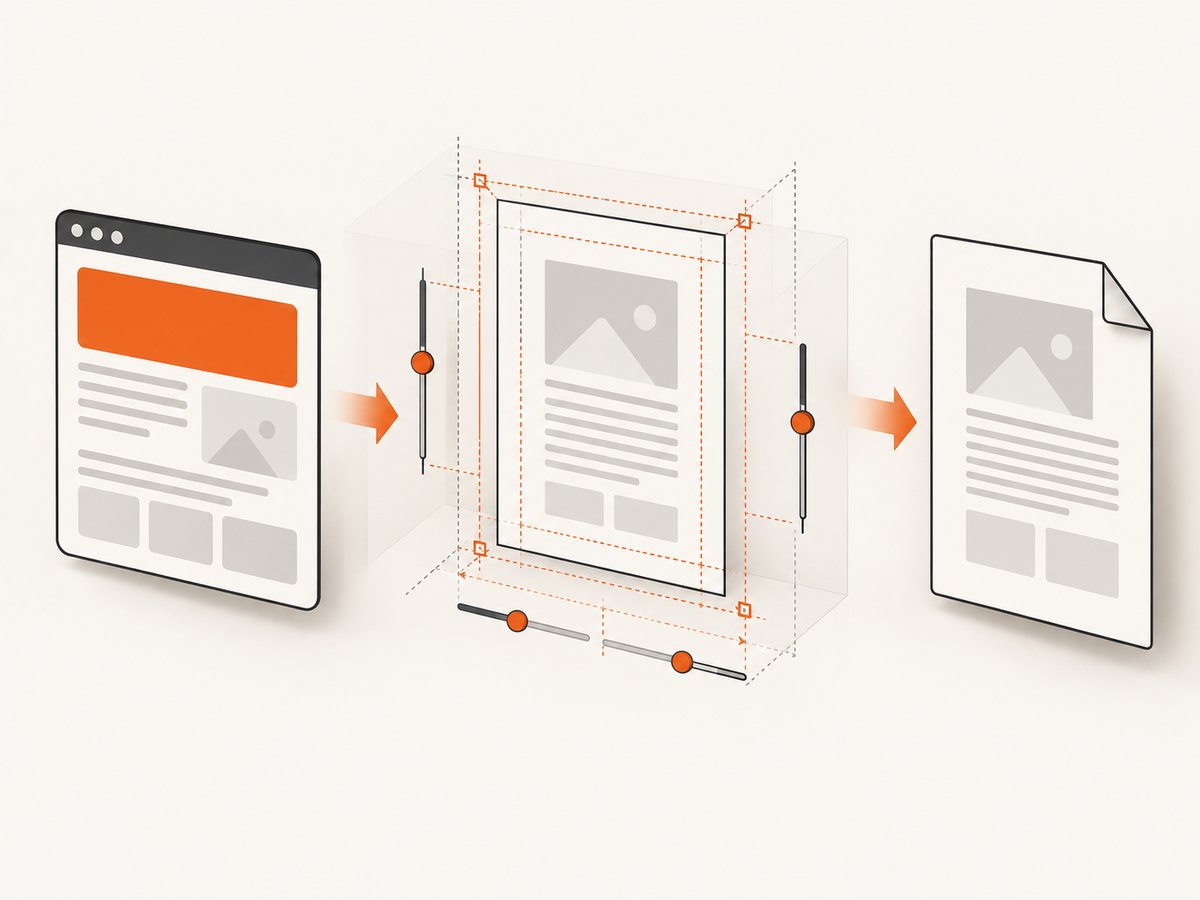
Adjust these controls independently:
- Orientation: use
Portraitfor 210 × 297 mm orLandscapefor the rotated page. - Margins: set all four margins explicitly when the template has a strict printable area.
- Print media: add
print-media-typewhen your CSS contains print-specific rules. - Zoom: change
zoomwhen content is consistently too large or too small. - Explicit dimensions: use
page-widthandpage-heightwhen a named paper size cannot express the required geometry.
options = {
    'page-size': 'A4',
    'orientation': 'Landscape',
    'margin-top': '10mm',
    'margin-right': '12mm',
    'margin-bottom': '10mm',
    'margin-left': '12mm',
    'print-media-type': None,
    'zoom': '1.0',
}
Keep CSS and renderer settings consistent. For example, an @page rule requesting landscape while the command-line option requests portrait creates an avoidable source of confusion. Choose one intended orientation and inspect the generated PDF after changing it.
5. Keep HTML content inside the printable area
Most reports that look correct in a browser but break in a PDF have a layout problem rather than a paper-size problem. Common causes include fixed pixel widths, long unbreakable strings, flexbox layouts that the renderer handles differently, and images without a maximum width.
@page {
  size: A4 portrait;
  margin: 18mm;
}

* { box-sizing: border-box; }
body { margin: 0; font-family: Arial, sans-serif; }
img { max-width: 100%; height: auto; }
table { width: 100%; border-collapse: collapse; }
td, th { overflow-wrap: anywhere; }
.avoid-break { page-break-inside: avoid; }
.page-break { page-break-before: always; }
Use print styles to remove navigation, animations, sticky headers, and screen-only controls. Give tables a deliberate header row and test rows that span more than one page. A browser’s responsive viewport is not the same thing as a PDF’s printable width.
6. Node PDFKit: generate an A4 document directly
Node PDFKit is not an HTML renderer. It draws text, paths, images, and other primitives into a PDF document. Set the page size in the constructor or when adding a page:
const PDFDocument = require('pdfkit');
const fs = require('node:fs');

const doc = new PDFDocument({
  size: 'A4',
  margin: 51, // approximately 18 mm in PDF points
});

doc.pipe(fs.createWriteStream('output.pdf'));
doc.fontSize(24).text('A4 report');
doc.moveDown();
doc.fontSize(12).text('This document uses an A4 portrait page.');
doc.end();
For a new page, use:
doc.addPage({ size: 'A4', layout: 'portrait', margin: 51 });If your source is HTML and you need CSS layout, Node PDFKit alone is the wrong abstraction. Keep using an HTML-capable renderer or convert the content into explicit PDFKit drawing operations.
7. Verify that the output is actually A4
Do not infer page size from how the PDF looks in a viewer. Inspect the page box. A command-line utility such as Poppler’s pdfinfo can show the media size:
pdfinfo output.pdf | grep -E 'Page size|Pages'The expected portrait dimensions are approximately 595.28 × 841.89 points, or 210 × 297 mm. If the dimensions are wrong, return to the package identification step, confirm which executable ran, and inspect the final option dictionary. If dimensions are correct but content is clipped, continue with margins, width, pagination, and zoom instead of changing page-size again.
8. Troubleshooting checklist
“No wkhtmltopdf executable found”
Cause: the Python wrapper cannot find the external binary. Fix: install wkhtmltopdf, verify wkhtmltopdf --version, or pass pdfkit.configuration(wkhtmltopdf='...') with an absolute path.
The PDF is Letter or another size
Cause: the option was omitted, misspelled, passed to the wrong library, or never reached the binary. Fix: use {'page-size': 'A4'} for Python pdfkit, run with the intended configuration, and inspect the output using pdfinfo.
The page is A4 but content is cut off
Cause: content exceeds the printable width or a fixed-height element clips overflow. Fix: reduce margins or CSS widths, add max-width: 100% to images, allow text wrapping, and remove fixed heights where possible.
Unexpected blank pages
Cause: an explicit page break, an oversized block, or trailing whitespace exceeds the remaining page height. Fix: inspect page-break-before, page-break-after, and page-break-inside; then test the smallest HTML fragment that reproduces the blank page.
Headers, footers, or outlines do not work
Cause: distribution-provided wkhtmltopdf builds can differ in supported features, and the Python project warns that some builds have reduced functionality. Fix: record the exact binary path and version, compare it with the build expected by your deployment, and enable verbose renderer output while diagnosing.
Web fonts or images are missing
Cause: the renderer cannot access a local file, remote asset, certificate, or authenticated endpoint. Fix: use reachable absolute URLs, verify permissions and network access, embed critical assets where practical, and check renderer logs. A successful HTML load in your browser does not prove that the wkhtmltopdf process has the same access.
The page looks different from the browser
Cause: wkhtmltopdf is a separate rendering engine with its own CSS and JavaScript behavior. Fix: simplify print CSS, wait for required content, disable animations, and use print-media-type when your design has print rules. Treat browser parity as a layout task separate from A4 geometry.
9. Reliability, performance, and cost considerations
Launching wkhtmltopdf has process startup overhead. Reuse a controlled worker model for batches, cap concurrent conversions, and write temporary files to a location with enough space. Set an application timeout around each conversion so a broken URL or script cannot hold a worker indefinitely.
Remote pages add network variability. Prefer local HTML when the document is generated by your application, cache stable assets, and record the renderer version in logs. For reproducibility, keep the same binary and font set across development and production.
Python pdfkit itself is a wrapper, and its documentation now marks the project deprecated in line with the wkhtmltopdf project’s status. That does not change the A4 option, but it does mean you should verify the actual installed renderer and test features such as headers, footers, table of contents, and outlines in the target environment.
10. Or skip the browser setup
If your goal is a reliable rendered artifact rather than maintaining wkhtmltopdf, ScreenshotNeo provides a hosted capture API. It can return PNG, JPEG, WebP, or PDF from one GET request. For PDF output, configure paper size, margins, orientation, and page ranges through the API options documented at the ScreenshotNeo docs.
curl -G "https://api.screenshotneo.com/v1/shot" \
  -d access_key=YOUR_API_KEY \
  --data-urlencode url=https://stripe.com \
  -o shot.webp
import requests
r = requests.get(
"https://api.screenshotneo.com/v1/shot",
params={"access_key": "YOUR_API_KEY", "url": "https://stripe.com"},
timeout=90,
)
r.raise_for_status()
open("shot.webp", "wb").write(r.content)const q = new URLSearchParams({ access_key: 'YOUR_API_KEY', url: 'https://stripe.com' });
const res = await fetch(`https://api.screenshotneo.com/v1/shot?${q}`);
if (!res.ok) throw new Error(`HTTP ${res.status}`);
const body = await res.arrayBuffer();
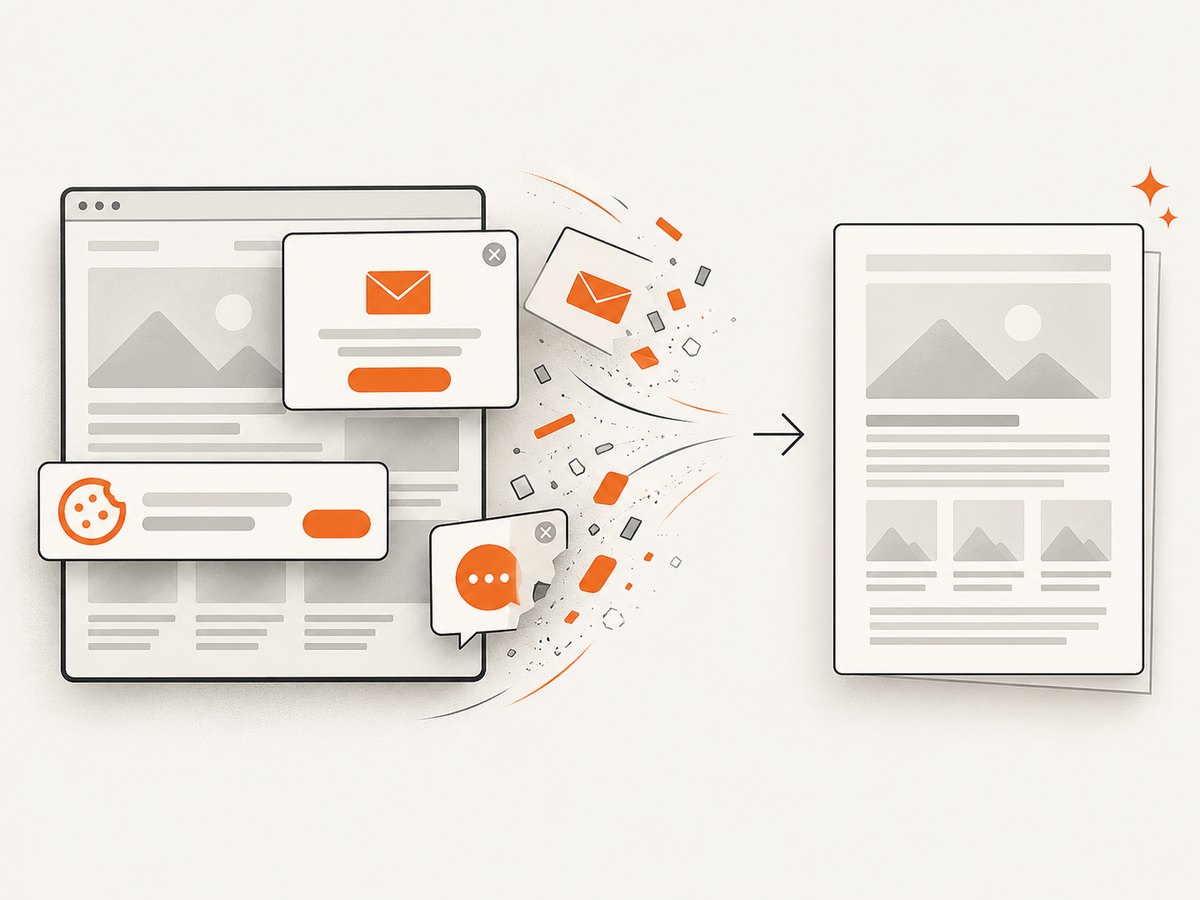
await import('node:fs/promises').then(fs => fs.writeFile('shot.webp', Buffer.from(body)));ScreenshotNeo removes cookie and consent banners, newsletter popups, and chat widgets before capture. Bot checks, blank pages, failed loads, timeouts, and cache hits are not billed, and response headers identify the page verdict and billing result. Its MCP server gives Claude, Cursor, and other MCP clients take_screenshot, get_page_info, and capture_pdf tools. One thousand screenshots per month are free with no card; paid plans start at $5 for 3,000 shots. Create a free ScreenshotNeo account.
11. A practical decision guide
- Choose Python pdfkit when you already operate wkhtmltopdf and need a small change to an existing server-side HTML-to-PDF pipeline.
- Choose Node PDFKit when you are generating structured PDF content directly and do not need HTML/CSS layout.
- Use a hosted capture API when installing browser binaries, handling web assets, and maintaining renderer workers would add more operational work than the PDF feature is worth.
12. FAQ
Is A4 the default in wkhtmltopdf?
The wkhtmltopdf manual documents A4 as its default paper size, but set page-size: A4 explicitly so your application remains clear and resistant to environment changes.
Can I use CSS @page { size: A4; } alone?
It can influence layout, but pass the renderer’s A4 option as well when using Python pdfkit. The command-line page setting is the authoritative PDF geometry control.
Why does Node PDFKit not accept page-size?
Node PDFKit does not wrap wkhtmltopdf. It creates PDF pages directly, so its documented property is size: 'A4'.
How do I make an A4 PDF landscape?
In Python, set 'orientation': 'Landscape' with 'page-size': 'A4'. In Node PDFKit, use { size: 'A4', layout: 'landscape' }.
What should I log when conversions fail in production?
Log the library version, wkhtmltopdf executable path and version, complete option names, input type, elapsed time, exit status, and renderer stderr. Those details distinguish a geometry mistake from a missing binary, inaccessible asset, or renderer crash.


