How to Add Headers and Footers with pdfkit and wkhtmltopdf
Add text or HTML headers, footers, and page numbers to PDFs with pdfkit. Learn the options, spacing rules, setup checks, and fixes for common problems.

To add headers or footers with pdfkit, pass wkhtmltopdf options in the options dictionary. Use keys such as header-left and footer-center for plain text, and header-html or footer-html for an HTML document. To number pages, use the documented tokens [page] and [topage]. Leave enough top and bottom margin for these regions.
Here is a starting example for a report file:
import pdfkit

options = {
    "page-size": "A4",
    "margin-top": "20mm",
    "margin-bottom": "18mm",
    "margin-left": "15mm",
    "margin-right": "15mm",
    "header-left": "Quarterly report",
    "header-right": "Internal",
    "footer-center": "Page [page] of [topage]",
    "header-spacing": "5",
    "footer-spacing": "5",
}

pdfkit.from_file("report.html", "report.pdf", options=options)
The strings above are illustrative values, not universal layout settings. Adjust the margins and spacing for your page size and the actual height of the header and footer, then inspect the resulting PDF for clipping or overlap. This guide covers plain-text and HTML approaches, the option vocabulary, layout, compatibility, common errors, and ways to choose a rendering path.
1. How pdfkit passes options to wkhtmltopdf
pdfkit is a Python wrapper around the wkhtmltopdf command-line utility. In a call to pdfkit.from_url, pdfkit.from_file, or pdfkit.from_string, provide an options dictionary. Use option names without their command-line -- prefix: for example, "margin-top", not "--margin-top". The wrapper converts these dictionary entries to arguments for the utility.
The same header and footer options apply regardless of which of those input methods you use. The source can be a web page, a local file, or an HTML string; the installed wkhtmltopdf binary does the actual rendering. See the pdfkit project documentation and the wkhtmltopdf command-line manual for their option and invocation details.
2. Add plain-text headers, footers, and page numbers
wkhtmltopdf provides left, center, and right positions for each region. Put the text in the corresponding option. A simple configuration can set one or more positions:
import pdfkit

options = {
    "header-left": "Acme | Quarterly report",
    "header-right": "Confidential",
    "footer-left": "Prepared for the finance team",
    "footer-right": "Page [page] of [topage]",
    "margin-top": "22mm",
    "margin-bottom": "20mm",
    "header-spacing": "4",
    "footer-spacing": "4",
}

pdfkit.from_url("https://example.com/report", "report.pdf", options=options)
Replace the example address and labels with your own. The command-line manual documents these substitution tokens:
| Token | Meaning | Example use |
|---|---|---|
[page] |
Current page number | Page [page] |
[topage] |
Last page number | of [topage] |
[frompage] |
First page in the current output range | Range-aware footer |
[date], [isodate], [time] |
Date or time values | Generation timestamp |
[title], [doctitle] |
Title values | Document heading |
[webpage] |
Web page address | Source reference |
[section], [subsection] |
Section labels | Running section context |
[sitepage], [sitepages] |
Page values for site-level output | Multi-object output |
For a standard page count, Page [page] of [topage] is usually the useful starting point. If a token appears literally instead of being replaced, check the option spelling and the binary’s capabilities first; some header/footer features depend on the wkhtmltopdf build.
3. Use an HTML header or footer for richer designs
Use header-html and footer-html when plain text is not enough, such as when the region needs structured markup or richer styling. These options point to an HTML document location. The manual demonstrates HTML header/footer documents and query-parameter substitution. How a location should be written can depend on the installed version and environment, so verify the URI form accepted by your binary.
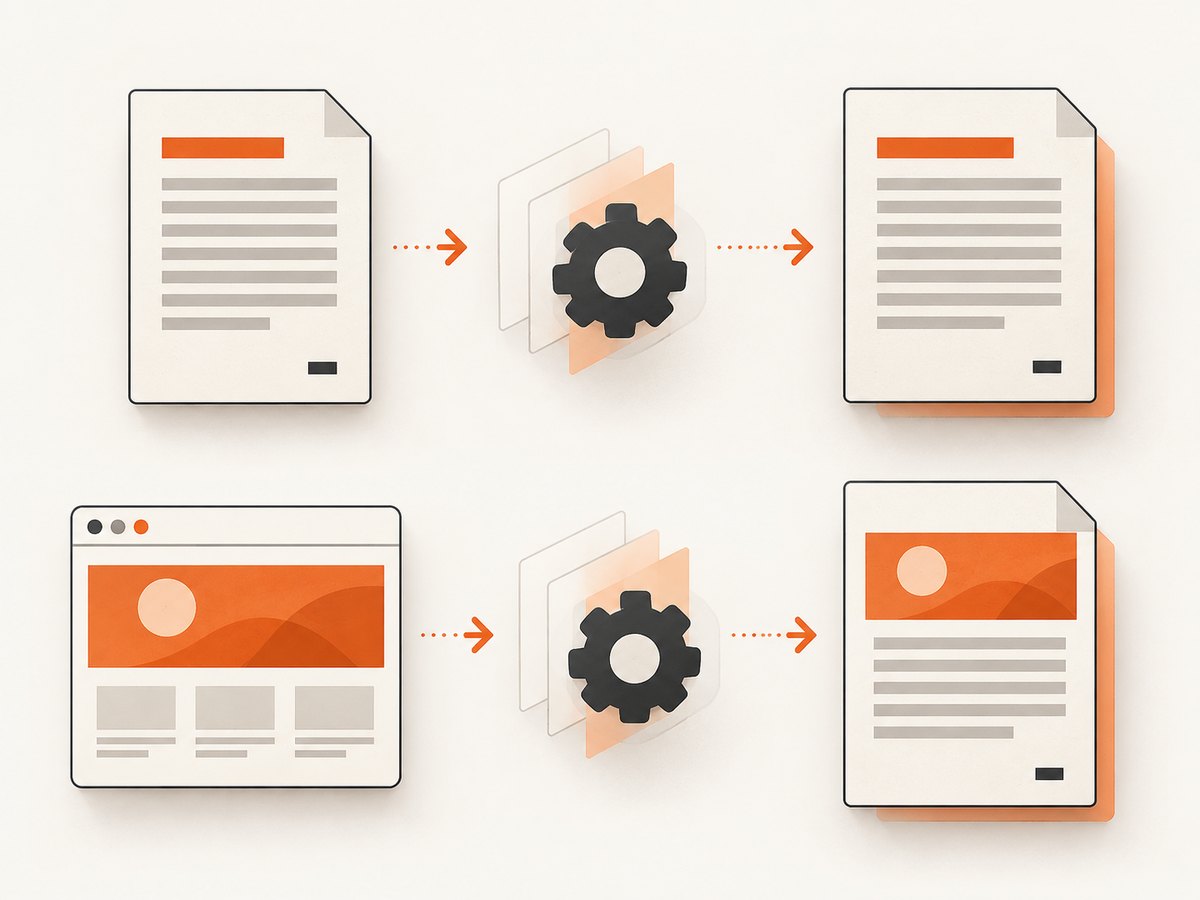
For example, the configuration shape is:
import pdfkit

options = {
    "header-html": "file:///absolute/path/to/header.html",
    "footer-html": "file:///absolute/path/to/footer.html",
    "margin-top": "25mm",
    "margin-bottom": "22mm",
    "header-spacing": "4",
    "footer-spacing": "4",
}

pdfkit.from_file("report.html", "report.pdf", options=options)
This illustrates the option shape only. Confirm whether your installed version accepts the chosen local path or URI form; do not assume that a raw HTML string and a local document location are interchangeable. If the header or footer document loads images, stylesheets, or fonts, those resources also need to be reachable by the renderer under its local-file and network settings.
Keep header/footer content compact and predictable. A fixed-height region is easier to fit than content whose height changes substantially from page to page. Test pages with long titles, missing optional fields, and any non-ASCII text your documents contain.
4. Reserve page space and tune spacing
Margins define the printable content area. The top margin must leave room for the header; the bottom margin must leave room for the footer. Header and footer spacing positions their content relative to the page content area. A spacing value that is too large can put a header outside the page unless the top margin is increased, as described by the wkhtmltopdf library settings reference.
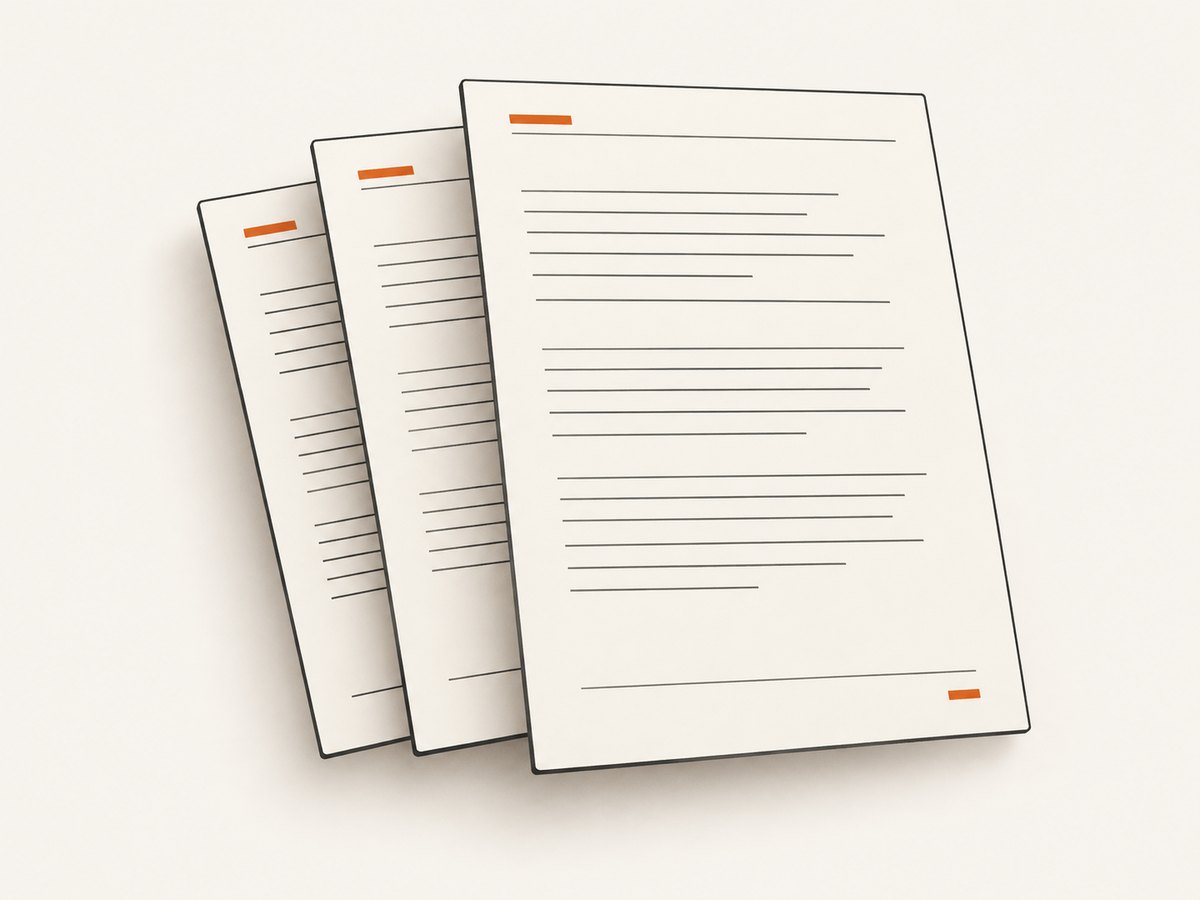
Use this sequence to tune the layout:
- Choose the paper size and orientation. Set
page-sizeor the relevant page dimensions before measuring available space. - Estimate the region height. Include text line height, borders, and any padding or graphics in an HTML header/footer.
- Set top and bottom margins. Provide enough room for the corresponding region and its gap.
- Adjust spacing gradually. Change
header-spacingorfooter-spacing, render again, and check the page edges. - Inspect several pages. Check the first page, a middle page, the last page, and pages with unusually long content.
For appearance, wkhtmltopdf has options for header/footer font name, font size, a line, and spacing. Consult the manual for exact names and accepted values for your build. If the header collides with body content, increase the top margin or reduce header height and spacing. Apply the same reasoning at the bottom edge for footers.
5. Configure each pdfkit input method
Only the input function changes; the options dictionary follows the same pattern. These examples show the three common entry points.
From a URL
import pdfkit

options = {
    "footer-center": "Page [page] of [topage]",
    "margin-top": "20mm",
    "margin-bottom": "18mm",
}

pdfkit.from_url("https://example.com/report", "report.pdf", options=options)
From a local HTML file
import pdfkit

options = {
    "header-left": "Monthly report",
    "footer-right": "Page [page] of [topage]",
    "margin-top": "20mm",
    "margin-bottom": "18mm",
}

pdfkit.from_file("report.html", "report.pdf", options=options)
From an HTML string
import pdfkit

html = """<!doctype html>
<html>
  <head><meta charset="utf-8"><title>Report</title></head>
  <body><h1>Monthly report</h1><p>Report content.</p></body>
</html>"""

options = {
    "footer-center": "Page [page] of [topage]",
    "margin-top": "20mm",
    "margin-bottom": "18mm",
}

pdfkit.from_string(html, "report.pdf", options=options)
All three examples assume that pdfkit is installed and that it can find a wkhtmltopdf executable. They are runnable after replacing sample input paths or URLs as needed. For deployment, make the executable location explicit if it is not on the process PATH, using the configuration mechanism documented by pdfkit.
6. Verify wkhtmltopdf support before debugging layout
Header and footer support is not identical across all packaged binaries. The pdfkit project warns that some Debian and Ubuntu repository builds omit patched Qt functionality, including headers and footers. The wkhtmltopdf manual marks some options as requiring a patched build. Therefore, a correct Python dictionary does not guarantee that the selected executable supports every requested feature.
Check which executable is being used and inspect its version and help output. If your environment has more than one copy, pdfkit may be invoking a different one than the shell command you tested. Configure pdfkit to use the intended executable following its documentation, then verify that build’s supported options. Avoid treating a package name or operating system as proof of feature support; inspect the actual binary.
7. Troubleshooting common problems
| Symptom | Likely cause | What to check or change |
|---|---|---|
| Header or footer is missing | The selected wkhtmltopdf build lacks the required patched functionality, or the option was not passed as expected. | Check the executable pdfkit invokes, its help/version output, and the generated command configuration. Confirm the option key has no leading --. |
| Page token is printed literally | The binary may not be processing header/footer options, or the option is unsupported by that build. | Test with footer-center: Page [page] of [topage] and verify build support before changing the token spelling. |
| Header overlaps the body | The top margin is too small for the header and its spacing. | Increase margin-top, reduce header height or spacing, then inspect first and subsequent pages. |
| Header is clipped or outside the page | Header spacing is too large for the available top margin. | Increase the top margin or lower header-spacing. The library settings reference calls out this interaction. |
| Footer collides with body text | The bottom margin does not reserve enough room. | Increase margin-bottom or reduce footer height and spacing. |
| HTML header document is not found | The location format is unsuitable for this environment, or a relative path resolves from an unexpected directory. | Try an absolute location in the form supported by your installed version; confirm the renderer process can read it. |
| HTML header appears without its styles or assets | Linked resources cannot be resolved or accessed by the renderer. | Check paths, local-file access, and network reachability for each stylesheet, font, and image. |
| PDF generation fails before layout is produced | The wkhtmltopdf executable is missing, inaccessible, or not the one pdfkit expects. | Check installation, process permissions, and pdfkit’s configured executable path. |
When isolating a failure, start with the smallest possible document and one footer option. Once that renders, add the header, margins, HTML assets, and styling one change at a time. This distinguishes a build capability issue from a URI or layout issue.
8. Reliability, performance, and cost considerations
Rendering happens in an external executable, so deployment reliability depends on both the Python wrapper and the wkhtmltopdf binary being available in the runtime environment. Pin and inspect the executable version used by your application, keep its path explicit where practical, and render representative documents during deployment checks. The research sources do not establish a universal performance benchmark or a currently recommended distribution; measure your own documents and environment.
For repeatable output, use stable source HTML, stable external assets, explicit paper and margin settings, and a known binary. Remote pages can change or load resources differently over time. A PDF that is correct for one URL or document may not have identical page breaks for another input, especially when content length, fonts, or image dimensions change.
There is no per-render price specified by the cited pdfkit and wkhtmltopdf references. Your operational cost depends on how you package and run the software and the resources needed by your workload. Budget for the executable and its runtime requirements, and evaluate rendering time and memory using your own output sizes rather than relying on an unsupported general claim.
9. Or skip the browser setup
If you need a clean screenshot or PDF of a web page rather than a locally controlled wkhtmltopdf pipeline, ScreenshotNeo provides a website screenshot API and MCP server. Its API uses one GET request, and the parameter names other screenshot APIs use also work. See the ScreenshotNeo API documentation for request options.
curl -G "https://api.screenshotneo.com/v1/shot" -d access_key=YOUR_API_KEY --data-urlencode url=https://stripe.com -o shot.webpimport requests
r = requests.get(
"https://api.screenshotneo.com/v1/shot",
params={"access_key": "YOUR_API_KEY", "url": "https://stripe.com"},
timeout=90,
)
open("shot.webp", "wb").write(r.content)const q = new URLSearchParams({ access_key: 'YOUR_API_KEY', url: 'https://stripe.com' });
const res = await fetch(`https://api.screenshotneo.com/v1/shot?${q}`);ScreenshotNeo accepts cookie and consent banners like a visitor, then removes more than 60 known consent platforms, newsletter popups, and chat widgets before the shot; each step can be turned off. Bot checks and CAPTCHAs, blank pages, timeouts, failed loads, and cache hits cost nothing, and the response identifies the page verdict and billing status in headers. Its MCP server offers take_screenshot, get_page_info, and capture_pdf for Claude, Cursor, and other MCP clients. The Free plan includes 1,000 shots per month with no card; paid plans start at $5 for 3,000 shots. Every feature is on every plan.
Create a free ScreenshotNeo account for 1,000 screenshots a month with no card.
10. FAQ
Can I put different text on the first page?
The cited option references establish the header/footer settings and substitution tokens, but this guide does not establish a portable first-page-only rule. Check the installed binary’s manual and test the behavior required by your document.
Can I use HTML for the body and plain text for the footer?
Yes. The body input method and header/footer options are separate settings, so a plain-text footer can accompany a URL, file, or string input.
Why does it work on one machine but not another?
The machines may use different wkhtmltopdf builds. Some packaged builds omit patched functionality, including header/footer support. Compare the actual executable and supported options on both systems.
Should I use an HTML footer for page numbers?
Use plain text when a token-based line such as Page [page] of [topage] meets the design need. Choose an HTML document when you need structured markup or styling, after confirming its location and resources resolve in the target environment.
Source references
- pdfkit project documentation: wrapper usage, options mapping, and build compatibility warning.
- wkhtmltopdf command-line manual: header/footer options, substitutions, and HTML document support.
- wkhtmltopdf library settings reference: settings including header spacing and its interaction with the top margin.


