Best PDFMonkey Alternatives for an HTML-to-PDF API
Compare PDFMonkey alternatives by rendering needs, authoring workflow, and total cost. Includes a practical evaluation plan and ScreenshotNeo for screenshot workflows.
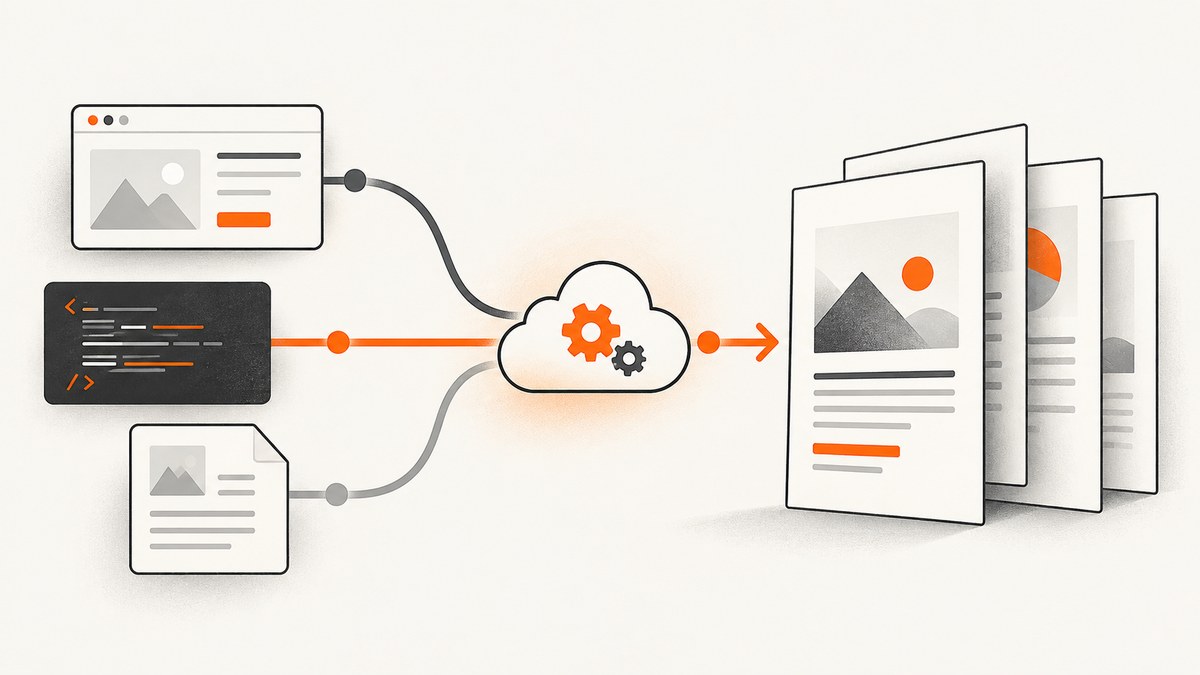
If you need an HTML-to-PDF API, shortlist providers by the documents you actually render: DocRaptor for print-oriented output, PDFShift for a credit-based API, APITemplate for template and HTML/URL workflows, CraftMyPDF for visual template authoring, PDFCrowd for broader conversion needs, and CloudConvert when PDF generation sits inside a multi-format conversion workflow. Those are product-positioning descriptions, not results from a controlled comparison. Render your hardest representative document with finalists before choosing.
One important baseline: PDFMonkey does not offer a raw HTML endpoint. Its documented route is to create and publish a Code Template containing {{htmlContent}}, then send complete HTML in the document payload. That distinction matters if you expect to POST arbitrary markup without configuring a template first. [PDFMonkey documentation]
1. What to compare before switching
“Best” depends on which part of the job is difficult: print layout, HTML compatibility, template ownership, throughput, conversion breadth, or predictable costs. Use the same input data and page design for each candidate, then inspect the PDFs and verify contractual requirements.
| Need | Shortlist to investigate | What to validate |
|---|---|---|
| Complex, print-focused documents | DocRaptor | Pagination, footnotes, cross-references, page floats, accessibility needs, fonts, and CSS on your actual documents. |
| Credit-based HTML-to-PDF API | PDFShift | How credits map to your output volume and complexity, current quotas, and any overage behavior. |
| Template editor plus HTML or URL workflows | APITemplate | Whether its authoring model fits the team and whether your input HTML and styles render as required. |
| Visual, drag-and-drop template editing | CraftMyPDF | How well visual editing handles your reusable layouts and required dynamic content. |
| Several file conversion types | PDFCrowd | Which conversions are supported for your formats and whether one service simplifies the whole workflow. |
| PDF as part of multi-format conversion | CloudConvert | Current conversion options, credits, and how the complete workflow is priced. |
This shortlist reflects descriptions in vendor pages and a vendor-authored comparison; it is not an independent ranking of document quality. Treat feature and value claims as claims to check. The comparison source’s prices are snapshots, not dependable current quotes. [CraftMyPDF comparison]
2. How PDFMonkey handles prebuilt HTML
PDFMonkey’s documented HTML pass-through uses a published Code Template with {{htmlContent}}. Your application submits full HTML in the document payload, and the configured template continues to control settings such as paper size, margins, engine version, and access controls. Sending dynamic markup through a Builder Template binding is not equivalent: interpolated HTML is escaped there.
- Create a Code Template in PDFMonkey and include
{{htmlContent}}where the supplied markup should be rendered. - Publish the template and configure its page and access settings.
- Build the complete HTML document in your application, including charset metadata and any styles or content it needs.
- Send that HTML as the document payload using the API workflow in your account, then retrieve the generated PDF.
- Inspect output from real documents, especially long pages and page breaks, before using the route for production output.
PDFMonkey advises using absolute URLs for external images and stylesheets and including <meta charset="utf-8">. Because the full HTML travels with each document, payloads are larger than a template-driven data-only workflow. Styles and shared layout remain in your external pipeline, there is no normal live preview for this pattern, and Liquid conditions, loops, and filters need to be handled by your own renderer. The exact request fields and authentication details should be taken from the current official docs and your account configuration; do not copy an example for another API and assume it is interchangeable. [PDFMonkey docs]
3. A practical evaluation workflow
Step 1: Pick representative documents
Choose two or three samples that expose the layout risks in your workload: an ordinary invoice, a long report, and a difficult statement or form. Include long tables, large images, custom fonts, explicit page breaks, headers and footers, and JavaScript if the production template uses it. Avoid evaluating only a one-page “hello world” PDF.
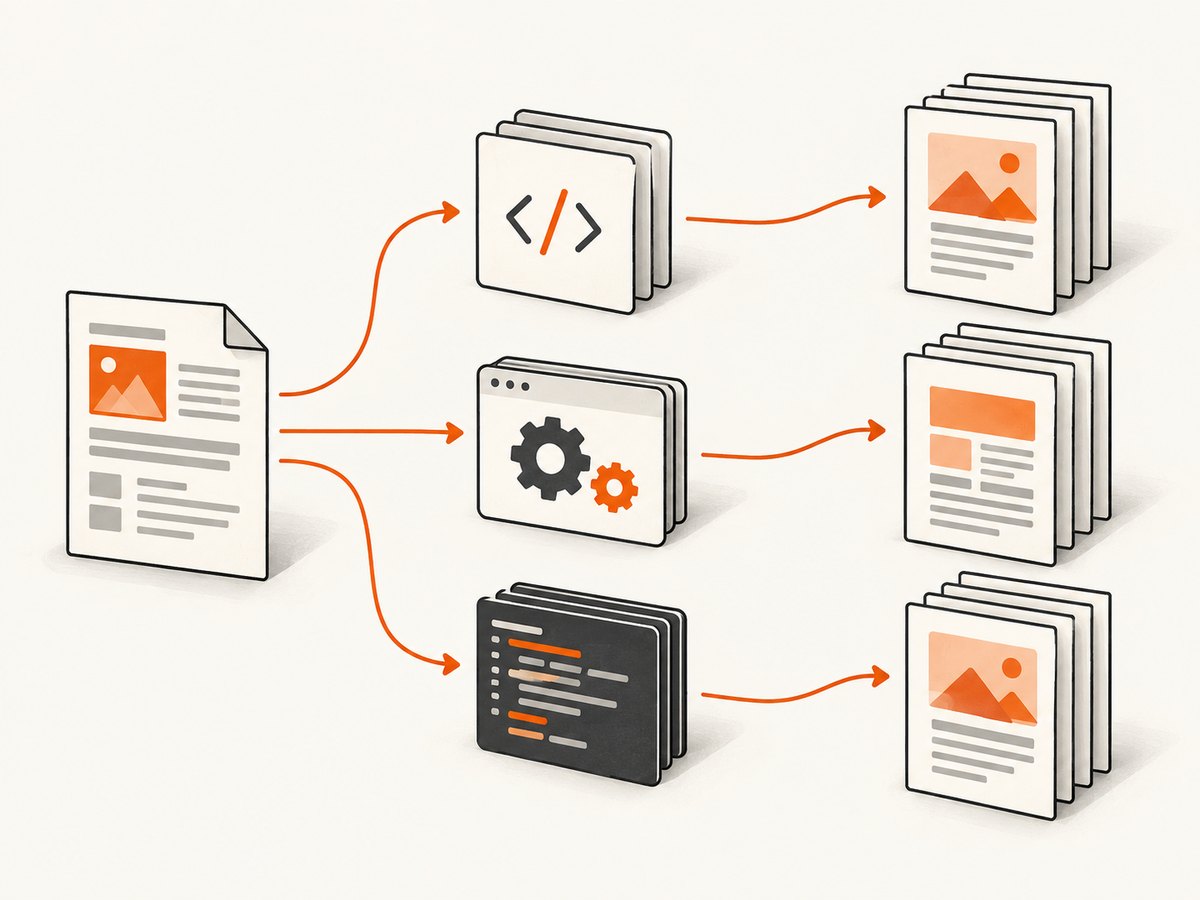
Step 2: Make the inputs comparable
Give each service equivalent HTML, CSS, assets, and data. Record any provider-specific adaptation required. If a service expects a hosted URL rather than a document payload, use the same stable source document and note differences such as access controls or asset loading. Confirm how each API reports completion and failure, and whether jobs are synchronous or asynchronous for your use case.
Step 3: Inspect the files
Check more than whether a PDF was returned. Review pagination, clipping, font substitution, image loading, links, selectable text, and consistency across pages. Where accessibility is required, check the specific output profile against your requirements rather than inferring it from broad feature language. DocRaptor describes its service as using Prince and lists print and accessibility capabilities; validate those claims against your own acceptance criteria. [DocRaptor product and documentation]
Step 4: Price the workload, not the headline tier
Estimate normal and peak monthly documents, then check included allowances, credit rules, overages, document complexity limits, retention, and the plan required for essential features. PDFMonkey’s pricing page lists a Free plan with 20 documents per month and paid tiers ranging from €5 to €300 per month, with quotas, retention, and features varying by plan; verify current terms before budgeting. [PDFMonkey pricing]
A CraftMyPDF comparison published example figures including PDFShift’s 50 monthly free credits and a $24/month Boost example for 2,500 monthly credits, and DocRaptor tiers of Free (5 documents per month), Basic $15, Professional $29, and Premium $75. These are dated secondary figures published by a vendor that also sells a competing product. Do not treat them as current quotes; confirm price and credit accounting on each provider’s own pricing page. [CraftMyPDF comparison]
Step 5: Review security and operations
Check current data handling, retention, residency, support, and contractual commitments against your own requirements. A marketing statement is not a substitute for reviewing terms and security documentation. For reliability, establish what the API returns on render failures, how you can retry safely, and whether the workflow provides job status or callbacks. The sources used here do not establish comparative uptime or failure rates.
4. Which alternative should you try?
DocRaptor: Start here if your hardest requirement is print-style document layout, such as complex pagination, footnotes, cross-references, or page floats. It describes its rendering as based on Prince technology. Test your actual CSS, fonts, and accessibility profile; these are vendor claims, not a guarantee that every document will match. [DocRaptor]
PDFShift: Consider it if a credit-based API maps naturally to your workload. The cited credit allowance and price example come from a 2026 vendor-authored comparison, so check current first-party plan terms and calculate the cost for representative documents. [Comparison source]
APITemplate: Investigate it when you want a combination of template authoring and direct HTML or URL conversion workflows. Confirm how much control developers have over markup, styles, and the rendering path.
CraftMyPDF: Put it on the list if nondevelopers need to author templates visually. Since the comparison source also publishes CraftMyPDF, treat its comparative claims as interested material and evaluate the editor and generated output directly.
PDFCrowd: Consider it when your system needs other conversions alongside HTML-to-PDF, such as PDF-to-image or image-to-PDF. Confirm supported formats and current plan details on the provider’s site.
CloudConvert: Consider it when HTML-to-PDF belongs to a wider file-conversion workflow. Confirm that the exact inputs and outputs you need are supported and price the selected credits under current terms.
For any of these, the useful question is not whether it claims to be the best API. It is whether it produces acceptable files, fits your authoring model, meets operational requirements, and costs a predictable amount for your real workload.
5. Screenshot workflows are a different job
If the required output is a visual capture of a live webpage, rather than a paginated PDF document, use a screenshot API. ScreenshotNeo is a website screenshot API and MCP server: one GET request with a URL returns PNG, JPEG, WebP, or PDF. Its screenshot features include full-page capture with lazy images loaded, CSS selector element capture, device and viewport controls, dark mode, custom CSS and JavaScript, wait conditions, and PDF options. See the ScreenshotNeo API documentation for parameters and usage.

For a public-page PDF or a screenshot, the one-call flow can avoid standing up browser infrastructure:
curl -G "https://api.screenshotneo.com/v1/shot" -d access_key=YOUR_API_KEY --data-urlencode url=https://stripe.com -d format=pdf -o page.pdfScreenshotNeo accepts other screenshot APIs’ parameter names as well, which can make a migration easier. Its cookie handling accepts consent banners like a visitor and removes 60+ known consent platforms, newsletter popups, and chat widgets before capture; each step can be turned off. Bot checks and CAPTCHAs, blank pages, timeouts, failed loads, and cache hits cost nothing, with the outcome identified in X-Page-Verdict and X-Billed headers. The MCP server exposes take_screenshot, get_page_info, and capture_pdf for Claude, Cursor, and other MCP clients. These are screenshot-oriented features; choose a document-generation API when you need control over a designed, paginated document.
6. Or skip the browser setup
For a webpage capture, call ScreenshotNeo directly. This Python example saves the response body; use the PDF format option when you want a page capture returned as PDF. See the API docs for the full set of parameters.
import requests

r = requests.get(
    "https://api.screenshotneo.com/v1/shot",
    params={"access_key": "YOUR_API_KEY", "url": "https://stripe.com"},
    timeout=90,
)
open("shot.webp", "wb").write(r.content)
Cookie banners, popups, and chat widgets are removed before the shot. Bot checks, blank pages, and failed loads are never billed. An MCP server lets AI agents take screenshots. The free plan includes 1,000 screenshots a month with no card; paid plans start at $5 for 3,000. Create a free ScreenshotNeo account to get started.
7. Troubleshooting an HTML-to-PDF evaluation
| Symptom | Likely cause | What to try |
|---|---|---|
| Markup displays as text or is escaped | Raw HTML was passed through a Builder Template binding or the required Code Template setup was skipped. | For PDFMonkey’s documented pass-through, publish a Code Template containing {{htmlContent}} and submit full HTML through its document payload. |
| Images or stylesheets are missing | Assets are relative, inaccessible to the renderer, or require an authenticated browser session. | Use absolute URLs as PDFMonkey advises; verify assets are reachable by the rendering service and check authentication/access restrictions. |
| Accented characters are wrong | The character encoding is missing or inconsistent. | Include <meta charset="utf-8"> and ensure the content is actually encoded as UTF-8. |
| Rows or sections split awkwardly | Pagination rules or engine behavior differ from your local browser preview. | Test page breaks and long tables in the generated file; reduce dependence on unsupported CSS and validate each candidate with the hardest sample. |
| Layout differs across providers | Different rendering models, engine versions, font environments, or CSS support. | Ask what rendering engine and version apply, then test identical source assets and inspect output. Do not infer compatibility from a service’s label alone. |
| Evaluation costs exceed estimates | Credits may map to documents differently, and plan limits can include retention or feature constraints. | Track the provider’s actual billable unit during a representative trial, model peak volume, and recheck current plan terms. |
8. Performance, reliability, and cost considerations
There are no neutral, independent measurements in the source material comparing these providers’ rendering speed, output quality, or reliability. Avoid choosing from unsourced benchmark claims. Measure the parts that matter in your own system: time to completion for representative files, file size, visual acceptance rate, failure handling, and behavior at expected volume.
For performance, test documents with their real assets and scripts. Large images and remote resources can change render time and PDF size. Keep shared styles and assets managed deliberately, and account for the larger request payload when using PDFMonkey’s full-HTML pass-through. For reliability, verify status reporting, safe retry behavior, and retention of output files. For cost, compare equivalent document counts and complexity using current provider pricing rather than a third-party price snapshot.
A vendor may describe a specialized rendering engine or convenient authoring interface, but that does not establish your result. Keep a small acceptance suite of PDFs and rerun it when templates, engines, assets, or provider terms change.
9. FAQ
Does PDFMonkey accept arbitrary HTML directly?
Its documentation says it does not expose a raw HTML endpoint. It documents a Code Template containing {{htmlContent}} and a document payload containing complete HTML.
Which alternative is best for every team?
There is no evidence here for a universal winner. The strongest choice depends on the hardest layout, authoring workflow, required operations, and current total cost.
Are the listed prices current?
No price snapshot in the comparison should be assumed current. Check each provider’s first-party pricing and terms before committing.
Can a screenshot API replace an HTML-to-PDF service?
Only for the right output. A webpage screenshot captures a rendered page; a document-generation API is a better fit when you need purpose-designed, paginated output such as invoices or reports.
Sources and evidence limits
- PDFMonkey documentation describes the HTML pass-through setup and limitations.
- PDFMonkey pricing is the primary source for its plan details.
- DocRaptor describes its product and rendering positioning.
- CraftMyPDF’s comparison is a vendor-authored source for the shortlist and example pricing; validate those claims with providers.
No hands-on trial or cross-provider benchmark is represented in this article. Features, prices, rendering engines, and contractual commitments can change; verify current details directly before adopting a service.


