PhantomJS Alternatives for Browser Automation
Compare Playwright, Puppeteer, and Selenium as PhantomJS alternatives, with migration steps, runnable code, troubleshooting, and a hosted screenshot option.
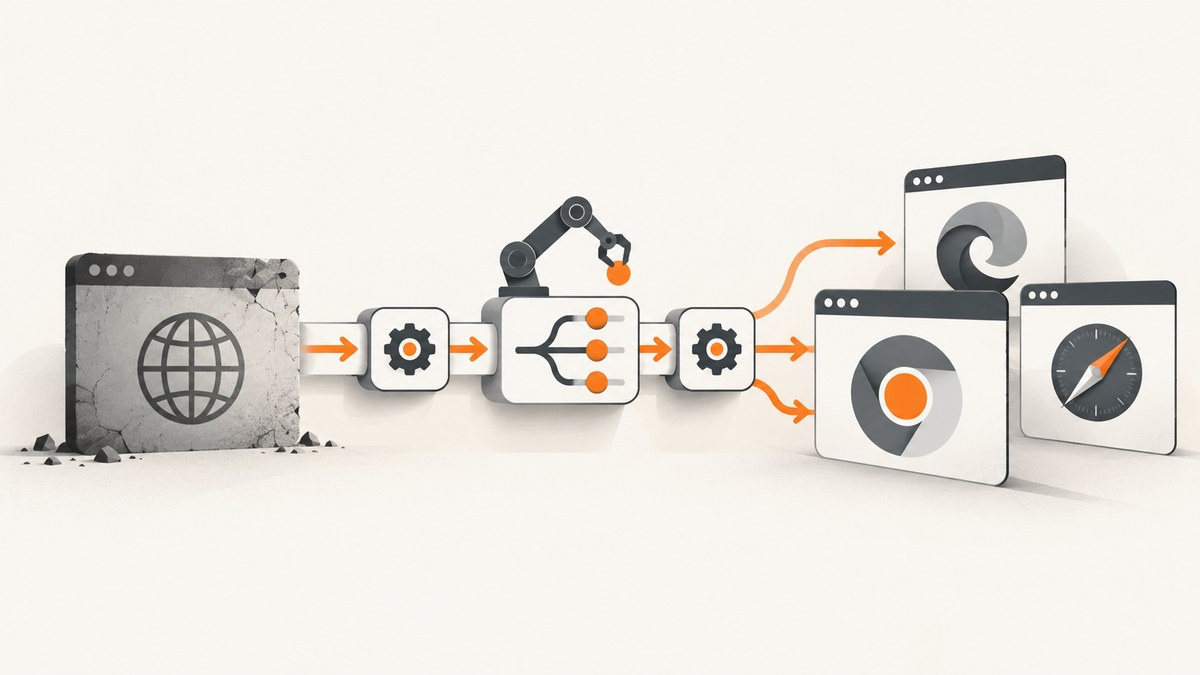
Short answer: choose Playwright when you need one API for Chromium, Firefox, and WebKit plus an integrated test runner. Choose Puppeteer for JavaScript or TypeScript automation focused on Chrome and Firefox. Choose Selenium WebDriver when your team needs multiple programming languages, broad browser coverage, or Selenium Grid. For one-off website images or PDFs, a hosted screenshot API such as ScreenshotNeo avoids maintaining browser binaries altogether.
PhantomJS-style scripts rarely migrate by changing one import. Browser engines, selectors, waiting behavior, downloads, fonts, headless modes, CI dependencies, and remote execution all affect the result. This guide gives a decision process, complete starter programs, migration patterns, failure fixes, and a checklist for production.
1. Pick an alternative by workload
| Tool | Good fit | What it provides | Checks before migrating |
|---|---|---|---|
| Playwright | Cross-browser tests and JavaScript/TypeScript workflows | Chromium, Firefox, WebKit projects; browser contexts; locators; auto-waiting; first-party test runner | Install binaries matching the Playwright release. Verify headless mode, branded Chrome/Edge channels, fonts, and CI OS. |
| Puppeteer | Node.js automation using Chrome DevTools Protocol or Firefox WebDriver BiDi | JavaScript library maintained by Chrome’s Browser Automation team; Chrome and Firefox support | Match Puppeteer and browser versions. It does not provide Selenium’s language bindings or Grid ecosystem. |
| Selenium WebDriver | Multiple languages, major browsers, or distributed execution | Language-neutral WebDriver API, browser-specific drivers, Selenium Grid, WebDriver BiDi | Plan installation and version management for bindings, browser, driver, and Grid nodes. |
Compare your real workload on these axes: existing language and selectors; target engines and branded-browser fidelity; test runner, fixtures, and assertions; parallel or remote execution; protocol-specific features; CI operating-system constraints; and migration effort. Avoid choosing from unsupported speed rankings—none of the supplied project documentation establishes a universal winner.
2. Playwright: the broadest modern replacement
Playwright is the practical shortlist choice when one API must exercise Chromium, Firefox, and WebKit. Its locator model waits for elements to become actionable, and its web-first assertions wait for the expected state. The migration guide says most Puppeteer APIs can be used as is, but recommends Locator objects over long-lived ElementHandle patterns.
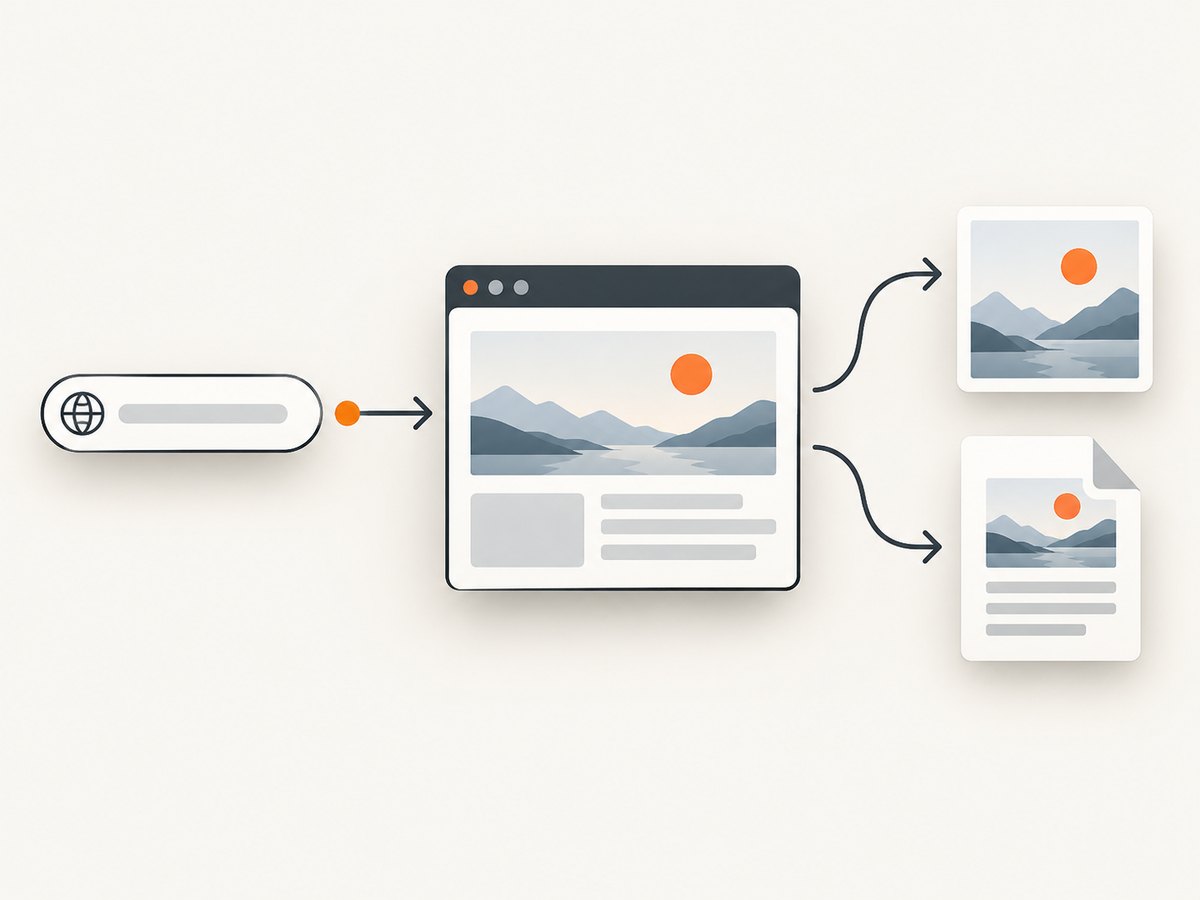
Install and run a screenshot
mkdir playwright-demo
cd playwright-demo
npm init -y
npm install -D playwright
npx playwright install
import { chromium } from 'playwright';

const browser = await chromium.launch({ headless: true });
const page = await browser.newPage({ viewport: { width: 1440, height: 900 }, deviceScaleFactor: 1 });
await page.goto('https://example.com', { waitUntil: 'domcontentloaded' });
await page.screenshot({ path: 'example.png', fullPage: true });
await browser.close();
Save the JavaScript as shot.mjs and run node shot.mjs. For cross-browser tests, create projects for chromium, firefox, and webkit in Playwright Test. Use a browser context per test to isolate cookies and local storage.
Migration patterns
- Replace CSS or XPath polling loops with
page.locator(selector)and assertions such asawait expect(locator).toBeVisible(). - Replace fixed sleeps with navigation waits, locator auto-waiting, or a specific network/DOM condition. Playwright documentation notes that explicit waits are often unnecessary.
- Map Puppeteer viewport and navigation options directly, then run every test against each required engine.
- Recheck downloads, popups, permissions, service workers, fonts, and rendering-sensitive snapshots; engine behavior can differ.
Playwright browser binaries are tied to the framework release. After changing versions, run the matching browser-install command again. Its default headless Chromium shell and the newer headless browser mode can render differently, and branded Chrome or Edge channels are separate targets. Test the exact mode used in production.
3. Puppeteer: a focused Node.js choice
Puppeteer is a JavaScript library maintained by the Chrome Browser Automation team. Its FAQ documents Chrome and Firefox support; Chrome uses the Chrome DevTools Protocol by default, while Firefox uses WebDriver BiDi by default. Releases are paired with browser releases for protocol compatibility, so pin versions and review the current FAQ when upgrading.
import puppeteer from 'puppeteer';

const browser = await puppeteer.launch({ headless: true });
const page = await browser.newPage();
await page.setViewport({ width: 1440, height: 900, deviceScaleFactor: 1 });
await page.goto('https://example.com', { waitUntil: 'networkidle2' });
await page.screenshot({ path: 'example.png', fullPage: true });
await browser.close();
Use waitUntil: 'domcontentloaded' for a fast document-ready capture, 'load' when subresources must finish, or 'networkidle2' when the page settles. Network-idle is not a guarantee that client-rendered data is complete; prefer waiting for a known selector.
When Puppeteer is the better fit
- Your automation is already Node.js and primarily targets Chrome.
- You need direct CDP access for Chrome-specific debugging or performance work.
- You want a small library and will supply your own test runner, fixtures, retries, and parallelism.
Choose Playwright instead when WebKit or Firefox projects and an integrated test workflow are first-class requirements.
4. Selenium WebDriver: language-neutral and distributed
Selenium defines “a language-neutral interface for controlling the behaviour of web browsers.” A language binding talks to a browser-specific driver, which delegates to the browser. Selenium Grid adds remote and parallel execution, while WebDriver BiDi supplies bidirectional, event-oriented control.
from selenium import webdriver
from selenium.webdriver.chrome.options import Options

options = Options()
options.add_argument('--headless=new')
options.add_argument('--window-size=1440,900')

driver = webdriver.Chrome(options=options)
try:
    driver.get('https://example.com')
    driver.save_screenshot('example.png')
finally:
    driver.quit()
Install the Python binding with pip install selenium. In other languages, install the corresponding Selenium binding and ensure the browser and driver are available. For Grid, point the client at the Grid URL and define capabilities for browser, version, platform, and headless mode.
Selenium setup checklist
- Pin the language binding version.
- Install the intended browser in every worker image.
- Use a compatible driver-management approach and record versions in CI logs.
- Run a smoke test locally and through Grid before parallelizing.
- Enable only the WebDriver BiDi features supported by your target browser and binding.
5. A practical PhantomJS migration plan
- Inventory behavior. List URLs, navigation waits, selectors, JavaScript evaluation, cookies, authentication, downloads, PDFs, screenshots, and injected scripts.
- Record the rendering target. Note viewport, device scale, timezone, locale, fonts, proxy, user agent, and whether the old job was headless.
- Choose the engine matrix. Decide whether Chromium alone is sufficient or whether Firefox, WebKit, and branded Chrome/Edge matter.
- Port one vertical slice. Migrate one representative flow from navigation through assertion or artifact creation.
- Replace timing guesses. Wait for a selector or application state instead of adding longer sleeps.
- Compare artifacts. Check DOM results, screenshots, PDFs, downloads, console errors, and network failures.
- Harden CI. Pin framework and browser versions, install required binaries, cache them deliberately, and run a small smoke suite on every image update.
- Scale last. Add workers or Grid only after one isolated run is reliable.
The Playwright migration guide is specifically from Puppeteer, not a complete PhantomJS compatibility chart. Treat every PhantomJS-specific behavior as a hypothesis and exercise your own tests, especially where timing, plugins, fonts, downloads, or headless rendering are involved.
6. Common errors and fixes
| Error | Likely cause | Fix |
|---|---|---|
| Browser executable not found | Playwright binaries were not installed or cache is missing in CI | Run npx playwright install for the pinned release and cache the documented browser directory. |
| Protocol version mismatch | Puppeteer, Chrome, or Firefox versions are out of sync | Pin compatible package and browser versions; upgrade them together. |
| Element not found | Selector changed, frame is different, or the page has not rendered | Prefer a stable locator, inspect frames, and wait for a meaningful DOM condition. |
| Timeout after “network idle” | Analytics, sockets, or polling keep the network busy | Use domcontentloaded plus a selector wait, or block irrelevant requests. |
| Blank or partial screenshot | Lazy content has not loaded, viewport is wrong, or the page is blocked | Scroll or wait for content, verify response status and console errors, and test the exact headless mode. |
| Works locally, fails in CI | Missing fonts, sandbox permissions, OS packages, timezone, or browser binary | Use a reproducible image, install dependencies, set locale/timezone explicitly, and log versions. |
| Flaky parallel tests | Shared profile, ports, files, or test data | Create an isolated context/profile per test and unique artifact paths. |
7. Performance, reliability, and cost decisions
Browser startup is expensive relative to reusing a process. Keep a browser process alive for a job batch, create isolated contexts for individual tests, and close pages and contexts deterministically. Limit concurrency to what the CI CPU and memory can sustain; more workers can increase contention and timeouts.
Cache framework binaries in CI, but invalidate that cache when the framework version changes. Capture only the viewport or element you need when a full-page artifact is unnecessary. Block ads, trackers, and third-party resources only when doing so matches the behavior you intend to test.
Reliability comes from deterministic inputs: fixed browser versions, fonts, locale, timezone, viewport, test data, and network policy. Retry only known transient failures and preserve traces, console logs, screenshots, and HTML on failure. A retry should not hide a selector bug.
Self-hosted automation costs engineering time for browser installation, OS packages, CI minutes, parallel workers, Grid nodes, storage, and maintenance. A hosted API can be cheaper for simple screenshot or PDF jobs, while a local framework is usually necessary for interactive assertions, uploads, downloads, and multi-step workflows.
8. Or skip the browser setup
For a URL-to-image or URL-to-PDF job, ScreenshotNeo provides a single request endpoint. It accepts cookie and consent banners like a visitor and removes more than 60 known consent platforms, newsletter popups, and chat widgets before capture; each step can be turned off. Bot checks, blank pages, timeouts, failed loads, and cache hits are not billed, and response headers identify the page verdict and billing result.
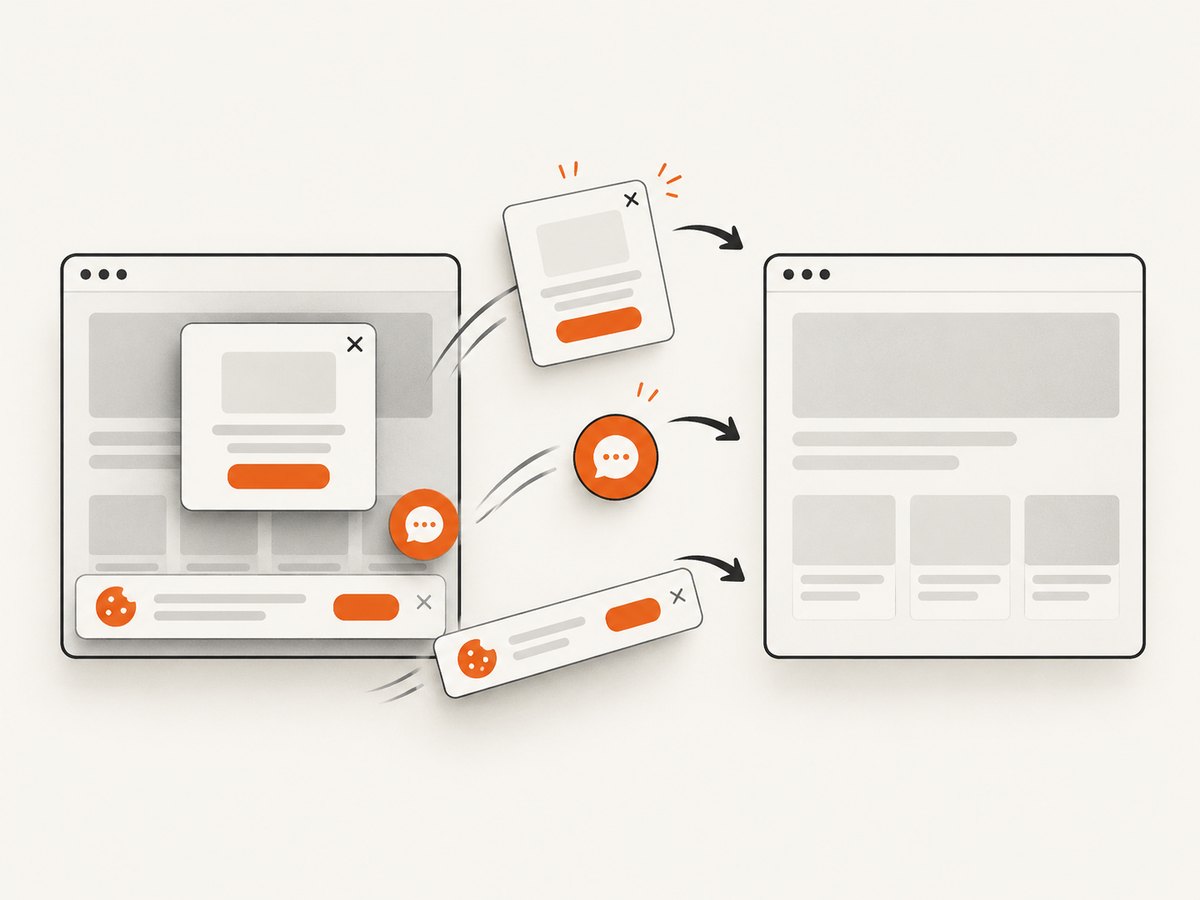
See the ScreenshotNeo documentation for all options. The same parameter names used by other screenshot APIs work, which simplifies switching.
cURL
curl -G "https://api.screenshotneo.com/v1/shot" -d access_key=YOUR_API_KEY --data-urlencode url=https://stripe.com -o shot.webpPython
import requests
r = requests.get("https://api.screenshotneo.com/v1/shot", params={"access_key": "YOUR_API_KEY", "url": "https://stripe.com"}, timeout=90)
open("shot.webp", "wb").write(r.content)
Node.js
const q = new URLSearchParams({ access_key: 'YOUR_API_KEY', url: 'https://stripe.com' });
const res = await fetch(`https://api.screenshotneo.com/v1/shot?${q}`);
ScreenshotNeo supports full-page capture with lazy images loaded, CSS-selector element capture, dark mode, 12 device presets or any viewport, retina scale, PDF paper sizes and margins, custom CSS and JavaScript, click and hide selectors, selector or delay waits, network-idle waits, request and resource blocking, custom headers, cookies, user agents and Authorization, timezone and geolocation, transparent backgrounds, resizing, chosen-TTL caching, signed links, asynchronous jobs with signed webhooks, bulk capture of up to 100 URLs per call, a usage API, and an OpenAPI specification. Its MCP server exposes take_screenshot, get_page_info, and capture_pdf for Claude, Cursor, and other MCP clients.
Plans include 1,000 shots per month free with no card, then Starter at $5 for 3,000, Growth at $15 for 15,000, Pro at $39 for 60,000, Scale at $99 for 250,000, and Business at $249 for 1,000,000. Yearly billing provides two months free, and every feature is on every plan. Create a free ScreenshotNeo account and start with 1,000 screenshots a month without a card.
9. FAQ
Is Playwright always better than Puppeteer?
No. Playwright is a strong fit for a multi-engine test matrix and integrated test workflow. Puppeteer is a focused Node.js choice when Chrome or Firefox automation and CDP/BiDi access fit the job.
When should I use Selenium?
Use Selenium when language choice, broad browser support, or remote Grid execution is central. Budget for binding, browser, driver, and Grid version management.
Can I reuse PhantomJS selectors?
Often, but verify them. Modern frameworks add locator APIs and waiting semantics; selectors that depended on PhantomJS timing or rendering can still fail.
Do I need a full browser framework for screenshots?
Only when you need browser interaction or assertions. For URL screenshots and PDFs, a hosted endpoint can remove binary and CI maintenance.
What should I pin in production?
Pin the automation package, browser version or channel, OS image, fonts, locale, timezone, and relevant test data. Re-run a smoke suite before upgrades.


