How to Pass Custom Headers as System Arguments in a PhantomJS Script
Pass JSON headers from the command line, parse them safely with system.args, and apply them before page.open in PhantomJS.

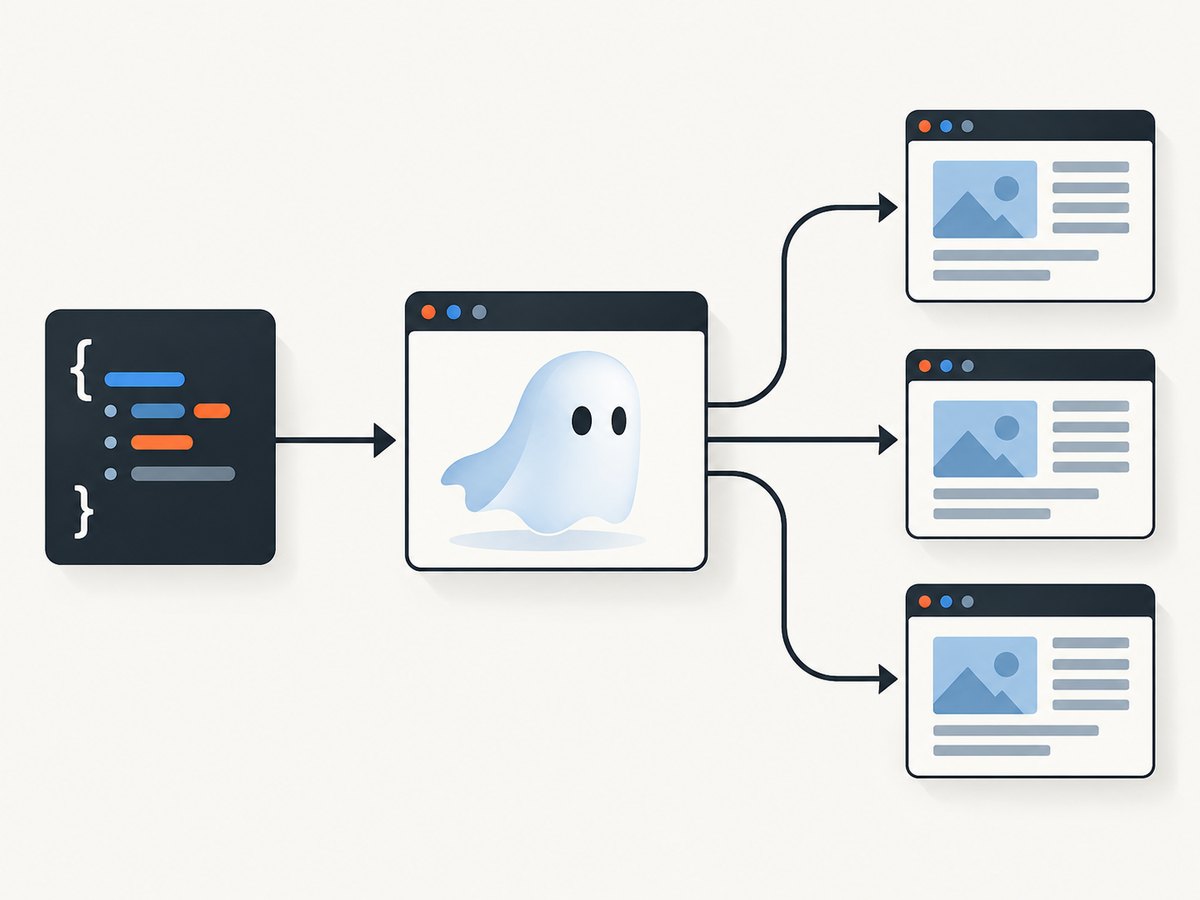
Pass the headers as one JSON argument, parse it with JSON.parse(system.args[2]), assign the object to page.customHeaders, and only then call page.open(). PhantomJS command-line arguments arrive as strings, so structured headers must be serialized by the caller and parsed inside the script.
1. Complete script: URL plus JSON headers
Create headers.js:
var system = require('system');
var webpage = require('webpage');
var page = webpage.create();

if (system.args.length < 3) {
  console.log('Usage: phantomjs headers.js <url> <headers-json>');
  phantom.exit(1);
}

var url = system.args[1];
var headers;

try {
  headers = JSON.parse(system.args[2]);
} catch (e) {
  console.log('Invalid headers JSON: ' + e);
  phantom.exit(1);
}

if (!headers || Object.prototype.toString.call(headers) !== '[object Object]') {
  console.log('Headers must be a JSON object');
  phantom.exit(1);
}

page.customHeaders = headers;

page.open(url, function (status) {
  console.log('Status: ' + status);
  if (status !== 'success') {
    phantom.exit(1);
    return;
  }

  page.render('shot.png');
  phantom.exit(0);
});
The first argument in system.args is the script name. The URL is therefore system.args[1] and the JSON object is system.args[2]. See the PhantomJS system API and command-line documentation.
2. Run it from the command line
phantomjs headers.js 'https://example.com' '{"Authorization":"Bearer TOKEN","X-Trace":"abc"}'Use single quotes around the JSON in POSIX shells so the JSON double quotes reach PhantomJS unchanged. Do not echo the command in CI logs when it contains credentials.
Windows Command Prompt
phantomjs headers.js "https://example.com" "{\"Authorization\":\"Bearer TOKEN\",\"X-Trace\":\"abc\"}"PowerShell
phantomjs headers.js 'https://example.com' '{"Authorization":"Bearer TOKEN","X-Trace":"abc"}'3. Apply headers only to the initial request
If a header should be sent only while navigating to the target URL, pass a settings object to page.open instead of setting page-wide headers:
var settings = {
  operation: 'GET',
  encoding: 'utf8',
  headers: headers
};

page.open(url, settings, function (status) {
  console.log('Status: ' + status);
  phantom.exit(status === 'success' ? 0 : 1);
});
The headers member is part of the page.open settings object; consult the page.open API.
4. Choose the right header mechanism
| Mechanism | Scope | Best for | Trade-off |
|---|---|---|---|
page.customHeaders |
Requests issued by the page | Authenticated pages, API-backed resources, consistent request metadata | Headers can be sent to more requests than intended |
page.open(url, settings, callback) |
Initial navigation request | One-time authorization or a special bootstrap request | Subsequent resources may not receive the header |
Set page.customHeaders before the first page.open. Header names are strings and values should also be strings. Keep the JSON object flat; command-line arguments do not preserve JavaScript objects automatically.
5. Passing headers from other callers
cURL wrapper
curl -sS "https://example.com" \
  -H "Authorization: Bearer TOKEN" \
  -H "X-Trace: abc"
To invoke PhantomJS itself from a shell, construct the JSON carefully:
HEADERS='{"Authorization":"Bearer TOKEN","X-Trace":"abc"}'
phantomjs headers.js 'https://example.com' "$HEADERS"
Python launcher
import json
import subprocess

headers = {"Authorization": "Bearer TOKEN", "X-Trace": "abc"}
subprocess.run([
    "phantomjs",
    "headers.js",
    "https://example.com",
    json.dumps(headers),
], check=True)
Node.js launcher
const { spawn } = require('node:child_process');

const headers = {
  Authorization: 'Bearer TOKEN',
  'X-Trace': 'abc'
};

const child = spawn('phantomjs', [
  'headers.js',
  'https://example.com',
  JSON.stringify(headers)
], { stdio: 'inherit' });

child.on('exit', code => process.exit(code ?? 1));
These launchers serialize the object once and let the PhantomJS script perform validation and assignment.
6. Validate and protect header values
- Reject missing arguments before indexing
system.args. - Catch malformed JSON before assigning
page.customHeaders. - Require a plain object, not an array, string, or null.
- Do not print authorization tokens, cookies, API keys, or the complete argument list.
- Prefer environment variables in the launcher and create the JSON immediately before spawning PhantomJS.
- Never place secrets in a committed script, shell history, issue, or CI artifact.
var token = system.env.AUTH_TOKEN;
var headers = { 'Authorization': 'Bearer ' + token };
Whether system.env is available and how it behaves depends on the deployed PhantomJS build; verify this in your runtime. Passing the serialized object as an argument is the portable pattern documented for command-line use.
7. Troubleshooting
| Symptom | Cause | Fix |
|---|---|---|
| “Usage” appears immediately | URL or JSON argument is missing | Provide both positional arguments; check the shell script that starts PhantomJS. |
| “Invalid headers JSON” | Quotes were consumed by the shell, or the JSON has a trailing comma | Use single quotes on POSIX shells; escape embedded quotes on Windows; validate with a JSON parser. |
| Server says the header is absent | page.open ran before assignment, or the header was intended only for navigation |
Assign page.customHeaders before page.open, or use the settings.headers form. |
| Initial page works but images or XHR fail | The header was supplied only to the initial request | Use page.customHeaders when dependent resources also require authentication. |
| Authentication still fails | The server also requires cookies, a user agent, CSRF state, or a redirect-safe token | Inspect the redirect chain and request requirements; headers alone may not reproduce a browser session. |
| Secret appears in logs | The full command line or exception was recorded | Redact arguments, disable shell tracing, and pass short-lived credentials. |
| Different behavior after upgrading | PhantomJS is a legacy runtime and builds can differ | Reproduce with the exact deployed PhantomJS 2.1.1-compatible build and document its behavior. |
8. Reliability, performance, and compatibility
- Parse and validate before navigation so configuration errors fail fast without opening a page.
- Use one JSON argument rather than separate name/value arguments; this preserves the header map and avoids ambiguous positional parsing.
- Keep headers small. Large command lines can exceed operating-system argument limits.
- Use a per-request settings object to reduce accidental credential leakage to subresources.
- Check the callback status and return a nonzero exit code on failure so CI can detect a bad capture.
- PhantomJS is discontinued software. The command-line syntax and APIs are legacy behavior; verify the exact runtime image before relying on it in production.
9. Or skip the browser setup
If your goal is a clean screenshot rather than maintaining a PhantomJS runtime, ScreenshotNeo accepts headers and other capture options through one API request. See the ScreenshotNeo documentation.
curl -G "https://api.screenshotneo.com/v1/shot" -d access_key=YOUR_API_KEY --data-urlencode url=https://stripe.com -o shot.webpimport requests
r = requests.get("https://api.screenshotneo.com/v1/shot", params={"access_key": "YOUR_API_KEY", "url": "https://stripe.com"}, timeout=90)
open("shot.webp", "wb").write(r.content)const q = new URLSearchParams({ access_key: 'YOUR_API_KEY', url: 'https://stripe.com' }); const res = await fetch(`https://api.screenshotneo.com/v1/shot?${q}`);ScreenshotNeo removes cookie banners, newsletter popups, and chat widgets before capture. Bot checks, blank pages, failed loads, timeouts, and cache hits are not billed, and response headers report the page verdict and billing result. Its MCP server lets Claude, Cursor, and other MCP clients take screenshots. The free plan includes 1,000 screenshots per month with no card; paid plans start at $5 for 3,000.
Create a free ScreenshotNeo account.
10. FAQ
Can I pass each header as a separate argument?
You can, but a single JSON object is less ambiguous and maps directly to page.customHeaders. Separate arguments require your own parsing and escaping rules.
Should I use custom headers for cookies?
Only when you intentionally need a raw Cookie header. Session cookies are often easier to manage with PhantomJS cookie APIs and should be scoped carefully.
Why must assignment happen before navigation?
The page settings are read while requests begin. Assigning headers after page.open can leave the first navigation without them.
Does this technique work in modern browsers?
The code targets PhantomJS APIs. Modern automation tools have different request interception and context-header APIs, so port the behavior rather than assuming the same objects exist.


