How to Make PhantomJS Wait for React Components to Render
Learn why PhantomJS load events are not enough, how to poll a React readiness signal, and how to diagnose timeouts reliably.

Use PhantomJS page-load callbacks to detect document loading, then wait for an application-owned readiness condition. React may fetch data, resolve code, and update state after page.open reports success. A reliable script polls a flag or DOM marker that represents the exact UI state your test needs, applies a finite timeout, and reports useful diagnostics when the condition never appears.
Why page.open is not enough
PhantomJS exposes several milestones:
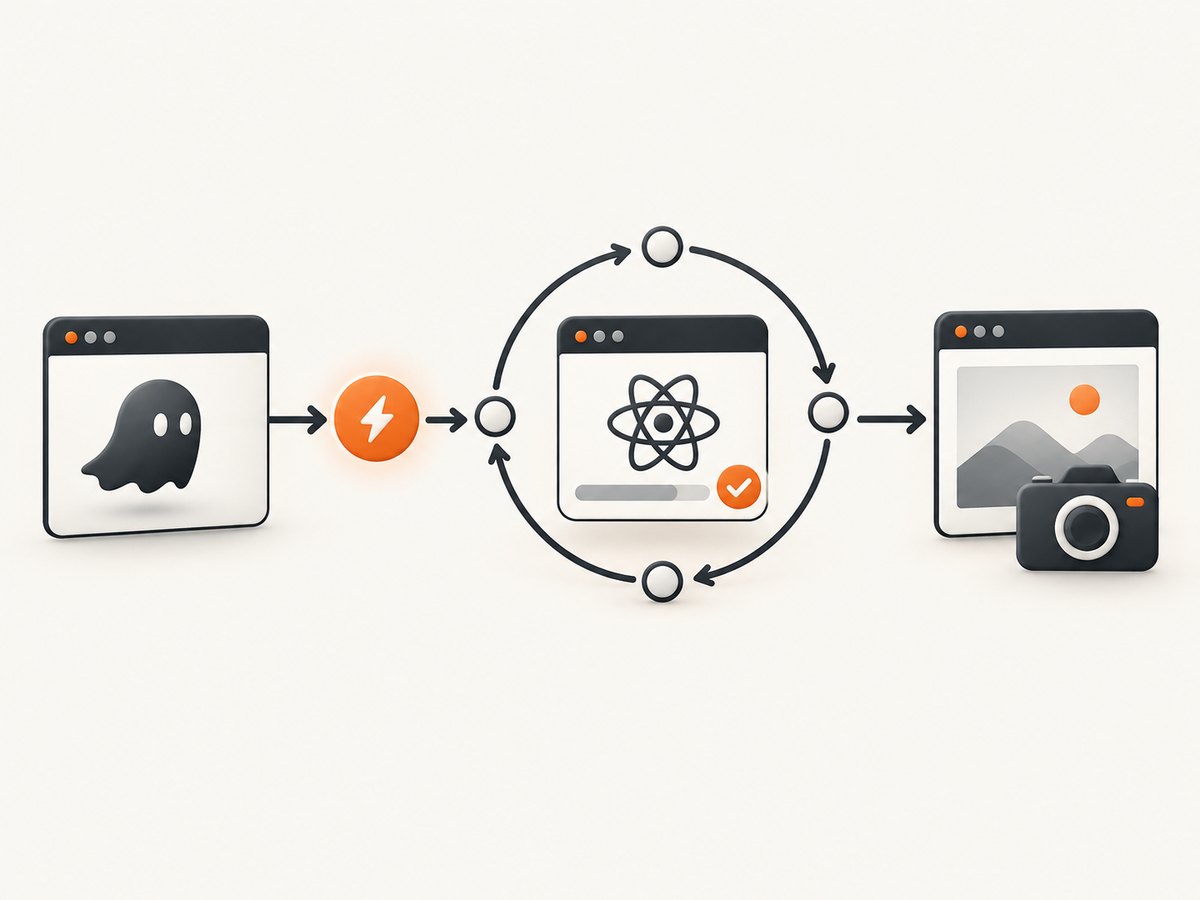
| Milestone | Signal | What it proves | What it does not prove |
|---|---|---|---|
| Early page setup | onInitialized |
The WebPage object exists before navigation. | That a URL has loaded or React has run. |
| Document parsed | DOMContentLoaded |
Initial HTML parsing reached the DOMContentLoaded event. | That asynchronous data or React updates are complete. |
| Page load finished | onLoadFinished or the page.open callback |
Loading completed with a status such as success or fail. |
That the application has reached the state your assertion or screenshot needs. |
| React state ready | An app-owned flag or DOM condition | The target UI state is present. | Anything outside the condition you chose. |
The PhantomJS documentation describes onLoadFinished as being called when the page finishes loading. Treat that as a network and document milestone, not a React completion event.
Choose a readiness signal
1. An app-owned flag
A test build can set a global only after the required request has succeeded and the relevant component subtree is rendered:
window.__APP_READY__ = true;Set the flag from application code at the point that represents the state under test. Keep it specific: a page with several independent widgets may need separate flags.
2. A stable DOM marker
Render a marker when the target content exists:
<div id="orders-ready" data-testid="orders-ready">
  ...orders...
</div>
In PhantomJS, poll for the marker and verify that it contains meaningful content. A marker that is mounted before data arrives is not sufficient.
3. Loading indicator disappearance plus expected content
For an existing application, combine two checks: the spinner is gone and the expected element is present. This avoids declaring readiness when a shell has rendered but the data view is still empty.
4. Suspense fallback awareness
React Suspense can show a fallback while work covered by a boundary is pending. Fetching data inside an Effect does not activate Suspense, so detecting the disappearance of a Suspense fallback does not cover every React loading path. Observe the actual target condition instead.
Complete PhantomJS example
The following script installs an early hook, opens a URL, checks the load status, and polls an app-owned flag with a deadline. Save it as wait-react.js and run it with your PhantomJS binary.
var page = require('webpage').create();
var system = require('system');

var url = system.args[1] || 'https://example.com/react-app';
var timeoutMs = 15000;
var pollMs = 100;
var started = Date.now();
var lastReady = null;

page.settings.javascriptEnabled = true;
page.settings.resourceTimeout = 30000;

page.onInitialized = function () {
  page.evaluate(function () {
    document.addEventListener('DOMContentLoaded', function () {
      window.__PHANTOM_DOM_CONTENT_LOADED__ = true;
    });
  });
};

page.onConsoleMessage = function (message) {
  console.log('[console] ' + message);
};

page.onError = function (message, trace) {
  console.error('[page error] ' + message);
  (trace || []).forEach(function (item) {
    console.error('  at ' + item.file + ':' + item.line);
  });
};

function inspectReadiness() {
  return page.evaluate(function () {
    var marker = document.querySelector('[data-testid="orders-ready"]');
    var loading = document.querySelector('[data-testid="orders-loading"]');
    return {
      flag: window.__APP_READY__ === true,
      marker: !!marker,
      markerText: marker ? marker.textContent.trim() : '',
      loading: !!loading,
      title: document.title,
      bodyText: document.body ? document.body.innerText.slice(0, 500) : ''
    };
  });
}

function fail(message, details) {
  console.error(message);
  console.error(JSON.stringify(details));
  phantom.exit(1);
}

page.open(url, function (status) {
  if (status !== 'success') {
    fail('Page failed to load', { status: status, url: url });
    return;
  }

  function poll() {
    var state = inspectReadiness();
    lastReady = state;

    var ready = state.flag || (state.marker && !state.loading && state.markerText.length > 0);
    if (ready) {
      console.log('React readiness condition satisfied');
      console.log(JSON.stringify(state));
      phantom.exit(0);
      return;
    }

    if (Date.now() - started >= timeoutMs) {
      fail('Timed out waiting for React readiness', {
        timeoutMs: timeoutMs,
        lastState: lastReady
      });
      return;
    }

    window.setTimeout(poll, pollMs);
  }

  poll();
});
Using a DOM-only condition
If you cannot add window.__APP_READY__, replace the readiness function with a selector that exactly describes the finished state:
function isReady() {
  return page.evaluate(function () {
    var heading = document.querySelector('h1[data-page="account"]');
    var spinner = document.querySelector('.loading-spinner');
    return !!heading && !spinner;
  });
}
Prefer application-owned attributes over generated class names. Do not inspect React private internals; they are not a stable readiness API.
Fixed delays: useful diagnosis, poor contract
A short delay can help determine whether a page is merely slow, but it should not be the final synchronization method. A fixed sleep wastes time on fast runs and still fails when a request or render takes longer than expected. Poll a semantic condition and stop at a deadline.
PhantomJS settings that affect waiting
javascriptEnabled: PhantomJS defaults this to enabled. Keep it enabled for React applications.resourceTimeout: limits how long resource requests continue before PhantomJS stops them and invokes its timeout behavior. Set it before the initialpage.opencall.- Wait timeout: this is your application-level deadline. It is separate from resource request timeout and should produce a test failure with diagnostics.
A resource timeout indicates a request problem; it does not tell you whether React has rendered.
React version and rendering caveats
Legacy PhantomJS examples often use older React DOM APIs. Current React documentation lists render and hydrate as removed in React 19 and points to createRoot and hydrateRoot. Confirm which React version the page uses before adapting an example.
Server rendering is separate from client readiness. renderToString returns HTML immediately and does not wait for asynchronous data; a suspending component can produce its fallback. Streaming or prerender APIs can change the initial HTML, but a test that depends on hydration or later client updates still needs a client-side readiness condition.
Debugging a timeout
- Check the page status first. If
page.openreturnsfail, fix URL, DNS, TLS, authentication, or network access before investigating React. - Log the last readiness value. Include the flag value, selector presence, loading indicator state, title, and a short body-text sample.
- Verify the marker is set after data arrives. A marker mounted by the layout shell can appear too early.
- Check JavaScript errors. Use
page.onErrorandpage.onConsoleMessageto expose exceptions and application logs. - Review request limits. A low
resourceTimeoutcan terminate API or bundle requests before React can update. - Check authentication and headers. PhantomJS may be loading a logged-out or incomplete view, so the expected selector never appears.
- Make the deadline explicit. Do not continue with a partial page after timeout; fail the capture or assertion.

Or skip the browser setup
For screenshots, ScreenshotNeo provides a single request instead of maintaining PhantomJS wait logic. See the API documentation for all options.
curl -G "https://api.screenshotneo.com/v1/shot" -d access_key=YOUR_API_KEY --data-urlencode url=https://example.com/react-app -o shot.webpimport requests
r = requests.get("https://api.screenshotneo.com/v1/shot", params={"access_key": "YOUR_API_KEY", "url": "https://example.com/react-app"}, timeout=90)
open("shot.webp", "wb").write(r.content)const q = new URLSearchParams({ access_key: 'YOUR_API_KEY', url: 'https://example.com/react-app' });
const res = await fetch(`https://api.screenshotneo.com/v1/shot?${q}`);ScreenshotNeo removes cookie banners, newsletter popups and chat widgets before capture. Bot checks, blank pages and failed loads are not billed, and response headers identify the page verdict and billing result. Its MCP server lets AI agents call take_screenshot, get_page_info and capture_pdf. The Free plan includes 1,000 screenshots a month with no card; paid plans start at $5 for 3,000. Create a free ScreenshotNeo account.
Performance, reliability and cost notes
- Poll at a modest interval such as 100–250 ms; faster polling rarely improves rendering and adds evaluation overhead.
- Use the shortest timeout that covers normal API and bundle latency, then fail with diagnostics instead of silently capturing incomplete content.
- Reuse a readiness marker across screenshot and assertion paths so both observe the same application state.
- For repeated captures, cache stable assets where your environment permits and avoid arbitrary multi-second sleeps.
- With ScreenshotNeo, only clean shots are billed; cache hits, failed loads, timeouts, blank pages and bot checks cost nothing.
FAQ
Does DOMContentLoaded mean React is finished?
No. It marks document parsing, while React may still be waiting for data, code, or state updates.
Can I wait for a React component name?
Use a stable DOM marker or app-owned flag. React component names and private internals are not a reliable public synchronization API.
What should happen when the timeout expires?
Fail the run and print the load status plus the last observed readiness state. Continuing produces misleading screenshots or assertions.
Does Suspense cover data fetched in useEffect?
No. React documents that data fetched in an Effect does not activate Suspense, so observe the resulting UI state directly.
Can server-rendered HTML remove the need to wait?
Only for checks that require the initial HTML alone. Hydration and later client updates still need an application-level readiness check.


