How to Use Cookies When Converting HTML to PDF with PHP
Learn when a PHP PDF renderer needs a session cookie, with secure examples for Dompdf, mPDF and wkhtmltopdf.

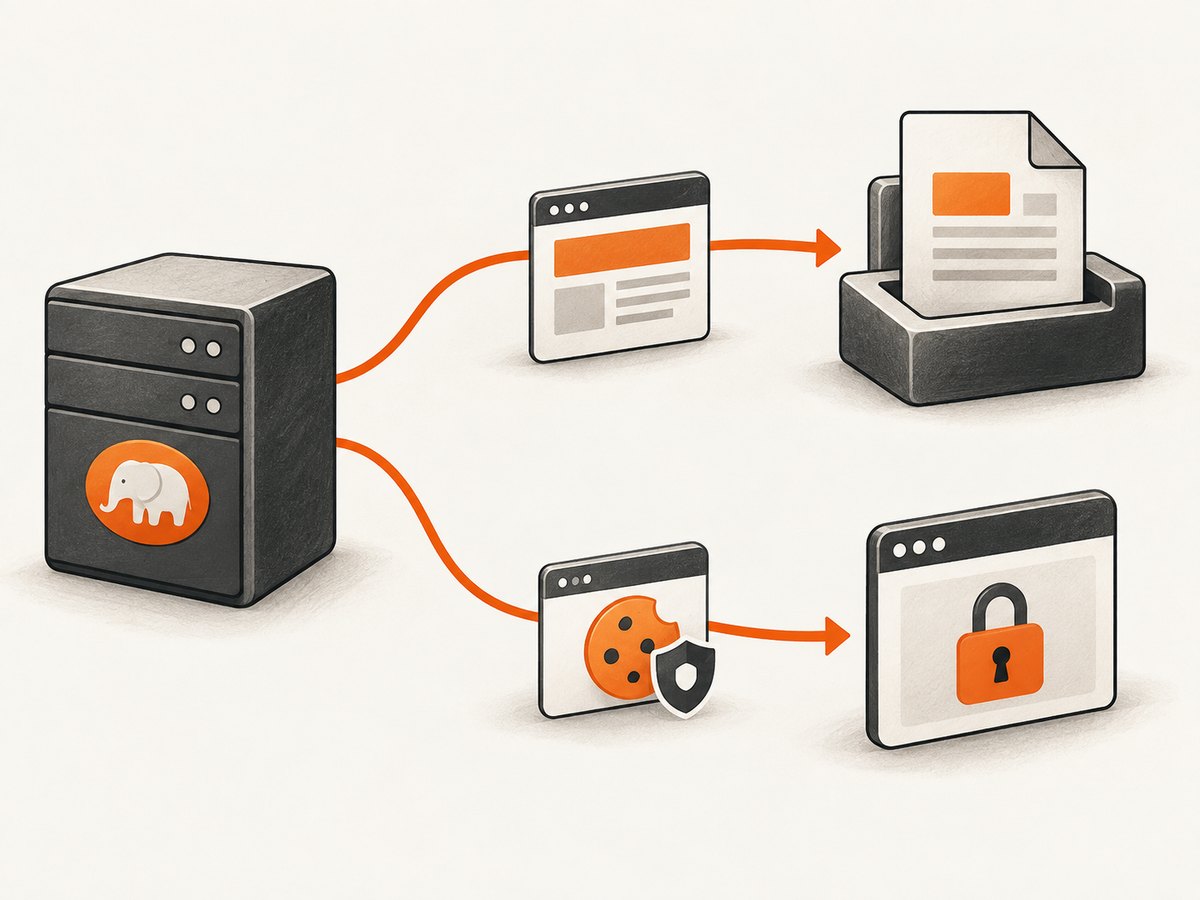
Whether a PDF converter needs a cookie depends on what you give it. If your PHP application already authenticated the visitor and has generated the authorized HTML, pass that HTML string to a PHP PDF library; the library does not need the visitor’s browser session cookie just to lay out that content. If the converter fetches a protected URL itself, that is a separate HTTP request, and it needs its own authentication context.
This distinction determines both the implementation and the security boundary. The examples below show HTML-string rendering with Dompdf and mPDF, and cookie forwarding to a URL fetched by wkhtmltopdf. Treat session identifiers as secrets and avoid exposing them to logs, process listings, or shared files.
1. Decide where the HTML comes from
Start by tracing the content path. Does PHP receive a request, authenticate the user, load the report, and hand finished HTML to a renderer? Or does the renderer receive a URL and make a new request to retrieve the report? A cookie sent by a visitor’s browser to your PHP application is not automatically copied into a second process or network request.
| Input to the renderer | Where authorization happens | Cookie handling |
|---|---|---|
| HTML string generated by PHP | Your application authorizes the user before producing content | Pass the authorized HTML to the renderer. No session cookie is needed for layout. |
| Protected URL fetched by the renderer | The renderer makes its own request | Provide credentials to that request, such as a cookie with wkhtmltopdf’s documented options. |
| Local HTML file with protected remote assets | Local document is available, but linked resources may be fetched separately | Check how your renderer loads those resources and provide suitable authorization if supported. |
Dompdf documents loading HTML, setting paper, rendering, and returning or streaming the result. mPDF accepts HTML with WriteHTML(). These are HTML-input flows, not universal authenticated-URL APIs. Check the documentation for the specific library and version before assuming it can fetch a protected page with cookies.
2. Render authorized HTML with Dompdf
For a report generated in the PHP request, authenticate first, then build the document from data the current user is allowed to see. Here is a minimal Composer-based example. Install Dompdf with composer require dompdf/dompdf, save this as a PHP endpoint, and adapt the authorization and report query to your application.
<?php
declare(strict_types=1);

require __DIR__ . '/vendor/autoload.php';

use Dompdf\Dompdf;
use Dompdf\Options;

session_start();

if (empty($_SESSION['user_id'])) {
    http_response_code(401);
    exit('Authentication required');
}

// Replace this with an ownership-checked query for the logged-in user.
$reportTitle = 'Quarterly report';
$reportBody = 'Authorized report content goes here.';

// Escape dynamic text before inserting it into HTML.
$title = htmlspecialchars($reportTitle, ENT_QUOTES | ENT_SUBSTITUTE, 'UTF-8');
$body = htmlspecialchars($reportBody, ENT_QUOTES | ENT_SUBSTITUTE, 'UTF-8');
$html = '<!doctype html><html><head><meta charset="utf-8">'
      . '<style>body{font-family:DejaVu Sans,sans-serif}h1{font-size:22px}</style>'
      . '</head><body><h1>' . $title . '</h1><p>'
      . nl2br($body) . '</p></body></html>';

$options = new Options();
$options->set('isRemoteEnabled', false);
$dompdf = new Dompdf($options);
$dompdf->loadHtml($html, 'UTF-8');
$dompdf->setPaper('A4', 'portrait');
$dompdf->render();

header('Content-Type: application/pdf');
header('Content-Disposition: attachment; filename="report.pdf"');
echo $dompdf->output();
The important sequence is: establish the PHP session, authorize the user, build only permitted content, then give that HTML to Dompdf. The renderer receives the result of the authorization decision, not the browser’s session credential. The sample disables remote resources; enable remote loading only if the document needs trusted remote assets and you have assessed the risk.
For a large or complex report, construct HTML from templates and data rather than concatenating arbitrary input. Escape text for its output context, validate URLs and attributes, and sanitize any user-supplied HTML. Renderer input can have security consequences beyond what a browser preview suggests.
3. Render HTML with mPDF
mPDF follows the same general approach when PHP already has the document. Install it with composer require mpdf/mpdf. This example writes a small HTML string and emits the resulting PDF.
<?php
declare(strict_types=1);

require __DIR__ . '/vendor/autoload.php';

session_start();
if (empty($_SESSION['user_id'])) {
    http_response_code(401);
    exit('Authentication required');
}

use Mpdf\Mpdf;

$title = htmlspecialchars('Quarterly report', ENT_QUOTES | ENT_SUBSTITUTE, 'UTF-8');
$html = '<!doctype html><html><head><meta charset="utf-8"></head>'
      . '<body><h1>' . $title . '</h1>'
      . '<p>Authorized content generated by the application.</p></body></html>';

$pdf = new Mpdf(['format' => 'A4']);
$pdf->WriteHTML($html);
$pdf->Output('report.pdf', 'D');
WriteHTML() consumes the supplied markup; it does not imply that mPDF has received the browser’s session cookie or that it will authenticate to an arbitrary protected URL. The mPDF manual cautions that HTML passed to it must be vetted and sanitized. Keep the authorization check in the application and sanitize untrusted content before rendering.
4. Let wkhtmltopdf fetch a protected URL
If the renderer must request a private page, wkhtmltopdf documents --cookie to set a cookie for the request and --cookie-jar to read and write cookies through a jar file. A basic command pattern is:
wkhtmltopdf --cookie PHPSESSID "$SESSION_ID" \
  https://example.invalid/private/report report.pdf
This illustrates the option syntax, but passing a long-lived PHP session ID on a command line can expose it through process inspection, diagnostics, or logs in some environments. Do not copy this pattern into a shared production process without reviewing how arguments are visible. Prefer generating authorized HTML in PHP, or use a short-lived, narrowly scoped token if your application supports one.
A cookie jar can avoid repeatedly spelling cookies on the command line, but it is still a credential store. Protect its permissions, ensure jobs cannot read one another’s jars, define cleanup, and do not place it in a public web directory. The wkhtmltopdf usage documentation is the primary reference for exact option syntax and behavior.
For local HTML input, remember that linked stylesheets, fonts, images, and other remote resources may cause additional requests. A cookie used to retrieve the document does not guarantee every resource request receives the same authorization. Verify behavior with your chosen renderer and version.
5. Configure PHP cookies and sessions safely
PHP exposes request cookies through $_COOKIE. Session handling maps the session identifier to server-side session data according to the configured handler. Use PHP’s session mechanisms instead of inventing an authorization check based solely on a client-provided value.
When setting a cookie, PHP requires setcookie() to run before output starts, including whitespace or HTML. A modern configuration can set the relevant protections explicitly:
<?php
session_set_cookie_params([
    'lifetime' => 0,
    'path' => '/',
    'secure' => true,
    'httponly' => true,
    'samesite' => 'Lax',
]);
session_start();
Use secure when serving over HTTPS, keep httponly enabled for a session cookie that does not need JavaScript access, and choose an appropriate SameSite policy for the application’s login flows. PHP’s session guidance also discusses strict mode. Cookie parameters do not make it safe to disclose a session ID to a renderer; they protect browser cookie handling, while forwarding a secret to a separate process creates another exposure point.
6. Handle queues and asynchronous PDF jobs
A background worker usually runs after the browser request has ended. Do not assume it can still read the visitor’s cookie or that saving the full session ID is a good handoff. A safer design is to authorize the user in the request, materialize the required report data or HTML, and enqueue that restricted payload for the worker. If the worker must fetch a URL, issue a short-lived token limited to that job and resource where the application supports it.

This guidance follows from the separate-request model and PHP’s warning that a leaked session ID may allow access to resources associated with that session. The exact mechanism depends on your session backend, queue, and deployment. Avoid putting secrets in job names, publicly readable payloads, or persistent logs.
7. Troubleshoot common failures
| Symptom | Likely cause | What to check |
|---|---|---|
| PDF says login required or contains the sign-in page | The converter fetched the URL without the browser’s authentication cookie | Confirm the renderer makes a separate request. Pass appropriate auth to that request or render authorized HTML in PHP. |
setcookie() warning about headers already sent |
Whitespace, a BOM, debug output, or HTML was emitted first | Call cookie/session setup before output and inspect included files for leading bytes. |
| PDF has missing images, CSS, or fonts | Resources are remote, protected, blocked, or unavailable to the renderer | Check resource URLs and renderer resource settings. Authenticate resource requests where supported; prefer controlled local assets when practical. |
| Works synchronously but fails in a queue | The worker has no browser request context or the session has expired | Pass authorized data/HTML or use a short-lived scoped worker credential. |
| Cookie jar is ignored or stale | Wrong path, permissions, format, or concurrent jobs sharing a file | Check the installed wkhtmltopdf version’s documented syntax; use a private per-job jar and verify cleanup. |
| Unexpected content or unsafe markup in the PDF | Untrusted HTML or values were inserted without context-aware escaping and sanitization | Escape ordinary text, sanitize allowed HTML, and validate resource URLs before rendering. |
| PDF response is empty or corrupted | PHP warnings or prior output contaminated the binary response | Log errors to a protected log, ensure headers are sent before PDF bytes, and avoid echoing diagnostics. |
8. Performance, reliability, and cost
There is no universal fastest choice established here: rendering behavior depends on the library, document, assets, and deployment. Avoid adding an authentication round trip if PHP already has authorized HTML. For URL-based rendering, network access, redirects, remote assets, and target response time all become dependencies. Test representative documents in the actual environment and set operational timeouts appropriate to your job system.
For reliability, make queued jobs retryable without duplicating user-visible work, retain enough structured error information to distinguish authorization failures from rendering failures, and keep credentials out of diagnostic messages. If a page’s content can change between authorization and worker execution, decide whether the PDF should reflect a snapshot or a fresh fetch.
Cost includes the PHP worker or renderer capacity, memory, storage, and remote resource traffic. Large or image-heavy PDFs can consume more resources than short reports. Measure your own workload; no performance figure or cost benchmark is implied here.
9. When a screenshot or PDF API is a better fit
If the deliverable is a visual capture of a public web page rather than an authenticated application report, a screenshot service can avoid maintaining browser-renderer setup. ScreenshotNeo provides a website screenshot API and MCP server; its API can return PNG, JPEG, WebP, or PDF. For private user reports, retain your application’s authorization boundary and do not send session cookies to an external service unless your security model explicitly supports that flow.
Or skip the browser setup
For a public page capture, one GET call can produce an image or PDF without managing a browser process. The API accepts screenshot options, and the documentation is at ScreenshotNeo API docs.
curl -G "https://api.screenshotneo.com/v1/shot" \
  -d access_key=YOUR_API_KEY \
  --data-urlencode url=https://stripe.com \
  -o shot.webp
import requests
r = requests.get(
"https://api.screenshotneo.com/v1/shot",
params={"access_key": "YOUR_API_KEY", "url": "https://stripe.com"},
timeout=90,
)
r.raise_for_status()
open("shot.webp", "wb").write(r.content)const q = new URLSearchParams({ access_key: 'YOUR_API_KEY', url: 'https://stripe.com' });
const res = await fetch(`https://api.screenshotneo.com/v1/shot?${q}`);
if (!res.ok) throw new Error(`Screenshot request failed: ${res.status}`);
await Bun.write('shot.webp', res);- Cookie banners, popups, and chat widgets are removed before the shot.
- Bot checks, blank pages, and failed loads are never billed.
- An MCP server lets AI agents take screenshots.
- 1,000 screenshots a month are free with no card; paid plans start at $5 for 3,000.
Sign up for 1,000 free screenshots a month, with no card required.
10. FAQ
Does Dompdf need my PHP session cookie?
Not when PHP has already generated the authorized HTML and passes it directly to Dompdf. The application must perform access control before building that HTML.
Can I put a session ID in the PDF URL?
Avoid putting credentials in URLs. URLs commonly appear in logs and other diagnostic records. Use an application-controlled HTML input or a narrowly scoped authentication mechanism for a renderer request.
Can mPDF log in to my site with a cookie?
The documented WriteHTML() flow accepts HTML input. Do not infer a generic authenticated URL-fetch API from that method; check the documentation for the exact library and version you use.
What if the page needs a cookie banner dismissed?
That is a browser interaction and capture concern, separate from PHP session authentication for a private report. For public page screenshots, ScreenshotNeo removes more than 60 known consent platforms and can also handle newsletter popups and chat widgets before capture.
Official references
- wkhtmltopdf usage documentation for cookie and cookie-jar options.
- Dompdf project documentation for loading and rendering HTML.
- mPDF WriteHTML manual for HTML input and sanitization guidance.
- PHP setcookie(), PHP sessions, and session cookie parameters for cookie and session behavior.


