How to Generate an Image from HTML Stored in a PHP Variable During Cron Jobs
Render a PHP HTML string into a reliable PNG during cron jobs with Browsershot or Puppeteer, including waits, paths, cleanup, and troubleshooting.
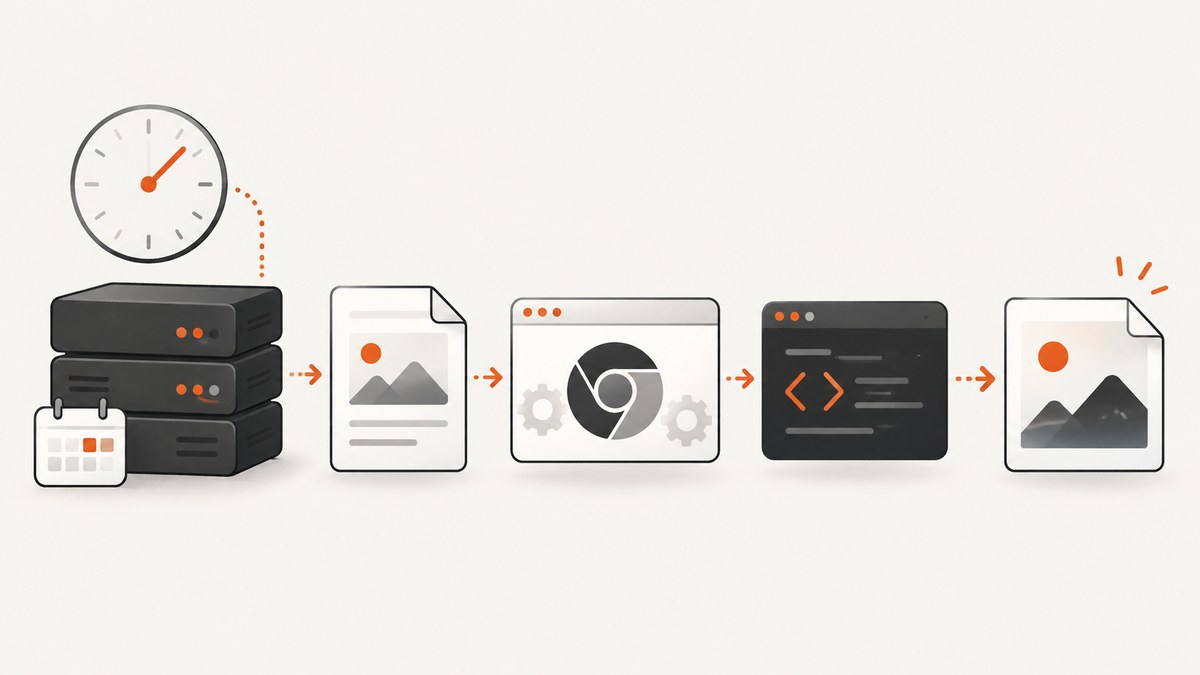
Direct answer: pass the HTML string to a real browser engine, wait until the page and its required assets are ready, then save the screenshot to an absolute path that the cron user can write. PHP alone does not reproduce browser layout, CSS, web fonts, or JavaScript reliably. Spatie Browsershot is the most direct PHP wrapper; it controls headless Chrome through Puppeteer.
1. Choose a browser renderer
Use one of these approaches:
| Approach | Best for | Trade-offs |
|---|---|---|
| Browsershot | PHP applications and scheduled commands | Requires Node, Puppeteer, and Chrome or Chromium behind the PHP wrapper |
| Direct Puppeteer helper | Precise browser options and debugging | Requires a small Node process and a safe PHP-to-Node handoff |
| Hosted renderer | Workers where maintaining Chrome is undesirable | Requires network access and a provider whose limits, retention, and pricing fit your data |
Browsershot documentation demonstrates rendering an HTML string with Browsershot::html(...)->save(...). Puppeteer provides the lower-level page.setContent() and page.screenshot() APIs.
2. Render the PHP variable with Browsershot
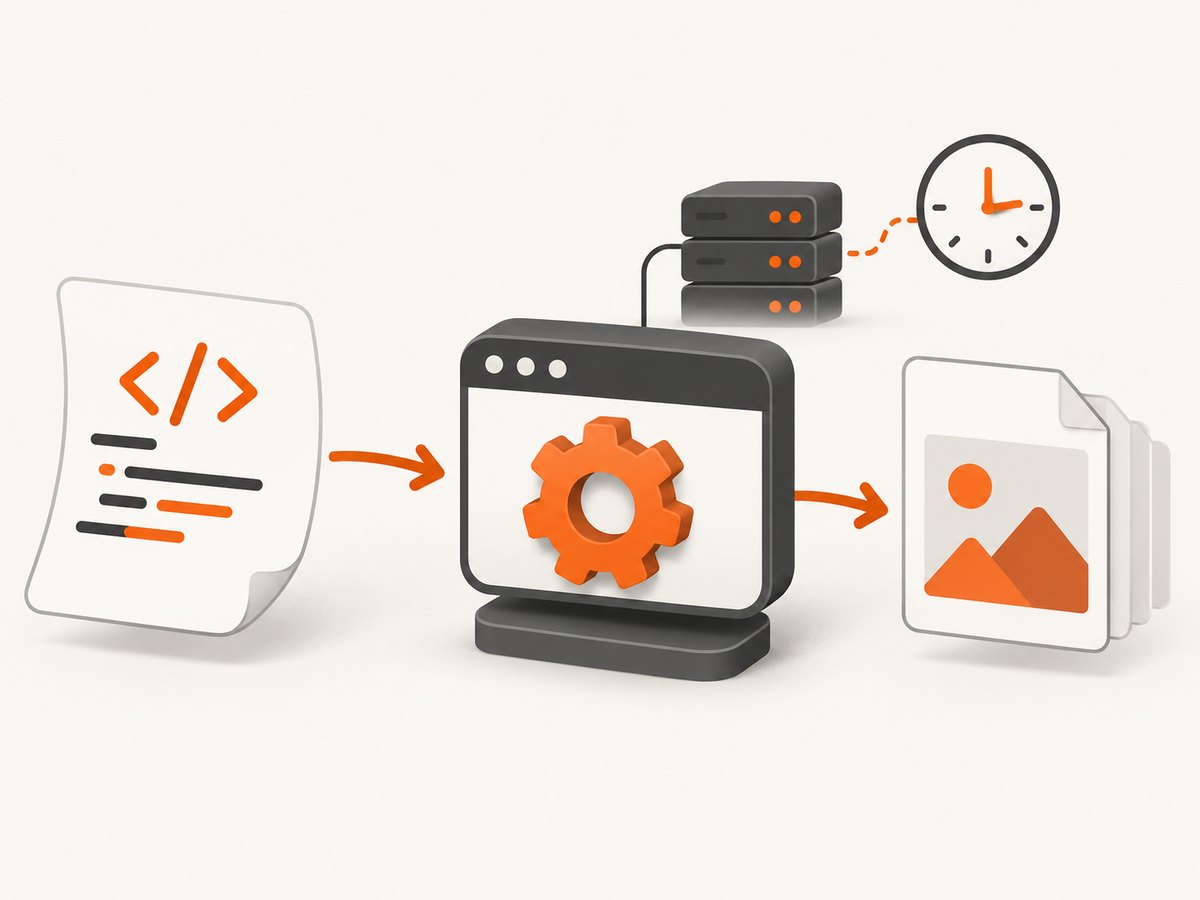
The following scheduled command creates a complete HTML document, renders it in Chrome, waits for network activity to settle, and writes a PNG.
<?php

require __DIR__ . '/vendor/autoload.php';

use Spatie\Browsershot\Browsershot;

$html = '<!doctype html>
<html>
<head>
  <meta charset="utf-8">
  <meta name="viewport" content="width=device-width, initial-scale=1">
  <style>
    body { margin: 0; font-family: Arial, sans-serif; background: #f4f6f8; }
    .card { width: 1200px; min-height: 630px; box-sizing: border-box; padding: 64px; background: white; }
    h1 { margin: 0 0 18px; font-size: 48px; }
    p { margin: 0; font-size: 24px; color: #46505a; }
  </style>
</head>
<body>
  <div class="card" id="render-ready">
    <h1>Nightly report</h1>
    <p>Generated at ' . htmlspecialchars(gmdate('c'), ENT_QUOTES, 'UTF-8') . '</p>
  </div>
</body>
</html>';

$output = '/var/app/output/nightly-report.png';

if (!is_dir(dirname($output))) {
    mkdir(dirname($output), 0775, true);
}

Browsershot::html($html)
    ->windowSize(1200, 630)
    ->waitUntilNetworkIdle()
    ->save($output);

if (!is_file($output) || filesize($output) === 0) {
    throw new RuntimeException('Screenshot was not created: ' . $output);
}
Use the API names supplied by the Browsershot version installed in your project. Its documented image controls include PNG output by default, JPEG output and quality, full-page capture, delayed screenshots, selector waits, CSS or JavaScript injection, and access to screenshot bytes.
Escape dynamic values
Never concatenate unescaped user data into markup. Escape text with htmlspecialchars() and validate URLs before inserting them into src or href attributes. For complex data, encode it as JSON and place it in a script block using safe JSON encoding flags.
3. Make the capture deterministic
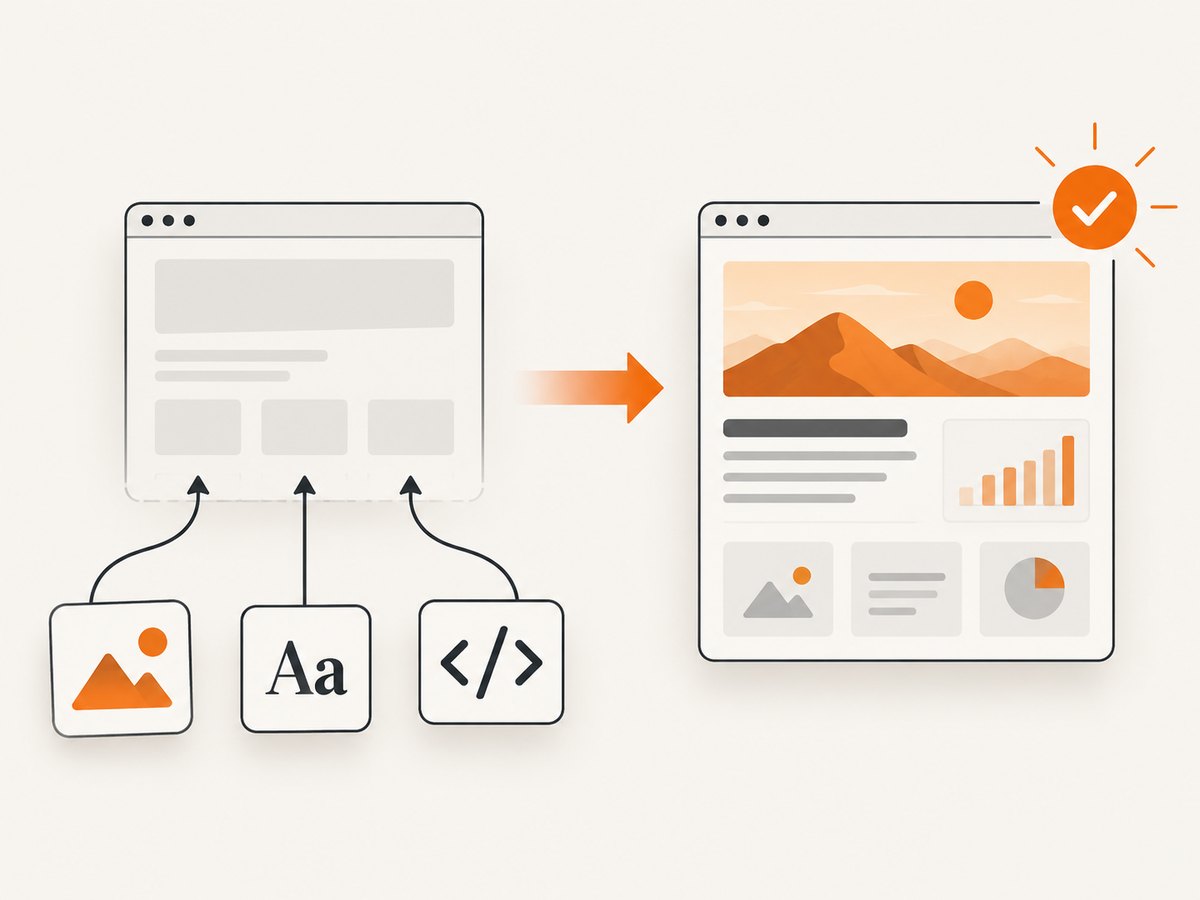
A fixed sleep is easy to add but fragile. Prefer an explicit readiness signal that your page sets after JavaScript, images, and fonts needed for the final pixels have finished.
<body>
  <main id="report">...</main>
  <script>
    renderCharts();
    document.body.dataset.renderReady = '1';
  </script>
</body>
Then wait for that selector in the renderer. A ready marker prevents a race in which Chrome captures the page before application JavaScript has populated the report.
- Network idle: useful when the page loads a known set of resources.
- Selector wait: best when your application can mark completion explicitly.
- Delay: a fallback for animations or third-party widgets with no reliable marker.
- Inline assets: use inline CSS, data URLs, or locally available fonts when reproducibility matters.
4. Direct Puppeteer from a cron job
When you need exact browser behavior, send the HTML to a Node helper. Use a temporary file or standard input for large documents; do not place unescaped HTML directly inside a shell command.
import fs from 'node:fs/promises';
import puppeteer from 'puppeteer';

const html = await fs.readFile(process.env.RENDER_HTML, 'utf8');
const output = process.env.RENDER_OUTPUT;

const browser = await puppeteer.launch({ headless: true });
try {
  const page = await browser.newPage();
  await page.setViewport({ width: 1200, height: 630, deviceScaleFactor: 1 });
  await page.setContent(html, { waitUntil: 'load' });
  await page.waitForSelector('#render-ready', { timeout: 30000 });
  await page.screenshot({
    path: output,
    fullPage: true,
    type: 'png'
  });
} finally {
  await browser.close();
}
Puppeteer screenshot options include fullPage, clip, omitBackground, quality, type, and path. JPEG quality applies to JPEG output; PNG is lossless and generally better for text, charts, and interface screenshots.
PHP wrapper for the Node helper
<?php

$htmlPath = '/var/app/tmp/report-' . bin2hex(random_bytes(8)) . '.html';
$outputPath = '/var/app/output/report.png';

file_put_contents($htmlPath, $html, LOCK_EX);

$command = [
    '/usr/bin/node',
    '/var/app/bin/render.mjs',
];

$descriptors = [
    0 => ['pipe', 'r'],
    1 => ['pipe', 'w'],
    2 => ['pipe', 'w'],
];

$env = array_merge($_ENV, [
    'RENDER_HTML' => $htmlPath,
    'RENDER_OUTPUT' => $outputPath,
]);

$process = proc_open($command, $descriptors, $pipes, '/var/app', $env);
if (!is_resource($process)) {
    @unlink($htmlPath);
    throw new RuntimeException('Could not start renderer');
}

fclose($pipes[0]);
$stdout = stream_get_contents($pipes[1]);
$stderr = stream_get_contents($pipes[2]);
fclose($pipes[1]);
fclose($pipes[2]);
$status = proc_close($process);
@unlink($htmlPath);

if ($status !== 0) {
    throw new RuntimeException("Renderer failed ($status): $stderr");
}
5. Configure cron correctly
Cron starts with a smaller environment than an interactive shell. Use absolute paths, an explicit working directory, and a log file.
SHELL=/bin/bash
PATH=/usr/local/bin:/usr/bin:/bin

15 2 * * * cd /var/app && /usr/bin/php /var/app/bin/nightly-report.php >> /var/app/log/cron-render.log 2>&1
Before scheduling, run the exact command as the cron user. Confirm that the user can read application files, execute Node and Chrome, access required fonts and certificates, create temporary files, and write the output directory.
6. Output and capture options
| Requirement | Setting or technique |
|---|---|
| Fixed card dimensions | Set a viewport with windowSize or page.setViewport(). |
| Entire document | Use fullPage: true. |
| One region | Use a CSS selector and calculate or clip its bounding box. |
| Transparent background | Use a transparent page background and Puppeteer’s omitBackground where appropriate. |
| Smaller photographic files | Choose JPEG and set quality; keep PNG for sharp text and diagrams. |
| Exact rectangle | Use Puppeteer’s clip option after measuring the element. |
| Animated content | Disable animation in injected CSS or wait for a deterministic state. |
7. Cron reliability checklist
- Create the output directory before rendering and verify ownership and permissions.
- Render to a unique temporary filename, then atomically rename it after success.
- Use a lock such as
flockso two runs cannot overwrite the same image. - Log stdout, stderr, exit status, renderer version, and the final output path.
- Remove temporary HTML files in a cleanup or
finallypath. - Set a timeout for browser startup, navigation, selector waits, and the whole cron process.
- Make external images, stylesheets, and fonts reachable from the cron host; otherwise inline critical assets.
- Limit concurrent Chrome processes. Each browser consumes memory, and launching one browser per item can exhaust a small worker.
- Use a stable filename only after a successful render so readers never see a partially written file.
8. Common errors and fixes
| Error | Likely cause | Fix |
|---|---|---|
Class Browsershot not found |
Composer autoloading is missing or the package is not installed. | Run the command from the application directory and load vendor/autoload.php. |
| Chrome executable not found | Chrome or Chromium is absent, or cron cannot see the configured path. | Install the browser required by your Puppeteer setup and configure its absolute executable path. |
| Works manually, fails in cron | Different PATH, HOME, permissions, working directory, environment variables, fonts, or certificates. | Use absolute paths, an explicit cd, a cron environment file, and logs. |
| Blank or partially rendered image | Capture occurs before JavaScript, images, charts, or fonts finish. | Wait for a ready selector, network idle, or a measured delay; inline critical assets. |
| Selector timeout | The selector is conditional, misspelled, or never inserted. | Inspect the generated HTML and ensure the readiness marker is always set on successful rendering. |
| Remote images missing | The URL is private, blocked, expired, or inaccessible from the worker. | Use reachable URLs, authenticated request headers where supported, or embed the asset. |
| Fonts differ from local output | Cron’s machine lacks the font or the font request has not completed. | Install the font on the worker or self-host and wait for it before capture. |
| Permission denied writing output | The cron user cannot write the directory. | Create the directory and assign ownership or permissions appropriate for that user. |
| Overlapping or stale files | Concurrent jobs write the same destination. | Use a lock, unique temporary names, and atomic rename. |
| Shell command breaks on HTML | Markup contains quotes, newlines, dollar signs, or shell metacharacters. | Pass a temporary file or stdin; never interpolate raw HTML into a shell command. |
9. Security considerations
Rendering HTML can trigger network requests and execute JavaScript. Treat the HTML and every URL it references as untrusted input. Validate allowed schemes and hosts, avoid exposing internal services, isolate the renderer where possible, and do not pass secrets into page markup unless the job requires them. Keep temporary files outside public web roots and delete them after use.
10. Performance, reliability, and cost
Browser startup is usually more expensive than writing the resulting file. For batches, reuse a browser process while creating isolated pages, but close pages and enforce timeouts. Reuse stable CSS and fonts, avoid unnecessary third-party resources, and choose the smallest viewport and output dimensions that meet the image contract. Full-page captures and large device scale factors increase memory and file size.
PNG avoids compression artifacts but can be larger. JPEG can reduce size for photographic content when a suitable quality setting is acceptable. A deterministic ready marker reduces retries caused by timing races. For jobs that must not hold a web request open, a worker or hosted renderer with webhook completion can be a better fit than keeping a cron process alive.
11. Or skip the browser setup
ScreenshotNeo is a hosted website screenshot API with a PHP-friendly HTTP interface. Point it at a page that exposes the HTML you need rendered, then save the response:
curl -G "https://api.screenshotneo.com/v1/shot" -d access_key=YOUR_API_KEY --data-urlencode url=https://stripe.com -o shot.webpimport requests
r = requests.get(
"https://api.screenshotneo.com/v1/shot",
params={"access_key": "YOUR_API_KEY", "url": "https://stripe.com"},
timeout=90,
)
r.raise_for_status()
open("shot.webp", "wb").write(r.content)
const q = new URLSearchParams({ access_key: 'YOUR_API_KEY', url: 'https://stripe.com' });
const res = await fetch(`https://api.screenshotneo.com/v1/shot?${q}`);
if (!res.ok) throw new Error(`Screenshot failed: ${res.status}`);
await Bun.write('shot.webp', res);
See the ScreenshotNeo documentation for request options. Cookie banners, newsletter popups, and chat widgets are removed before the shot. Bot checks, blank pages, failed loads, timeouts, and cache hits are not billed; response headers report the page verdict and whether the request was billed. An MCP server lets Claude, Cursor, and other MCP clients call take_screenshot, get_page_info, and capture_pdf. The free plan includes 1,000 screenshots per month with no card; paid plans start at $5 for 3,000 shots.
Create a free ScreenshotNeo account to try the API with 1,000 screenshots per month and no card.
12. FAQ
Can PHP convert HTML to PNG without Chrome?
It can rasterize limited markup with specialized libraries, but faithful CSS layout and JavaScript require a browser renderer. Browsershot or Puppeteer is the practical route for web-page fidelity.
Should I use a fixed delay or network idle?
Use a readiness selector when possible. Network idle and delays are useful supplements, but neither proves that application rendering is complete unless your page’s resource behavior is predictable.
Why does the same HTML produce different pixels?
Differences usually come from browser versions, installed fonts, viewport size, device scale factor, time, locale, external assets, or animations. Pin the environment and make those inputs explicit.
Is a temporary HTML file safer than a shell argument?
Yes. A file or stdin avoids shell parsing of quotes, newlines, and metacharacters, and it works better for large documents.
When should I use a hosted API?
Use one when maintaining Chrome, fonts, certificates, concurrency, and worker failures costs more than the API request, or when your scheduled job should remain small and stateless.


